Jailbreak

Check out the most comprehensive jailbreaking coverage on the internet, including the latest news, apps, tweaks, and detailed tutorials about everything jailbreak.

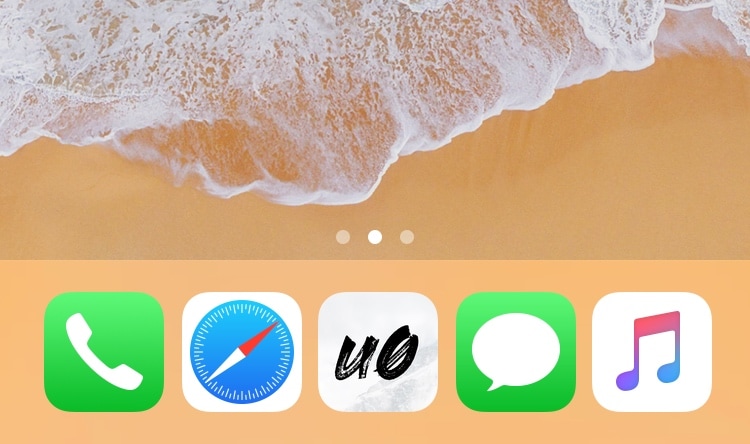
Five Icon Dock lets you exceed your iPhone Dock’s four icon limit

Given just how expansive Apple made the Dock on macOS and on iOS for iPads, it’s almost a shame that Apple limits the number of app icons you can have on your Dock in iOS for the iPhone and iPod touch.

With that in mind, I’ve always had a soft spot for tweaks that shattered that limitation, and that’s mainly why I’m excited to share the release of a free jailbreak tweak called Five Icon Dock (iOS 11 & 12) by iOS developer Guillermo Morán, the same creator behind the popular Eclipse dark mode tweak.
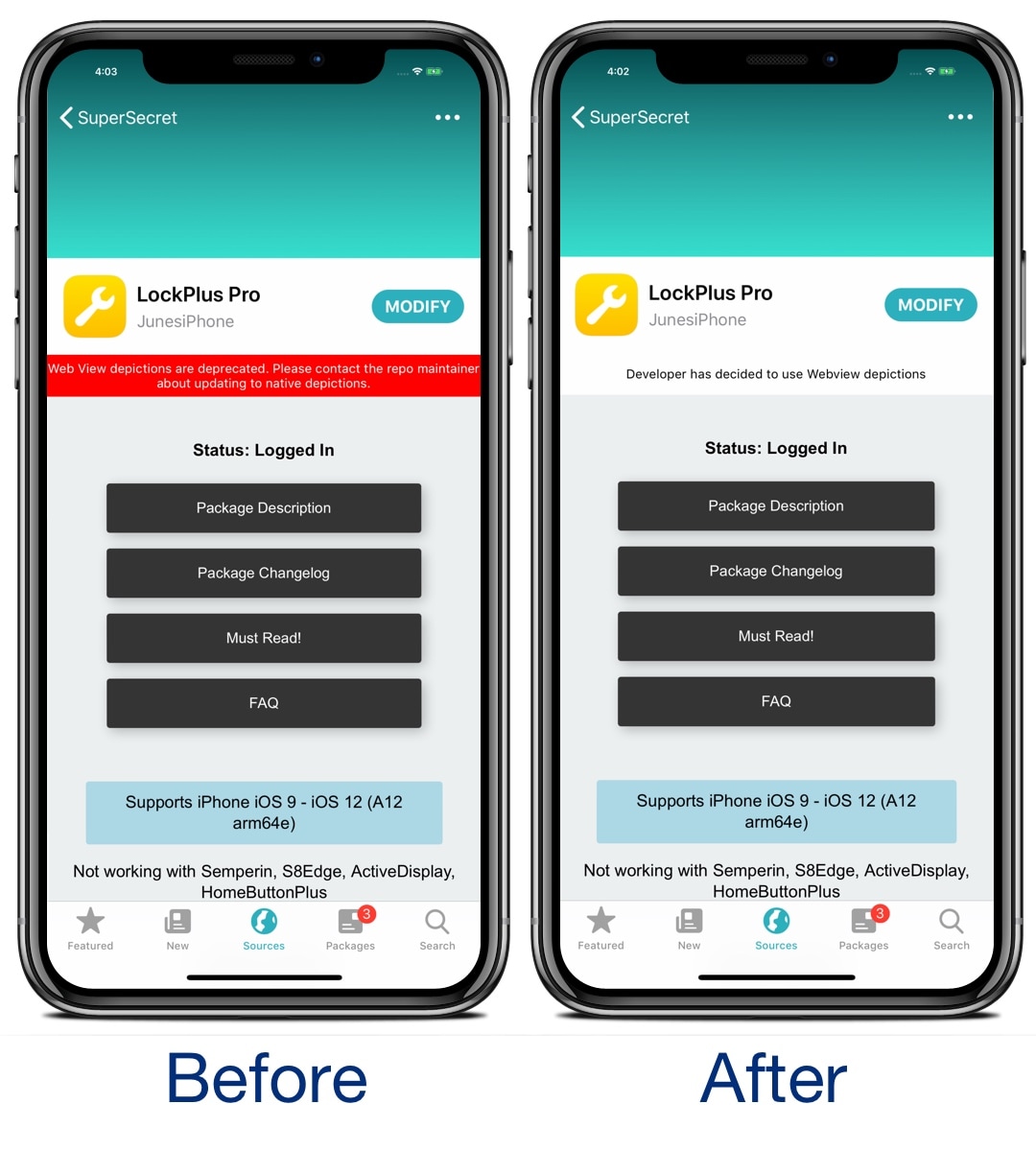
This tweak does away with the red webview warning banner in Sileo

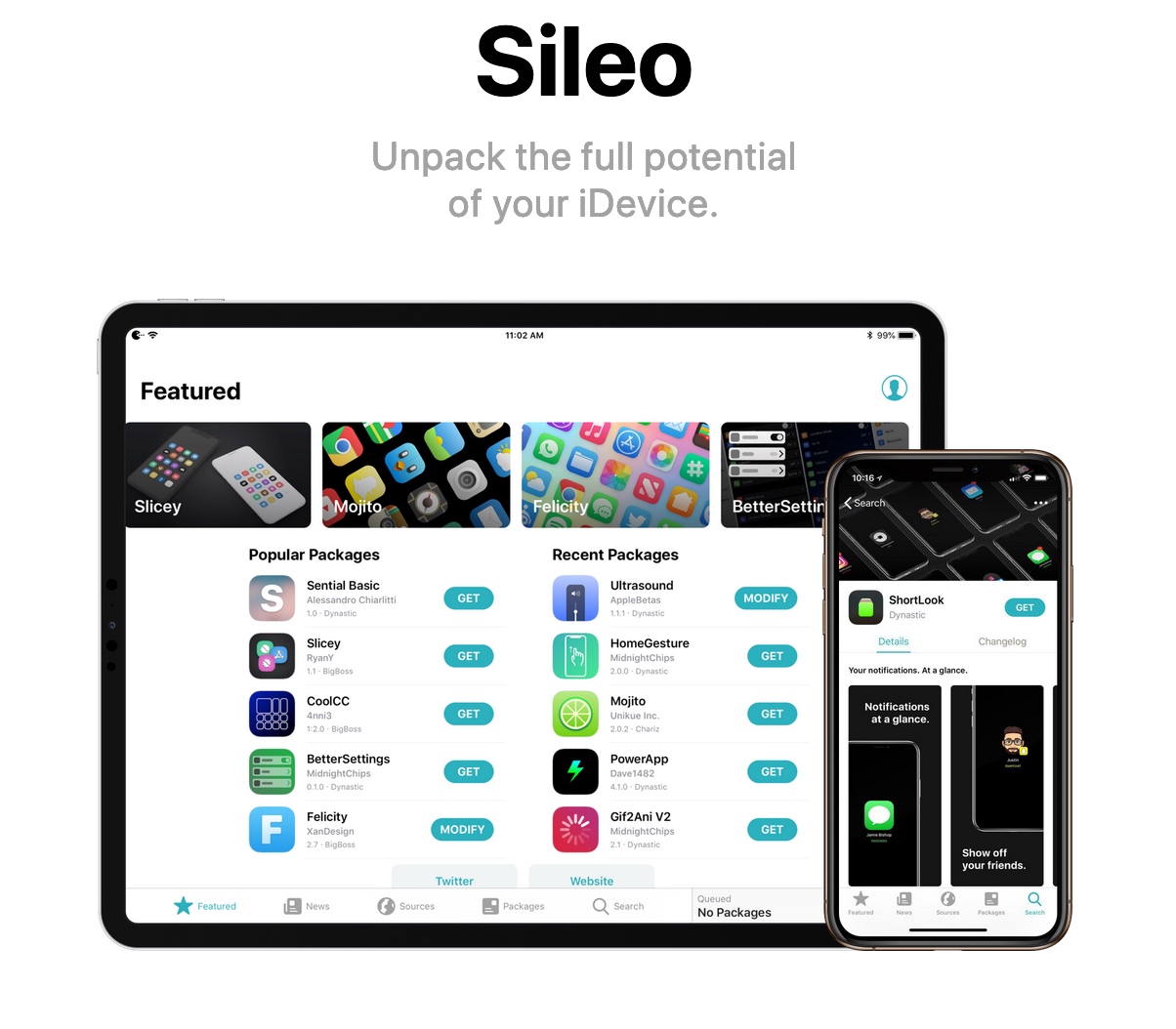
If you’re using the Sileo package manager on the Chimera or Electra jailbreak from the Electra Team, then you’ve undoubtedly stumbled upon a few repositories where the app displays an unsightly red banner just below the tweak’s name with a warning about how web view depictions are deprecated.

Those who use the Sileo app on a regular basis have probably gotten in the hint by now, and so if you’re getting tired of seeing this red banner each time you go to download a jailbreak tweak, then you just might come to appreciate a new free release called SileoNoBanner by iOS developer JunesiPhone.

SugarCane12 puts percentages in Control Center’s brightness and volume sliders

Using my iPhone’s Control Center interface to adjust my display brightness and volume level has become a second nature to me, and while I love the visuals that Apple has implemented in the latest iteration of Control Center, I still think they could do better with the information displayed there.

With that in mind, I was pleasantly surprised to see a free jailbreak tweak called SugarCane12 from iOS developer manolz. This Control Center add-on displays numeric percentages in the display brightness and volume level sliders so that you have a better representation of their current levels.

Jailbreak tweaks of the week: Gesto, HomeList, Scribble, YTStatus, and more

With the Electra Team's Chimera jailbreak now available for all iOS 12.0-12.1.2 devices and Pwn20wnd working on Substitute support for jailbroken A12(X) devices using unc0ver, it’s an exciting time to be a jailbreaker. With that in mind, do you know what you should install on your jailbroken iPhone or iPad?

In this roundup, we’ll summarize each of this week’s new jailbreak tweak releases from Monday, April 29th to Sunday, May 5th. As usual, we’ll kick things off by discussing our favorites and then outline the rest afterward.

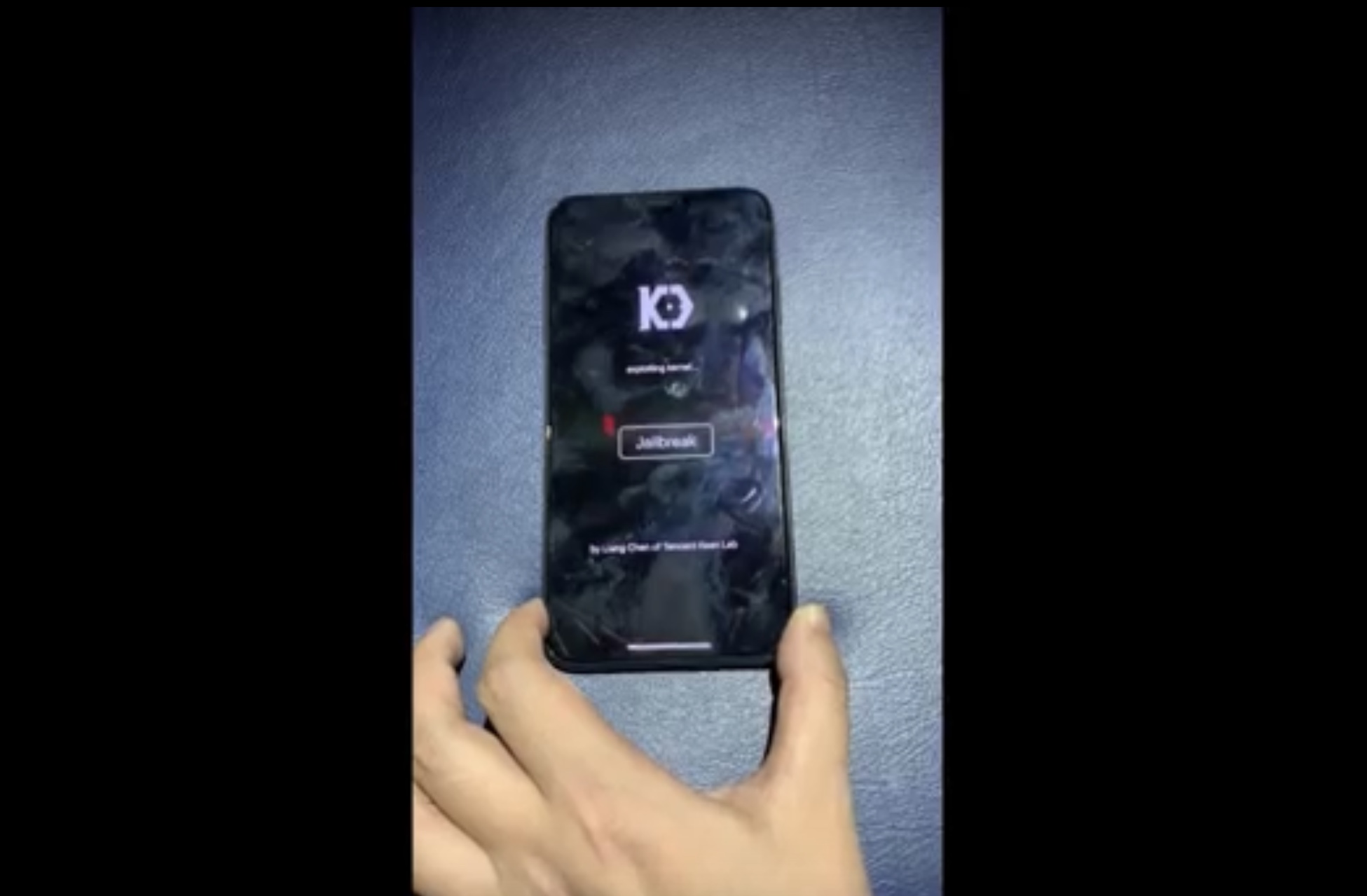
KeenLab demos jailbreak on iPhone XS Max running iOS 12.2

The talented Liang Chen of security research group KeenLab has once again flexed his hacking prowess this week after showing off what is believed to be the first-known jailbreak demonstration to support iOS 12.2.

Chen’s video demonstration, which has been published on YouTube, demonstrates what appears to be an iPhone XS Max running iOS 12.2:

Electra Team updates Chimera jailbreak to version 1.0.4 with bug fixes and improvements

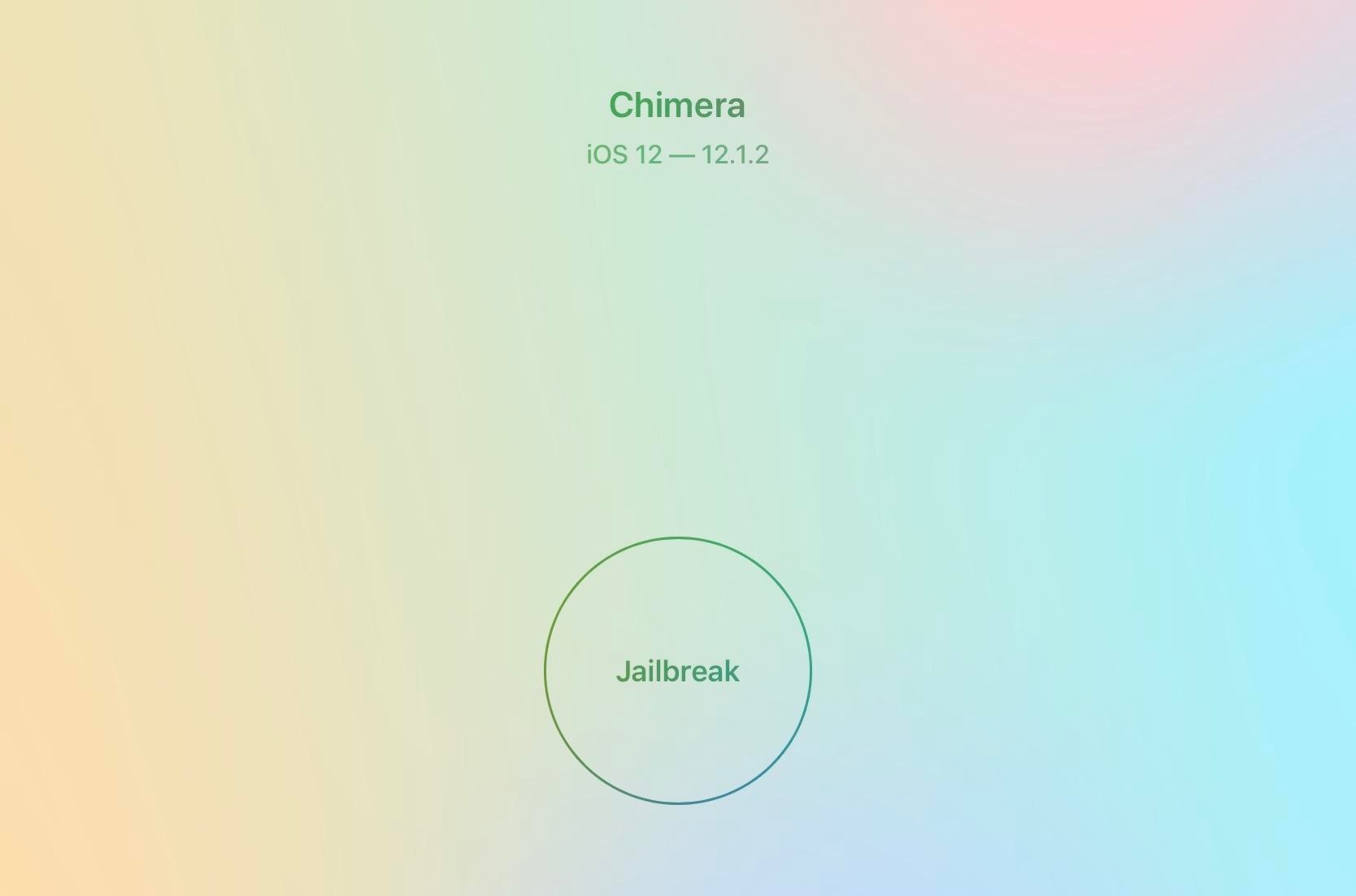
The Electra Team released two consecutive updates for the brand-new iOS 12-centric Chimera jailbreak tool on Saturday, with the first update being version 1.0.3 and the second being version 1.0.4 just a few hours later.

The Electra Team announced each of the updates just this morning via Twitter, adding that they would bring noticeable improvements to all Chimera jailbreak users:

Gesto supercharges your jailbroken iPhone’s App Switcher in incredible new ways

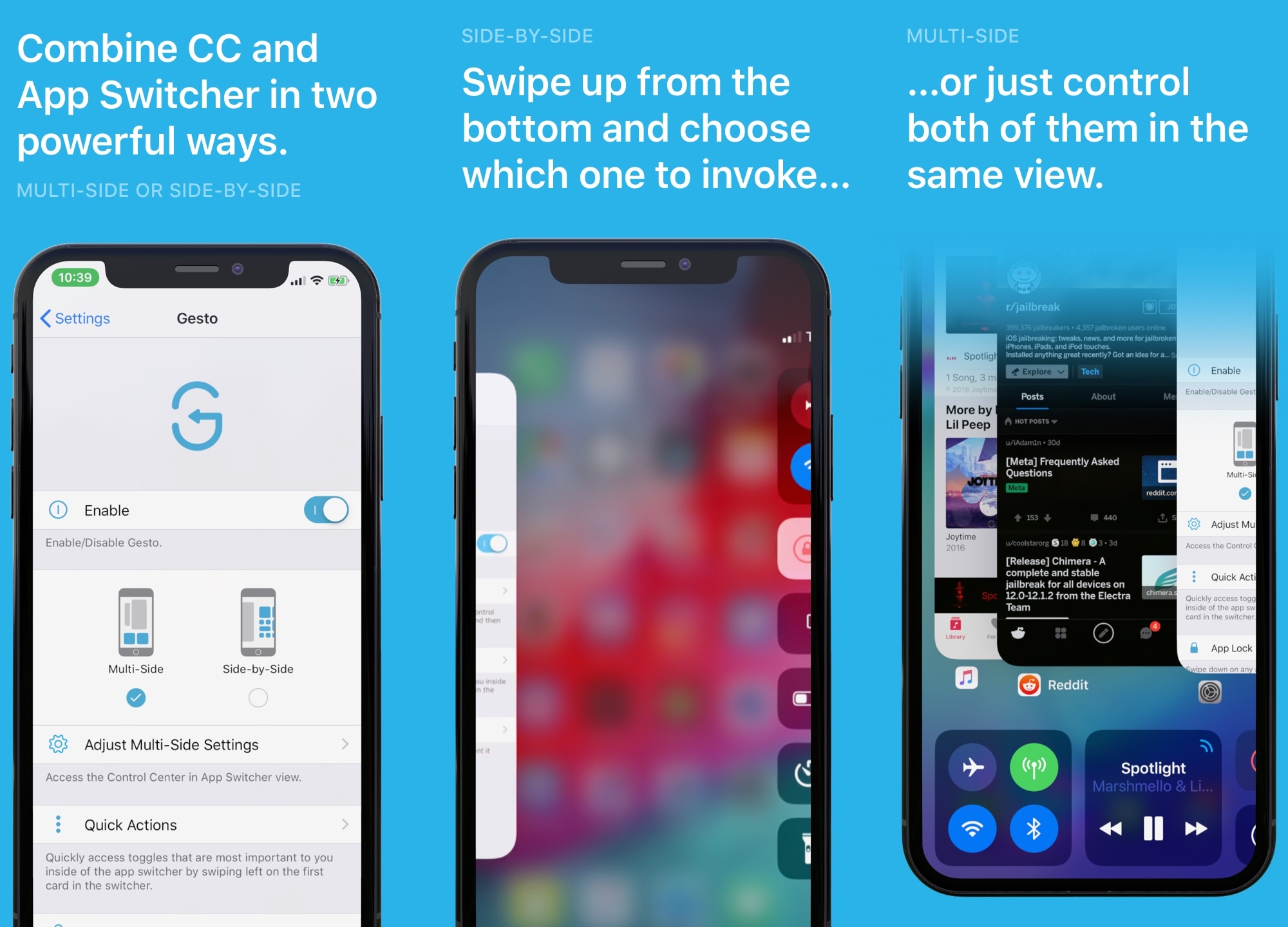
iOS’ App Switcher, love it or hate it, leaves a lot of wiggle room for improvement. With that in mind, it should come as no surprise to anyone that iOS developer Gabriele Filipponi and designer Alessandro Chiarlitti set out to improve it with the launch of a new jailbreak tweak called Gesto.

In a nutshell, Gesto augments your iOS handset’s App Switcher with powerful new features and integrations with the primary goal of making multitasking easier. And let us just say, based on our mind-blowing hands-on experience, this isn’t a tweak you’ll want to miss.

MissionControl augments Control Center with new app shortcuts and toggles

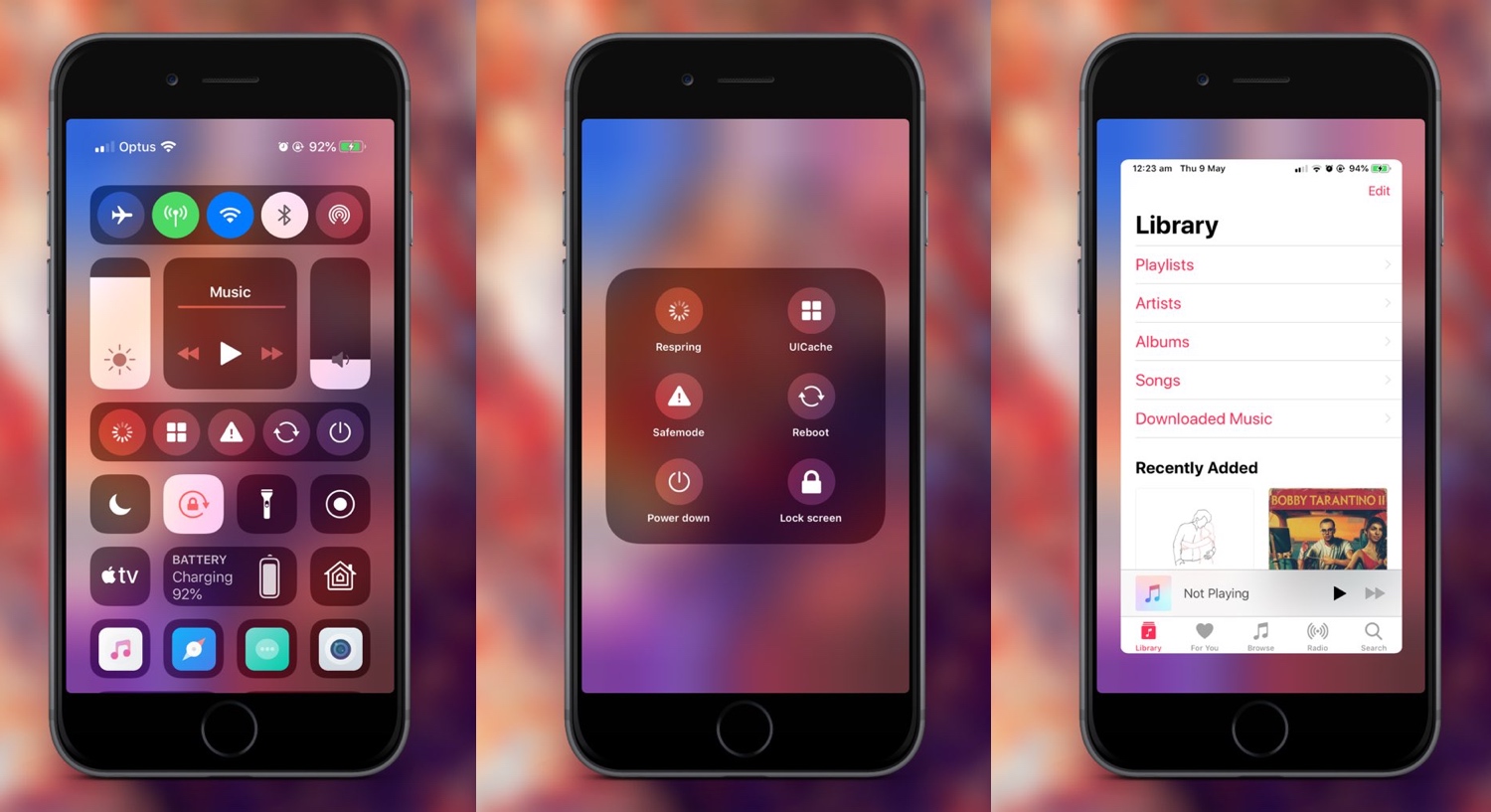
When it comes to using your mobile devices, including your iPhone, it seems like users can never have enough shortcuts. With that in mind, we’re particularly excited to show you a jailbreak tweak called MissionControl by iOS developer Dylan Duff.

As you might’ve noticed from the screenshot examples above, MissionControl adds customizable application shortcuts to the Control Center interface and lets you access a plethora of other useful options in the interim.

KillBackgroundXS lets you force-quit all App Switcher apps in one fell swoop

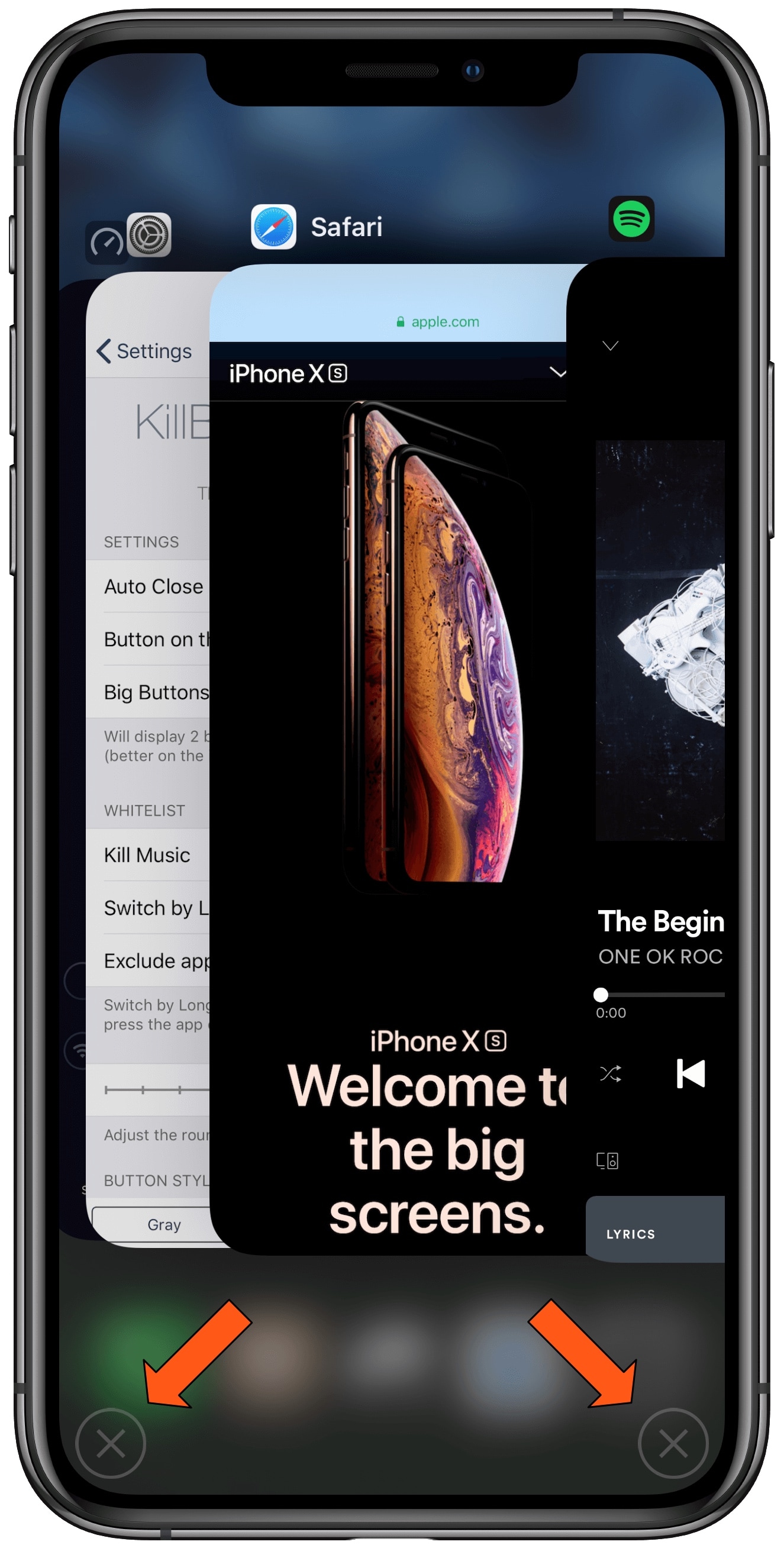
Closing out of all the applications in your App Switcher is generally frowned upon because it defeats the whole purpose of having apps suspended for faster loading times the next time you go to use them. On the other hand, some people just can’t help themselves.

If you fall under this category and you wish there was an easier way to close out of all your App Switcher’s apps in one fell swoop, then you just might take a liking to a jailbreak tweak release called KillBackgroundXS by iOS developer ichitaso.

YTStatus lets you access the Status Bar while enjoying YouTube videos in landscape mode

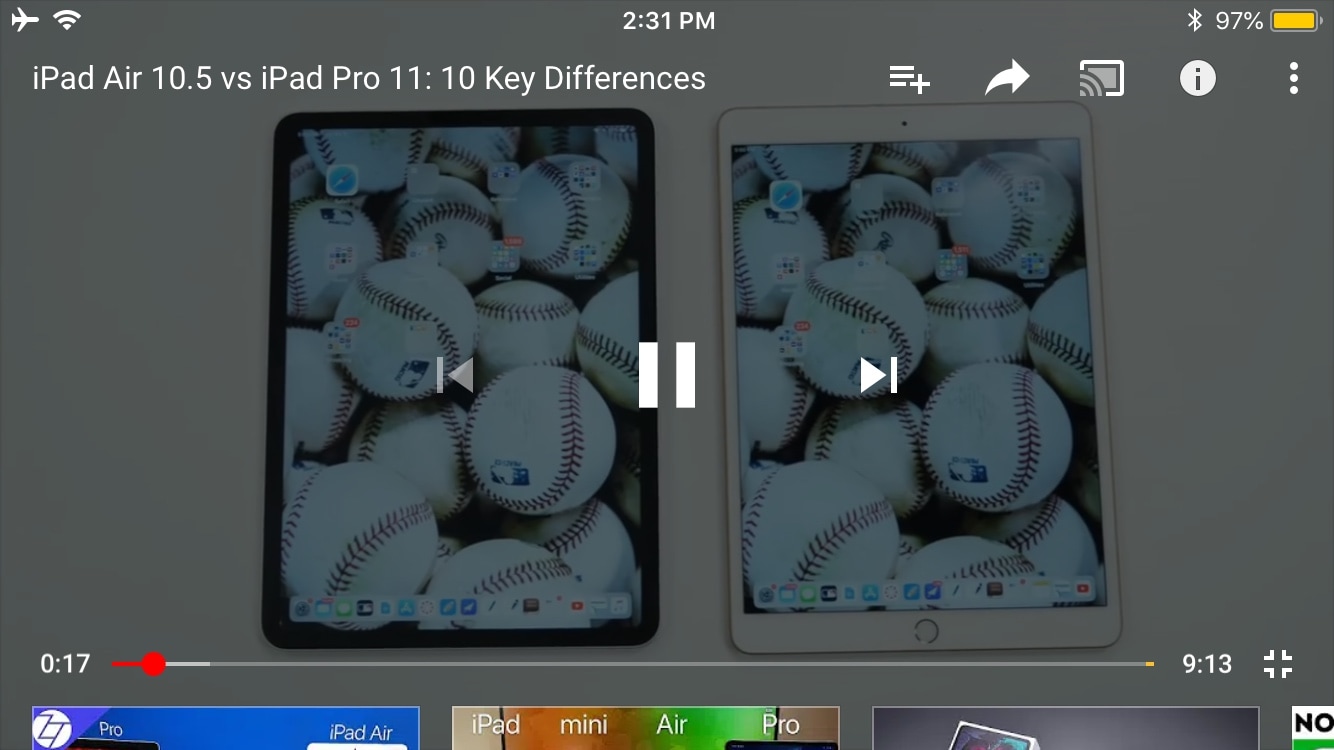
One of the things I’ve always disliked about the YouTube app is how elusive the Status Bar becomes when you begin watching a video in landscape orientation. Obviously, I wouldn’t want the Status Bar to be in the way while a video was playing, but I also don’t like being compelled to switch to portrait orientation to check the time.

iOS developer Karimo299 has devised the ultimate solution and released it in the form of a new free jailbreak tweak called YTStatus. As you can discern for yourself in the before and after screenshot examples embedded above, this tweak implements the native iOS Status Bar into YouTube’s own video controls interface.

Swipeshot: A new way to take screenshots on your jailbroken handset

Taking a screenshot on your iPhone typically involves pressing a couple of buttons, but Ryan Petrch’s popular Activator tweak can help you take a screenshot using almost any other gesture you can set your mind to. Take note of the word “almost” in that statement…

Swipeshot is a new free jailbreak tweak by iOS developer Nepeta that lets you take a screenshot on your iPhone or iPad with a three-finger swipe on the Status Bar. As it turns out, this is one of the few gesture techniques that Activator doesn’t appear to provide out of the box.