Jailbreak

Check out the most comprehensive jailbreaking coverage on the internet, including the latest news, apps, tweaks, and detailed tutorials about everything jailbreak.

How to add Wander to the Shortcuts app to install & update the Odyssey jailbreak

Just like unc0ver, the Odyssey jailbreak app is intended to be side loaded into a compatible iPhone or iPad. To help make the process of side-loading the Odyssey jailbreak app easier, the Odyssey Team officially endorsed the brand-new Wander add-on for Apple’s Shortcuts app shortly after the tool came out of public beta.

The Wander add-on doesn’t replace side loading utilities like AltStore and ReProvision or signing services like Jailbreaks.app, but rather synergizes with them to make the process of installing Odyssey and updating to newer versions faster and less cumbersome while providing a more native user experience through Apple’s Shortcuts app in the process. In this tutorial, we’ll show you how to set up the Wander add-on with your Shortcuts app.
Melody brings Now Playing album art to more parts of iOS

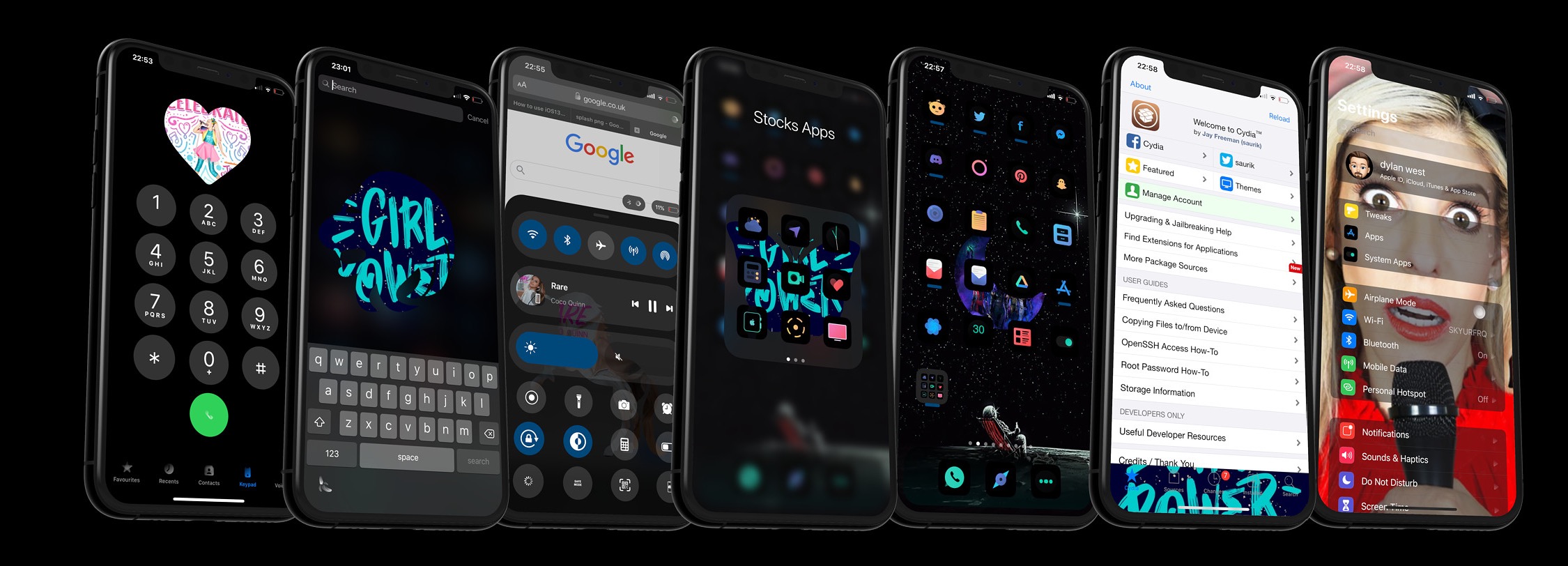
Those who use their iPhones to listen to their favorite music day in and day out are more likely to recognize the finer details of the music consumption experience than those who just listen to a song here and there. With that in mind, iOS developer Dylan West (iOSthemem0d) has released a new jailbreak tweak called Melody that tries to make the user experience even more enjoyable for hardcore music consumers.

Melody works by bringing the Now Playing track’s album artwork to more places in iOS. As depicted in the screenshot examples above, “more places” refers to quite a few different areas, including but not limited to:

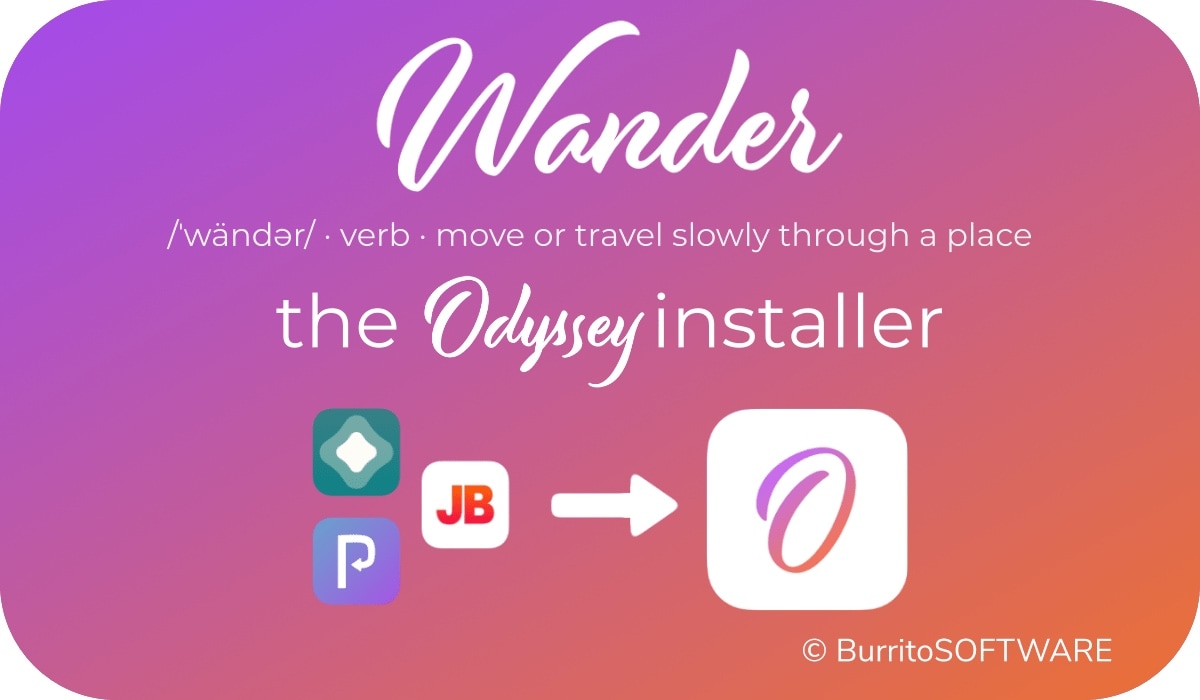
Wander: An add-on for Apple’s Shortcuts app to install the Odyssey jailbreak

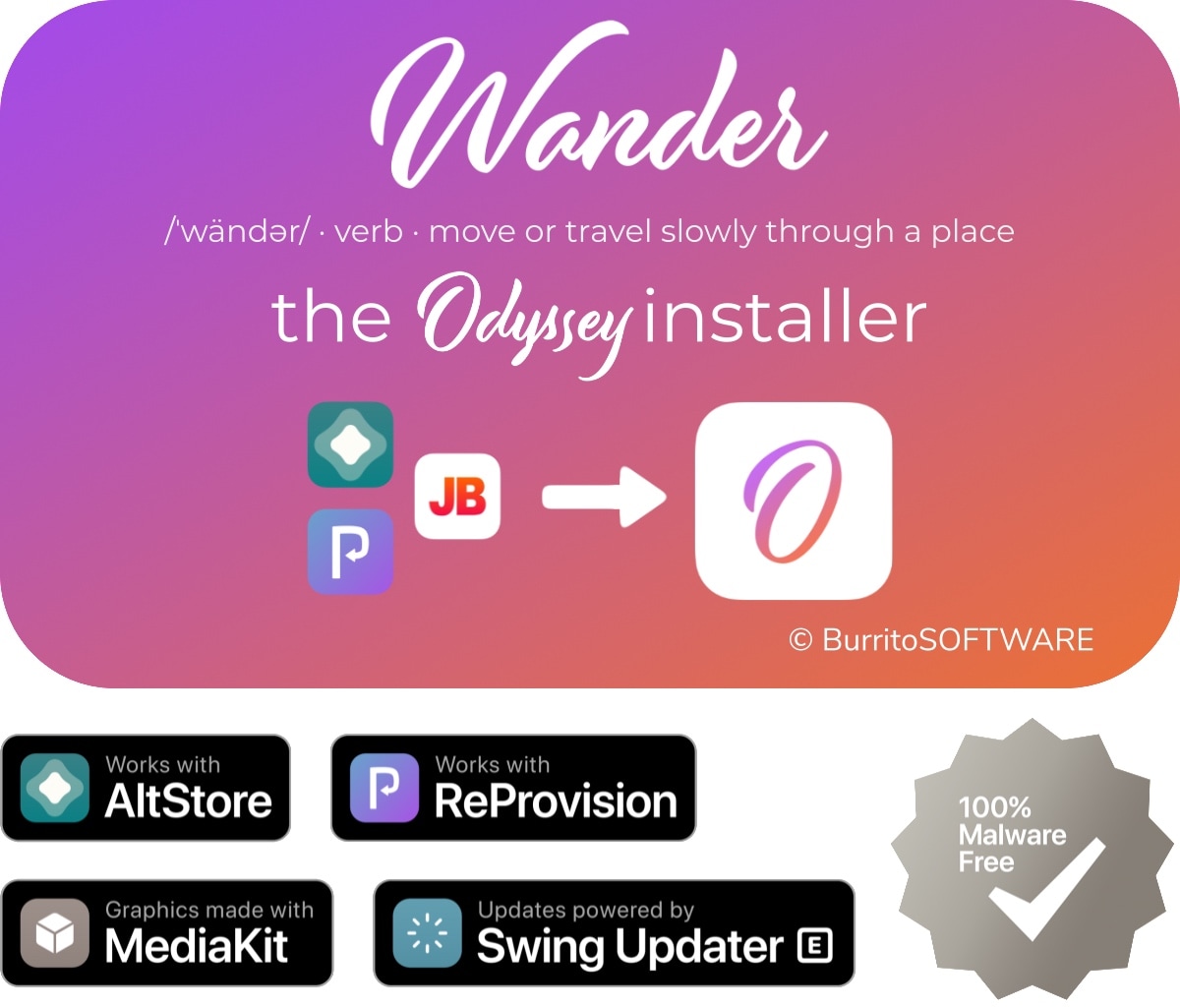
The Odyssey Team officially released the Odyssey jailbreak to the general public last week following a limited public beta testing period. While the Odyssey jailbreak can be installed with the AltStore utility for both Mac and Windows, some users might be excited to learn about a new on-device option dubbed Wander by BurritoSoftware, which can be used to deploy an installation shortcut via Apple’s own free Shortcuts app.

Wander is especially made for iOS 13 devices, which makes it an ideal match for the iOS 13-centric Odyssey jailbreak. The new shortcut installs the Odyssey jailbreak with just a tap, and more importantly, is fully compatible with other side-loading utilities including AltStore, ReProvision, and signing services like Jailbreaks.app. The announcement that it would be used by the Odyssey Team was made via Twitter:

Enlighten improves the low light camera performance of jailbroken iPhones

Every year when Apple announces a new flagship iPhone, you can bet that the company has poured tons of money into research and development to improve the photo quality of the rear-facing camera. While it doesn’t always come by way of more megapixels, the company’s software-centric photo processing can be top notch – except when it’s not.

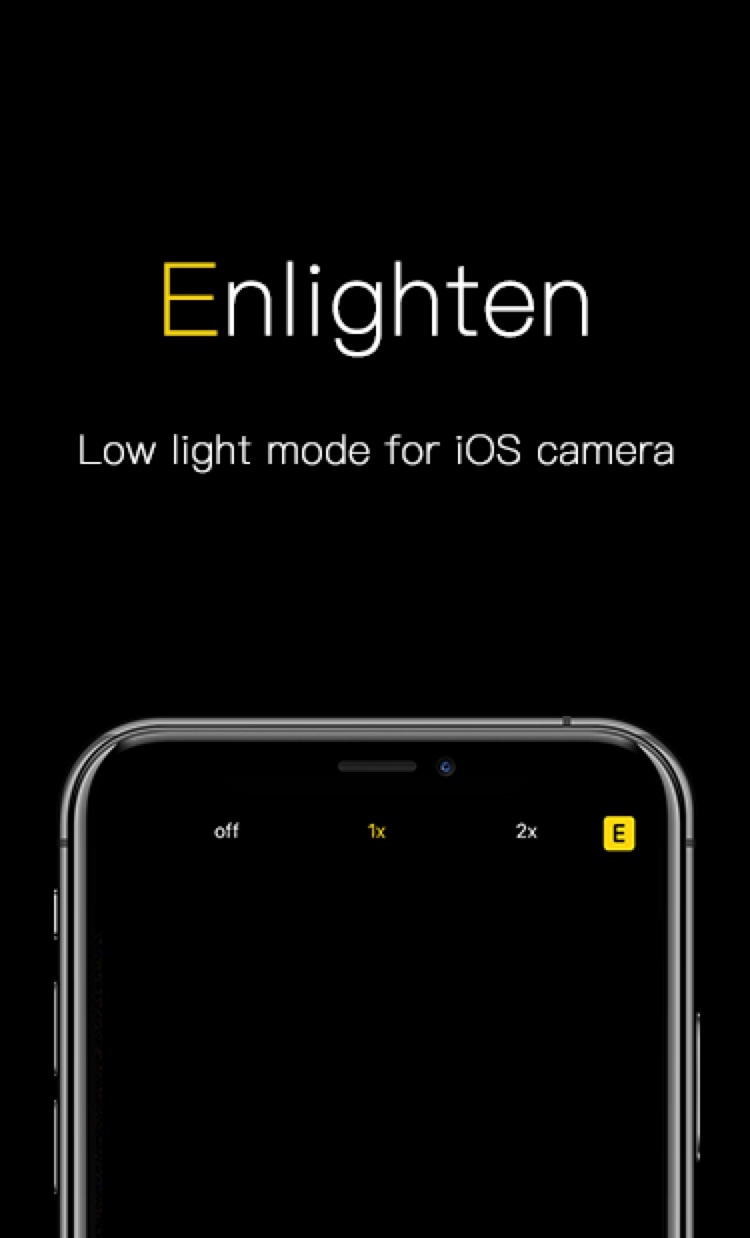
iOS developer XCXiao recognized that something needed to be done about the iPhone’s somewhat dismal low-light photography performance, and consequently created a new jailbreak tweak called Enlighten to improve this particular aspect of iPhone photography. Examples of the tweak at work, compared against Apple’s existing Night Mode feature, are depicted below.

How to run the checkra1n jailbreak on a Windows PC with bootra1n

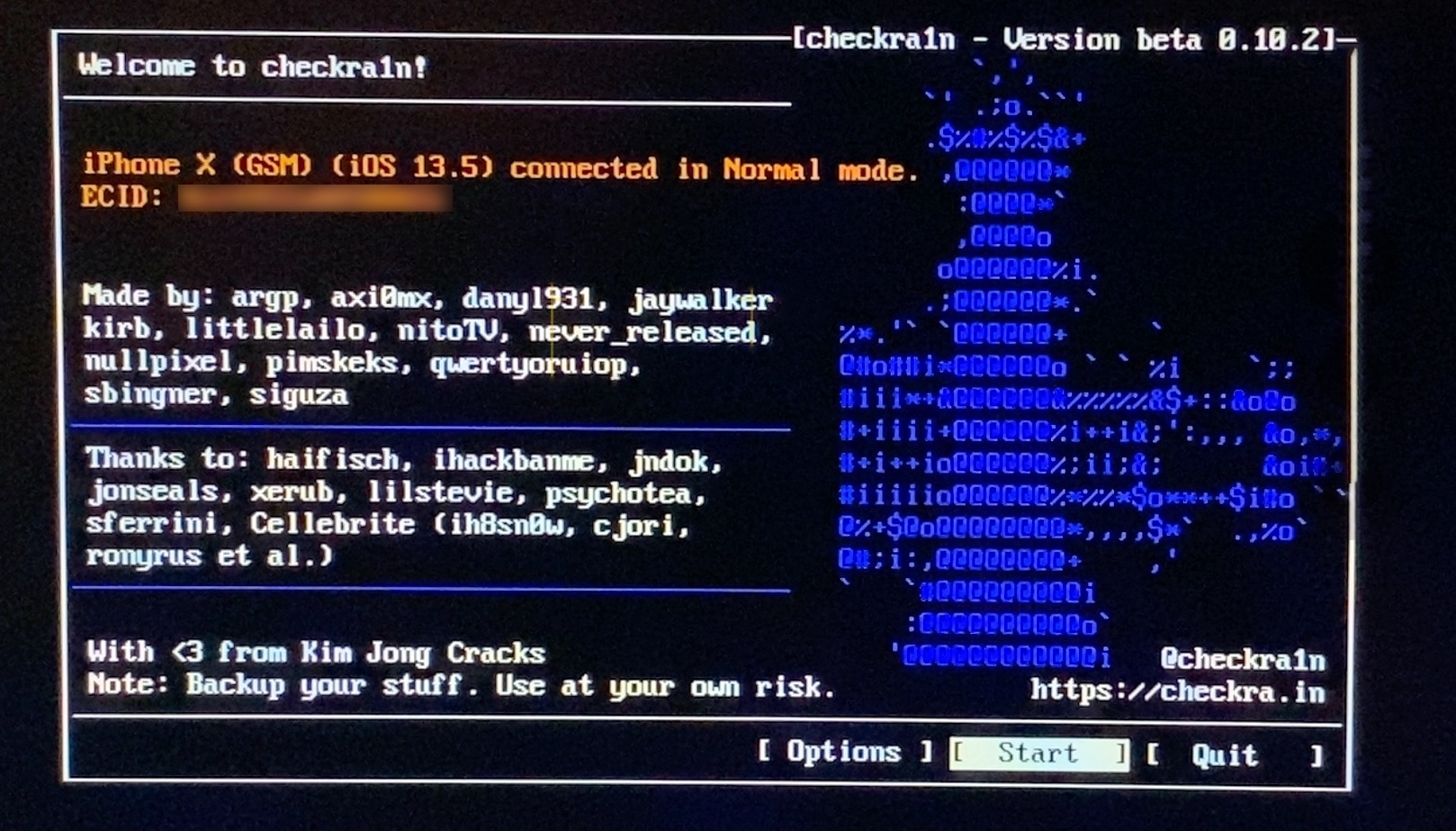
If you follow the checkra1n team closely on Twitter and you pay attention to the our news pieces as the team releases updates to the tool, then you’d probably come to assume that you can’t run the checkra1n jailbreak unless you have a Mac or a computer running Linux. While the aforementioned state is still technically true, you can use a helpful utility called bootra1n to run the checkra1n jailbreak on your Windows PC.

While it takes a little more finesse than simply running the checkra1n application on a Mac or a Linux box, using bootra1n is a great way to get jailbroken if you don’t have access to either of the above. In this tutorial, we’ll be showing you how to go about it, step by step.

Jailbreak tweaks of the week: Crane, Minotaur, Safari Downloader+, and more…

Those rocking jailbroken iPhones and iPads are often antsy to download the latest and greatest jailbreak tweaks so that they can get the most out of their pwned handset(s). On the other hand, it can be difficult to keep track of new releases and determine what the best of those are.

In this piece, we’ll be curating a list of all the latest jailbreak tweak releases from Monday, August 24th to Sunday, August 30th. As usual, we’ll kick things off by talking about our favorite releases at the start and then wrap things up with an outline of the rest near the end.

Choose your favorite iPhone keyboard UI for every situation with Keyboard Controller

As many smartphone users already know, one of the major advantages to using a software-based keyboard as opposed to a hardware-based keyboard is that the interface can dynamically change depending on what you might be doing on your device. For example, a web browser’s keyboard might display more URL-centric input methods while a number input interface’s keyboard might display only numbers rather than the full alphabet.

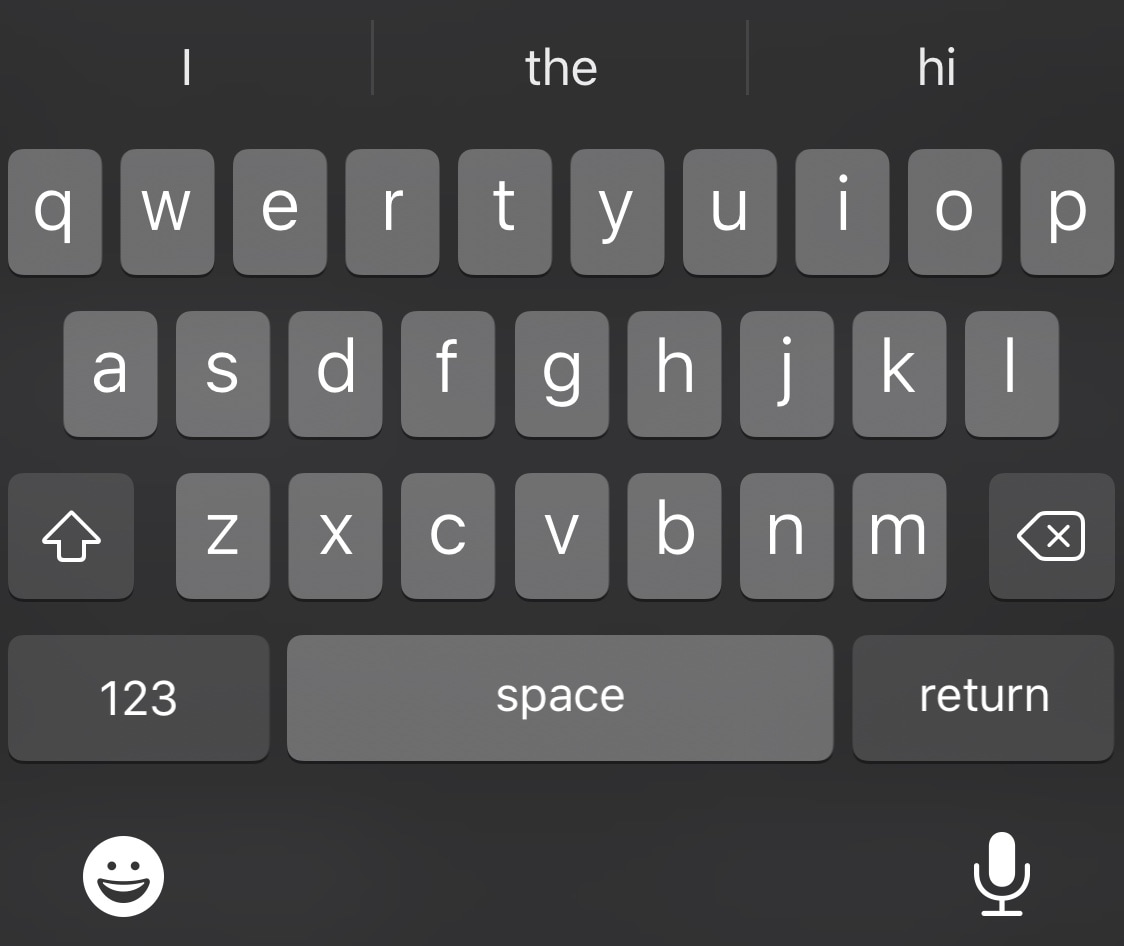
iOS developer Tomasz Poliszuk knew that some of these keyboard interfaces could be helpful in more places than one, and unfortunately, Apple doesn’t provide users with any way of choosing which dynamic keyboard interface appears where. With that in mind, a newly released and free jailbreak tweak dubbed Keyboard Controller was conceived.

Saurik updates Cydia Substrate to v0.9.7111 to address another bug

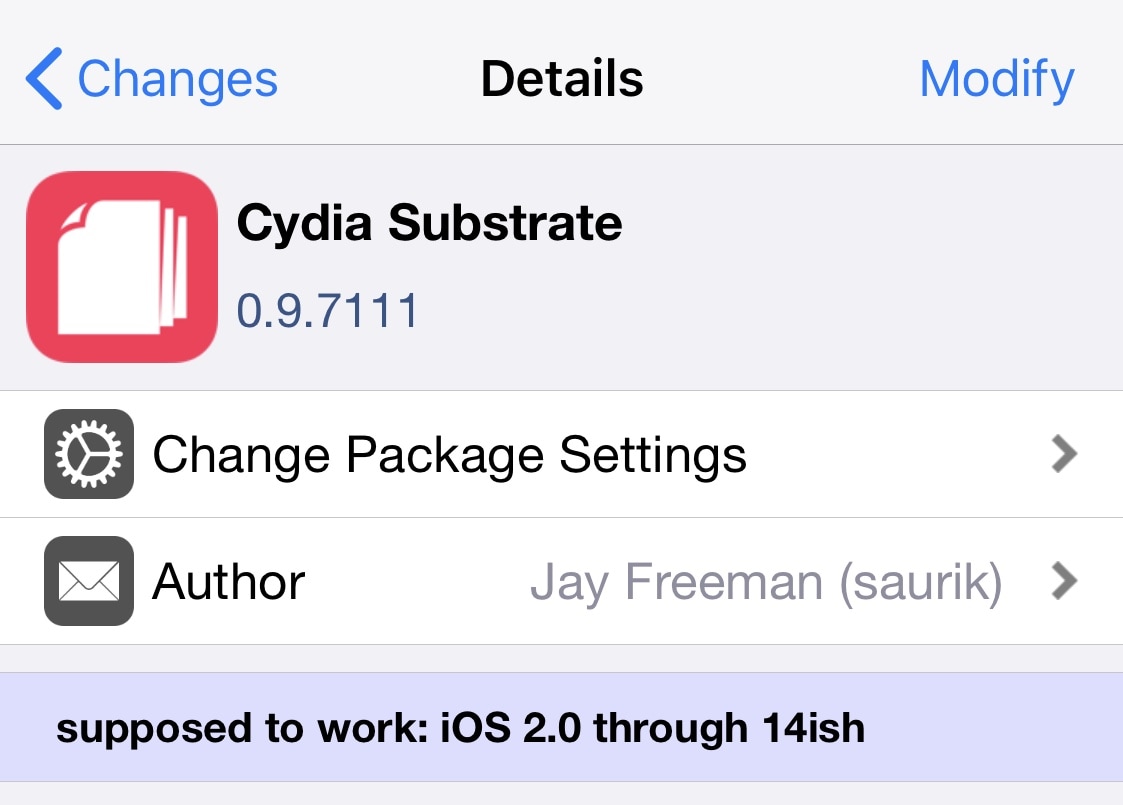
Saurik released yet another update for the Cydia Substrate tweak injection package on Saturday in a move to help improve the software’s overall reliability and stability with day-to-day use.

The latest update, coined version 0.9.7111, is said to fix a problem that Saurik purportedly introduced in the older 0.9.7109 update. Saurik notes in the newest change log that the update intended to solve a problem with an earlier update, but inadvertently un-fixed a totally different issue in doing so:

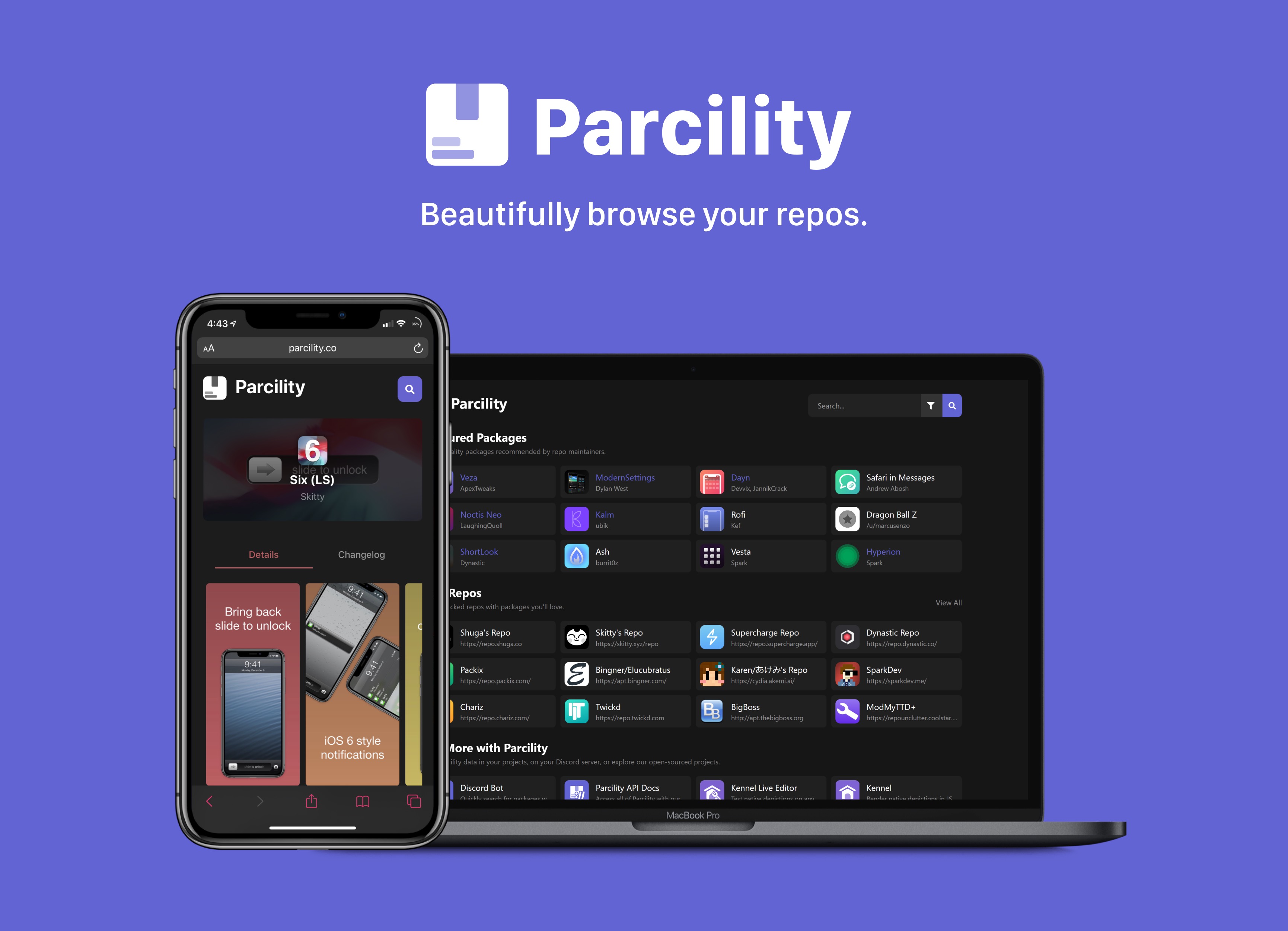
Web-based Parcility jailbreak repository browser officially launches to the public

Repository fragmentation is a growing problem in today’s jailbreak community, especially if you’re a jailbreaker and you’re trying to keep up with all the latest tweak and extension releases from various sources. After Saurik closed the Cydia Store back in 2018, jailbreak tweak developers began flocking to one of the three major repository giants that still support paid packages. Otherwise, they opt to provide their own repositories to host their packages on.

Package managers like Cydia, Installer, Sileo, or Zebra can make it easier to peruse jailbreak repositories, but when using a computer or a non-jailbroken device, you might find yourself visiting a particular repository’s website to learn more about the packages it hosts. We teased a web-based utility dubbed Parcility a few days ago that intended to coalesce information from various repositories into one place, and we’re excited to share that it’s officially available to the public starting today.

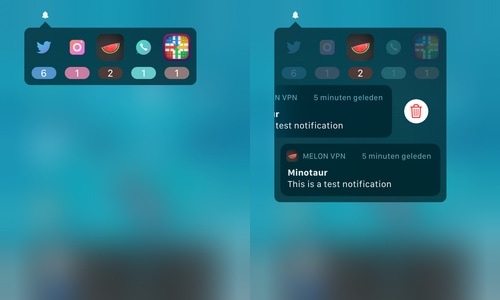
Access missed notifications via the Status Bar with Minotaur

Notifications are an essential aspect of owning a smartphone, and the iPhone’s Notification Center interface does a fair job of merging all your missed notifications into one convenient place, some would argue that Apple could do better. iOS developer Muirey03 would be one of such people, and consequently, a newly released jailbreak tweak dubbed Minotaur was conceived.

Minotaur was designed to provide a new way of viewing and interacting with missed notifications to your iPhone. It works by letting users quickly view and manage missed notifications via a convenient lightweight interface that lives in your handset’s Status Bar.

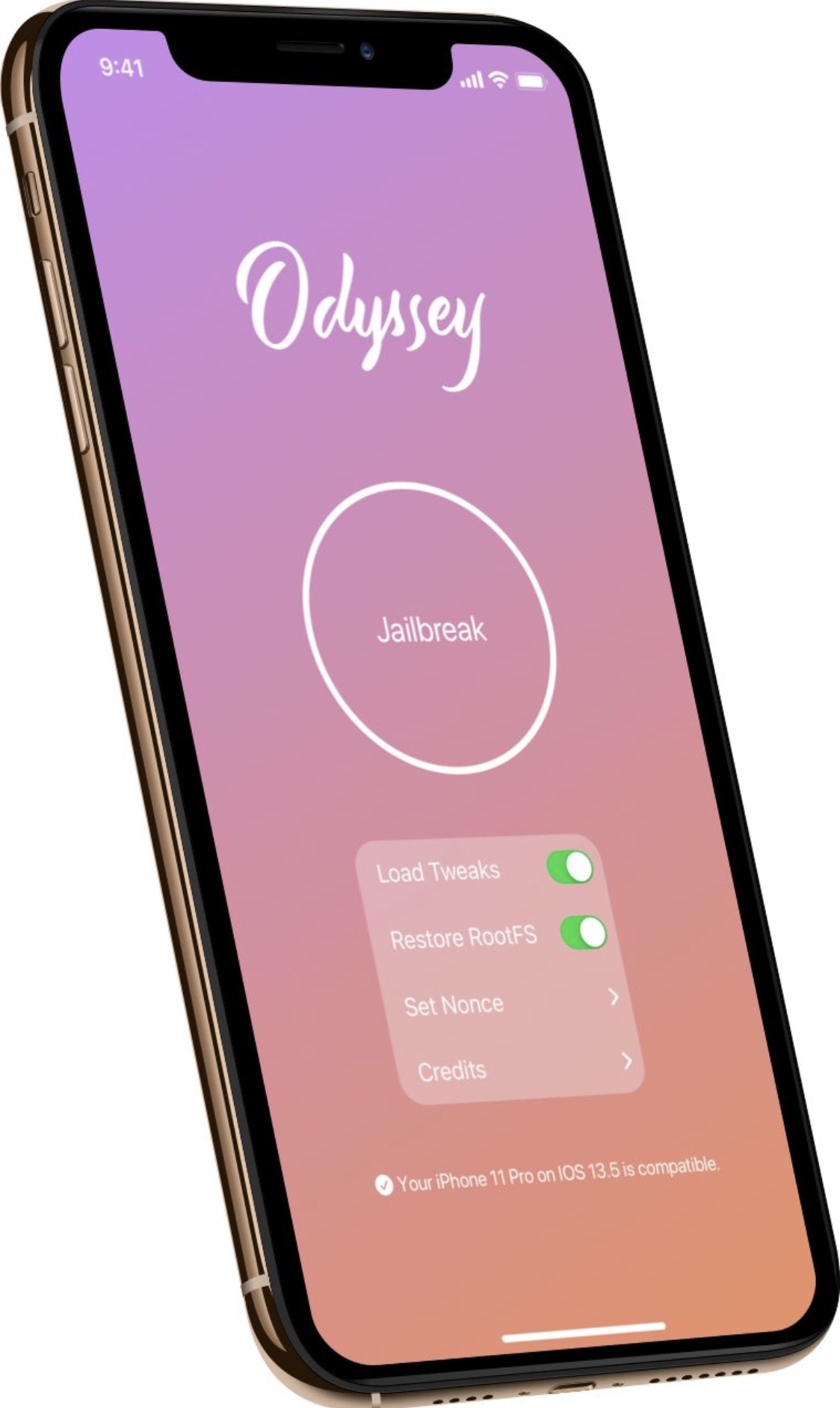
Odyssey jailbreak updated to version 1.0.1 to fix side-loading issues

Following a month-long period of public beta testing, the Odyssey Team formally moved the Odyssey jailbreak out of beta late Friday night and released the tool for the general public’s enjoyment via the team’s official website.

Not even an hour after the official release, the Odyssey Team released its first update to the public version of its jailbreak tool coined Odyssey v1.0.1. The announcement was shared via Twitter early Saturday morning: