Jailbreak Apps

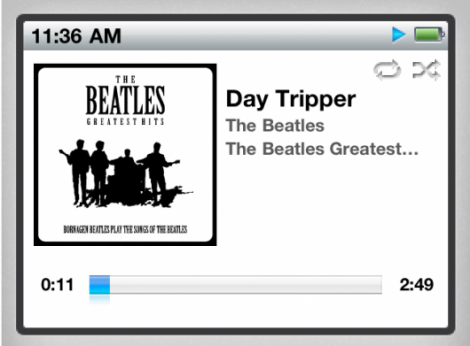
Iconic iPod Click Wheel Comes to the iPhone with iClassic

With all of Apple's touch devices these days, do you ever miss the classic iPods? Sure they didn't have as cool of games or shoot HD video, but there was definitely something sexy about that click wheel. It was responsive and made browsing your music collection faster than ever before.

If you are looking for a way to kind of relive the good old days, check out iClassic. The Cydia application for jailbroken iDevices will allow you to bring back the click wheel, on your current touch screen device. But can an application truly capture the experience of the click wheel?

‘Color Keyboard’ Adds Flair to Your iPhone’s Stock Keyboard

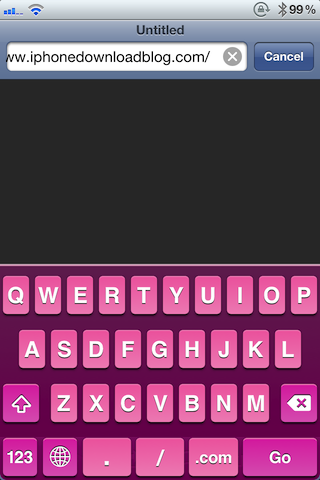
Color Keyboard is a recently released jailbreak tweak that potentially allows you to customize your iPhone's keyboard using whatever color scheme you deem worthy.

I use the word potential, because it's entirely up to you as to whether or not you'll squeeze your money's worth out of it.

The name -- Color Keyboard -- while technically true, might seem as if it's a tad misleading, especially in the shadow of robust jailbreak tweaks like AlertArtist...

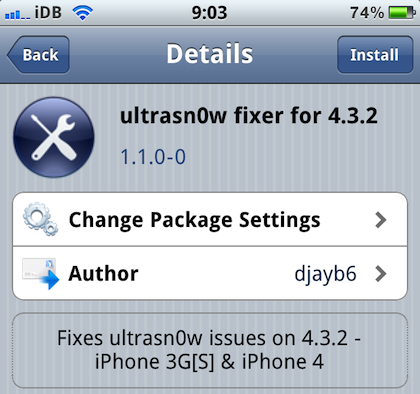
UltraSn0w Fixer Brings UltraSn0w Unlock Compatibility for iOS 4.3.2

Yay, we got a jailbreak for iOS 4.3.2! Ok, but what's up with the unlock? My guess is that the Dev Team is working on updating PwnageTool for 4.3.2 compatibility. When they release PwnageTool, most likely in the coming days, they will also update their UltraSn0w unlock.

Those of you who have updated to 4.3.2 while preserving their basebands using Sn0wBreeze or PwnageTool bundles are out of luck because the official version of UltraSn0w is not compatible with 4.3.2 yet...

‘CleverPin’ for the iPhone is an Innovative Way to Balance Ease of Use With Passcode Security

Can this guy be stopped? Hot off the heels of the super-popular Springtomize, Filippo Bigarella is back with his latest jailbreak concoction.

CleverPin is a jailbreak tweak for the iPhone that allows you to make the iPhone's passcode lock a little less intrusive from a day-to-day usage perspective.

Ask yourself the following question, and answer honestly; if you're at home, do you really need that passcode lock enabled?

Some of you may, but a good lot of you may not. That's where CleverPin lives up to its cleverness; it disables the annoying passcode lock when you're within the vicinity of a pre-authorized network, such as your home...

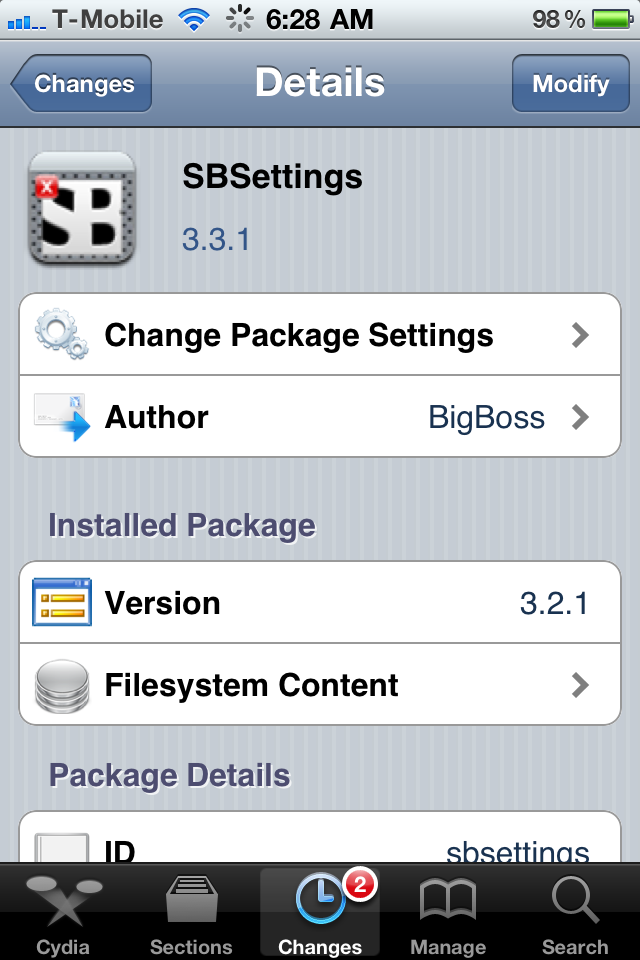
SBSettings Update Brings New Features and Bug Fixes

In the past we've deemed SBSettings an absolute "must have" jailbreak app for all jailbroken iPhone users, and we still stand by that statement with the latest update to the hugely popular jailbreak app.

If you're new to the jailbreak scene and have no clue what SBSettings is, basically it's a completely free, fast, and skinnable device manager from the developers over at BigBoss. Here's the best part: to launch the app simply slide your  finger across the top banner and a window will drop down with several, customizable toggles such as  Bluetooth, Brightness, WiFi, 3G, Airplane mode, CallerID, and more! 

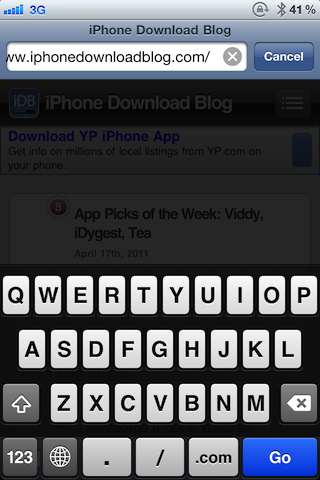
‘Black Keyboard’ Allows You to Use the iPhone’s Black Lockscreen Keyboard Anywhere

If you've ever disabled your iPhone's "Simple Passcode" in the Passcode Lock section of the Settings.app, then you're no doubt familiar with the black keyboard that's hidden within iOS.

Most of the folks I know stick to the simple numeric passcode as a means to protect their iPhones, thus they're not aware that a black keyboard even exists.

The sad news is that besides the lock screen, you're unable to use the black keyboard anywhere else; that is, until now.

Black Keyboard is a new jailbreak tweak available for the iPhone that allows you to enable the elusive black keyboard anywhere...

Kick it Old School with SNES on Your iPad

Console emulators have been around the jailbreak scene for a long time. Those that aren't familiar with emulators, they basically allow you to play copies of console games, while not on that console.

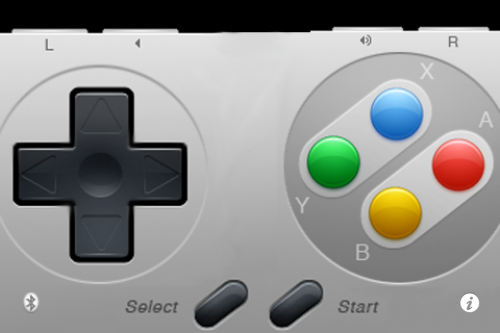
SNES HD turns your jailbroken iPad into a Super Nintendo system. Not only that, it allows you to connect up to 2 other iDevices to use as controllers.

It's free, and all you need is a jailbroken iPad and iPhone or iPod touch. Wanna try it out? I'll give you an easy tutorial to get you started.

Step 1. Make sure you have a jailbroken iPad and iPhone or iPod touch (both devices must be jailbroken).

Step 2. Open Cydia on both iDevices, and go to the Sources tab. Add the following source by selecting Edit > Add : http://wherethewoozlewasnt.com/cydia/

Step 3. After the sources are done loading, you need to install SNES (HD) on your iPad and ControlPad onto your iPhone/iPod touch. Both apps can be found by searching for them in the Cydia Search tab.

Step 4. Almost done! Make sure bluetooth is activated on both devices, and load up the downloaded applications. You should see an SNES console on your iPad, and an SNES controller on your iPhone.

Step 5. If the controller doesn't connect right away, touch the bluetooth search icon. Once paired, press the power button to start your game!

If you are wondering why you don't have any games, it's because it doesn't come with any. Console games are copyrighted, and it is illegal to host or download them. And we certainly don't condone piracy.

There are, however, several websites that do offer them, but clearly state that you must have the original game in your possession. These copies of the game are known as "backup copies" which are legal to have, I've read.

If you can stomach the pain of locating games, it really is quite worth it. Games are surprisingly playable on the iPhone's touch screen. You can race against a buddy in Top Gear, or take them on in Street Fighter. That's it, now your kicking it old school.

Any questions?
True HD Enables Your iPhone 4 to Upload 720P Videos to YouTube

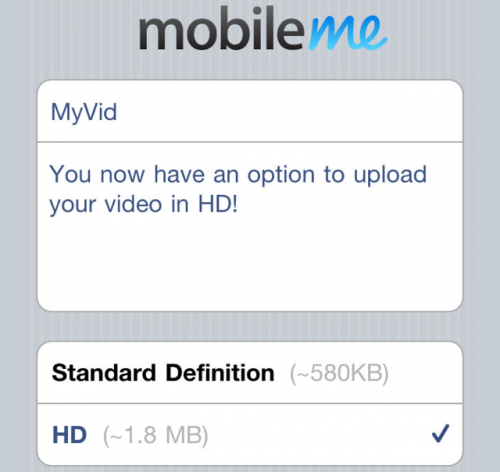
If you have ever uploaded a video to Facebook or YouTube from your iPhone 4, you might have noticed a drop in video quality. No, it isn't poor lighting, the resolution and frame rate are actually lowered. This is because a reduced quality video is produced before uploading, to save on internet bandwidth usage.

A 1280 x 720 video, 9 minutes in length, is about 700 MB natively. When trying to upload a video to YouTube or Twitter, the file size gets reduced to less than half that. To get full HD quality, you would typically need to transfer video from your iPhone to your computer and upload from there, but not with True HD...

‘AppSize’ Spills the Beans About Your iPhone App’s Age and Weight

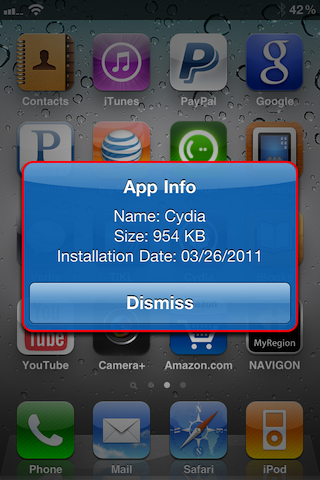
If apps were women, they would loathe AppSize -- a new jailbreak tweak that tells how much your apps weigh (size) and how old they are (installation date).

Fortunately, most of the apps I meet don't care about this sort of thing.

AppSize is a free jailbreak tweak that's available on Cydia for jailbroken iPhones, and it can be fairly handy for those of you with extremely tight restrictions on space.

What type of restrictions are we talking about? Check inside for more details...

‘Pull To Sync for Reeder’ Adds Twitter Like Refreshing to Your iPhone’s Reeder App

Tired of tapping that dreaded refresh button whenever you want an update to the latest happenings in your Reeder app?

Fret no longer; the perfect jailbreak tweak for you has arrived in the form of Pull To Sync for Reeder.

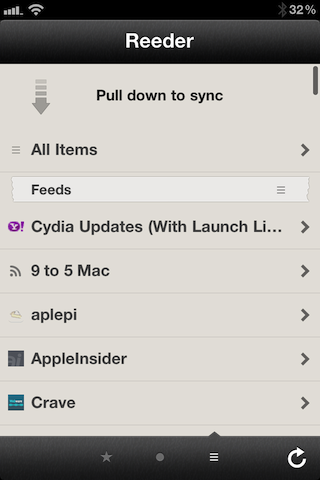
As its name implies so accurately, Pull To Sync for Reeder throws an additional syncing/refreshing option into the mix for your favorite Google Reader client.

Now instead of solely relying on that little refresh button in the bottom right-hand corner, you can let your thumbs do the talking with pull down to refresh capabilities...

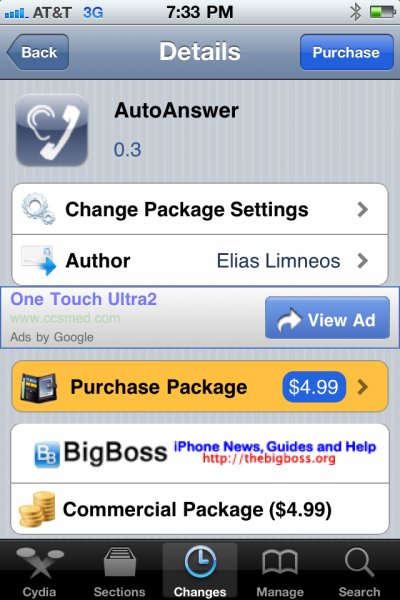
New AutoAnswer App Now Available in Cydia

Ever wanted the ability to set your iPhone to automatically answer incoming calls? Auto answer is a feature I've seen requested several times, across multiple iPhone message boards. If your iPhone is jailbroken, you have a handful of options.

Applications like CallControl are nice, but have limited auto answering capabilities. If you have been looking for an auto answer app with more features, you need to check out AutoAnswer. The new Cydia app promises to handle all of your auto answering needs for your iPhone...

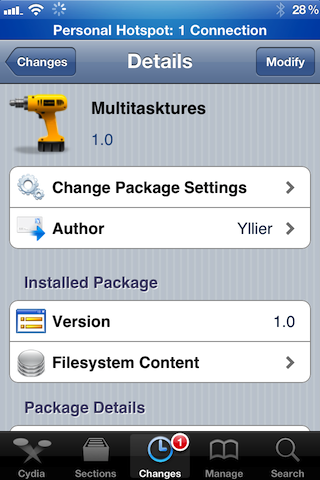
‘Multitasktures’ is a Jailbreak Tweak Alternative to iOS Multi-Touch Gestures

Are you still having issues using one of the previously covered methods of enabling multi-touch gestures on your iPhone running iOS 4.3.1?

If so, Multitasktures might very well be a compromise that you're willing to make.

While it's not technically using real multi-touch gestures to enable paging left or right between your apps, it does use Activator to achieve similar results....