Jailbreak Apps

New Nimbus Web Browser is Free for a Limited Time

Let's face it, Apple's default Safari web browser on the iPhone could use an upgrade. It's not bad by any means, but it could certainly stand to add some much needed features. Maybe that's why 3rd party web browsers in the App Store are so popular.

If apps like Opera Mini and Skyfire don't quench your thirst for alternative browsing options, allow me to introduce you to something different. As of today jailbroken iPhone users can download Nimbus, a new web browsing application in Cydia...
iFile Jailbreak App to Gain DropBox Support

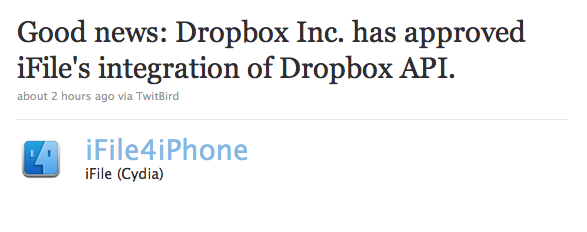
Great news for users of iFile, the jailbreak Finder solution for the iPhone that lets your browse your device's native file system. It just got approved for DropBox API access, meaning that full-fledged DropBox integration can't be too far behind.

iFile is probably one of my most used jailbreak apps for the iPhone because of its versatility and ease of use.

Now we will be able to transfer files seamlessly between our iPhone's and our cloud storage solution of choice...

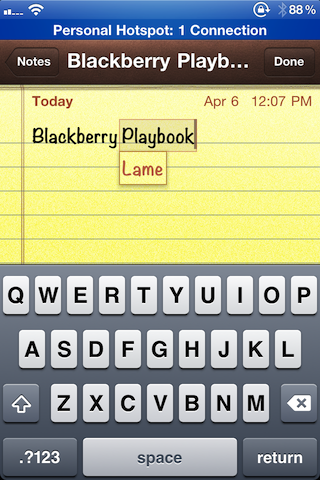
MobType – An Interesting Take on the iPhone Keyboard

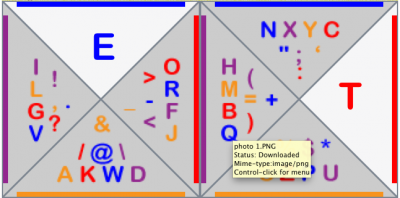
Yesterday we ran a story about the state of Apple's current text input technology in iOS. While their keyboard is extremely popular, consumers lack any alternative method of text input. Though there currently doesn't appear to be any App Store solution at the moment (pending ShapeWriter return), jailbreakers do have an alternative.

That's why we jailbreak our iDevices, right? To have other options besides what Apple deems appropriate for their hardware? Anyways if you're sporting a hacked iPhone or iPod touch and have been looking for something different than the typical boring keyboard, you might want to check out MobType...

Watch Every SouthPark Episode for Free on Your iPhone

One of the major advantages to owning an iPhone is all of the access to free content. Apps like TV.com, WatchESPN, and others allow you to watch popular media for free on your iPhone, as long as you have an internet connection.

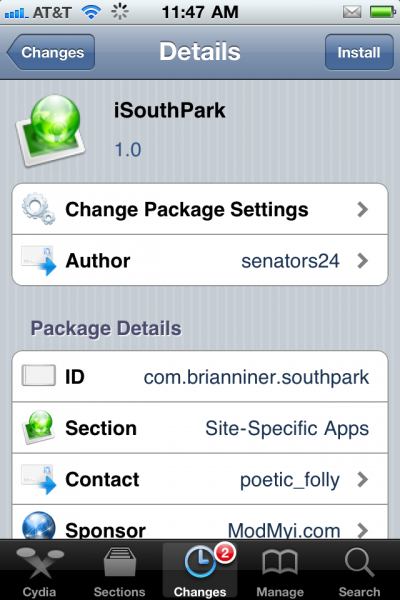
For all of you jailbroken users, I have another app for you that will fill the need to watch free content on your iDevice. Its name is iSouthPark and it claims to allow you to watch all 209 episodes of the popular South Park cartoon on your iPhone for free. It certainly sounds enticing, but how does this work?

qTweeter Allows You to Update Your Twitter and Facebook Status by Sliding Your Finger

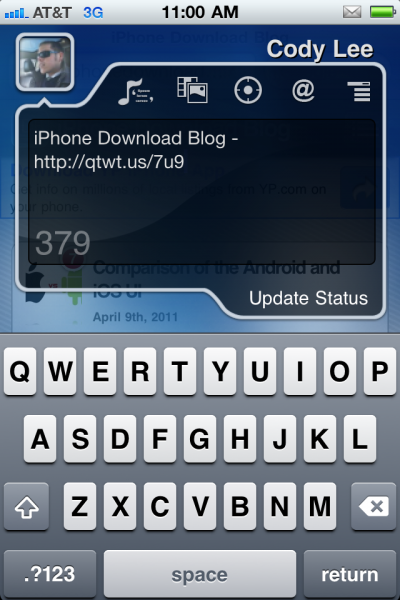
qTweeter by Efiko has been around for quite some time. Sebastien even mentioned it in his list of some of the best jailbreak apps last year. The funny thing is, I hadn't really feigned interest in trying it out until I came across it in my Cydia Changes log yesterday.

While I had heard about qTweeter before, for one reason or another I never downloaded it. I guess I never considered myself the kind of social networking power user that would need something like that. Well I'm still not a social networking king but I gotta say my curiosity got the better of me and I just had to try out this popular Twitter app...

‘MT Gestures’ is an Easy Way to Add Multi-Touch Gestures to iPhones Running iOS 4.3.1

Well perhaps I should have restated that. MT Gestures will (hopefully soon) be an easy way to add multi-touch gestures to your iPhone 4 running iOS 4.3.1. That's because the developer, although they tout iPhone 4 compatibility within Cydia alongside the iPod touch G4, has admitted that the iPhone 4 compatibility isn't exactly working yet.

I can attest to this assertion, it isn't working yet. But I will say that it has plenty of promise for those of you who shy away from manually editing .plist files in order to enable multi-touch gestures on your iPhone 4.

What is working, however, is the new iPad-esque mute switch assignment options in the Settings.app. That's a pretty decent consolation prize while we wait for the developer to iron the bugs out for iPhone compatibility...

‘AlertArtist’ Lets Digital Picassos Spruce Up Their iPhone Notifications

I've never been a big themer; in fact, even though it's jailbroken I take pride in the fact that my iPhone looks pretty much stock most of the time.

Besides a few obvious omissions from my iPhone's Home screen, I try to keep it as clean as I possibly can.

With that in mind, it's no surprise that I'm not really big into WinterBoard, and other apps that allow you to customize the look of your iPhone.

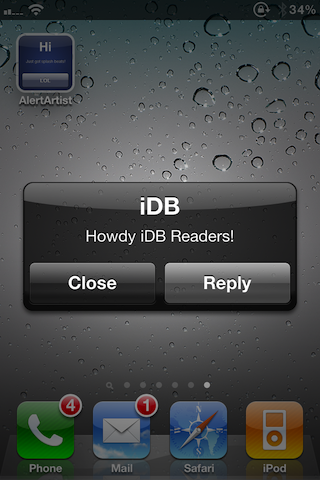
There's a new exception to that rule, though. A new jailbreak app by the name of AlertArtist piqued my interest, and I've been hooked ever since...

iKeyGuard – The First and Only Key Logger for Your iPhone

The purpose of key loggers has always been kind of cloudy to me. I suppose if you wanted to monitor your computer covertly while you were away, a key logger would make sense.

If you were a parent wanting to keep tabs on your kid's online activities, you could certainly use a key logger to record their ventures. I've even heard of people using key loggers on their spouses.

While, key logging on a computer still doesn't seem useful to me, key logging on a smartphone does.

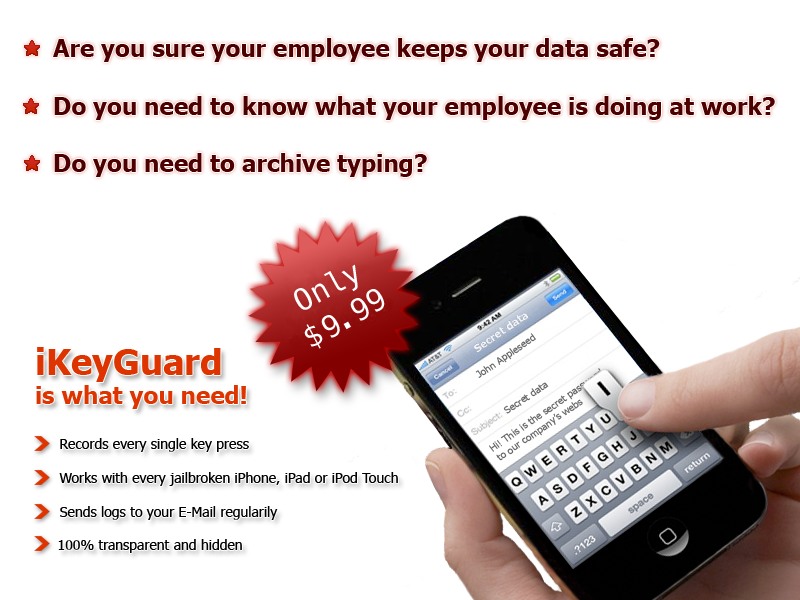
You could have archives of text messages and emails you've sent from your device. If you have been looking for something similar, the application iKeyGuard makes key logging easy on your iPhone or other iDevice...

Create Custom Badges For Apps with AppTag

Another day, another new jailbreak tweak released in Cydia. The latest jailbreak tweak is called, AppTag.

You know the little "badges" on applications on the home screen that notify you with the amount of new notifications you have? Well, AppTag is a cool new tweak that will allow you to create custom badges on your iDevice without the use of a computer.

‘ManualCorrect Pro’ Adds More Options to Maneuver Around Auto Correct’s Blunders

Oh auto correct, how we all do loathe thee.

A couple of months ago I walked you through a jailbreak tweak entitled ManualCorrect -- a tweak that aimed to tame the iPhone's native auto correct and make it functional.

The tweak was met by rave reviews by yours truly, and even garnered a few votes on Nick's Top Five Jailbreak Apps post.

Now a new version of the tweak -- ManualCorrect Pro -- has been unveiled that seeks to further subdue the iPhone's nefarious auto correction; but is it worth paying for?

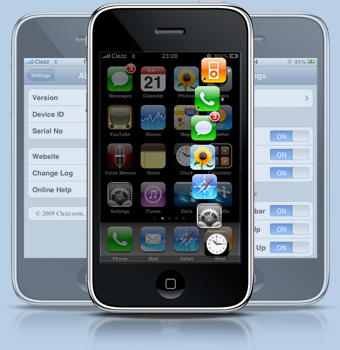
Dock 2.0 Gives You One Touch Access to All of Your Apps

If someone were to ask you why they should jailbreak their iPhone, what would you say? For me, the list of reasons could go on for days. The themes, the tweaks, it seems like there are a million ways to customize your iPhone once it's been set free. These tweaks can remove Apple's limitations on things like the amount of sprin gboard pages you can have, or the amount of icons allowed in each folder.

The coolest hacks, in my opinion, are the ones that make multi-step processes on your iPhone less complicated. Don't get me wrong, iOS is so simple a 2 year old could use it. But there are apps like SBSettings that will give you home screen access to settings for Bluetooth and Wi-Fi.

Dock 2.0 also falls in this category, as it makes browsing multiple pages for applications a thing of the past...

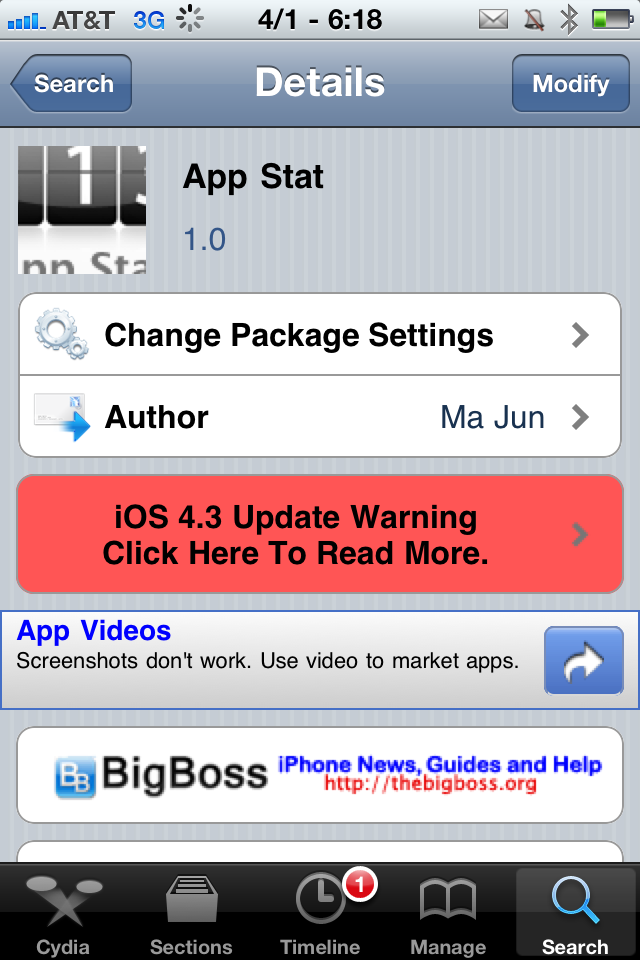
Find Out Which Apps You Don’t Use with App Stat

It's the beginning of April, and spring has begun. While everyone is doing their usual spring cleaning, the urge to tidy up your iPhone may arise. If your home screen is cluttered and you can't seem to ever find what you're looking for, it's definitely time for you to delete some apps.

If you're staring at your springboard and wondering where to begin, delete the applications you don't use anymore. If you're in the habit of trying out the latest app or game you read about, chances are your springboard is quite full. Need more help than that?