Jailbreak Apps & Tweaks

These are the latest jailbreak apps and tweaks available for your iPhone or iPad. We save you time by highlighting only the best tweaks.

Initiate Activator functions using icon taps with App Activate

On its own, Activator is probably one of the most useful jailbreak tweaks available. It allows you to map practically any button or touch gesture to an iOS action. But what makes it really cool is that devs can create their own tweaks to extend its capabilities.

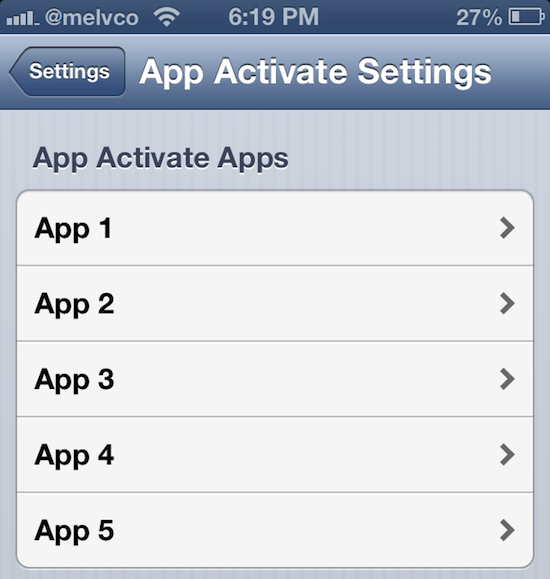
And that's the case with this next package, by developer rjharris. It's call App Activate, and it enables you to initiate any of Activator's actions by double tapping an app icon . So for instance, you could set it so that double tapping the Music icon starts playing music...

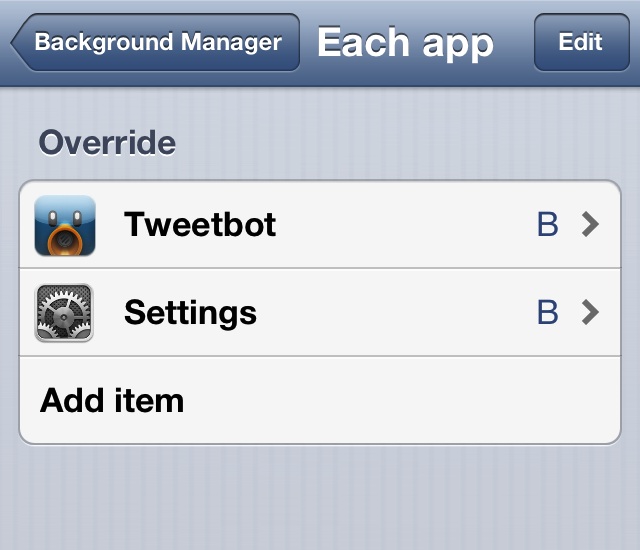
Background Manager brings true backgrounding back to Cydia

There was once a time when iOS lacked any form of multitasking. Yes, that includes the pseudo-multitasking that is fast app switching, which is what iOS uses today. True backgrounding has never been available in iOS, and that's understandable since it would likely cause battery life to fall below Apple's lofty standards.

iPhone jailbreakers have been able to enjoy the benefits of true backgrounding for some time now, at least with older versions of iOS. Unfortunately, Backgrounder — the jailbreak app that enabled true backgrounding — stopped working after iOS 6. Its developer has since abandoned the project.

That's where Background Manager comes in to pick up the slack. It's a brand new jailbreak tweak, unrelated to the original Backgrounder in everything but perhaps name, and it's been built from the ground up.

Perhaps my memory has failed me, but Background Manager seems to be more stable and more feature rich that its predecessor. You can even make the tweak launch specific apps in the background on device reboot. Yes, Background Manager is definitely worthy of your time and attention if you've ever wanted to have true multitasking on iOS 6. Take a look inside for more information.

Ensure your iPhone’s screen stays dim during phone calls with DimInCall

Have you ever been in the middle of a phone call on your iPhone and noticed your cheek was pressing buttons? Sure, there's a proximity sensor there that's supposed to keep this from happening. But any kind of jostling can thwart its efforts.

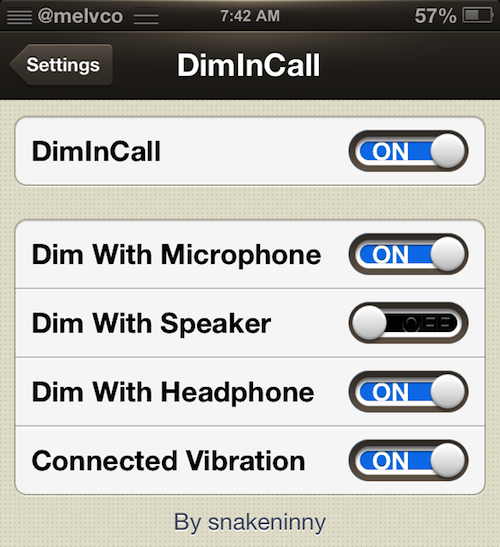
Luckily there's a jailbreak tweak that can help with this problem. DimInCall, by developer snakeninny, will automatically dim your screen when it detects your iPhone has established a call connection. And it'll keep it dim until the call is over...

How to use iLEX RAT to restore your jailbroken device back to “stock”

Last week we brought you a tutorial showing how the upcoming SemiRestore package will work once released. SemiRestore is a tool that you can use to restore your iOS device to an almost stock configuration.

A few of you in the comments brought up iLEX RAT, another tool — one that's been around much longer than SemiRestore — that allows you to do something similar. I had tried iLEX RAT once before, and I experienced some issues with the early versions of the tool and gave up on it. At your urging, I decided to take the latest version of iLEX RAT for a spin. Here's what I found.

SMS on GV integrates Google Voice SMS into your Messages app

Avid Google Voice users will be happy to hear that there's a new jailbreak tweak out that integrates Google's SMS service into the stock Messages app. We've seen tweaks like this before, such as SMS GV Extension. But to my knowledge, none of them made it to iOS 6.

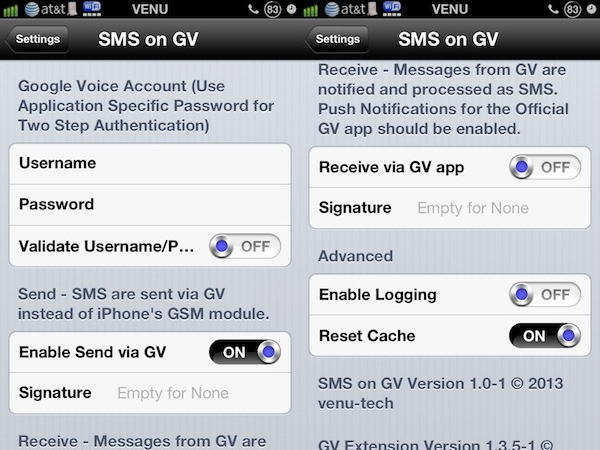
The tweak we're going to be talking about today, however, does support iOS 6 (as well as later versions). It's called SMS on GV, and like the others we've seen, it allows you to send and receive text messages using your Google Voice account from within Messages...

Let’s Talk Jailbreak 11: Doing just dandy

Let's Talk Jailbreak lives on with its original name! Join Sebastien and Jeff as they talk about their post-iTunes life, Saurik's new Android interests, restoring an iPhone to stock using SemiRestore, uninstalling Velox, and of course, some of the top jailbreak tweaks from the last week. It's an interesting look into all things jailbreak. Don't miss it.

Badger lets users view unread notifications by tapping the app icon badge

Ladies and gentlemen, after much wait and after even more debate, it's finally here. I am, of course, talking about Badger — a tweak that we initially previewed some months back. After some very intense development and design, the final version of Badger has shipped. It's now available for purchase on Cydia's BigBoss repo for $0.99.

If you've been keeping your ear to the proverbial street, then you already know what Badger is and what it does, but let me jog your memory anyway. Badger is an iOS tweak that allows users to view unread notification alerts by swiping on the app icon displaying the badge. Once the app is swiped, a highly stylized pop-up menu containing unread notifications will appear on screen.

That's what Badger is capable of doing in its most basic form, but as you might guess, the tweak contains quite a few hidden goodies and options under the hood. Check inside as I provide you with an in-depth look at Badger and show how you might benefit from its usage.

Create shortcuts for up to 7 of your favorite apps with SubIc0ns

There's no shortage of jailbreak tweaks that allow you to quickly access your favorite apps. I can think of a few right off the top of my head including Axis, Grabby, and JellyLock. And today, we've got another one to add to the list.

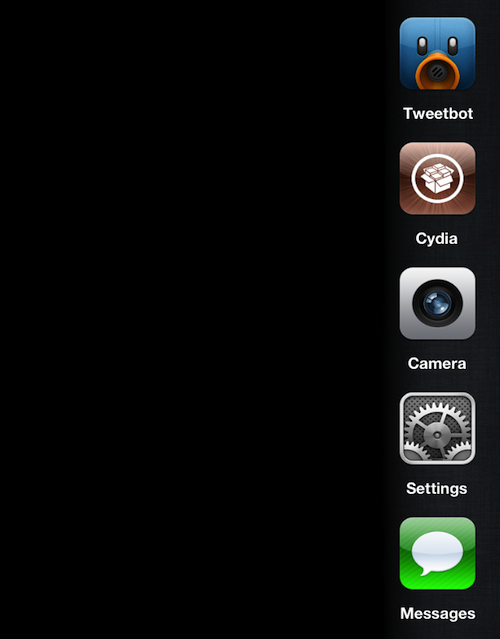
SubIc0ns, by developer ClausCartel, is a new tweak that allows you to add up to 7 app shortcuts to a hidable window that can be accessed via any Activator function. This gives you quick access to these apps from anywhere in iOS...

Make mobile Safari load faster with SafariBlankPage

Are you tired of waiting for web pages to reload every time you launch mobile Safari? If so, you might be interested in this new jailbreak tweak called SafariBlankPage, by Suu (the same developer who did Slide2Kill).

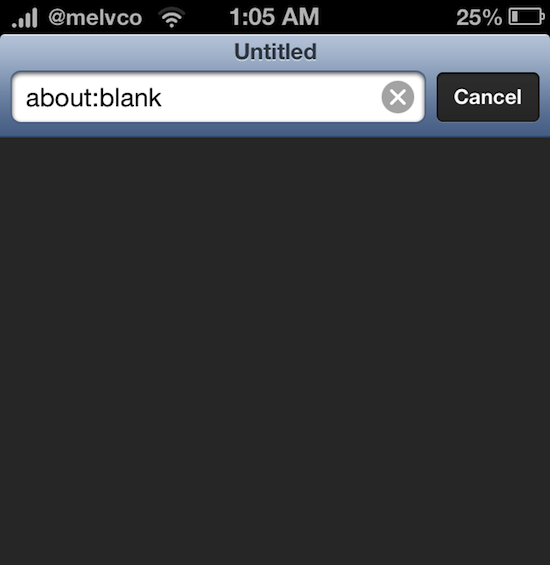
As its name indicates, the tweak forces Safari to open up to a blank page upon launch, meaning you don't have to wait for anything to load. This allows you to quickly perform searches and open new websites...

This is how SemiRestore allows you to restore without losing your jailbreak

Recently there has been a pretty big buzz about an upcoming release dubbed SemiRestore. We posted about it a few days ago. It's not out yet, you can check its progress here, but I wanted to use this post to prove to you that it does indeed work as described.

SemiRestore claims to be able to let you restore your device without necessitating the need to upgrade your iOS device's firmware. This is extremely appealing for a number of reasons, but the biggest reason of them all is that it would allow you to restore your device without losing your precious jailbreak.

As you know, Apple stopped signing iOS 6.1.2 after iOS 6.1.3 was released. iOS 6.1.2 was the last firmware susceptible to the evasi0n jailbreak, so it's a precious firmware in the eyes of those who like to tinker with their phones. From Apple's standpoint, it's obvious why they opted to fix the exploits used to make evasi0n function. Apple owes it to its users to ensure that iOS is the most secure platform that it can be. Nonetheless, that doesn't make the jailbreak community any less disappointed at the loss of an untethered jailbreak

To make matters even more grim, Apple has rendered downgrading virtually impossible, and that includes simply restoring your iOS 6.1.2 firmware back to iOS 6.1.2. So what if your iPhone or iPad starts running really slow? What if you genuinely needed to restore your device? If so, then kiss your jailbreak goodbye. That pretty much sums up the predicament that we find ourselves in. For that reason we're always extra careful not to install any tweaks or apps on our devices that might cause problems.

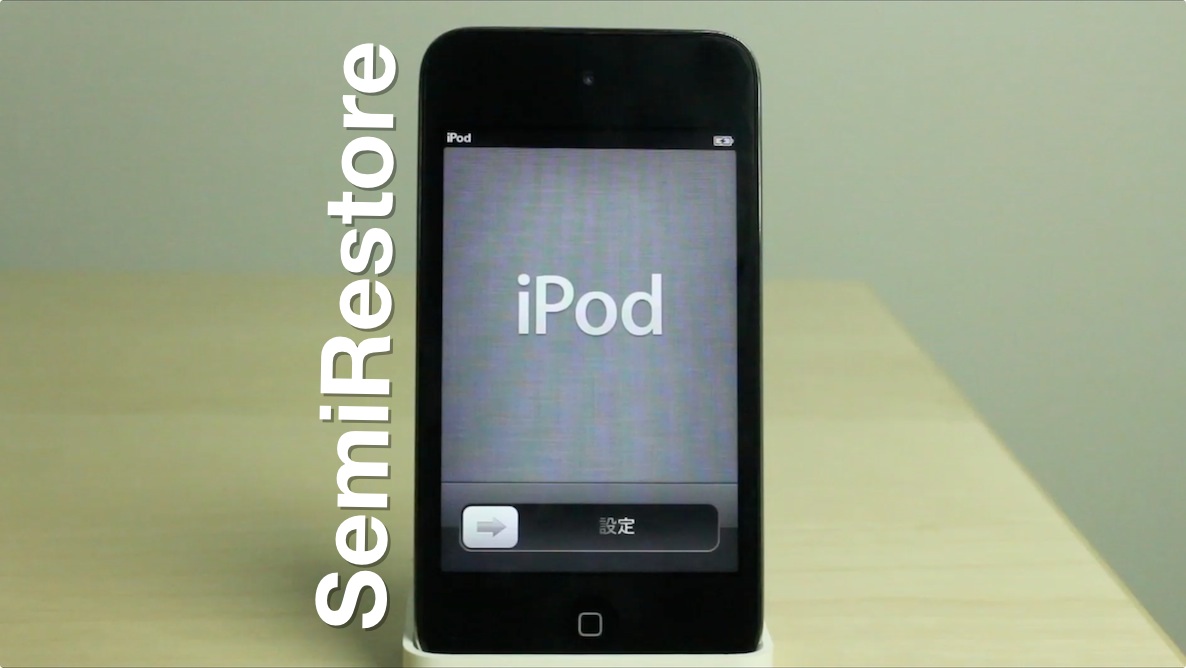
And that, folks, is where SemiRestore has come in to save the day. I was a bit skeptical at first, but I've tested it out myself, and I can assure you that it works pretty well. It's not a genuine full restore — hence its name — but it's probably the next best thing to a legitimate restore, and will help you regain the stock feeling of a fresh installation of iOS. The best thing about it? You won't need to upgrade your firmware, and because of this, you won't lose your jailbreak. Full demonstration inside.
LSFlatAlerts improves single Lock screen notifications

I don't know about you, but I've never been fond of the singular pop-up alerts that show up on the Lock screen when you receive a notification. It's singular, weird, and way too imposing for my tastes.

The thing is, once you receive a second notification, the view switches to a more attractive flat list view. I much prefer this multiple notification view over the solo view. Considering this, I was intrigued when I saw a new tweak — LSFlatAlerts — make its way to the Cydia store. It's a jailbreak tweak that makes all notifications, even single ones, appear in the more attractive flat list view.

Upcoming app claims to allow for a fresh version of current iOS firmware

We've probably all been there at least once. You have a jailbroken device on a certain firmware, and it's the last firmware that's capable of being jailbroken. What happens if you need to restore it?

In most cases, unless you're using an older device capable of being downgraded, you would be forced up to the current firmware. The problem with doing this is that it causes you to lose your jailbreak.

That's where a new app called Semi-Restore claims to be able to help. It will, according to its website, allow jailbroken users to refresh their devices with the firmware that's currently on the device. For example, if you're running iOS 6.1.2, you can clean the device and semi-restore to 6.1.2. It's not a full restore, because doing so would force you to upgrade, but it might be the next best thing, especially if your device is having problems or is running slow.