Jailbreak Apps & Tweaks

These are the latest jailbreak apps and tweaks available for your iPhone or iPad. We save you time by highlighting only the best tweaks.

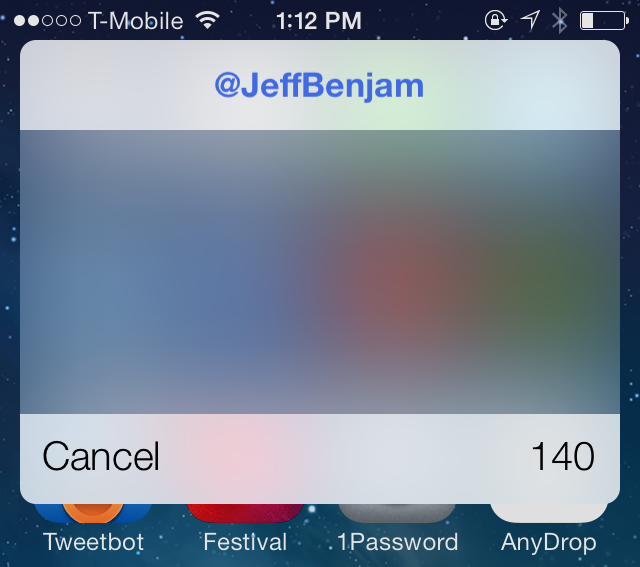
TwitkaFly brings Twitter quick reply and quick compose to iOS 7

If you've been around the jailbreak scene for any considerable amount of time, then you probably recognize the name TwitkaFly. It's a jailbreak tweak that's been around since the iOS 4 days, and it allows you to use quick reply and quick compose features with Twitter.

TwitkaFly was just recently updated for iOS 7, and it brings with it a fresh coat of paint and compatibility with Apple's latest OS release. As you'll see from our video walkthrough, TwitkaFly isn't perfect, but it's a tweak that you should definitely consider if you're a big time user of the official Twitter app or Tweetbot
Asphaleia: a stylish new Touch ID jailbreak tweak

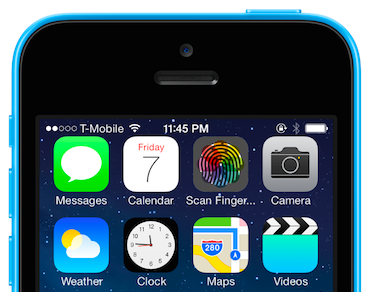
There's no shortage of Touch ID enabled security tweaks for iOS 7. There's AppLocker, BioProtect, and my favorite, BioLockdown from Ryan Petrich. So the question is, do we need another entry into what has become an increasingly crowded market? If the team behind the release is a3tweaks, then the answer to that question is an emphatic yes.

Unlike the majority of the other releases in the a3tweaks' repertoire, Asphaleia is extremely deep with tons of options. Sentry, the tweak's designer, isn't known for throwing a bunch of unnecessary features into his work with no purpose in mind. Instead, he reasoned that a security tweak like this made it necessary to have enough options to a). keep it secure, and b). give users the options that they need. It's a strategy that, for the most part at least, has paid off reasonably well.

If you're looking for an alternative to any of the aforementioned security tweaks—AppLocker, BioProtect, or BioLockdown—then Asphaleia is a release you should definitely check for upon its impending launch. Have a look at our full 10+ minute video walkthrough, as we break down all that the highly anticipated release has to offer.

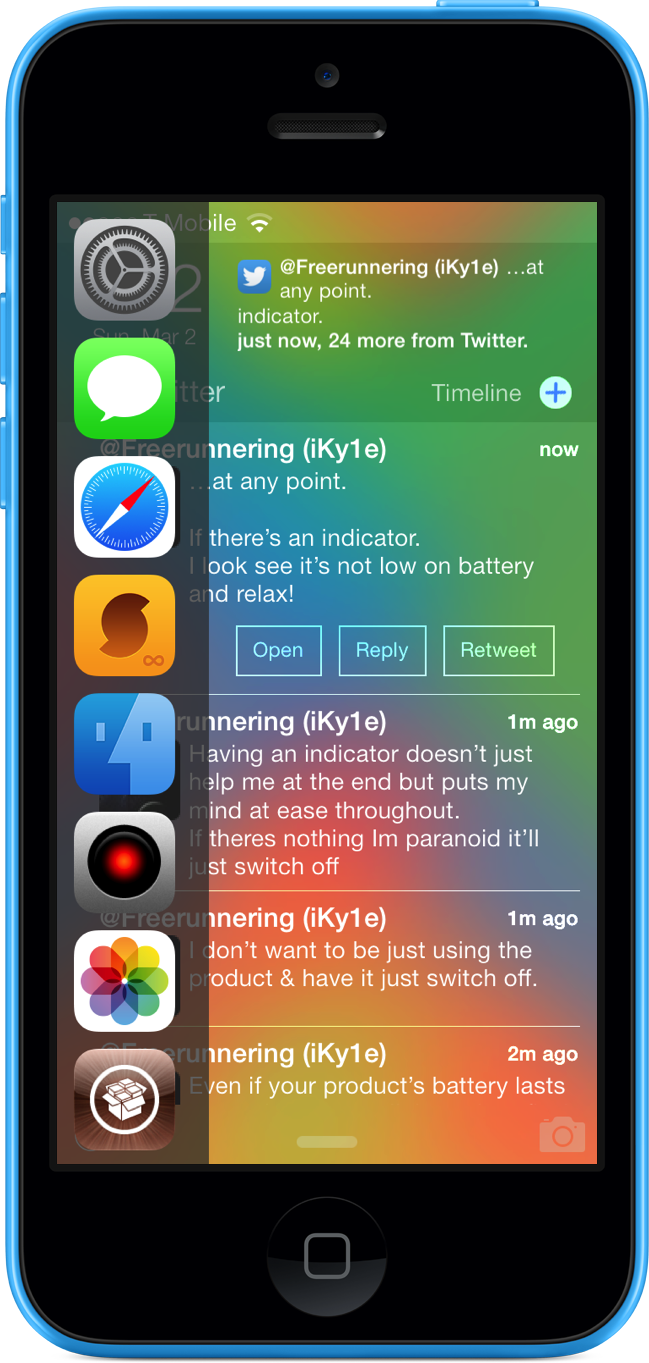
Vertex is now available on Cydia

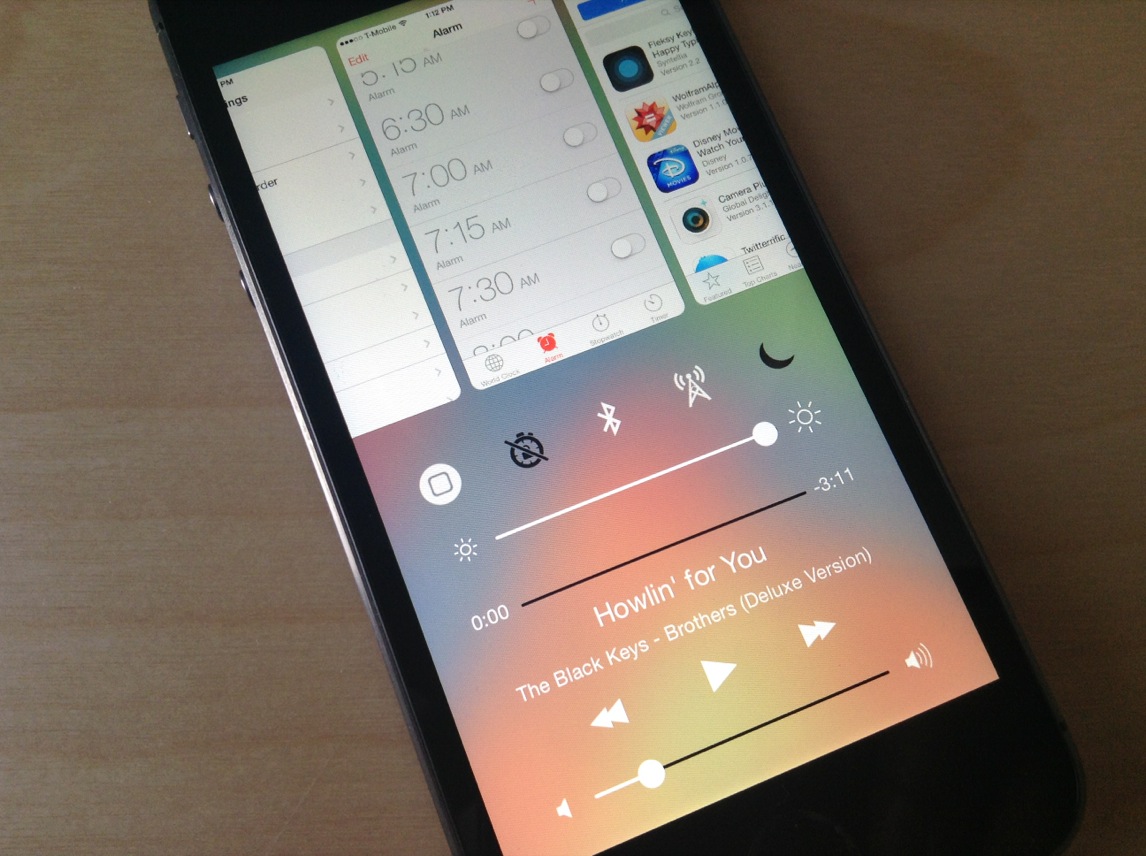
Vertex, the awesome jailbreak tweak that combines app switcher and control center into one convenient page, is now available for download on Cydia's BigBoss repo. The tweak, developed by Ian Burns and Timon Olsthoorn, and is based on Bill Labus’ popular Mission Control concept.

The team bills Vertex as a sort of one-stop-shop for all of your app-switching, music-controlling and Settings-toggling needs. The tweak is well-designed with customizable aesthetics, and in our initial walkthrough, Jeff said it's 'definitely worth trying.' Check out our hands-on video below...

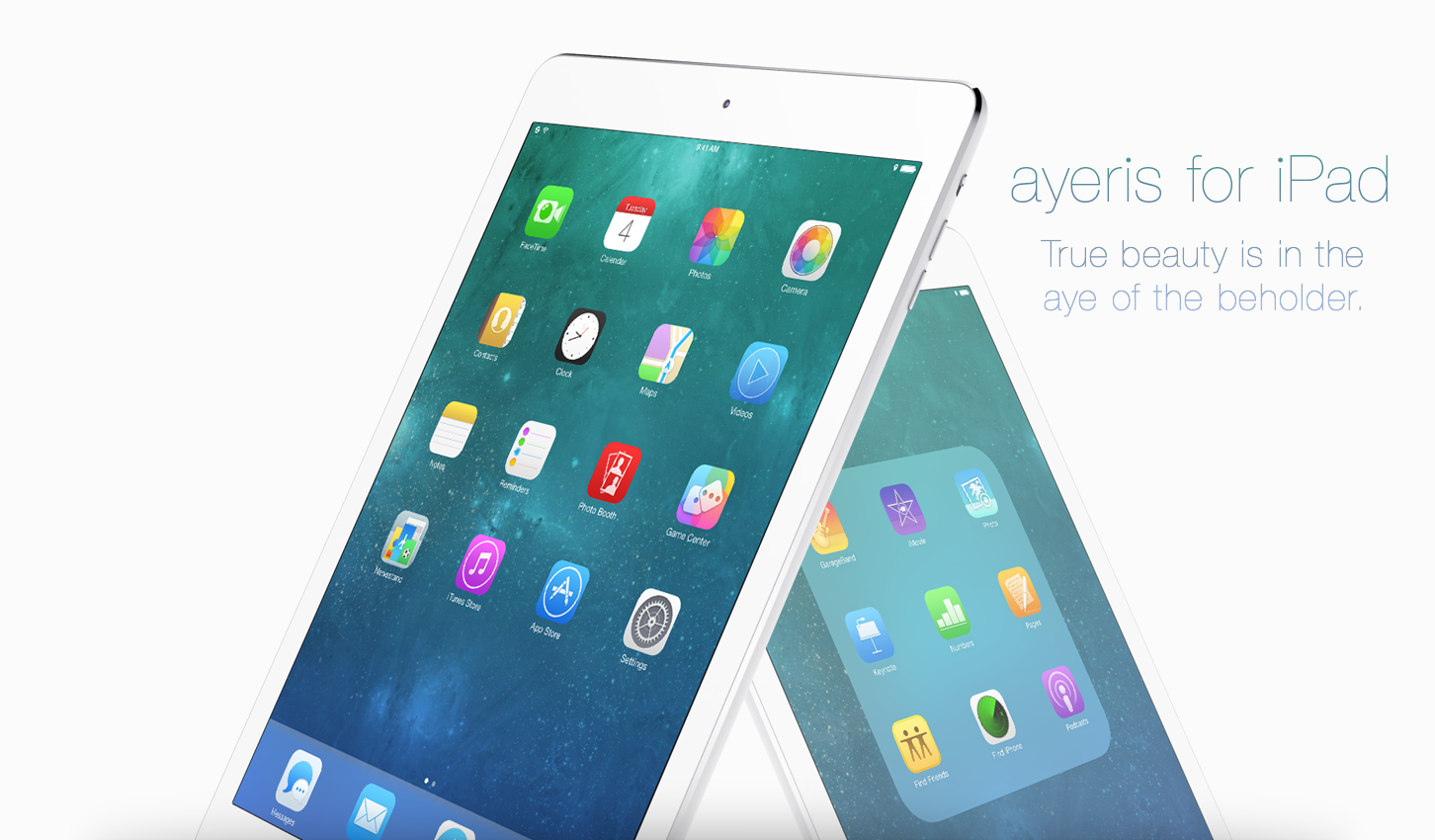
Ayeris jailbreak theme released for iPad

Ayeris—the follow up jailbreak theme from Ayecon creator, Surenix, is now available for jailbroken iPad users. The theme, which was initially released for the iPhone last month, brings a subtle yet refreshing refinement to the look and feel of stock iOS 7.

If you've already purchased Ayeris for the iPhone, then the iPad version is only $0.99. Check inside for additional details.

Vertex: hands-on walkthrough

It seems like we've started to hit the point in the jailbreak cycle where developers are starting to pull out the big guns. For instance, we had IntelliScreenX 7 released last night, Sentry teased a work-in-progress Auxo 2, and today, we're bringing you the first hands-on review of the highly anticipated Vertex—a new jailbreak release that brings Bill Labus' popular Mission Control concept to reality.

I've spent some considerable hands-on time with Vertex—putting it through its paces on my daily driver, bugging Timon Olsthoorn, its humble 16 year-old project manager from the Netherlands—and I have to say, I really like this tweak.

Timon, of course, is just one half of the team that responsible for taking Labus' concept and making it into something tangible. Memphis Tennessee native Ian Burns puts his stamp on the Vertex project by serving as the tweak's lead engineer. As you'll see from our hands-on video walkthrough that follows, Ian is pretty good at what he does.

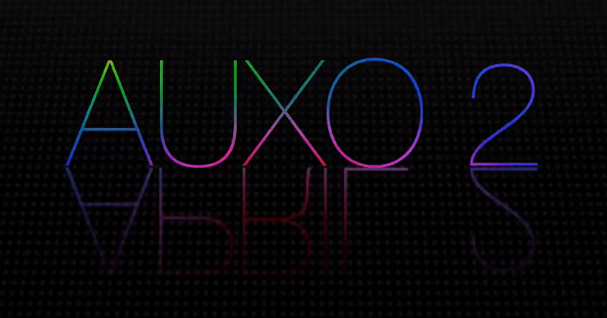
Auxo 2 teased in videos

In October 2012, we posted a few images from a concept by an up-and-coming designer called “Rethinking the App Switcher for the iPhone 5." As the name suggested, the concept offered a different take on the then-bottom-loading app switcher.

That designer's name was Sentry, who is now one of the most well-known figures in the jailbreak community, and that concept went on to become Auxo, perhaps one of the most popular tweaks of all time. And yes, folks, a sequel is on the way...

IntelliScreenX 7 hands-on walkthrough

Intelliborn's IntelliScreenX has been around for a few years now, and it continues its reign as one of the most popular jailbreak releases of all time. Even if you have beef with the way IntelliBorn goes about updating its Cydia releases, slowly trickling out nuggets of information, there's simply no denying that it creates jailbreak apps more ambitious than only the most talented of jailbreak developers.

Even more so than iOS 6, iOS 7 was a radical departure from the status quo, and because of that, jailbreak developers have had to go back to the drawing board so to speak. Intelliborn hasn't been exempt from this problem.

After months or retooling and remixing, and after what has essentially been a build from scratch, IntelliScreenX 7 is finally amongst the living. In fact, we have a beta copy of the highly anticipated release in our hands right now, and we'd love to show it to you.

This latest version of IntelliScreenX is not only a rethinking of the app, it brings a fresh new feature to the table as well. Check inside for our full hands-on video walkthrough of IntelliScreenX 7...

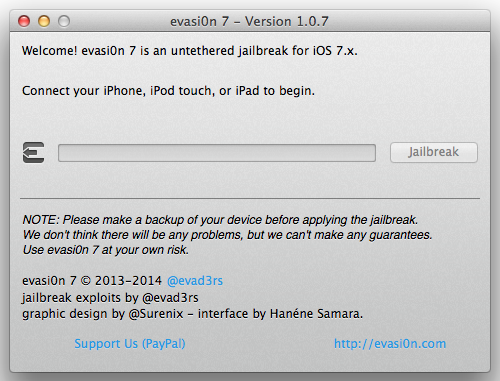
Evasi0n7 1.0.7 released with fix for bundled package list issue in Cydia

The evad3rs have released an update to their evasi0n7 jailbreak tool this afternoon. The update, which brings the tool to version 1.0.7, includes a fix for a known issue where the bundled package lists could not be updated by Cydia.

This is more of a maintenance update, as it doesn't really add new features or benefits for people who aren't experiencing the above problem. So unless you are seeing the issue, there's no reason for you to restore and re-jailbreak...

How to enable the Fleksy Keyboard in stock applications

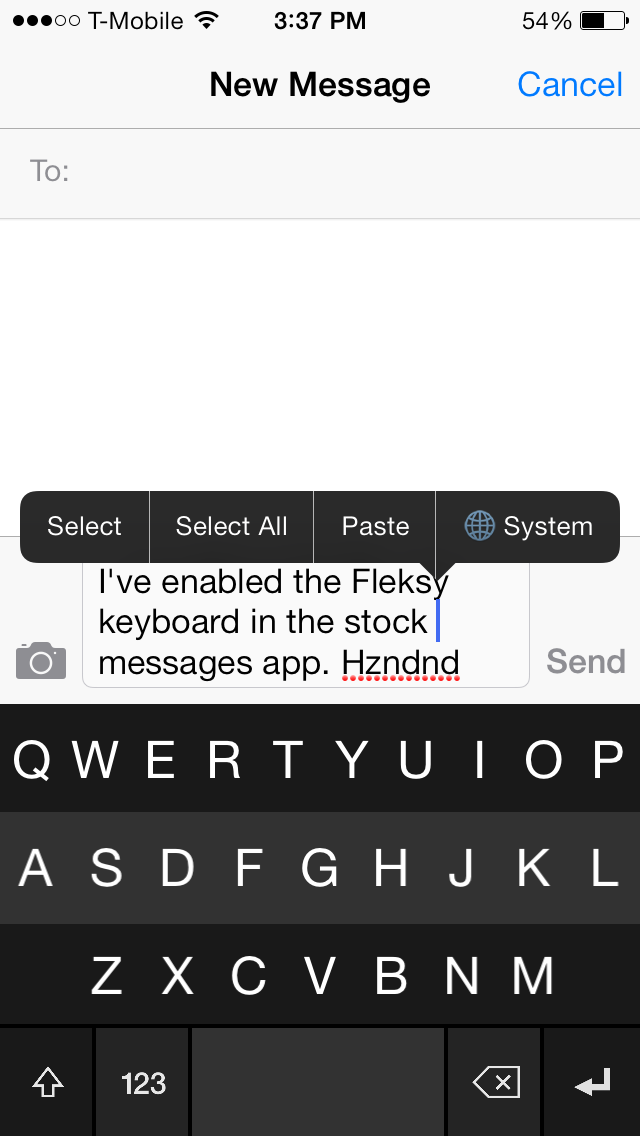
The Fleksy Keyboard is a third-party keyboard with an SDK that iOS developers can tap into if given access by Fleksy. The benefits of using the Fleksy Keyboard over the stock iOS keyboard is readily apparent after just a brief hands-on experience. You can actually go out to the App Store right now to download the standalone Fleksy Keyboard app to try it out. Other apps, like Launch Center Pro, have recently incorporated Fleksy in-app, providing for an arguably better typing experience.

But what about using the Fleksy Keyboard with built-in apps like Messages, Reminders; even Safari? What then? Up until now, this has been impossible. But the recent creation of a brand new jailbreak tweak called Fleksy Enabler, allows you to use the popular keyboard with some first-party and unsupported third-party apps.

TouchBar: disable status bar items with a touch

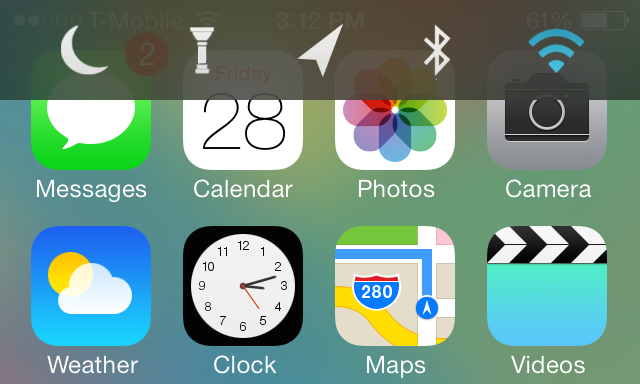
When I first took TouchBar for a spin, I have to admit I was a bit confused. I understood the fact that the tweak allowed you to invoke a quick toggles bar near the status bar; that much was clear. What I didn't understand was a setting found in the preferences for the tweak that allows you to "enable items."

Well, apparently, this enable items toggle lets you touch the actual icons present in the primary status bar. For example, if you touch the little signal bars in the upper left-hand corner of your iPhone's screen, you can engage AirPlane mode. If you touch the Airplane icon, you can turn off Airplane mode. This works for most of the items that you'll find in the status bar.

This is one of the few tweaks that I've run across that lets you interact with actual items in the status bar. Remember, these items are insanely small, so it's a little odd and a bit intriguing all at once. Have a look at our video walkthrough after the jump to see what I mean.

CallShare: create notes, calendar events and more during phone calls

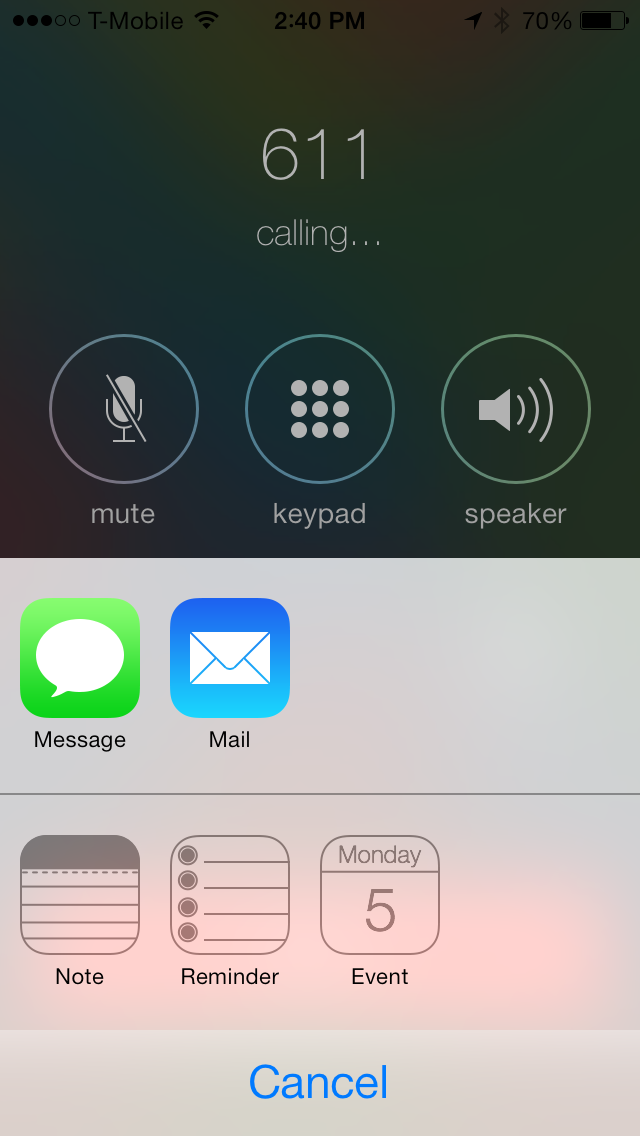
Have you ever wanted to quickly create a note as you engaged in a phone conversation, or perhaps setup a calendar event right there mid-call? CallShare is a recently released jailbreak tweak that allows you to do that and more.

Available for download from Cydia's ModMyi repo, CallShare lets you create new messages, emails, calendar events, notes and reminders directly from the stock Phone app. To see how CallShare works in action, please watch our video walkthrough that appears after the break.

SixBar: enable the black and white status bar from iOS 6

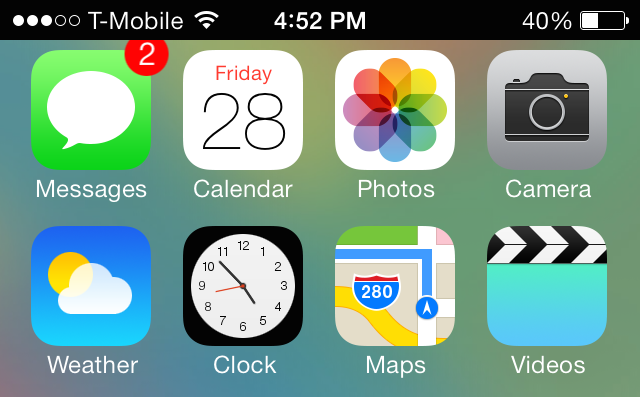
SixBar is a recently released tweak for those of you who are tiring of the status bar present in iOS 7. It forces the status bar into the old-school black and white mode that was last seen in iOS 6.

SixBar is not a theme, so it doesn't require WinterBoard or any other theming utility. Once you install SixBar, you'll need to go to the Settings app to find the tweak's preferences. Inside the preferences you'll notice a lone toggle—a kill-switch—used to enable or disable the tweak. When you enable the toggle and respring, you'll see the familiar black and white status bar inspired by iOS 6...