Jailbreak Apps & Tweaks

These are the latest jailbreak apps and tweaks available for your iPhone or iPad. We save you time by highlighting only the best tweaks.

Vestigo: an awesome way to manage Wi-Fi networks from anywhere

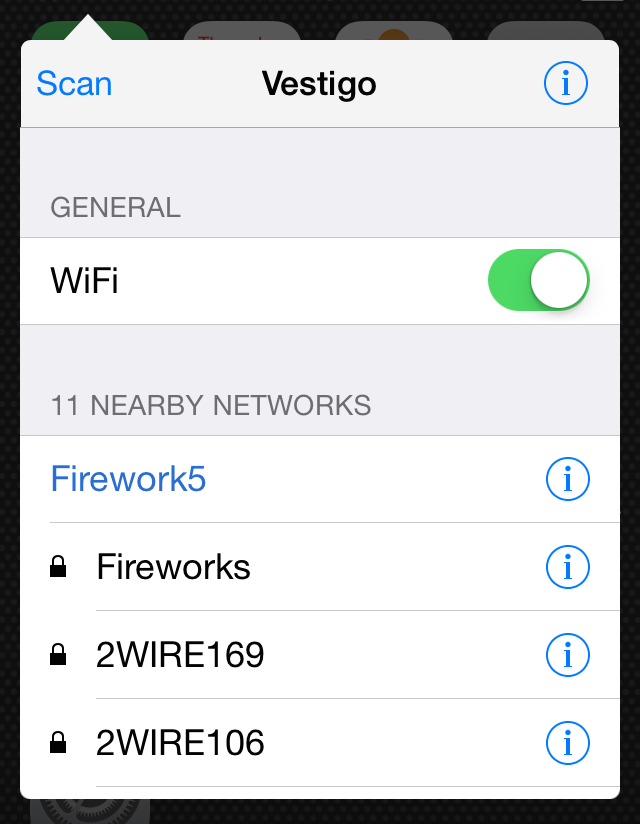
Vestigo is a great-looking upcoming jailbreak tweak that makes managing Wi-Fi networks on your jailbroken iPhone a breeze. It's a well-designed tweak that incorporates Activator gestures to access Wi-Fi management from anywhere.

We've got an early look at Vestigo—a tweak that should be touching down on Cydia any day now—and we really like what we've found. Want to see how Vestigo works in action? Take a glance at our video walkthrough after the break.

MarkAsRead7: Remove icon badges when clearing Notification Center

Are persistent app badge notifications getting you down? Do you wish they'd just go away after clearing alerts from Notification Center? If this sounds like a problem you experience, then you'll definitely be interested in MarkAsRead7.

MarkAsRead7 is a free jailbreak tweak available right now on Cydia's BigBoss repo that helps you keep your Home screen looking fresh and clean. As its name implies, it features iOS 7.1.x compatibility out of the gate. Take a gander at our video demonstration inside to see why you may find this tweak to be useful.

How to fully mask password input on the iPhone

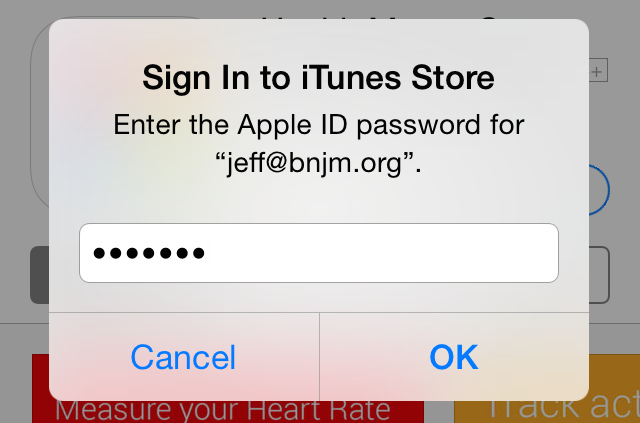
Have you ever typed a password in iOS and wondered to yourself why Apple doesn't mask the last character completely? The reason that Apple doesn't fully mask the password as you type probably has to do with being able to verify that you entered the correct password.

Some may argue that such a feature is counter to staying secure as you enter your password. It's easy to see why some people may feel that way.

Enter Fully Masked Passwords—a new jailbreak tweak that applies a full mask to every character entered in a password field. Check out our video after the break to see it in action.

Auki updated with new features and new developer API

Our favorite quick reply-enabling jailbreak tweak has been updated with quite a few new features, a brand new developer API, bug fixes, and much more. Auki version 1.3 is a fairly large update, the first of such since the Pangu jailbreak for iOS 7.1.x was released.

Designer Surenix and developer Benno provided us with a preview copy of Auki 1.3, and we've been testing it out for the last few hours. Have a look inside to see what's new.

TypeStatus Plus teased in new blog post

Hashbang productions, the team that brought my idea of TypeStatus to reality, has teased an incoming new version of its popular jailbreak tweak called TypeStatus Plus.

Why the Plus? For starters, it works with more than just iMessage. It works with WhatsApp, Facebook, Skype, and Kik. It also features Notification Center integration and Lock screen integration.

How about customizable status bar notifications? That's there too. What about Pebble watch support? Yep, you'll find that in TypeStatus Plus as well...

Acute: a new voice control tweak for jailbreakers

Acute is a brand new and highly anticipated voice control tweak for jailbroken iOS user. We've been playing around with it for a day or so, and we really like what we see thus far. This tweak has potential.

Acute allows users to create custom phrases that can be uttered from anywhere within iOS. Once Acute detects a phrase, it will launch a pre-configured action, or a custom action based on your custom phrases. Actions can be linked to any Activator action, which makes this tweak extremely versatile and powerful.

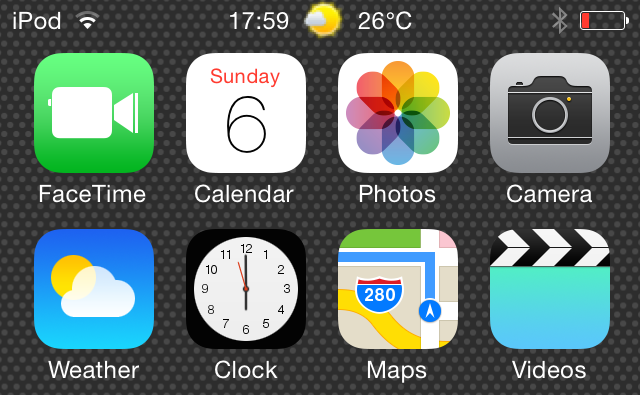
How to add weather to the status bar in iOS 7.1.x

StatusbarWeather7 is a jailbreak tweak that places current weather information in the status bar at the top of the iOS interface. StatusbarWeather7 plays nice with iOS 7.1.x devices, which were just recently jailbroken courtesy of the Pangu jailbreak.

If you're in need of a tweak that places current weather info right at your fingertips, then you'd be hard pressed to find a tweak that's more convenient. Step inside to see StatusbarWeather7 in action via our hands-on video walkthrough.

Springtomize 3 updated for iOS 7.1.x sporting a brand new feature

Springtomize 3 has received a critical update for those wishing to properly use the tweak on iOS 7.1.x jailbroken devices. The update, which is free for previous purchasers of Springtomize 3, is now available for download from Cydia's BigBoss repo.

For those of you unfamiliar with Springtomize, this is a tweak that essentially allows you to customize the look of the Home screen to an insane degree. It's many tweaks rolled into one good-looking and generally reliable package, and it's what its developer, Filippo Bigarella, is primarily known for.

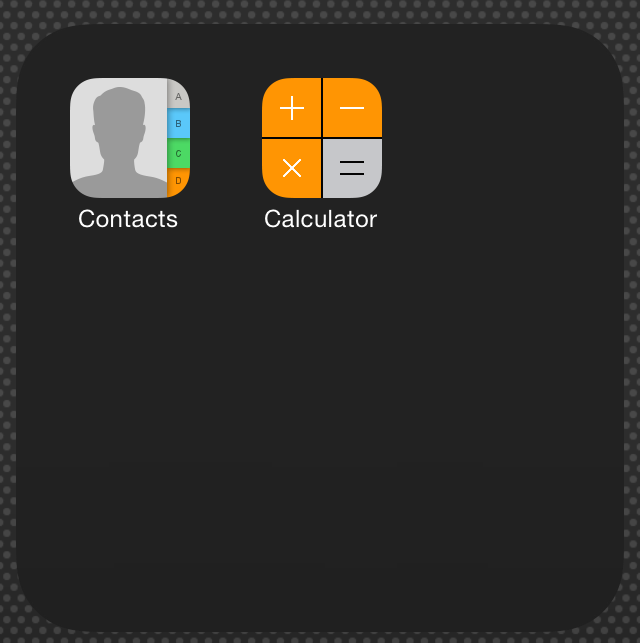
I've downloaded the Springtomize 3 iOS 7.1.x update and have been playing around with it all day. I can report that the tweak works as expected, and it brings quite a few bug fixes to the table. You'll also be interested to know that this update brings with it a brand new feature—a dark background for folders. Check out the details after the break.

‘TapTheAt’ adds a quick keyboard shortcut for email addresses

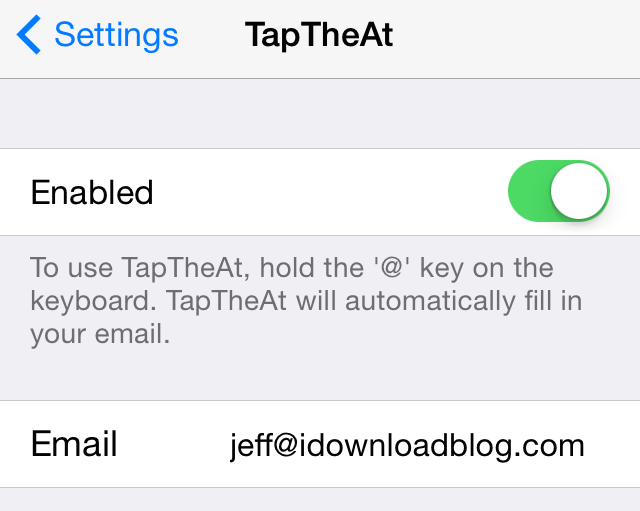
If you have a long email address like yours truly—because let's face it jeff@idownloadblog.com is pretty long—then this new jailbreak tweak is something you may take a liking to. It's called TapTheAt, and it makes it super-easy to quickly populate your email address by using a simple keyboard shortcut.

TapTheAt allows you to insert your email address by simply tapping and holding the '@' key on the iPhone's keyboard. Once you do, the email address will be auto-pasted, which eliminates the need to type out the full email address manually.

Check out our full video demonstration showcasing how TapTheAt works.

How to resize app icons with Icon Resizer

Icon Resizer is a new jailbreak tweak that does exactly what its name says—allows you to resize the iPhone's Home screen app icons. We've downloaded it, tested it out, and would like to show you how it works in action.

Although you won't find Icon Resizer on any of Cydia's default repos as of this post, it is available for download via the developer's GitHub repo, which we will, of course, share with you. Check past the jump for our full video analysis and other vital details of this interesting new jailbreak release.

ColorfulVolume: add color to the volume HUD on iOS 7.1.x

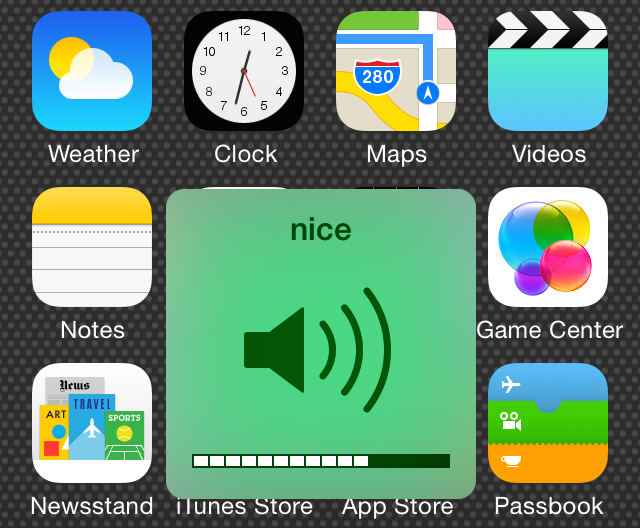
ColorfulVolume is a brand new iOS 7 jailbreak tweak that allows you to change the color of your volume heads up display (HUD).  It also lets you add a custom title near the top of the volume HUD and set it to change to a random color with each invocation.

For those of you interested in having fine-grained access to the exact color that appears for the volume HUD, you'll be happy to know that ColorfulVolume includes individual RGB sliders for granular color adjustments. Have a look at our video walkthrough of ColorfulVolume after the jump.

How to get iOS 8 style quick reply on iOS 7

If someone told you that six months ago that quick reply for Messages would be a feature in iOS 8, most people would probably say that it would be the headline feature for the updated OS. But Apple cranked it up a few notches, unveiling new features like Continuity and extensions, and suddenly quick reply no longer seemed like that big of a deal.

But let's face it, quick reply is still very much a big deal. In fact, it's such a wanted feature that there have been tons of jailbreak tweaks in the past that have brought some form of quick reply to the table for jailbroken users.

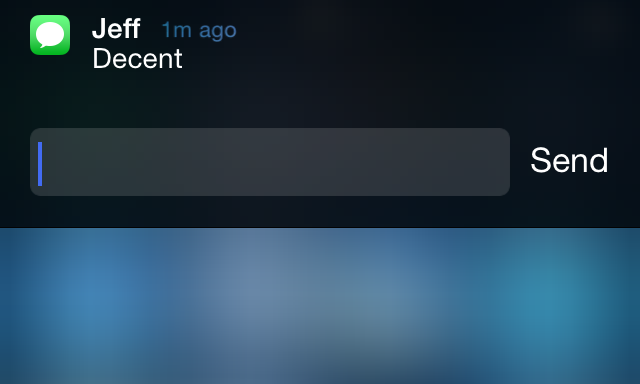
The latest such tweak aims to mimic the quick reply style found in iOS 8 to a close degree. Have a look at our video walkthrough past the break to see Interactive Message Notifications in action.