Cydia Installer just received an update, bringing the package to version 1.1.17. The update, which adds compatibility to TaiG's iOS 8.3 jailbreak, is now available for download on jailbroken devices.
Cydia Installer updated to support iOS 8.3
These are the latest jailbreak apps and tweaks available for your iPhone or iPad. We save you time by highlighting only the best tweaks.
Cydia Installer just received an update, bringing the package to version 1.1.17. The update, which adds compatibility to TaiG's iOS 8.3 jailbreak, is now available for download on jailbroken devices.
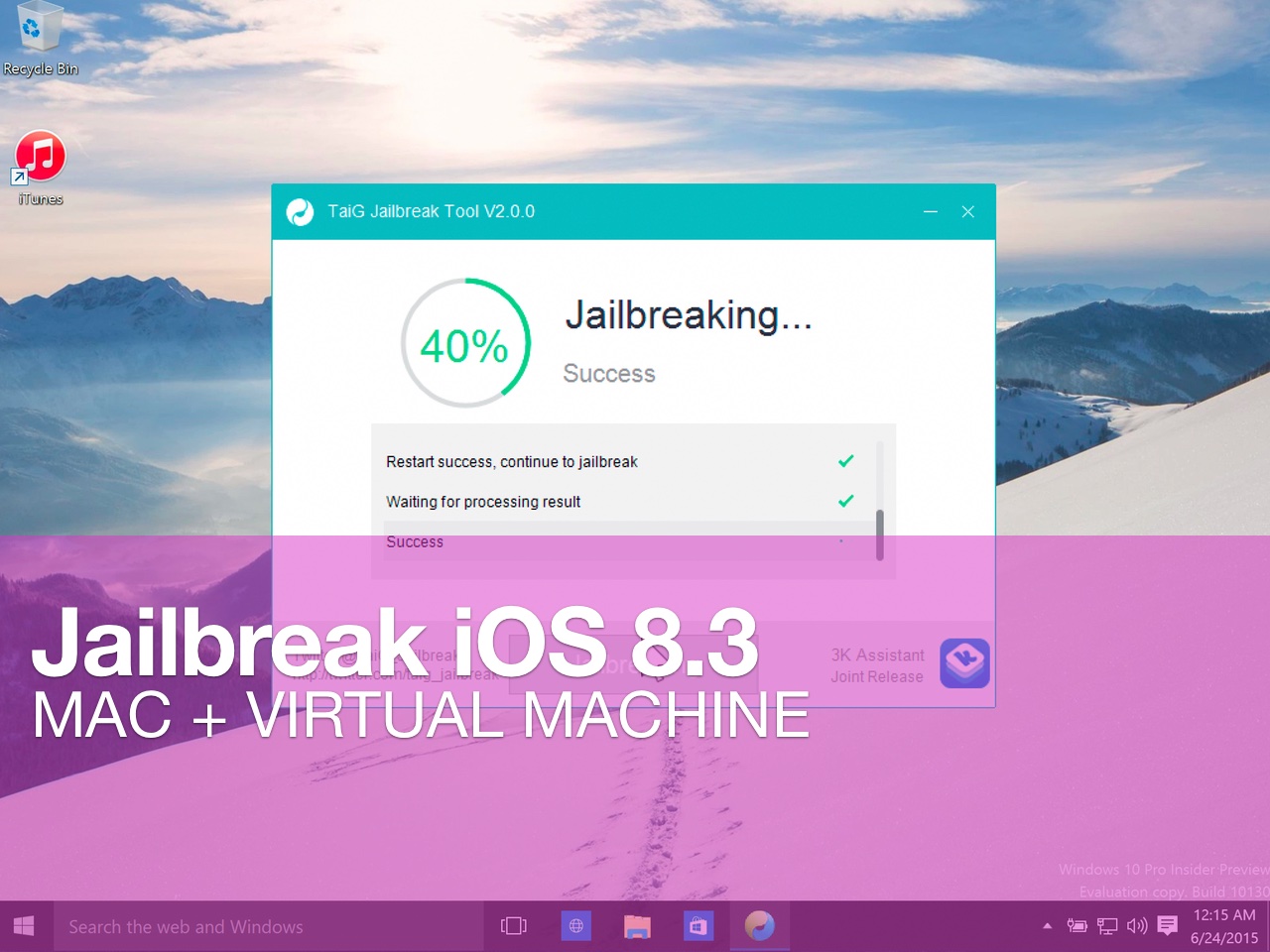
Although the iOS 8.3/iOS 8.4 jailbreak was a surprise, it was no surprise that the release was limited to Windows only. While this can make some Mac users feel bitter, it's actually not a very big deal at all.
Thanks to the awesome virtual machine software that we have on the Mac, it's super-easy to jailbreak an iPhone on our Macs, even if said jailbreak is Windows only.
In this complete tutorial, I'll walk you through the entire process of setting up the virtual machine, installing a valid version of iTunes, and jailbreaking your iPhone.
The most impressive thing about this tutorial is that it can all be done in less than 18 minutes (not including the necessary file downloads), and it's 100% free to do.
If you're a Mac-only user, there really is no excuse for you not to be jailbroken if you want to be. This method is tried and true, super-reliable, and it just works. In fact, by sticking to this method and following my video, you'll likely be able to avoid many of the pitfalls plaguing those who are experiencing issues with the TaiG tool.

Episode 113: A discussion about the just-released iOS 8.3 jailbreak.
Subscribe via RSS
Support Let's Talk Jailbreak
Red Hat. - Different for the sake of better technology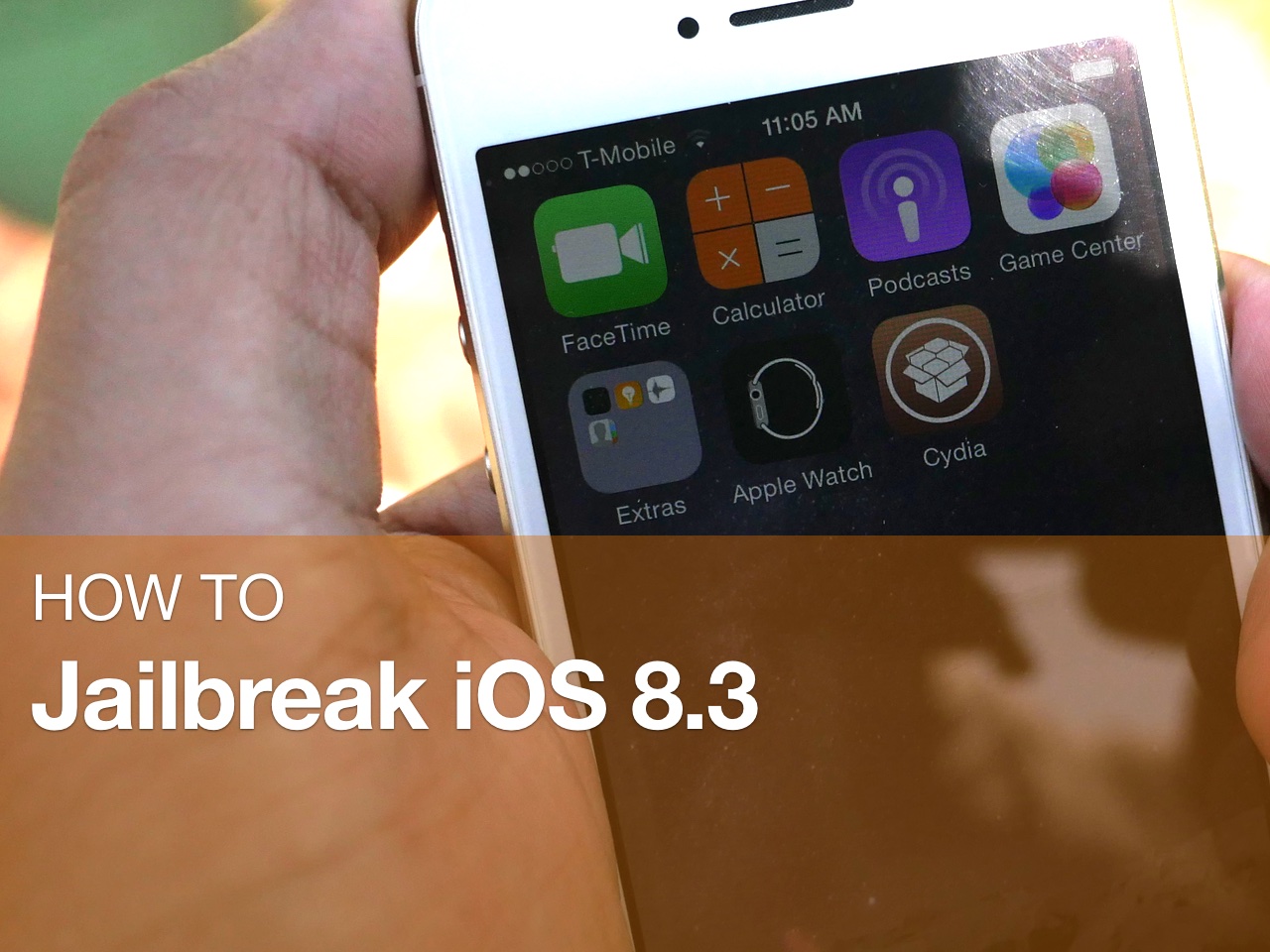
In this tutorial, I will show you how to jailbreak your iPhone or iPad running iOS 8.3 using TaiG 2.0. This jailbreak is super easy to do, and takes minimal effort if the instructions are followed closely.
Watch our full video walkthrough inside, as I take you through the step-by-step jailbreak process for iOS 8.3.
When TaiG released its iOS 8.3 jailbreak early this morning, it was largely assumed that saurik would need to do something on his end to ensure compatibility with Cydia Substrate—the support framework used to run your favorite jailbreak tweaks.
As it turns out, that's not exactly the case. In fact, saurik himself has cleared the air, making it apparent that the ball is in TaiG's court when it comes to providing a fix for substrate.
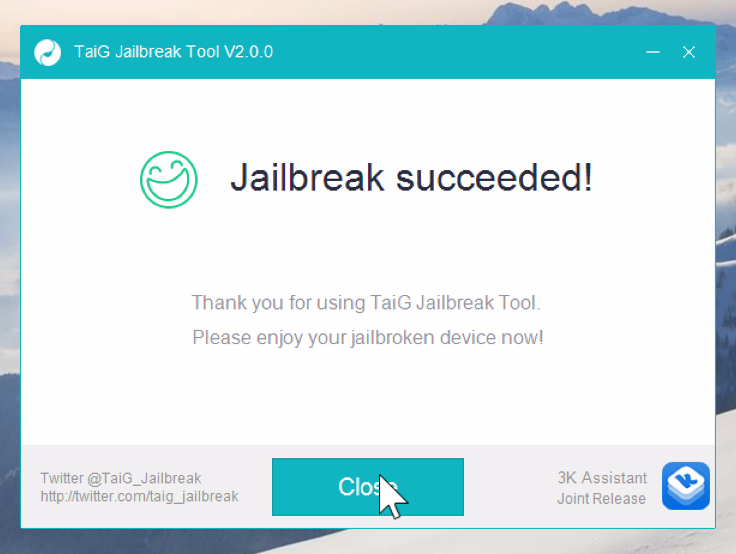
Thankfully, the 20% error that was causing us problems earlier today has been solved. If you received this error, you need to downgrade your version of iTunes.
I decided to downgrade to iTunes 12.1.0 as suggested by several of my Twitter followers, and just like that, it worked. If you're having problems with TaiG 2.0.0 hanging at 20% completion for the iOS 8.3 jailbreak, then try downgrading your version of iTunes.
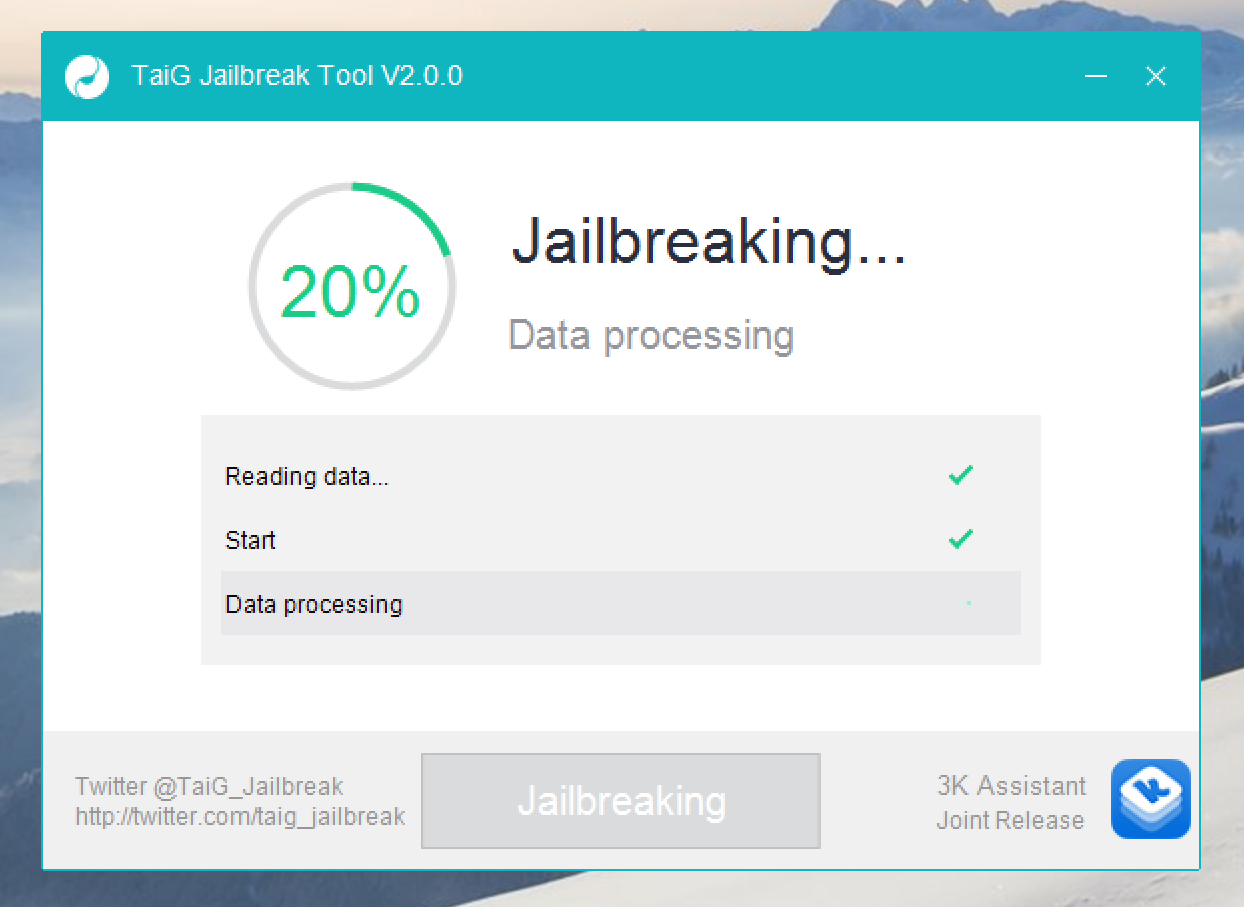
Many would-be jailbreakers are stuck at the 20% progress mark with the just-released TaiG 2.0.0 jailbreak tool for iOS 8.3. The jailbreak starts well enough, but after a quick takeoff, putters out at the 20% mark. Thankfully a workaround is now available.
After a few minutes of being stuck on 20%, the iPhone will reboot and will stay stuck at 20%, and the reboot process will continue. Are you experiencing this issue? Sound off in our comments

A jailbreak has been released for iOS 8.3 by the TaiG team. This jailbreak supports iOS 8.1.3 through iOS 8.3 and is Windows only.
See: How to jailbreak iOS 8.3
The tool, which is dubbed TaiG 2.0, can be downloaded right now from our downloads page.
This release is quite interesting, since it was thought that the Pangu team would be the one to release a jailbreak for iOS 8.3 and TaiG would focus on iOS 9. That, obviously, is no longer the case.
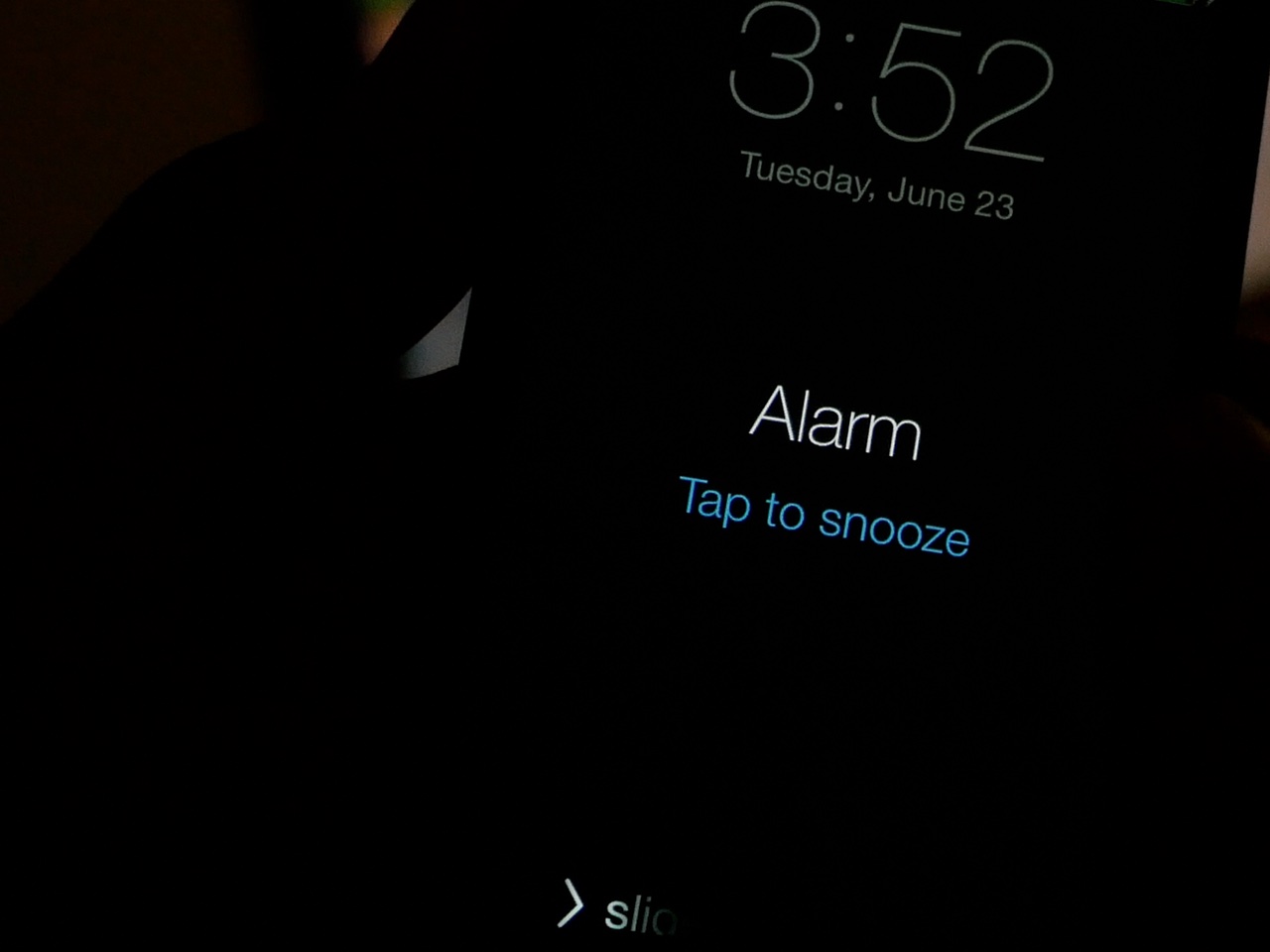
When you're half awake, tapping the tiny "tap to snooze" button on the Lock screen can be a daunting chore. Fortunately, if you're a jailbreaker, it's much easier to snooze an overzealous alarm
By turning your Lock screen into one giant button, SnoozeHelper (free) makes it super easy to snooze a pesky alarm clock. Watch our video walkthrough inside to see what I mean.
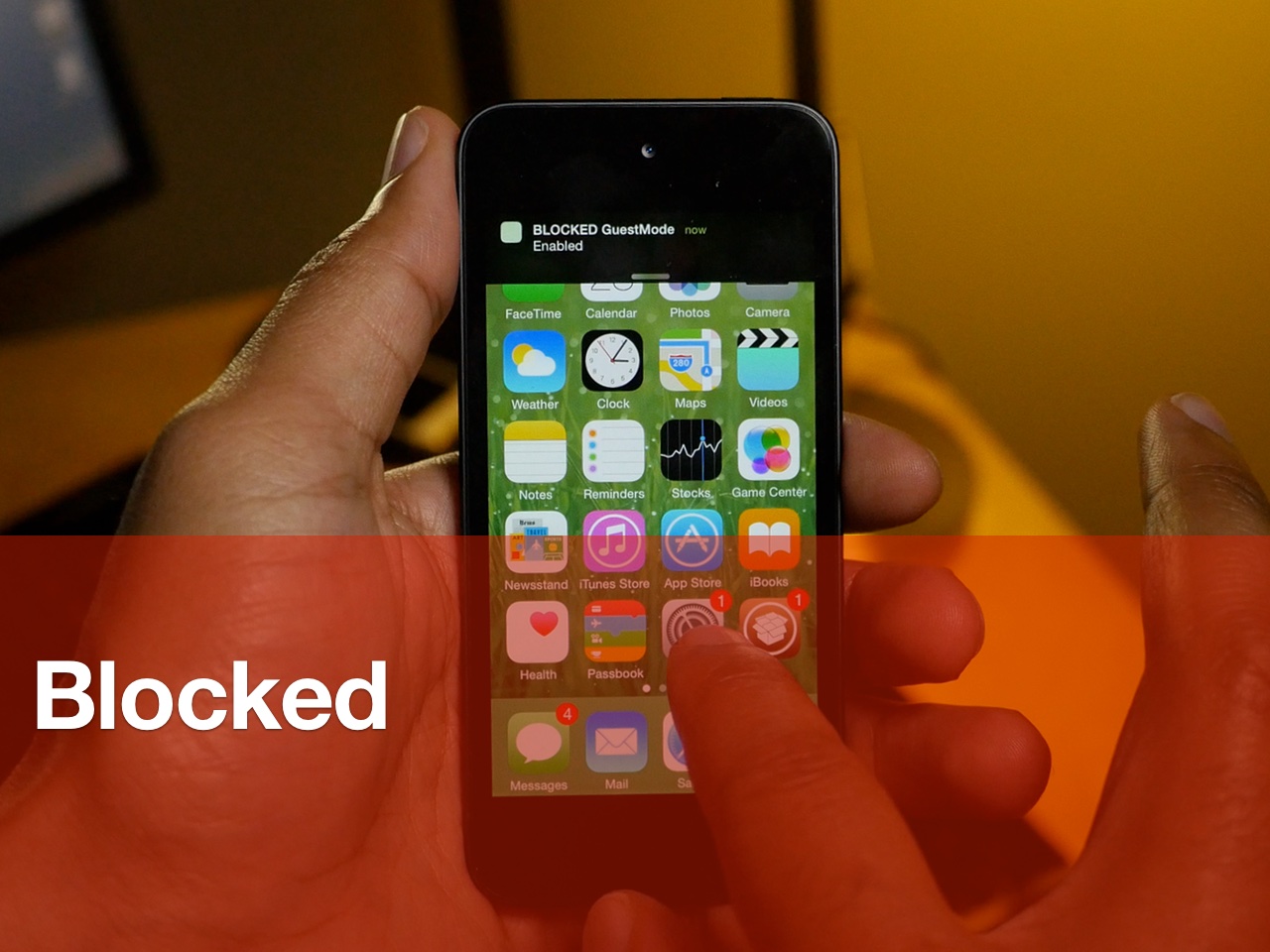
Jailbreakers Nikias Bassen (Pimskeks) and Melissa Archer have teamed up for a new security-oriented jailbreak tweak called Blocked. Released at WWJC 2015, Blocked brings two new operation modes to the iPhone for enhanced security.
The two modes, SleepMode and GuestMode, each work to block access to certain features. By using Activator gestures, users can quickly and stealthily enter either mode to beef up device security.
Watch our video walkthrough inside to see how to the tweak works.
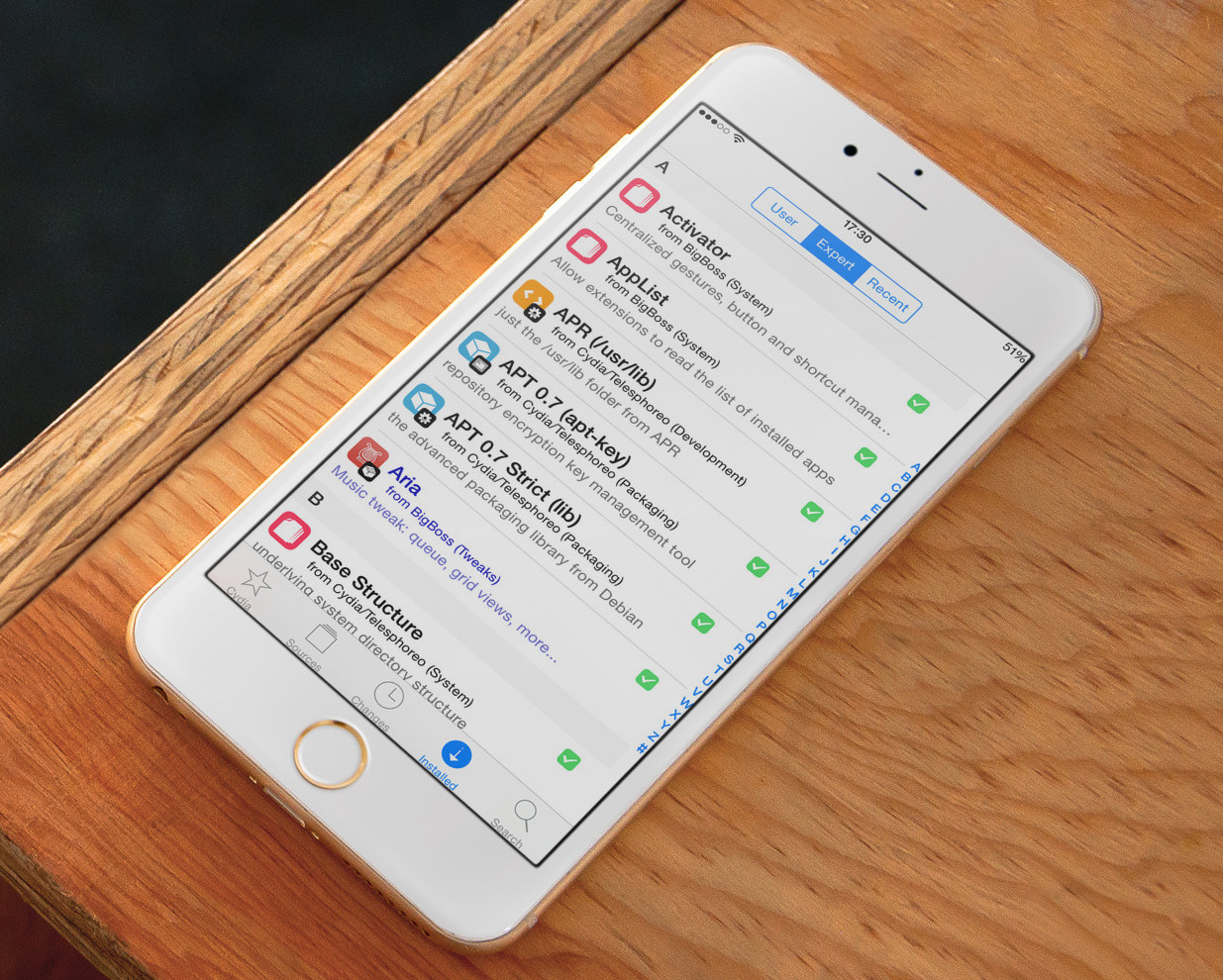
In what seems to be the most uneventful week we've had in a long time, we saw the release of only a handful of tweaks, and nothing to really call home about.
Columba was the talk of the town, but those who tried it quickly came to the conclusion it doesn't hold a candle to biteSMS, a tweak it claims to be a replacement for.
Browsing through the new jailbreak apps and tweaks of this week won't take you long...