Jailbreak Apps & Tweaks

These are the latest jailbreak apps and tweaks available for your iPhone or iPad. We save you time by highlighting only the best tweaks.

How to add Mario-inspired notification sounds to iOS

If you're rocking a jailbroken iPhone and you like Mario, then a newly released jailbreak tweak is sure to be right up your alley. 1UP is a brand new tweak that alters the sound of Message notifications to that of the classic Mario coin sound found in Nintendo's storied gaming franchise.

The real treat of the tweak, and the inspiration behind the name, comes from when you reach a preset threshold of notifications. By default, once you receive 10 notifications for the Messages app, you'll hear the special "1UP" sound instead of the typical coin notification.

1UP is a great tweak to have if your heart strings are easily pulled by video game nostalgia. Best of all, it's available free of charge on Cydia' ModMyi repo.
How to jump directly to a specific folder with Activator

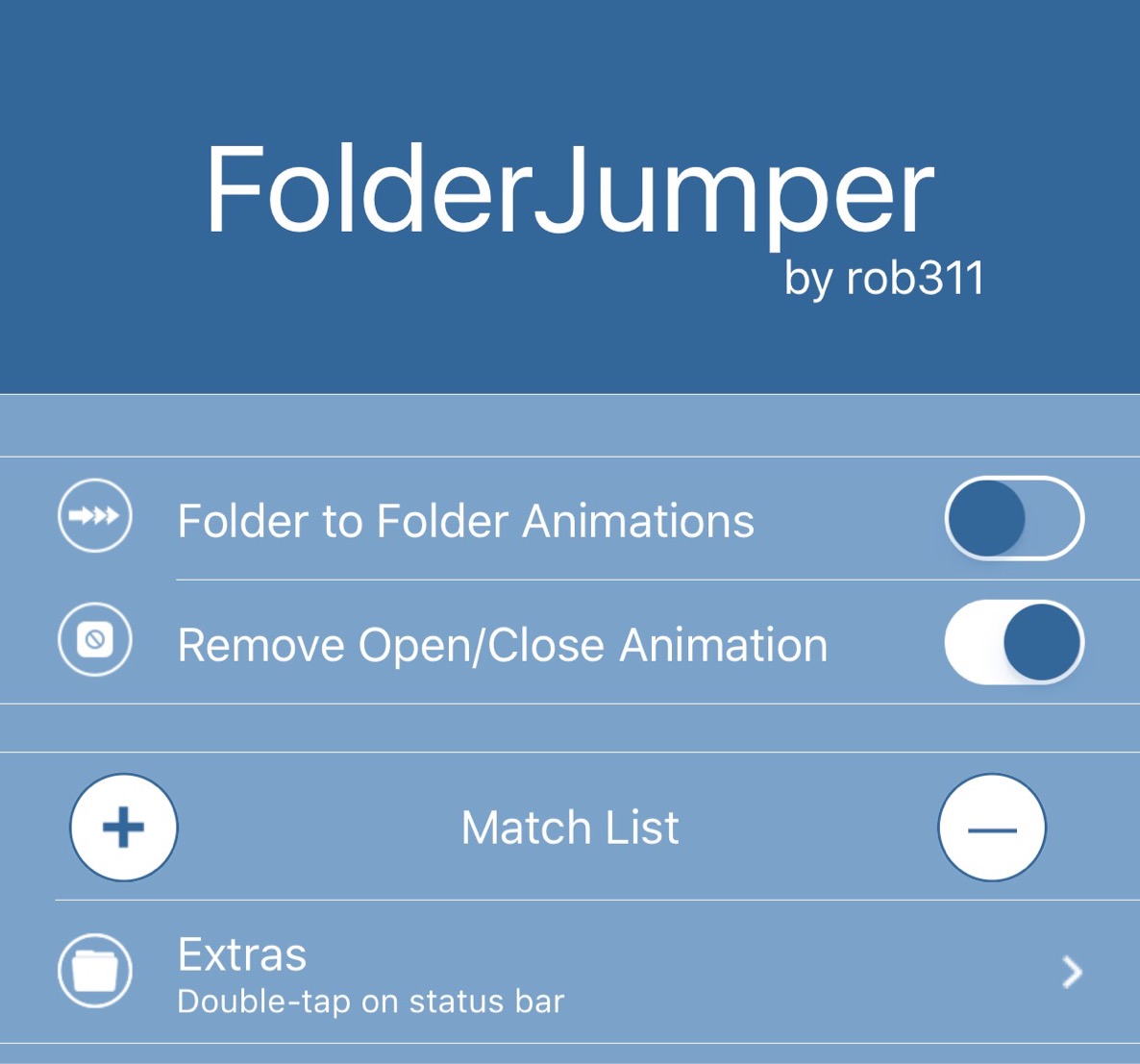
FolderJumper is a new jailbreak tweak that lets your instantly access a SpringBoard folder by using an Activator gesture. If you have groups of specific apps placed within a folder that you frequently access, then FolderJumper, a $1.99 tweak available on Cydia's BigBoss repo, can make accessing those apps easier.

Auxo 3 released for iOS 9

Auxo 3 has been released for iOS 9 as a brand new package. The popular multitasking tweak has been rewritten for iOS 9, and as such, A3tweaks has pushed it as a separate package and not a direct upgrade from the previous version of Auxo 3.

The good news is that upgrade pricing applies, so if you purchased previous versions of Auxo, you get a discount. Previous Auxo 3 users get Auxo 3 for iOS 9 for only $0.99. If you purchased Auxo 2 in the past, then Auxo 3 for iOS 9 is $1.99 instead of $2.99.

Music Agent adds shuffle and repeat controls to Control Center and Lock screen music controls

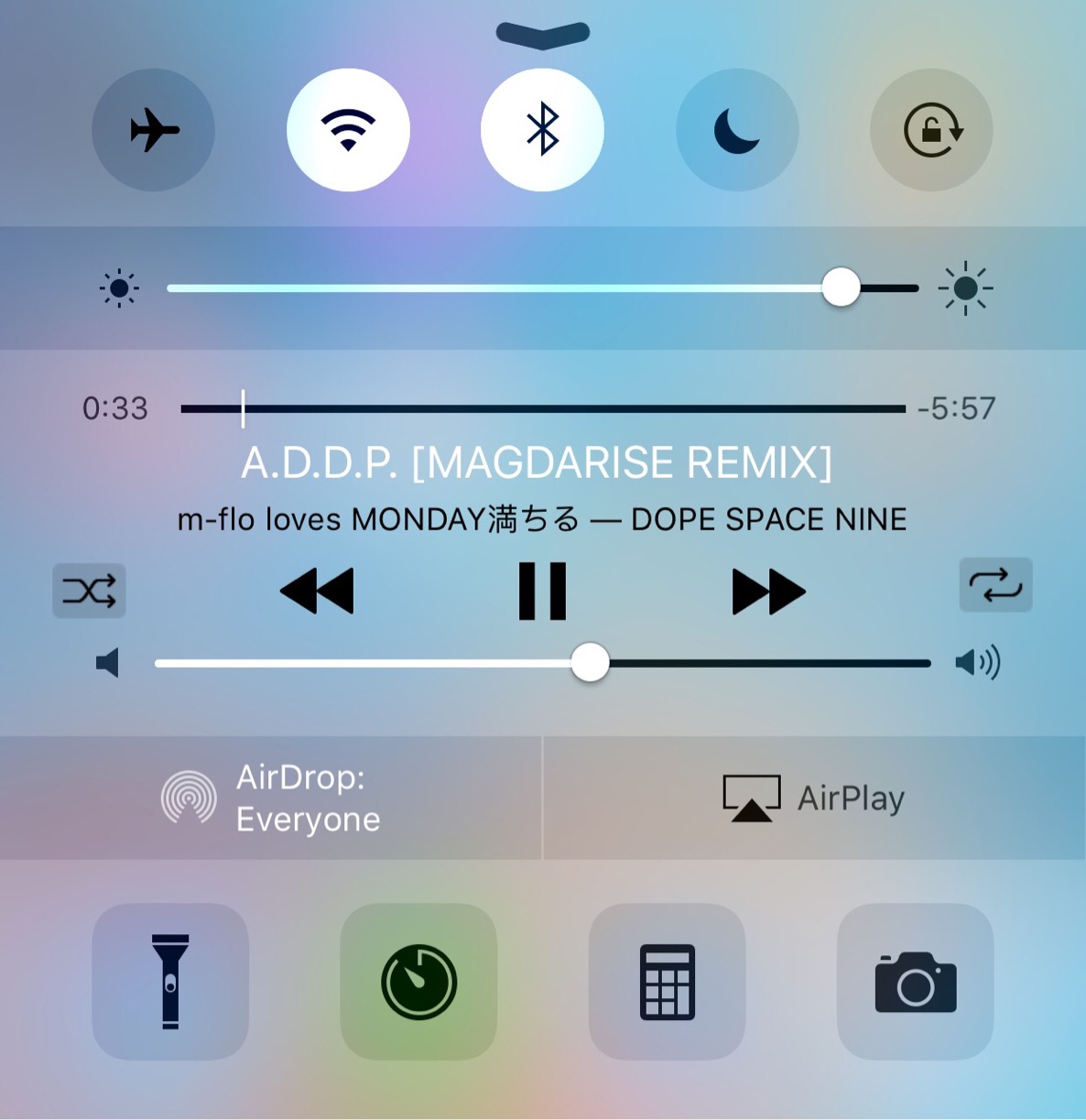
I find it weird that there's no native shuffle or repeat options for music playback to be found in Control Center, but here we are, deep into the feature's existence with no such options to be found.

The same thing can be said about the Lock screen music controls as well. Maybe I'm in the minority when it comes to wishing for these two features, but I use the repeat and shuffle options constantly within the actual Music app. It would be so much more convenient for me to have such buttons readily available within Control Center and from the Lock screen.

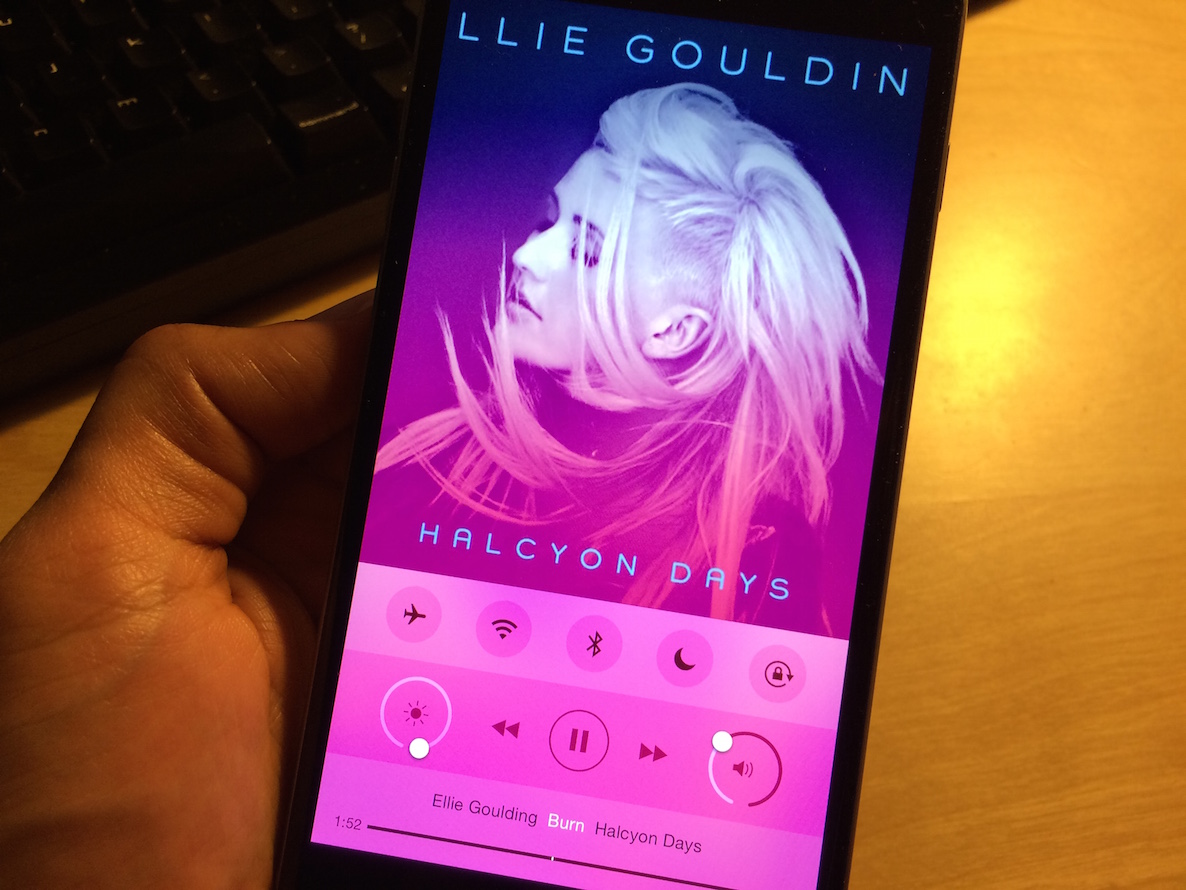
For jailbreakers, a new $0.99 jailbreak tweak called Music Agent brings both of these features to iOS. If you're a big fan of the shuffle and repeat music controls, then you'll definitely want to check out this new tweak.

‘Flash’ automatically displays a Lock screen flashlight shortcut when in a dark environment

From time to time I've been known to question the idea of jailbreaking my iOS device. I tend to waffle back in forth between loving it and being a little ho-hum on the idea.

Make no mistake, I'll likely always be a jailbreaker as long as its possible, but using a jailbreak on my daily driver is something different altogether. Right now, my jailbreak has been relegated to my iPhone 6 Plus, my test device; but tweaks like Flash make me wish I still had Cydia on my main device.

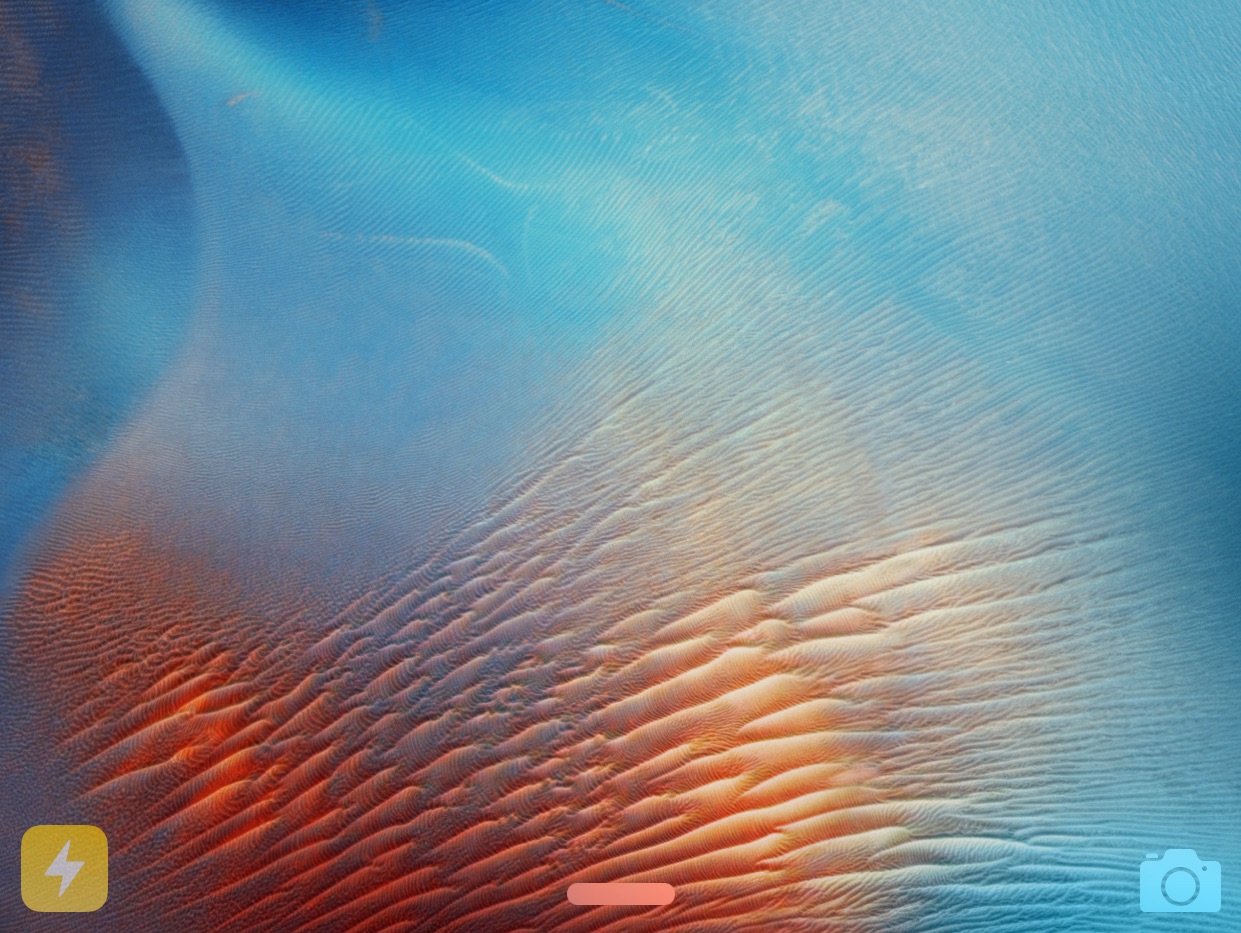
Flash is a clever jailbreak tweak that presents a flashlight shortcut on your Lock screen when the iPhone's Ambient Light Sensor detects you're in a dark environment. Watch our video inside to see it in action.

How to customize the day of the week text color on the Calendar app icon

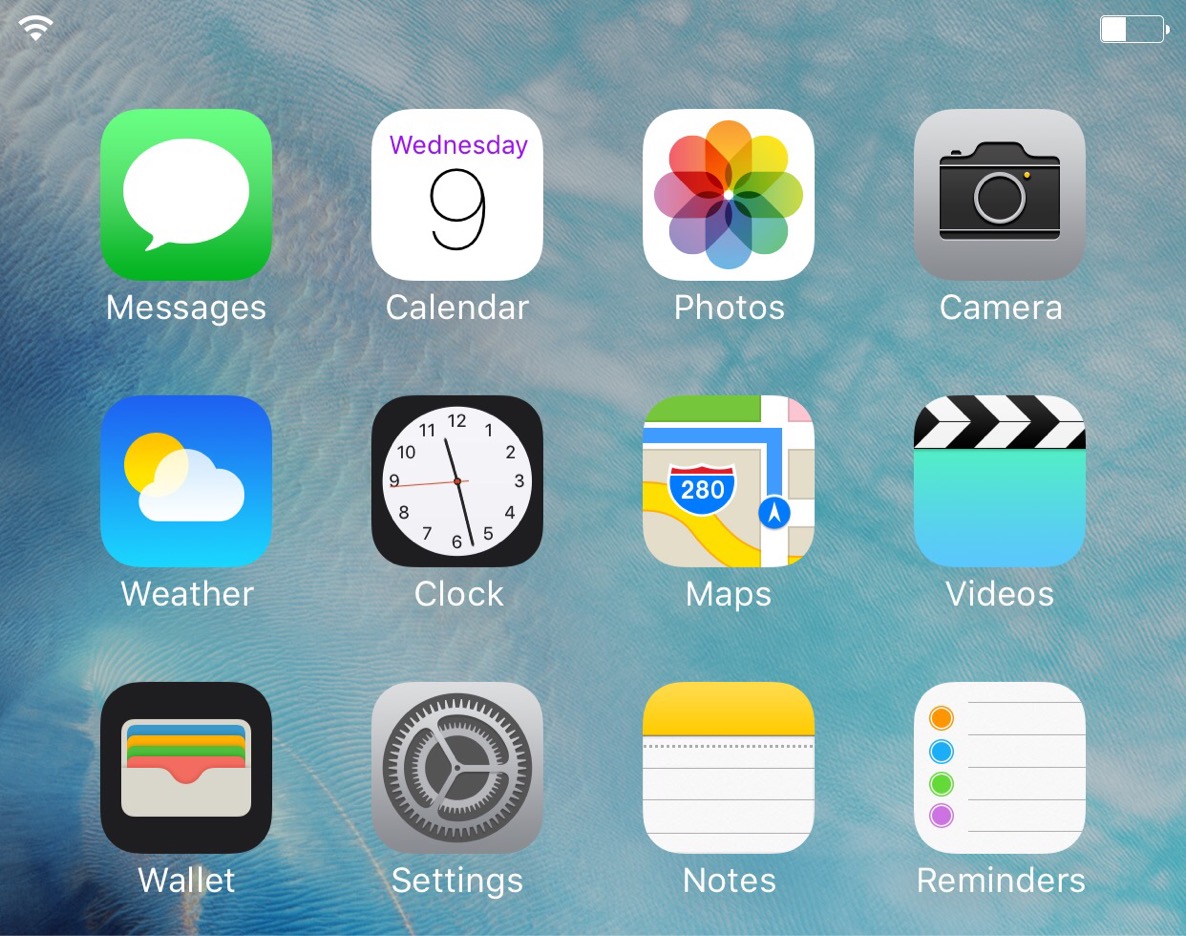
SBCalendarColor is a just-released jailbreak tweak that brings the ability to customize the color of the name of the current day on the Calendar app icon. By default, the color of the day of the week text is red, but with SBCalendarColor installed, you can utilize a color picker to change the text to any color of your liking.

You can even use hex values to establish a precise text color if that's more up your alley. If you're looking to subtly customize your Calendar app icon without needing to rely on themes, then SBCalendarColor is a tweak worth looking into.

How to enable third-party keyboards in Google Chrome [jailbreak]

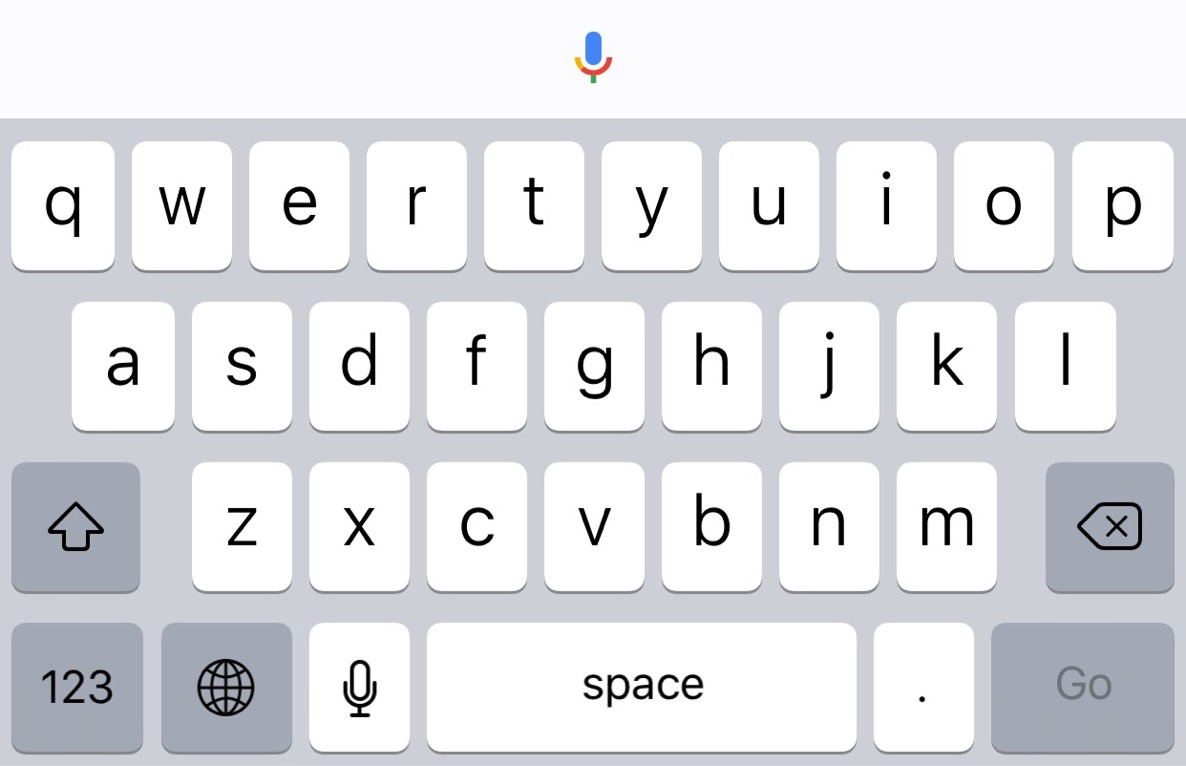
Have you ever wanted to use a third-party keyboard with Google Chrome on iOS? On a stock iOS device, you can't use alternate keyboards like Swype with Chrome, but with a jailbroken iPhone, it's possible.

ChromeKeyboardEnabler is a newly released jailbreak tweak by developer snakeninny, and it enables third-party keyboards within Google Chrome. Just install it, and you're ready to go.

Let’s Talk Jailbreak 137: odd in a Goodges way

Episode 137: A brief talk about Apple's new releases, including iOS 9.2, its new iPhone 6s Smart Battery Case, and the new USB 3.0-enabled Lightning to SD Card Camera Reader. We also talk about new jailbreak tweaks. In this episode we discuss Goodges, Splitify, SwitchService, StealthFolder, and Motus.

Subscribe via RSS

StealthFolder: turn folders invisible on jailbroken devices

Have you ever wanted the ability to hide a folder or app in plain sight on your iOS Home screen? StealthFolder is a new jailbreak tweak that lends such functionality to all jailbroken iPhone users.

With StealthFolder installed, all folders on the iOS Home screen are hidden, completely transparent, until you touch them. Once tapped, the folders open like normal, displaying their contents.

If you're looking to hide specific apps, but don't want the inconvenience of locking them down completely with Passcodes or Touch ID, then StealthFolder is a legitimate option.

Goodges: a tweak that replaces badge notifications with labels

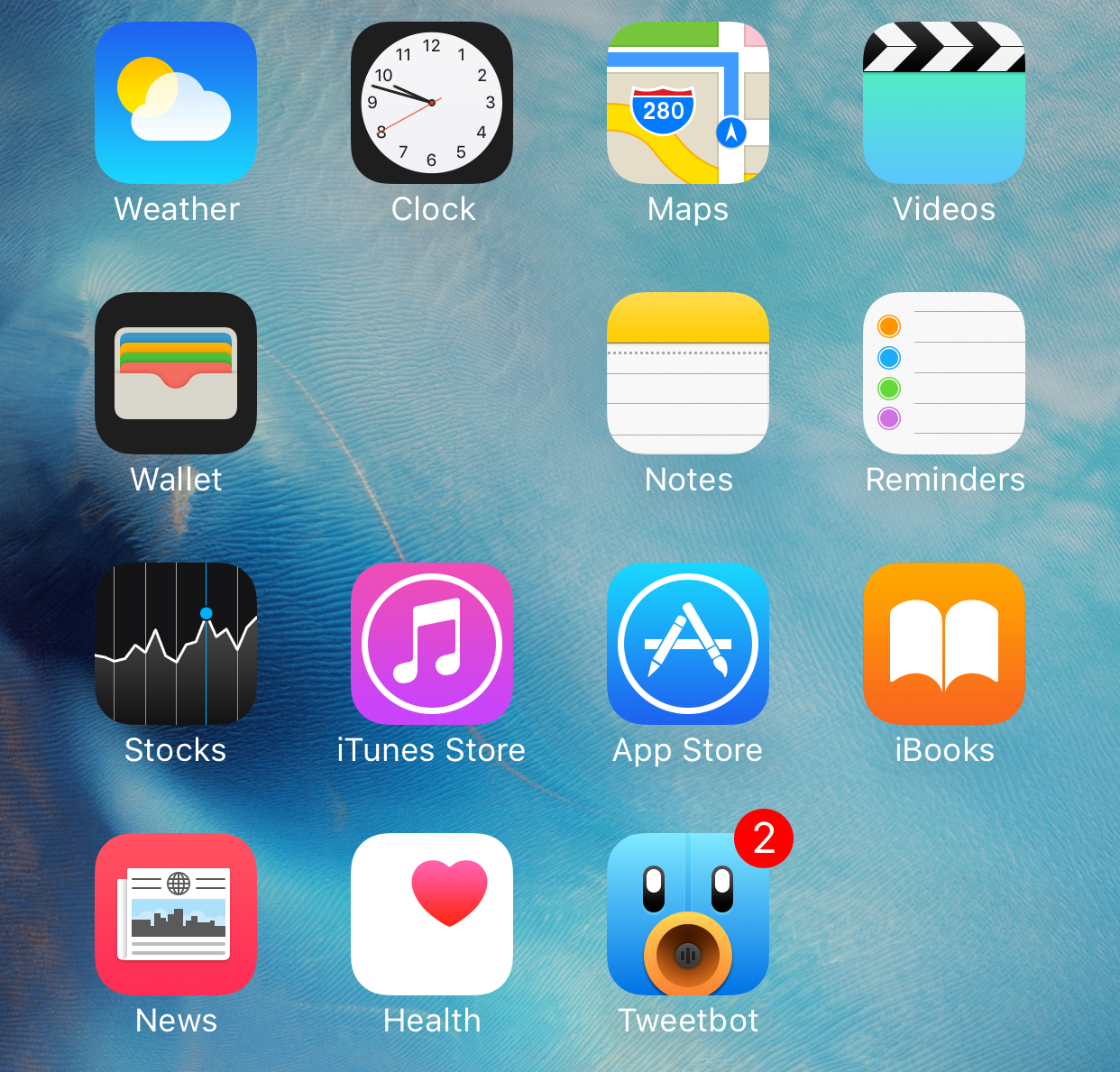
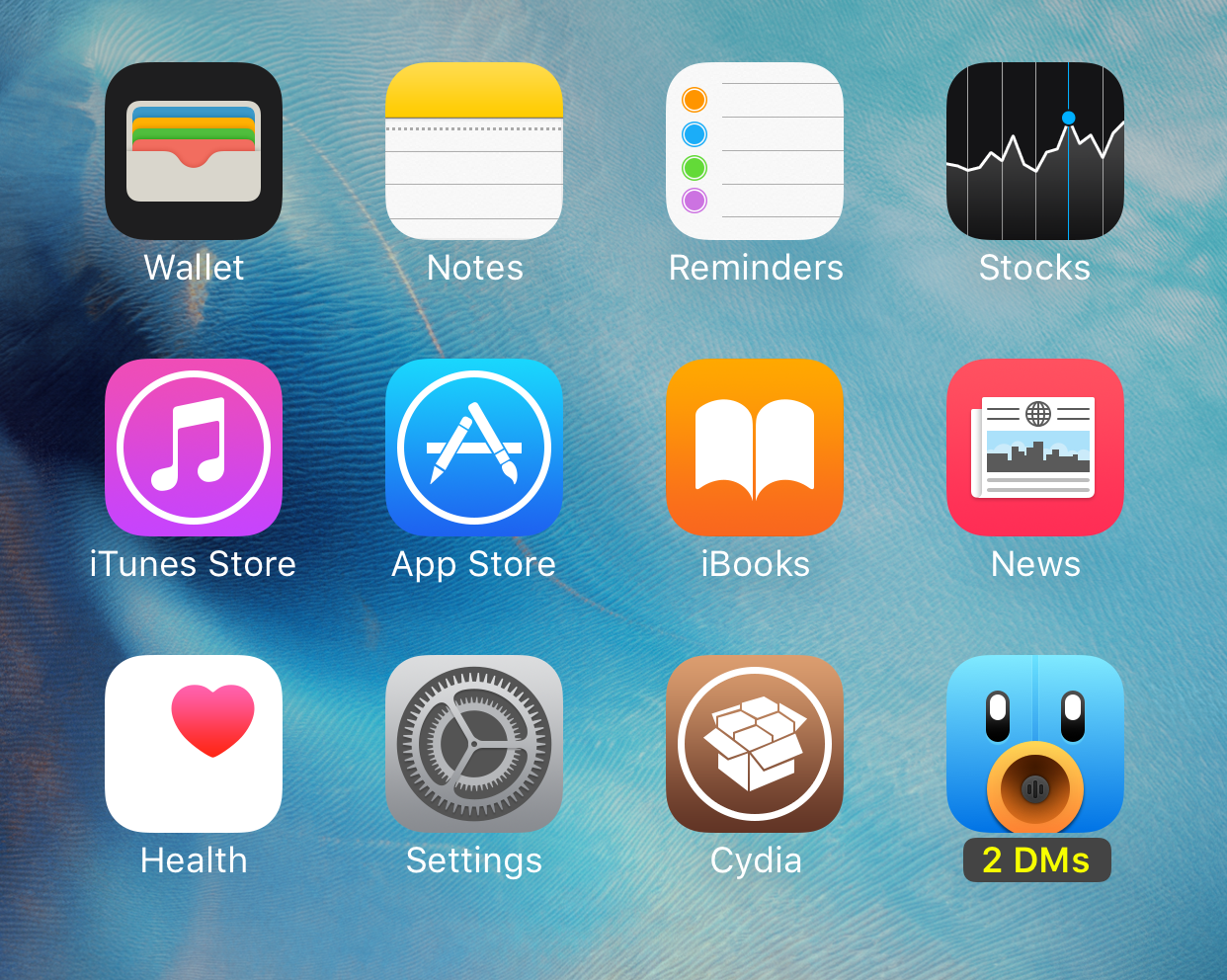
Goodges is a new jailbreak tweak that lets you swap out app icon badges for app icon labels. In other words, the tweak is designed to showcase a label notifying you of pending notifications, instead of the traditional badge.

If you find app icon badges to be unsightly, then Goodges is a free tweak that you should consider. It allows you to see pending notifications for specific apps, without being subjected to the ugly badges that litter your Home screen.

Tweak Count 2: quickly view how many Cydia tweaks you have installed

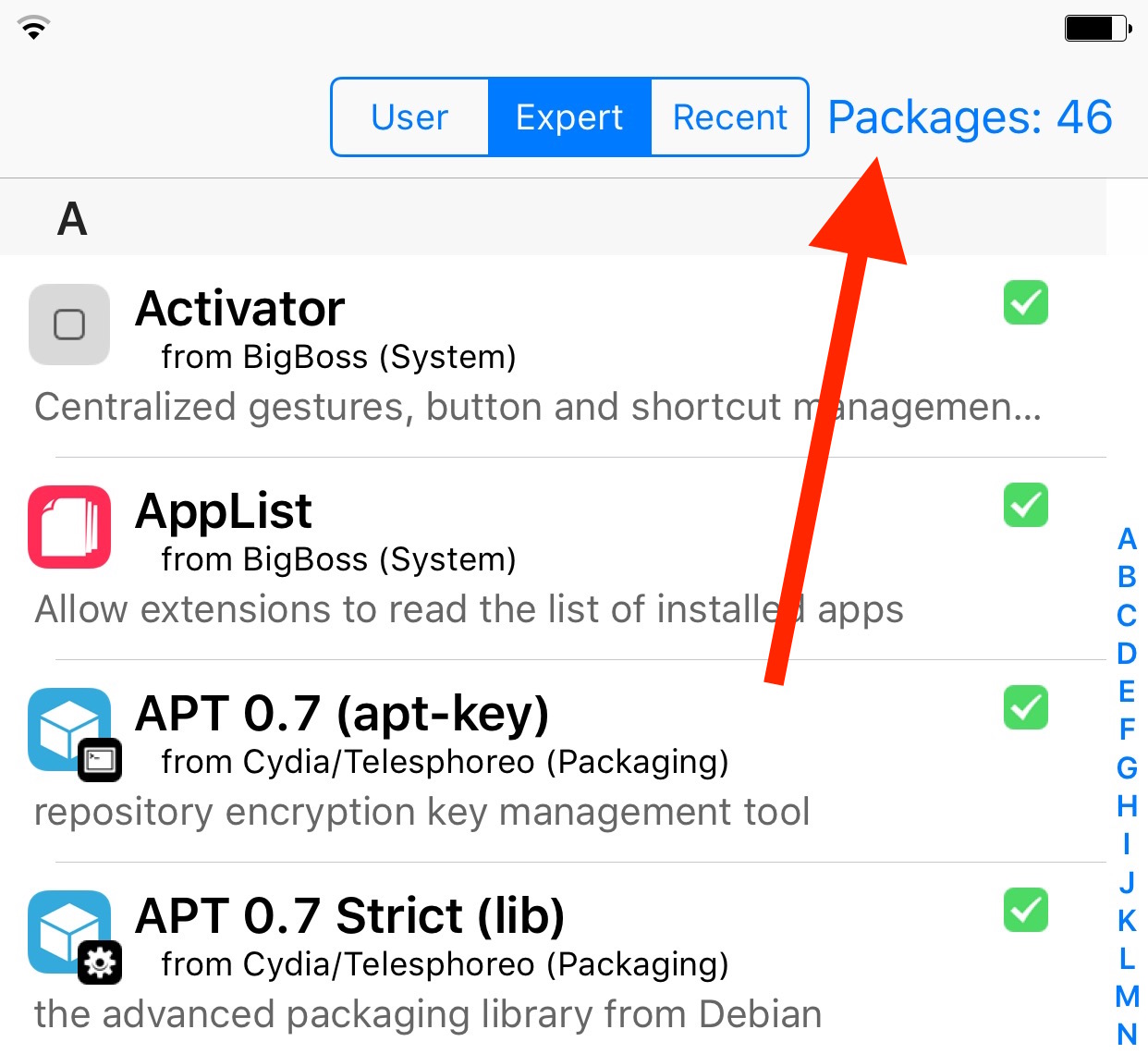
Have you ever wondered how many jailbreak tweaks you have installed on your jailbroken iPhone at any given time? Of course, you can always open Cydia and manually count how many tweaks you have inside of the Installed tab, but wouldn't it be better if there was a running tally of installed tweaks provided right within Cydia? That's the premise behind Tweak Count 2—a free jailbreak tweak that provides you with a real time tally of installed Cydia tweaks.