Jailbreak Apps & Tweaks

These are the latest jailbreak apps and tweaks available for your iPhone or iPad. We save you time by highlighting only the best tweaks.

The best jailbreak tweaks for the Status Bar

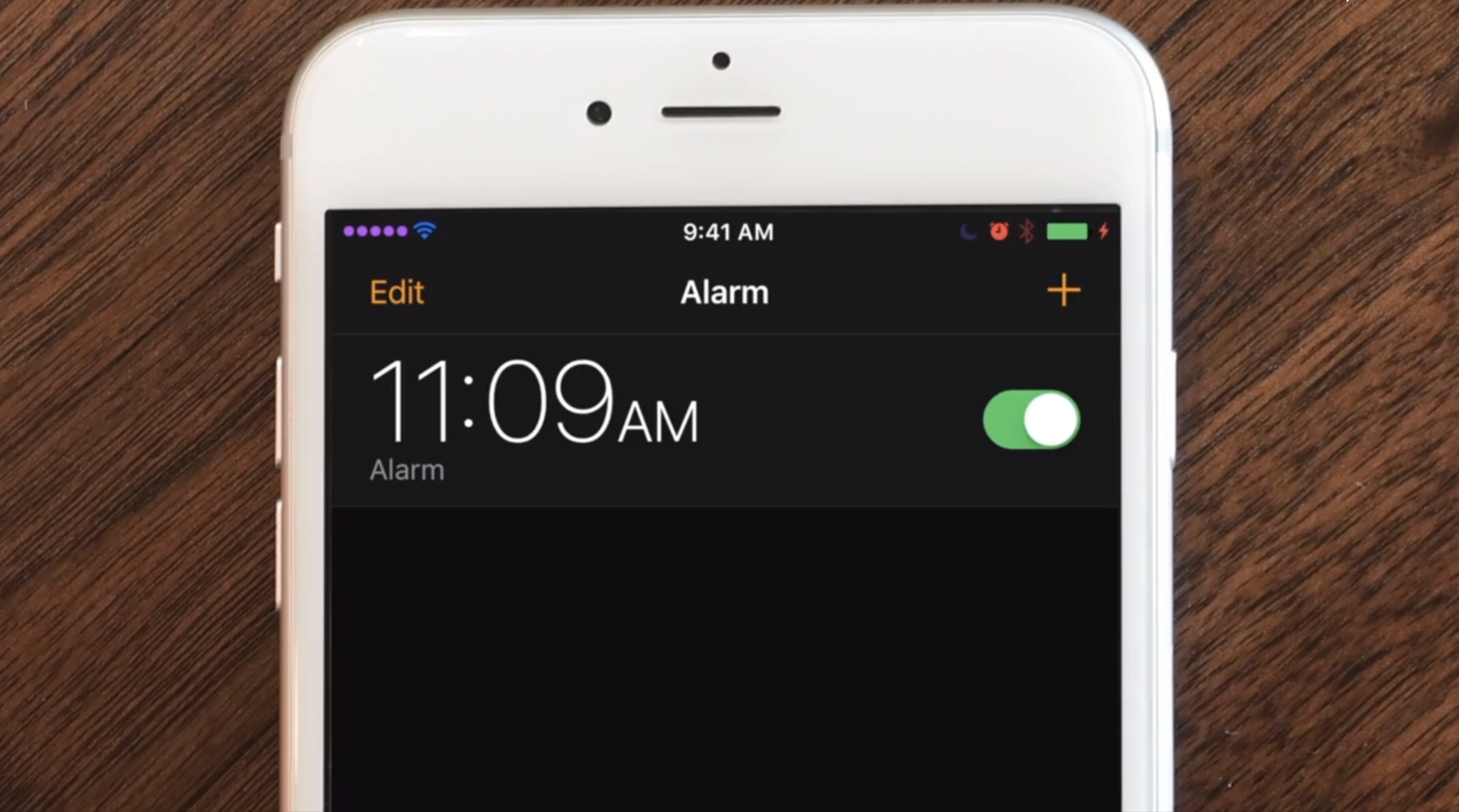
Jailbroken or not, the Status Bar is an essential part of your iPhone that lest you keep track of your battery level, wireless signal, and time. On the other hand, jailbreakers can take control of their devices and have their Status Bar do so much more.

In this roundup, we'll discuss the best jailbreak tweaks for modifying the Status Bar since the the Yalu iOS 10 jailbreak was released to the general public.
Change the shape of your app icons with SpringToolz

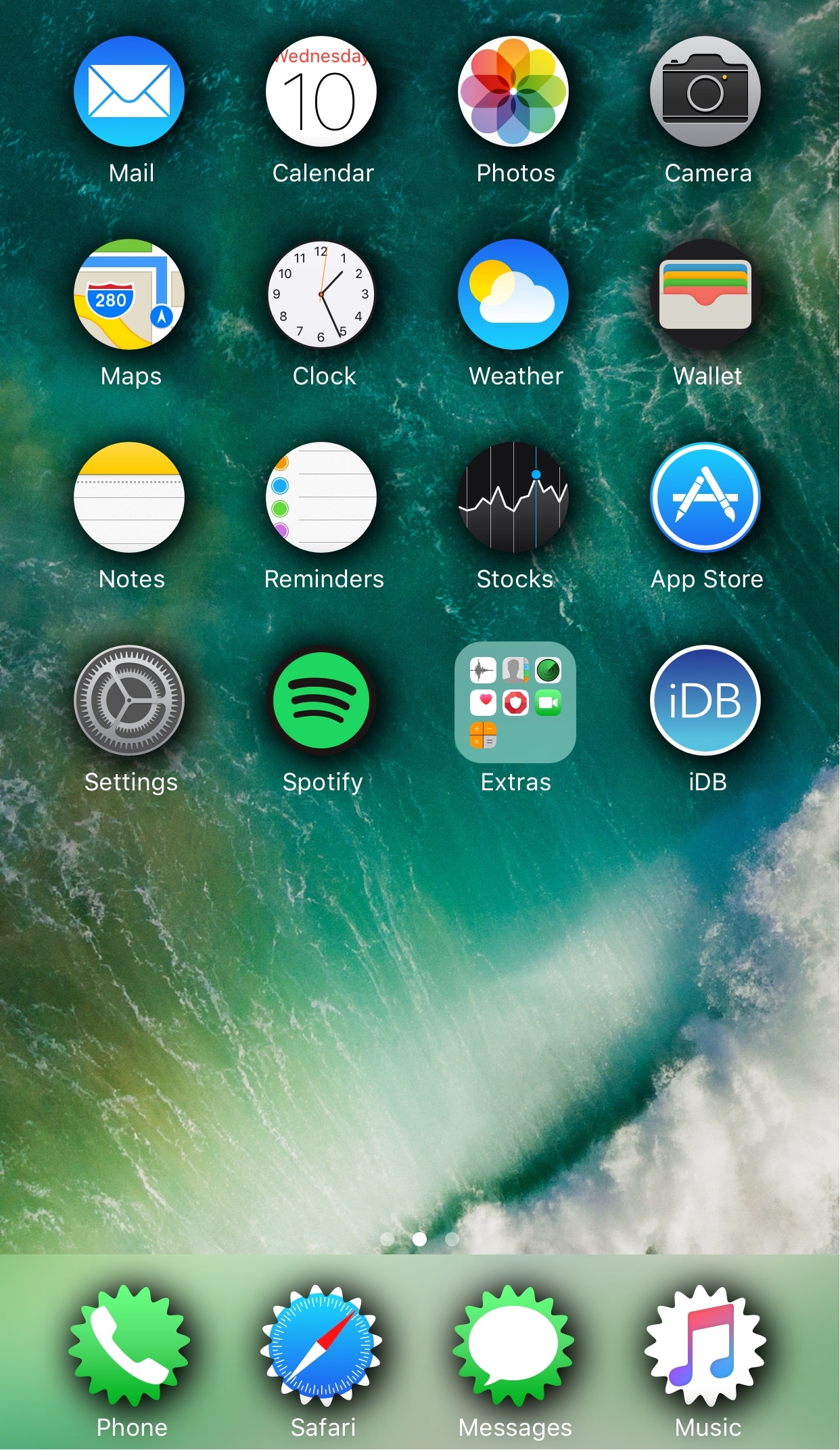
Looking to spice up your Home screen a little bit more? A new free jailbreak tweak called SpringToolz by iOS developer Stoyan Stoyanov lets you change the shape of your Home screen icons, add drop shadows, and much more.

The tweak comes loaded with a vast number of shape options to choose from and can give your device that distinct appearance you’re looking for to make it stand out from the rest.

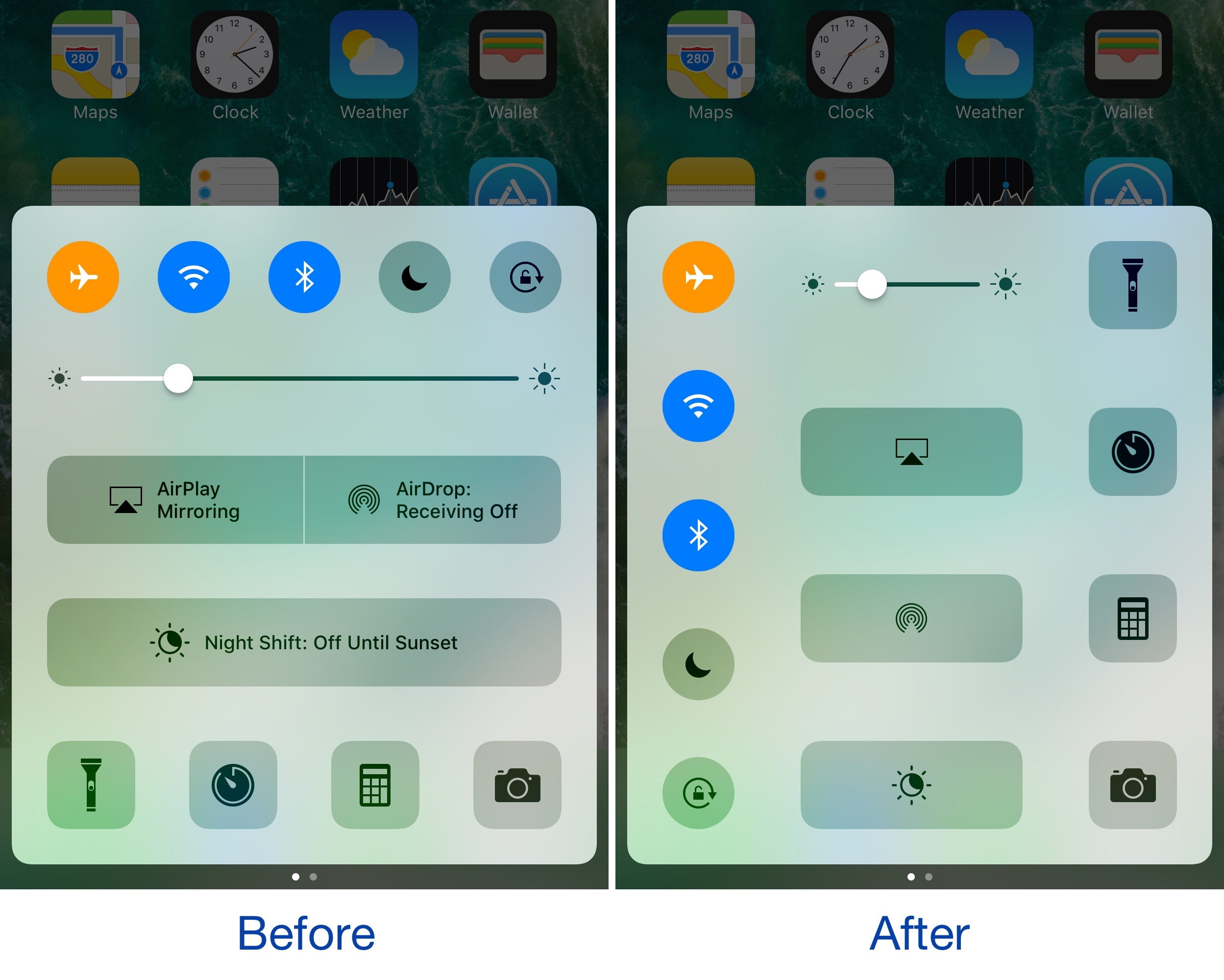
CCVertically gives Control Center a vertical makeover

Control Center normally has a horizontal layout; it's categorized into rows with each section having its own dedicated purpose, whether it’s for toggles, shortcuts, or sliders.

If you're interested in trying something new, then you might be interested in a new free jailbreak tweak called CCVertically by iOS developer pxcex. This tweak flips everything 90 degrees to give Control Center a vertical layout.

Customize the Control Center toggle button statuses with CCStatus

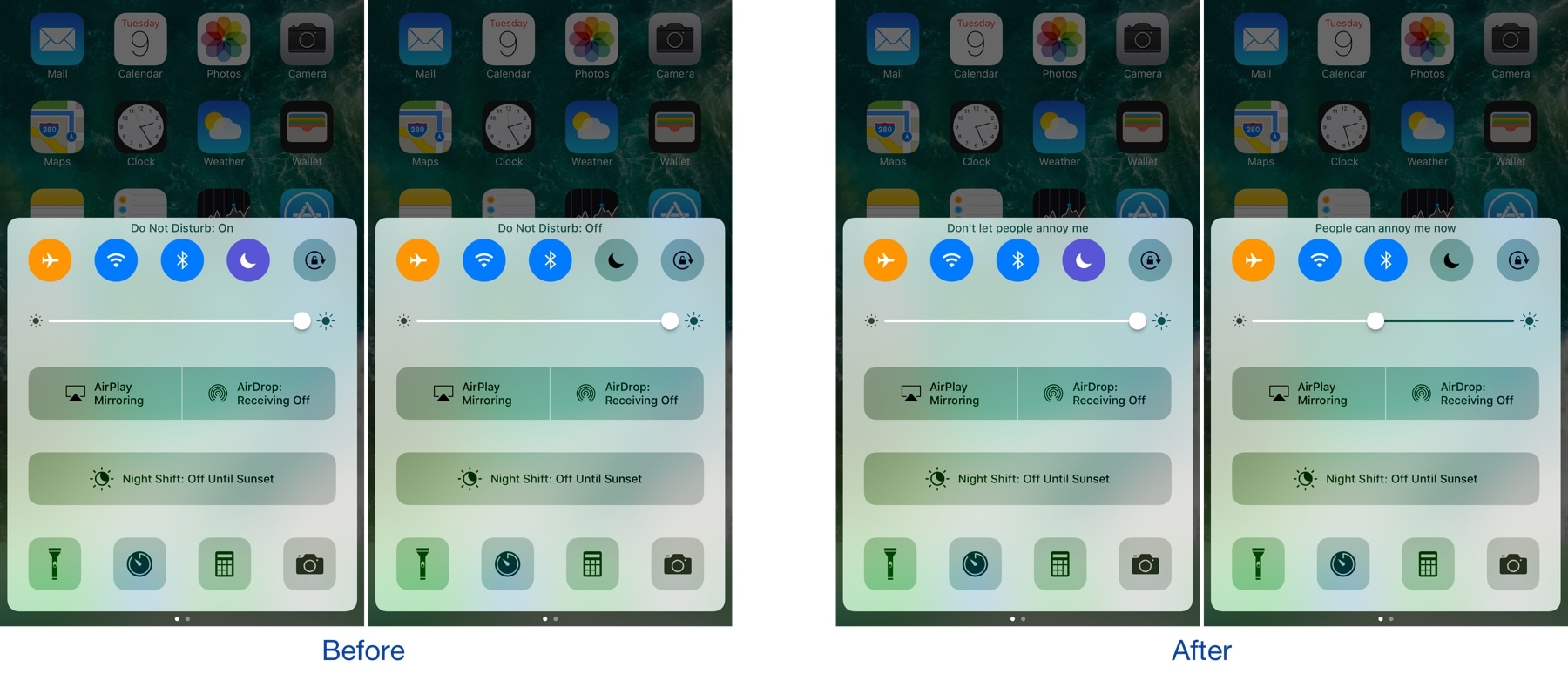
Control Center houses a bevy of toggles that make accessing certain iOS features more convenient. Whenever you toggle one of the features on or off, a status update appears at the top of Control Center that lets you know what you changed.

A new free jailbreak tweak called CCStatus by iOS developer harrywantstodev lets you customize these strings of text so that your customized statuses appear when you toggle buttons on or off instead.

WAStatusVolume brings a WhatsApp-inspired volume HUD to iOS

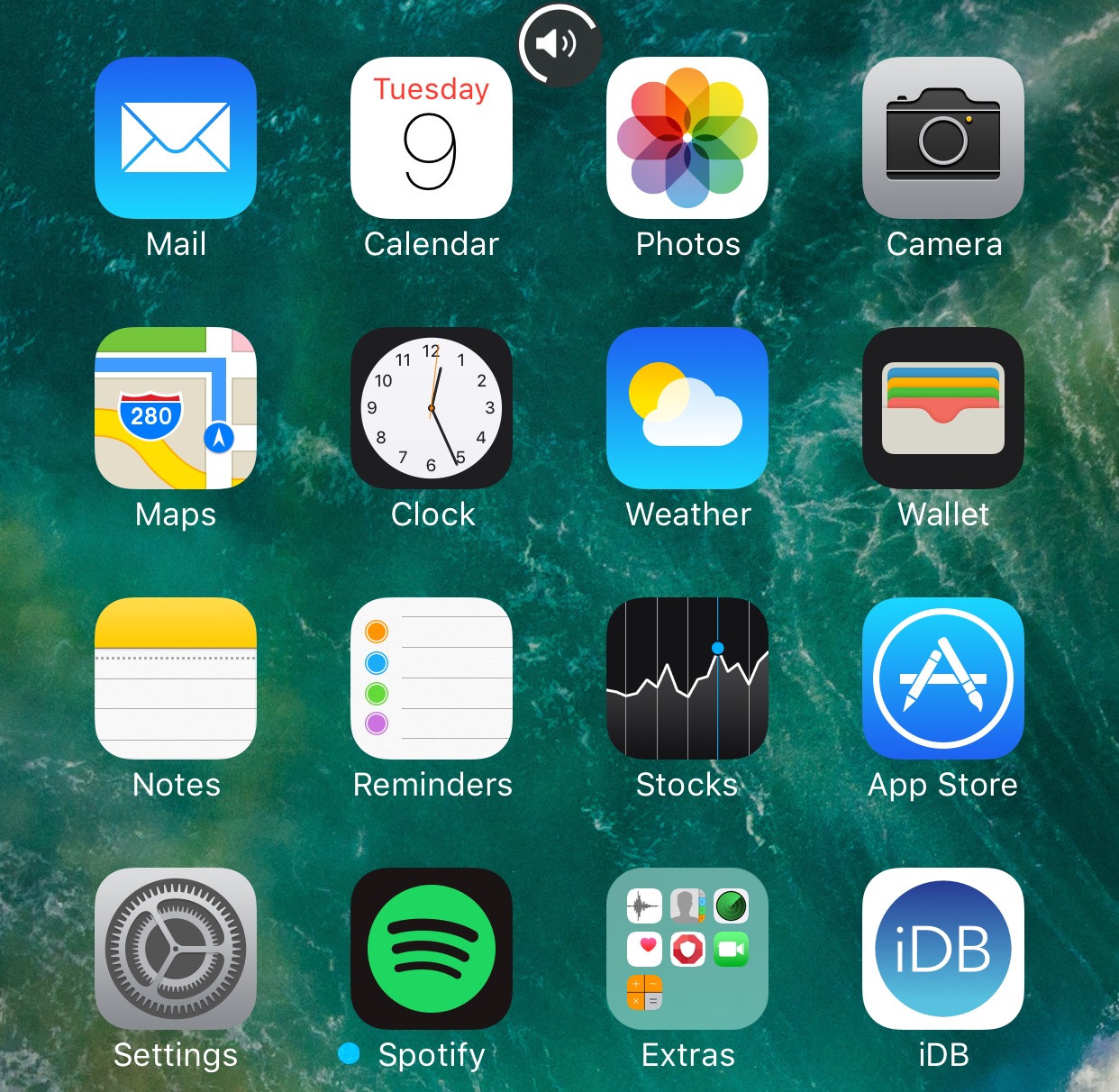
The jailbreak community has brought forth a myriad of different solutions for replacing the ugly stock volume HUD in iOS, but one of my favorites so far is a new jailbreak tweak dubbed WAStatusVolume by iOS developer midkin.

This tweak takes a WhatsApp Messenger-styled approach to making the volume HUD experience better by taking the same volume indicator you’d normally see in the WhatsApp Messenger app and making it available system-wide.

TapToOpen lets you interact with your Lock screen notifications with a tap

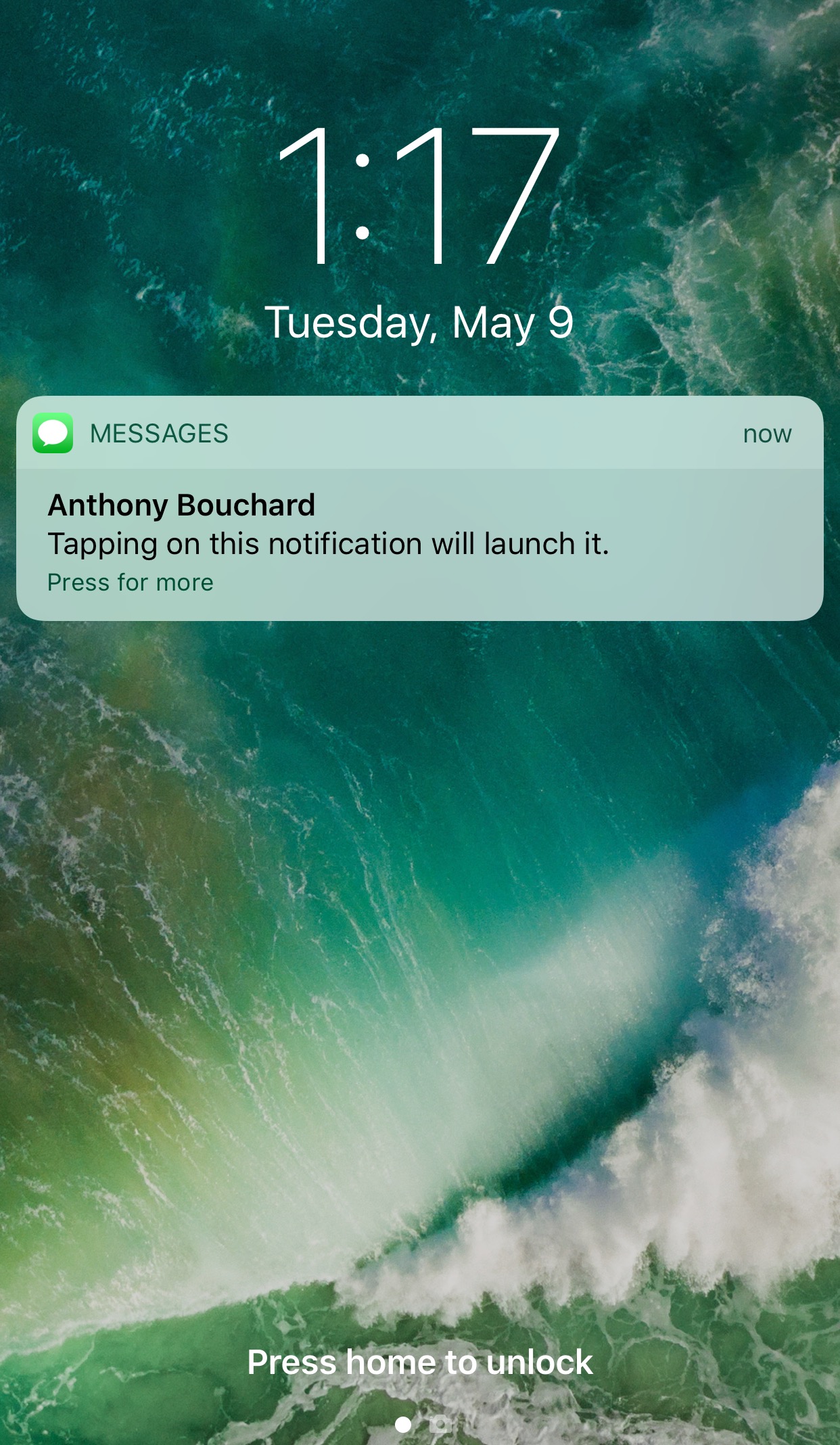
You can either swipe on or use a 3D touch gesture to interact with with notifications on your Lock screen. The swipe reveals options for clearing or replying to the notification, while the 3D Touch gesture opens a quick reply interface instead.

A new free jailbreak tweak called TapToOpen by iOS developer gilshahar7 adds a new way to interact with your notifications by letting you tap on them to interact with them.

See more at a glance in the Music app with MusicMoreColumns

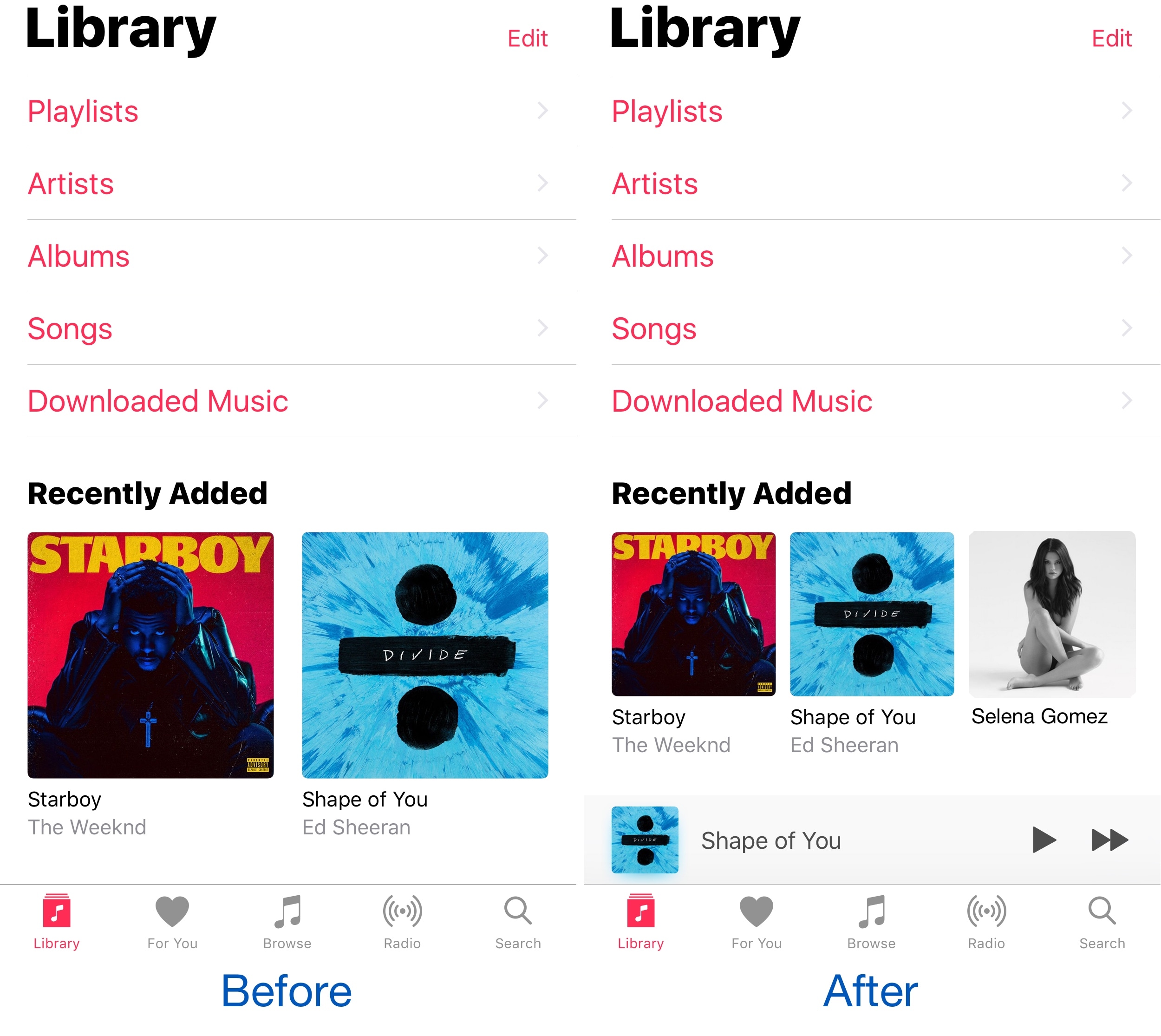
Apple’s own Music app underwent several major UI changes since the debut of Apple Music, and one part of the latest redesign is how the app displays two columns of your music on the screen at once.

Because two columns can be limiting, and because modern iPhones have larger displays, a new free jailbreak tweak called MusicMoreColumns by iOS developer HiDan enables three columns in the Music app so you can see more at a glance.

This tweak makes your iPhone animations bouncier

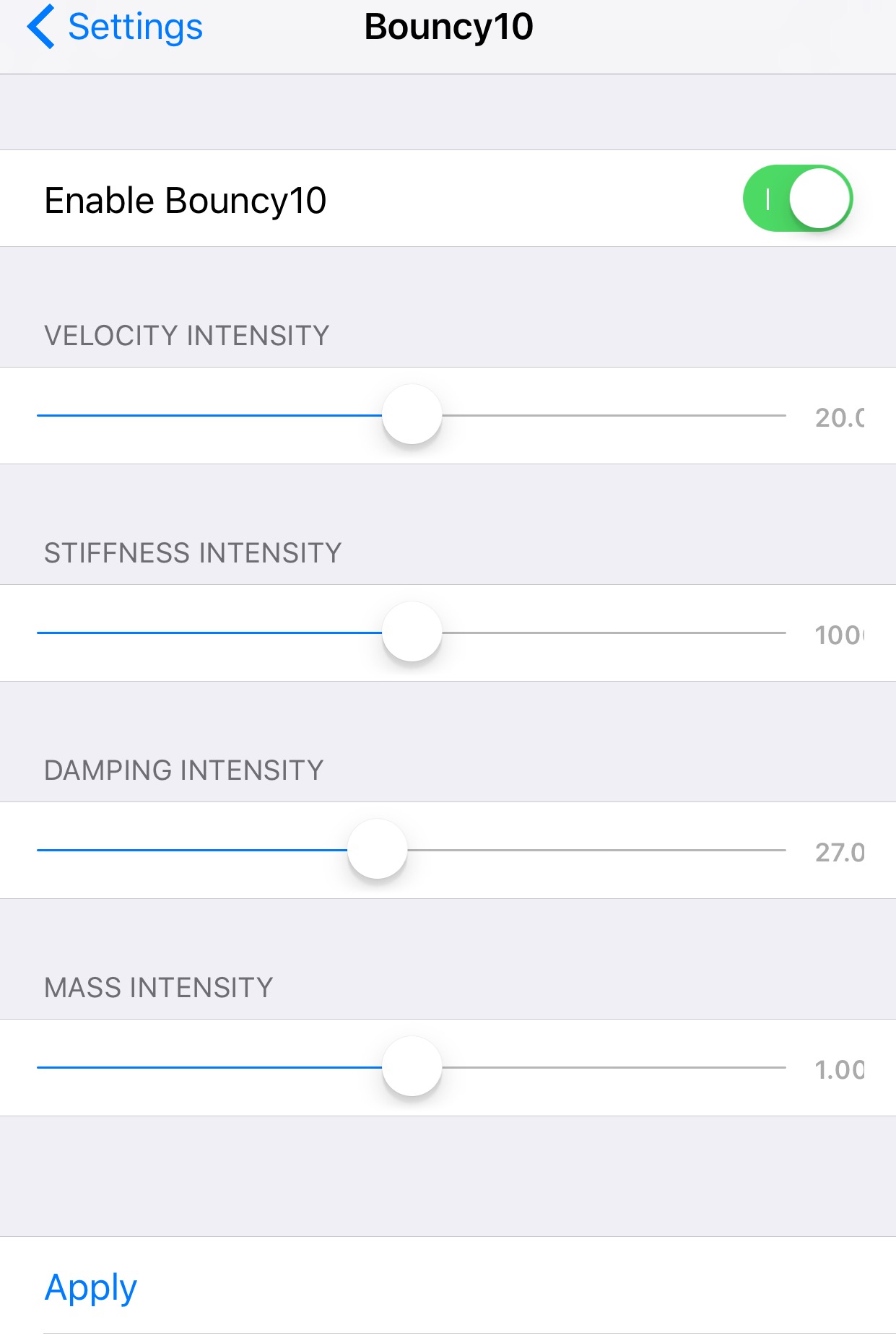
Bouncy10 is a new free jailbreak tweak by iOS developer Rishanan that gives iOS a system-wide fun and quirky animation makeover rather than the smooth and boring animations you've become to used to.

It takes a bouncier approach to iOS animations, and more importantly, they're fully adjustable, allowing you to have a different animation effect than other Bouncy10 users.

QuickFlash puts a flashlight button on your Lock screen

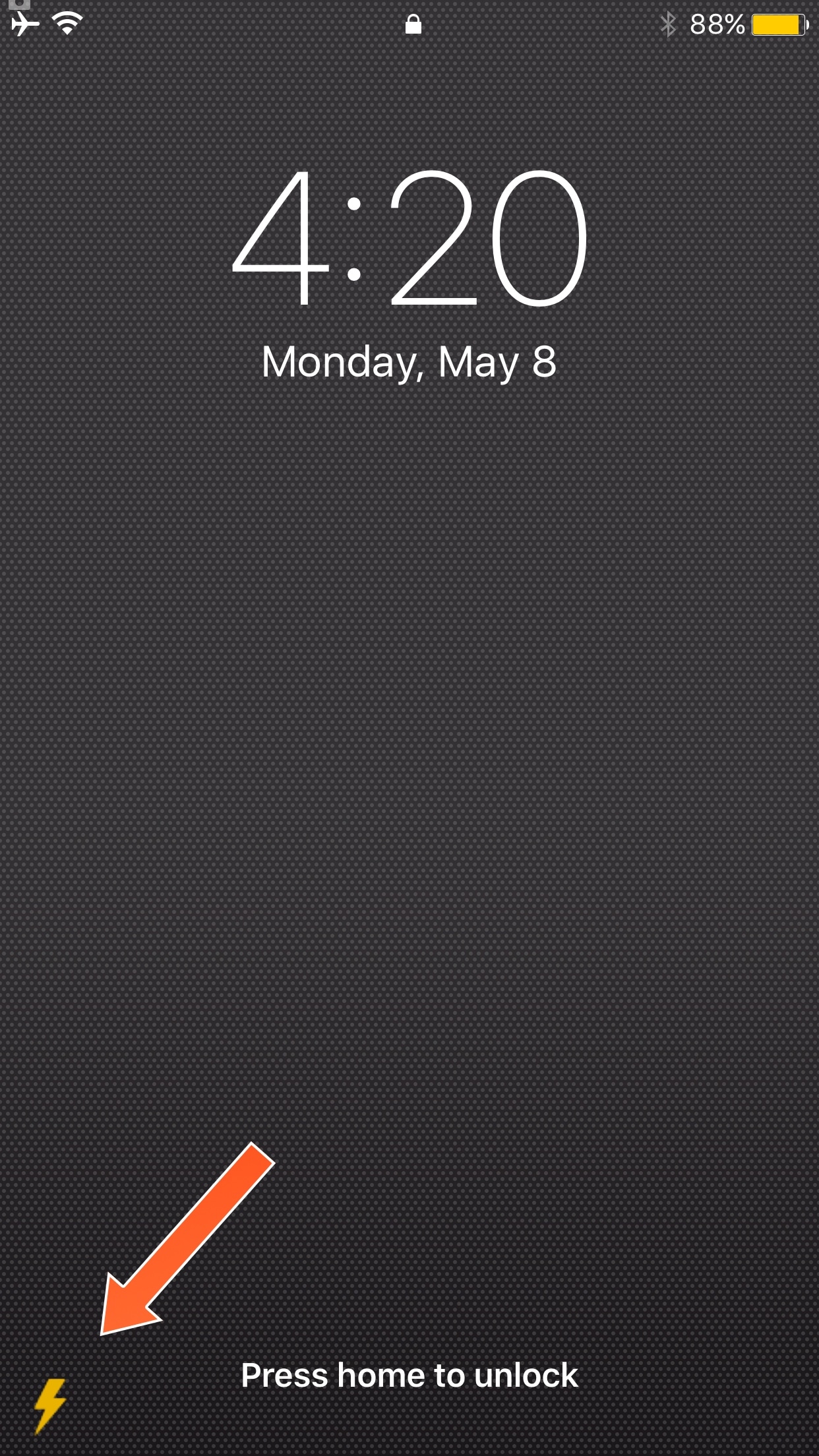
Having quick access to your iPhone's LED flash is always convenient, and that’s why Apple built their own Flashlight toggle into iOS when they introduced Control Center with iOS 7. But now, you can make accessing the flashlight even easier.

A new free jailbreak tweak called QuickFlash by iOS developer Ziph0n adds a flashlight button to the bottom right of your Lock screen, allowing you to turn on the flashlight with just a tap.

Jailbreak tweaks of the week: ColorGram, HUDPlayer, & more…

The jailbreak community has been pretty unpredictable lately; just as you begin to think Cydia is going through a lull, developers surprise you with a bevy of fun and useful new releases.

In this piece, we'll discuss all of the jailbreak tweaks that were released throughout the week, starting with our favorites. We'll outline the rest of them afterwards.

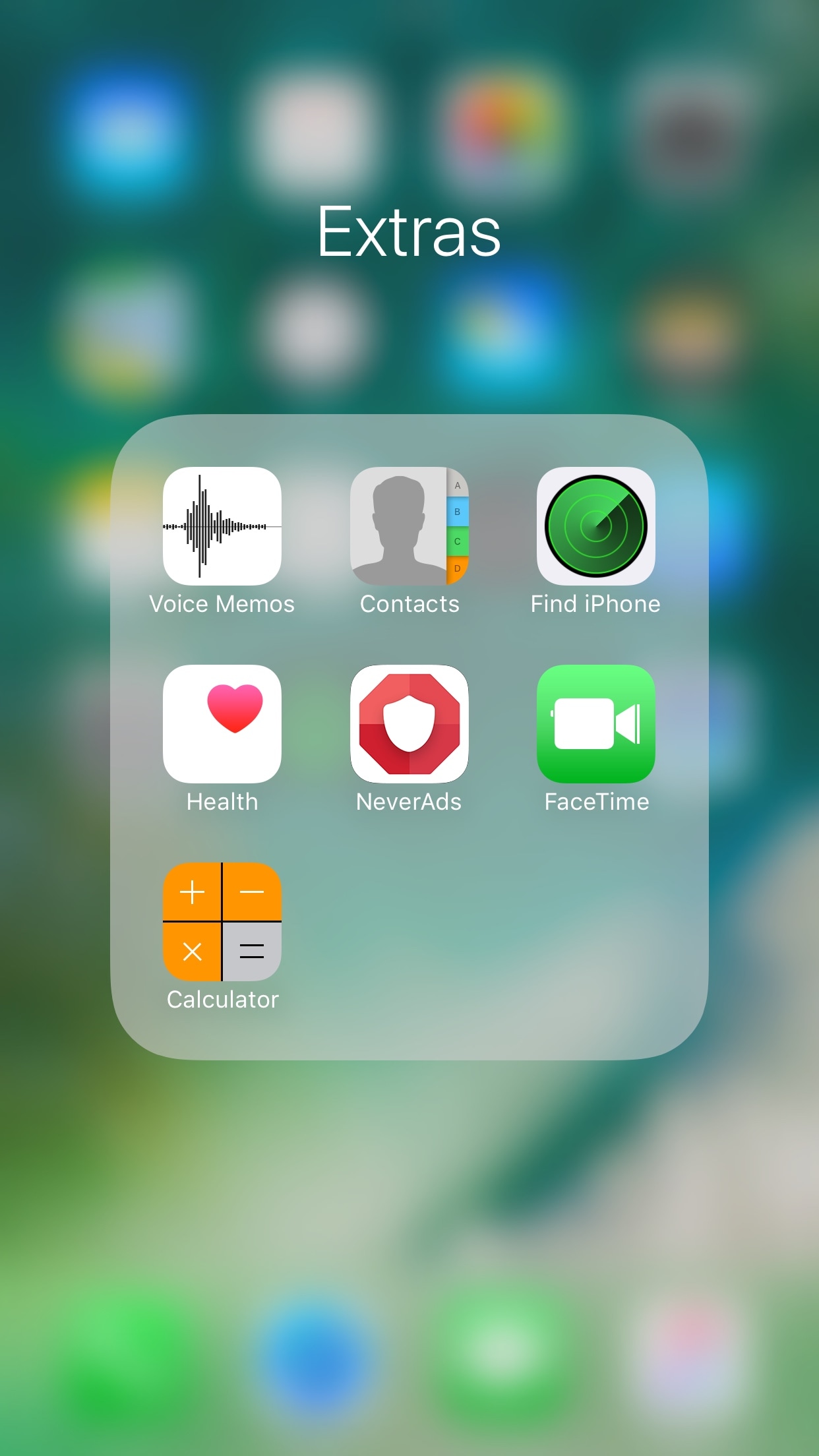
FolderAutoClose 10 automatically closes folders after launching apps from them

Any time you open a folder to launch a containing app, and then you close it, you find yourself back inside the folder where you originally launched that app rather than on the main Home screen.

A new free jailbreak tweak dubbed FolderAutoClose 10 by iOS developer yuripeyamashita is now available that automatically closes folders in the background when launching apps from them.

Hide the date from the Today page with No Date Today

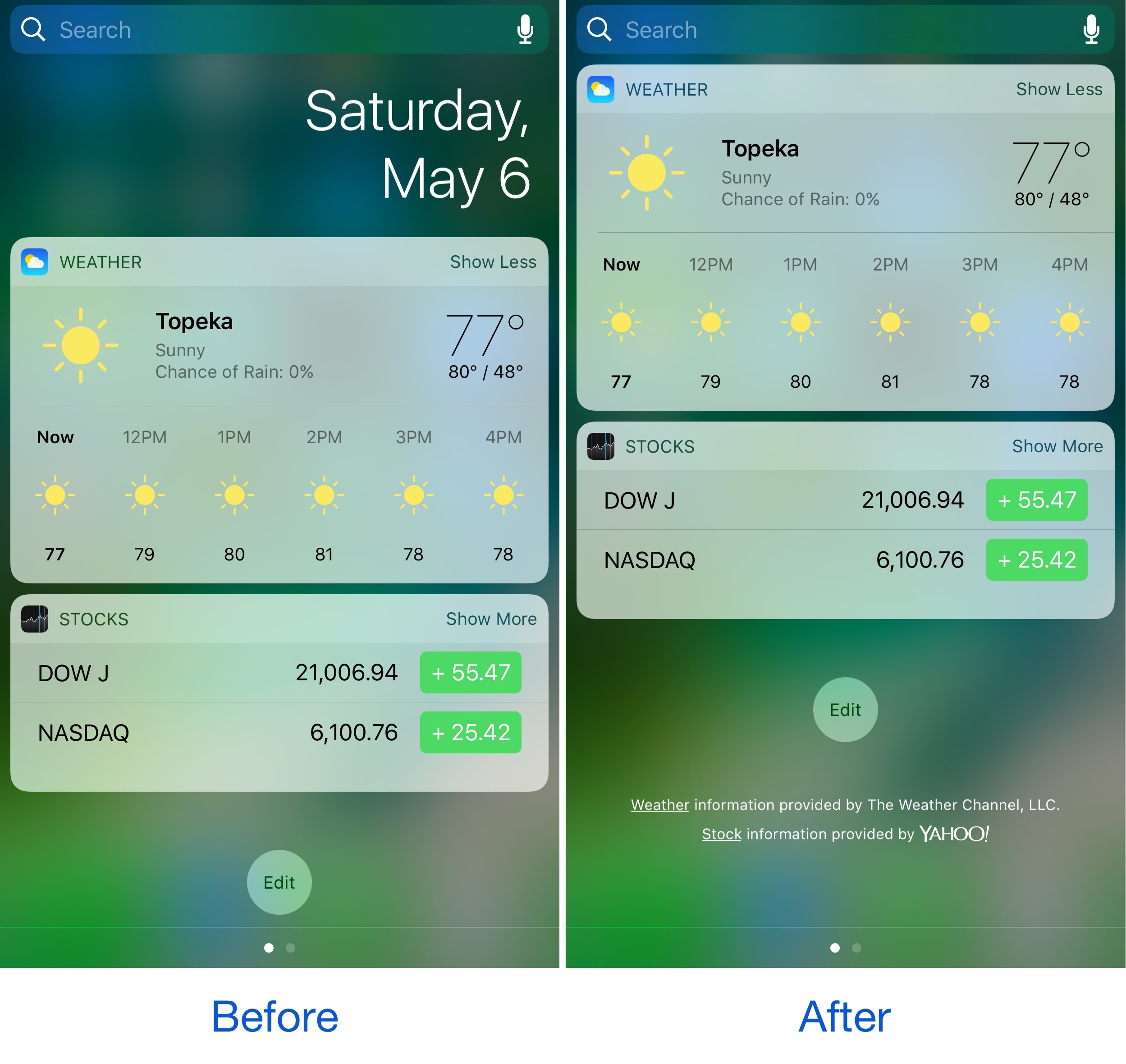
Some might consider the date information in the Today page unnecessary because the date appears in several other places on your devices. If you agree, then a new free jailbreak tweak called No Date Today by TheComputerWhisperer could be useful to you.

This tweak removes the double-line date from the Today page and makes more vertical room for cramming additional Today widgets into a single screen; the benefit being that you won't have to scroll down as much to see their information.