Jailbreak Apps & Tweaks

These are the latest jailbreak apps and tweaks available for your iPhone or iPad. We save you time by highlighting only the best tweaks.

This tweak lets you launch the Camera app from anywhere in iOS

One of the best reasons to own an iPhone is to have one of the world’s greatest point-and-shoot cameras at your disposal. But even better, those with jailbroken iPhones can augment their camera’s capabilities on top of all the killer features Apple provides out of the box.

Enter Fisting, an unfortunately named, but free jailbreak tweak by iOS developer kremedved that makes accessing your iPhone’s Camera app a cinch no matter where you are in the operating system.
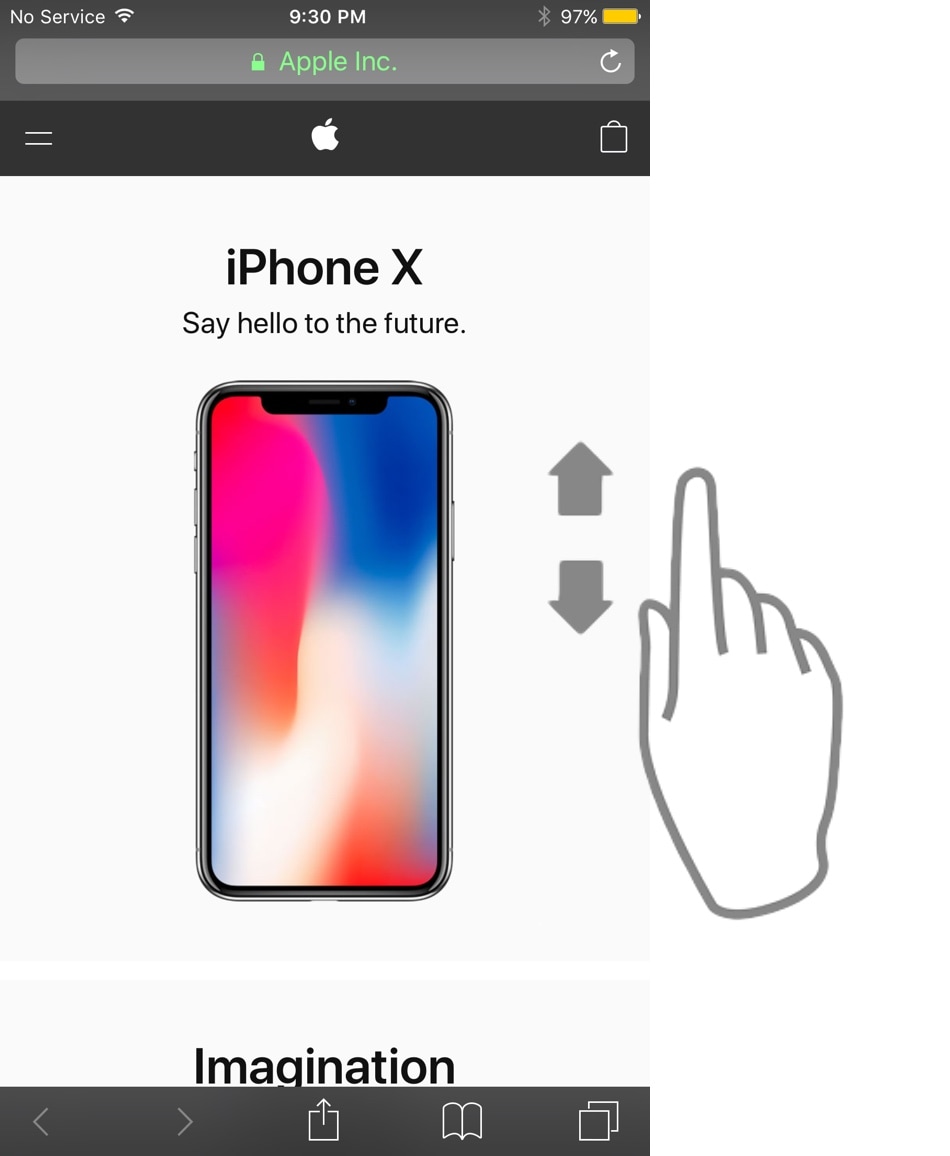

AutoScroll prevents finger fatigue when scrolling a lot on your iPhone

As Steve Jobs once said, your finger is the best pointing device for your iPhone. But with enough manual scrolling effort, it may not take long before you start to experience finger fatigue, especially when reading lengthy websites or eBooks.

Those looking for a solution to the finger fatigue problem when scrolling endlessly may enjoy a newly released jailbreak tweak called AutoScroll by iOS developer pxcex. Just as the name implies, this add-on incorporates automatic scrolling into iOS.

Carbonite enriches the Reachability interface with new functionality

Reachability is a feature Apple put into iOS to make using taller iPhones easier with just one hand, especially for the small-handed folk out there. But if you have the ability to reach that high up with just your thumb when using your iPhone one-handed or you want to make better use of the space when using two hands, then you might view the Reachability interface as a complete and utter waste of space.

If you identify as the latter category, then you’ll probably come to appreciate that of a newly released jailbreak tweak dubbed Carbonite by iOS developer Antique. This tweak aims to make the Reachability interface more useful by filling it with toggles and shortcuts that can make your life easier in day-to-day usage.

This tweak lets you colorize your iPhone’s selected text highlights

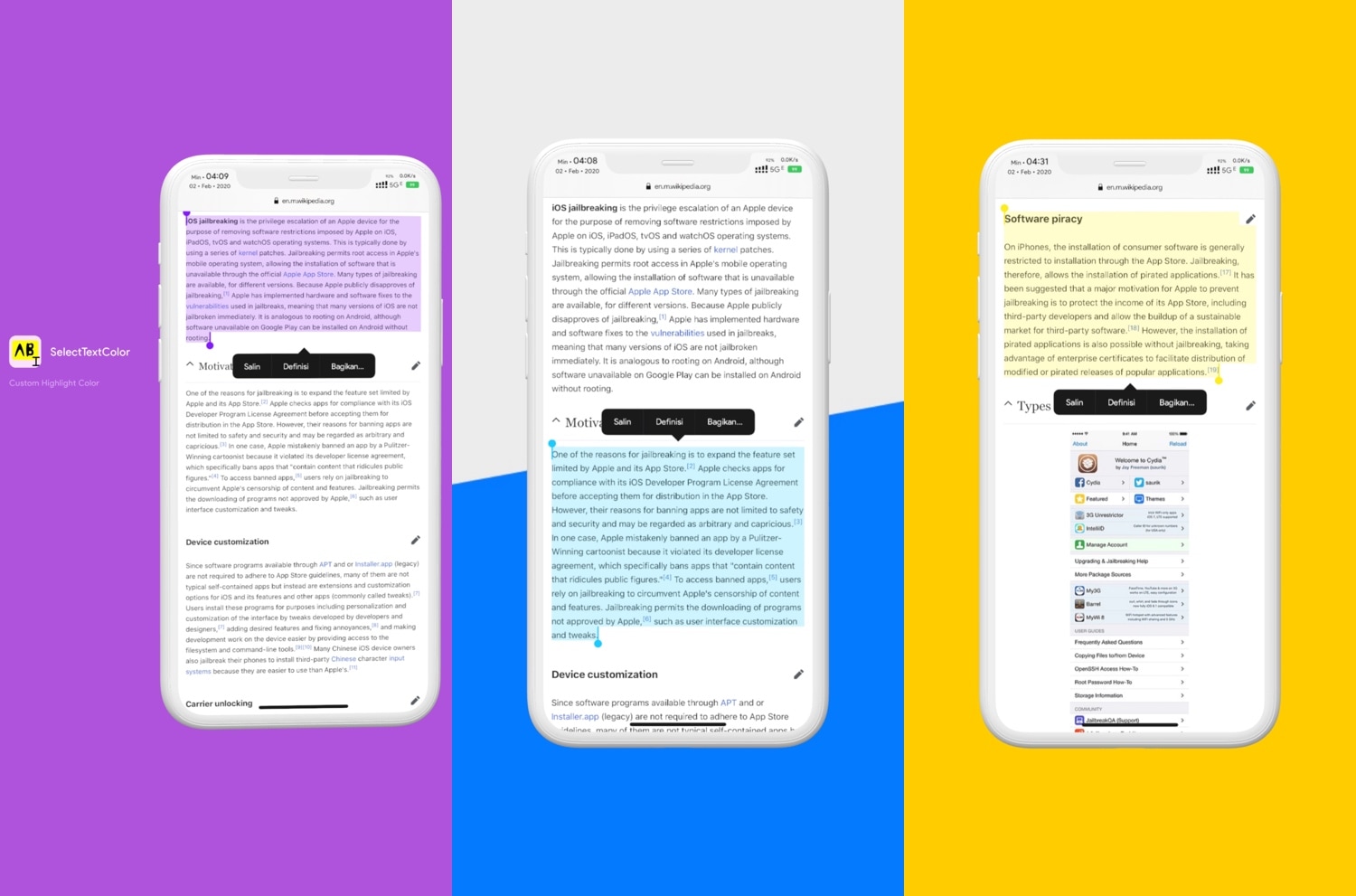
As you select bodies of text in iOS, whether that’s from a website, a text-editing app, or somewhere else, you’ve probably gotten accustomed to seeing a light blue highlight designating the text you’ve selected. I love that I can select text to copy and paste elsewhere in iOS, but I generally wish Apple provided more aesthetic customization in this department.

Enter SelectTextColors, a newly released jailbreak tweak by iOS developer pxcex that responds to this longstanding request by letting users customize their selected text highlighting colors.

SmartNetwork helps you manage your iOS device’s network connections

Your iPhone and iPad are wireless communication devices that use either Wi-Fi or cellular connections to maintain a continuous flow of data to and from the device. But wouldn’t it be nice if Apple gave users more control over their handset’s network parameters?

Those looking to obtain more fine-grained control over their iPhone or iPad’s wireless networking may take a liking to a newly released jailbreak tweak called SmartNetwork by iOS developer Elias Sfeir. As the name implies, this tweak offers a suite of features that let you manage your handset’s connections more effectively.

Jailbreak tweaks of the week: BarMoji, MuteVibes, Prysm, and more…

Jailbreakers who are looking for new and exciting ways to modify their pwned handsets have come to the right place. Regardless of what jailbreak you might be using to liberate your device, we’re certain you’ll find something here that you can use to help your device stand out from the crowd.

In this piece, we’ll discuss all the latest jailbreak tweaks released from Monday, January 27th to Sunday February 2nd. As usual, we’ll kick things off by discussing our favorite releases first and then wrap things up with an outline of the rest afterward.

Signe lets you use numeric gestures as shortcuts to apps and websites

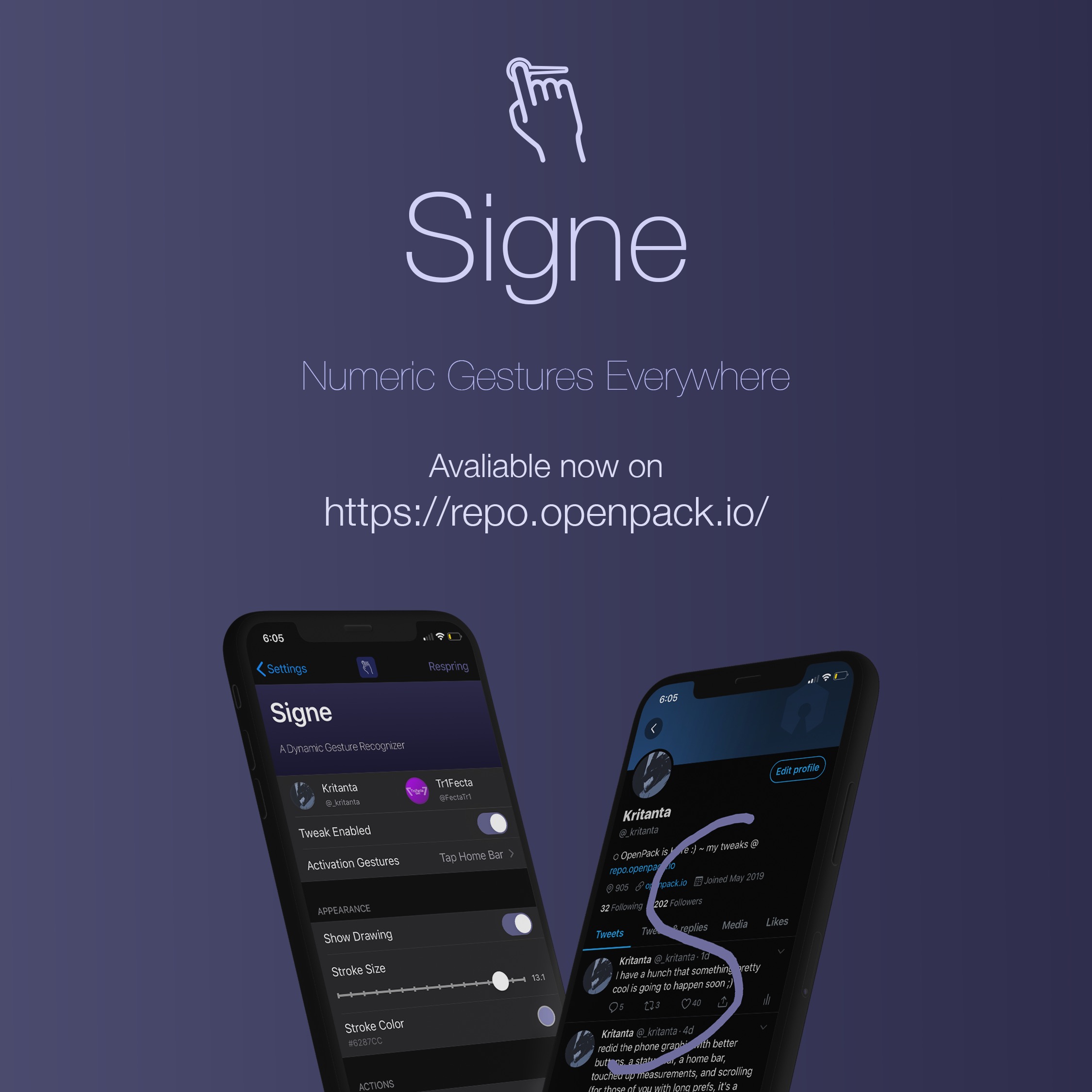
Having a jailbroken handset means that you can install third-party add-ons that permit you to take advantage of features that otherwise wouldn’t be available to you on a stock device. Shortcuts that make accessing your most-used features are a wonderful example of this.

Those wishing that their iPhone or iPad would give them fast and easy access to their favorite apps or websites from anywhere in iOS might want to take a minute out of their busy day to check out a newly released and free jailbreak tweak called Signe by iOS developers Tr1fecta and Kritanta.

BuzzTime uses vibrations to help you tell the time discreetly

One of the best parts of owning a jailbroken iPhone or iPad is the quirkiness factor — the ability to make your handset do something that stock handsets can’t.

If you enjoy giving your handset special abilities and you’re also typically conscious of the time, then you may come to appreciate the likes of a newly released and free jailbreak tweak called BuzzTime by iOS developer burrit0z.

LockApps helps you protect individual apps with biometric authentication

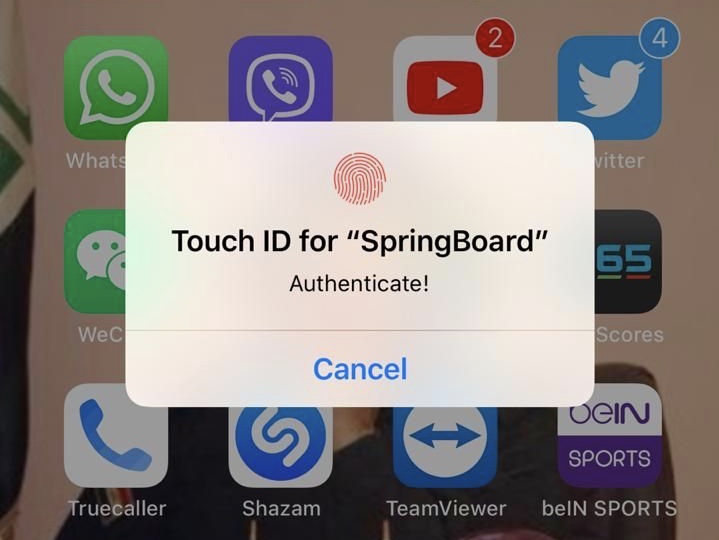
If you’re in need of augmented security for your iPhone’s apps, then a newly released jailbreak tweak dubbed LockApps by iOS developer Azozz ALFiras could be just what you need.

Just as the name implies, LockApps lets users secure apps from their Home screen by requiring some form of biometric authentication to use them. The tweak currently supports both Face ID and Touch ID, depending on what your handset comes from the factory with.

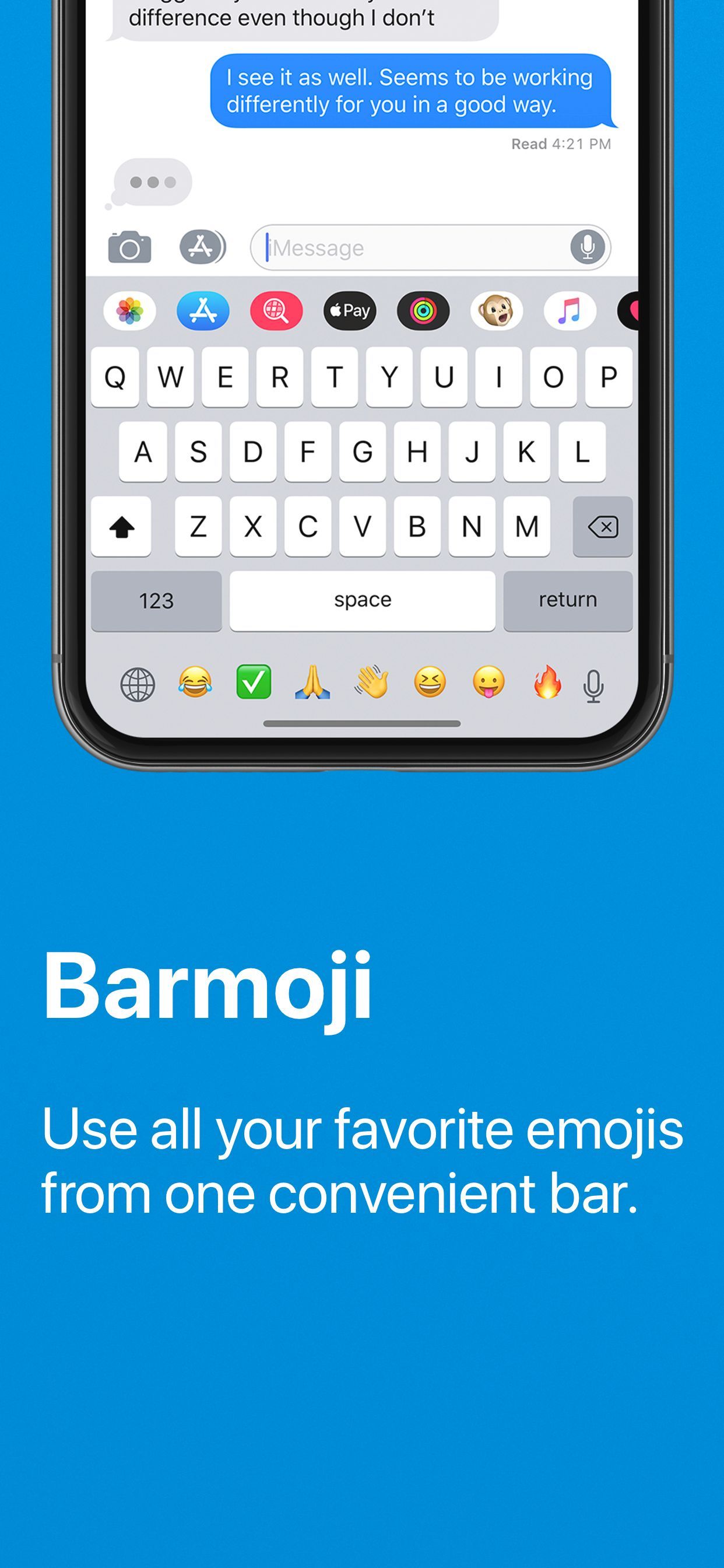
Barmoji adds a dedicated Emoji bar to the wasted empty space of the iOS keyboard

If you like to use Emojis when you text people or send emails, then you may want to consider augmenting your iPhone’s typing abilities with a jailbreak tweak dubbed Barmoji by iOS developer CPDigitalDarkroom.

In a nutshell, Barmoji adds a quick access Emoji bar to your iPhone’s native keyboard interface. With it, you can more easily type Emojis when you’re composing messages or emails. The tweak also works in other apps due to its integration into the native keyboard, such as social media and text composition apps, among others.

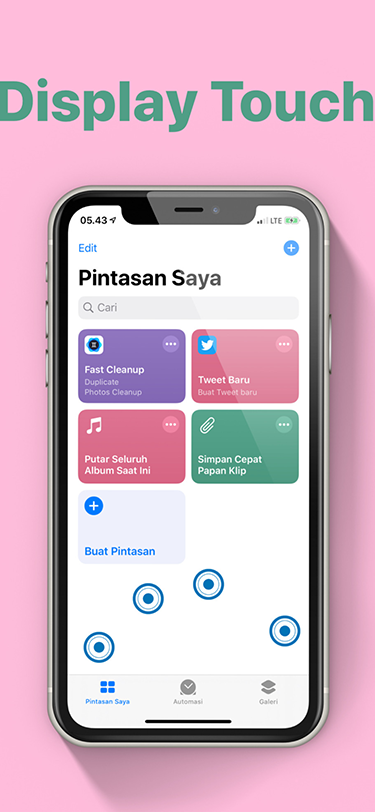
Display Touch provides visual feedback as you touch your iPhone’s display

Your iPhone’s touch screen is designed to accept user input wherever you tap or drag your finger(s). But don’t you think it would be neat if you could see where your finger was interacting with your iPhone’s display in real time?

The idea of such a thing may seem redundant, but it can be useful if you’re recording your iPhone’s display and you want to emphasize where you tap or swipe. For those looking to add this feature to their pwned iOS device, a newly released jailbreak tweak called Display Touch by iOS developer pxcex should be the next thing on their list of things to try out.