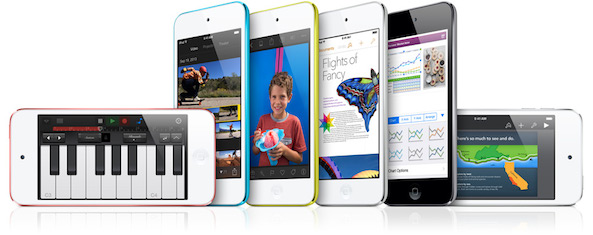
iPod Touch

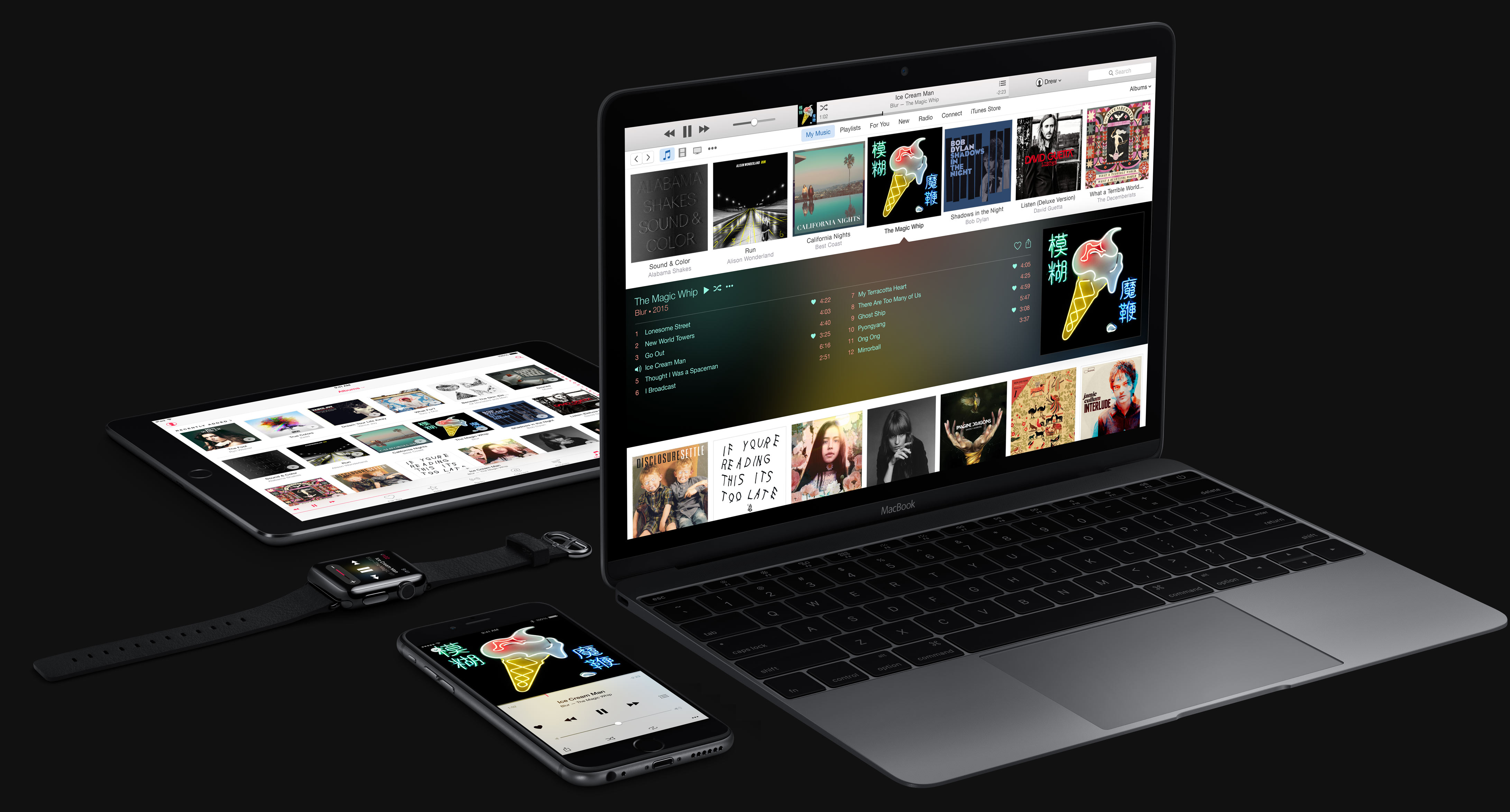
How to hide Apple Music on your iPhone, iPod touch, iPad and Mac

Now that you've tried Apple Music thanks to Apple's generous three-month free trial, you may have decided that the service just isn't cut for you.

Though impossible to get rid of it completely, you can temporarily hide most of Apple Music's aspects.

Our previous tutorial has taught you how to disconnect from Apple Music's Connect feature and today's how-to lays out the steps to hide Apple Music on your iPhone, iPod touch, iPad and Mac and go back to the old way of enjoying music.

Hands-on with iOS 9 beta 4

I've been playing with iOS 9 beta 4 on my iPod touch, iPhone and iPad for the last few hours, and I'd like to share my thoughts on the beta release.

First and foremost, this is the first beta firmware to work on the iPod touch 6th generation, and as expected, it runs like a champ. The iOS 9 beta on the old iPod touch 5th generation was barely usable due to the device's lack of power, but this new iPod touch handles things with no issues.

Another big feature is the return of Home Sharing. As promised by Apple executive Eddy Cue, Home Sharing is now back where it belongs in the Music section of the Settings app.

I've created a video walkthrough to showcase many of the new features found in iOS 9 beta 4. Have a look and let me know what you think about this latest beta release.

iOS 8 adoption rate grows to 85% of devices

As measured by the App Store on July 20, 2015, iOS 8 is now powering 85 percent of iPhone, iPod touch and iPad devices in the wild.

iOS 7 has dropped from fourteen percent of devices a month ago to thirteen percent of iPhones, iPads and iPod touches in the wild. Earlier iOS releases continue to comprise a meager 2 percent of installed hardware.

We've been tracking iOS 8 adoption rates for months now and to call this an impressive achievement would be an understatement given iOS 8 hit a mere ten months ago.

Poll: Are you buying the new iPod touch 6th generation?

The new iPod touch has arrived, and although its buzz is far below that of iPhone or even iPad levels, the excitement can still be felt throughout the community. As you know by now, this is the first new iPod touch since 2012, and it brings with it a much-needed and hefty specs update.

With this in mind, will you be purchasing a 6th generation iPod touch? Please participate in our poll and let us know.

How to jailbreak the iPod touch 6th generation

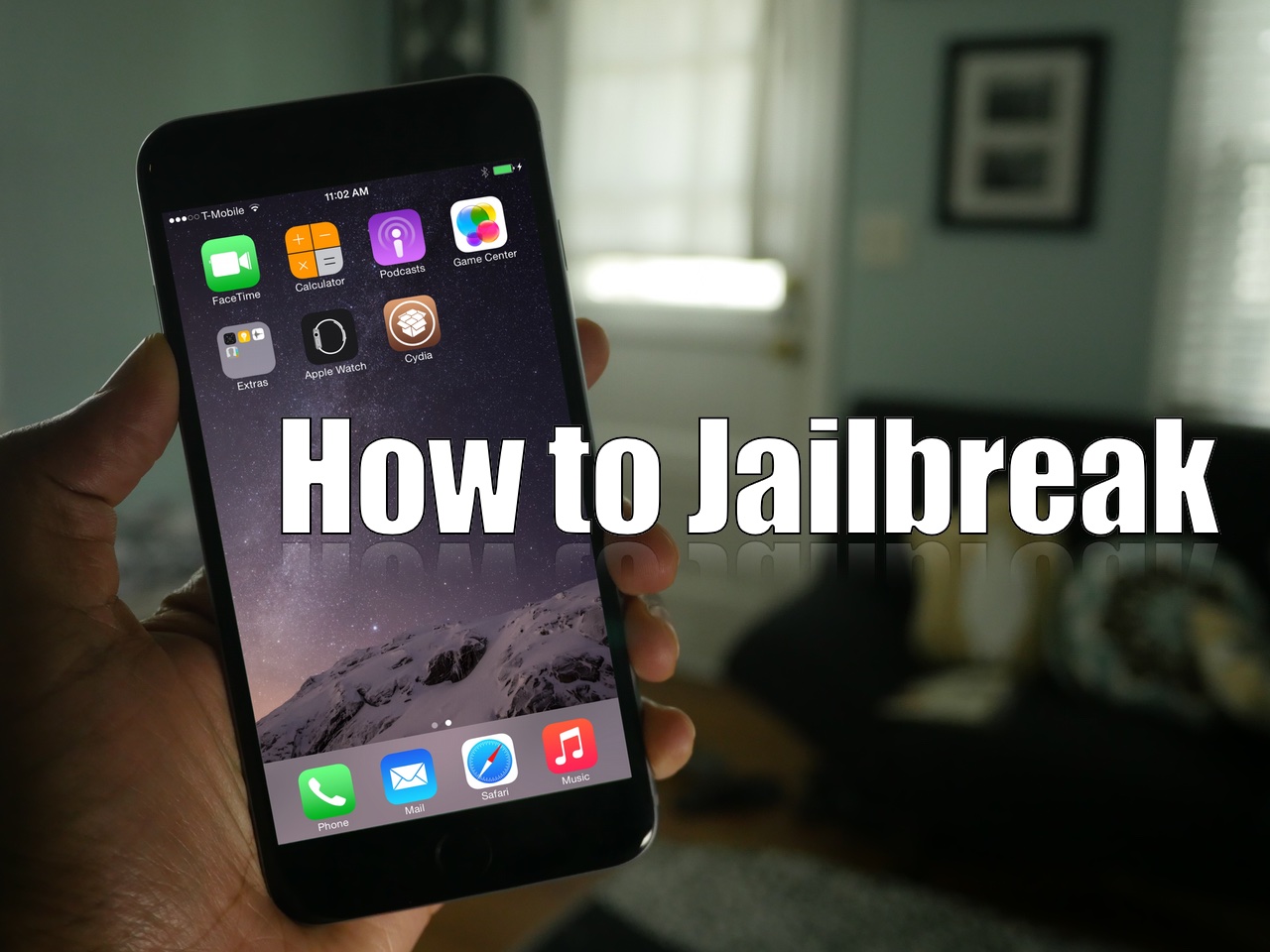
One of the very first things that I tried when I got the iPod touch 6th generation (full review) was to jailbreak. To my surprise, both the PP jailbreak for Mac and the Windows-only TaiG jailbreak for iOS 8.4 worked out of the box. This surprised me because in times past, the tools used to perform the jailbreak needed to be updated to support new devices.

With the iPod touch 6th generation, this is not so; you can jailbreak immediately. In this post, I'll show you how easy it is to jailbreak your iPod touch 6 using the latest version of TaiG.

Download the new iPod touch 6th generation wallpapers

Ever since we posted our review of the 6th generation iPod touch, people have been asking me about the three new wallpapers that come included with the device. The new wallpapers are color-specific wallpaper for the new Gold, Blue, and Pink iPod touch 6th-gen units. In this post, we provide you with a link to download all three of the new wallpapers.

iPod touch 6th generation review

I debated over it for a while, but I just couldn't resist ordering a brand new 6th generation iPod touch after looking at the specs of the device. The new iPod touch, despite not changing much from a use-case standpoint, is quite the compelling device.

When you consider how underpowered the previous generation iPod touch was, this really is a major upgrade. You're essentially getting an iPhone 6/iPhone 6 Plus level 64-bit A8 system on a chip (SoC) with its M8 motion coprocessor, along with double the RAM at 1GB.

The SoC and RAM alone would be enough to blow the previous iPod touch, which is downright painful to use on iOS 8, out of the water, but Apple has included significant improvements to the iSight Camera—bumped up from 5 megapixels to 8 megapixels—there's faster 802.11ac Wi-Fi, an upgrade to Bluetooth 4.1, a 128GB storage capacity option, and more.

Make no mistake, the iPod touch 6th generation is more powerful than some of the lower tier phones hitting the market today. If you're serious about gaming, photos, and video, but don't need the capabilities of a phone, then the iPod touch 6th generation might be considered a bargain.

Watch our full video review for the unboxing, benchmarks, comparisons to the 5th-gen iPod touch and much more.

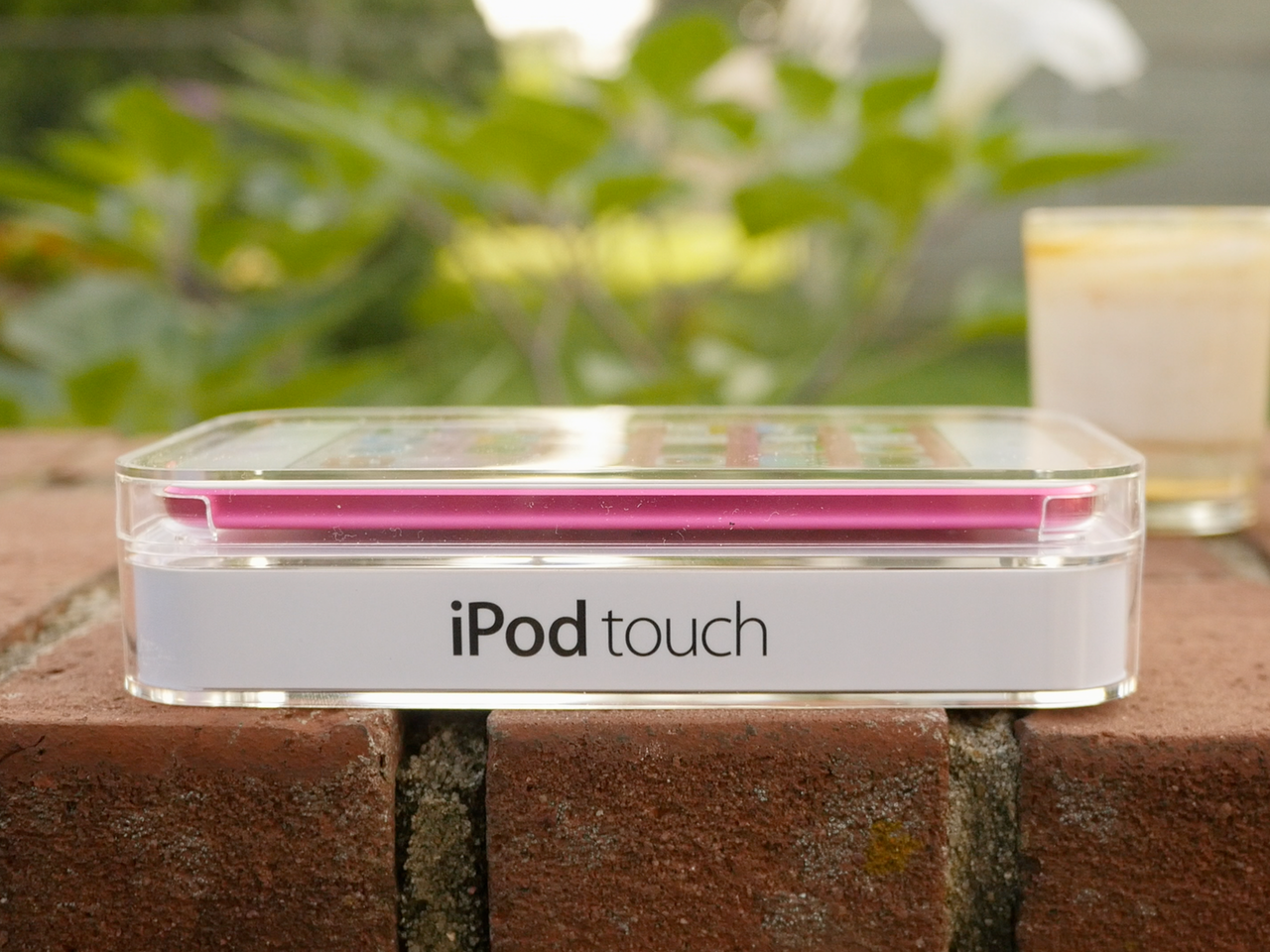
Here are some interesting tidbits about Apple’s ‘best iPod touch yet’

Apple yesterday refreshed its aging lineup of iPod-branded music players. By and large, the iPod touch has received its most substantial upgrade yet as Apple really went all out with upgrades on the hardware front.

Not only does the new iPod touch run the latest Apple-designed “A8” processor as the iPhone 6 and iPhone 6 Plus, but includes the M8 motion coprocessor, a much-improved eight-megapixel camera on the back, three times faster Wi-Fi and the latest in Bluetooth networking.

Here are some interesting tidbits related to the iPod touch's hardware surprises.

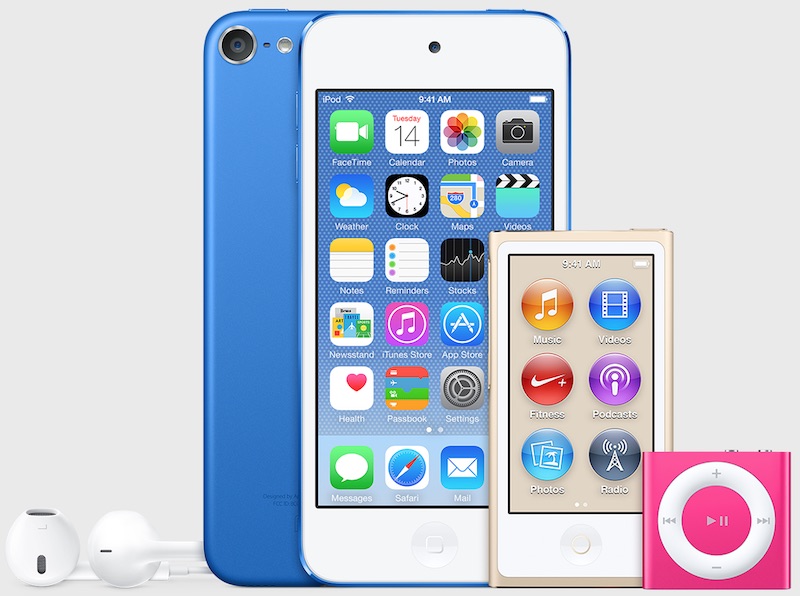
Apple gives iPod touch A8/M8 CPU, 8MP camera, 3x faster Wi-Fi & more, new nano/shuffle colors

Following a recent discovery of hidden graphics assets inside iTunes 12.2 which have hinted at an imminent iPod refresh, Apple on Wednesday quietly refreshed its dedicated music player family with a press release and a website update.

The headline new model is a much improved sixth-generation iPod touch, “the best iPod touch yet.”

It now features the Apple-designed 64-bit A8 processor, essentially the same chip that powers the iPhone 6 and iPhone 6 Plus, and runs Apple's M8 motion coprocessor. Apple really went all out with the iPod touch: there's three times faster Wi-Fi 802.11ac and also an improved FaceTime HD camera with an updated sensor and burst mode for even better selfies.

But the good news doesn't stop here: the back-facing iSight camera has received a substantial upgrade, going from five to eight megapixels with slo-mo and burst mode, 1080p video capture at 30FPS, cinematic video stabilization and more.

The screen size has remained the same, measuring four inches diagonally, and there's no Touch ID. The device runs iOS 8.4 with the all-new Music app and Apple Music integration. As for the iPod nano and iPod shuffle, they have received a minor refresh with new color options available.

How to disable Apple Music Connect

If you choose to hide Apple Music on an iPhone, iPod touch or iPad, the Music app gains a new Connect tab.

Described by Apple as a place where “musicians give their fans a closer look at their work, their inspirations, and their world,”Apple Music Connect permits music lovers to view and follow an artist's stream, like and comment on their posts and more.

Apple Music Connect is basically Ping 2.0. The feature is a tad crude in appearance and feels rough around the edges so little wonder that some folks don't view Connect as valuable enough for it to deserve its own tab.

Wouldn't it be great if you could get rid of the Connect tab? Thankfully, there is.

You'd be forgiven for thinking that the Connect feature couldn't be disabled: Apple has made sure to burry and hide it in an obscure place. In this post, I'm going to explain precisely how you can disconnect from Connect in Apple Music on iPhone, iPod touch, iPad or Mac.

How Apple could reinvigorate the iPod line

It's no secret that iPod sales continue to decline year after year. Many of the people who were once targets for the iPod now opt for iPhones or iPads.

This isn't exactly a terrible problem for Apple to have. The company has never had qualms about cannibalizing its own products for the sake of the greater good.

But with Apple's historic, and now renewed, love of music, it just wouldn't seem right to let the iPod—at least its conceptual existence, and not so much the name—fade out into the sunset.

For that reason, I think that Apple should go back to the drawing board. Even if this year's rumored across-the-board iPod update is nothing more than just a meager spec bump and minor changes—I think that ultimately, the line is due for a complete overhaul.

How could Apple reinvigorate its flagship music player? By doing the following five things...