iPhone

Stay up-to-date on the latest iPhone news and learn new tips and tricks with our comprehensive tutorials. From software updates to new features, we’ve got you covered.

iOS 10 tidbit: Spotlight Suggestions in Messages

On iOS 10, Spotlight Suggestions appear in more places than before. We recently told you about Spotlight Suggestions in the Look Up interface (formerly known as the Define feature). We also discussed iOS 10's expressive Messages app in depth and mentioned its super useful inline previews of URLs.

As it turns out, not only does Messages support inline previews of media URLs, but underlines specific terms in your chats—such as movie and app names—that Spotlight Suggestions can give you more info about.

iOS 10 tidbit: sending broken hearts via iMessage

iOS 10's much-enhanced Messages app includes the Digital Touch interface that first appeared on the Apple Watch. With Digital Touch, users can create iMessages that contain doodles, digital taps, video with effects and more.

We recently explained how Digital Touch can be taken advantage of to send nicely animated hearts to your recipients. Here's another iOS 10 tidbit: Messages on iOS 10 also lets you shoot animated broken hearts to someone for those times you wish to convey more specific feelings.

Apple may be forced to open a center for iOS device repair in Russia to avoid lawsuits

Following a lawsuit filed against Apple last June by iPhone owner Dmitry Petrov, which alleged that the Cupertino firm had failed to provide proper product support in Russia because its resellers and chain stores lacked the proper equipment to repair smashed displays, Apple could reportedly be planning to open a full-fledged center for iOS device repairs in the country to avoid future lawsuits.

It is not known when Apple's centralized repair center will open, but it will reportedly be “big and expensive”. According to a report by The Moscow Times, one unidentified employee of an Apple partnership corporation told Vedomosti that “he believes it will cost between $1 and $2 million.”

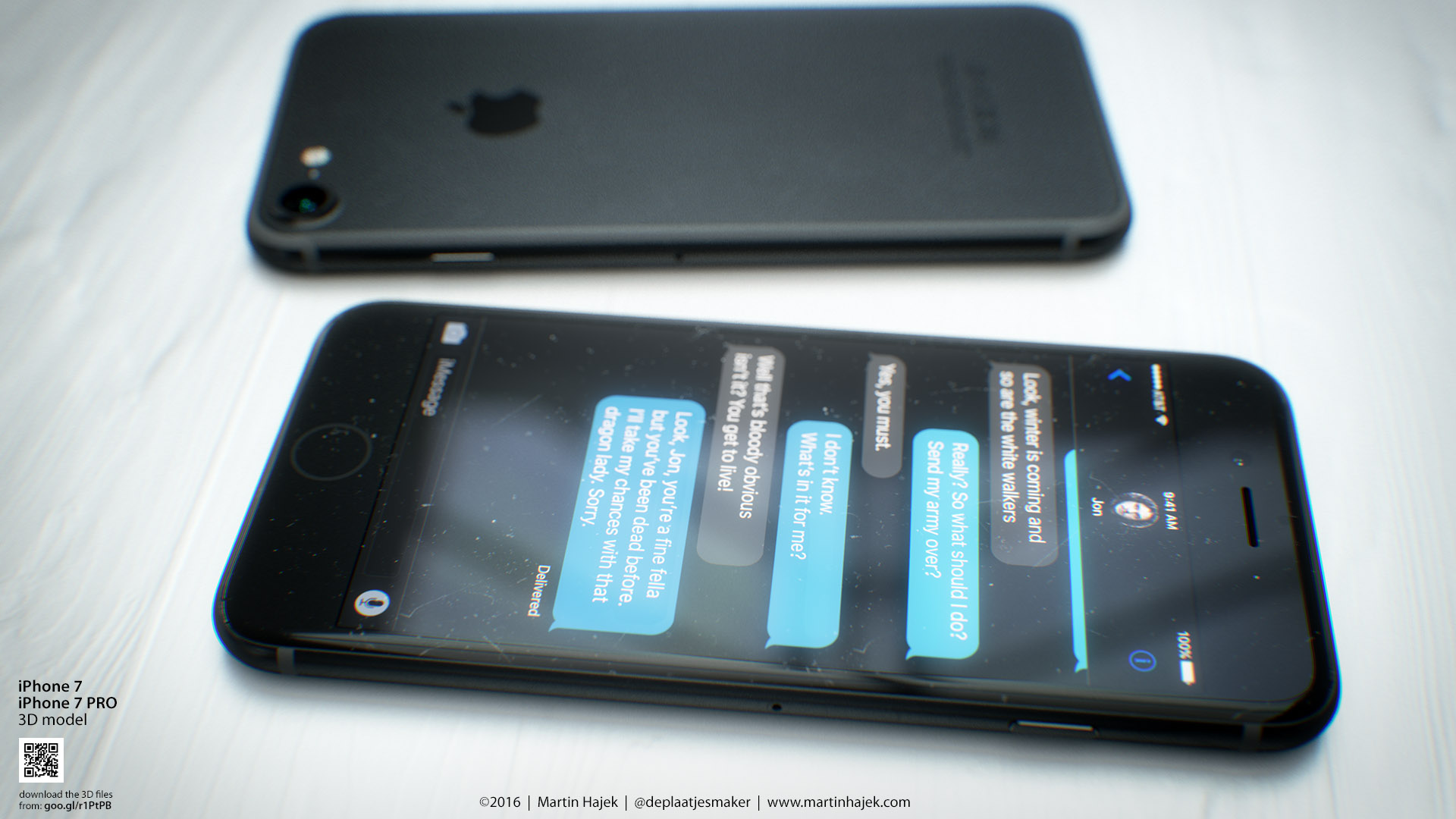
Crisp iPhone 7 Plus snaps show Smart Connector and, confusingly, no Mute switch

The industry-standard 3.5mm headphone jack may not be the only widely-used feature that is thought to be on the chopping block for the next iPhone. A new batch of high-resolution photographs that surfaced last evening appear to show off a larger 5.5-inch iPhone 7 Plus model that doesn't seem to have the Mute switch on its side.

The photos were posted by French bog NowhereElse. The same publication released a set of images yesterday that gave us the clearest look yet at the iPhone 7's subdued antenna lines.

The runaway success of Pokémon GO highlights safety issues of augmented-reality gaming

The runaway success of Pokémon GO is undeniable. In a few short days since its debut last week, the freemium title has become the top free app on the US App Store and the most downloaded and highest-grossing app in the countries where it is available. It sent Nintendo shares up 25 percent, adding $7.5 billion to the company's market capitalization. Furthermore, the game is about to surpass Twitter among Android users in the United States in terms of daily active users.

But there's a darker side to its success as widespread media coverage combined with pent-up interest and the power of the Nintendo and Pokémon brands in some cases seem to be resulting in a string of thefts, burglaries and even car accidents and other injuries.

Here’s our best look yet at subdued iPhone 7 antenna lines

French blog NowhereElse.fr on Monday posted a claimed image of an iPhone 7 backplate which offers the clearest look yet at the subdued antenna lines along with a larger single-lens camera on its back. The alleged photo claims to represent Apple's 4.7-inch iPhone 7 model and is in line with earlier leaks showing antenna lines running around the top and bottom edges of the handset and a single camera on the back with a larger opening versus that on the iPhone 6s.

What’s on your Home screen: Cody Lee

I’m a little late to the party, but I wanted to join the rest of my colleagues in sharing my iPhone Home screen. I love looking at others’ setups, and getting inspiration from their apps and wallpapers, so I’m happy to post mine in the same vein.

I’ll start off by saying that my Home screen changes fairly frequently. I’m always installing beta versions of iOS, jailbreaking, and doing other things to my iPhone that prompt complete restores, so I don’t get to enjoy any particular setup for very long. And that’s ok with me, as I like rebuilding my Home screen—it’s like rearranging furniture in a room to find a more optimal layout. It’s sort of cathartic.

My current setup I’ve had for a little over a month now. Knowing that the first iOS 10 beta was coming, I decided to get rid of my jailbreak and update to iOS 9.3.2. Not being jailbroken definitely affects how my Home screen looks—I use tweaks like Springtomize to customize the status bar, remove icon labels and make other small, but noticeable changes—but I don’t regret moving on to iOS 10. It’s been a joy to use thus far.

Buno, Folioscope, Instaread, and other apps to check out this weekend

It's the weekend again, and you know what that means: it's time for another edition of our Apps of the Week post. For those who aren't familiar with the column, this is where we put together a small list of apps and games that we think are worth checking out, and we think we've really made some awesome selections this week.

iOS 10 tidbit: warning message when launching apps that aren’t 64-bit compliant

In April 2015, Apple reminded developers that as of June 2015 all apps and app updates submitted to the App Store must include 64-bit support. After more than a year, some apps are still stuck on 32 bits and lack support for 64-bit devices. iOS 10 takes a naming and shaming approach by including a brand new warning message that appears when you open a 32-bit app on a 64-bit iPhone, iPad or iPod touch.