iPhone

Stay up-to-date on the latest iPhone news and learn new tips and tricks with our comprehensive tutorials. From software updates to new features, we’ve got you covered.

MusicLocker prevents accidental taps and swipes on the Now Playing widget

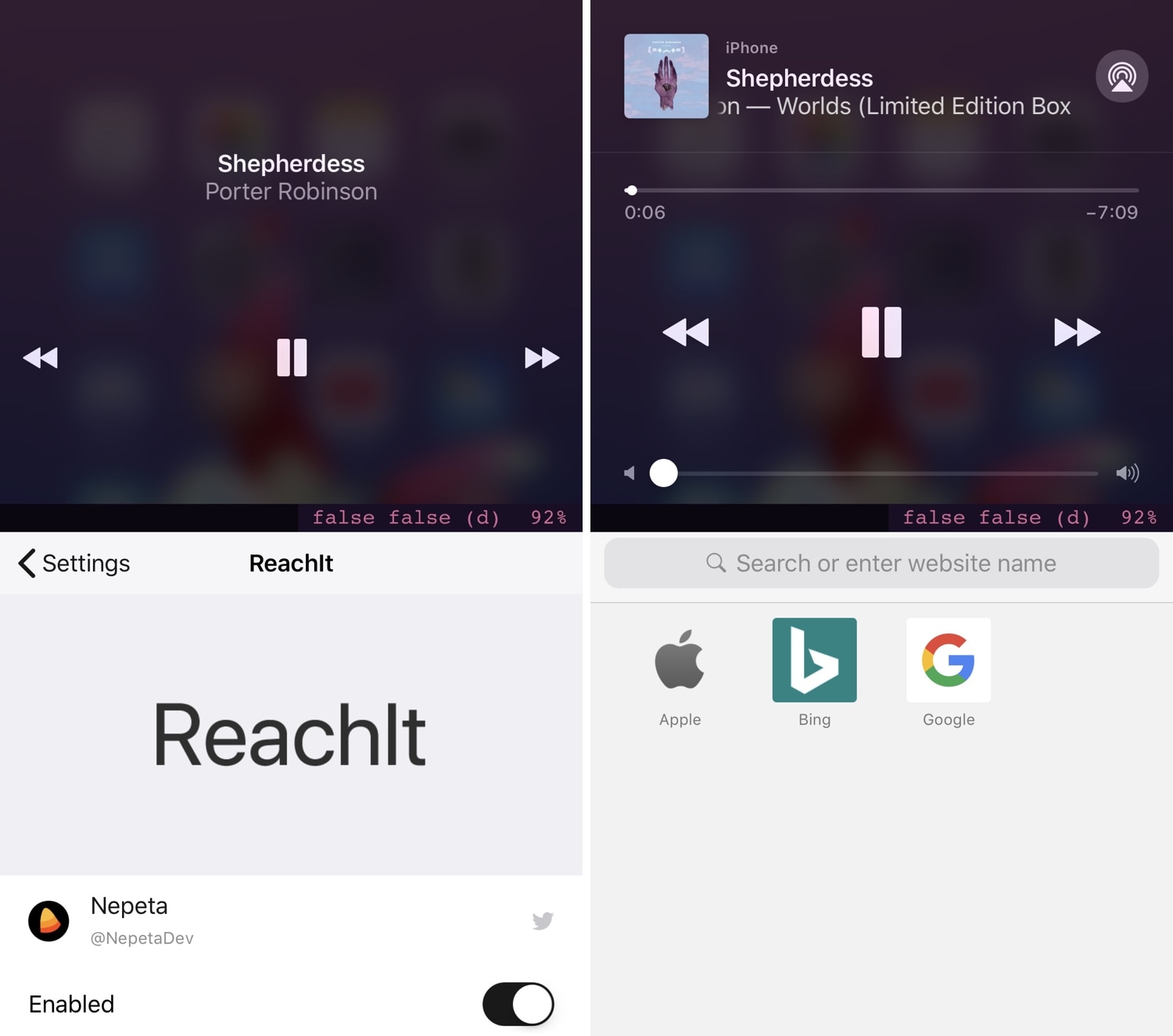
Whenever you listen to music on your iPhone or iPad, a Now Playing widget appears on the Lock screen so you can see a visual representation of the song’s information and interact with playback controls as needed. Unfortunately, having this widget on a touch screen interface tends to result in accidental actions, such as unwanted pausing, scrubbing, or skipping.

iOS developer PeterDev recognized this problem first-hand on a device of his own and created a new free jailbreak tweak called MusicLocker in an effort to solve the problem once and for all.

NewNowPlaying gives the Spotify app’s Now Playing interface a cosmetic facelift

Apple Music provides one of the best all-in-one music streaming services that you can get on an iPhone or iPad, but admittedly, I still have a soft spot for the third-party streaming service known as Spotify. That said, while I enjoy using Spotify, I tend to get excited when I see new jailbreak tweaks that have made specifically for it.

NewNowPlaying by iOS developer Yung_Specht just so happens to be one of those releases, and as the name implies, this tweak gives the Spotify app’s Now Playing interface a gorgeous cosmetic makeover.

Protect your jailbroken iPhone from thieves with iCaughtU 12

If you’re more anxious than most, especially concerning the safety of your jailbroken thousand-dollar smartphone, then you might be interested in a newly-released jailbreak tweak called iCaughtU 12 by iOS developer Itay.

iCaughtU 12 is an iOS 12-compatible remake of one of the most popular anti-theft jailbreak tweaks ever devised, and as you might come to expect, it provides many of the features that users have come to know and love since the original classic launched several years ago.

Customize your Lock screen’s text font with Lafon

If you have a jailbroken iPhone or iPad and you haven’t customized it with third-party fonts yet, then you’re missing out. On the other hand, popular classics like BytaFont tend to take things a bit too far for minimalists, adjusting the handset’s font on a system-wide level.

Those who demand a subtler footprint in the name of font customization will take a liking to a new free jailbreak tweak called Lafon by iOS developer Aesthyrica, as it only impacts the font of the text strings that appear on your Lock screen.

This tweak lets you have a dark keyboard on your iPhone all the time

We can only hope that Apple is working on some sort of native dark mode for iOS that extends to the software keyboard we interact with each and every day, but until then, we’ll need to rely on jailbreak tweaks to get what we want.

Dark Keyboard is a subtly-named free jailbreak tweak by iOS developer Thomz that forces your iPhone or iPad to display the dark keyboard by default in virtually every typing interface that you can imagine on the iOS platform.

Xeon (Beta) is a Zeppelin alternative for jailbroken iOS 11 and 12 handsets

The Status Bar is something that iPhone users see every day when using their handset, so it makes sense that it’s easily one of the most popular things to customize on a jailbroken handset. A classic jailbreak tweak called Zeppelin used to let users customize their carrier icon, but as they say, out with the old and in with the new.

For those onboard, iOS developer PeterDev just recently released a new jailbreak tweak called Xeon (Beta), which aims to be a full-fledged Zeppelin alternative and then some. In addition to working with standard Zeppelin themes right out of the box, Xeon (Beta) also brings a bevy of other proprietary features to the table.

Timemoji replaces the Status Bar’s A.M./P.M. indicator with your choice of Emojis

The Status Bar plays host to all sorts of vital information about your handset, including its wireless signal strength, the battery level, and the time. The time indicator is perhaps one of the most frequently-checked indicators of them all, but it tends to be somewhat bland out of the box.

Enter Timemoji, a new free jailbreak tweak by iOS developer 1di4r that replaces the native “A.M.” and “P.M.” indicators with specific Emojis of your choice.

ToneItDown makes previewing alarm tones in the Clock app less intrusive

One thing I’ve noticed while configuring alarms on my iPhone is that the alarm tone preview always resets the volume to 50%, regardless of any adjustments you make with the volume buttons while previewing those tones. That said, it’s a somewhat obnoxious experience to choose the right tone for your upcoming alarm.

Those who agree about the circumstances will come to appreciate a new free jailbreak tweak called ToneItDown by iOS developer LacertosusDeus, as it was specifically designed to mitigate this oversight on Apple’s part.

How to check if an iPhone is new, refurbished, or a replacement unit

Icon of a confused man next to an iPhone asking if it's new

There are no external indicators on an iPhone or iPad that reveal whether it’s fresh out of the box, refurbished, or a replacement provided by Apple through a service request.

In this guide, we’ll show you how to distinguish between brand-new iPhones, refurbished models, replacement units, and even devices customized with Apple’s laser engraving.