iPhone

Stay up-to-date on the latest iPhone news and learn new tips and tricks with our comprehensive tutorials. From software updates to new features, we’ve got you covered.

Modernize the Cydia app’s user interface a bit with cyder

There’s obviously a lot of controversy over Cydia vs. Sileo because the latter has been designed with a modern iOS aesthetic in mind. But those who prefer the tried and true Cydia over something that’s relatively young in comparison can still take advantage of jailbreak tweaks to make Cydia better.

One such release that grabbed our attention as of late was cyder by iOS developer CreatureSurvive, which brings a plethora of modern features to the official Cydia app by way of Cydia Substrate. Obviously, this means it only supports pre-A12(X) devices, but it’s worth checking out if you happen to have a supported handset in your possession.

Nostalgic for the pre-iOS 6 Home screen folder aesthetics? This tweak can help

If you’ve ever used iOS 6 or earlier, then you’re undoubtedly familiar with a very different Home screen folder interface that you’re using today. I can’t exactly say that I enjoy the newer folder format better than the older one, and for that reason, I’m excited to talk about a jailbreak tweak called ClassicFolders 2 by iOS developers CoolStar and Jeremy Goulet.

The primary reason that you would want to install ClassicFolders 2 is if you miss the classic Home screen folder interface and you want to use it again on your jailbroken iOS 7-12 device. This tweak works quite well, and it even includes a few bells and whistles to give it an aesthetic appeal such as blurred background modes that match iOS’ modern-day appearance.

How to view iCloud Keychain passwords on iPhone, iPad, and Mac

View passwords stored in iCloud Keychain on iPhone

If you use iCloud Keychain to store and remember passwords, there may come a time when you want to view a particular password. Maybe you need it to log in on another device that doesn't have iCloud Keychain, or perhaps you are setting up a new password manager and need those details. Whatever the case, here's how to access iCloud Keychain passwords on iPhone, iPad, and Mac.

Having trouble jailbreaking iOS 12 with Chimera? Try this!

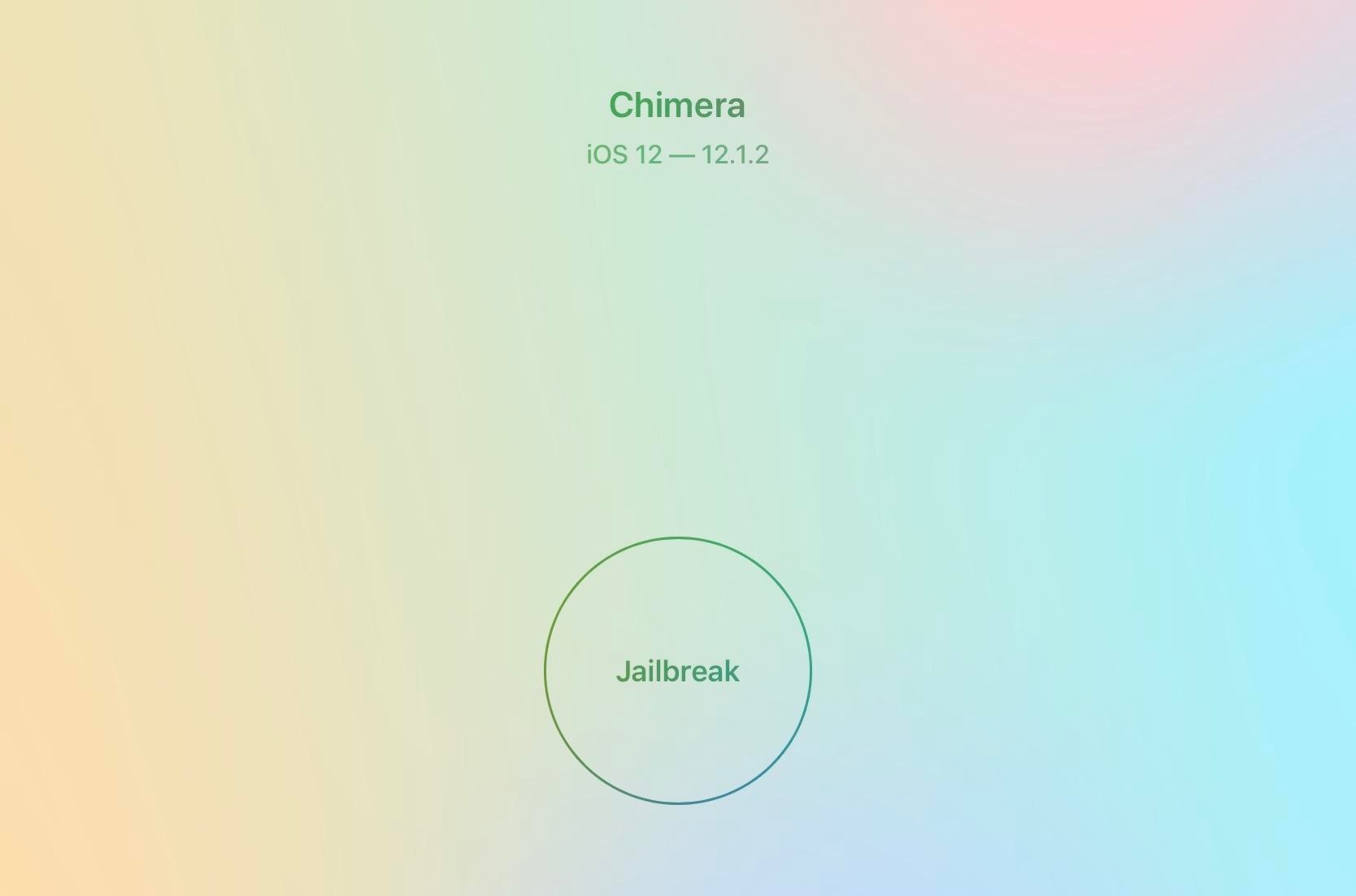
If you’re trying to use the Electra Team’s Chimera jailbreak tool for iOS 12.0-12.1.2 and you’ve had issues jailbreaking your handset – more specifically with the device rebooting after step 2/3 with no successful jailbreak – then you might want to turn your attention to some useful advice offered by Electra Team lead developer CoolStar on Tuesday.

In a Tweet shared early this morning, CoolStar noted that this could happen if your handset was heating up from attempting the jailbreak too many times in rapid succession, and that letting the device cool down slightly before trying again “massively” increases Chimera’s success rate:

Groovify lets you customize the Spotify Music app without boundaries

Although Apple pushes its Apple Music streaming service on its consumer base, I still find myself preferring Spotify, especially now that the service bundles Hulu with its Spotify Premium subscription. That said, I don’t see myself switching to Apple Music any time soon, and it excites me when I happen upon a new Spotify-centric jailbreak tweak.

The latest of such releases is Groovify by iOS developer Revulate, which brings all sorts of color customization options and a whole lot more to the official Spotify app for iOS. You can see a few examples of the tweak’s aftermath in the screenshots above.

Improve your iPhone’s notification privacy with Blurification

If you’re a privacy nut, then chances are you spare no expense to protect your personal data from all the prying eyes around you. Those in the same boat will likely enjoy a newly-released jailbreak tweak dubbed Blurification by iOS developer smokin1337.

Blurification veils all your incoming notifications with a gaussian blur effect that makes their contents entirely illegible until you first authenticate yourself. This tweak is particularly useful because it extends far beyond any of the native notification privacy features that come standard with iOS.

How to print iPhone Messages with iMazing on Mac

Print messages from iMazing

If you haven’t heard of iMazing, this is a software application that you can use to the manage your iOS devices. Among their features, you can back up your device, manage its content, and yes, print your conversations from Messages app.

You likely have a specific reason for needing to print your messages. And this application makes it easy to do. If you already have iMazing installed, then you’re one step ahead. If not, it’s available for a free trial for Mac directly from the iMazing website.

So, let’s jump right to it; here’s how to print iPhone Messages with iMazing on Mac .

Improve your iPhone’s clipboard management capabilities with Copypasta

It’s no secret that iOS’ native clipboard leaves a lot to be desired, and that should underscore why there’s been such an uptick in the number of clipboard manager-centric apps and jailbreak tweaks for iOS as of late.

Although we’ve come to appreciate much of what’s available already, we’re also excited to discuss a new free release called Copypasta by iOS developer Nepeta. Its ultra-clean interface paired with the lack of a price tag make it a compelling option for many.

Five Icon Dock lets you exceed your iPhone Dock’s four icon limit

Given just how expansive Apple made the Dock on macOS and on iOS for iPads, it’s almost a shame that Apple limits the number of app icons you can have on your Dock in iOS for the iPhone and iPod touch.

With that in mind, I’ve always had a soft spot for tweaks that shattered that limitation, and that’s mainly why I’m excited to share the release of a free jailbreak tweak called Five Icon Dock (iOS 11 & 12) by iOS developer Guillermo Morán, the same creator behind the popular Eclipse dark mode tweak.

This tweak does away with the red webview warning banner in Sileo

If you’re using the Sileo package manager on the Chimera or Electra jailbreak from the Electra Team, then you’ve undoubtedly stumbled upon a few repositories where the app displays an unsightly red banner just below the tweak’s name with a warning about how web view depictions are deprecated.

Those who use the Sileo app on a regular basis have probably gotten in the hint by now, and so if you’re getting tired of seeing this red banner each time you go to download a jailbreak tweak, then you just might come to appreciate a new free release called SileoNoBanner by iOS developer JunesiPhone.