Learn how to use the built-in calendar feature in the Outlook app on your iPhone or iPad to quickly check your schedule and share your availability over email.
How to send your availability in Outlook on iPhone and iPad

Stay up-to-date on the latest iPhone news and learn new tips and tricks with our comprehensive tutorials. From software updates to new features, we’ve got you covered.
Learn how to use the built-in calendar feature in the Outlook app on your iPhone or iPad to quickly check your schedule and share your availability over email.
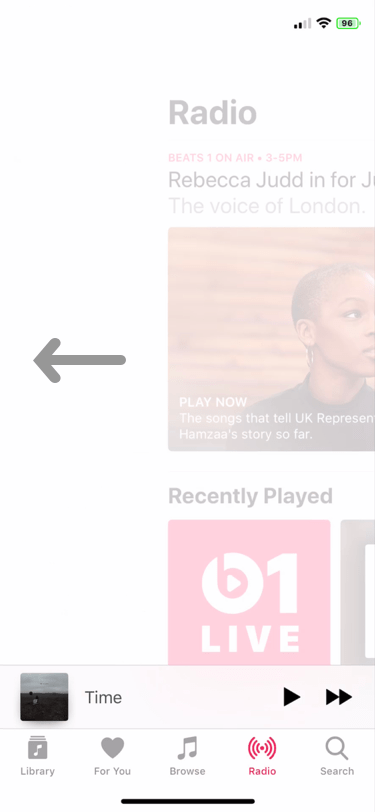
You’ve undoubtedly happened upon an app on your iPhone in which tabs appear at the bottom of the interface for navigating said app. Many native apps, in addition to third-party downloads from the App Store, use this type of navigation interface.
Users generally tap on the tabs at the bottom of the app to get from one view to another, but a newly-released and free jailbreak tweak called FluidTabs by iOS developer tomt000 brings this concept to the 21st century by allowing users to ‘swipe’ between an open app’s tabs.

Follow iDownloadBlog's step-by-step tutorial to learn how to easily stop receiving Apple Card notifications every week and month summarizing your spending and transactions, as well as opt out of Daily Cash notifications from Apple Cash (automatically issued each morning).
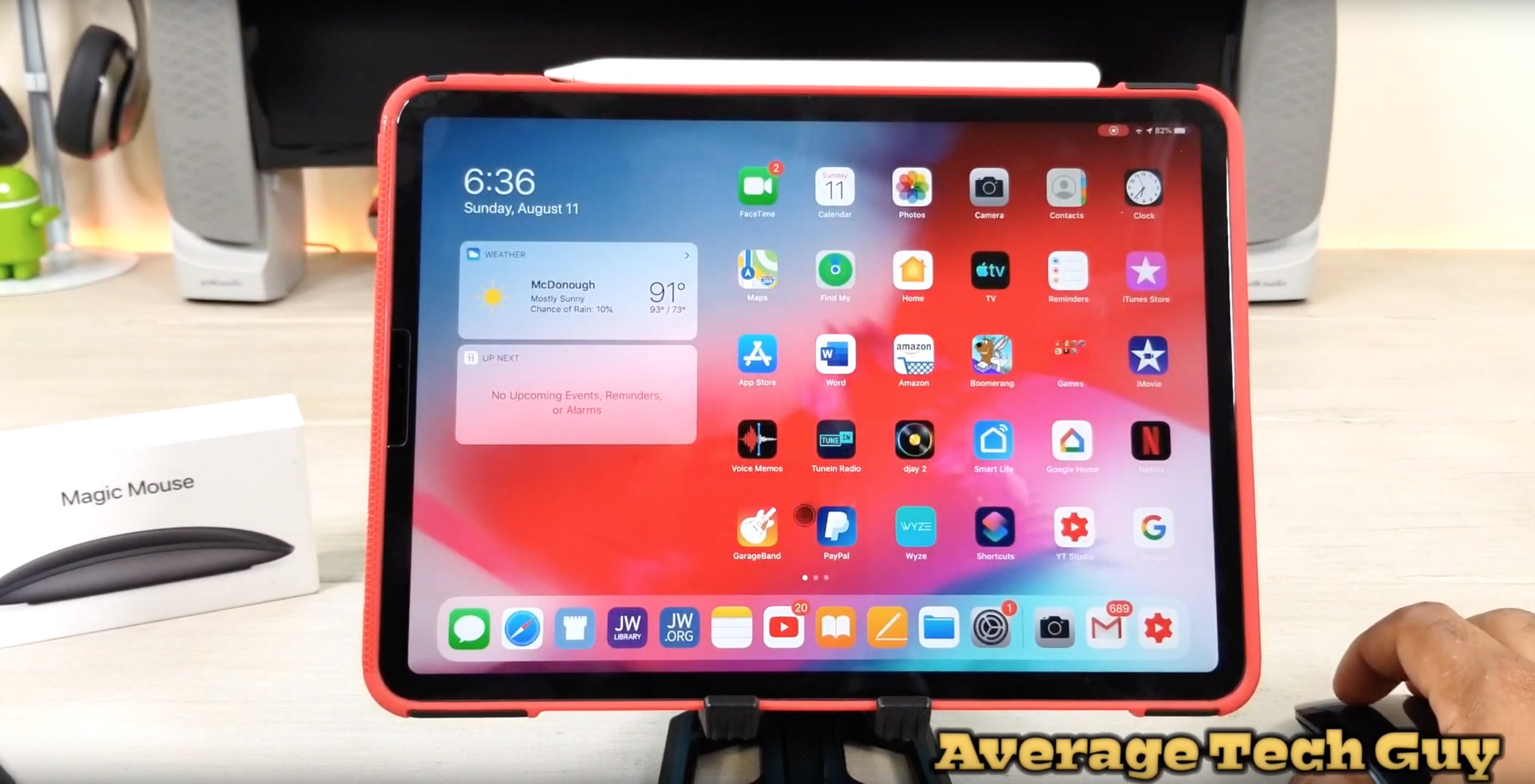
It didn't work previously, but Apple's wireless mouse can now be paired with an iPhone or iPad.
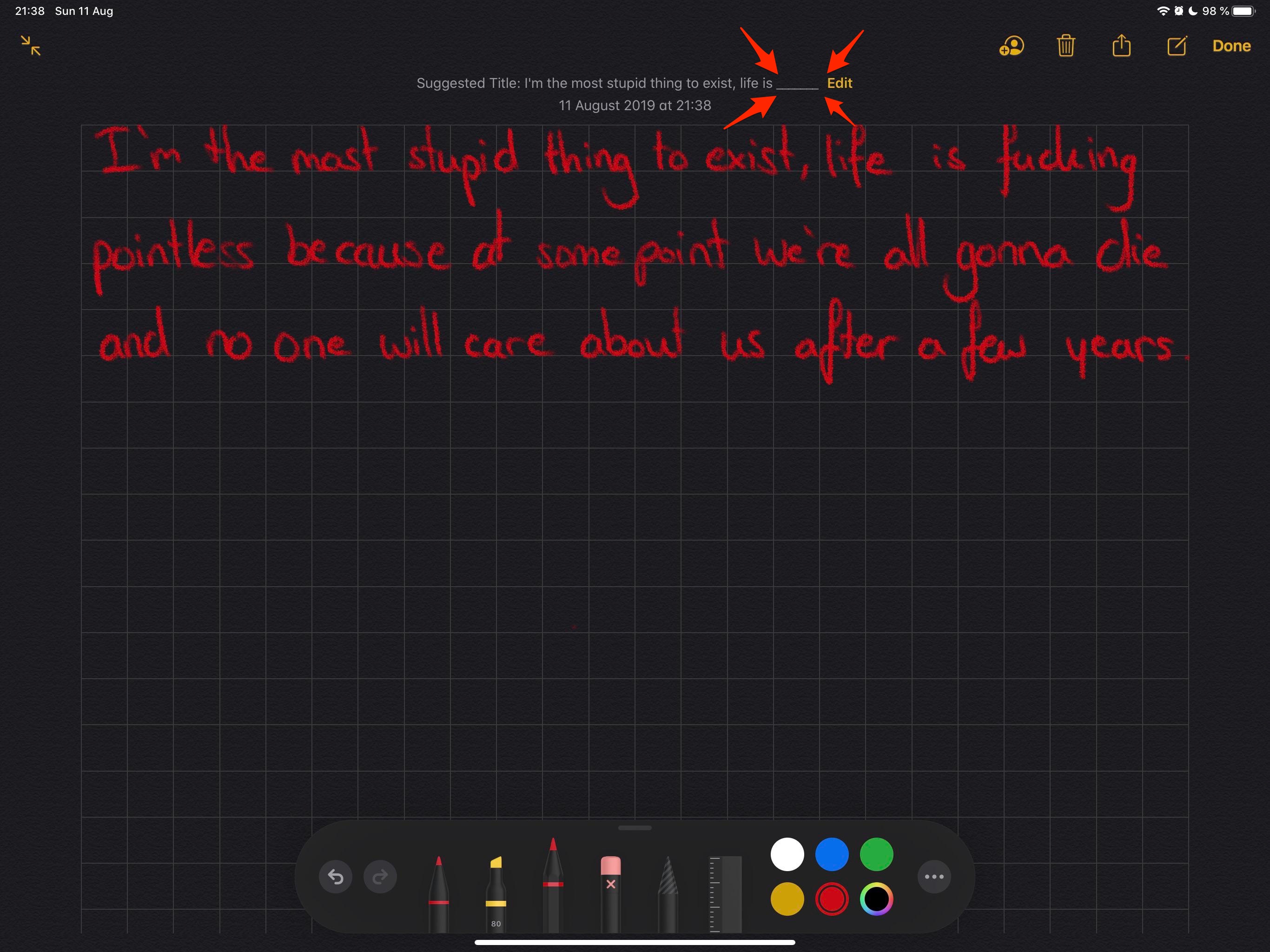
The improved Notes app in iOS 13 apparently features automatic curse word censoring.
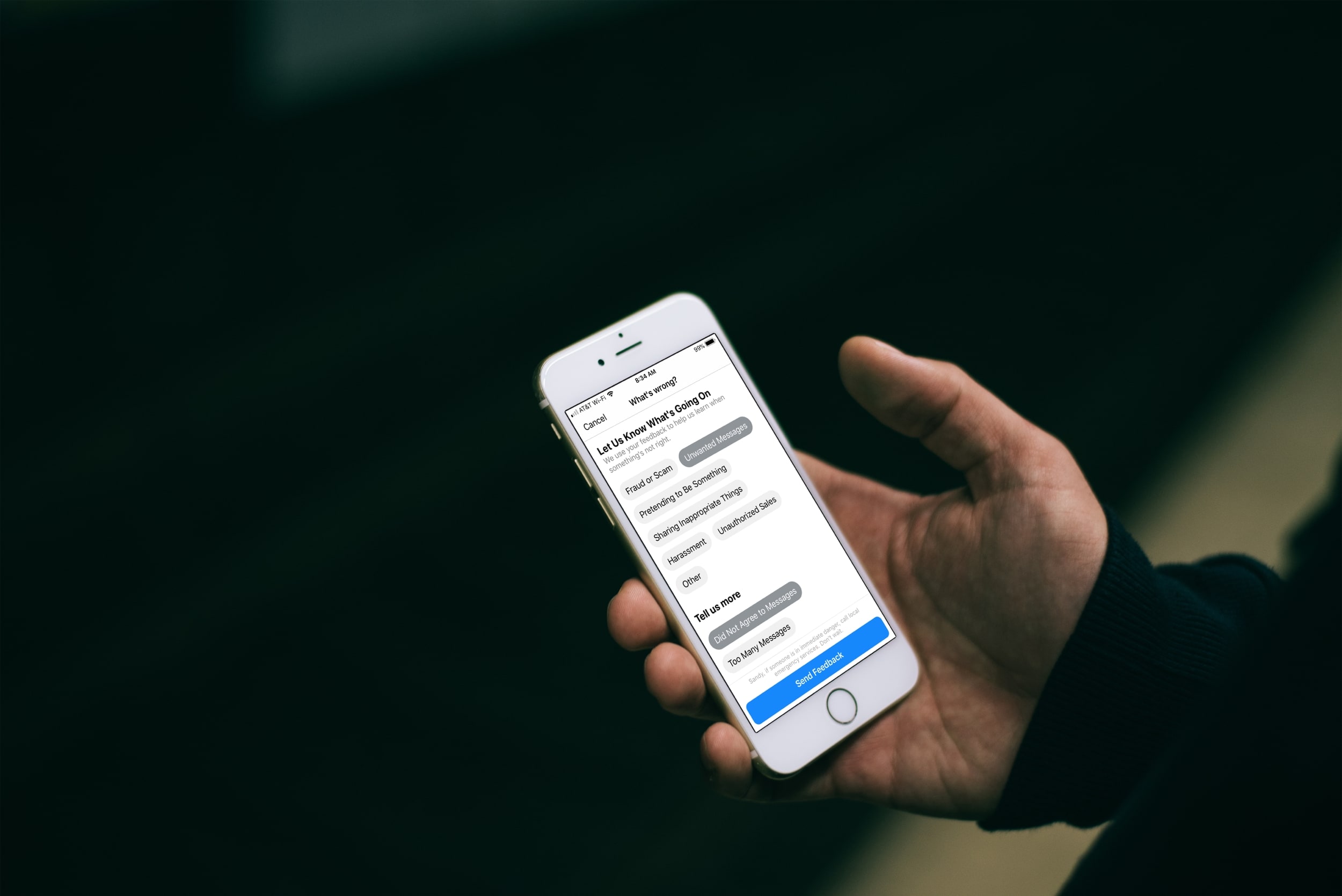
Have you received an unwanted, unsolicited message or maybe a harassing one on Facebook Messenger? Luckily you have a way to report these types of conversations in the Messenger app or on the web, and it only takes a minute.
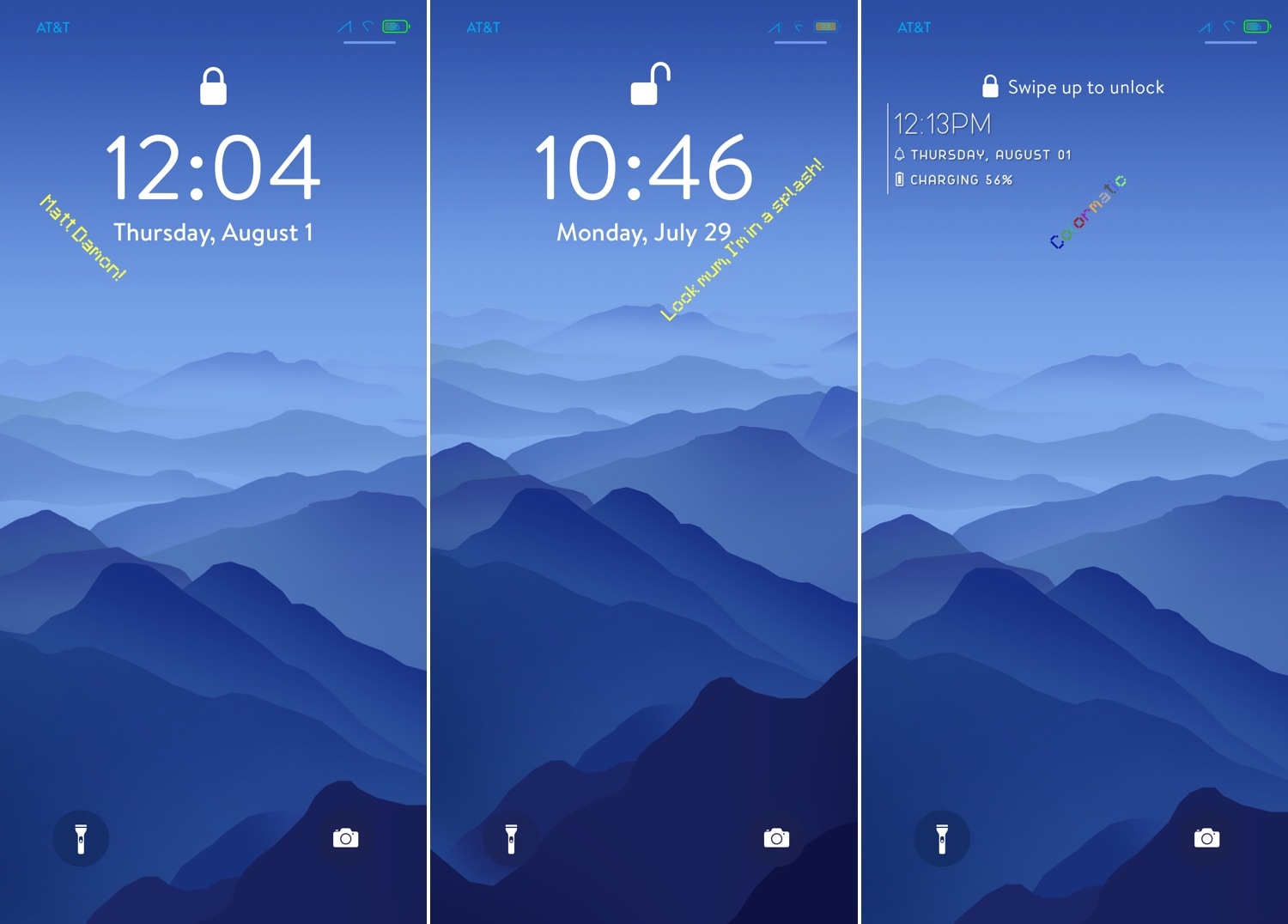
It was only a couple of weeks ago that we broke the news about a jailbreak tweak release called McSettings that could theme your Settings app to look and feel more like the popular Minecraft game, but now you can do the same with your Lock screen with the help of a new add-on called Bedrock by iOS developer Samg_is_a_Ninja.
As you might’ve discerned for yourself already, Bedrock brings the nostalgic Minecraft-centric splash screen messages to your iPhone’s Lock screen. These are generally one-liners and somewhat tacky, but Minecraft lovers will be excited to hear that they animate precisely as they would in the game on your computer.
The Sileo Team released another update for the Sileo package manager Sunday evening, this time bringing it up to version 1.3.1.
The announcement was shared via the Sileo Team’s Twitter page just a couple of hours ago, and as it would seem, the update switches to zsh as the default shell for installing packages on jailbroken handsets:
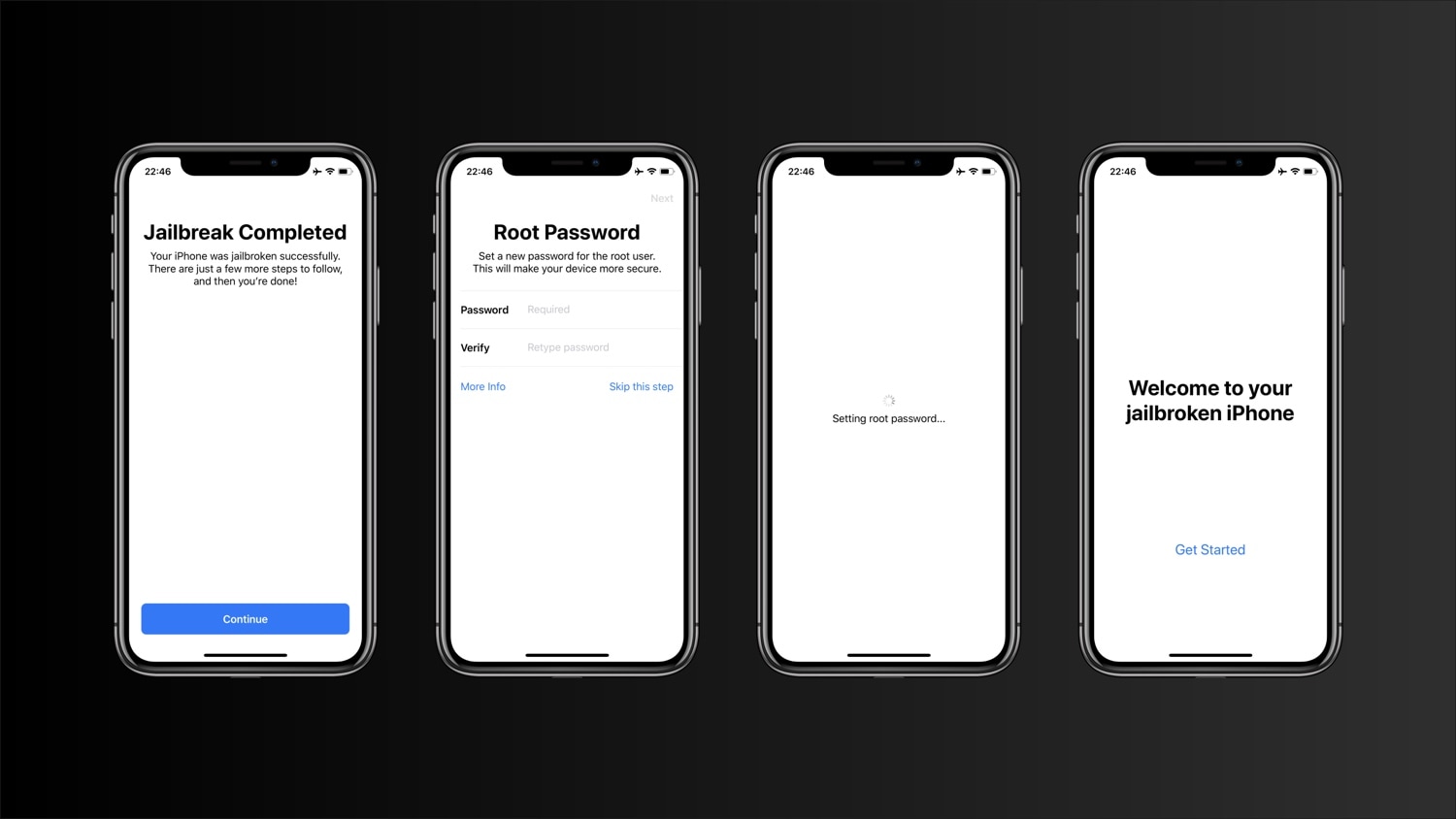
Anytime you jailbreak an iOS device, one of the first things you’re ever advised to do is change your handset’s root password, which is commonly used to access elevated privileges in mobile terminal when entering complex commands. The password is always “alpine” out of the box, but users can change this to almost anything they want to increase their handset's security from a commonly-known password.
As imperative as changing the root password may be, many jailbreakers either forget to do so or shrug off its importance. For that reason, we’re particularly fond of a sleek concept that was shared to /r/jailbreak over the weekend that rethinks the way jailbreakers will interact with their root password after jailbreaking their handset for the first time.

We fashion together an easy-to-digest jailbreak tweak roundup every week such that you can make well-informed decisions about what to install on your pwned handset. This week is no different.
In this roundup, we’ll talk about all the latest jailbreak tweaks to be released on most significant repositories from Monday, August 5th to Sunday, August 11th. As always, we’ll discuss our favorite releases first and then cap things off with an outline of the rest afterward.
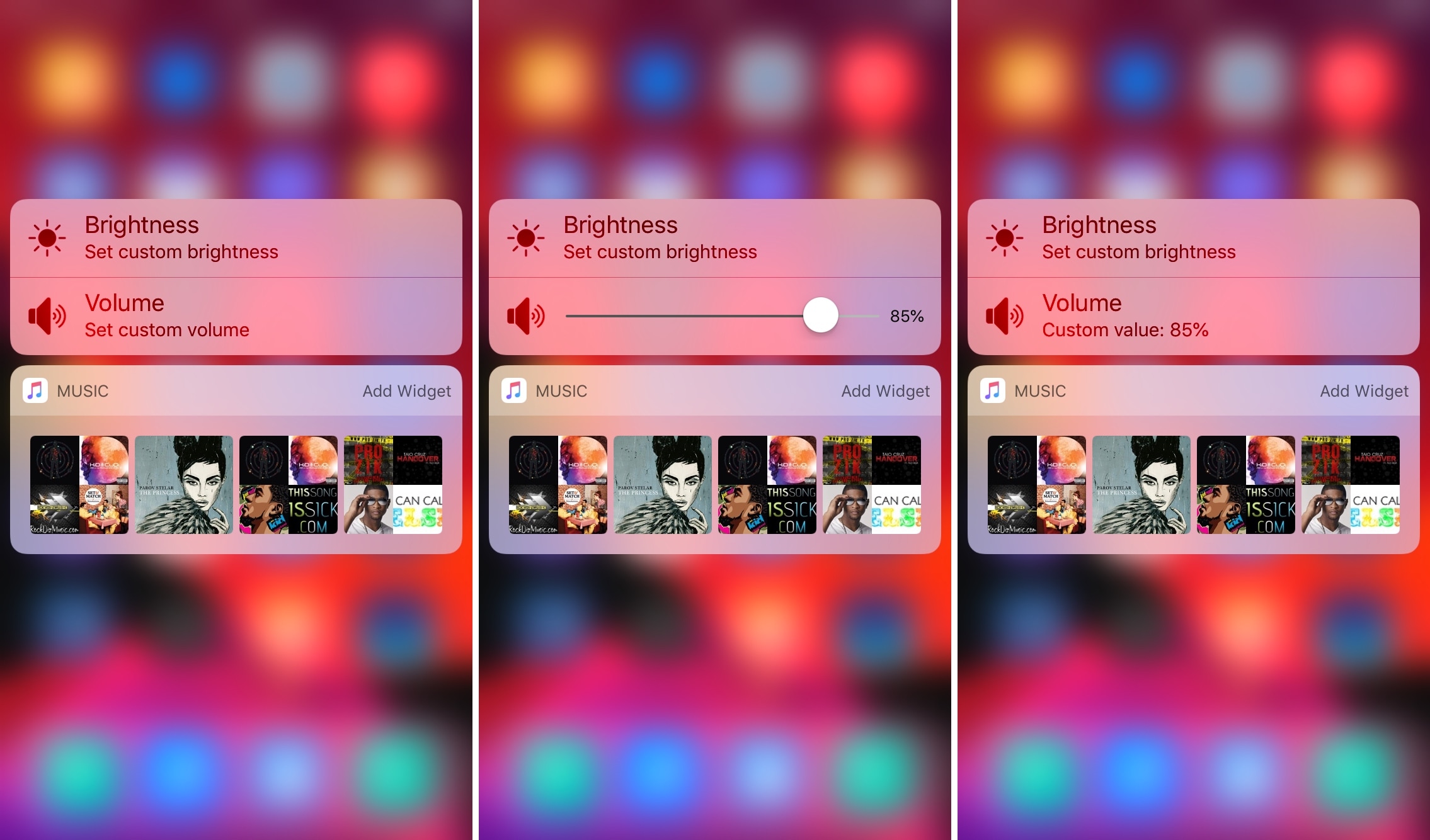
If you’ve ever fancied setting custom display brightness and/or speaker volume levels for individual apps before, then it’s your lucky day. A newly-released jailbreak tweak dubbed Appaze by iOS developer AnthoPak lets you do these things with ease.
As shown in the screenshot examples above, Appaze utilizes the Home screen’s native 3D Touch menus to function. Upon pressing firmly on an app icon to reveal its menu, users will find two new additions, including “Set custom brightness” and “Set custom volume” at the top of the list.
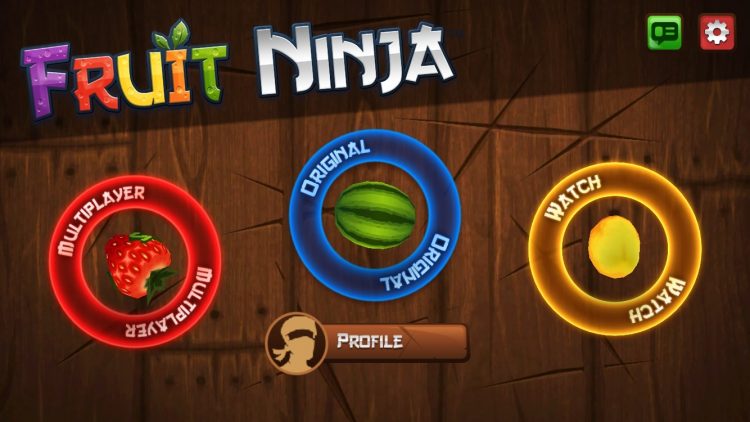
It makes no sense to put fruit and ninjas together. It just wouldn't work, right? Well, Halfbrick Studios decided to make a juicy, addictive combination that took the world by surprise. I'm talking about Fruit Ninja Classic an unexpected game for the iPhone that was released back in 2010.
Now, with even a VR version of the game and a Youtube Red series, the Fruit Ninja series is still popular, addictive and tasty. But, we're not here for the current state of the game. Instead, we're interested in its past. Welcome to Retro Review, and today we'll be taking a look at the original, the classic, the one that started it all: Fruit Ninja Classic.