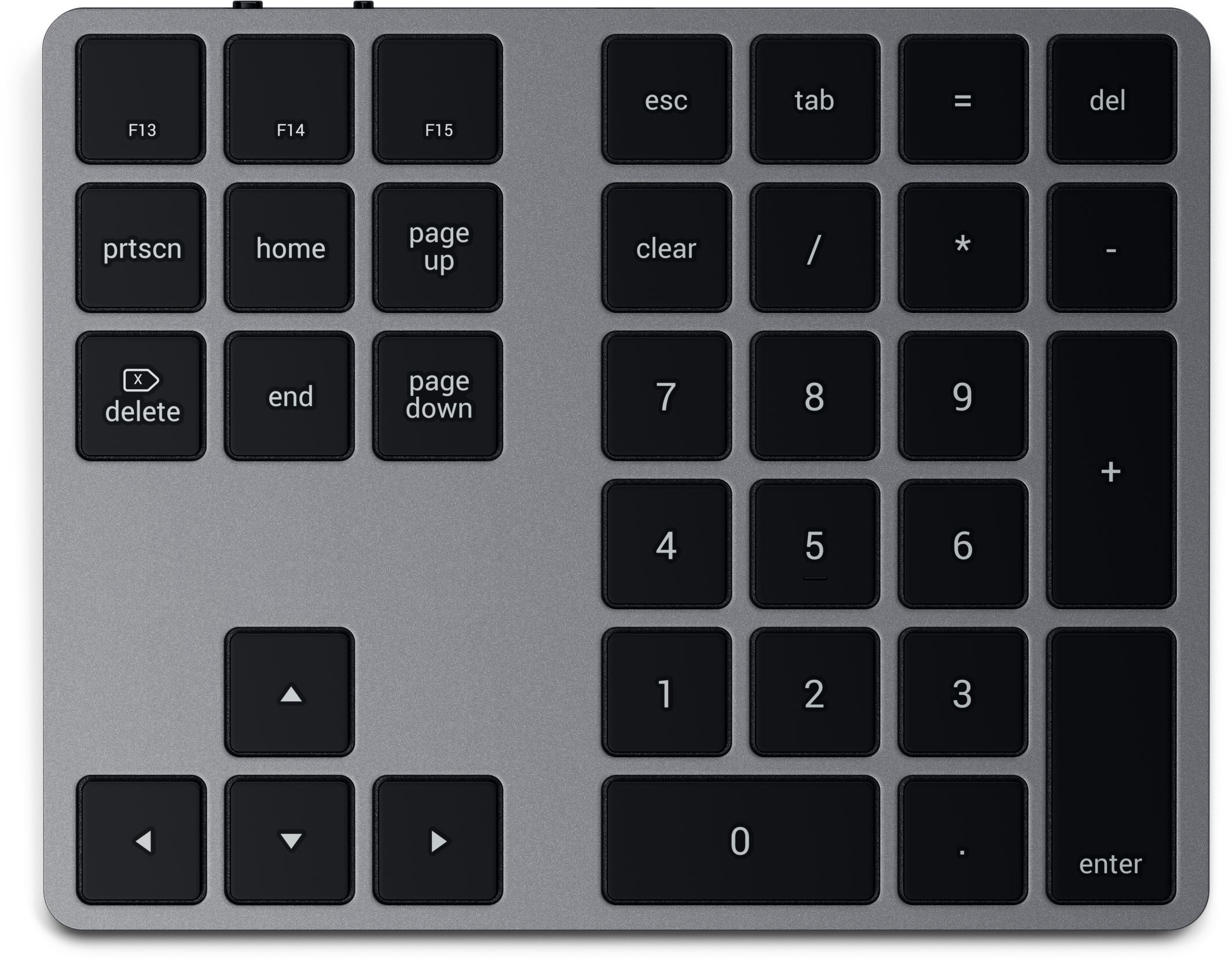
Accessory vendor Satechi yesterday released a new product: Bluetooth Extended Keypad.
Satechi’s Bluetooth Extended Keypad works with Macs and iOS
Stay up-to-date on the latest iPhone news and learn new tips and tricks with our comprehensive tutorials. From software updates to new features, we’ve got you covered.
Accessory vendor Satechi yesterday released a new product: Bluetooth Extended Keypad.
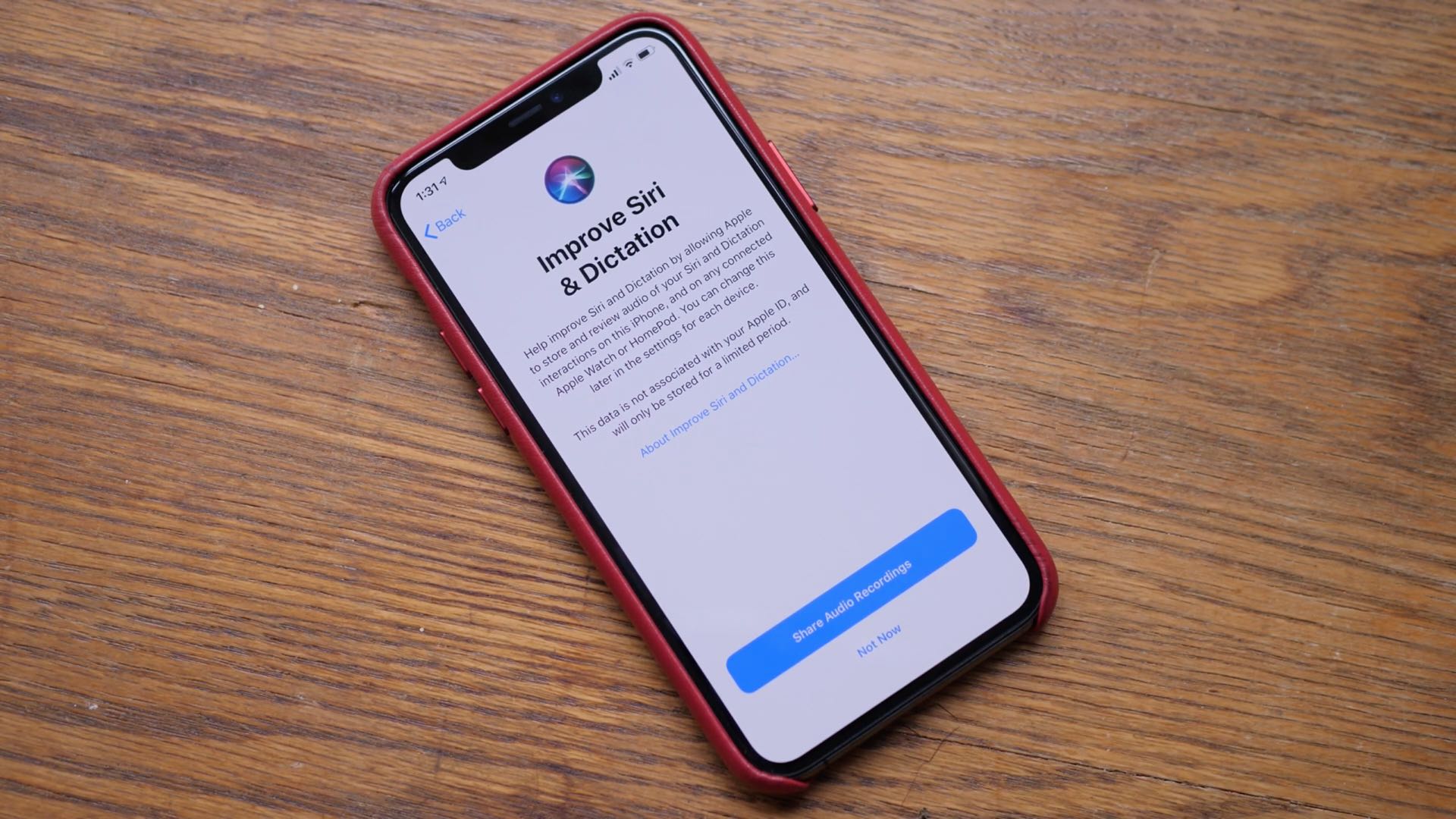
The upcoming iOS 13.2 update, currently in beta, will likely be released to the general public by the end of October because Apple's new Beats Solo Pro headphones that require the update for some of its features are scheduled to reach customers’ hands Wednesday, October 30.

Pop star Selena Gomez today released music video for her latest song, titled "Lose You To Love Me", that was shot entirely using Apple's triple-camera iPhone 11 Pro.
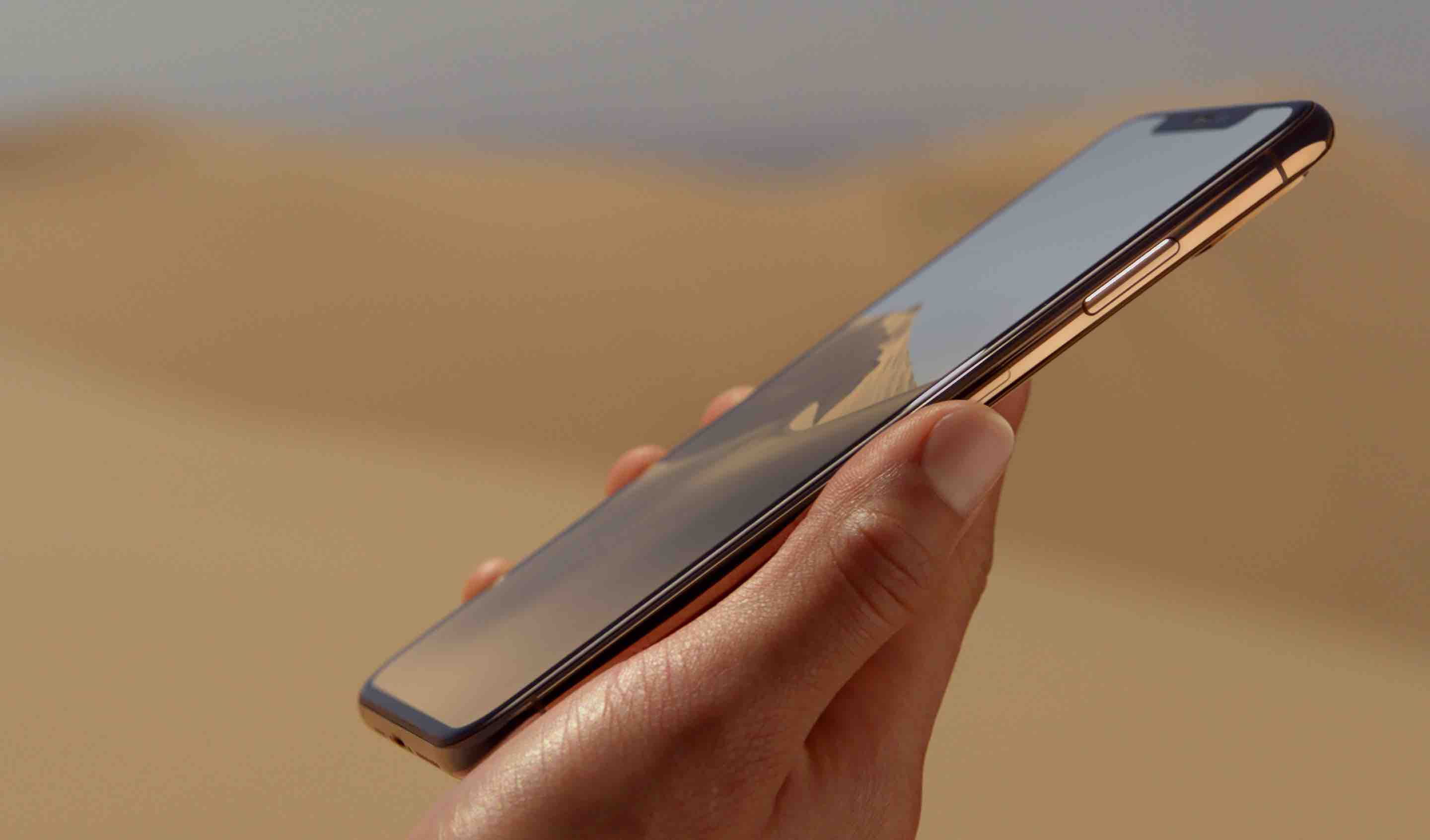
The next iPhone models that Apple will probably release in the fall next year should feature smaller notices and have wider antenna bands to support 5G connectivity.
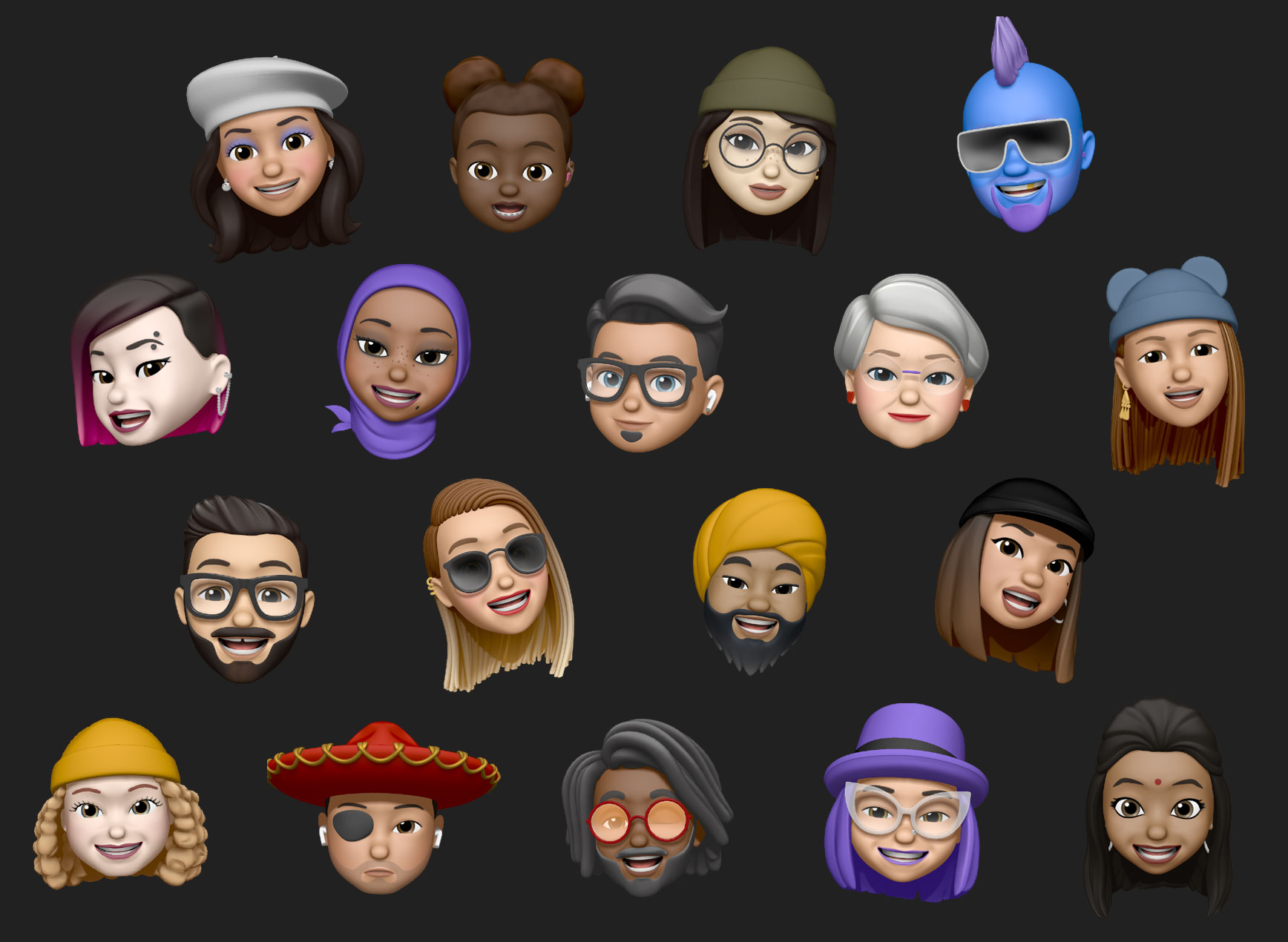
A future version of the Memoji feature on iPhone and iPad might be able to automatically generate a virtual three-dimensional avatar from users’ photographs.
If you've been gaming for a while, you're probably familiar with the Capy Games studio. If not, you've probably played some of its games. The studio is responsible for a lot of indie games, including working with Superbrothers to bring Superbrothers: Sword & Sworcery EP, one of the best games you can experience on the iPhone, in my opinion.
Now, after a while, Capy is back with a new puzzle game, Grindstone. This game has big shoes to fill, unlike many other games on Apple Arcade. So this game lives up to the (my) expectations? Let's find out in today's Arcade review.
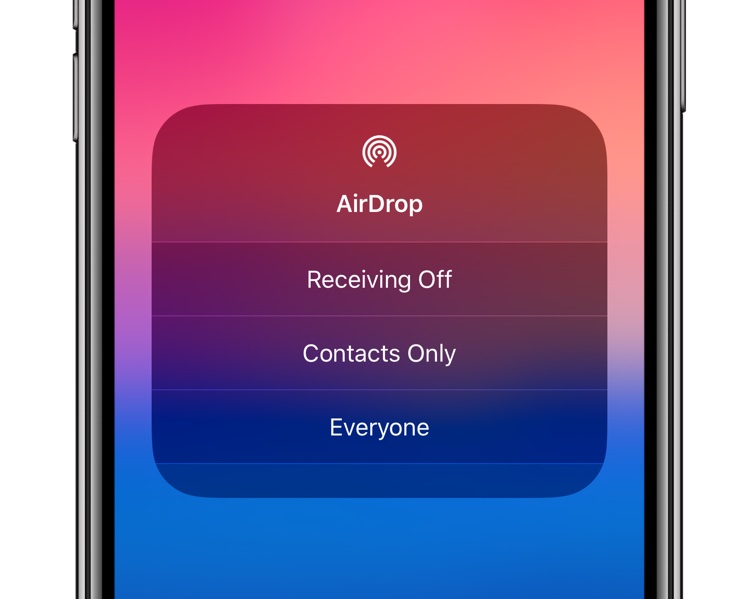
iOS 13.0 arrived with plenty of issues so Apple quickly followed up with four rushed bug-fix updates. The latest iOS 13.1.3 update seems to hit owners of the latest iPhones pretty hard.
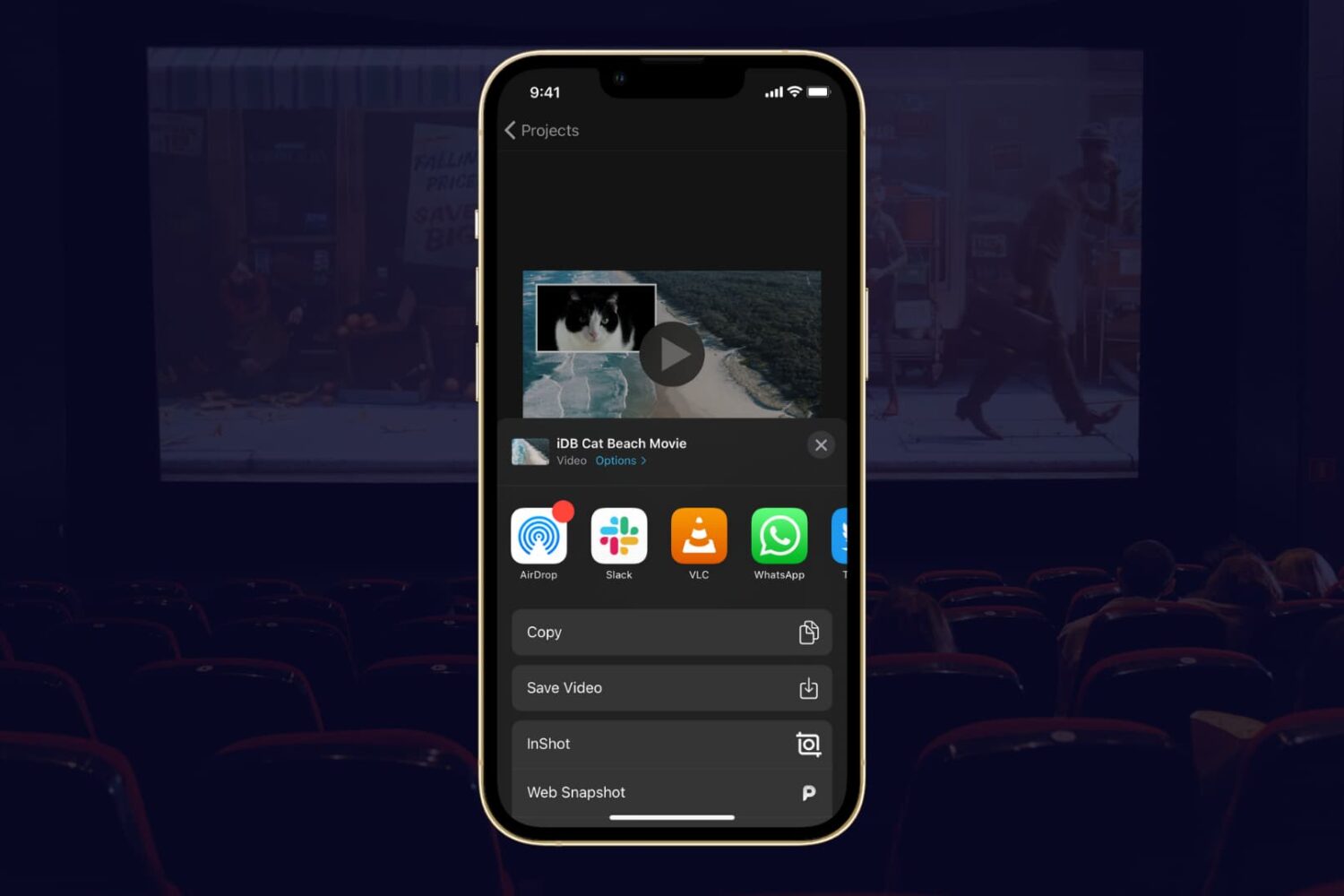
If you completed your movie magic in iMovie and want to share your creation, the app makes it easy. You have a few different options to export a movie directly or save it as a file to do with what you wish.
If you have a finished project that you’re ready to share, here’s how to export a movie in iMovie on Mac, iPad, and iPhone.
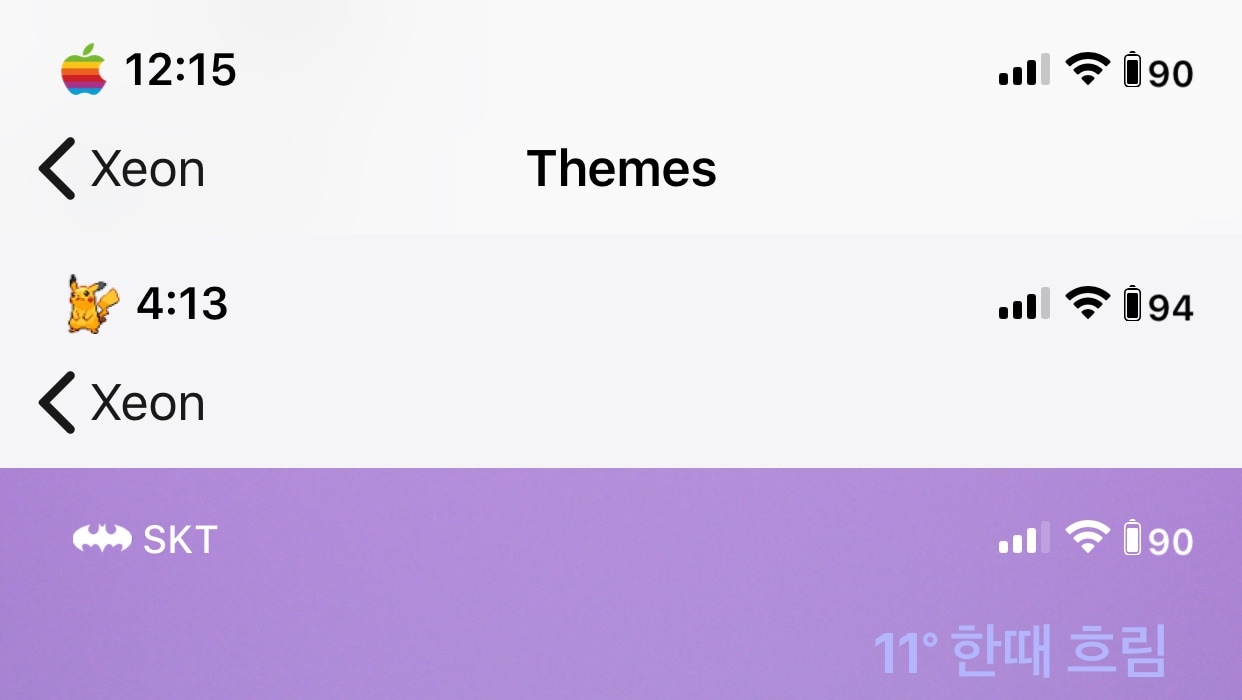
There are countless ways of customizing a jailbroken iPhone or iPad. A great place to start, especially for novices, is the Status Bar, and I say that because it’s something users will see almost everywhere throughout the mobile operating system.
Those looking for a rock-solid Status Bar customization tweak need only turn their attention to a newly released and free jailbreak tweak dubbed Xeon by iOS developer PeterDev.

There have been so many interesting teasers involving the new checkm8 bootrom exploit that we seriously can’t wait to see what becomes of it, but for those who might be jailbroken on iOS 11 or iOS 12 with Chimera, Electra, or unc0ver in the meantime, we’ve put together a comprehensive list of this week’s jailbreak tweak releases for your convenience.
In this roundup, we’ll dive into things by discussing our favorite jailbreak tweak releases fist and then wrap things up with an outline the rest afterward.

Just over a week ago, well-respected hacker and security researcher Luca Todesco took to Twitter to tease an all-new custom boot logo and frame buffer concept for checkra1n, a purported jailbreak utility that would be based on the recently-released checkm8 bootrom exploit from @axi0mX. Fortunately, the teasers haven’t stopped there.
Just this weekend, the official checkra1n Twitter page teased an image of what appears to be both a seventh-generation iPod touch and an iPhone SE – each running iOS 13 – with the checkra1n jailbreak app present on the Home screen.

Anyone enjoying a jailbreak by way of the Electra Team’s Chimera or Electra tools will want to fire up the jailbreak’s native Sileo package manager and refresh its sources this weekend.
The Sileo Team released an updated version of the Sileo package manager on Saturday, bringing it up to version 1.5.0 with significant speed boosts, preliminary support for iOS 13, and dark mode-centric aesthetic improvements. The announcement was made early this morning via Twitter: