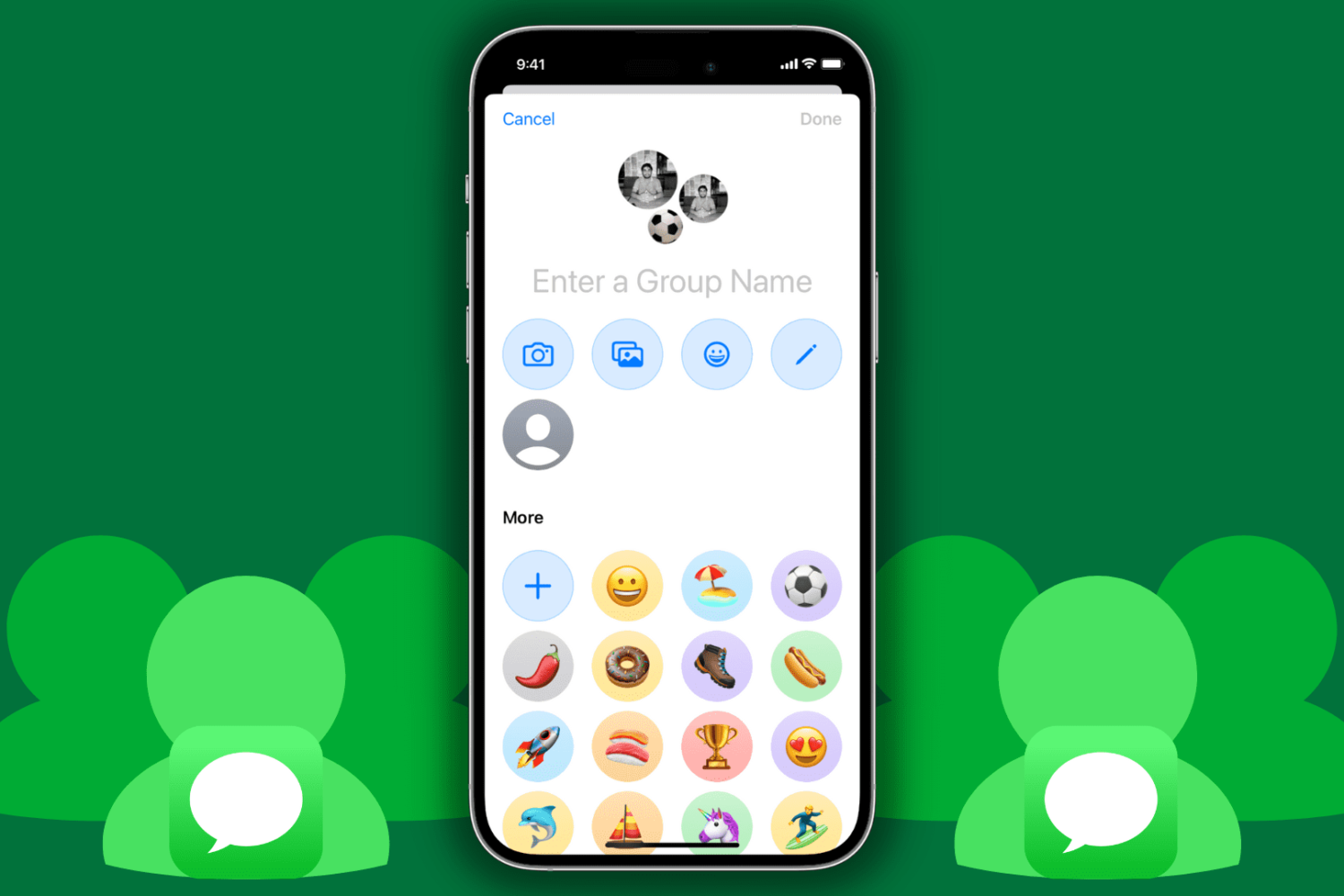
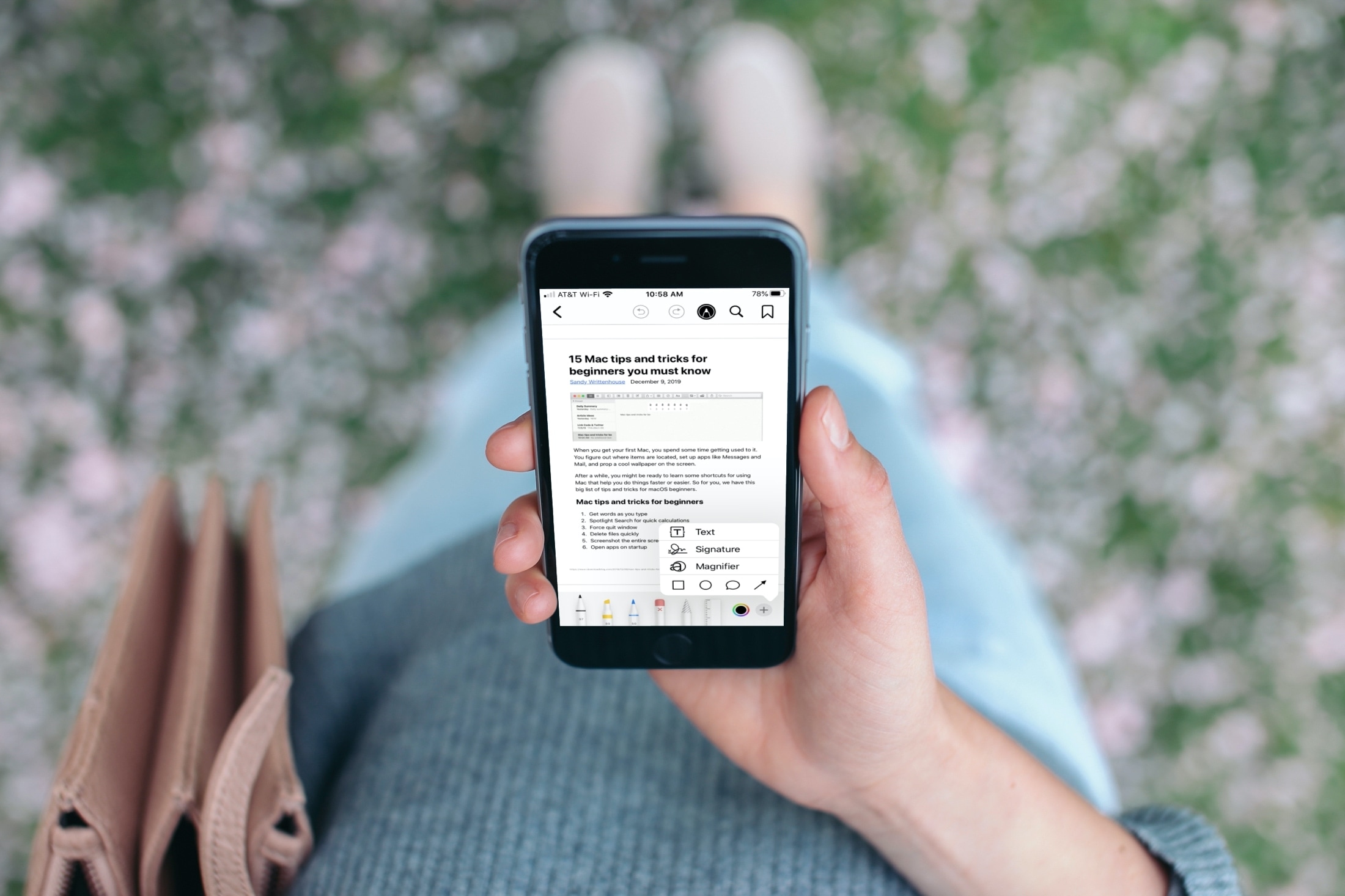
Find out how to use the Apple Books app to save, sign, share, and mark up a PDF on your iPhone and iPad.
How to save, sign, and mark up PDF in the iOS Books app
Stay up-to-date on the latest iPhone news and learn new tips and tricks with our comprehensive tutorials. From software updates to new features, we’ve got you covered.
Find out how to use the Apple Books app to save, sign, share, and mark up a PDF on your iPhone and iPad.
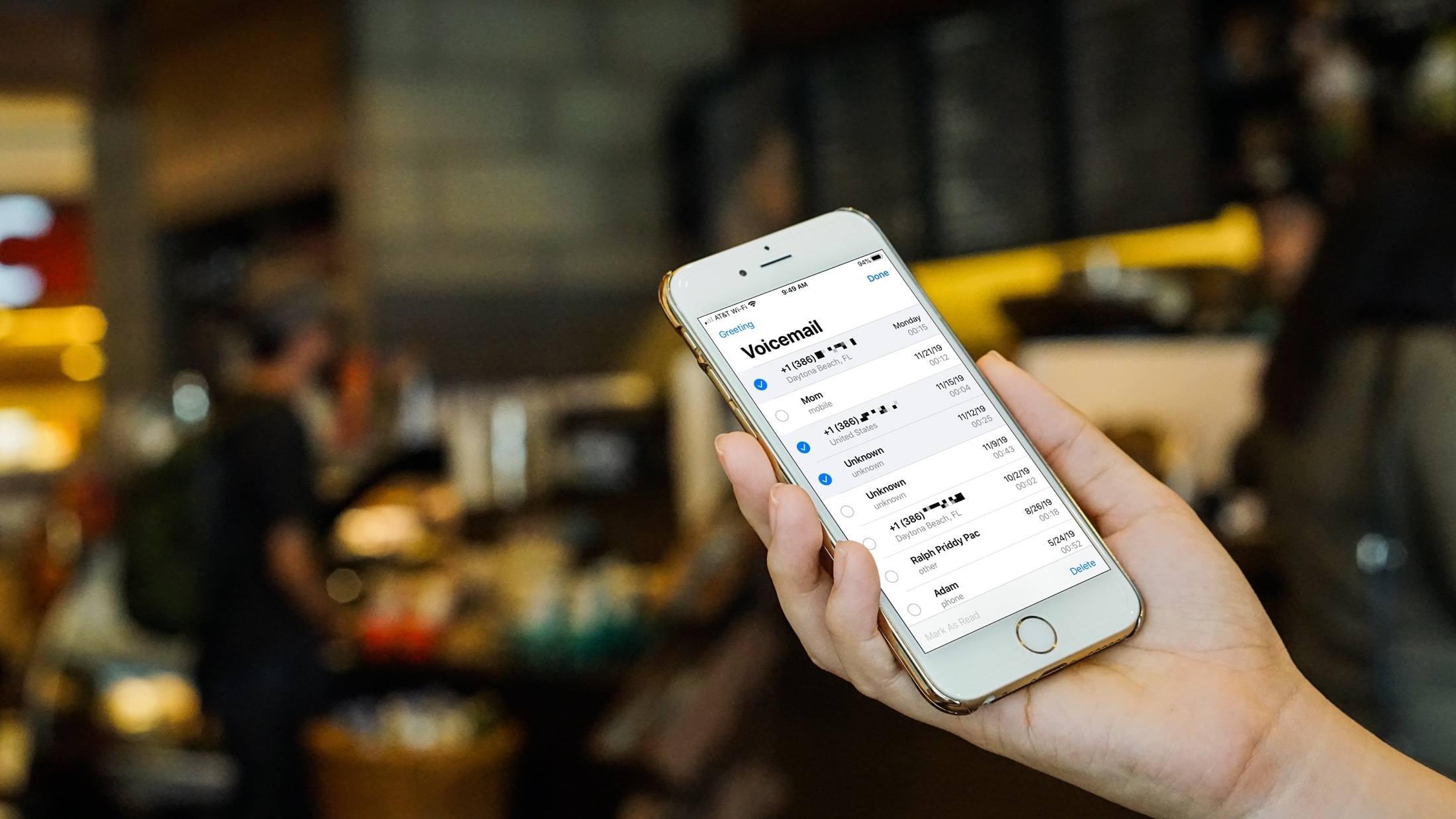
When you switch over to iPhone, you spend some time getting everything set up. And one of the items you likely cross off your list at some point is setting up your voicemail. But after you set it up, there are plenty of actions you can take to manage your iPhone voicemail and the messages you receive.
You can play, share, or delete messages as well as change your greeting if you like. If you’re new to iPhone, this tutorial shows you how to manage those Voicemail options.

Now that jailbreakers have access to the un-patchable checkra1n jailbreak on iOS devices as new as the iPhone X, it’s a great time to be a part of the pwned handset community.
In this roundup, we’ll talk about all the latest jailbreak tweak releases from Monday, December 9th to Sunday, December 15th. As usual, we’ll kick things off by talking about our favorites first and then wrap things up afterward.
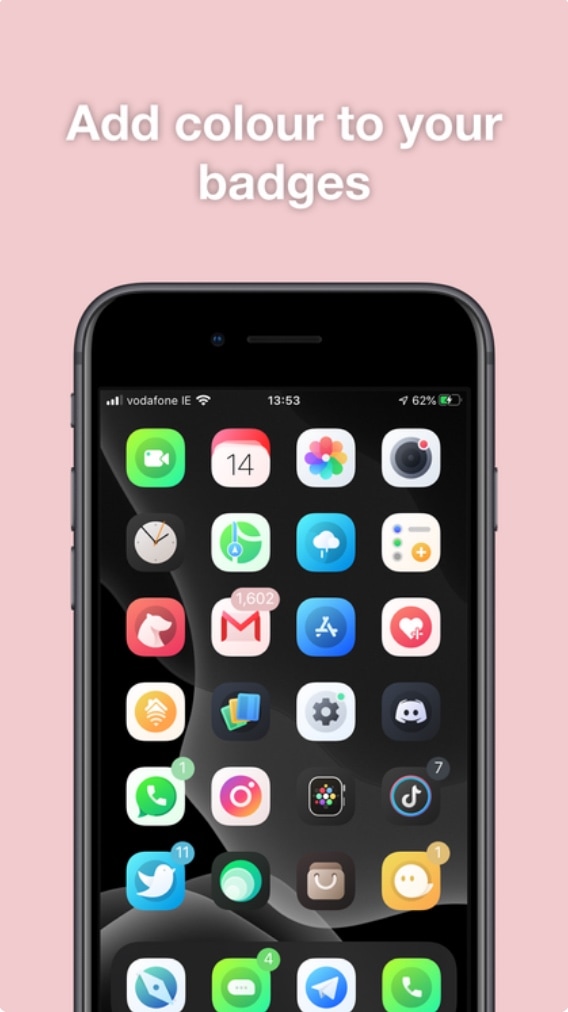
Albeit true that Apple’s native badge notification system leaves a lot to be desired in terms of color customization, the jailbreak community has long offered solutions to this communal grievance. Unfortunately for our wallets, many of those solutions cost the end user money in some way, shape, or form.
Here to shake things up a bit is a newly released jailbreak tweak called Pastel by iOS developer ConorTheDev, which lacks a price tag of any kind. With that in mind, you can now customize the color of your jailbroken iPhone’s notification badges without paying a cent out of pocket.

The checkra1n team is out with a brand-new update for the macOS-centric checkra1n jailbreak tool Saturday morning with official support for Apple’s newly-released iOS 13.3 and several bug fixes and improvements.
The checkra1n team shared news of the latest public beta, dubbed v0.9.7 via Twitter just this morning:
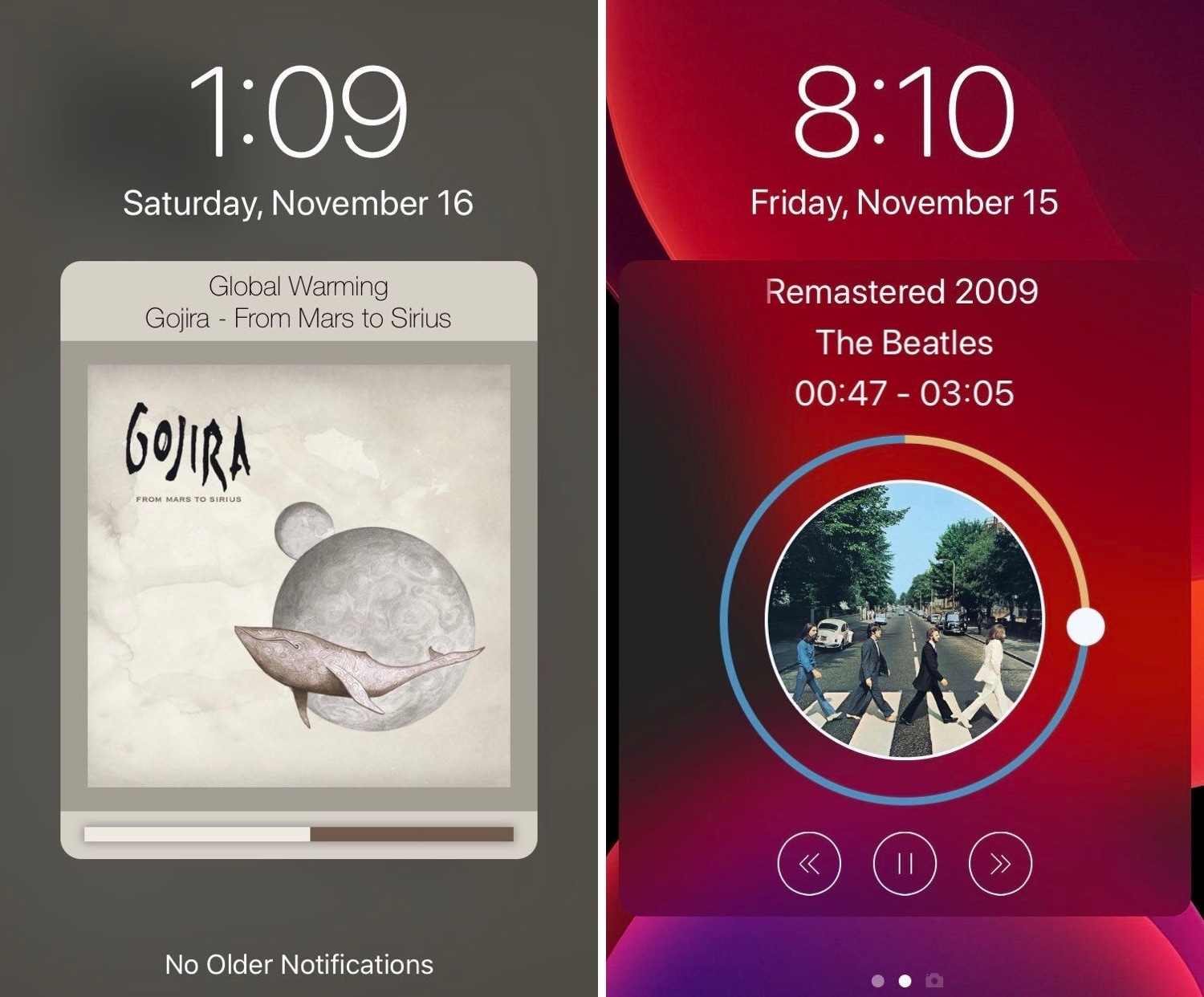
Those who listen to a lot of music on their iPhones are probably accustomed to looking at what seems like the same Now Playing interface Apple has provided for years. But if you’re like me and you’re looking for something a bit more eccentric, then you might enjoy using a newly released jailbreak tweak called Tune by iOS developer s1ris.
As depicted in the screenshot examples above, Tune can replace the traditional Now Playing interface with something a lot more aesthetically pleasing. At this time, the tweak supports two different styles, including Helius (left) and Spin (right).
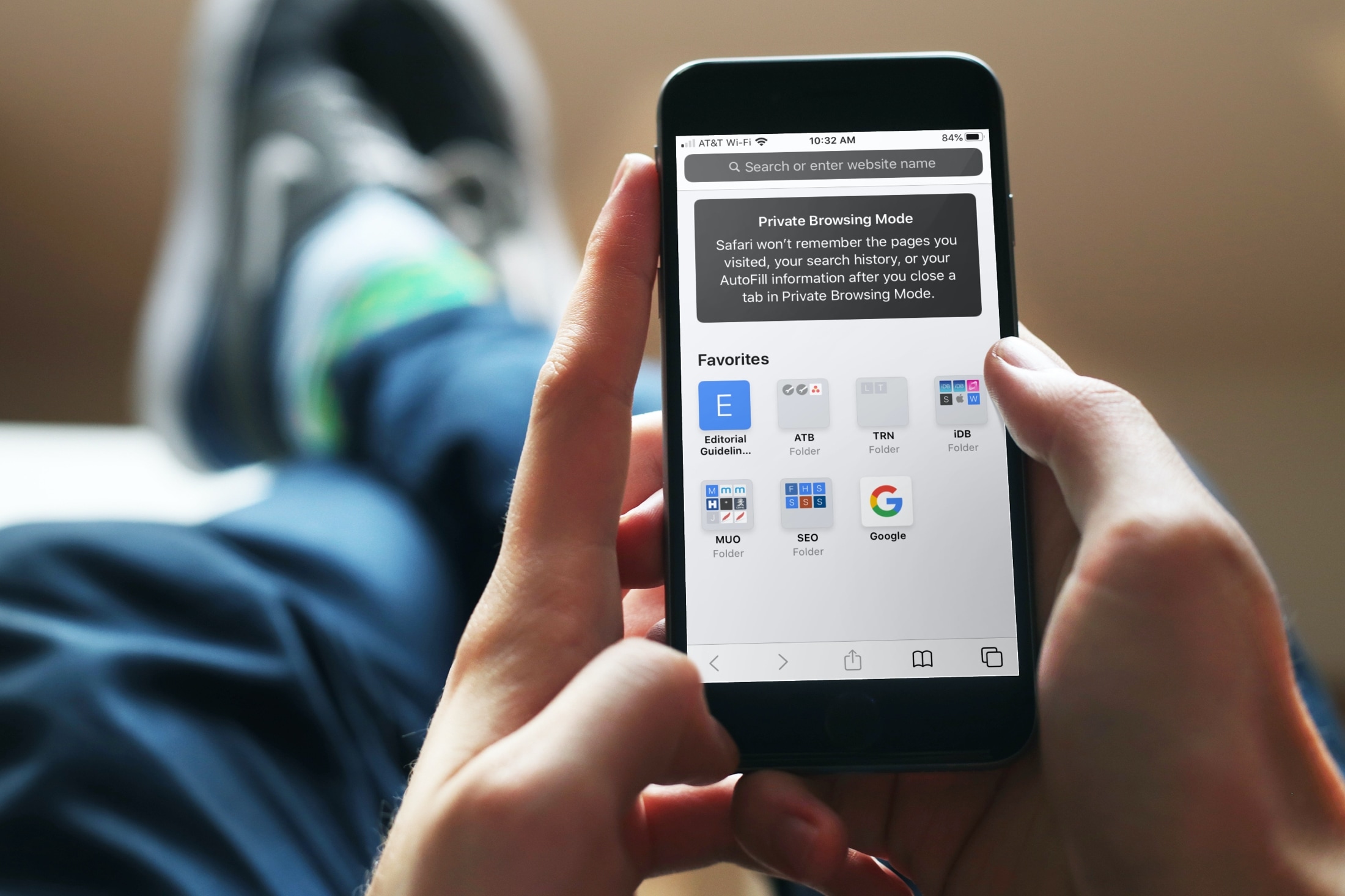
Using iCloud Keychain to save your account names and passwords for websites makes logging into your favorite sites a breeze. You don't have to remember many passwords and can use iCloud Keychain across your devices. It's a fantastic time-saver, except when you find iCloud Keychain not working.
If you're stuck and Safari on iPhone, iPad, or Mac isn't auto-filling your account information or details for your credit card, here are a few things to fix this issue.

This next segment in our 2019 Holiday Gift Guide offers smart and thoughtful gift ideas for kids.
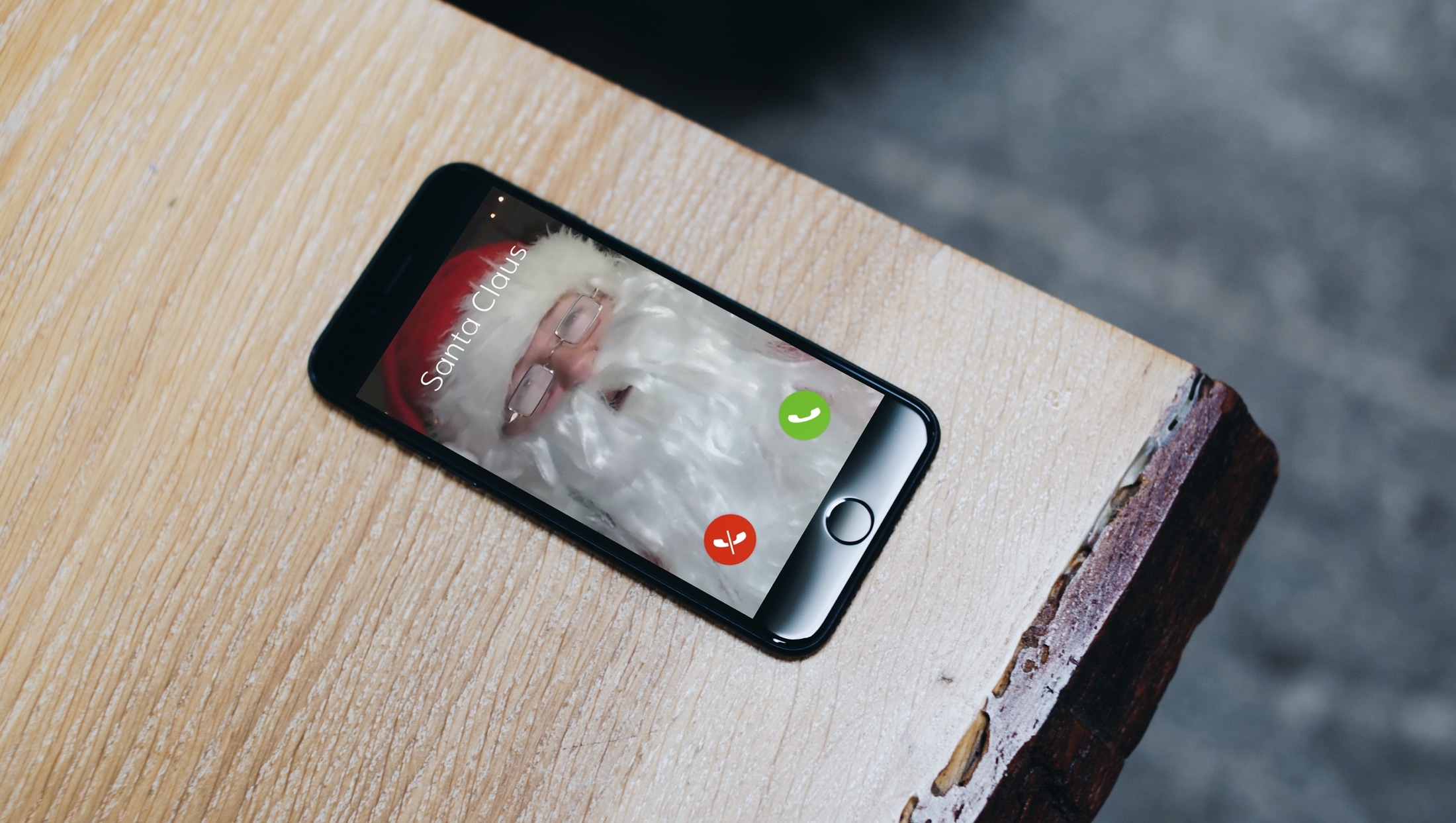
Whether you love Christmas or simply want to get in the spirit, there are tons of fun, useful, and unique Christmas apps for iPhone. You can count down to the date, make festive photos, have your kids talk to Santa Claus, and more.
To give you a helping hand this holiday season, we’ve assembled a collection of Christmas apps to bring some joy to your device, and hopefully you as well.
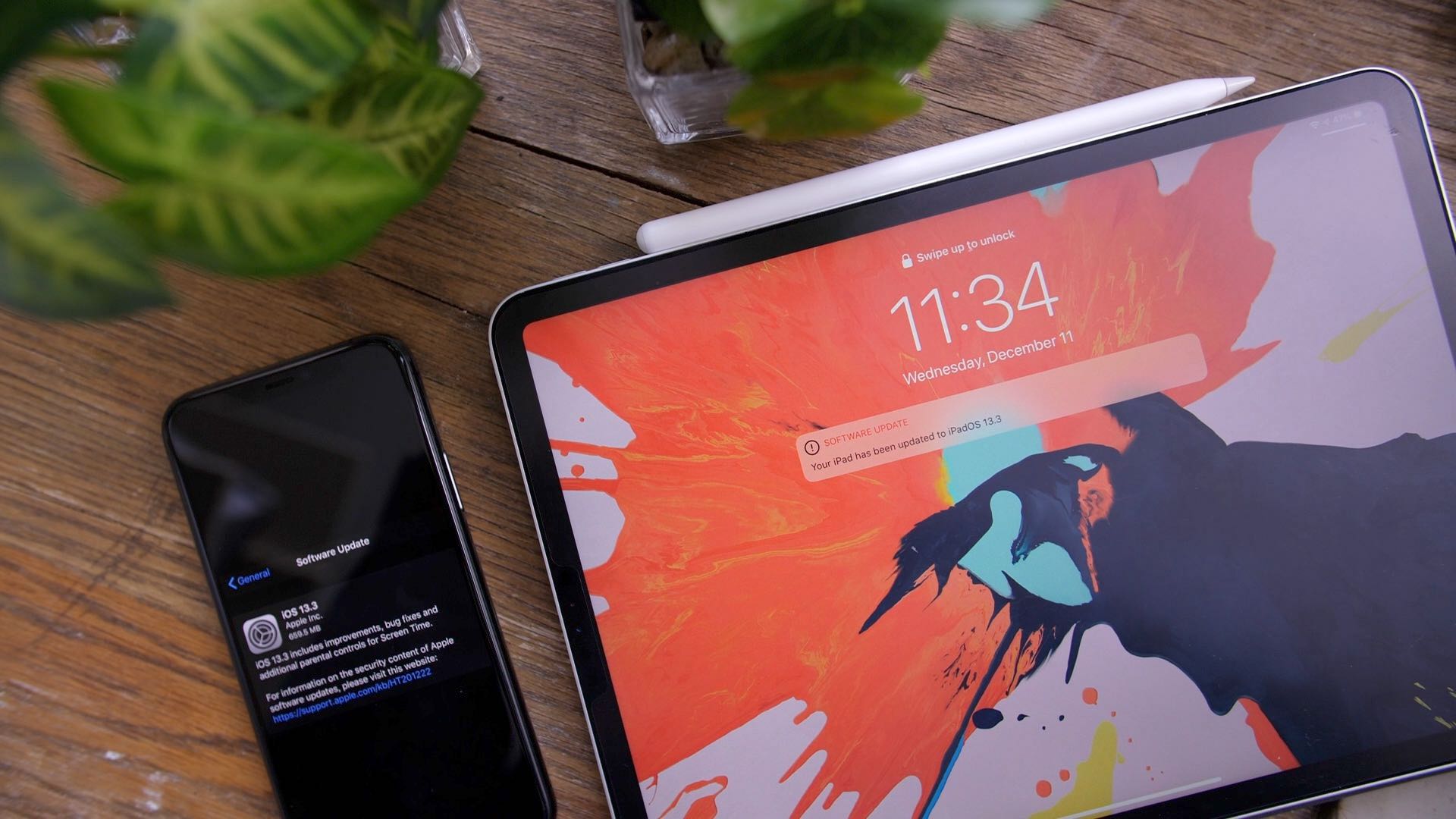
Apple yesterday released iOS 13.3 and iPadOS 13.3 to the public. We thought iDownloadBlog readers might want to know what's new so we've put together a nice little hands-on video walkthrough taking you through the best new iPhone and iPad features enabled by the update.
It’s never a dull moment for the jailbreak community, and this week, the spotlight isn’t so much on jailbreak tool releases as it is on a series of baseless DMCA (Digital Millennium Copyright Act) take-downs that appear to be targeting jailbreak-oriented software and iOS security research.
All the hubbub began with a simple Tweet shared by respected community hacker @siguza, which contained an iPhone encryption key. This key was comprised of a long string of randomized letters and numbers and would have appeared as gibberish to most common folk. Shortly after the Tweet fell victim to one of these requests, threads on the popular /r/jailbreak subreddit regarding checkra1n and unc0ver became victimized by similar activity: