iPhone

Stay up-to-date on the latest iPhone news and learn new tips and tricks with our comprehensive tutorials. From software updates to new features, we’ve got you covered.

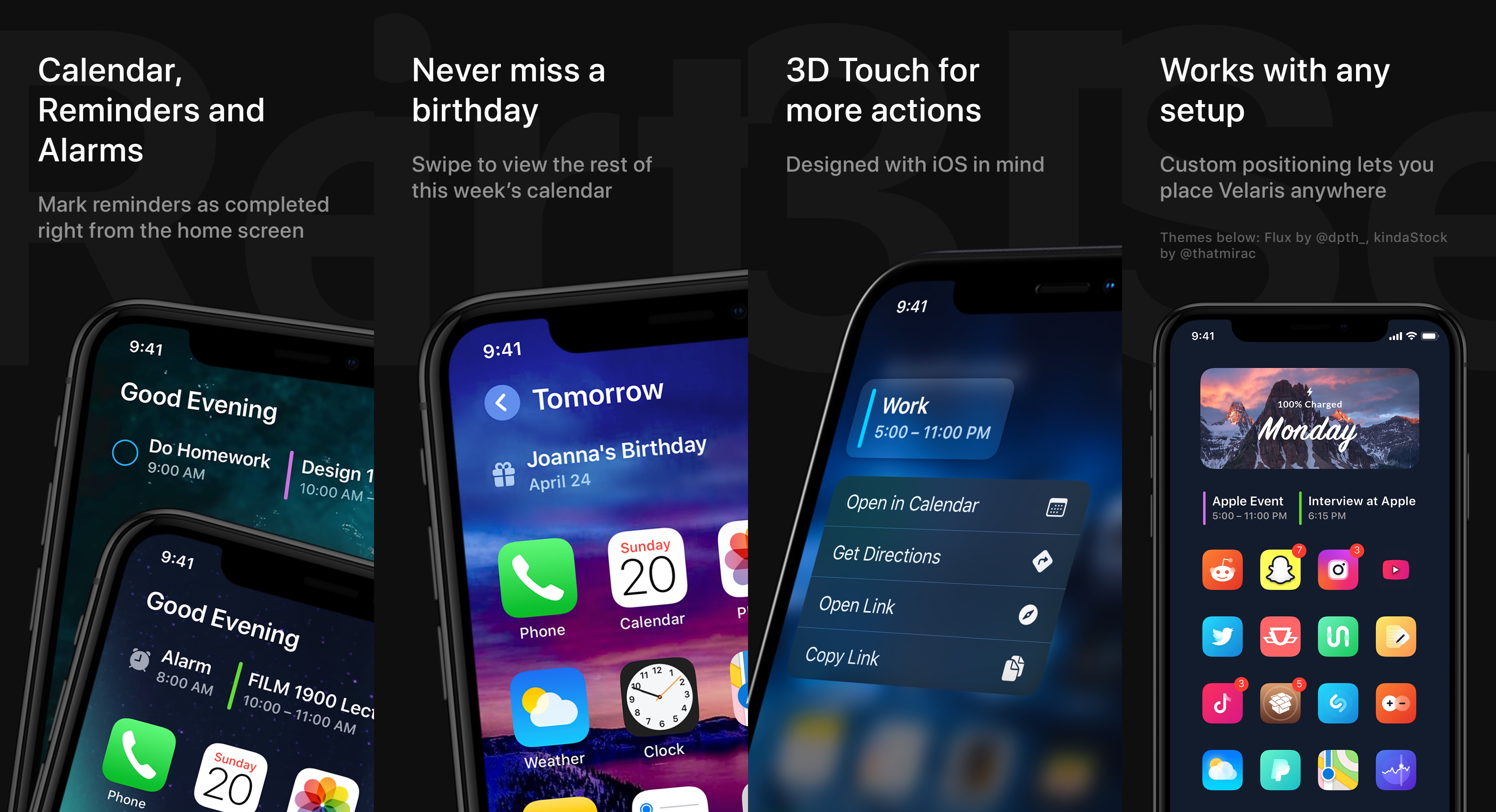
Velaris is the Home Screen user experience that all jailbreakers deserve

Apple’s new iOS 14 update is jam-packed with enticing new features that offer a strong argument for upgrading from a jailbroken iOS 13 device. But as veteran jailbreakers will say, it’s generally better to stick with the jailbroken device, even if the firmware isn’t the ‘latest and greatest.’

A newly released jailbreak tweak called Velaris by iOS developer Ben Giannis provides an stout example of why that’s the case. As depicted in the screenshot examples above, Velaris upgrades the iPhone’s Home Screen interface by incorporating alarm, calendar, and weather information in an aesthetically-pleasing manner — in fact, it looks so good that some might even prefer it over iOS 14’s new Home Screen widgets.

Downgrades from iOS 14 no longer possible as Apple stops signing iOS 13.7

Apple officially released iOS and iPadOS 14 last Wednesday, bringing dozens of exciting new and notable features to iPhones and iPads alike. Now, one week after the aforementioned launch, Apple has stopped signing both iOS and iPadOS 13.7.

This is a particularly significant change because iOS and iPadOS 13.7 were the final versions of the 13-centric family to be released before last week’s public iOS and iPadOS 14 launch. That said, Apple has effectively broken the ability to downgrade iOS or iPadOS 14 back to iOS or iPadOS 13.

Spori makes it easier to use Siri to dictate music playback in Spotify

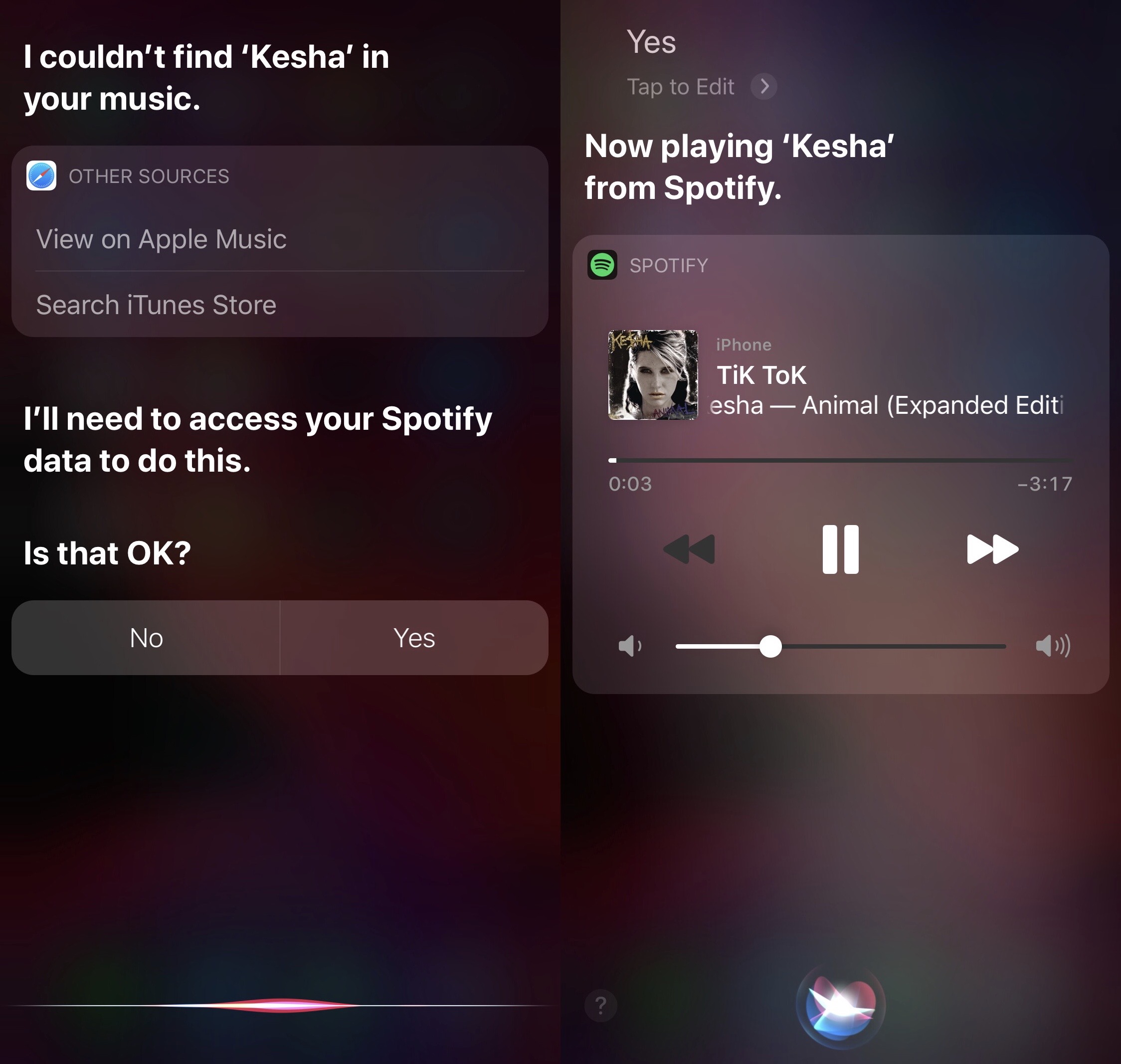
If you’re jailbroken on iOS 13 and use Spotify as your primary music streaming app, then chances are you might find yourself wishing that Siri worked as smoothly with Spotify as it did with Apple Music. Fortunately, a free jailbreak tweak called Spori by iOS developer udevs can make that happen.

Siri can already play tracks via the Spotify Music app if you specifically articulate that you’d like to play that song in Spotify, but who wants to waste their time adding those extra words to each and every Siri command? I, for one, certainly don't.

Checkra1n jailbreak picks up support for iOS 14 on A8-A9X devices

Not even one week after Apple officially released iOS and iPadOS 14 to the general public, the checkra1n team has released checkra1n version 0.11.0 with support for Apple’s latest and greatest mobile operating system (albeit with a catch).

The checkra1n Twitter page shared the announcement late Monday night, followed closely by commentary from Todesco himself:

Zefy makes Spotify behave more like a default media player on jailbroken iPhones

Spotify is one of the most popular music streaming services available for the iOS & iPadOS platforms apart from Apple's own Apple Music streaming service. But if anything’s painfully obvious, it’s the fact that Apple nerfs the functionality of third-party apps and services that compete with its own by limiting what they can do on their platform; this effectively makes Apple’s own services look better by comparison, and intentionally so.

If you’re an avid Spotify user and you also have a jailbroken iPhone or iPad at your disposal, then you could probably benefit from the likes of a newly released jailbreak tweak dubbed Zefy by iOS developer udevs. This tweak implements a few handy workarounds for iOS to make Spotify feel more like a native music player than just a third-party alternative to Apple’s.

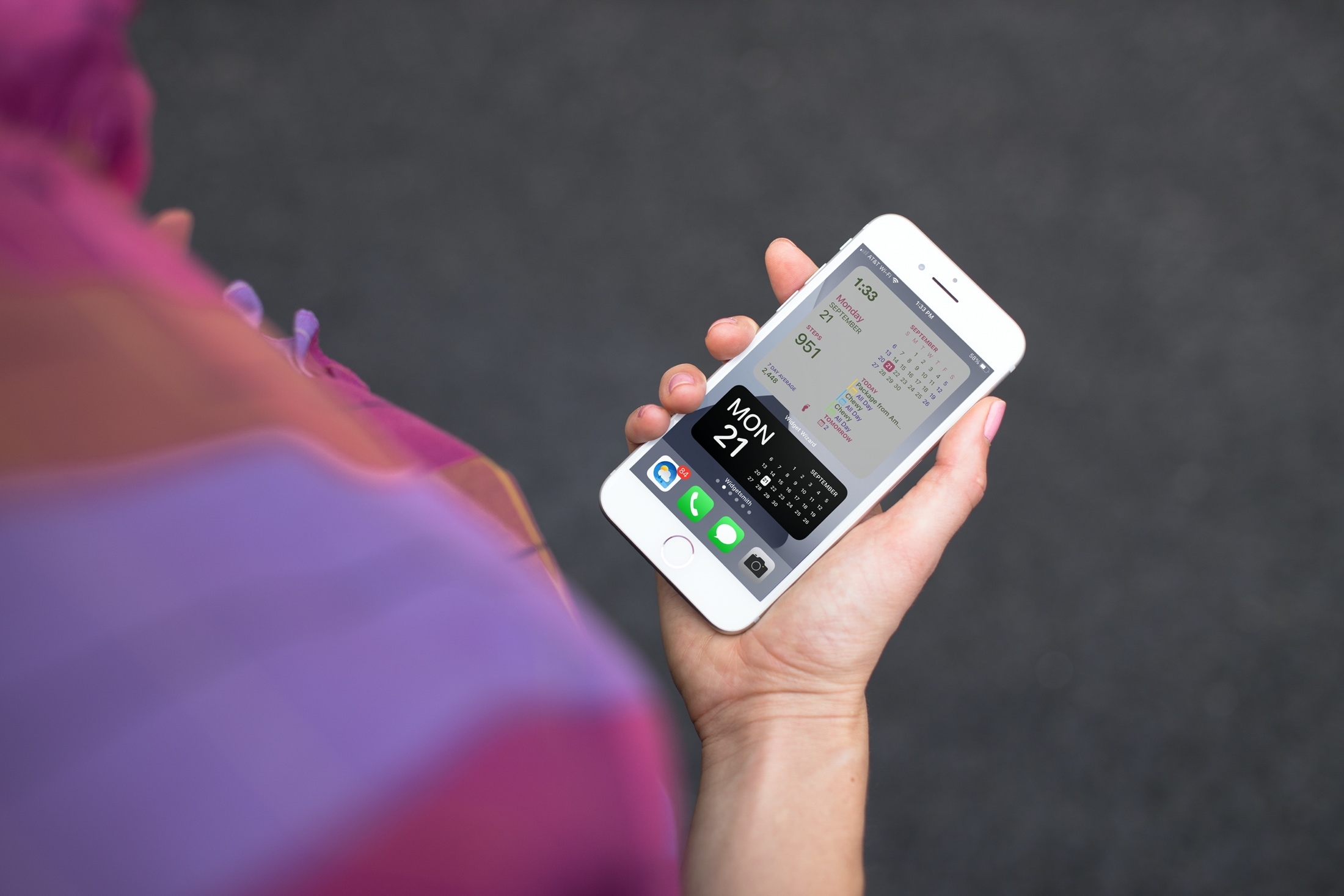
How to create custom Home Screen widgets on iPhone and iPad

Widget Wizard and Widgetsmith Home Screen Widgets

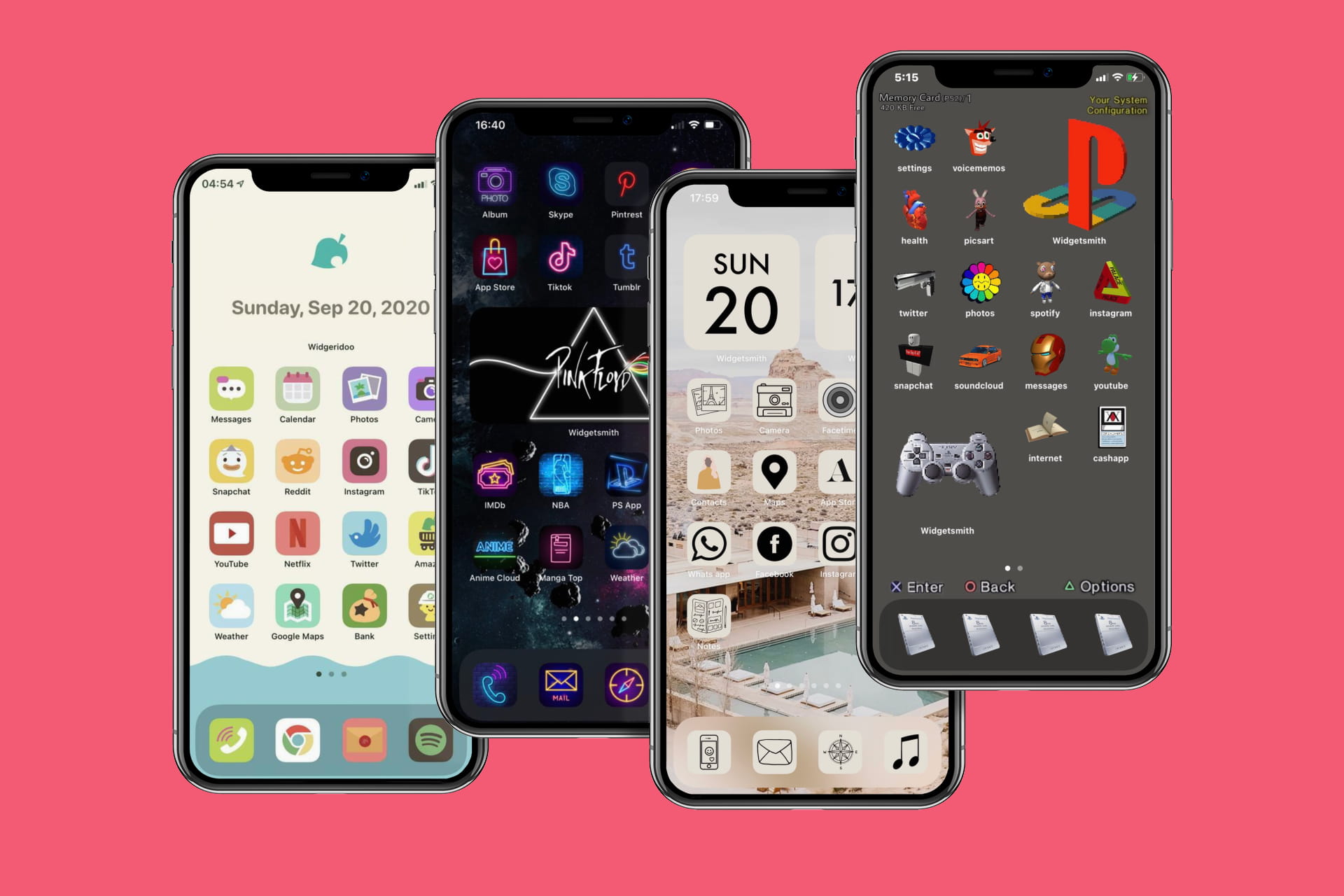
If you’ve been enjoying the iOS 14 and iPadOS 14 feature for adding widgets to your Home Screen, then maybe you want to take that a step further. Among apps with Home Screen widgets are apps that let you customize your own widgets!

You can create your own Home Screen widgets and have them look exactly as you like. This gives you even more flexibility than you probably expected for personalizing your device. Here’s how to create custom Home Screen widgets on iPhone and iPad and tools you can use.