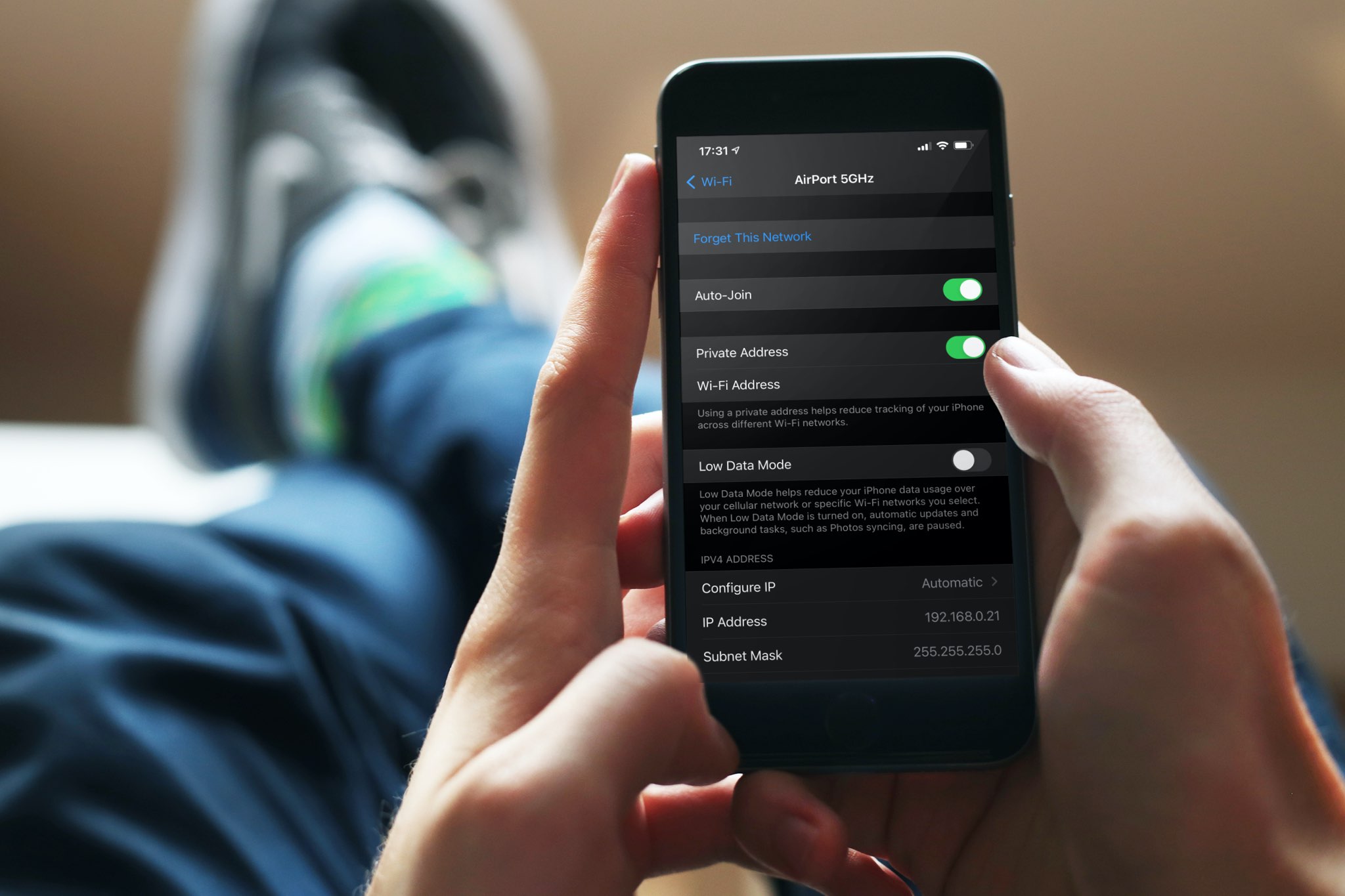
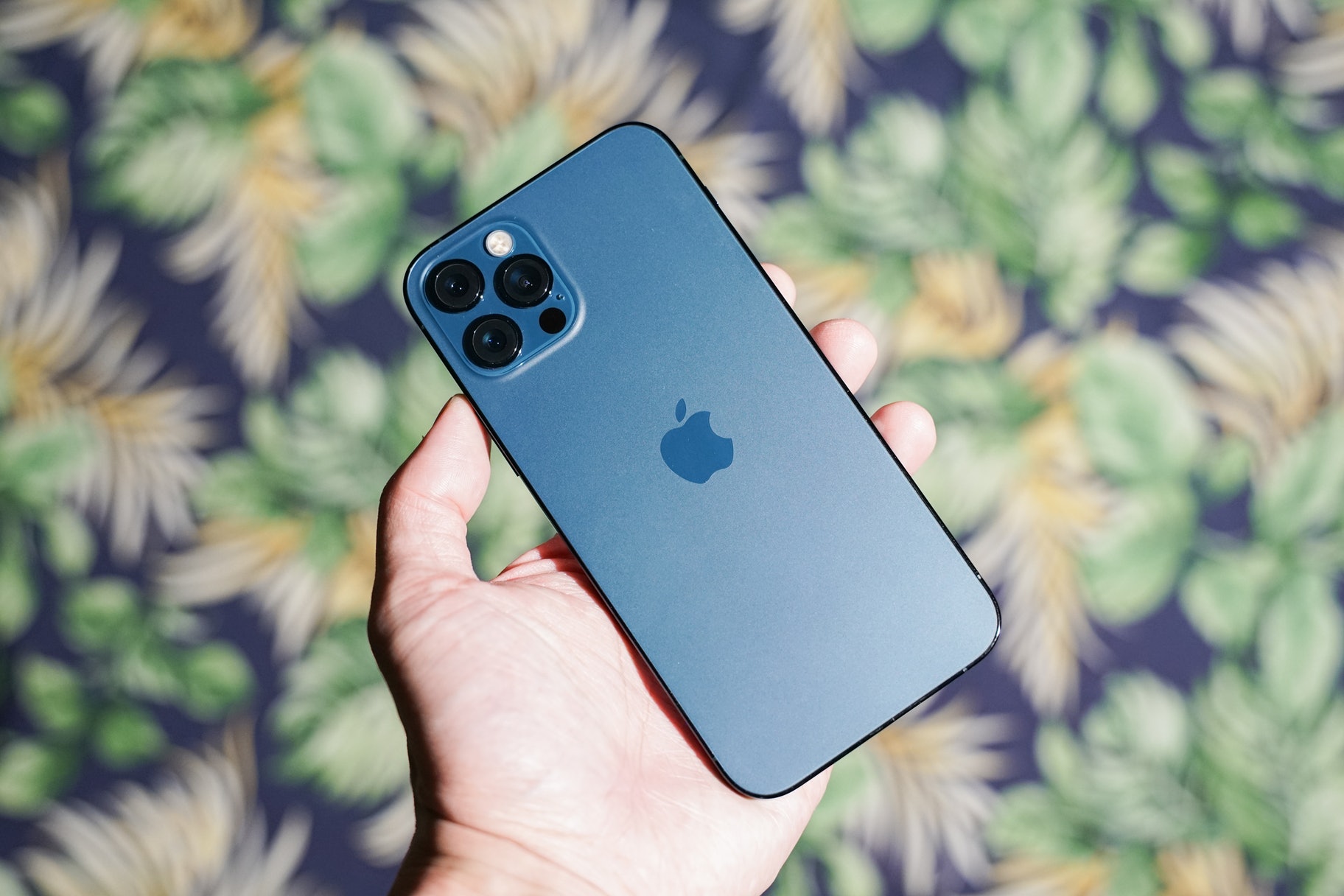
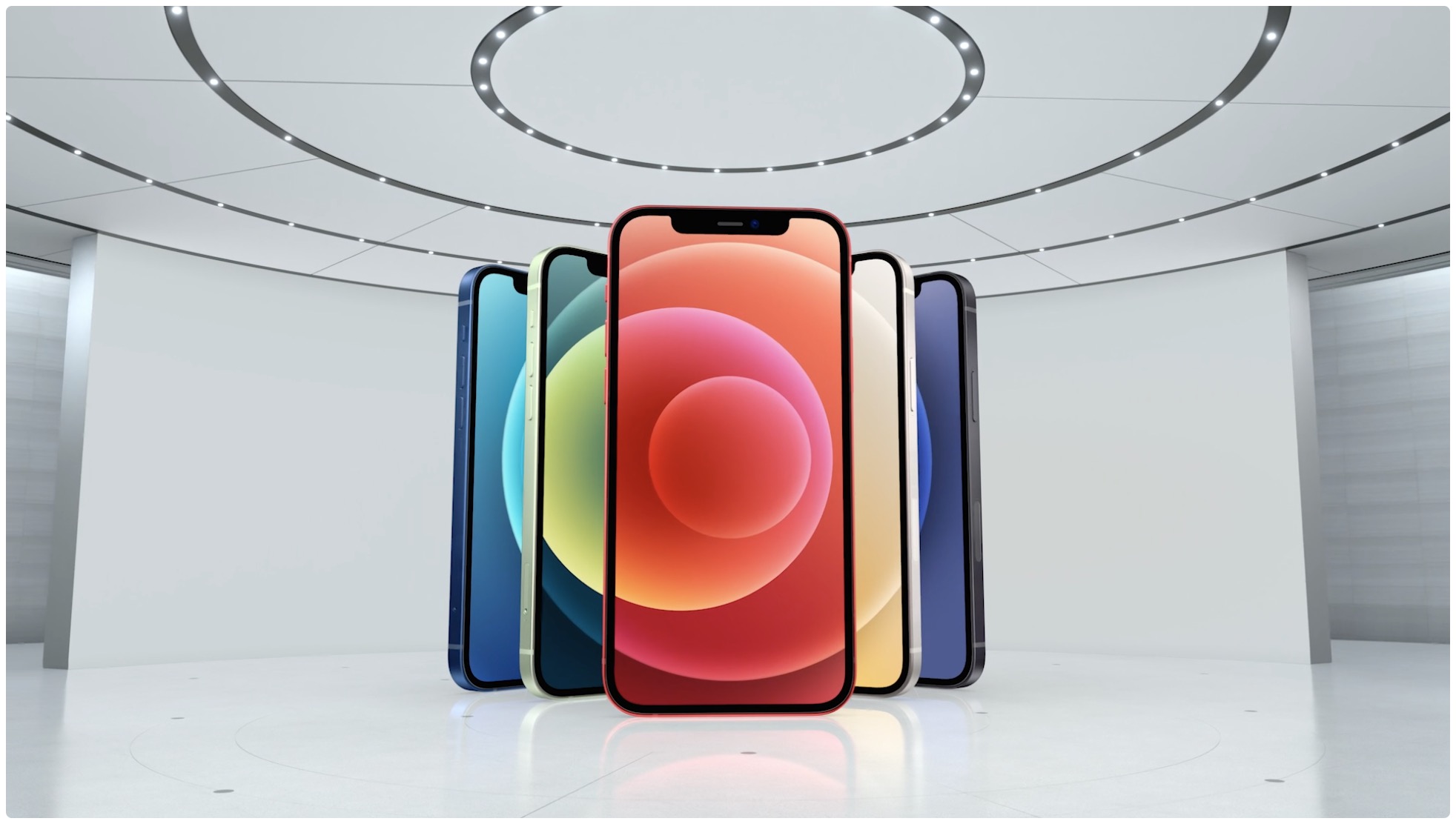
In this tutorial, we’ll show you how to set your iPhone to always use 5G or use it only when needed. Additionally, we’ll help you decide if you should let your phone use more 5G data or not.
How to optimize 5G for speed or battery life on iPhone
Stay up-to-date on the latest iPhone news and learn new tips and tricks with our comprehensive tutorials. From software updates to new features, we’ve got you covered.
In this tutorial, we’ll show you how to set your iPhone to always use 5G or use it only when needed. Additionally, we’ll help you decide if you should let your phone use more 5G data or not.
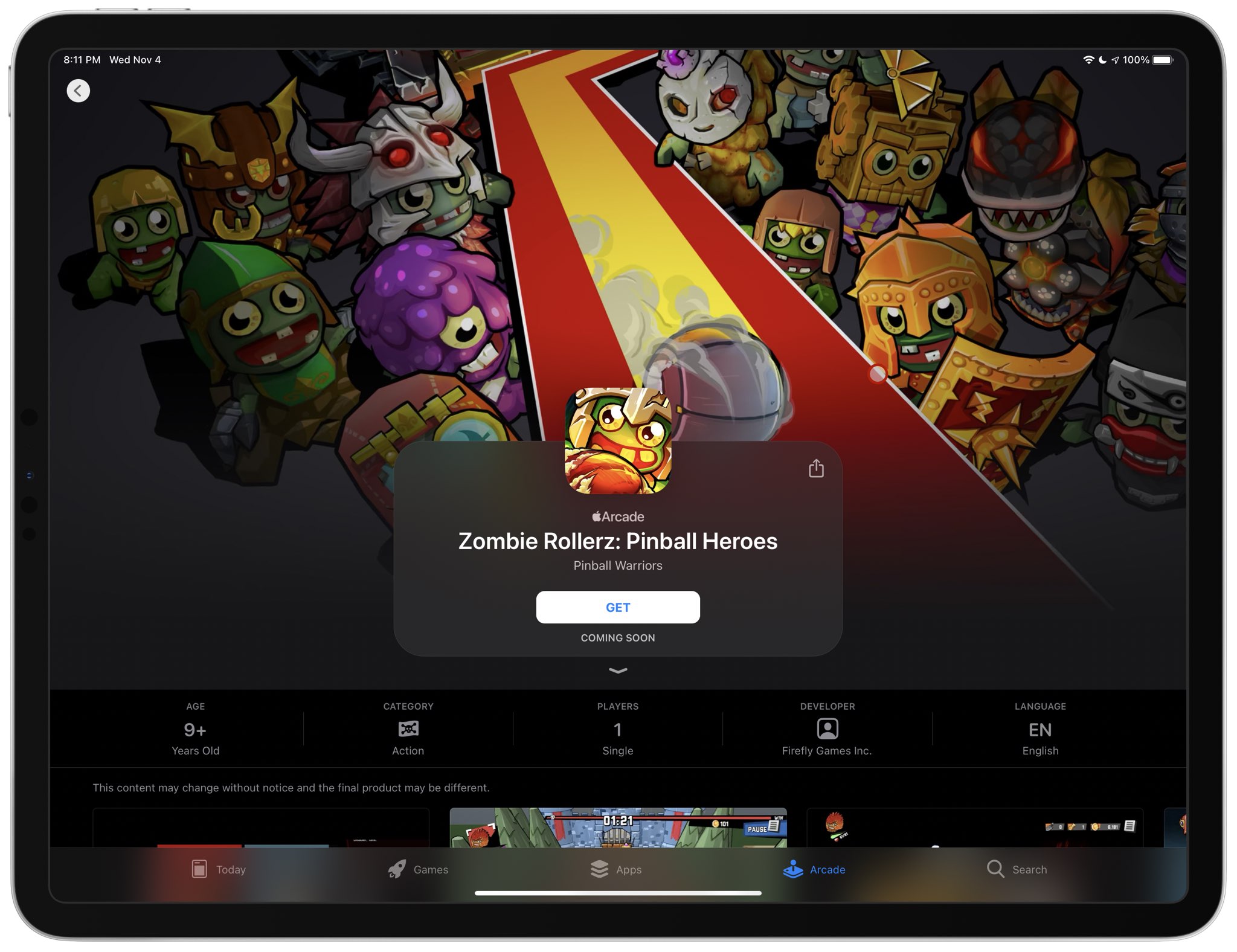
“Warp Drive - Teleport Racing!“ is another coming-soon Apple Arcade title. The game will bring a unique mechanic to the core of the racing experience: teleporting around the track to reach different areas. This will let you do things like jump huge gaps, drive on the ceiling, overtake the opponents in unexpected ways and more (sounds like “Wipeout“ to me).
“Crash Bandicoot: On The Run!” is coming to the iPhone and iPad in Spring 2021 via publisher Activision and mobile developer King, which is behind the popular Candy Crush series.
Tucked away as a side-note in today’s report by The China Times newspaper outlining the first Apple Silicon products is a mention of Apple’s next-generation A15 system-on-a-chip.
Apple has used the color blue to accentuate buttons, sliders, and more for as long as I can remember. But if you have a favorite color besides blue, then you might find it disappointing that Apple doesn’t offer any way to customize these color accentuations out of the box.
That’s where a newly released jailbreak tweak called Twister by iOS developer SouthernGirlWhoCode can help. This tweak provides users with the option to change iOS’ default accentuation color for the aforementioned interface elements, and it does so in a fashion that looks and feels like it was made Apple themselves.
The addition of dark mode support was perhaps one of the biggest new features of last year’s iOS 13 release, and it’d be an understatement to say that Apple delivered a wonderful dark mode-centric user experience. On a stock device, dark mode can be toggled on or off from the Settings app, or via Control Center if the user has added the dark mode toggle module.
But for those who are too lazy to deal with either of the above options, a newly released and free jailbreak tweak called FloatingDarkMode by iOS developer Ethan Whited brings an always-accessible dark mode toggle button to jailbroken handsets that floats over any user interface.
If you’ve poked your nose in the jailbreak community’s trending news lately, then you’ve undoubtedly caught wind about a developing jailbreak for iOS 13.5-13.7 devices. Software security researchers associated with FreeTheSandbox first announced plans to release such a jailbreak at the end of September, and there have been a number of other teasers since then.
Just this afternoon, the @FreeTheSandbox Twitter account generated more excitement among jailbreakers after it turned to the community in search of potential testers. The Tweet, shown below, appeared seek users of certain types of devices running iOS 13.5.1 through 13.7, as these will be the handset and firmware combinations that the jailbreak supports when released.
With the arrival of the iPhone 12 came an alphabet soup of abbreviations and different 5G icons in the iOS status bar, ranging from 4G masquerading as 5G to 5G Ultra Wideband. Follow along with our tutorial to learn the meaning of all those iPhone 5G icons.
Learn how to apply bold, italics, title, heading, bullet, numbered list, and other formatting options using quick styles in the Apple Notes app on your iPhone or iPad.
We’ve all been in those awkward social situations where our manners get the best of us. Sometimes we stick around and talk to people even though we really need to get going, and sometimes we’re approached by someone that we really don’t want to be approached by. In any case, it’s a good idea to have slick a way out.
We’ve all heard of butt or pocket-dialing – the act of accidentally calling someone with your phone as it sits in your pocket. In theory, this seems a lot less likely on modern devices that require Face ID or Touch ID authentication to function; nevertheless, it still seems to happen to some people either because they don’t lock their device before pocketing it or because of some other mind-bending anomaly.
Despite how seemingly impossible butt-dialing or inadvertent smartphone operations on a pocketed phone might be at first glance, those who experience these anomalies for one reason or another can now take advantage of a newly released and free jailbreak tweak called PocketProtector by iOS developer Brady Holland (Squiddy) to prevent them from happening, once and for all.
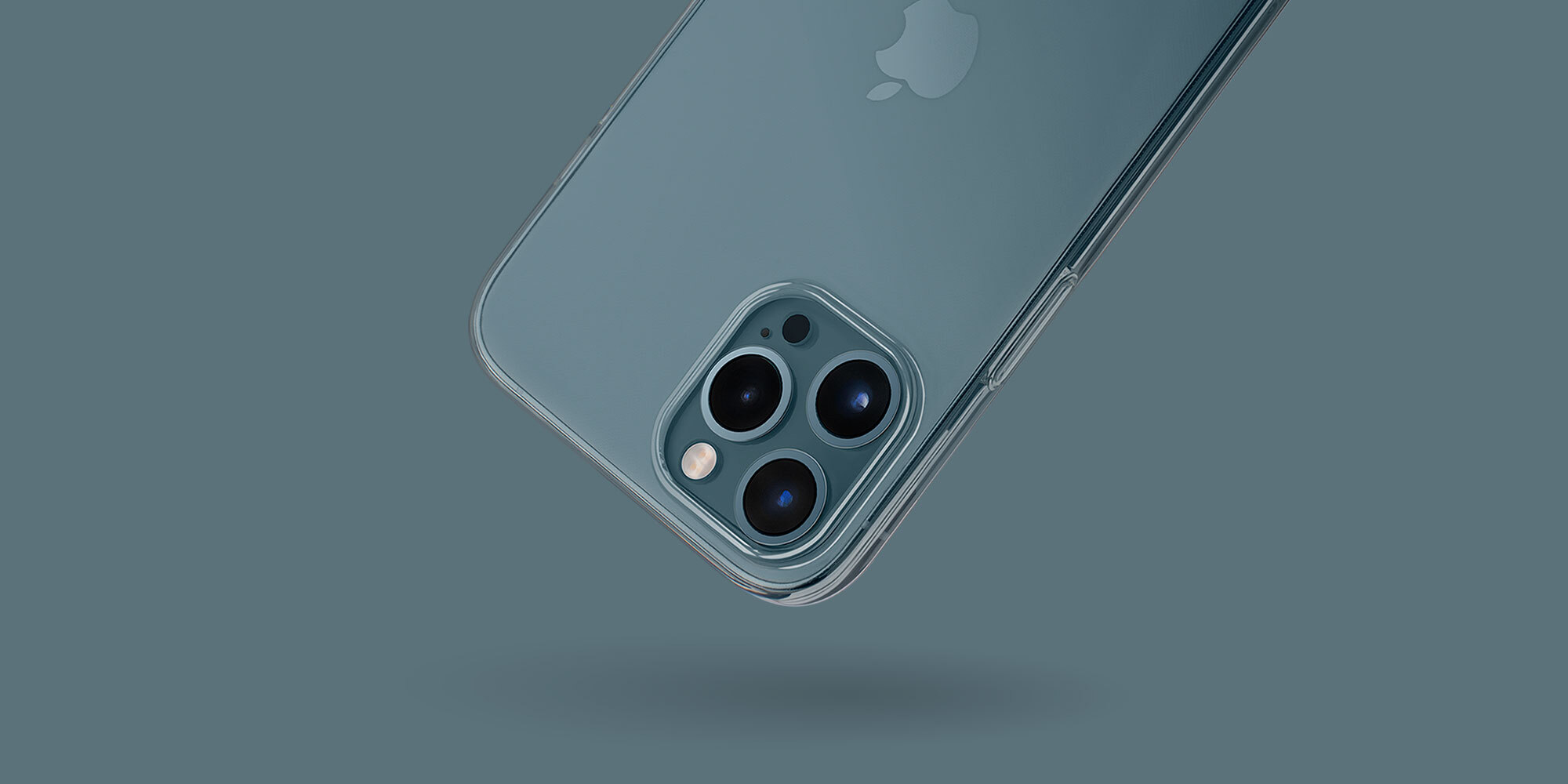
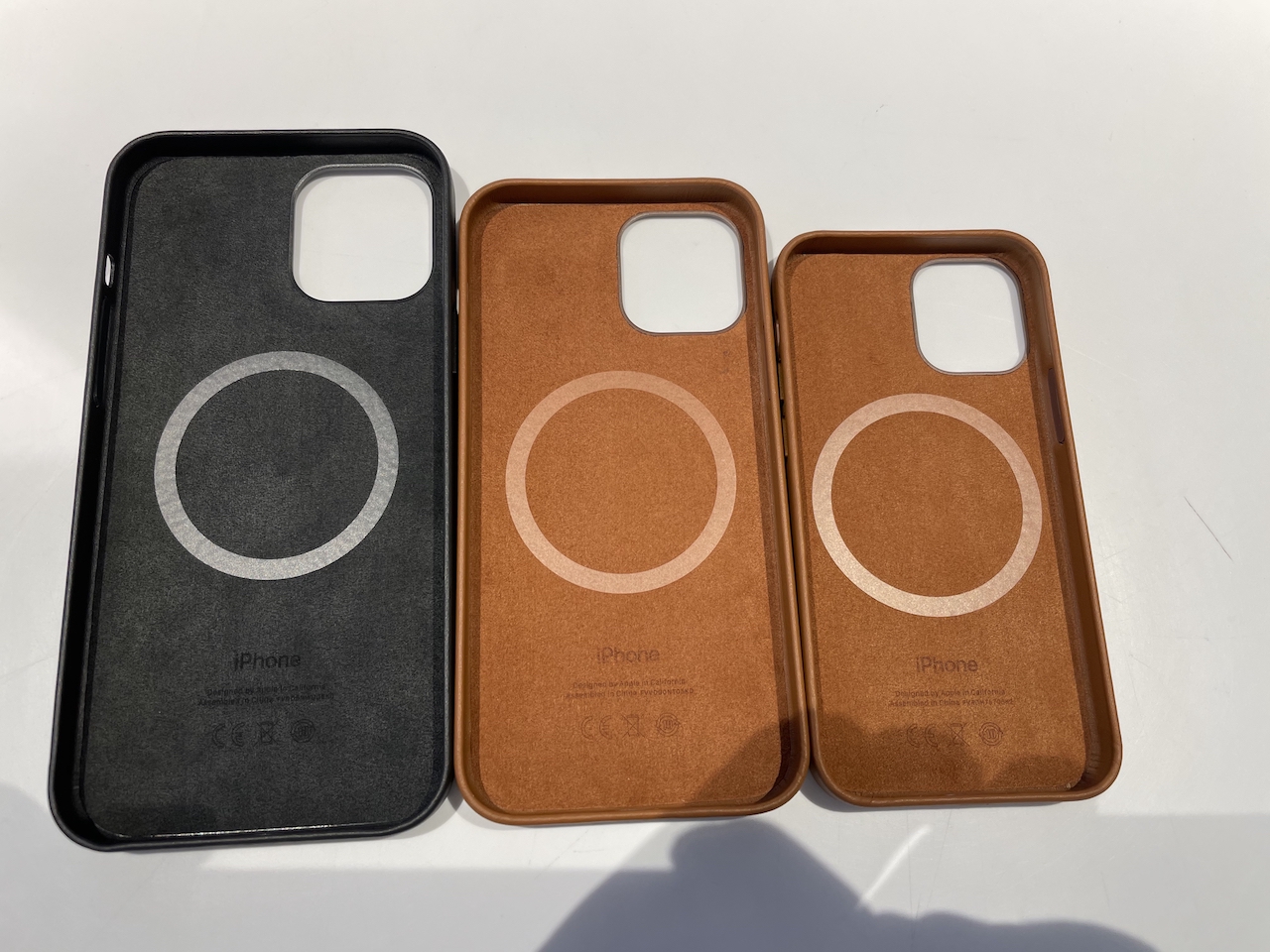
Once you've decided to pick up the new iPhone 12, the last thing you want to do is get a big bulky case that's going to hide that beautiful refreshed design. But what if I told you there was a case that was so thin, you could barely tell it was on the handset?
There is, and it's made by Totallee. You've probably heard us mention this California-based brand a lot on this site over the years, because we're huge fans. Their cases are ultra-thin, branding and pattern-free, and they've been updated to fit the new iPhone.