In this quick guide, we’ll show you five ways to delete invisible apps from your iPhone or iPad to declutter things and free up local storage.
5 ways to delete hidden apps from iPhone or iPad

In this quick guide, we’ll show you five ways to delete invisible apps from your iPhone or iPad to declutter things and free up local storage.
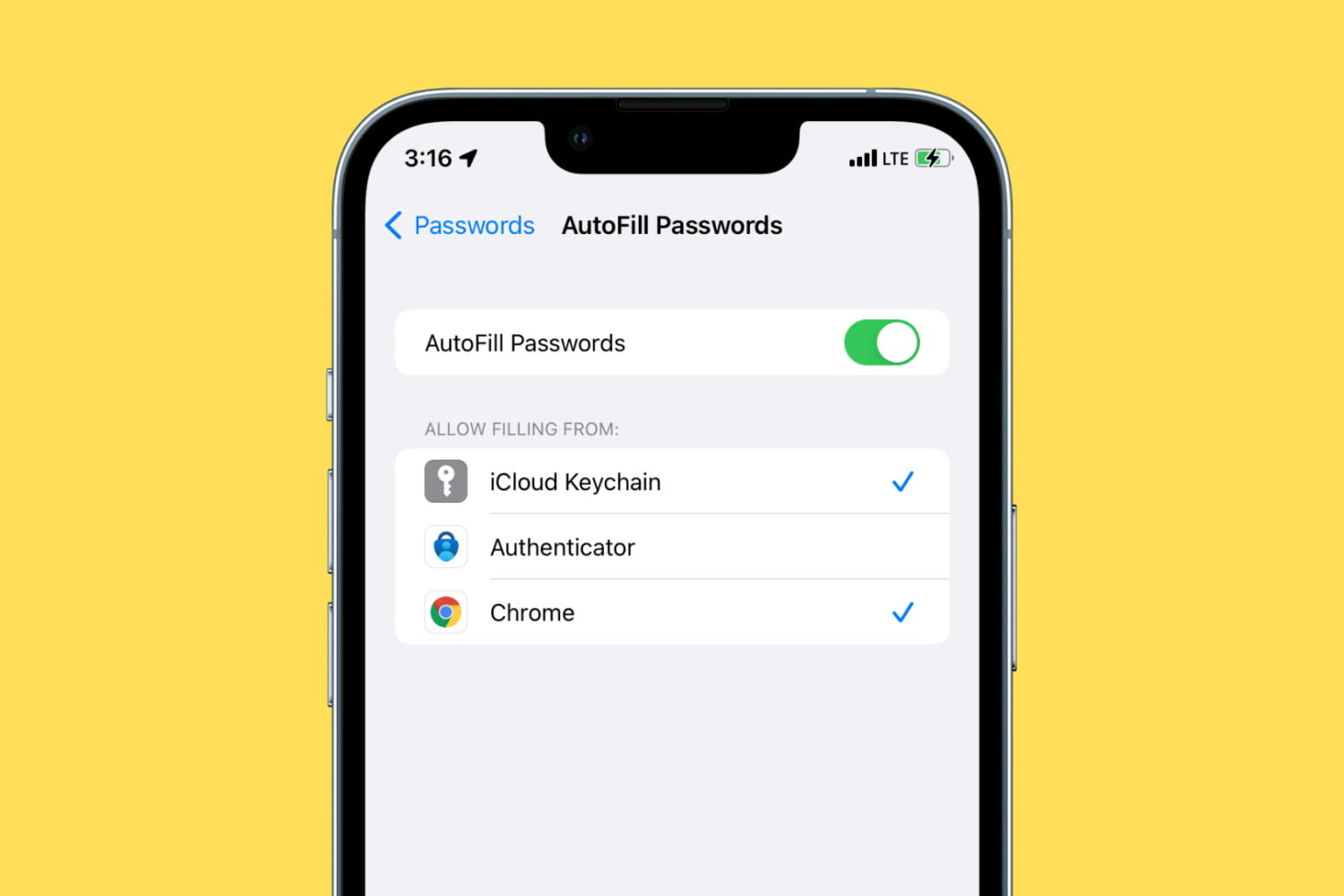
Learn how to use Google Chrome as a password manager on your iPhone to autofill passwords saved in Chrome across various iOS apps and websites.

Check out this list of iPhone, iPad, Apple TV and Mac apps updated with support for SharePlay, a feature that facilitates shared app and media experiences on FaceTime.
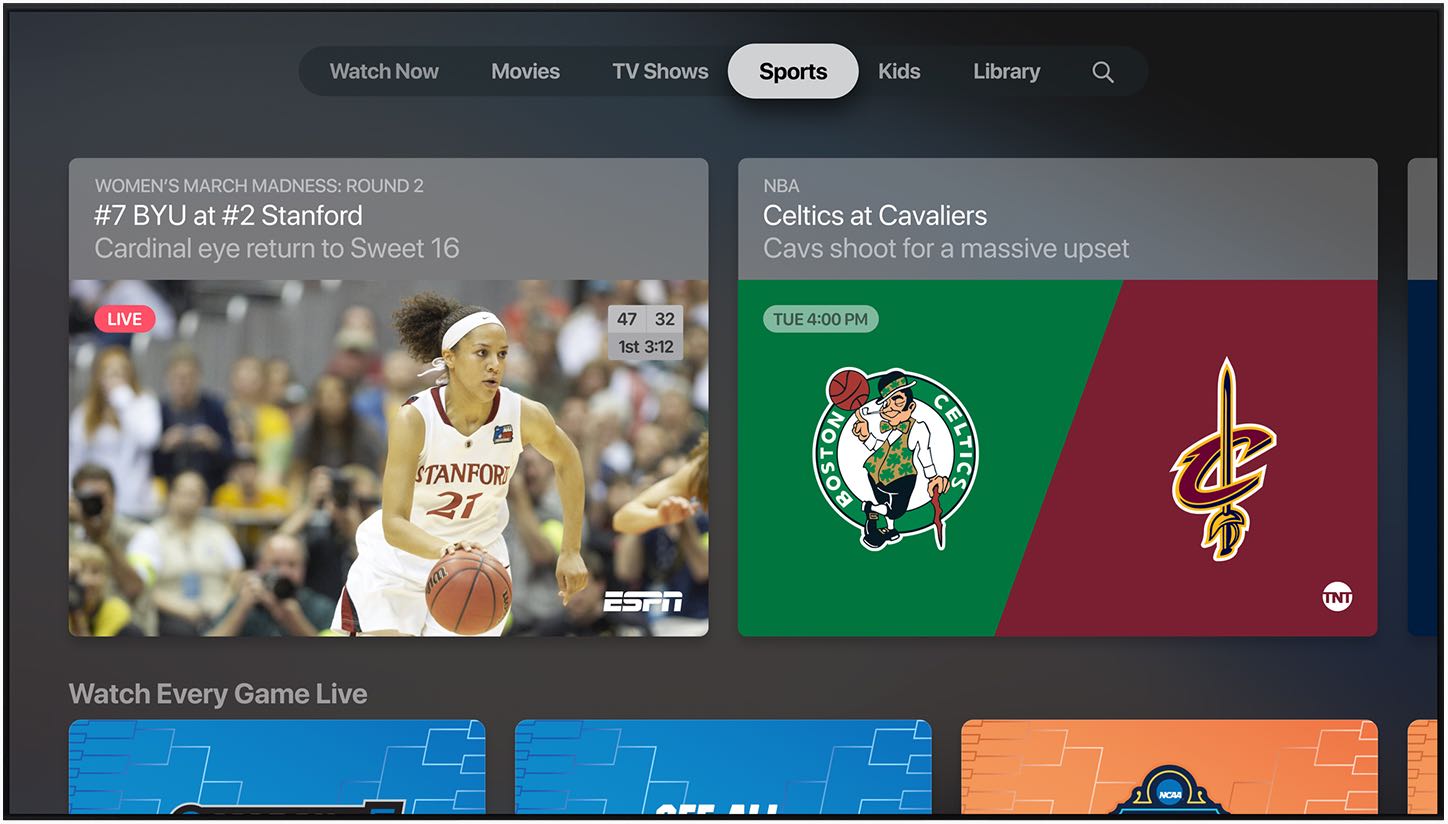
Apple's new SportsKit framework indicates early plumbing work on enabling enhanced, interactive sports content across iPhone, iPad and Mac in the not-so-distant future.
Check out the quick solutions to fix WhatsApp or WhatsApp Business not working on your iPhone and get back to messaging and calling in no time.

Instagram is developing a new moderation feature that would let you assign a single moderator to your live broadcast to approve and manage comments live comments.
Learn different ways to merge two or more PDFs into one file or split a lengthy PDF into several smaller documents.
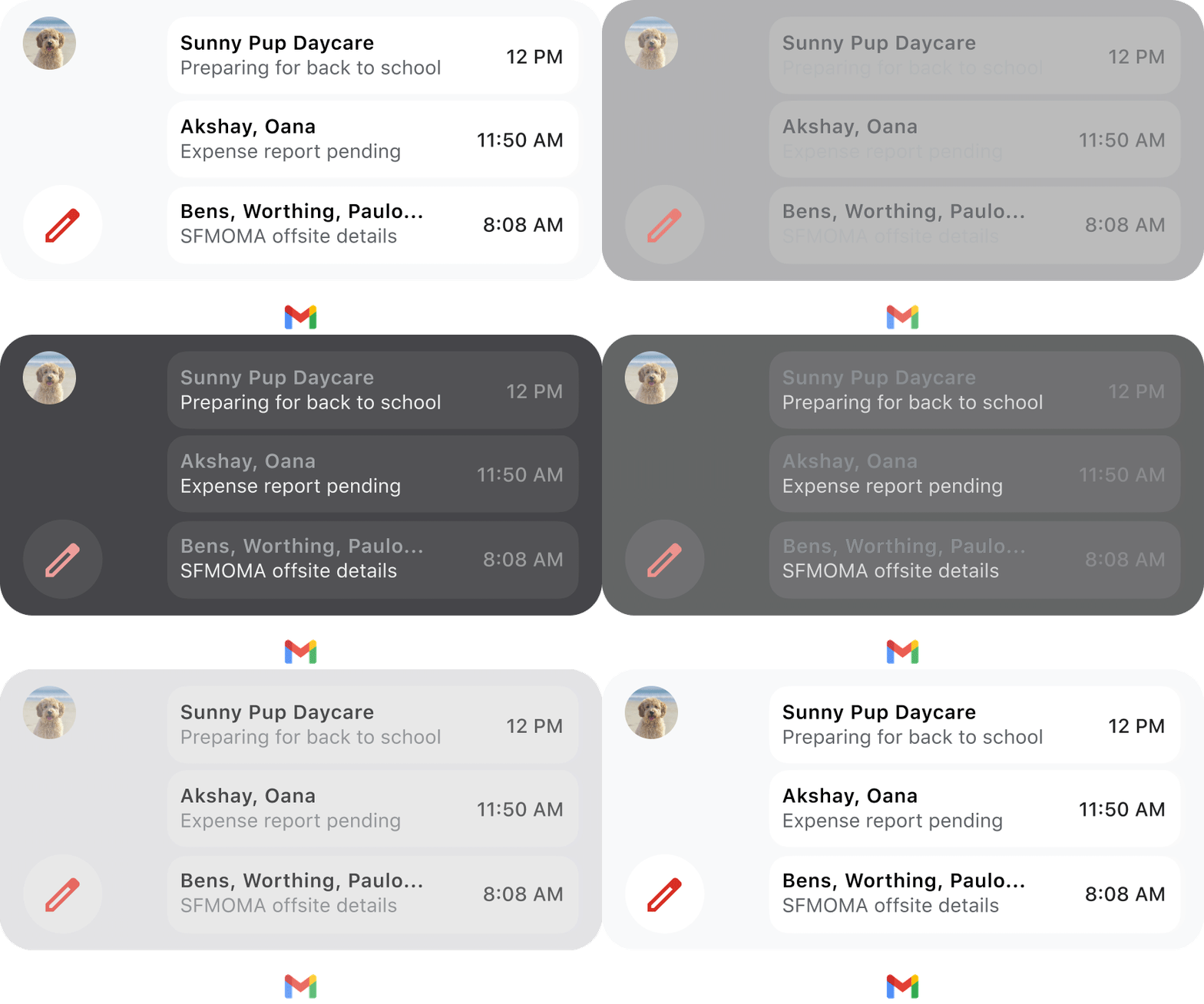
Google's Gmail widget now displays actual emails and senders on your home screen. It's much better than the previous version, but actual functionality remains limited due to Apple's rules guiding widget development on iOS and iPadOS platforms.
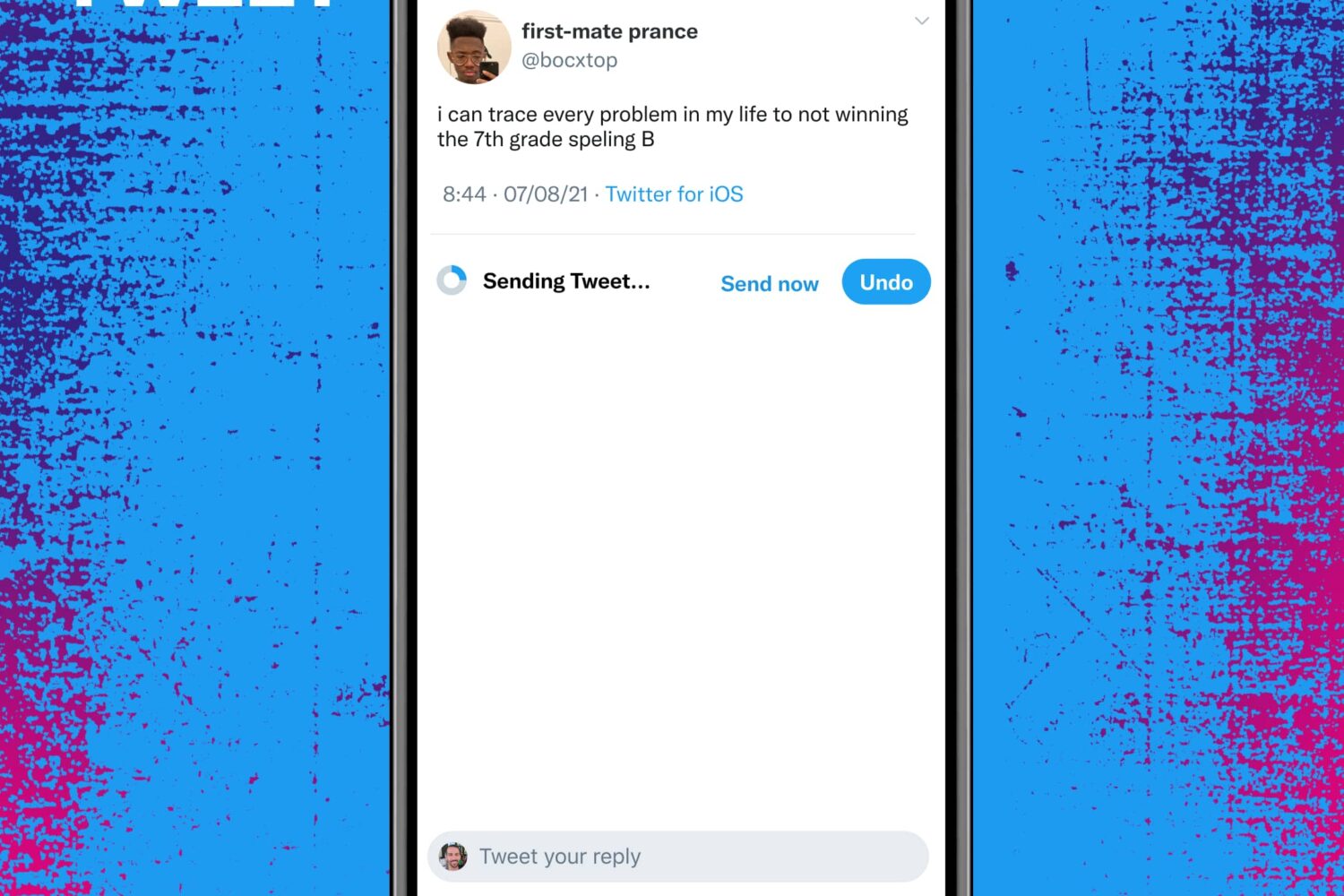
Twitter Blue, a subscription version of the popular microblogging service with extra features, has expanded to the US and other countries. So what is Twitter Blue, what perks does it provide in exchange for subscribing to it and should you pull the trigger?
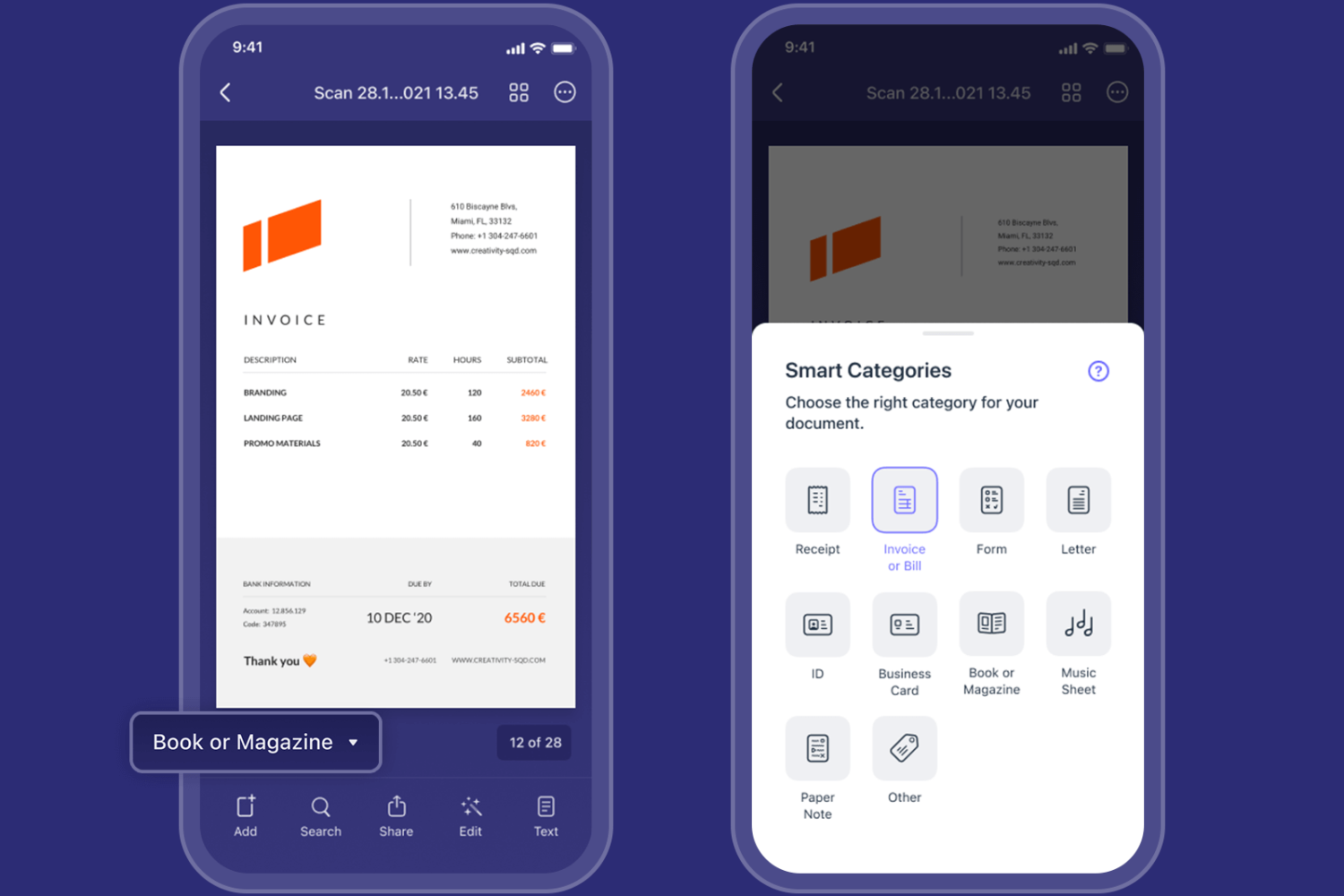
Scanner Pro, an app that lets your iPhone scan documents, has launched a new AI-powered feature that automatically organizes your scans into categories because life is too short to manually clarify these things.
You may want to contact an iPhone, iPad, or Mac app developer for multiple reasons. This includes getting support, requesting a new feature, notifying about a bug, information regarding an update, asking for their next app, and more.
Apple makes it easy and transparent to contact an iOS, iPadOS, or macOS app developer via the App Store. This post will show you five ways to reach the app's developer to get your grievances addressed.

Apple has endured a lot of heat from frustrated consumers over the years for the approach it takes to permitting the installation of third-party apps on its devices, and perhaps for good reason.