Apple at today's WWDC 2020 online-only event introduced rich and proper widgets in iOS 14 for the Home screen of your iPhone, iPad and iPod touch — finally!
Resizable Home screen widgets finally come to iPhone, iPad with iOS and iPadOS 14
Apple at today's WWDC 2020 online-only event introduced rich and proper widgets in iOS 14 for the Home screen of your iPhone, iPad and iPod touch — finally!
The iPad's incredible Picture-in-Picture mode is one of the core features of iPadOS that lots of iPhone owners wish Apple would bring to the iOS ecosystem. In a classic Apple move, however, it seems like that request could go unanswered indefinitely. Fortunately for the jailbreak community, however, we have ways to circumvent these restrictions.
Titan is a newly released jailbreak tweak by iOS developer tcbrooks that brings true iPadOS-style Picture-in-Picture mode support to pwned iPhones and iPod touches, and in addition to that, it comes out of the box with support for a colorful variety of video-centric apps, including the following:
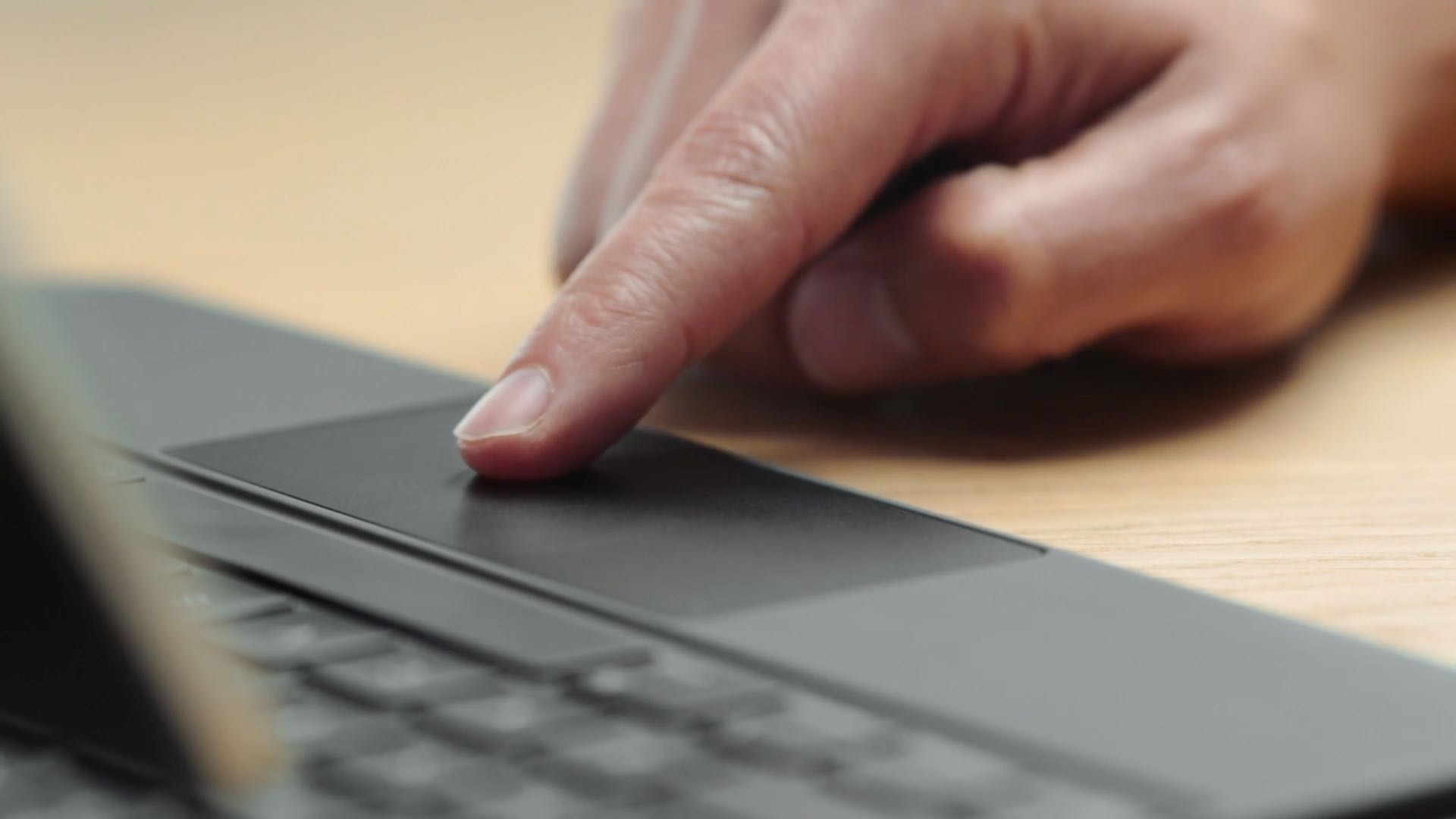
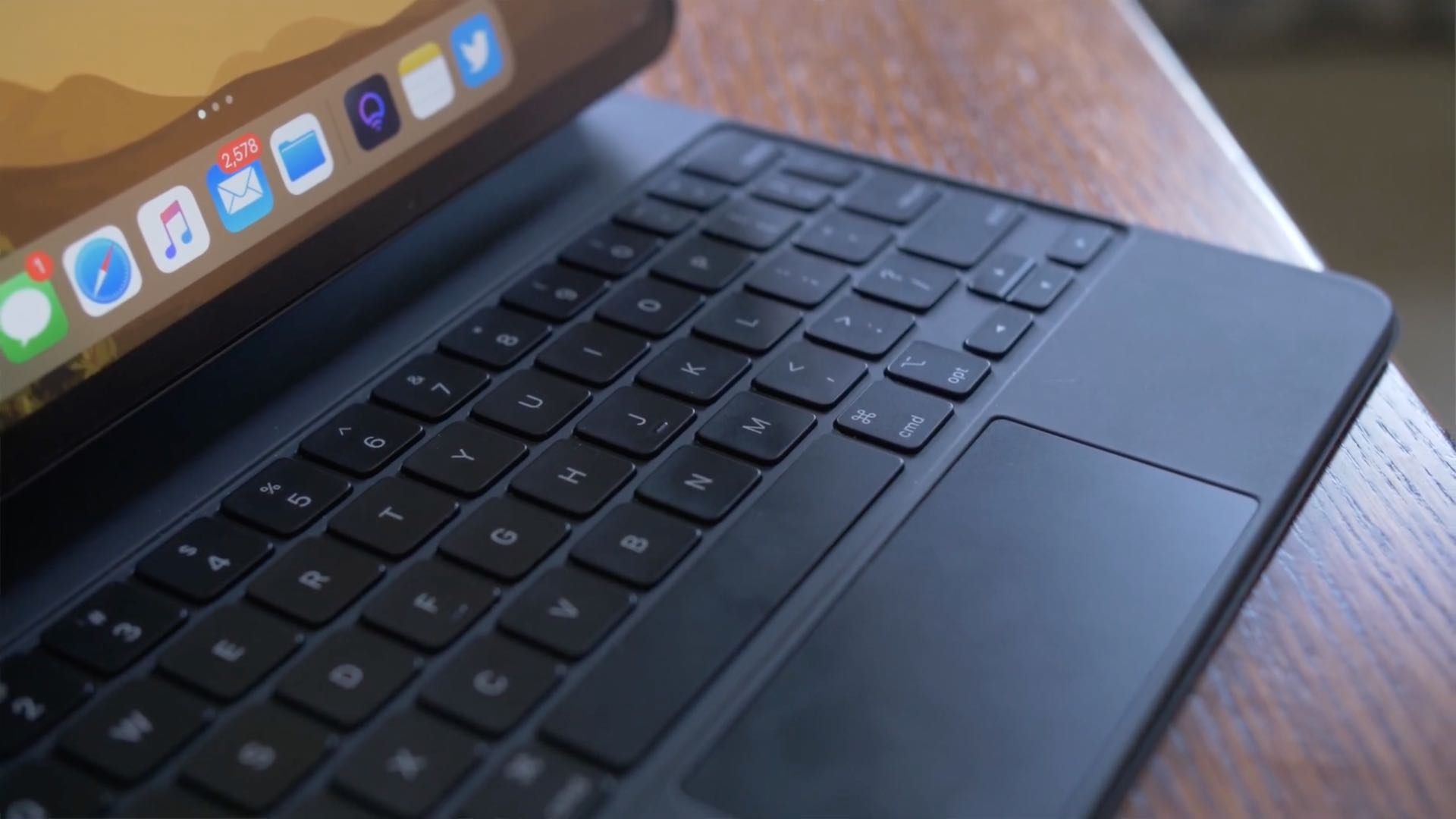
Learn how to disable iPad trackpad inertia to have the onscreen pointer stop moving immediately after you lift your finger from the trackpad.
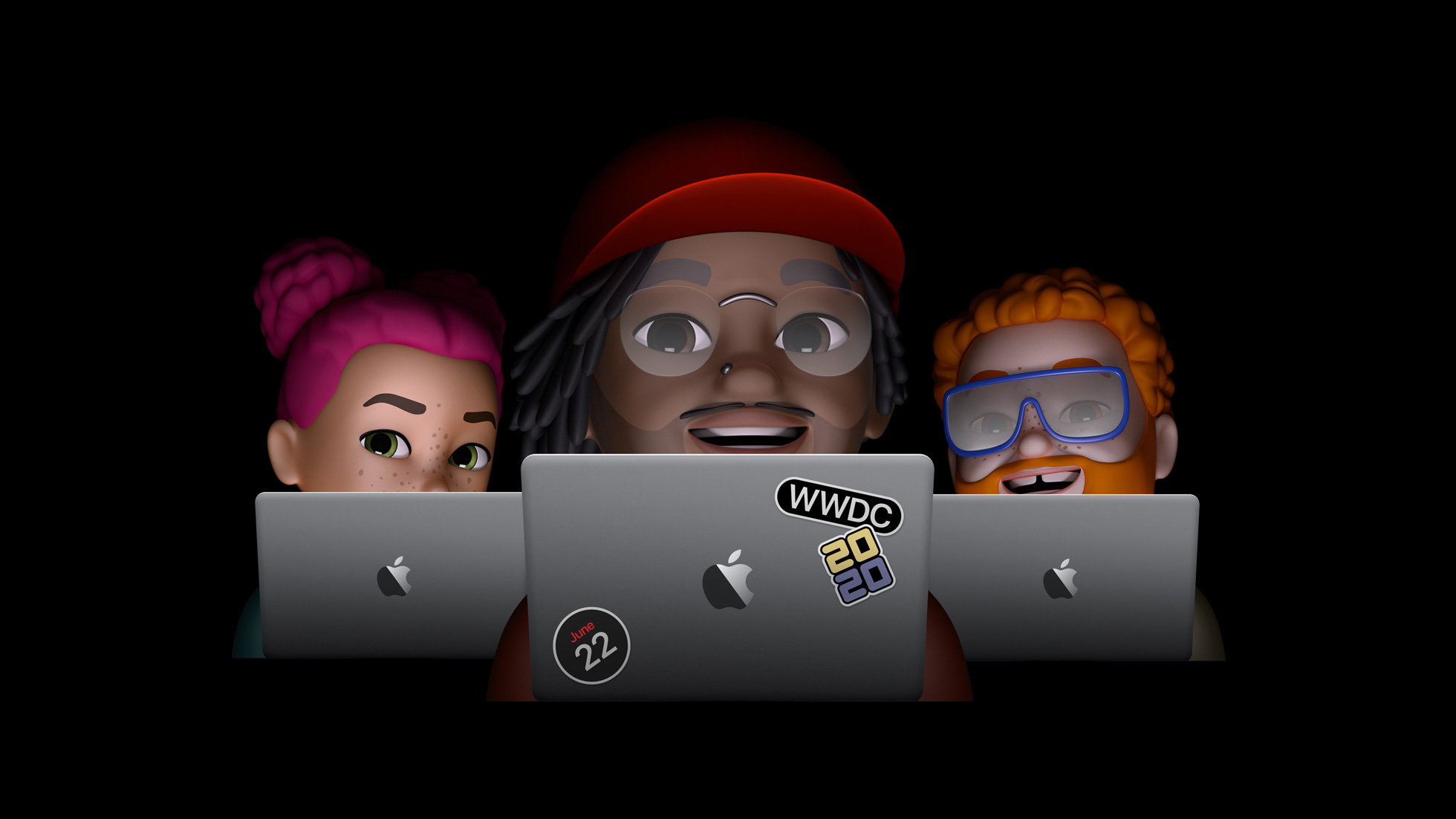
On Monday, June 22, Apple is going to kick off this year's Worldwide Developers Conference, and now the company has revealed just how busy this event is going to be.
Apple unsigned iOS & iPadOS 13.5 on Monday in a move intended to prevent downgrades to a publicly available jailbreakable firmware version. Hacker and unc0ver lead developer Pwn20wnd quickly responded to the act this week by releasing unc0ver v5.2.0 with support for iOS & iPadOS 13.5.5 beta 1, providing jailbreak hopefuls with a second chance to upgrade to jailbreakable firmware.
But as it would seem, this was a short-lived hoorah. Apple appears to have stopped signing iOS & iPadOS 13.5.5 beta 1 as of last night, effectively and once again preventing iPhone and iPad users from installing a jailbreakable firmware for the second time in the same week.
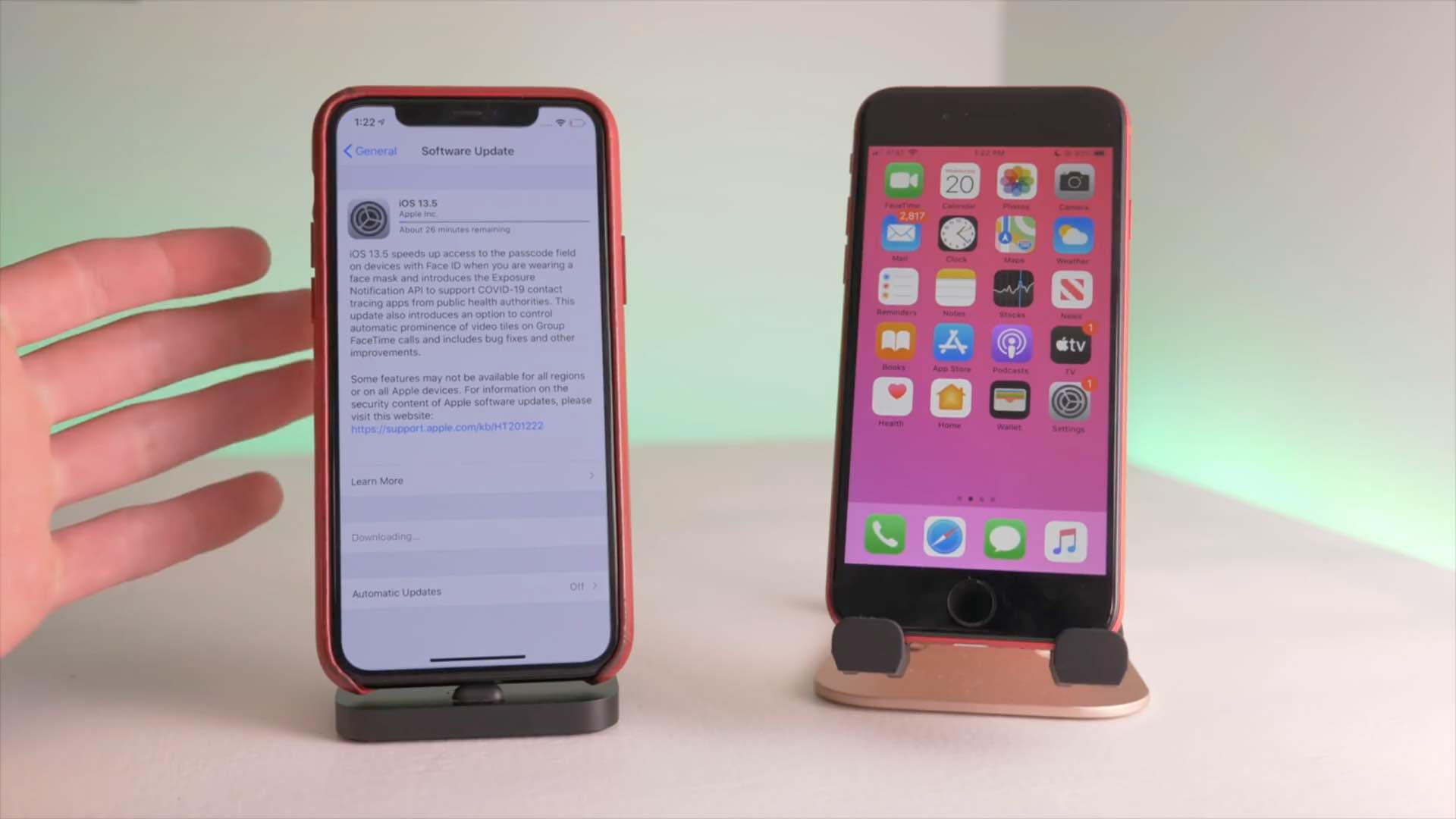
Apple this evening stopped signing iOS & iPadOS 13.5, a move on the Cupertino-based company’s behalf that essentially prevents iPhone and iPad users from installing this particular version of its firmware whether downgrading from a newer version of the mobile operating system or upgrading from an earlier version.
The move comes approximately one week after Apple released iOS & iPadOS 13.5.1 to the general public specifically with the intention of patching the 0-day kernel vulnerability that Pwn20wnd implemented into the unc0ver jailbreak to add support for iOS & iPadOS 13.5, the latest version of Apple’s mobile operating system at the time.
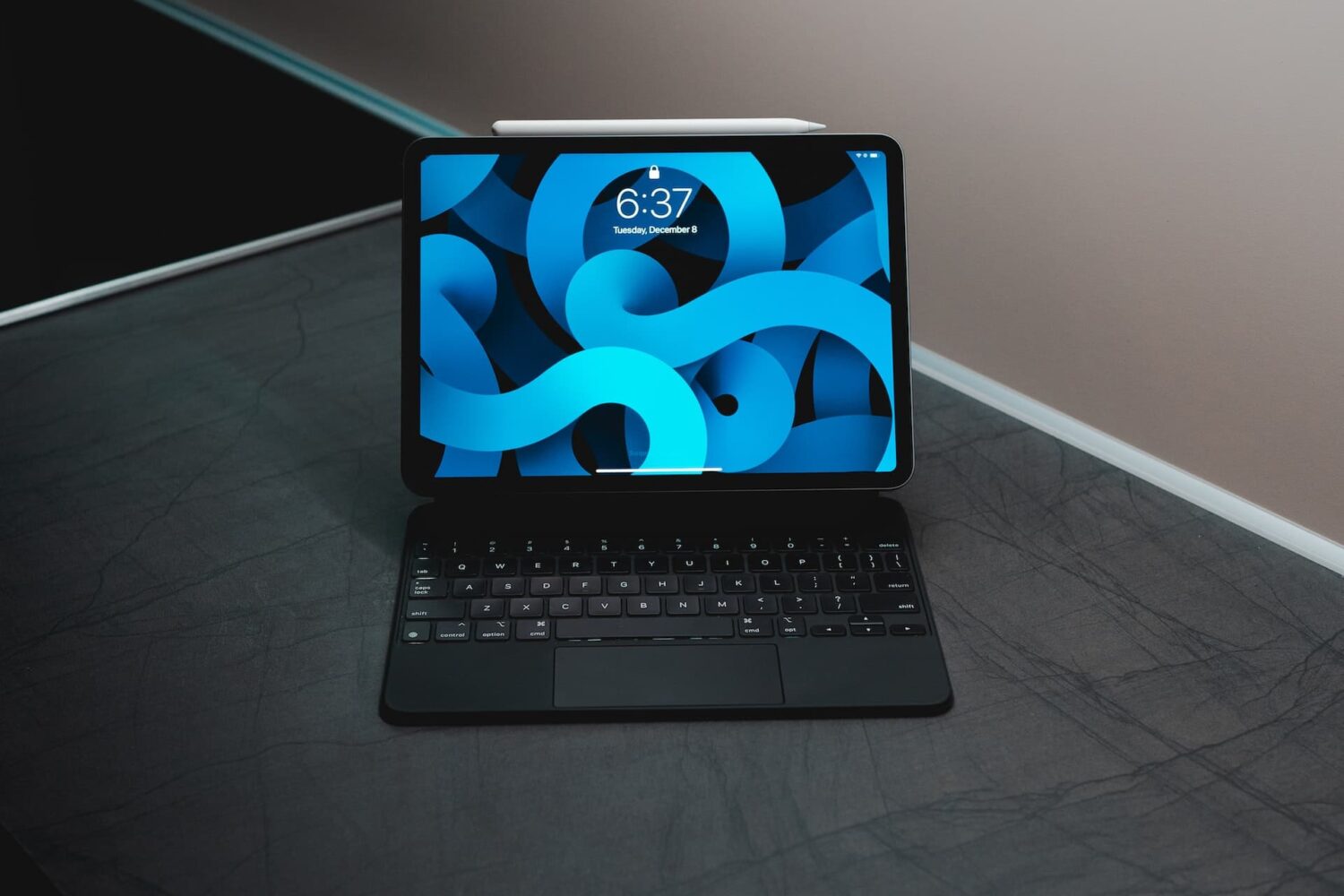
The right-click on the iPad is pretty similar in concept and execution to the long-standing right-click on Mac. In this tutorial, we show you how to do that on iPad with your finger, mouse, or trackpad.
iPadOS offers plenty of keyboard shortcuts to handle a variety of tasks, and all of them are helpful in one way or another. But the fact that there are still important shortcuts missing means there is still room to improve.
If you need to control your Windows PC desktop or server with Microsft's Remote Desktop Mobile app for iPhone and iPad, you can now do so with proper mouse and trackpad support.
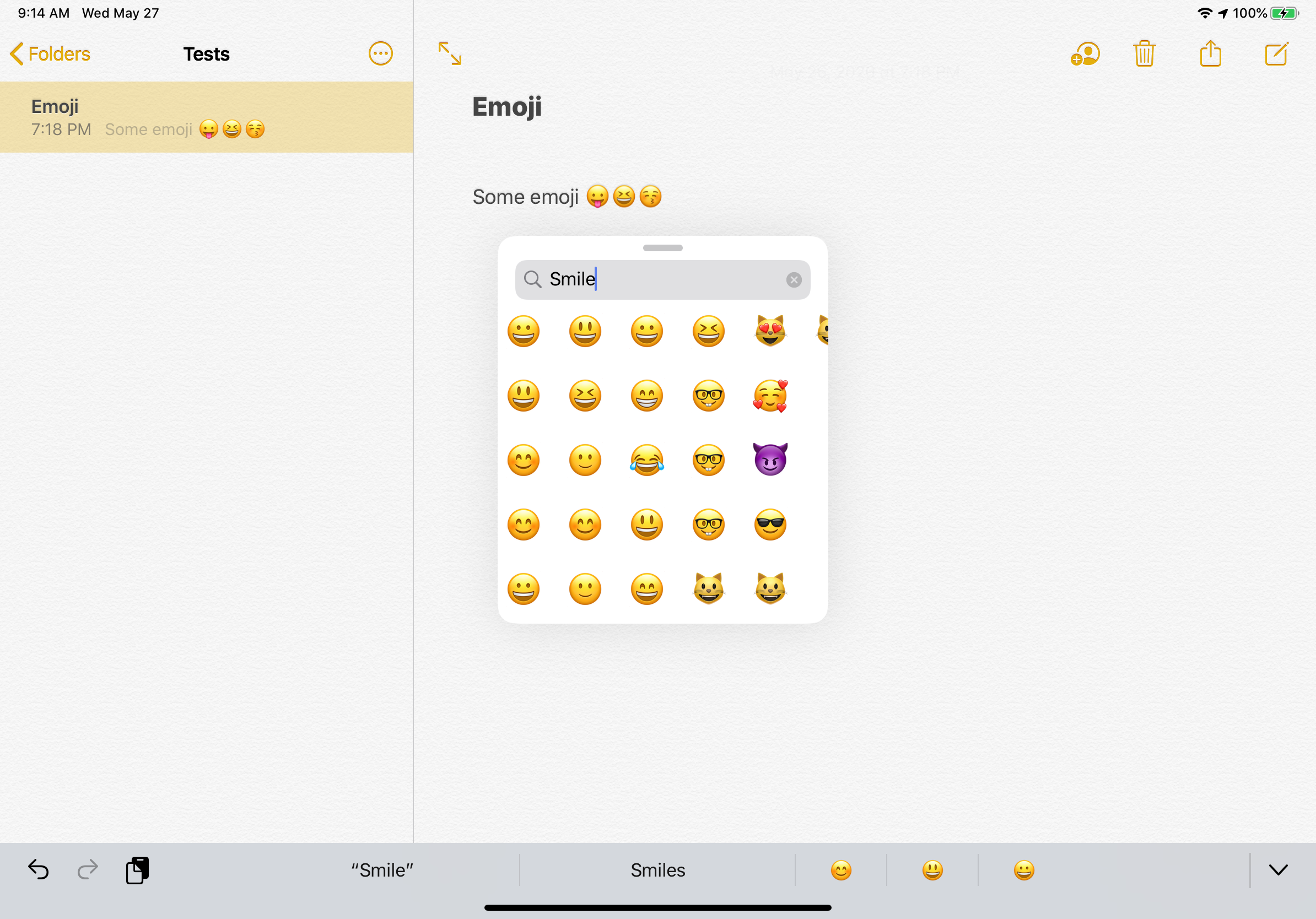
It’s not very often that we see dedicated jailbreak tweaks for the iPad platform, and that’s one of the reasons why we’re particularly excited to show you a new and free release called EmojiPicker by iOS developer Gui Rambo.
As you might’ve ascertained already from the tweak’s rather telling name, EmojiPicker is intended to augment the Emoji-picking interface in iPadOS for whenever you need access to Emojis while typing in various apps.
Apple is no longer signing iOS or iPadOS 13.4.1 as of this evening, a move that prevents iPhone and iPad users from downgrading from the iOS and iPadOS 13.5 software updates that the Cupertino-based tech giant released to the general public just last week.
Downgrading iOS device firmware isn’t a common necessity, but it can be necessary if or when Apple releases a software update that introduces bugs or instability to its devices. This isn’t a particularly common thing to happen, but it did transpire last October when iOS 13.2 was found to be ‘too aggressive’ with backgrounding restrictions, compelling many users to downgrade until a software update could be released to fix the issue.
iPadOS brings an adaptive iPad cursor that uses subtle animations when hovering over various parts of the system to help you navigate. As an example, toolbar buttons in apps change color, and app icons on the Home Screen grow bigger. The animated cursor gives you a sense of context, but power users may want to disable these iPad pointer animations in order to enjoy a smoother tracking experience that resembles their computer.
Follow this step-by-step tutorial to learn how you can disable iPad pointer animations with just a few taps.