iPadOS

Hands-on video walkthrough: Everything new in iOS and iPadOS 13.5

Apple yesterday released the iOS 13.5 software for the iPhone and iPod touch alongside iPadOS 13.5 for the iPad. The updates bring out several new features including coronavirus exposure logging, Apple Music sharing and APIs for developers to create privacy-first COVID-19 apps, as well as Face ID and group FaceTime improvements. To help you make the most out of these new software updates, we've tasked our videographer Harris Craycraft with putting together a little hands-on video walkthrough detailing all the changes in iOS and iPadOS 13.5.

How to change iPad trackpad or mouse scrolling speed so pages move slower or faster

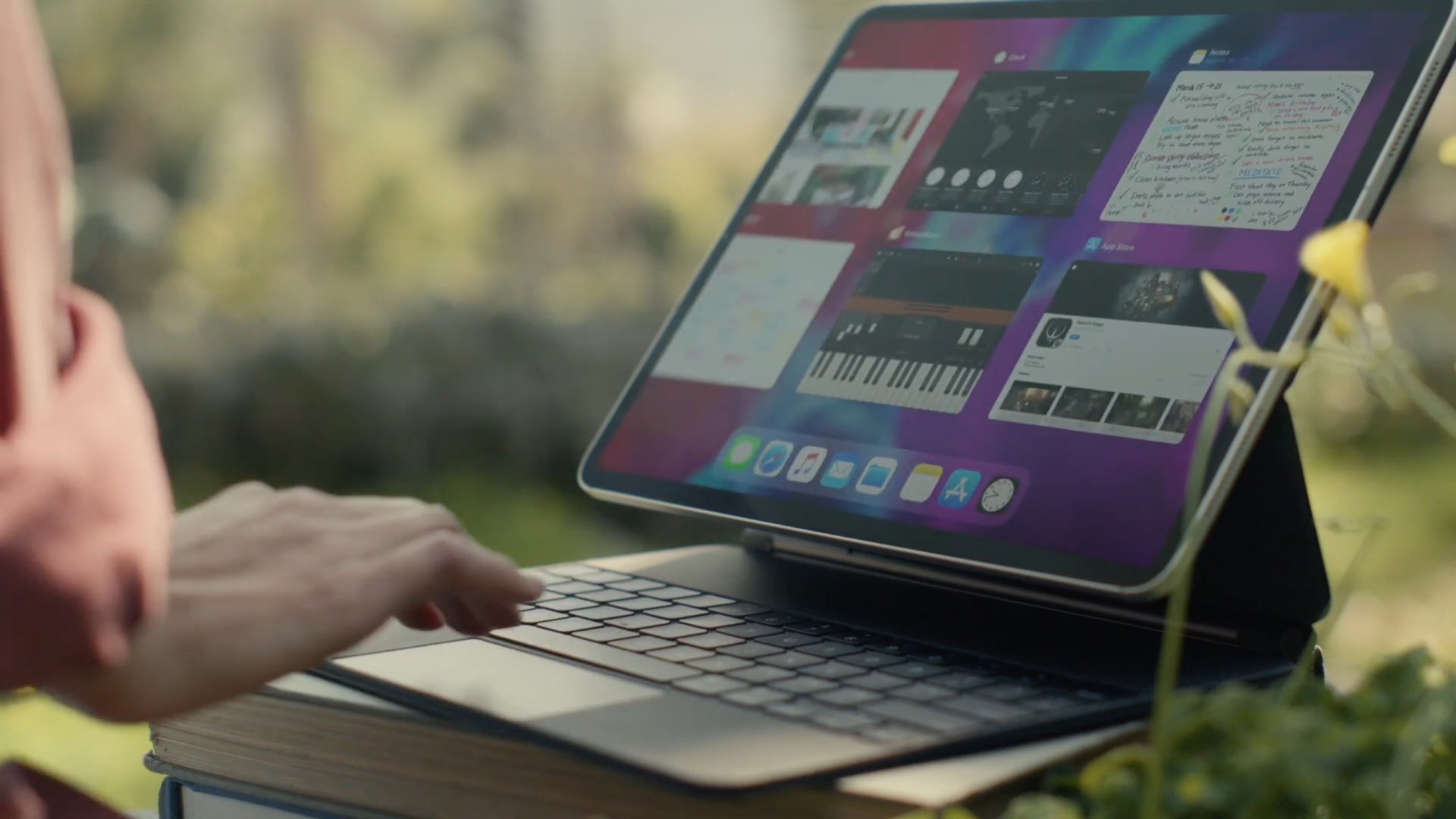
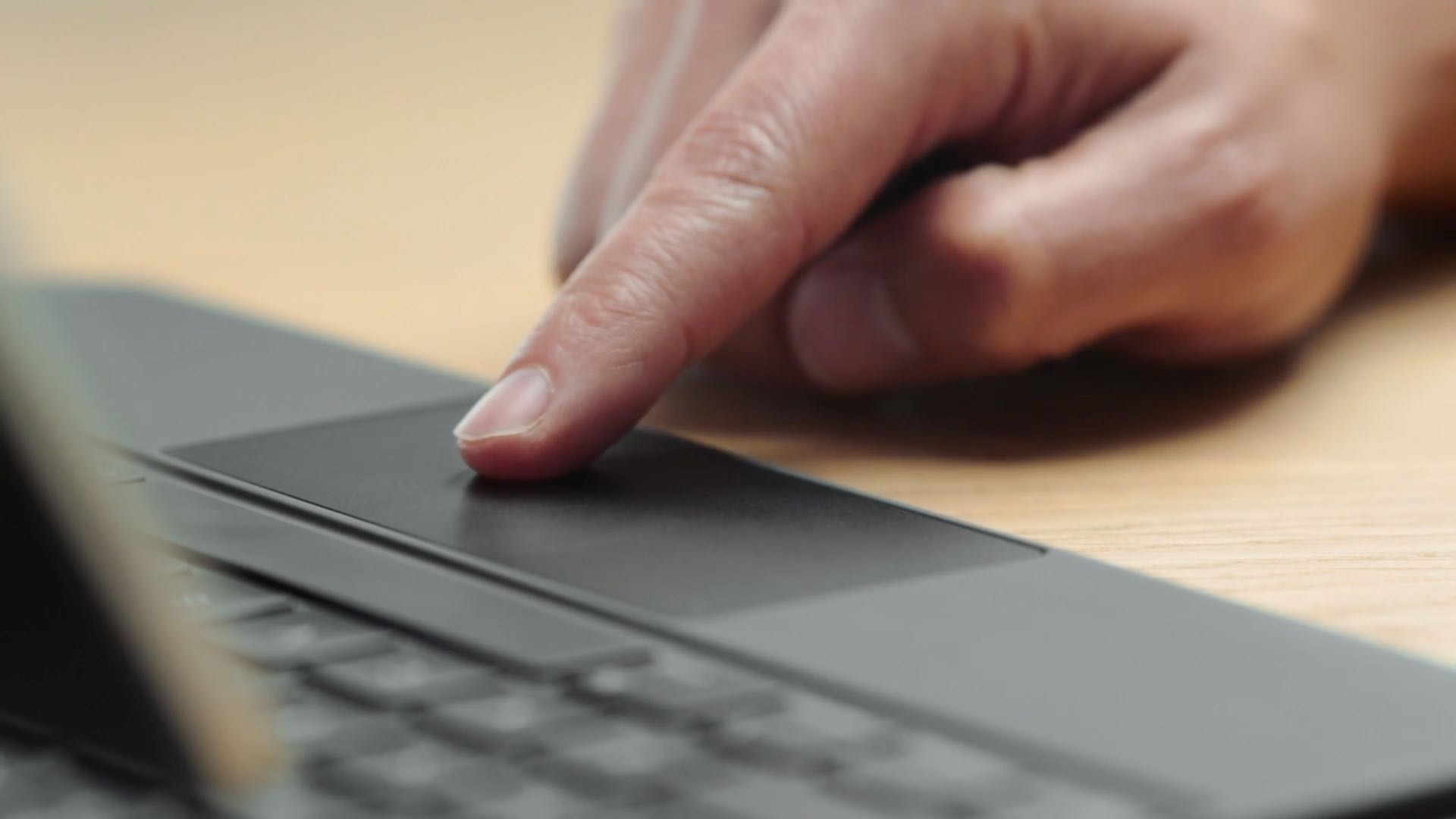
iPad with keyboard, trackpad, and Apple Pencil

iPad scrolling speed can be adjusted to your liking when using a trackpad or mouse with your tablet. By adjusting the iPad trackpad scroll speed value to your liking, you can make Safari webpages, Office documents, your Photos library, and other scrollable content move faster or slower than the default value. Follow along with us to learn how to adjust the iPad scrolling speed for the connected trackpad and/or mouse to your liking with just a few taps.

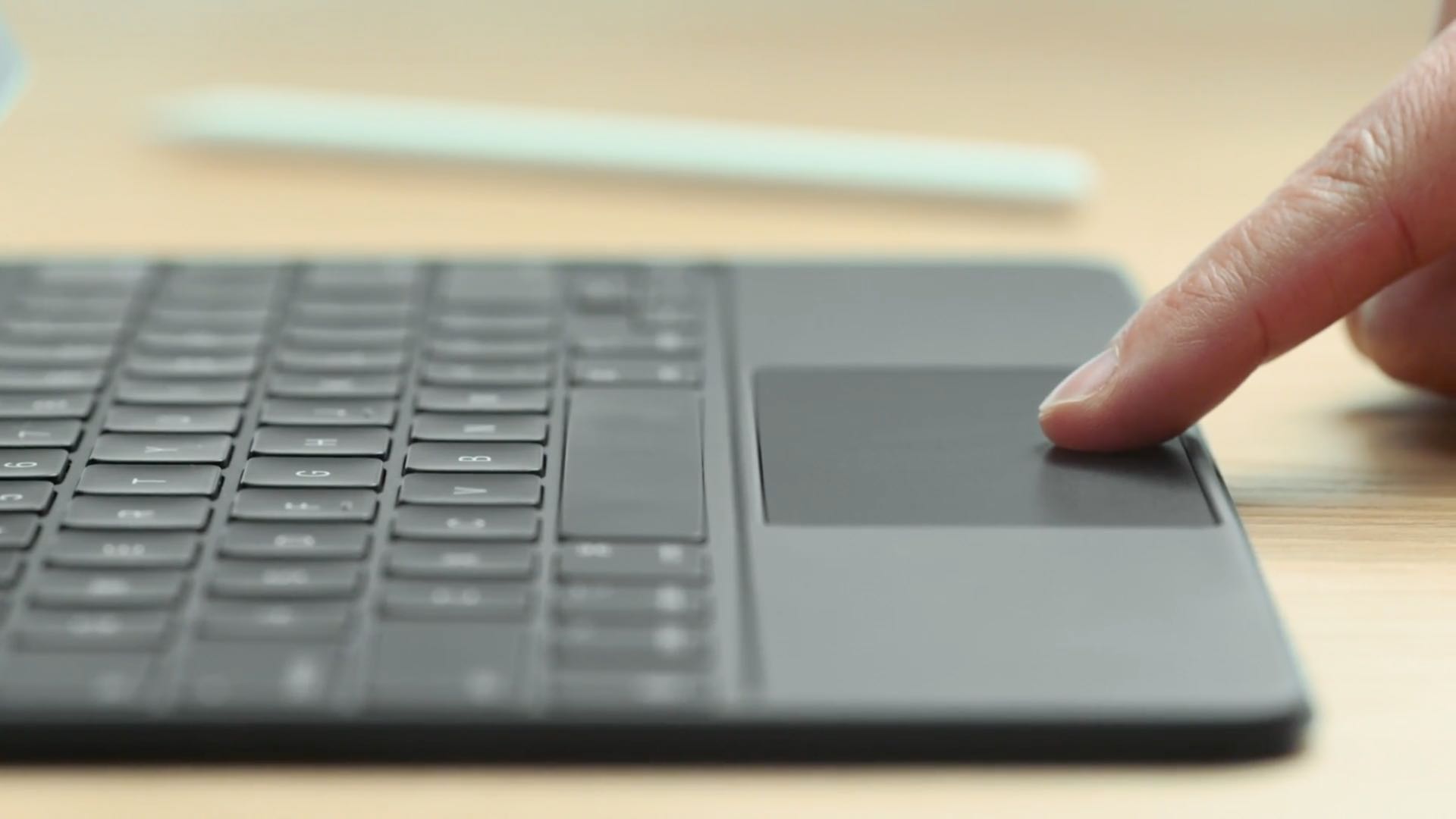
How to make taps on your iPad trackpad register as clicks

Do you use a pointer device with your iPad, like a trackpad? If so, it pays to know about an option that makes tapping the trackpad with one finger register as clicking. Follow along with us as we show you how to enable or disable Tap to Click for your connected iPad trackpad in case you'd like to make taps on the trackpad register as either regular taps or physical clicks.

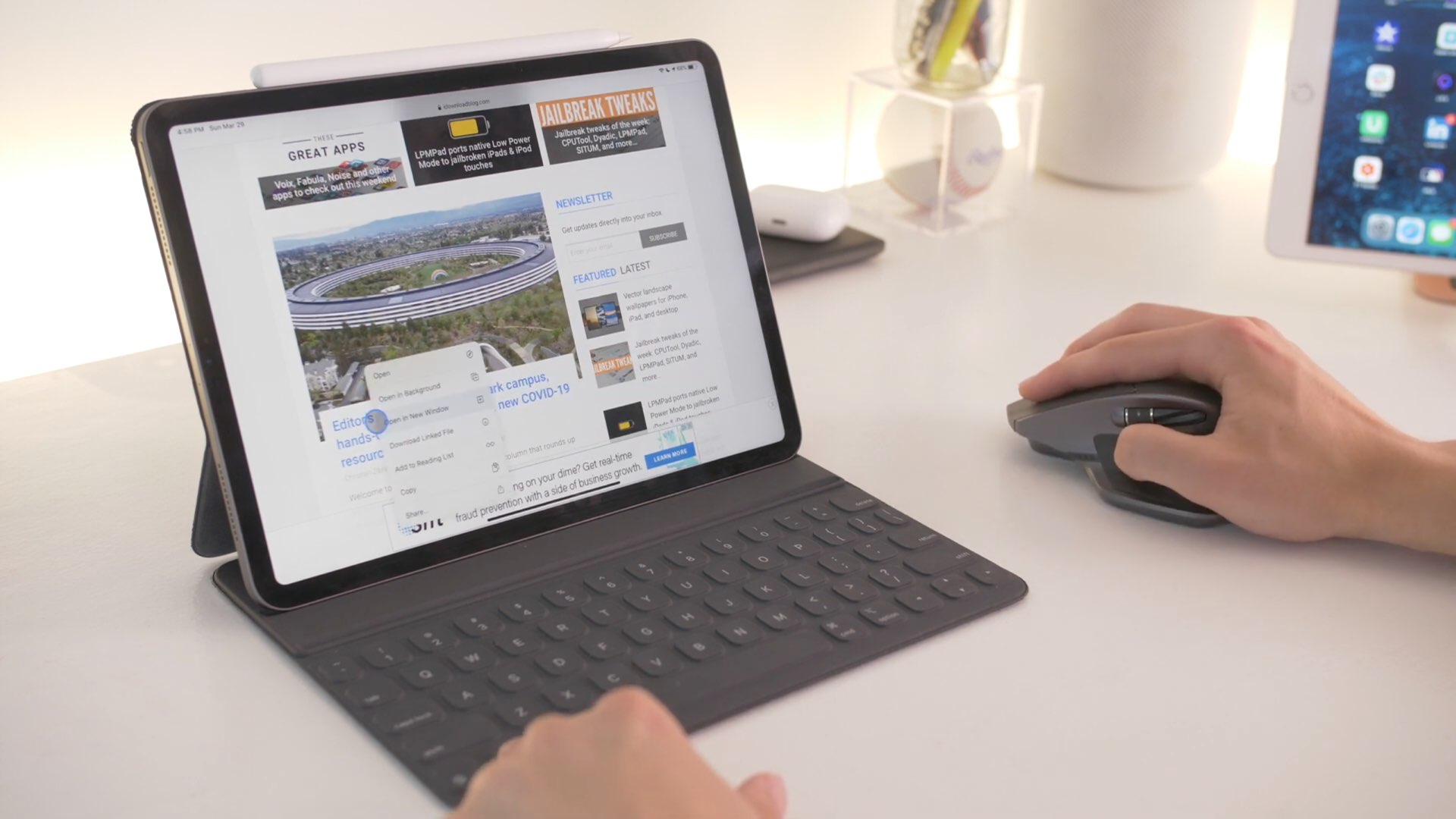
Here are all the iPad gestures available with Apple’s Magic Trackpad and Mouse accessories

iPad trackpad support in iPadOS 13.4 opens up whole new ways to use your Apple tablet. iPad trackpad and mouse gestures are supported by Apple's Magic Keyboard for the iPad Pro, as well as the company's standalone Magic Trackpad and Magic Mouse 2 accessories. Follow along with your favorite blog as we teach you about all of the iPad trackpad gestures that are available with the Magic Trackpad 1 and 2, Magic Mouse 2 and third-party mice.

SwipeExtenderX supercharges the iOS keyboard with useful new features

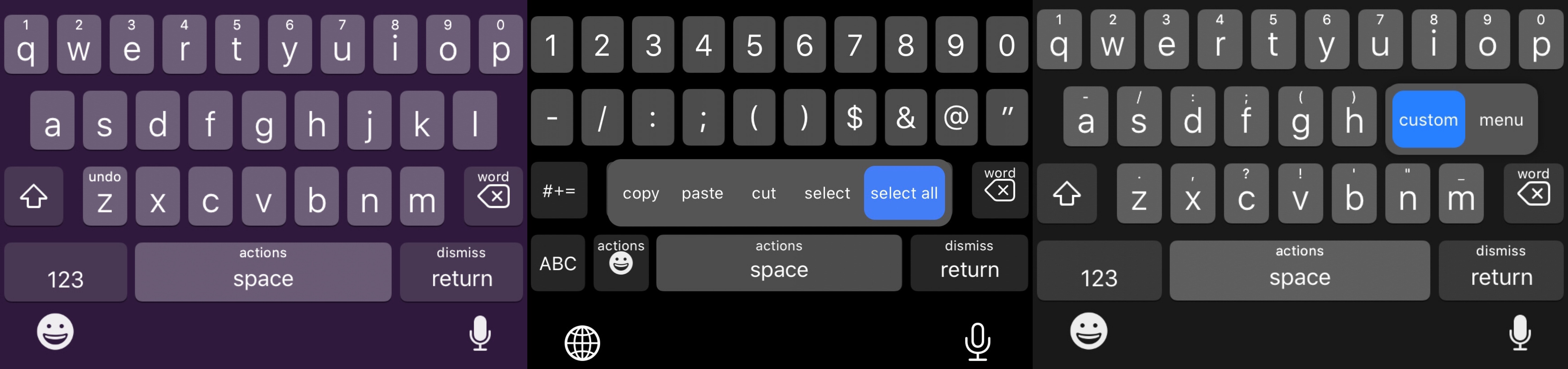
Swipe from any key on the keyboard to invoke assigned actions with SwipeExtenderX.

The iPhone sports one of the best software keyboards in the industry, and yet creative members of the jailbreak community always seem to find ways to remind us why we should be asking so much more of Apple as the company releases annual software upgrades.

Enter SwipeExtenderX, a newly released jailbreak tweak by iOS developer qwertyuiop1379 that supercharges the iOS keyboard with up to 20 different swipe gesture-based actions to help make the process of typing on an iPhone even easier than it already is.