In iOS and iPadOS 14, you'll see a handy new orange light indicator in the status bar of your iPhone and iPad whenever an app happens to be using your microphone.
iOS 14’s new orange light warns you when an app is using your microphone
In iOS and iPadOS 14, you'll see a handy new orange light indicator in the status bar of your iPhone and iPad whenever an app happens to be using your microphone.
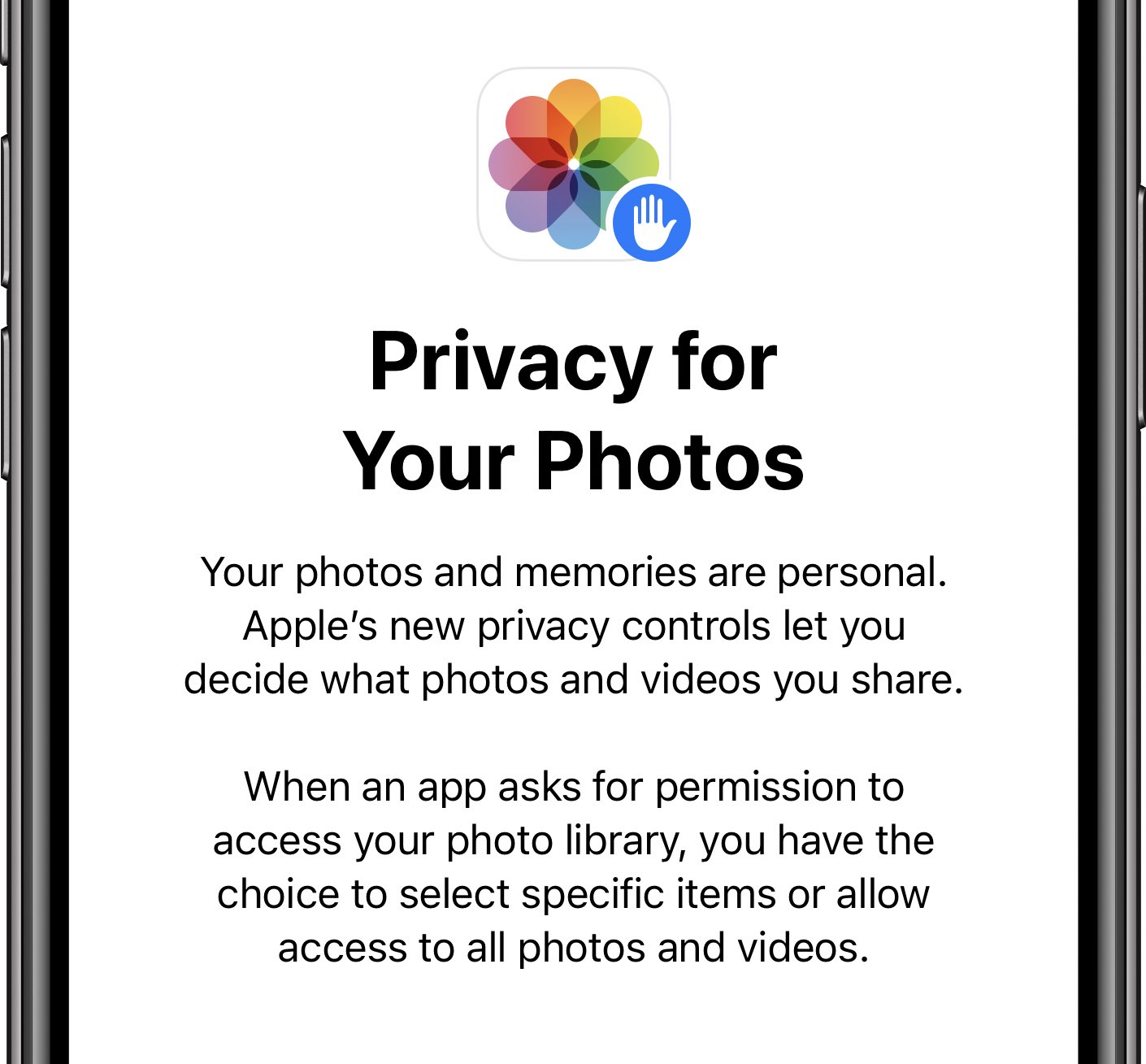
One of the new features in iOS 14 and iPadOS 14 brings stronger privacy to the Photos app via the ability to give apps access to specific images and videos rather than the entire library.
It was only last month that we showed you an incredible jailbreak tweak called DockX by iOS developer udevs for upgrading the keyboard interface on your pwned handset. Given just how popular the tweak became after its announcement, it may come as no surprise to anyone that users quickly requested a similar tweak designed especially for iPads.
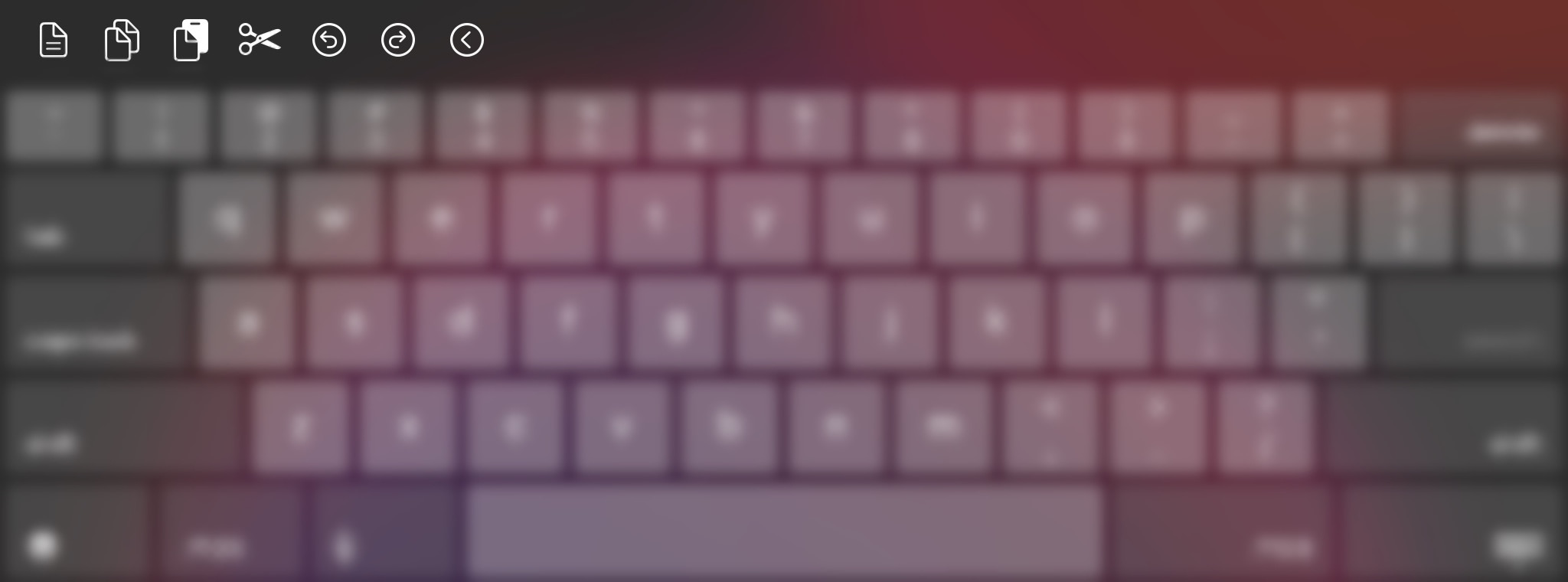
And now we have it – enter XPad, a newly released and free jailbreak tweak for jailbroken iPads from the same developer that allows users to customize the pasteboard shortcuts that appear on their iPad’s keyboard interface.
It was only a couple of days ago that Apple unveiled iOS and iPadOS 14 during the company’s WWDC 2020 keynote. Shortly after that, Apple launched its first developer beta of the updated mobile operating systems, allowing developers to go hands-on with the new features and prepare their apps for the update before it launches sometime this Fall.
While iOS and iPadOS 14 snagged a ton of features from the jailbreak community as Apple does every year with each substantial release, it doesn’t seem like jailbreaking will be going anywhere any time soon. In a Tweet shared late last night, checkra1n team co-developer Dany Lisiansky shared a teaser screenshot of the checkra1n jailbreak on the first iOS 14 beta:
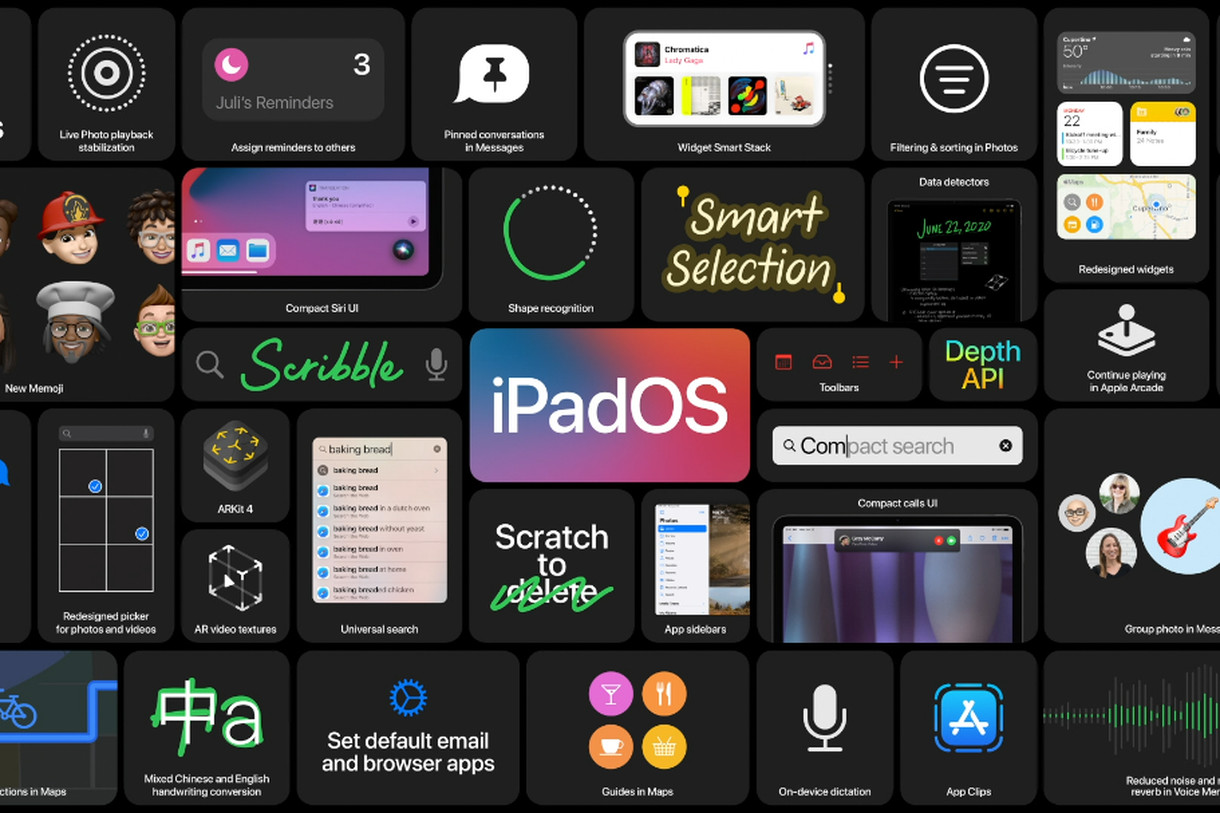
Along with iOS 14 and macOS 11.0 Big Sur, Apple also revealed the next major update to the iPad lineup: iPadOS 14 at this year's Worldwide Developers Conference.
Earlier today, Apple hosted its special event keynote at this year's all-online Worldwide Developers Conference, and, as such, unveiled the newest versions of its operating systems.
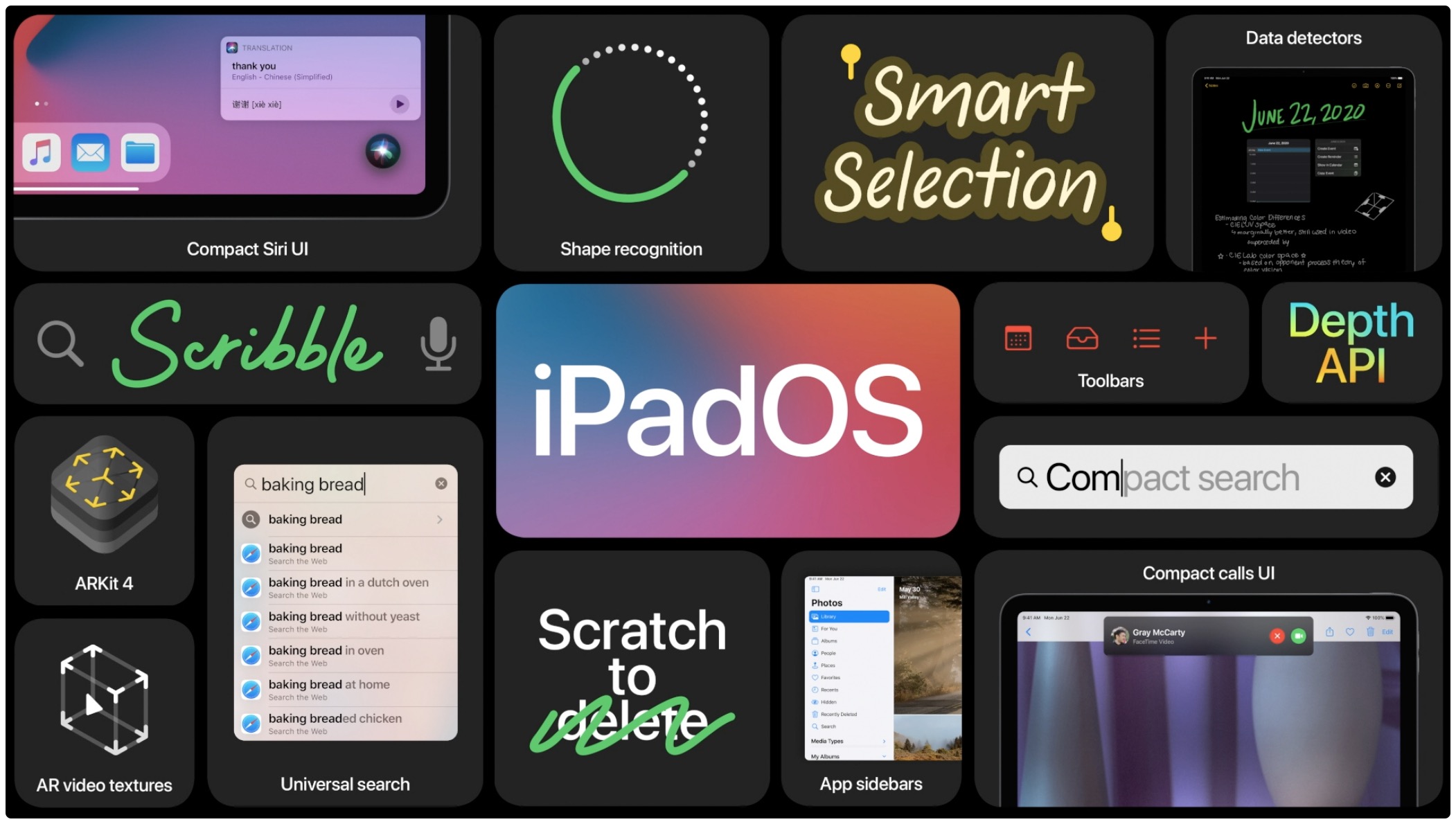
I'm not sure if I missed it, but it seems Apple glossed over a fairly important iPadOS 14 feature during its WWDC keynote. On the slide (seen above) mentioning new features for the next version of iPadOS, we spotted an interesting tab labeled 'Set default email and browser apps.'
Apple during today's WWDC 2020 keynote presentation showing off the new features in its upcoming iOS 14 and iPadOS 14 software updates briefly highlighted one small but important improvement that a lot of people have beeb clamoring for: an unobtrusive calling screen.
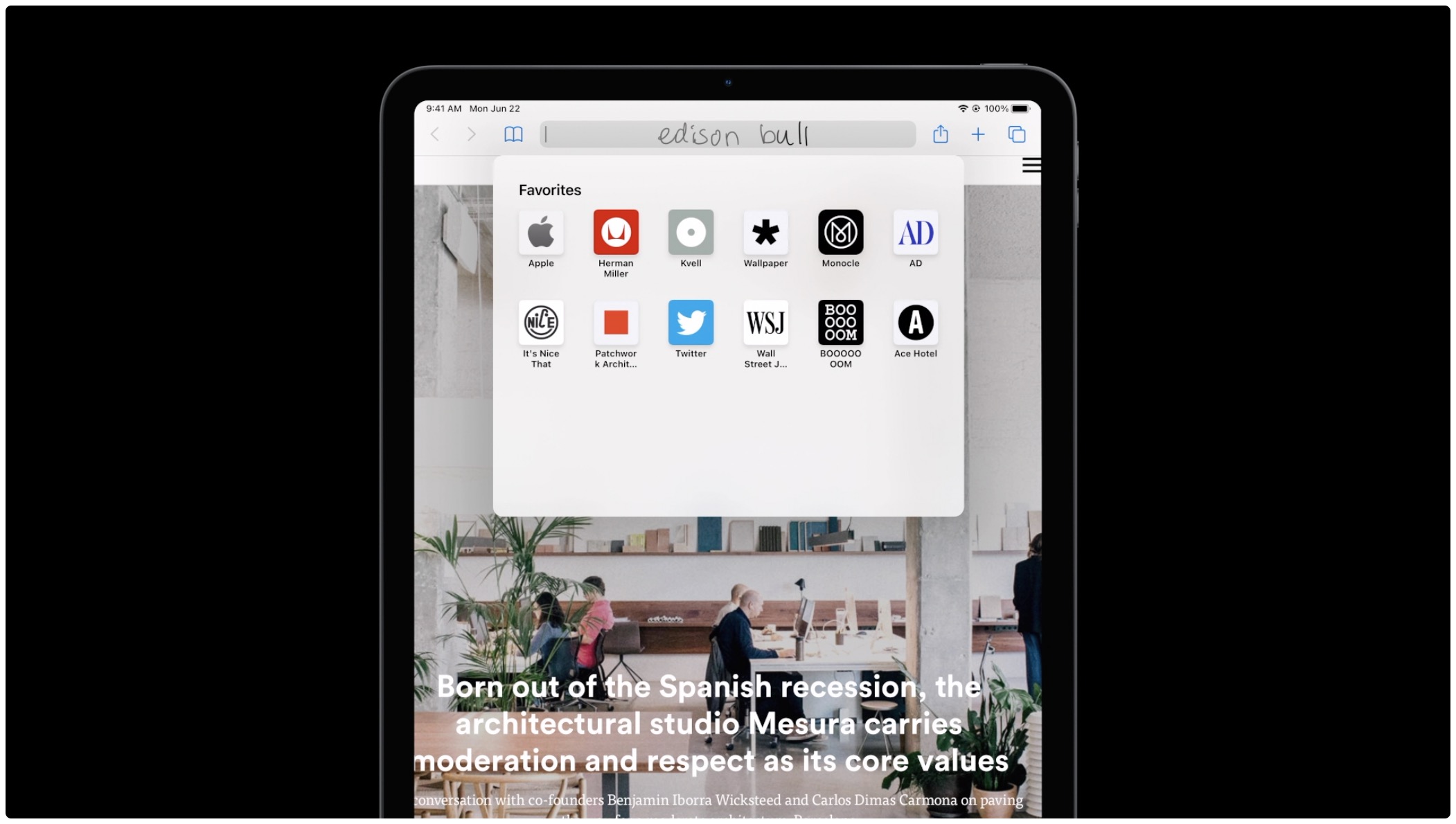
The next version of iPadOS includes a new feature called 'Scribble,' which recognizes your handwriting and turns it into text. Apple says it has made big improvements to handwriting recognition, and the ability to turn it into text lets you quickly do things like edit, copy and format it.
Apple has introduced iPadOS 14, bringing a variety of new features to the mix, but also focusing quite a bit on the overall experience.
Apple at today's WWDC 2020 online-only event introduced rich and proper widgets in iOS 14 for the Home screen of your iPhone, iPad and iPod touch — finally!
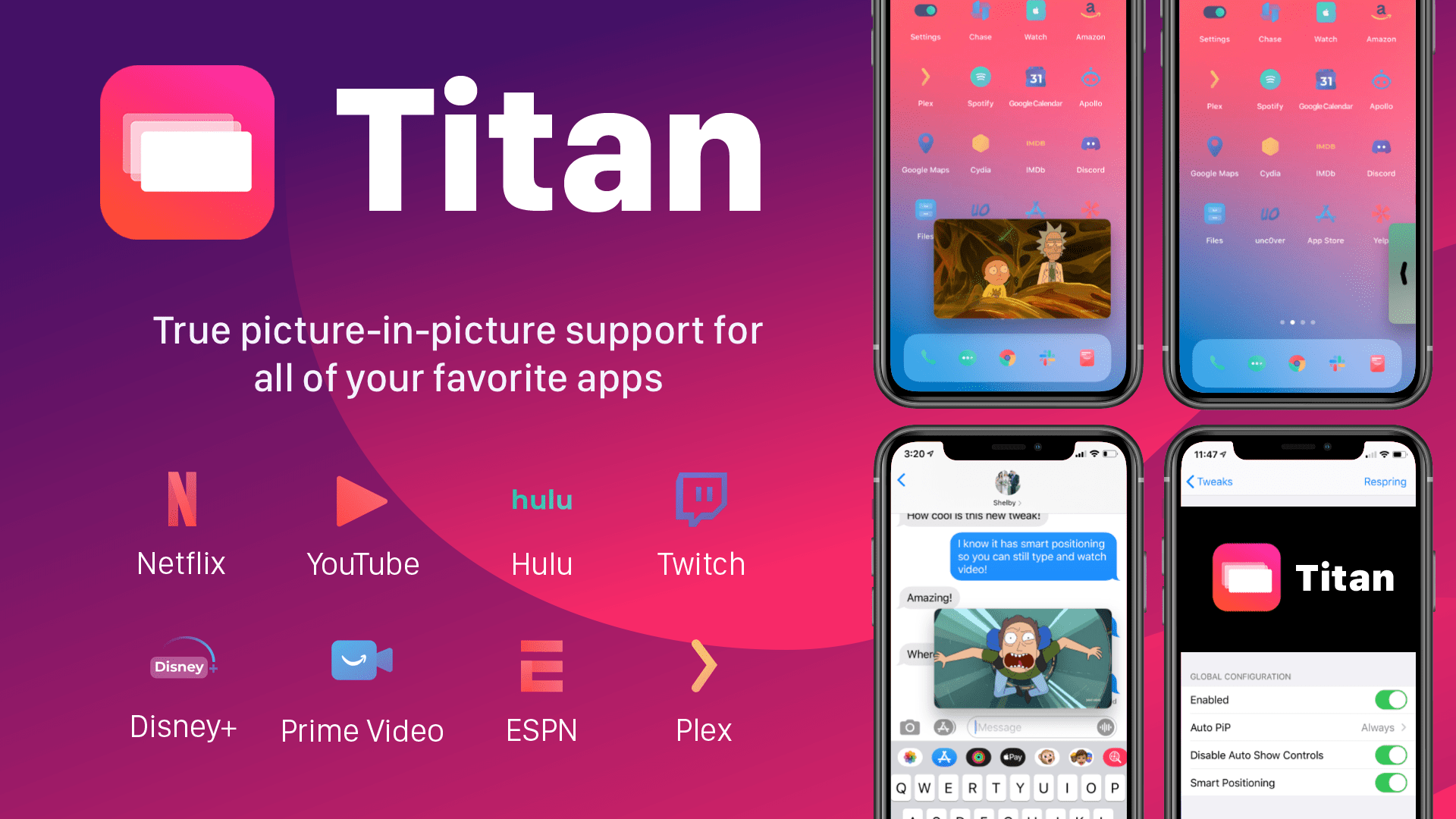
The iPad's incredible Picture-in-Picture mode is one of the core features of iPadOS that lots of iPhone owners wish Apple would bring to the iOS ecosystem. In a classic Apple move, however, it seems like that request could go unanswered indefinitely. Fortunately for the jailbreak community, however, we have ways to circumvent these restrictions.
Titan is a newly released jailbreak tweak by iOS developer tcbrooks that brings true iPadOS-style Picture-in-Picture mode support to pwned iPhones and iPod touches, and in addition to that, it comes out of the box with support for a colorful variety of video-centric apps, including the following: