iPad

From the latest news to the most comprehensive tutorials, learn how to get the most out of your iPad with our step-by-step guides and expert tips.

How to use bookmark folders in Safari

In Safari, you can save websites you visit frequently so you can quickly revisit them later without having to remember their URLs. Saved webpages are accessible in Safari's Bookmarks menu on the iPhone, iPod touch, iPad or Mac.

If you save a lot of bookmarks, they will clutter the Bookmarks menu over time so locating that favorite website of yours will begin to feel like finding a needle in the haystack. You can avoid this by creating themed folders for organizing your bookmarks.

This tutorial provides step by step instructions for creating new Safari bookmark folders for iOS and macOS. You will also learn how to rename, reposition and delete these folders and file websites into them, all of which will help you organize your favorite websites to your liking.

Apple researching pressure-sensing Touch ID with 3D Touch type functionality

Apple has filed for a new patent application, which surfaced this morning in the United States Patent & Trademark Office's (USPTO) database.

It reveals that the Cupertino firm is seeking to add pressure sensing capability to the iPhone's Touch ID button while hinting at the possibility of enabling 3D Touch-like functionality by way of applying various degrees of pressure to the Home button.

Titled “Force-sensitive fingerprint sensing input,” the invention describes adding a resistive element having a mechanically resistive force to the Touch ID button—such as an elastomeric material, spring or similar component—which would then be able to measure the depression.

Apple boosts Maps with new Flyover cities, Traffic and Nearby data

Apple has updated its Maps backend with nearly two-dozen new cities now supporting the Flyover feature. In addition, the company has activated live Traffic data for Taiwan and added Finland to the list of countries that support iOS 9's Nearby feature. Three-dimensional Flyover data has been added to five new cities in the United States, with additional Flyover views now available in various cities across Europe, Africa and Japan.

How to watch Super Bowl 50 on iPhone, iPad, Apple TV, and other devices

On Sunday evening, millions of people will gather around their TV sets to watch Super Bowl 50. The game features the Denver Broncos taking on the Carolina Panthers, and kickoff is scheduled for 6:30 (ET).

For those of you who aren't going to be around a television Sunday night, but still want to follow along with the action, we've put together a list of ways you'll be able to do so using an iPhone, iPad, Mac and other devices.

It’s possible to upgrade your iPhone’s storage to 128GB for $60

When deciding what iPhone to buy so you end up with the right amount of storage capacity, you can get the bare-bones $16GB model, or you can end up with an upgraded 64GB, or 128GB model, which are probably your best bets with the new video cameras capable of recording at 4K quality.

That's not to say you won't pay a pretty penny though; moving up to 64GB from 16GB is $100 more, and moving up to 128GB from 16GB is a staggering $200 more. But if paying that much more for a storage upgrade is going to be too much for you, then you'll be happy to know there are cheaper alternatives, so long as visiting Shenzhen, China is on your bucket list for the near future.

Back to School promo goes live in New Zealand and Australia with free Beats Solo2 headphones

Apple’s annual Back to School promotion is back with a new deal launching today in Australia and New Zealand. University students, students accepted to a university and parents buying for a university student are being tempted with a free Beats Solo2 on-ear headphones, a $199.95 value, with an eligible Mac purchase.

When purchasing a new MacBook, MacBook Air, MacBook Pro, iMac or iMac with Retina 5K display, customers shall receive an instant credit for the purchase of a pair of Beats Solo2 wired headphones in Gloss Black, Gloss White, Gloss Red or Gloss Blue or wired Beats Solo2 headphones in Space Gray, Silver, Gold or Rose Gold.

Review: this exquisitely done astronomical clock for iPhone might cure your Apple Watch envy

It's funny how the Apple Watch's debut prompted Apple bloggers to become self-proclaimed horology experts. I never pretended to be one, but as an amateur astronomer think Apple should be credited for going to great lengths in paying homage to the traditional environment in which horology was developed by putting strong emphasis on the device's advanced timekeeping features and features like the cool Astronomy and Solar watch faces.

You don't need to own an Apple Watch if you're eager to discover the fascinating relation between time and the cosmos, all you need is a superb iPhone app by Swiss developer (how appropriate!) Celestial Dynamics, called Cosmic Watch.

Twelve South updates BookBooks for iPad Air 2 and iPad mini 4, previews BookBook for iPad Pro

Premium, Apple-exclusive accessory maker Twelve South has refreshed its lineup of vintage leather cases that offer both protection and nice disguise with two new versions, one for the iPad Air 2 and the other for the iPad mini 4. In addition, the company has previewed a BookBook case for the iPad Pro, which will be shipping this Spring.

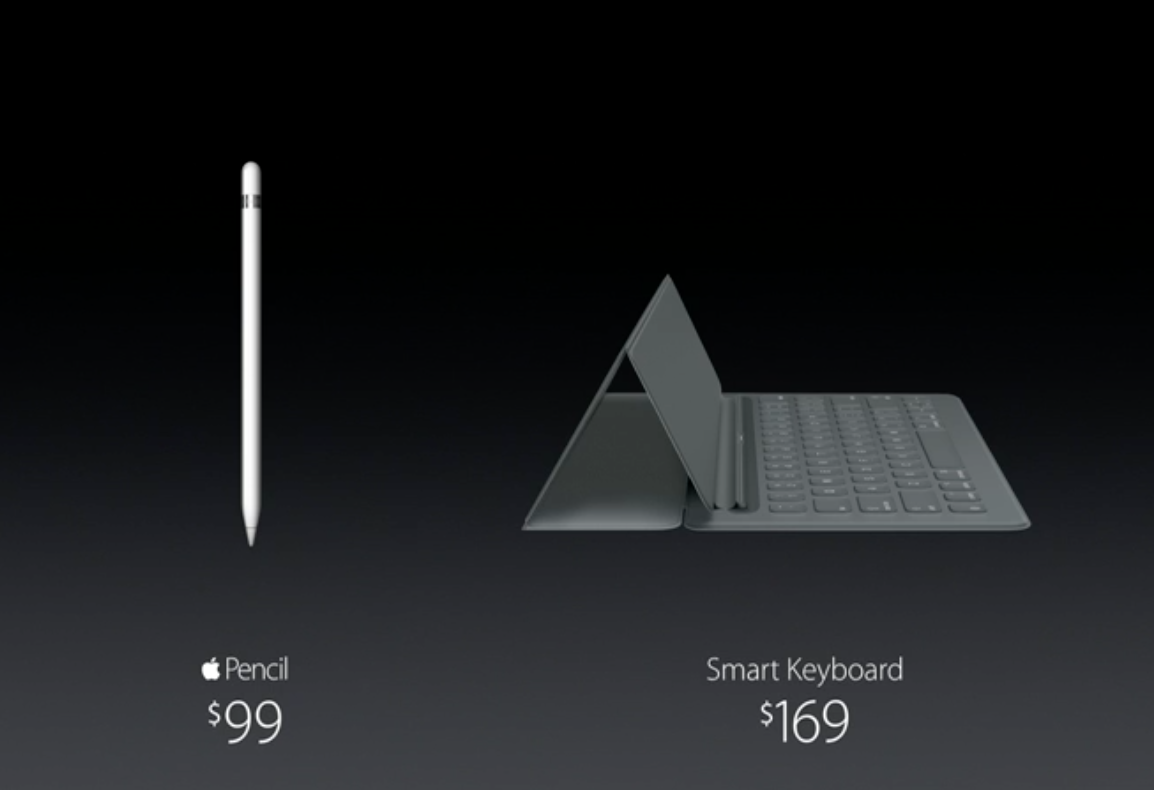
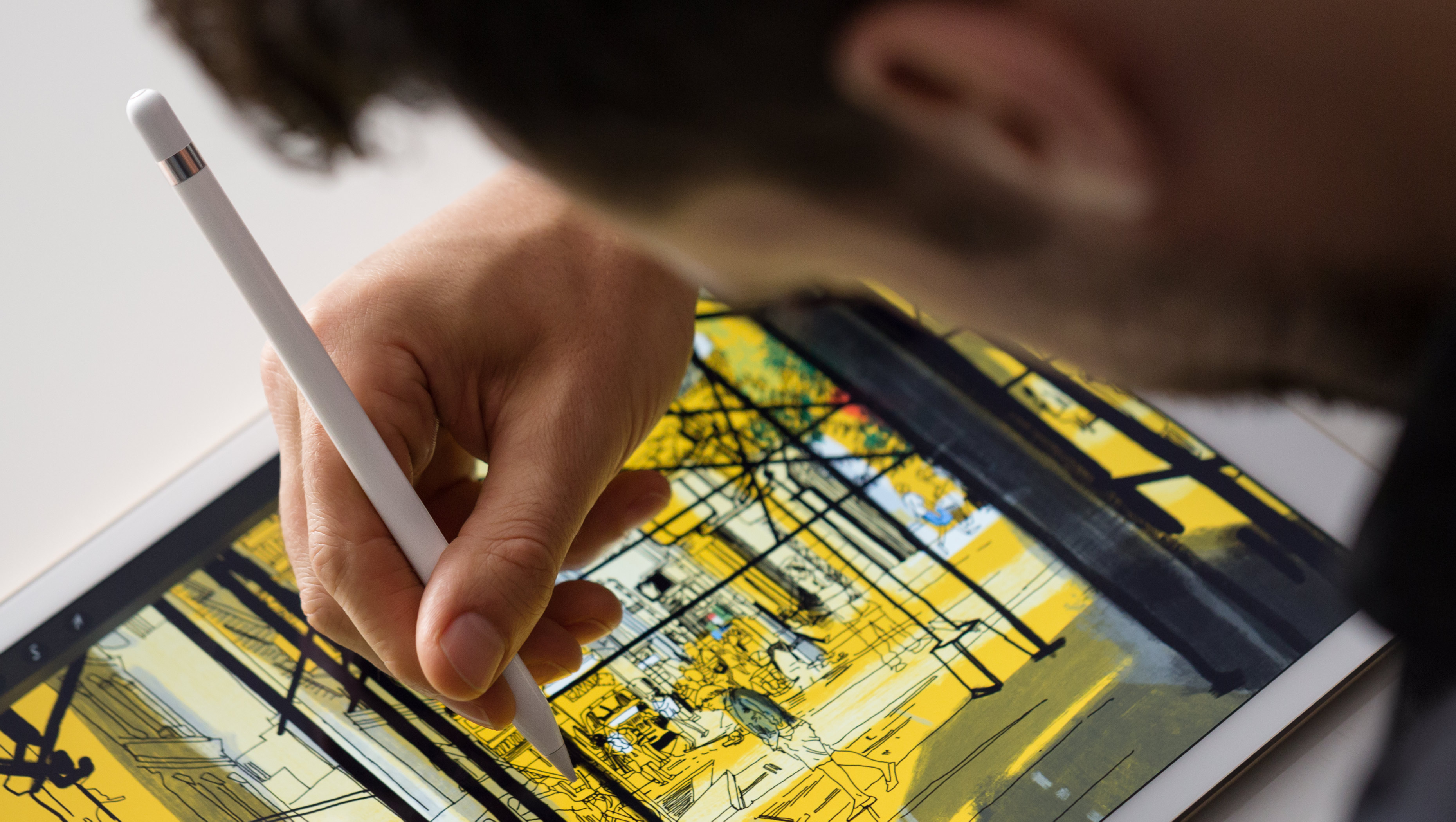
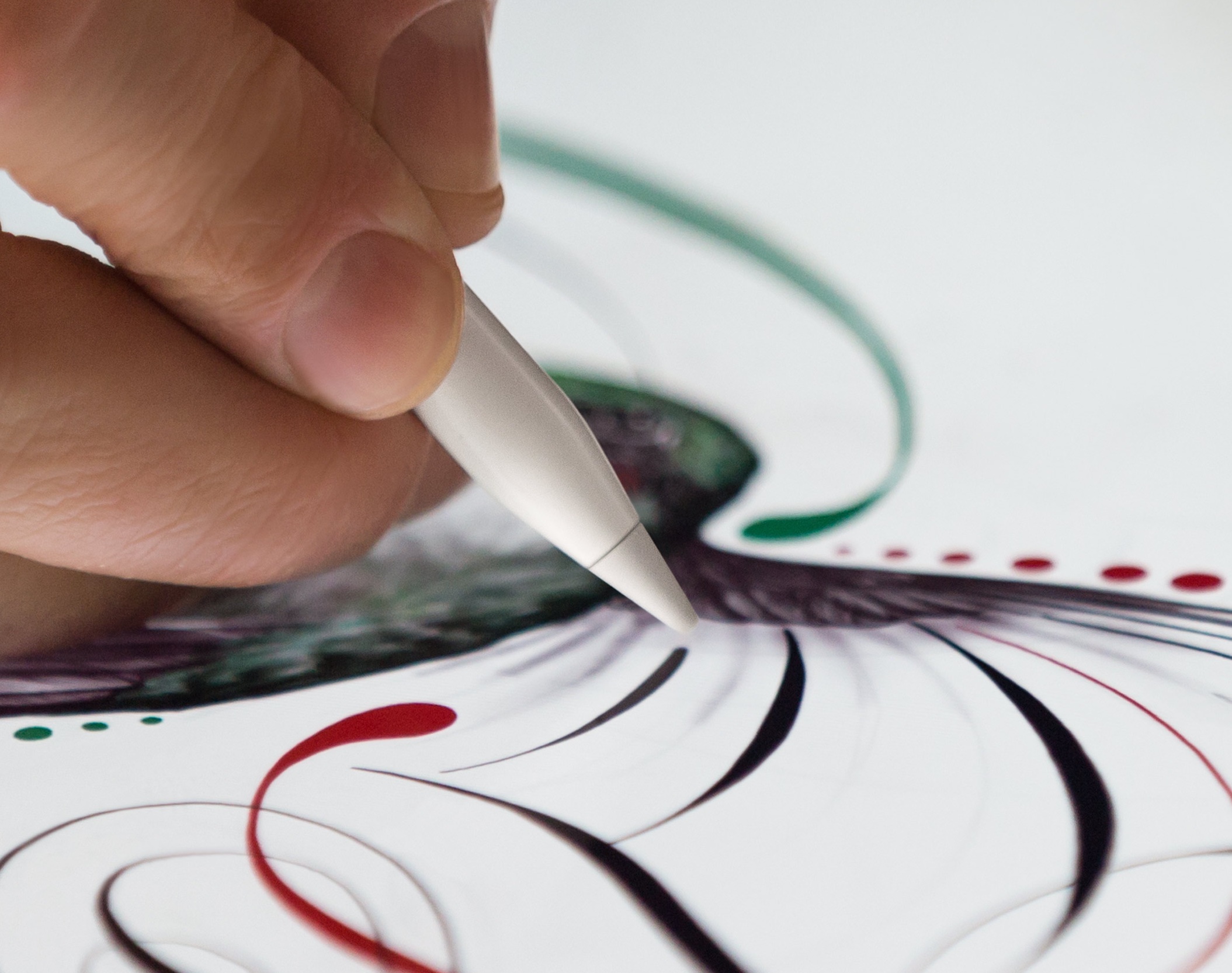
BookBook for iPad Pro will have “features that complete your iPad Pro,” including a display stand, a built-in sketching angle and an integrated pocket to protect and store your Apple Pencil.

Ubisoft confirms action RPG Assassin’s Creed — Identity is launching on February 25

Following its soft-launch on the App Store in Australia and New Zealand in September 2014, action RPG Assassin's Creed — Identity will be finally launching worldwide on February 25, French games maker Ubisoft confirmed yesterday on Twitter.

Filed as the first Assassin’s Creed action RPG game for mobile devices, Identity features open sandbox levels and lets you create, evolve and customize your own assassins and play them in the iconic Renaissance Italy setting.

New in Google app: 3D Touch for ‘I’m Feeling Curious’

Google today issued a nice little update to its mobile search application for the iPhone, iPod touch and iPad. In addition to the usual assortment of bug fixes and stability improvements, version 12.0 delivers a novel use case for the 3D Touch feature on the iPhone 6s and iPhone 6s Plus: if you press the Google app icon on your Home screen, you'll get a shortcuts menu with a new “I’m Feeling Lucky” option.

It's the mobile equivalent of Google's legendary “I’m Feeling Lucky” feature on the web which delivers a fun, interesting fact. But the new app has another surprise up its sleeve, provided your device is running iOS 9.

Revamped NHL app with HD live video, picture-in-picture support and more now available

Today, the National Hockey League (NHL) has rebooted its iOS application with tons of goodies, including full support for iOS 9 features like picture-in-picture mode on compatible iPad models.

The new NHL 7.0 app delivers high-definition live video streaming at a silky smooth sixty frames per second on the iPhone 6 Plus and iPhone 6s Plus.

It also provides the ability to subscribe to NHL Premium, a new package that lets you watch the dramatic final minutes of NHL games, including 3-on-3 OT and shootouts, and extended highlight packages, and includes a bunch of other enhancements that hockey fans will very much appreciate.