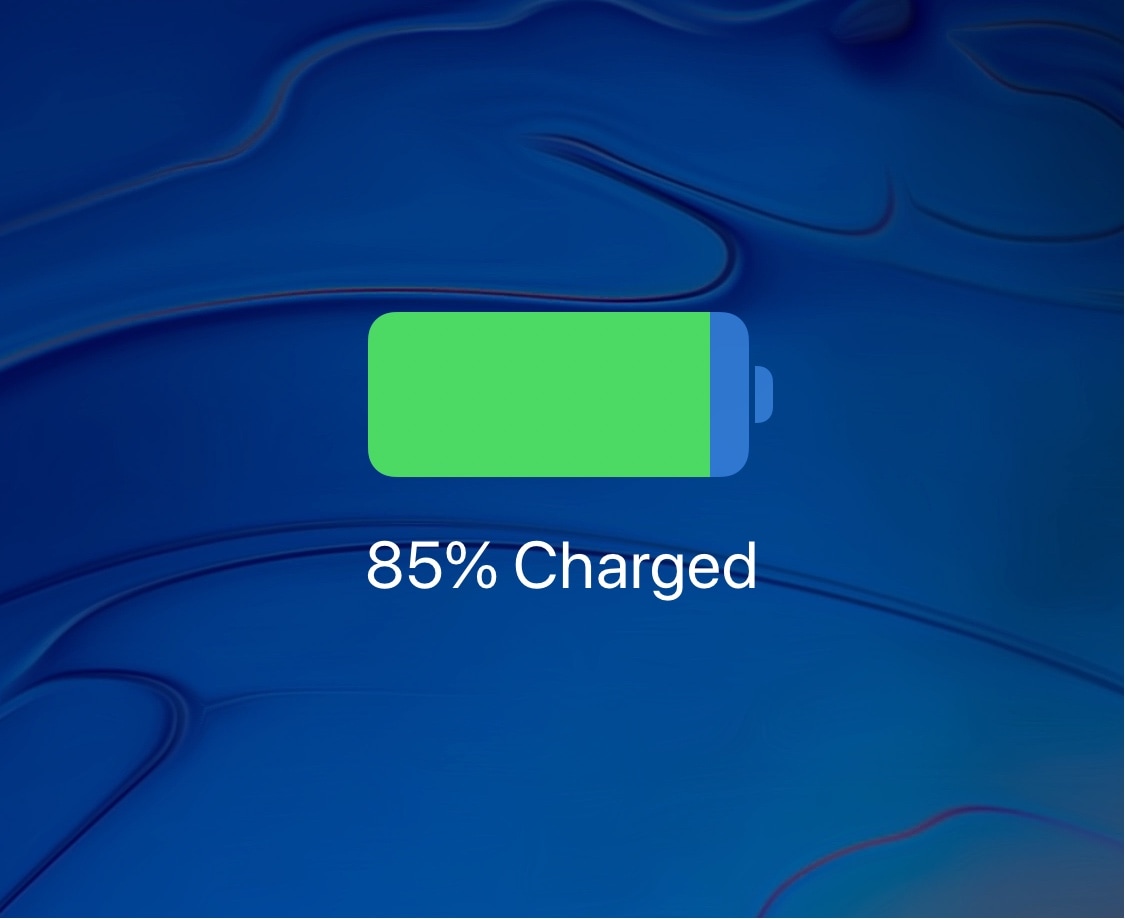
If your iPhone, iPad or iPod touch is experiencing unreal battery drain after upgrading to iOS 11.4, even when it's locked and not being actively used, you're definitely not alone.
Is your iPhone battery draining rapidly after upgrading to iOS 11.4?
From the latest news to the most comprehensive tutorials, learn how to get the most out of your iPad with our step-by-step guides and expert tips.
If your iPhone, iPad or iPod touch is experiencing unreal battery drain after upgrading to iOS 11.4, even when it's locked and not being actively used, you're definitely not alone.
Let’s face it, the weather is what the weather is, right? You want to see the temperature, if it’s going to rain or snow, and what’s coming up for the week so you can make your plans. There are plenty of great weather apps on the App Store that give you all this and more. But, why not add a little flavor to your weather details?
Whether it’s humor, sarcasm, or a mixture of both, a funny weather app makes checking current conditions and forecasts more enjoyable and entertaining. Here are some of the best weather apps that give you a giggle with your weather.
iOS has one of the best music listening experiences you can get on a mobile platform, but one of the biggest pet peeves I have with it is how the operating system continues to play my song even after I mute my handset's volume.
Fortunately, a new jailbreak tweak called AutoPause11 by iOS developer Pa1n fixes this problem on Apple’s latest iOS versions, and it’s available as a free download from Cydia as of this writing.
The Electra Team’s new jailbreak tool for iOS 11.2-11.3.1 devices received a couple of minor updates over the weekend to address a few issues that were present in the initial release.
Full details concerning the most recent updates to Electra1131 are listed on the tool’s official web page, and will also be outlined for your convenience below:
There’s been a hiatus in jailbreak tweak development during the spans of time that the community patiently awaited an iOS 11.2-11.3.1 jailbreak tool, but that wait is finally over after the Electra Team delivered Electra1131 to the public on Friday.
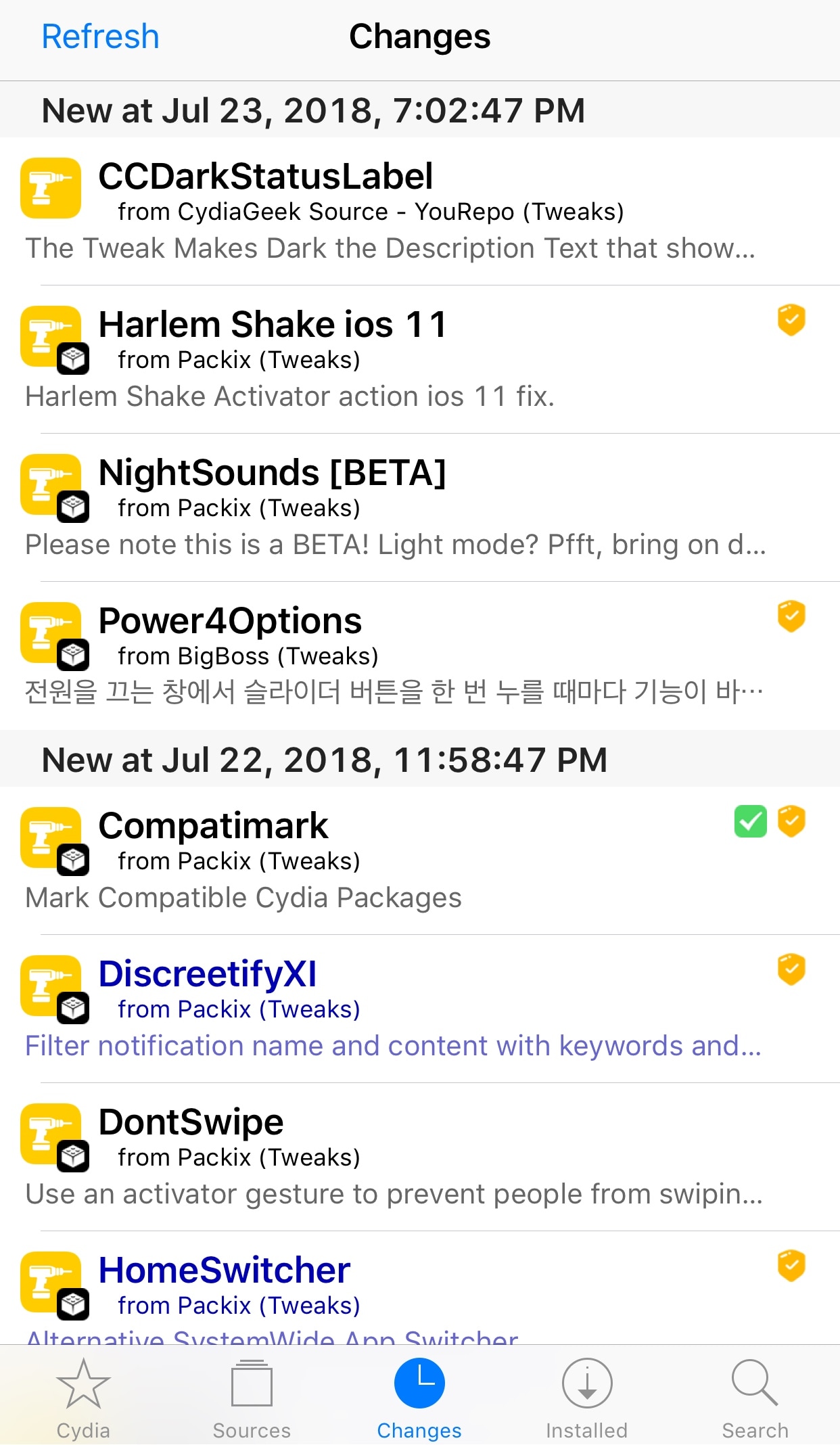
Despite how slow of a week it’s been, we’re dedicated to showing you everything new in Cydia since our previous weekly jailbreak tweak roundup. So without further ado…
It hasn’t even been 24 hours since the Electra Team released their updated jailbreak tool for iOS 11.2-11.3.1, and more than 34,000 people have already pwned their devices with Electra1131 as of this writing.
These statistics appear in a live counter that is displayed at the very bottom of the official Electra website.
The Electra Team delivered on their promise to release an iOS 11.2-11.3.1 jailbreak, and you can now download Electra1131 from the team’s official website to pwn your device.
In this tutorial, we’ll show you how to jailbreak iOS 11.2-11.4.1 using Electra. When you’re ready to move forward with the jailbreak process, simply follow these steps:
Electra Team member Pwn20wnd announced via Twitter on Friday that the team’s iOS 11.2-11.3.1 jailbreak tool would be coming “really soon,” and soon after, the official Electra web page received a notable revamp with download links.
As we can see, there are two versions of the Electra1131 jailbreak tool: 1) a developer version that uses a multipath tcp exploit and requires a developer account to be used, and 2) a regular version that uses a vcf exploit and doesn’t require a developer account.
Twitterrific by The Iconfactory, one of the best third-party Twitter clients for iPhone and iPad, has removed its watchOS component and other features from the latest update on App Store.
Inbox fans needn't put up with those ugly black bars at the top and bottom of their iPhone X display anymore because Google has finally updated the beloved gesture-driven email client with full support for the edge-to-edge Super Retina OLED panel on the flagship smartphone.
No one likes multi-megabyte attachments. That's why iOS 12 and later lets you quickly share iPhone pictures and videos from your Photos app by generating Dropbox-style links that anyone, including non-Apple users, can open to view and download the items. In this tutorial, we show you how to make it happen.