iPad

From the latest news to the most comprehensive tutorials, learn how to get the most out of your iPad with our step-by-step guides and expert tips.

Using the new 2018 iPad Pro for school

iPad Pro for college

Our young video guy Harris Craycraft is a college student who doesn't shy away from using his Apple tablet for education. Quite the contrary, Harris is big on the new iPad Pro + Apple Pencil combo and has been vocal about the creativity and productivity afforded by the note-taking and sketching features of the Apple tablet. That's why we've asked him to put together a little video walkthrough to share how precisely he uses the latest iPad Pro at college.

Apple stops signing iOS 12.0.1, hindering downgrades from iOS 12.1

Apple stopped signing iOS 12.0.1 on Tuesday, a move that prevents all iPhone and iPad users from downgrading their firmware via iTunes to any version lower than iOS 12.1.

It’s been almost one full month since Apple publicly released iOS 12.1, signaling one of the Cupertino-based company’s longest firmware signing windows in recent memory; most windows only last for about two weeks.

Shortcuts Focus: creating a folder for your shortcuts

With iOS 12's Shortcuts app, power users can easily automate repetitive tasks by chaining multiple actions together. Your shortcuts are managed and organized in the Shortcuts app, but displaying them to the user as a list via another shortcut is quite challenging. This is where Easy Folder comes into play. This awesome shortcut, create by Reddit user “e10withadot,”  acts as a virtual folder to which you can add any number of shortcuts, then easily pick one to execute via a popup menu at run time.

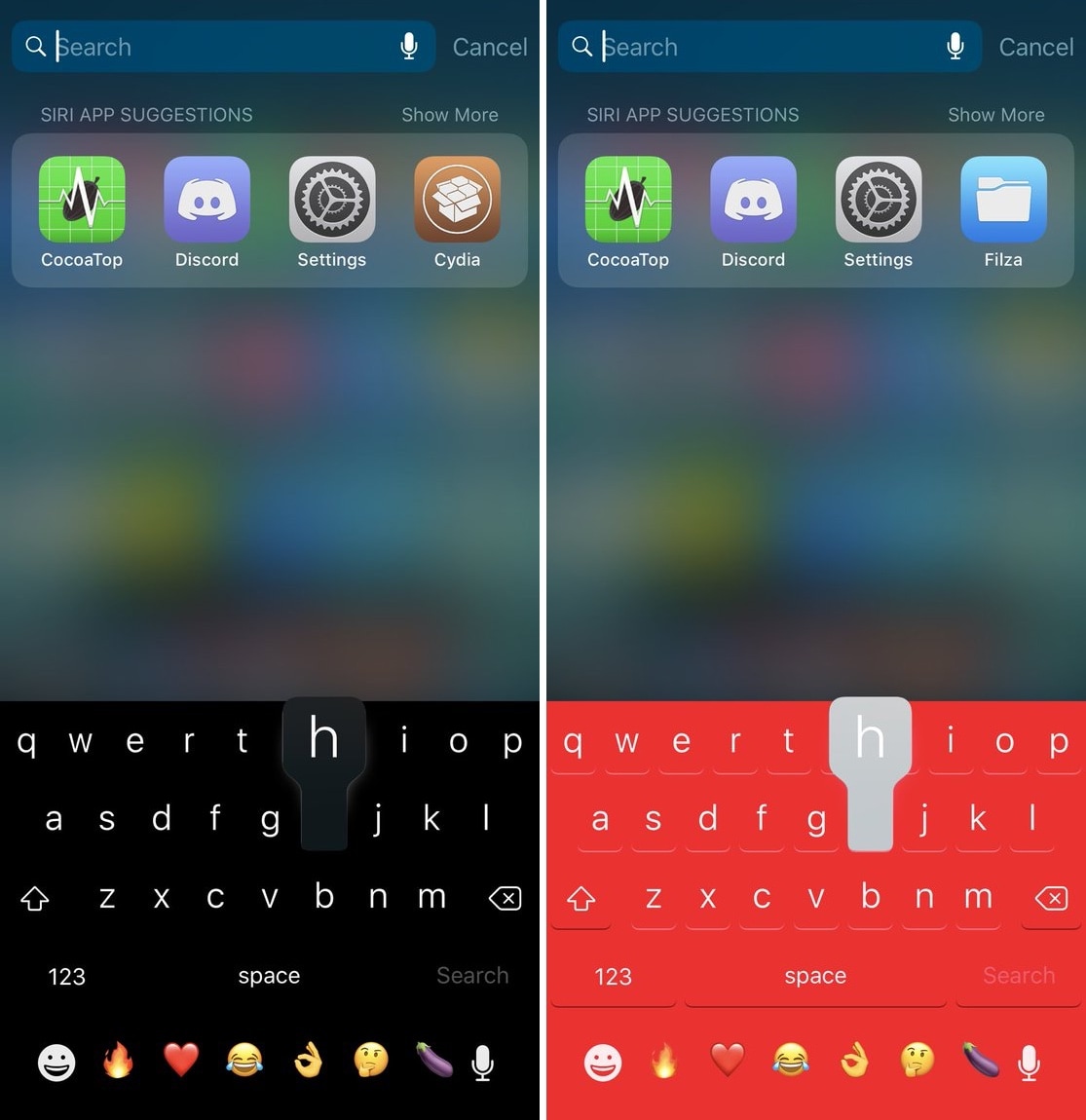
SmartVolumeMixer, Switches, XEdgeProtect, and more jailbreak tweaks to check out this weekend

Jailbreak Tweaks to check out

As we conclude the Thanksgiving holiday this weekend, we just wanted to mention how thankful we are to have a jailbreak and to have such wonderful readers like you here at iDB.

In this roundup, we’ll discuss all the jailbreak tweaks released in Cydia from Monday, November 19th to Sunday, November 25th. As usual, we’ll kick things off by talking about our favorite releases and then outline the rest afterward.

The best apps to read and annotate PDF books on iPad

PDF Read Annotate iPad Apps

One of the best things about electronic books and textbooks is that you can mark them up. Rather than a physical book that you rent or buy and want to sell later, with books on your iPad, you can make notes and highlight important points. Plus, you can read wherever you go with your device.

Here are the best apps to read and annotate PDF books on iPad.

Adjust each of your iPhone’s various volume levels independently with SmartVolumeMixer

At first glance, it might seem like your iPhone has just one volume control that you can change with the volume buttons at the side of the handset, but there are actually nine different volume controls present on your handset.

It can be challenging to discern which volume control you’re adjusting when you press your device’s volume buttons, and so iOS developer midkin just launched a new jailbreak tweak called SmartVolumeMixer to make life a bit easier in this department.

Review: Willgoo case keeps your Apple Pencil charged and its accessories within easy reach

I'm always forgetting to charge my Apple Pencil in a timely fashion, which can be annoying when I'm out and about without any dongles or cables. And because of its design, I refrain from stowing the Apple stylus in my bag or backpack out of fear it might break without any protection. Apple's leather case and others I've tried weren't very helpful. But Willgoo's handy stylus carrying box with a built-in battery has solved my Pencil woes in one fell swoop.