Learn how to set Safari to automatically close open tabs after a day, week, or month on your iPhone, iPad, and Mac so that your web browser is not unnecessarily burdened with old, useless tabs.
How to have Safari automatically close old tabs
From the latest news to the most comprehensive tutorials, learn how to get the most out of your iPad with our step-by-step guides and expert tips.
Learn how to set Safari to automatically close open tabs after a day, week, or month on your iPhone, iPad, and Mac so that your web browser is not unnecessarily burdened with old, useless tabs.
If you listen to music on your iOS device often, then you likely take advantage of the Lock screen’s Now Playing interface to manage music playback as you walk into the dynamics of different environments.
While the native Now Playing interface is adequate for most users, those who demand a more refined experience will do good to check out a newly-released jailbreak tweak dubbed BellePlayer by iOS developer Geometric Software.
iOS users have three different wallpaper options to choose from out of the box: still images, Live Photos, and dynamic wallpapers. Most opt for still images or Live Photos since Apple’s dynamic wallpaper selection feels somewhat limited out of the box; on the other hand, a new jailbreak tweak called Dynamic Apples by iOS developer JGeorge can help with this.
As shown screenshot example above, Dynamic Apples changes the appearance of Apple’s native dynamic wallpapers by replacing their circular sprites with Apple logos.
If you’re in search of a fresh and aesthetically-pleasing Lock screen experience on your iPhone or iPad, then you might take an interest in a newly-released and free jailbreak tweak called Speculum by iOS developer LacertosusDeus.
As shown in the screenshot examples above, Speculum augments the Lock screen experience with customizable new features, including custom text alignment, formatting, colorization, and even a helpful new weather display.
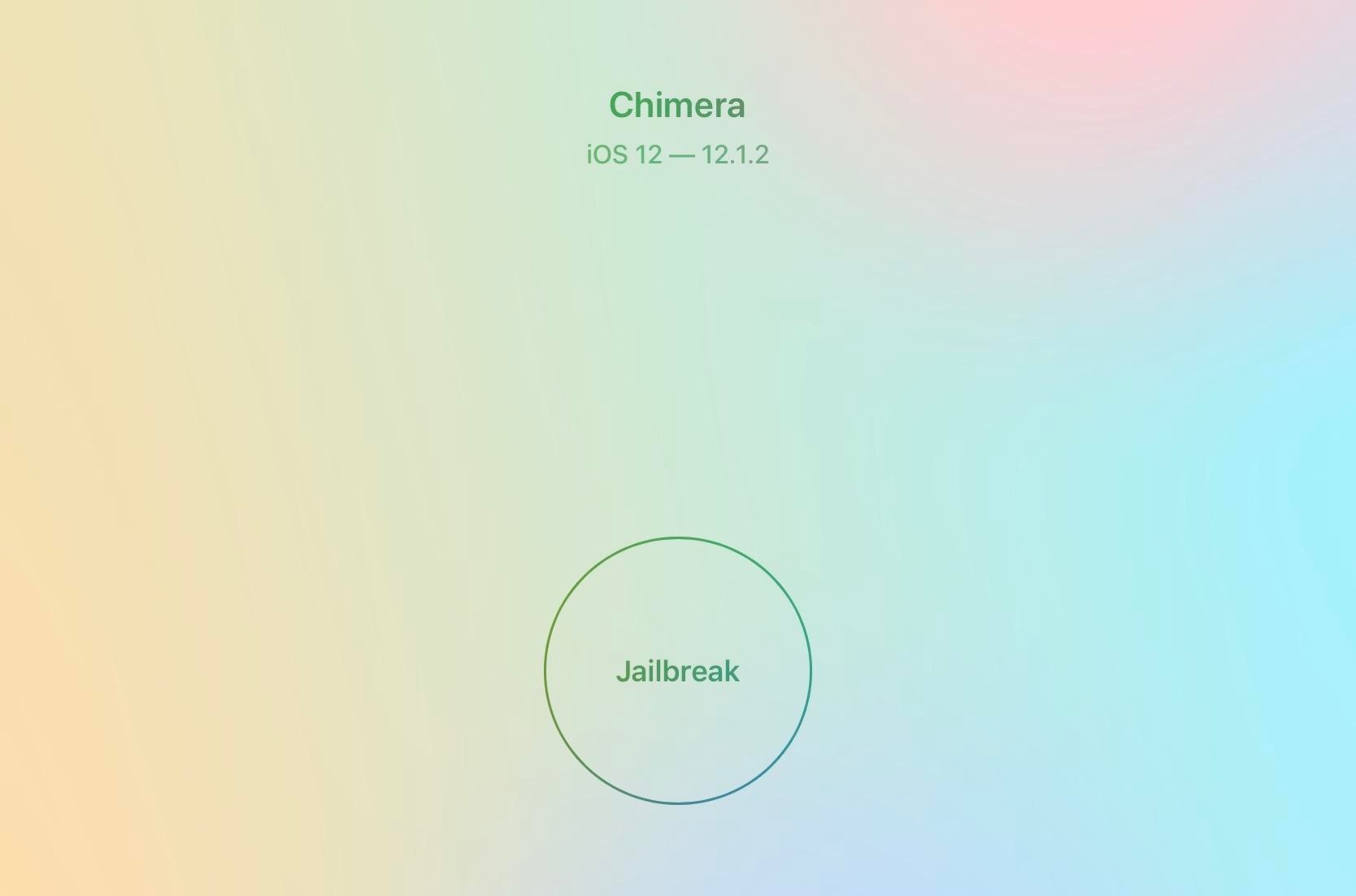
It wasn’t long after the Sileo Team released Sileo v1.1.5 with expanded Swift support that the Electra Team followed up with an updated iteration of the iOS 12-centric Chimera jailbreak tool.
The Electra Team announced the release of Chimera v1.1.0 just moments ago via Twitter, noting that the update would install Sileo v1.1.5 by default and resolve a particularly frustrating bug in which the Sileo app would disappear from the Home screen after jailbreaking:
The Sileo Team released another update for the Sileo package manager over the weekend, continuing the team’s ongoing efforts to migrate the app’s backbone from Objective-C to Apple’s Swift programming language.
The update was announced late Sunday evening, and as it would seem, Sileo v 1.1.5 brings Swift support to native package depictions and to the app’s integrated Featured tab:
Those looking to enhance their jailbroken iOS device with new tweaks and add-ons have come to the right place. In this piece, we'll recap everything new from Monday, July 1st to Sunday, July 7th.
As usual, we'll kick things off by discussing our favorite releases first, and we'll outline the rest afterward.
The Sileo Team has been somewhat busy this past week, cranking out regular updates for the Sileo package manager, which handles add-on and extension installations by default on jailbreaks created by the Electra Team, including Chimera and Electra.
As it would seem, this weekend is no different. The Sileo Team announced the release of Sileo version 1.1.4 early Saturday morning via Twitter:
Research firm IHS Markit reported today that Apple is developing a folding iPad.
Learn how to customize bullet points in Apple's Pages app on your iPhone and iPad with emoji, images, and different styles for visually appealing lists.
One thing I’ve long wanted from iOS, but still don’t have to this very day, is a fully-integrated Lock screen experience, complete with notifications, weather information, and widgets in addition to the expected date and time indicator.
While the Today page is a compromising feature on Apple’s behalf, it still doesn’t provide that unified experience I’ve wanted for so long. Fortunately, a newly-released jailbreak tweak called Manta by iOS developer Ben Giannis addresses my complaints with the stock iOS Lock screen, and it does so in an incredibly pleasant manner.
If you’re in the market to add a bit of quirkiness to your iOS device’s Home screen, then you might want to look into a new jailbreak tweak called Luminous by iOS developer Sirius24.
As you’ll notice in the screenshot examples above, Luminous gives every one of your Home screen’s app icons a colored underglow. But perhaps more importantly, the tweak is fully-configurable, allowing just about anyone to achieve the look and feel that they’re aiming for.