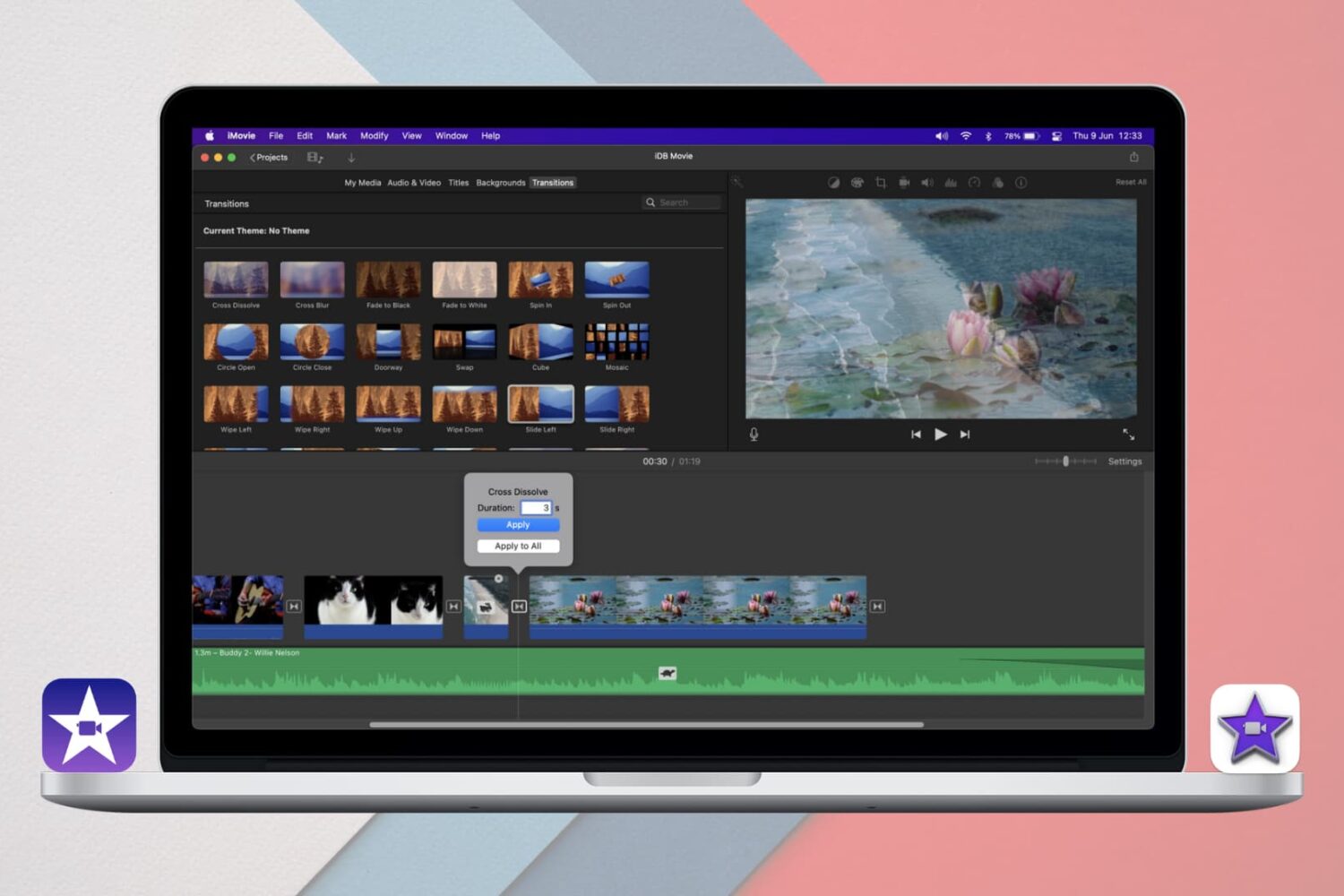
Learn how to add and edit iMovie Transitions on iPhone, iPad, and Mac for a seamless way to move between clips or scenes in your movie projects.
How to add, edit, and delete iMovie Transitions on Mac and iOS
From the latest news to the most comprehensive tutorials, learn how to get the most out of your iPad with our step-by-step guides and expert tips.
Learn how to add and edit iMovie Transitions on iPhone, iPad, and Mac for a seamless way to move between clips or scenes in your movie projects.
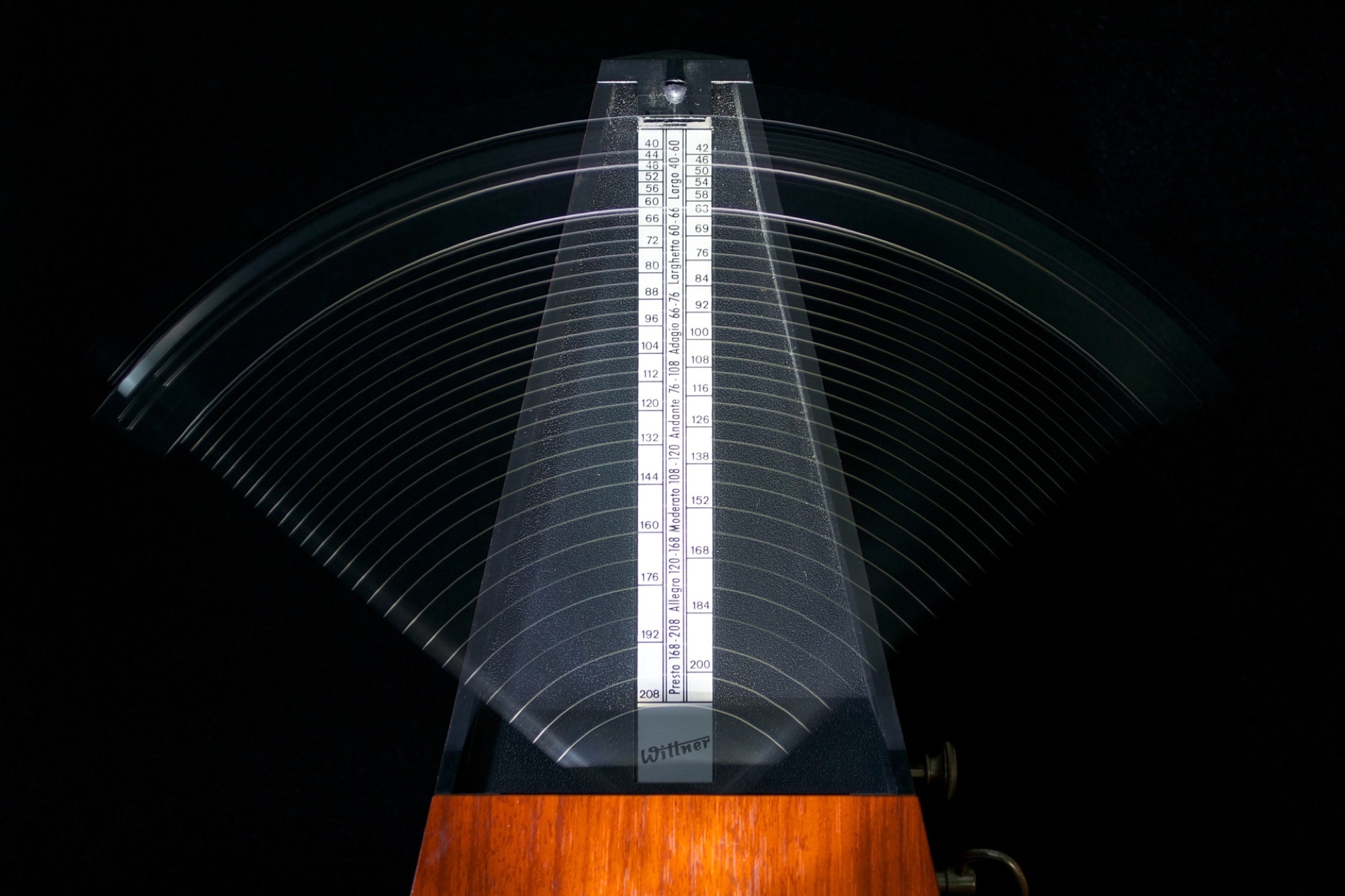
The Metronome in GarageBand offers a steady beat that helps you keep time when you’re recording or just listening to your song. The feature also uses a one-measure Count-in so that you can get ready when you’re recording a song, just like you hear live bands do when performing.
You can turn the Metronome and Count-in on and off as well as adjust the Count-in bars on both Mac and iOS, and this tutorial shows you how.
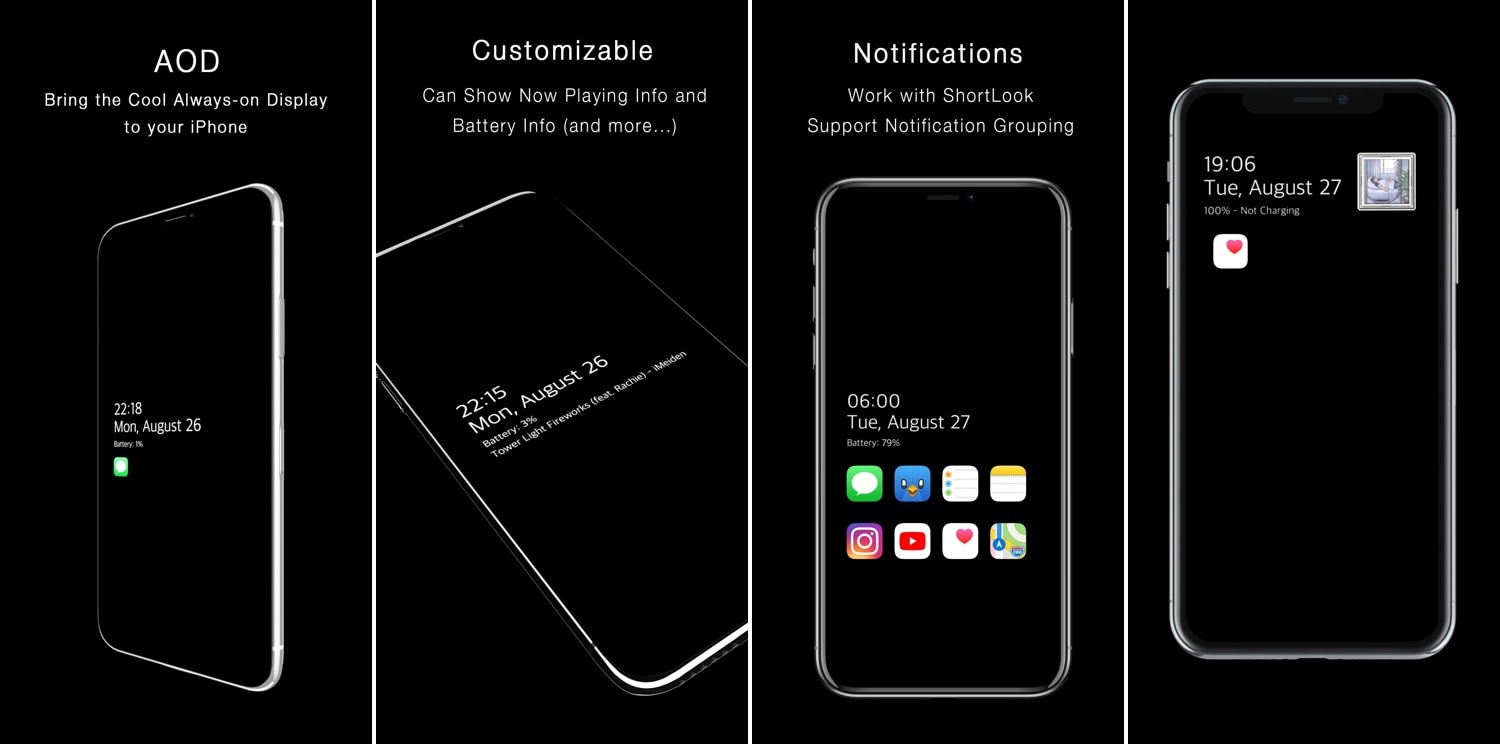
One of the cool things that several Android handsets have that the iPhone doesn’t is an always-on-display, which, for those who don’t know, continuously displays information on the Lock screen of OLED display-equipped handsets without ever shutting off, such as the time and any missed notifications. Fortunately for jailbreakers, this is no longer an Android-only feature.
With the help of a newly released jailbreak tweak dubbed AOD by iOS developer Soh Satoh, you can enjoy a true always-on-display experience on jailbroken devices running iOS 12, and while it works best on handsets equipped with OLED displays, it should work with LCD displays too.
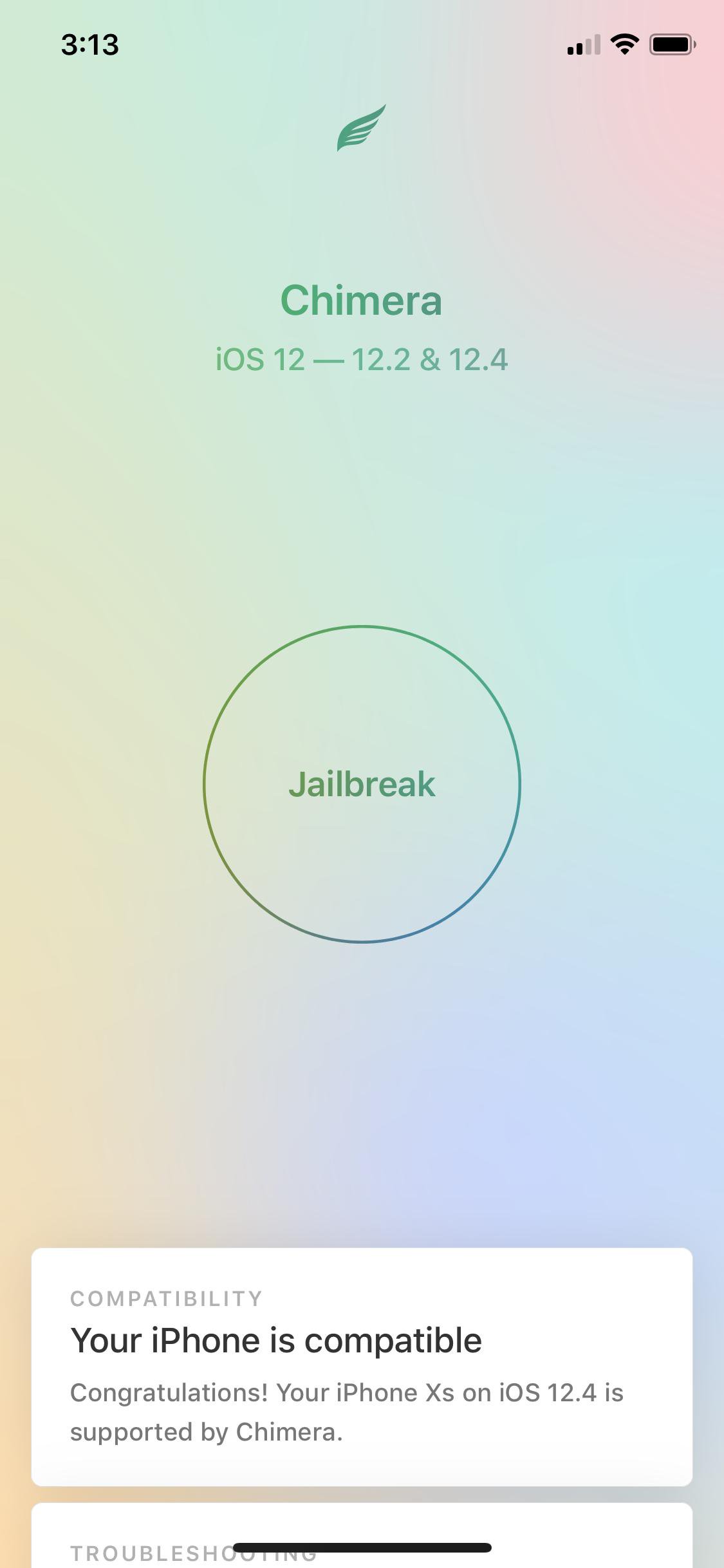
If you’re on iOS 12, then there are two primary jailbreaks you can choose from: Chimera by the Electra Team or unc0ver by Pwn20wnd. Both jailbreaks are neck-and-neck with device and software compatibility, but since iOS 12.4 first became jailbroken, both parties have been hard at work to implement support for A12(X) devices.
The unc0ver jailbreak only “partially” supports A12(X) devices at the time of this writing, and full support is coming sometime in the near future, including those running iOS 12.4. Chimera, on the other hand, has lacked A12(X) support on iOS 12.1.3-12.3 (beta) and 12.4 since v1.3.0 first launched, and still lacks it to this day.
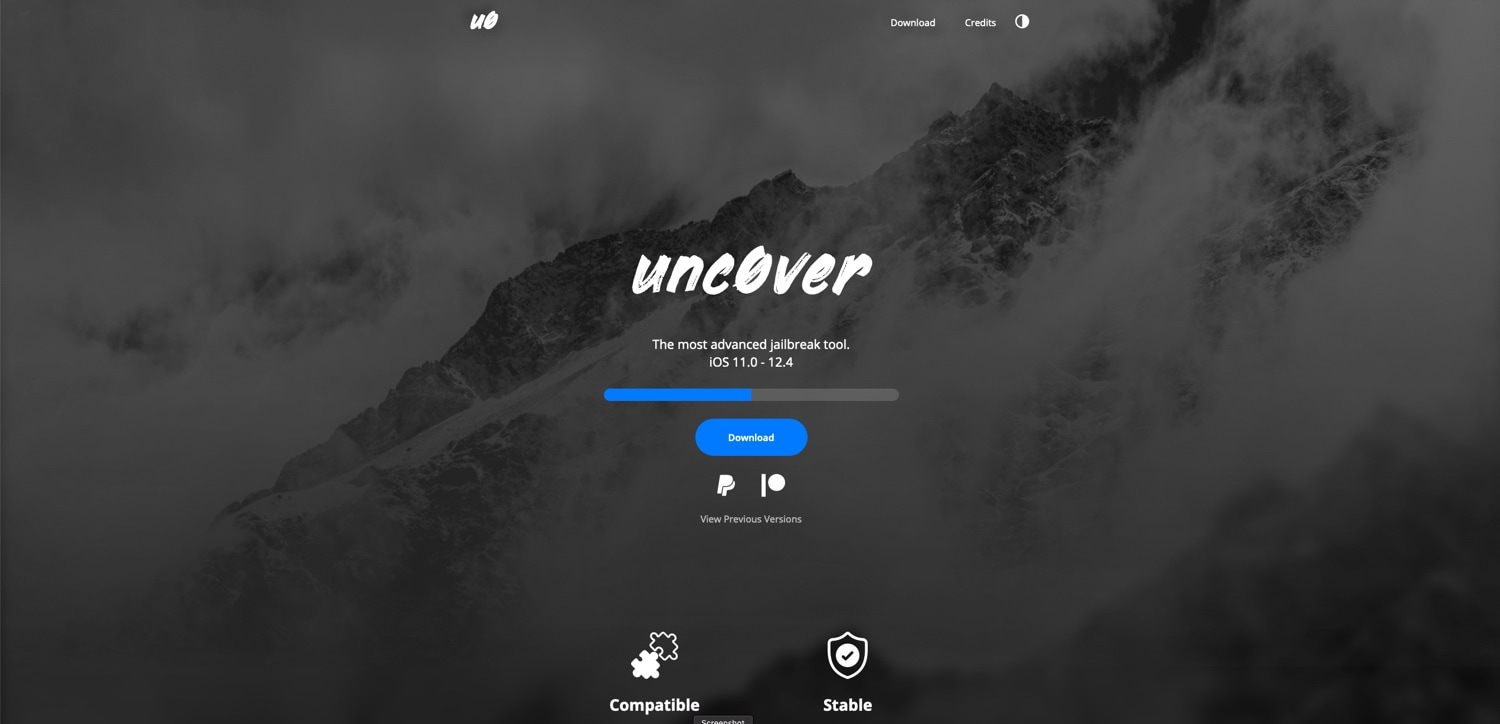
If you’ve ever used Pwn20wnd’s unc0ver jailbreak tool to liberate a device running iOS 11 or iOS 12, then you’re probably familiar with the process of visiting the hacker’s GitHub page to find and download the latest iteration of the tool. But that’s all changing as of today, and in a very good way.
In a rather exciting turn of events, Pwn20wnd launched a brand-new website on Tuesday dubbed unc0ver.dev to host the unc0ver jailbreak tool. Pwn20wnd announced the launch of the website via Twitter just this afternoon, noting that the current and all future releases will be published there:
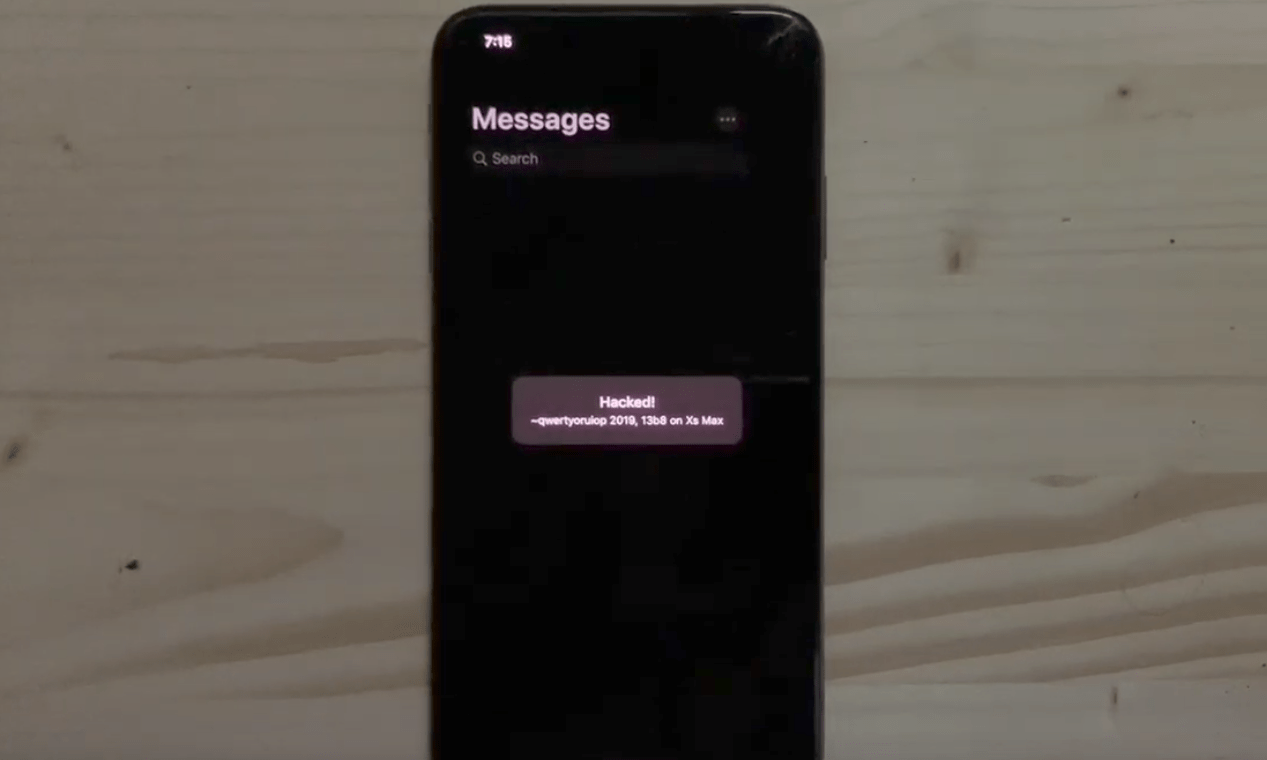
Anyone familiar with the jailbreak scene knows that Luca Todesco sports l33t hacking skills, but the security researcher reaffirmed those skills this week after sharing a demonstration video of what appears to be a hacked iPhone X-style device running the eighth developer beta of iOS 13.
The video, embedded below for your viewing pleasure, showcases what appears to be a WebKit-based software bug at work:
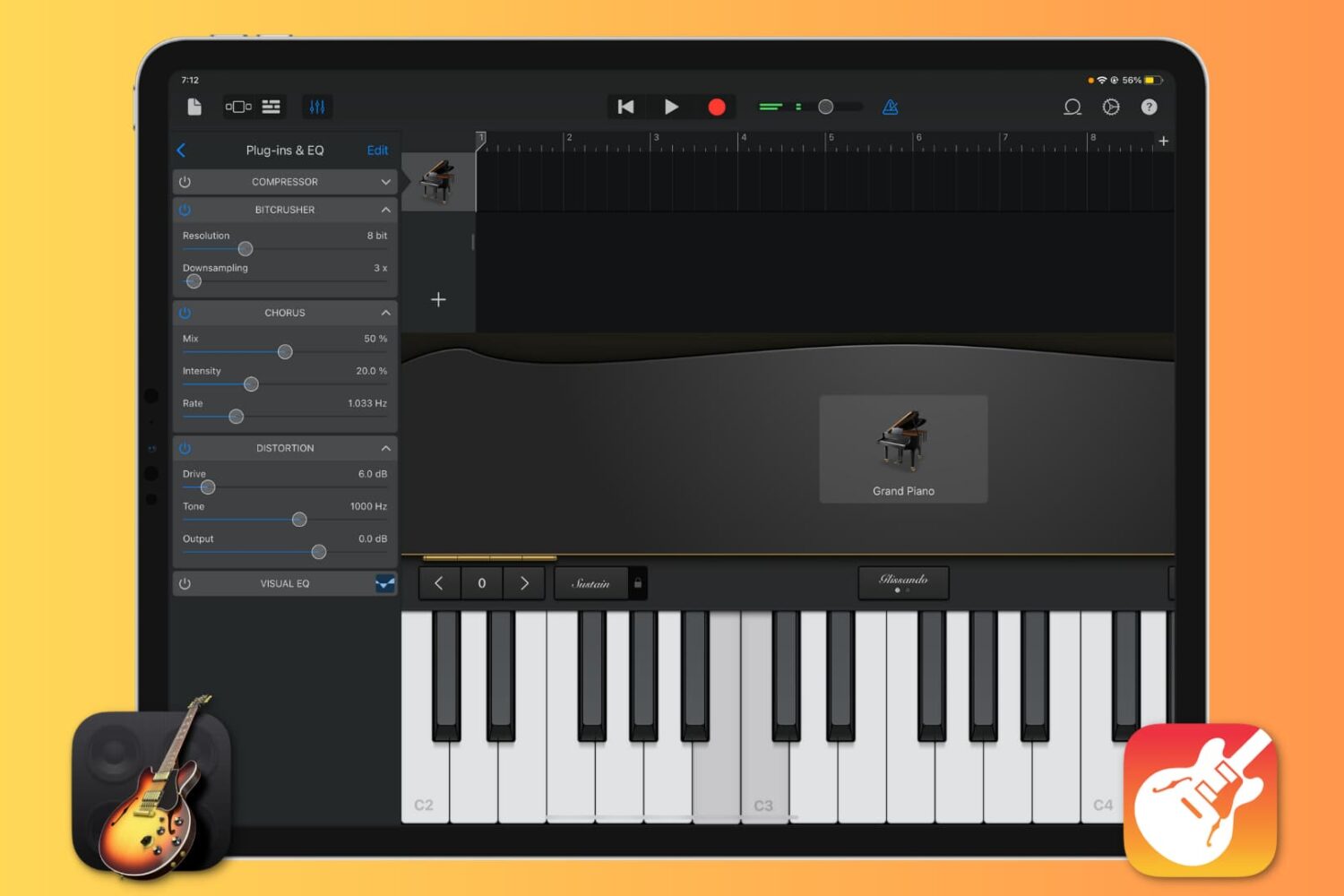
Want to enhance the quality of your music production in GarageBand by using cool sound effects? Learn how to add, edit, reorder, and remove plugins for your tracks, and take your sound to the next level.

The iPad is a powerful tablet and can help with a lot of use cases for students and educators alike. Now, thousands of students in Glasgow, Scotland, will get to use the tablet to help with their educational endeavors.
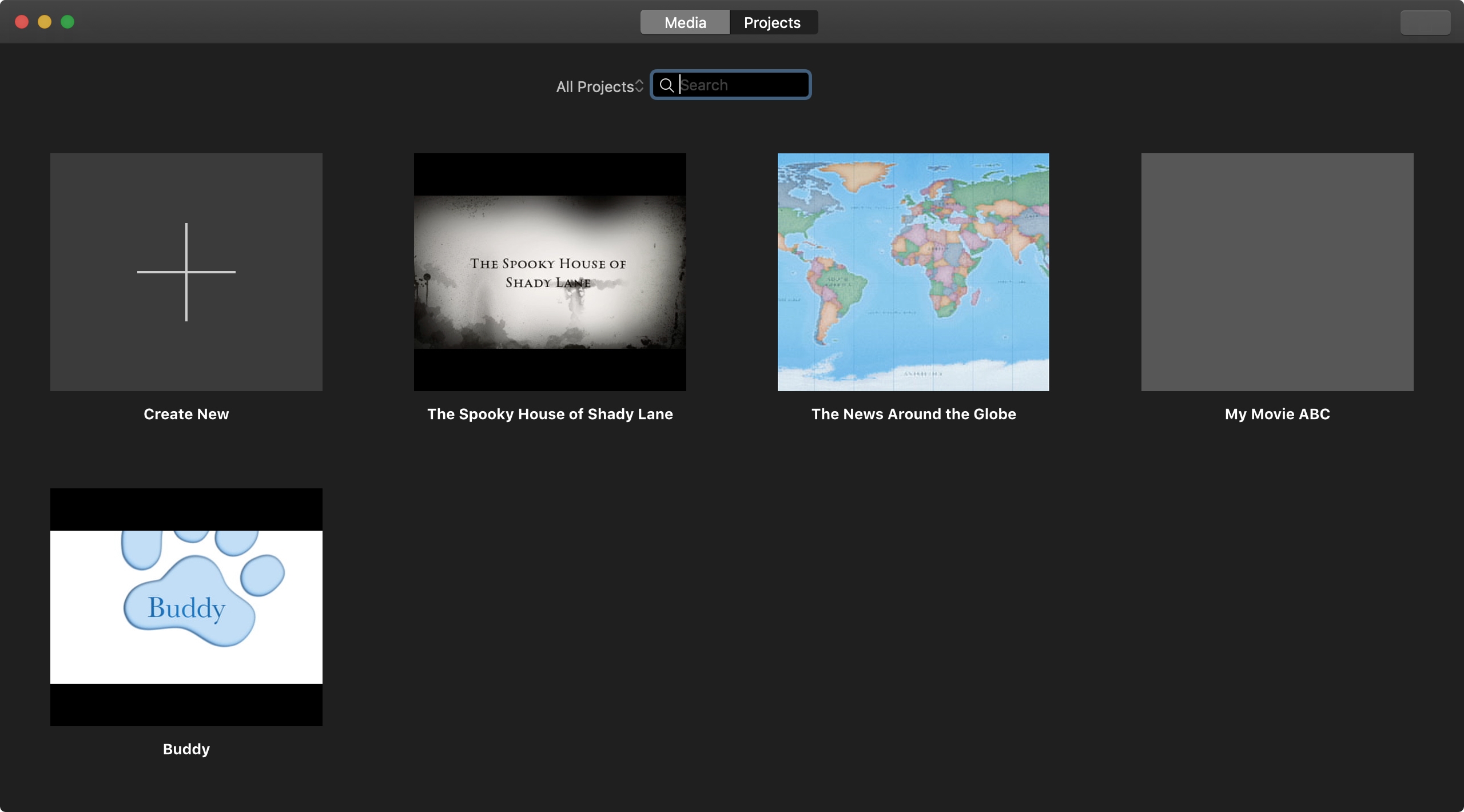
Everything that you create in iMovie, whether a Trailer or Movie, is considered a Project. You can make as many Projects as you like. And if you end up with a huge list of them, you’ll want to know how to manage those Projects. You may want to play, rename, edit, duplicate, or delete a Project. This tutorial shows you how to do all that in iMovie on iPhone, iPad, and Mac.
It was only within the past couple of weeks that Pwn20wnd and the Electra Team updated the unc0ver and Chimera jailbreak tools with support for iOS 12.4 by way of an updated Sock Puppet exploit, and while it was the first time in a long while that the latest version of iOS could be jailbroken, all fun things must, unfortunately, come to an end…
Apple released iOS 12.4.1 to the general public on Monday with bug fixes and security enhancements, one of which tended to the updated Sock Puppet exploit that Apple initially patched in iOS 12.3 and then inadvertently un-patched again in iOS 12.4.
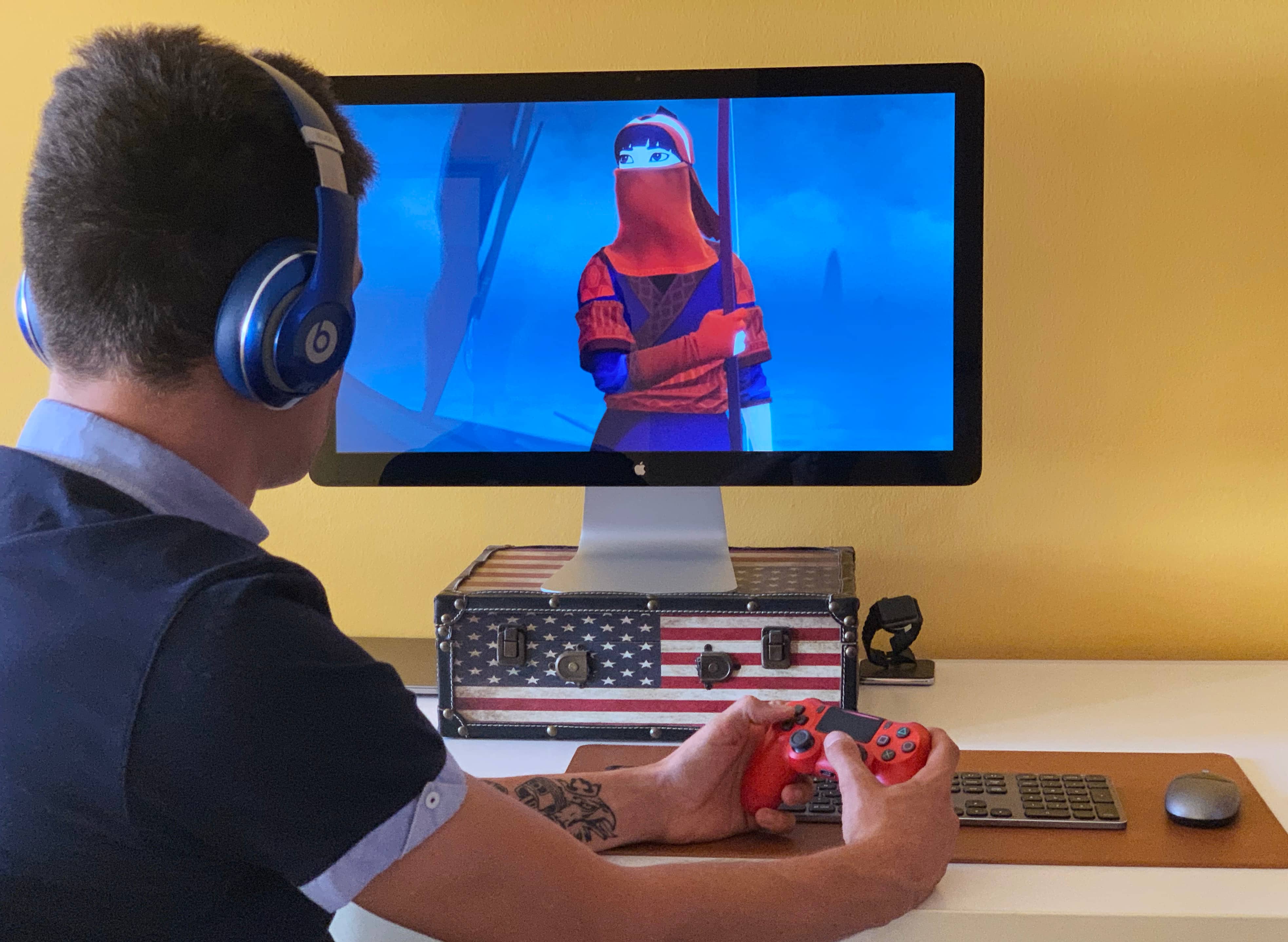
Apple has ramped up its gaming chops by announcing at its annual developers conference in the summer that iOS 13, iPadOS, tvOS 13 and MacOS Catalina 10.15 software updates bring support for the wireless Xbox and PlayStation game controllers, namely Sony's DualShock 4 controller and Microsoft's Xbox Wireless Controller with Bluetooth. In this tutorial, we'll show you how to pair your Xbox or PlayStation controller and use it to play games on your iPhone, iPad, iPod touch, Apple TV and Mac, navigate the user interface on your Apple TV and more.
With the public release of iOS 13 right around the corner, the iOS 12 jailbreak is set to climax very soon as security researchers shift their efforts toward the newer firmware. With that in mind, we thought we’d take this wonderful opportunity to reflect on the past year with a roundup of some of the best jailbreak tweaks ever released for pwned iOS 12 devices.
If you’re jailbroken on iOS 12 with Chimera by the Electra Team or unc0ver by Pwn20wnd, then this roundup is for you. For ease of reading, we’ll sort the following jailbreak tweaks by alphabetical order.