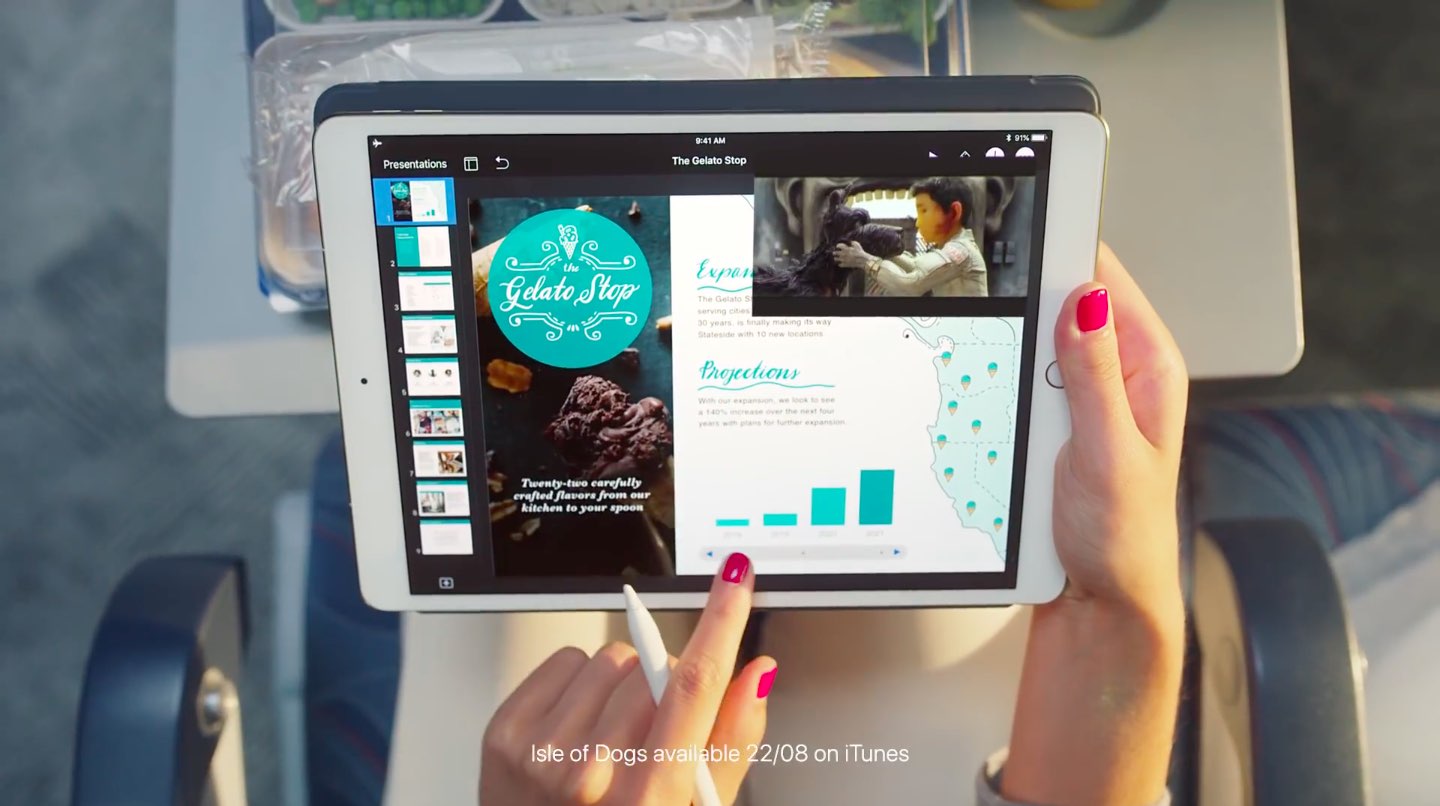
Learn how to use Apple's free Pages app to turn your iPhone or iPad into a handy teleprompter for your speeches, lectures, video recordings, and more.
How to use your iPhone or iPad as a teleprompter
From the latest news to the most comprehensive tutorials, learn how to get the most out of your iPad with our step-by-step guides and expert tips.
Learn how to use Apple's free Pages app to turn your iPhone or iPad into a handy teleprompter for your speeches, lectures, video recordings, and more.
Learn how to scan QR codes with your iPhone using the built-in Camera app, the dedicated Control Center widget, the Action button or Camera Control.
In this tutorial, we’ll show you how to use the Continuity Camera feature to add photos and scans to a note or document on your Mac using the camera of your iPhone or iPad.
Snapchat is reportedly gearing up to launch an internal app store of gaming titles this fall.
Alexa for iPhone now lets you check the weather, get sports scores, control smart home accessories, ask questions and more—all by using just your voice.
When you create events in the iOS Calendar app, you can easily set an alert to remind you of that event. But you’ll also notice that a time for the alert pops into your event alert automatically. This is the default time in your Calendar app, and you can change it to suit your preference.
Once you set the default alert time you want, you won’t have to change it when creating the event unless you really need to, and here’s how.
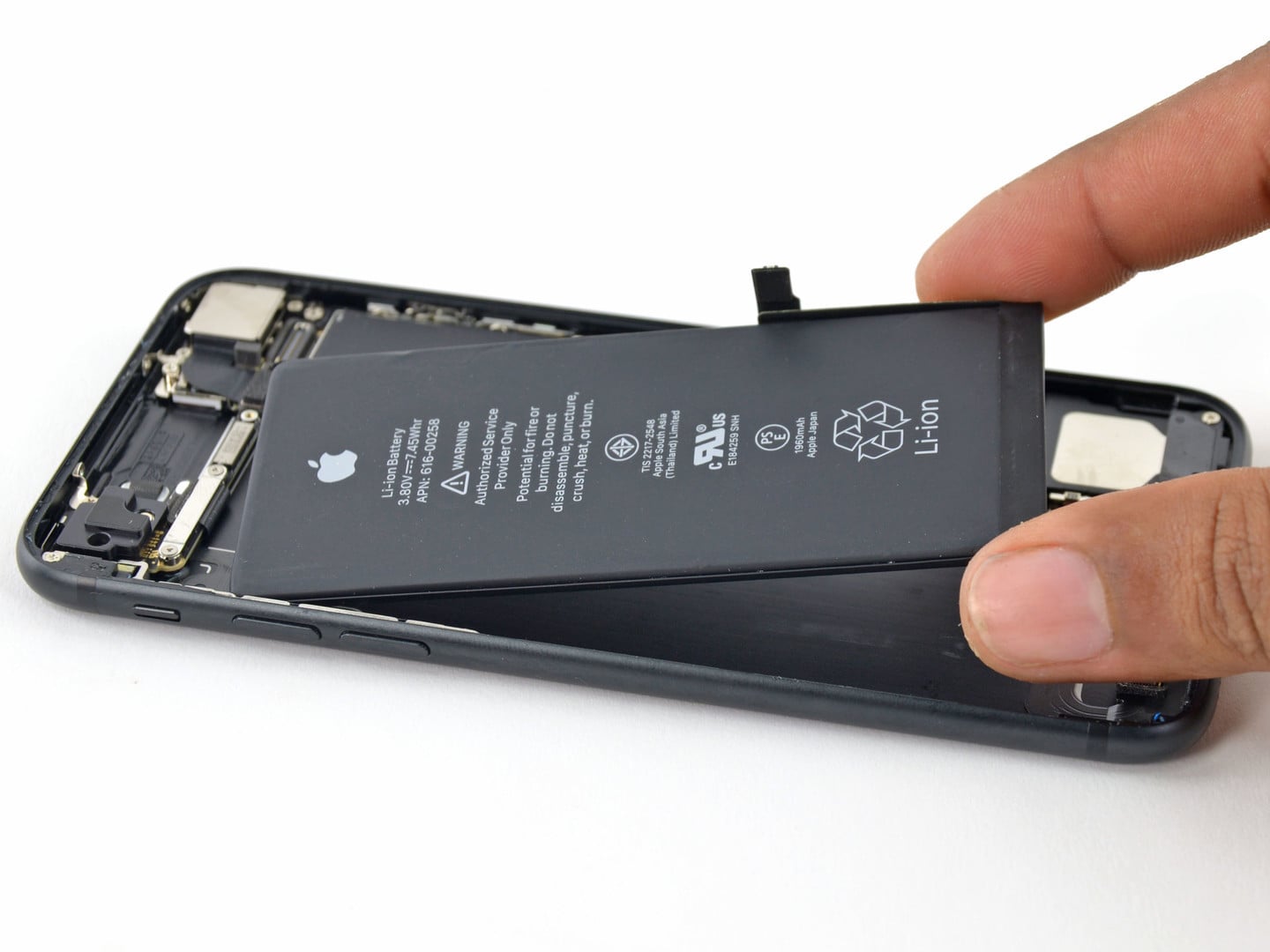
In this brief tutorial, you'll learn to access the built-in battery usage statistics to see how you have used your iPhone battery in the last 24 hours or the last 10 days.
Digital wellbeing is coming into full view with Silicon Valley giants like Apple and Google having unveiled a set of brand new tools recently that show customers how many minutes they've spent on their devices, and now Facebook is following in their footsteps.
There have been unrivaled amounts of excitement throughout the jailbreak community this week in response to all the hubbub surrounding the Electra Team’s progress on bringing iOS 11.3.1 support to the Electra jailbreak tool. And that’s great for tweak developers.
So with that in mind, we’ll be talking about all the best jailbreak tweaks released this week in this roundup. As usual, we’ll kick things off by talking about our favorites and then outline the rest of them afterward.
Released yesterday, iOS 12 beta 2 packs in several new features and a bunch of tweaks and feature changes, and now you can see them in action in our hands-on video walkthrough.
So, you bought a new wireless keyboard and want to use it with your iOS device. For those who do a lot of typing on their iPhone or iPad, an external keyboard can be more efficient than the onscreen keyboard.
In this step-by-step tutorial, we’ll show you how to pair an external Bluetooth keyboard with your iPhone or iPad so you can comfortably type long notes, emails, and documents.
Jailbreaking your iPhone or iPad has long been considered a taboo practice by Apple, the manufacturer of these handsets. And now an updated support page published on the Cupertino-based company’s website discourages jailbreaking in its entirety.
The page, updated on June 15th, targets a bevy of potential side-effects from jailbreaking your device. These include, but aren’t limited to: