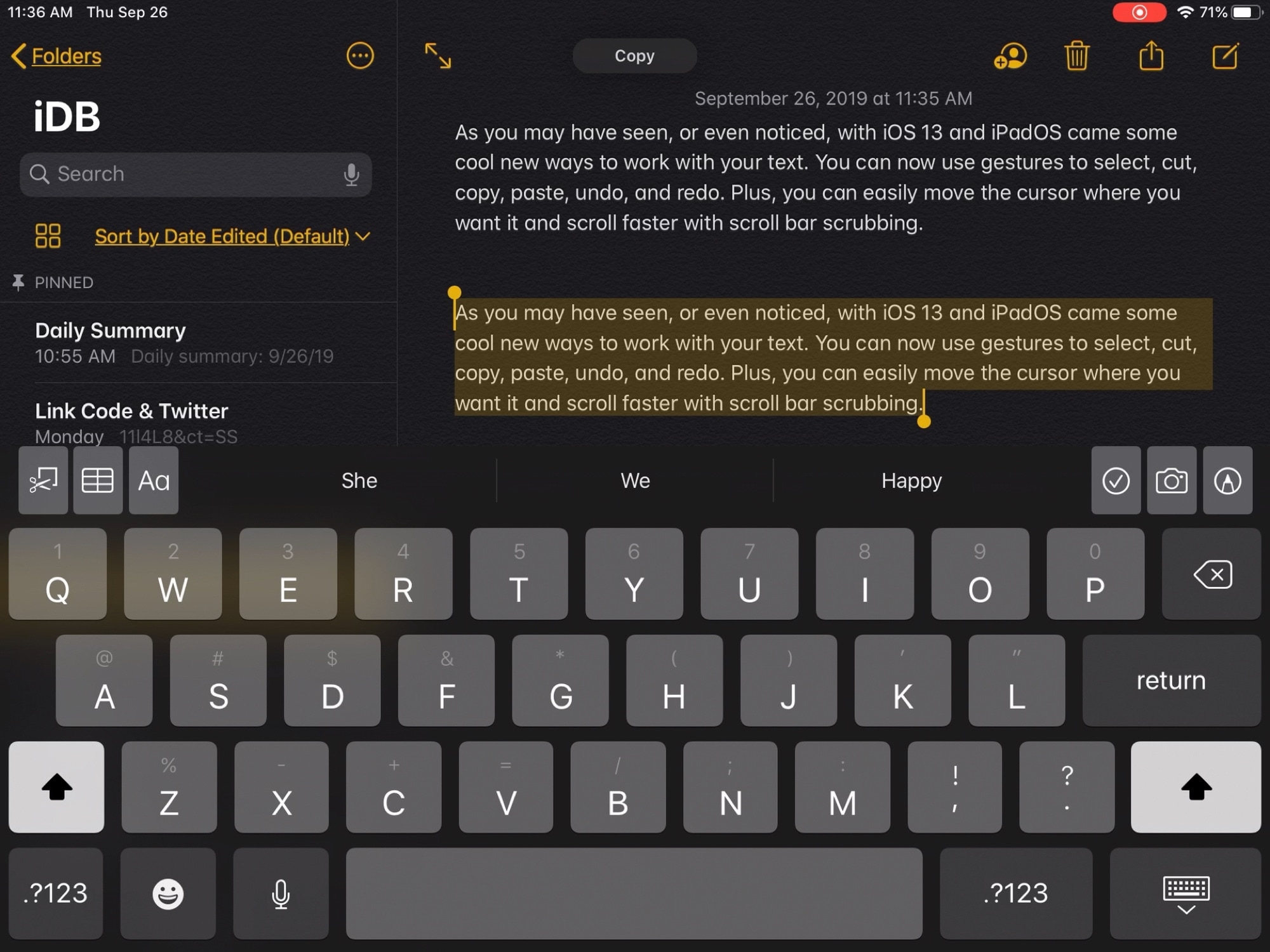
Learn about these important cut, copy, paste, and other text editing gestures on your iPhone or iPad so you can boost your productivity.
How to use the text editing gestures on iPhone and iPad
From the latest news to the most comprehensive tutorials, learn how to get the most out of your iPad with our step-by-step guides and expert tips.
Learn about these important cut, copy, paste, and other text editing gestures on your iPhone or iPad so you can boost your productivity.
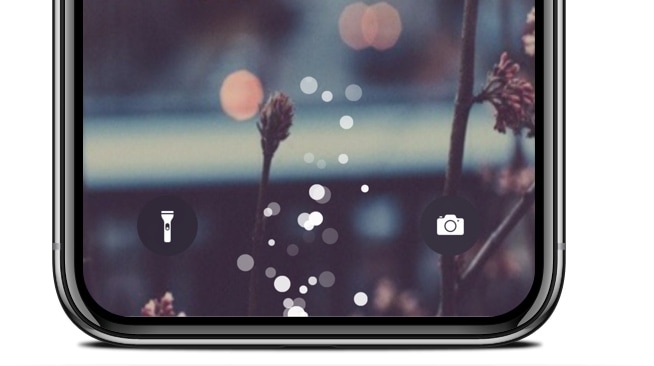
If you’re tired of looking at the same old charging interface every time you plug your iPhone or iPad into a power source to juice up the battery, then perhaps it’s time you take a look at a newly released jailbreak tweak called ChargingBubbles by iOS developer Soh Satoh.
As the name implies, ChargingBubbles replaces the standard iOS charging interface with one that displays bubble animations near the bottom of the handset (where the Lightning port would be). The screenshot above shows what these bubbles look like, but for a more detailed demonstration, have a look at the animated GIF below:
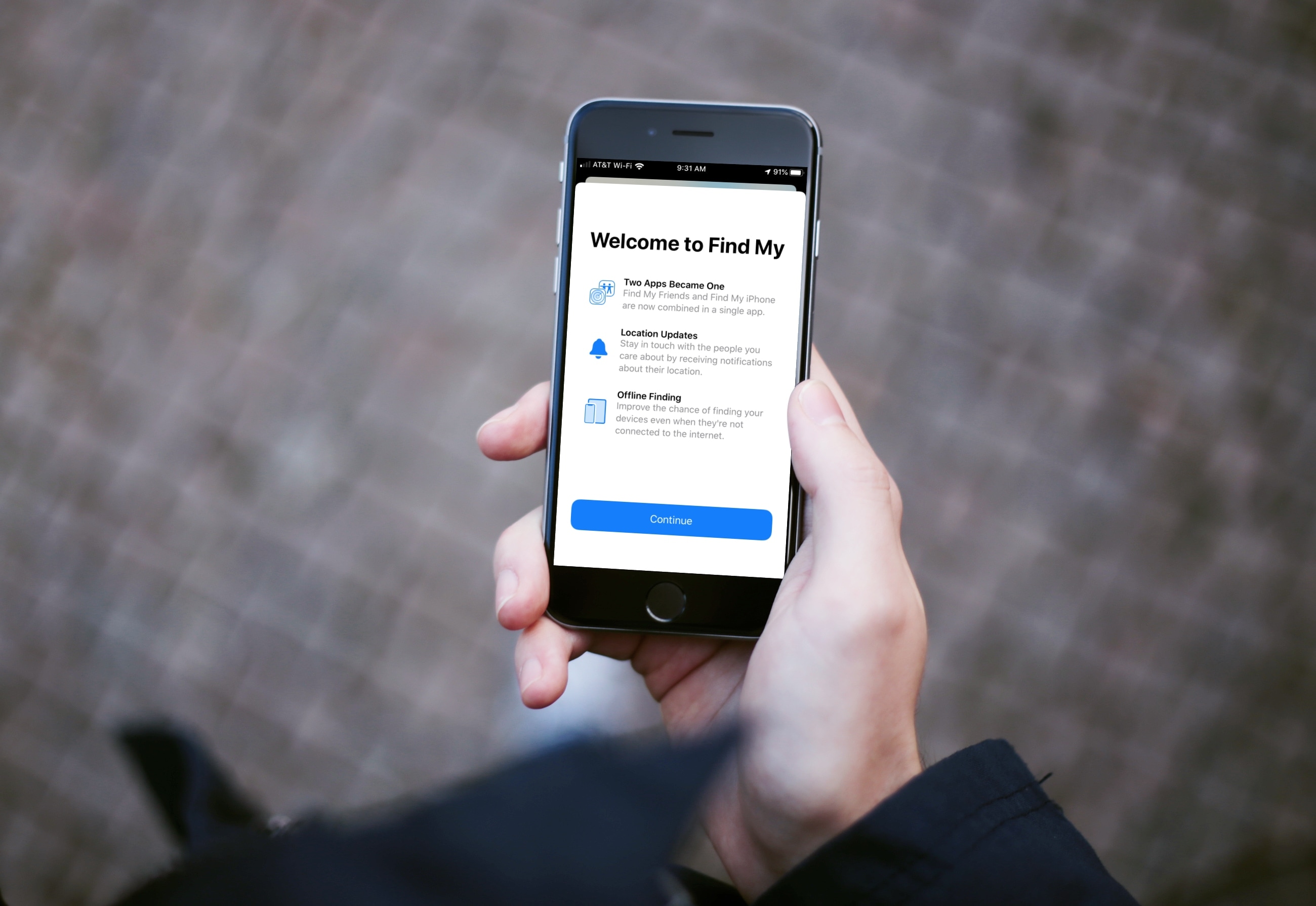
Learn how to use the Find My app on your iPhone, iPad, and Mac to find your devices, share your location, and see other people's location -- all in one convenient spot.

Learn how to scan physical documents, such as receipts, flyers, or business cards, directly from the Apple Files app on your iPhone or iPad, and save them in digital form or share them via Mail, Messages, WhatsApp, or Slack.

Back at the beginning of September, Apple officially unveiled the new, 7th-generation iPad with a 10.2-inch Retina display.
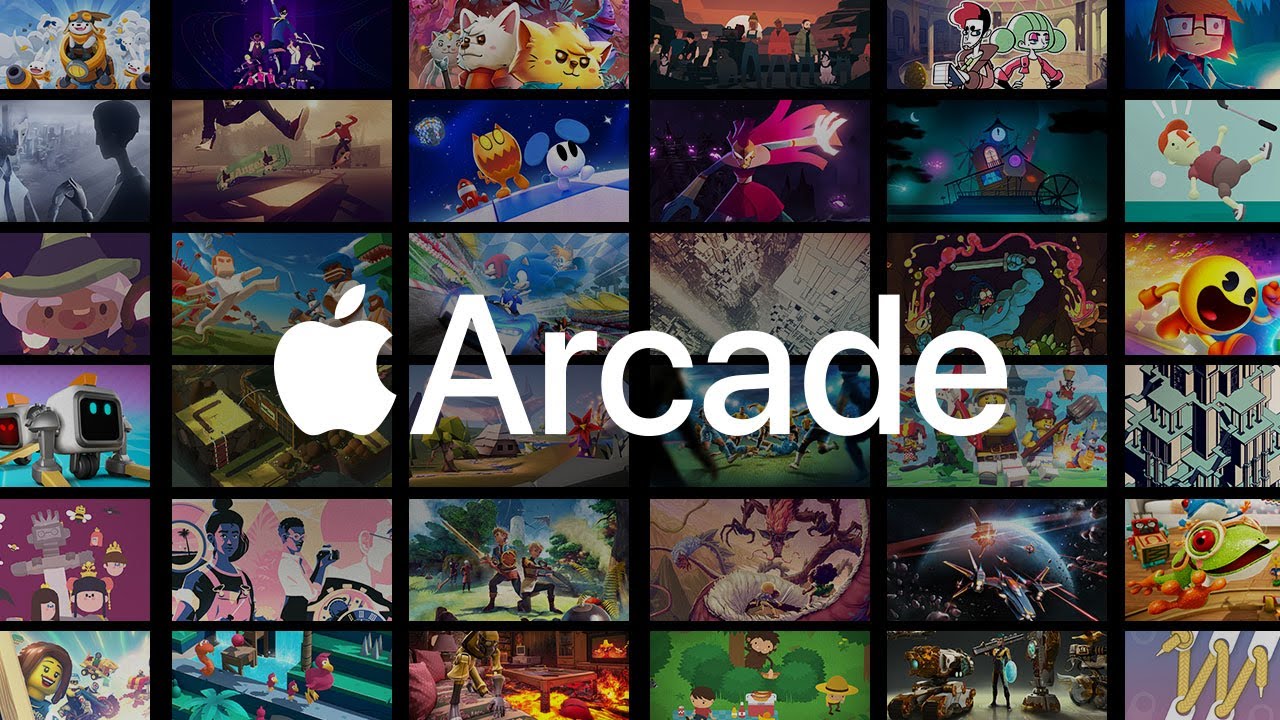
Two things are happening: first, subscription services are becoming more popular. Second, people are playing more on their phones than on consoles and PC. So it was a matter of time before someone would put 2 and 2 together. Well, the time is now, my fellow gamers. Google and Apple are both getting ready to launch their respective game subscription services, Google Play Pass and Apple Arcade.
At its core, both services are similar. However, they do have some differences, other than the platform they're on. If you're like me, and you have both Android and iOS devices, you're probably wondering which one is more advantageous. Well, wonder no more, as we dive into Apple Arcade versus Google Play Pass. We'll cover each subscription service and determine which one is better suited for you.
One of the most popular functions conceived by Apple’s 3D Touch and Haptic Touch gestures on modern iOS devices is the ability to press firmly on an app icon from your Home screen to reveal a hidden menu, but there’s actually much more to this feature than meets the eye.
Peek and Pop is a great example, as it enables users to press firmly on objects throughout the operating system to view more information and options for that item. Peek and Pop is limited to devices that support 3D Touch or Haptic Touch, but with a new and free jailbreak tweak called Peekable by iOS developer Ryan Nair, you can enable Peek and Pop on any iOS device.
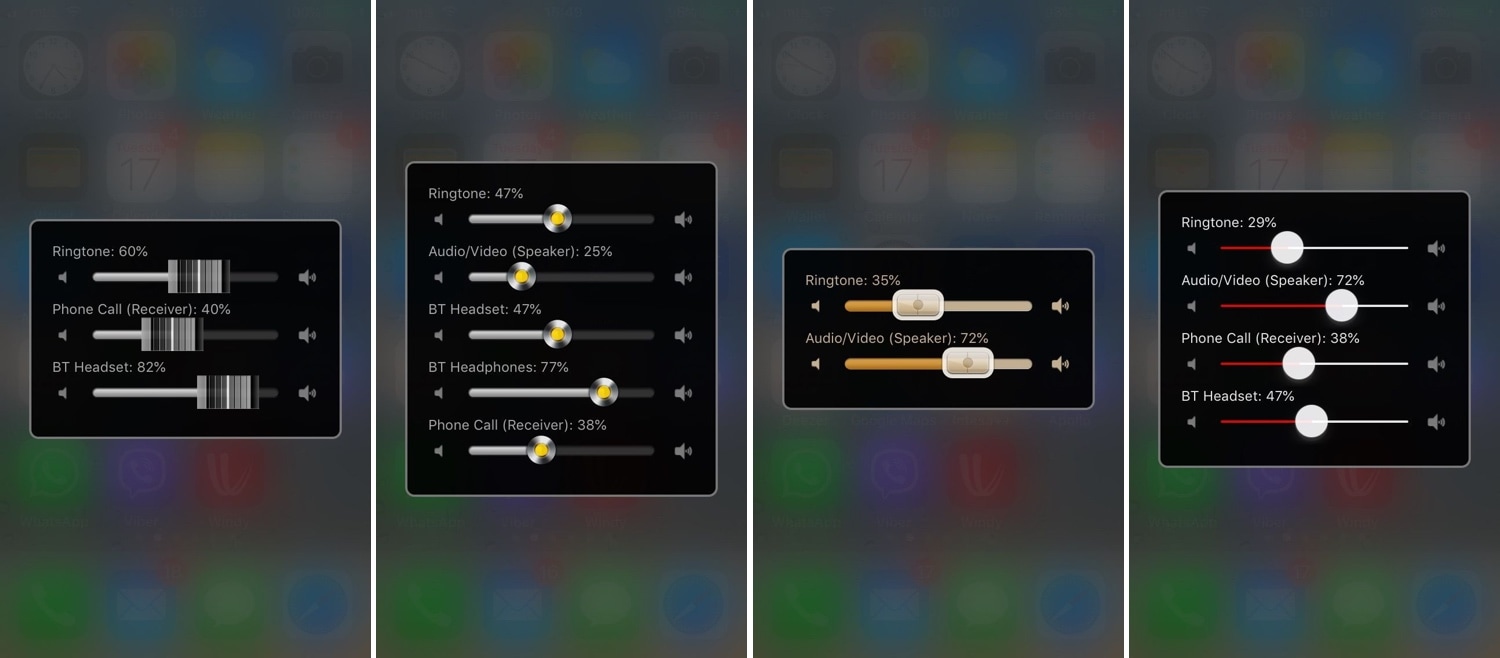
There are so many different volume levels to configure in iOS that it’s not even funny. One moment you’re turning down your volume, and the next, you might realize that you’ve just muted your ringtone instead of quieting down your Now Playing volume.
iOS tries to be smart about how it configures volume depending on what you’re doing at any given point in time, but it’s far from perfect. Fortunately, a jailbreak tweak called Volume Mixer 3 by iOS developer VladMax offers users a higher sense of fine-grained and manual control over each individual volume setting present on their iOS device.
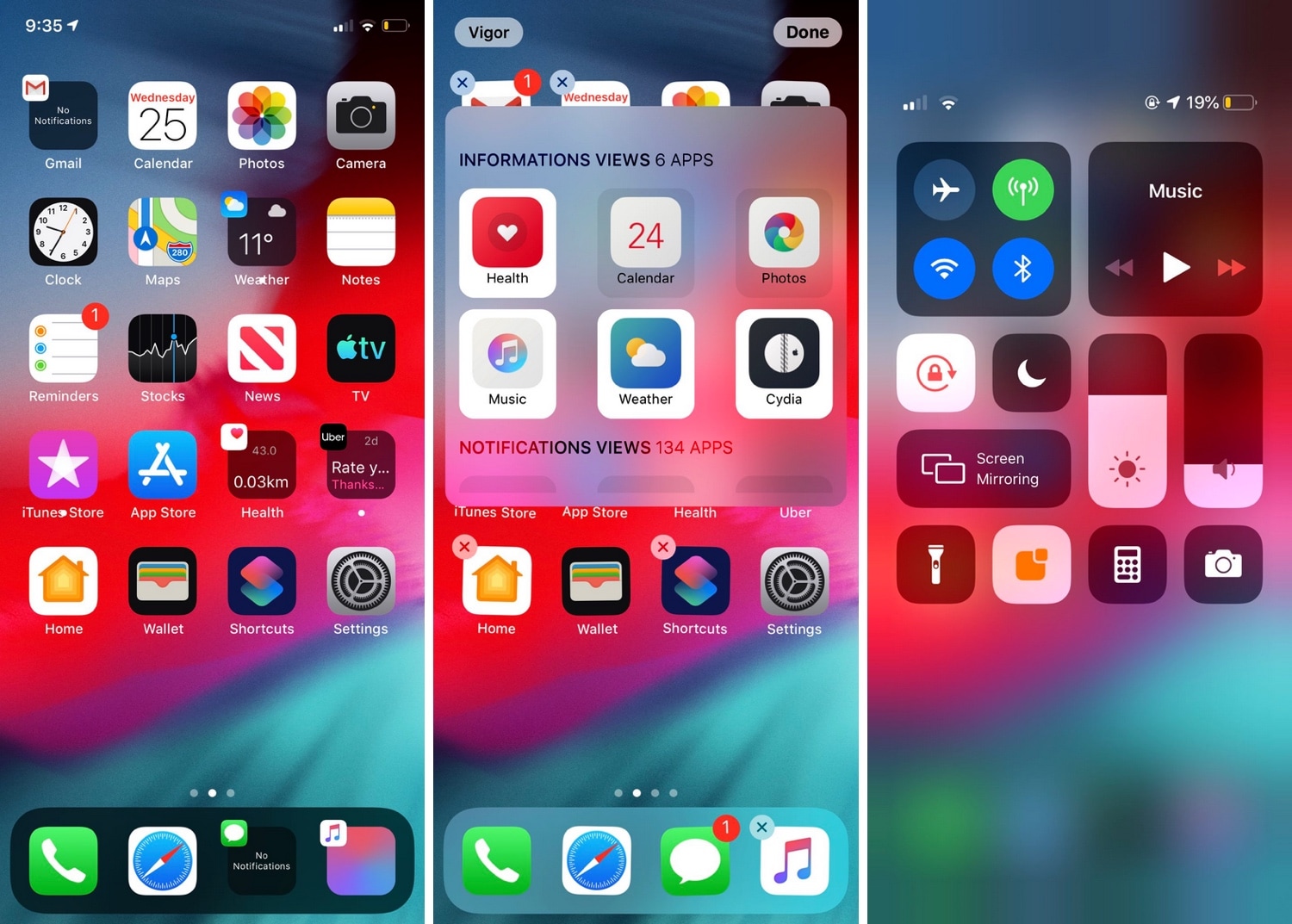
If you’ve just jailbroken your A12(X)-equipped (or other) iPhone or iPad for the first time, then you’re probably looking for some juicy jailbreak tweaks to spice up your handset’s stock capabilities. Fortunately, we’ve got an exciting one to show you today called Vigor 2 by the Atom Dev Team.
As shown in the screenshot examples above, Vigor 2 makes your Home screen icons a whole lot more useful by replacing the standard still images with dynamic widgets that change based on the content transpiring inside the respective app.
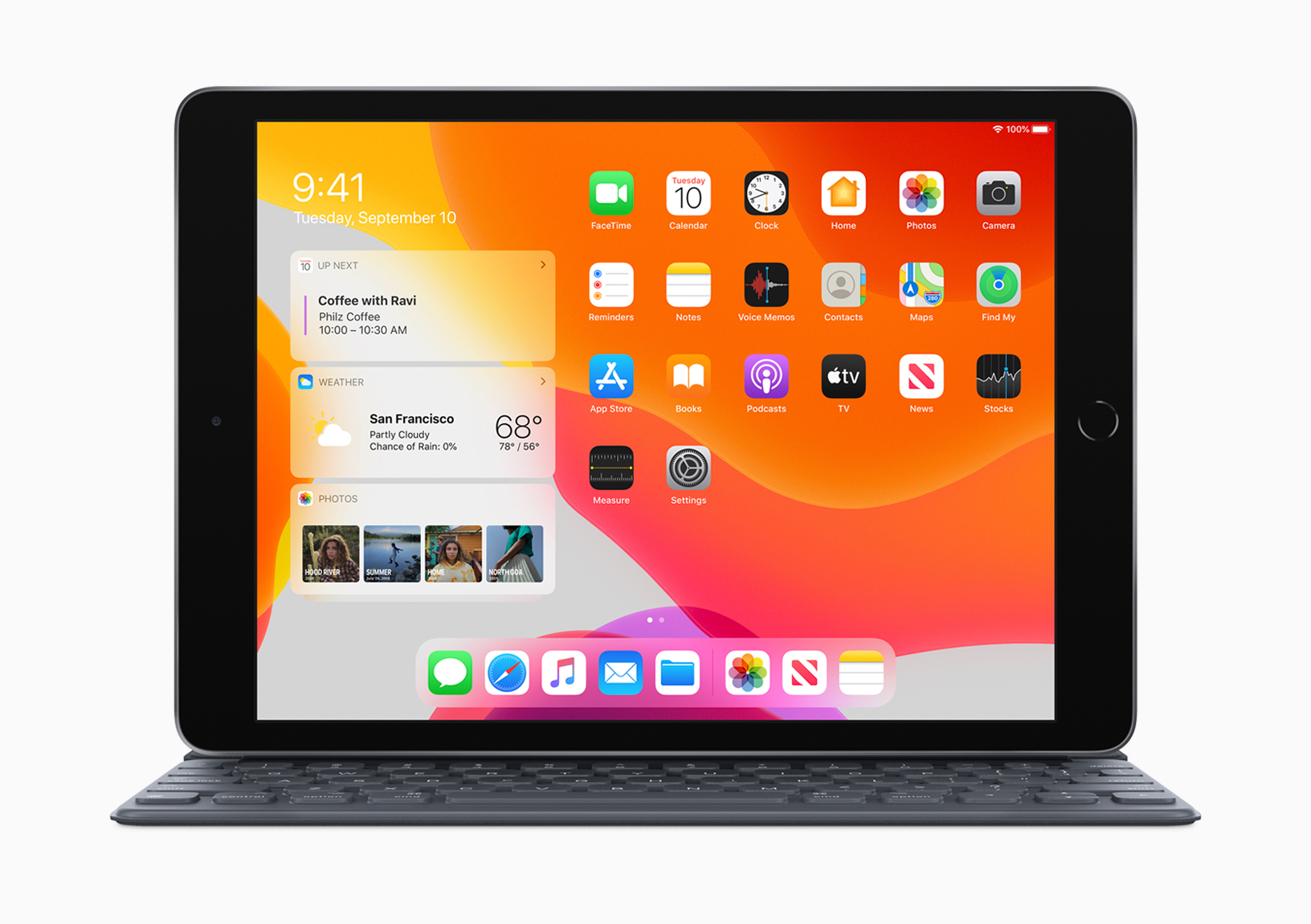
Hot on the heels of launching iPadOS into the wild, Apple has also announced that its newest iPad starts shipping this week.
Along with the launch of iOS 13.1, Apple is also welcoming iPadOS to give a shot of adrenaline to its iPad lineup.