Learn how to add web pages to Safari Reading List on iPhone, iPad, or Mac and read them later, even when you don’t have an internet connection.
How to save articles for offline reading in Safari on iOS and Mac

From the latest news to the most comprehensive tutorials, learn how to get the most out of your iPad with our step-by-step guides and expert tips.
Learn how to add web pages to Safari Reading List on iPhone, iPad, or Mac and read them later, even when you don’t have an internet connection.
One of the subtle treats Apple provides to macOS users is the ability to set a custom accent color. This is the color that appears when selecting options in Menus, be it from the Menu Bar or when alt-clicking on items in Finder.
It’s clear that users have taken a liking to this minuscule customization-centric olive branch extended by Apple. That said, wouldn’t it make sense to have similar options in iOS? If you agree with that notion, then you might take a liking to a newly released jailbreak tweak called Accent by iOS developer Ivan Cristina.

A 2019 review of Apple reveals lots of changes afoot for the company - some iterative changes to products, explosive growth in segments including wearables and services, and a strong push for the pro creative market to finish the year.

In this roundup, we’ll discuss all the latest jailbreak tweaks to be released starting Monday, December 23rd and ending Sunday, December 29th.
As usual, we’ll kick things off by talking about our favorites first and then wrap things up with an outline of the rest afterward.
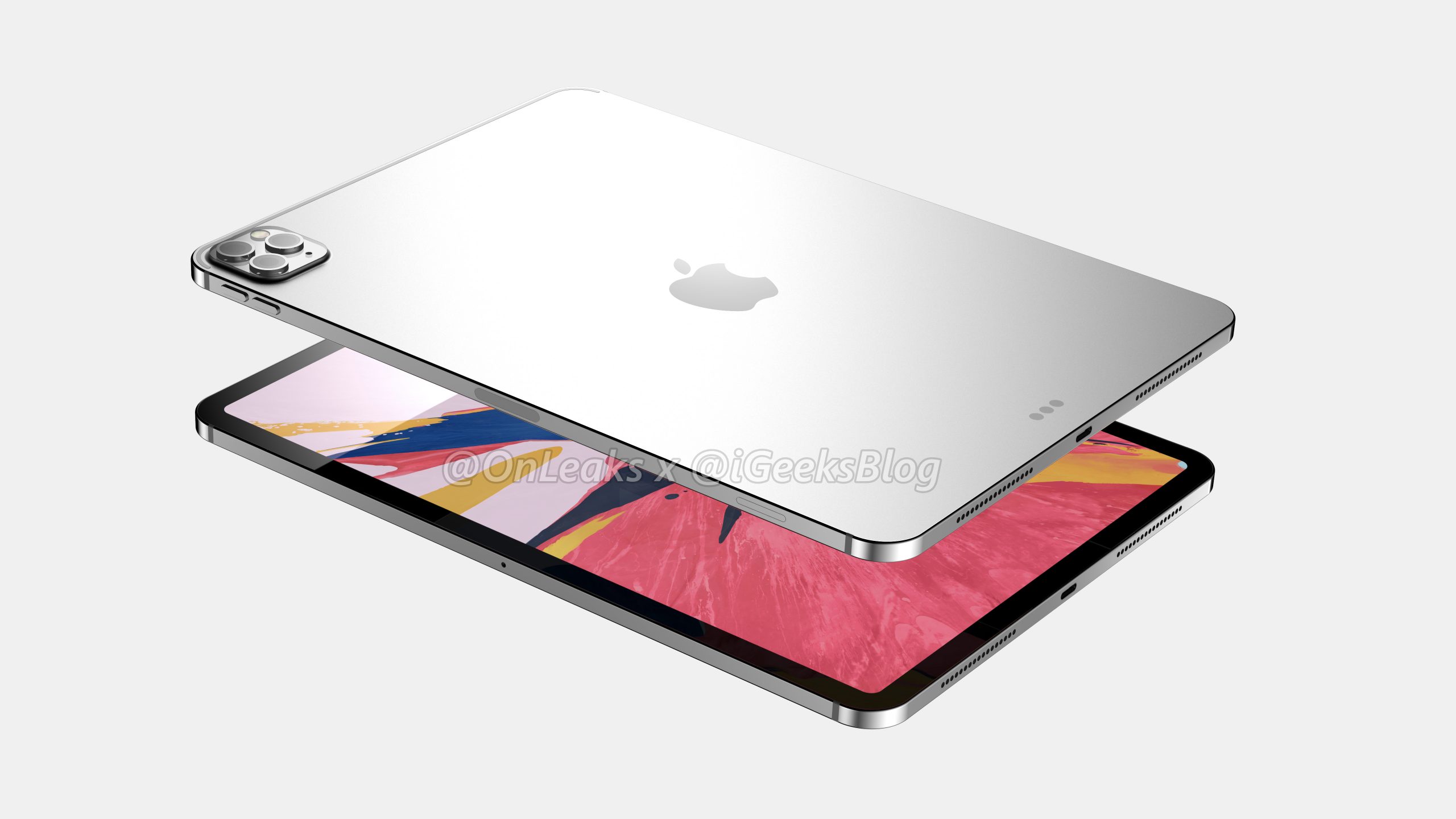
According to the popular smartphone leaker Steve McFly, the co-owner of SlashLeaks who also happens to run the Onleaks account on Twitter, the fourth-generation 12.9-inch iPad Pro may have a glass back panel similar to the design of the iPhone 11 Pro and iPhone 11 Pro Max.
Want a cool way to share your presentation on your website or social media? Here’s how to export your Keynote presentation as an animated GIF from your Mac, iPad, or iPhone.
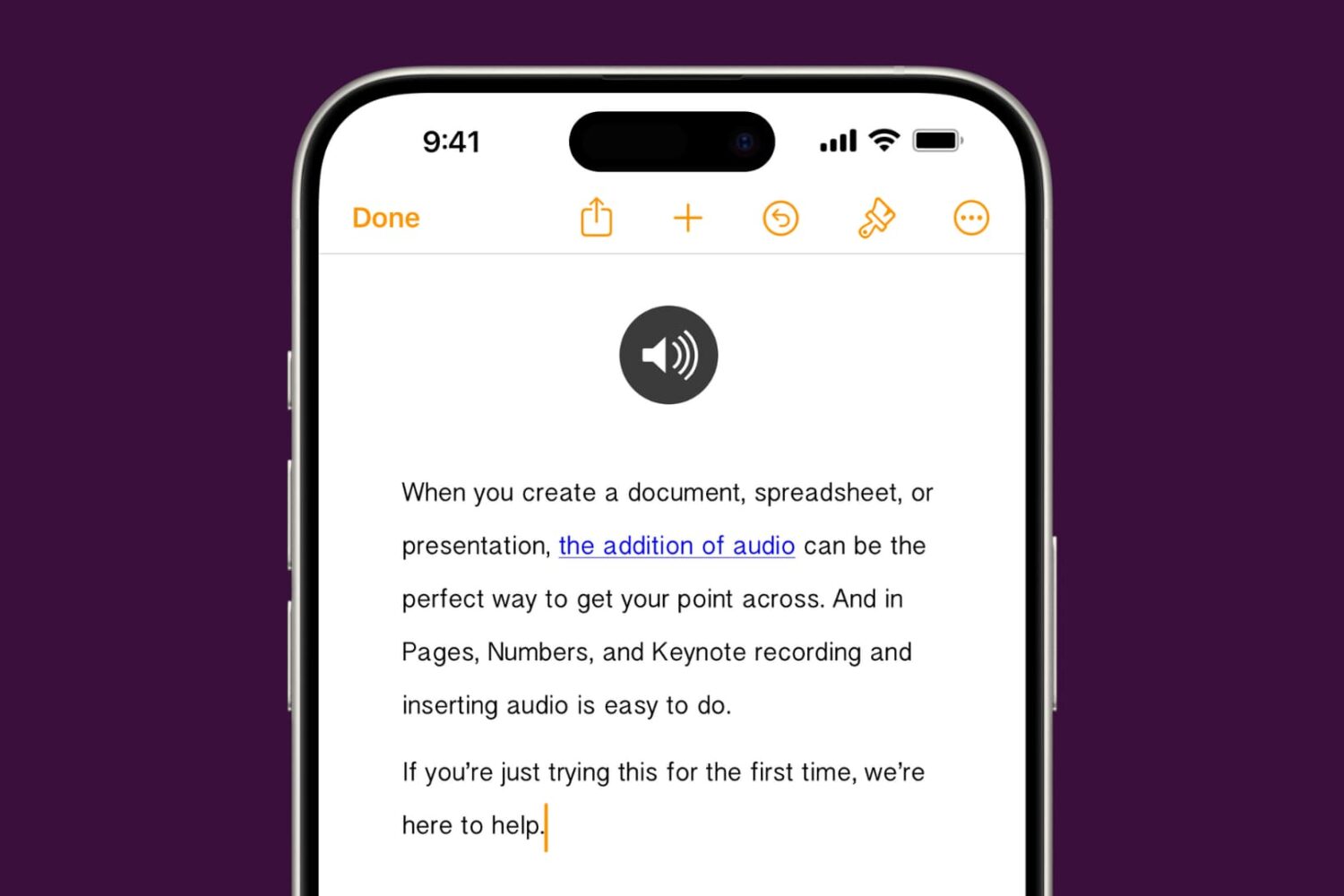
Learn how to add audio to your documents, spreadsheets, and presentations in Apple Pages, Numbers, and Keynote apps on your iPhone, iPad, or Mac to provide a more immersive experience and boost engagement.
In case you haven’t already heard, the Sileo Team’s Sileo package manager is now officially available for iOS 13 for the first time on the bootrom exploit-based checkra1n jailbreak, and it’s the first time Sileo has been made available for a jailbreak not authored by the Electra Team.
If you’re interested in getting Sileo on your checkra1n device immediately, then you’ve come to the right place. This step-by-step tutorial will guide you through the steps to do so.

It was only a couple of days ago that the Sileo Team announced the upcoming release of the Sileo package manager for iOS 13 on the new bootrom-based checkra1n jailbreak. Early morning on this Christmas Day, the Sileo Team delivered on that promise.
In an announcement shared just this morning, the Sileo Team said that users could add a custom repository to their Cydia app on the checkra1n jailbreak to find everything they would need to install Sileo on their liberated iOS 13 device:
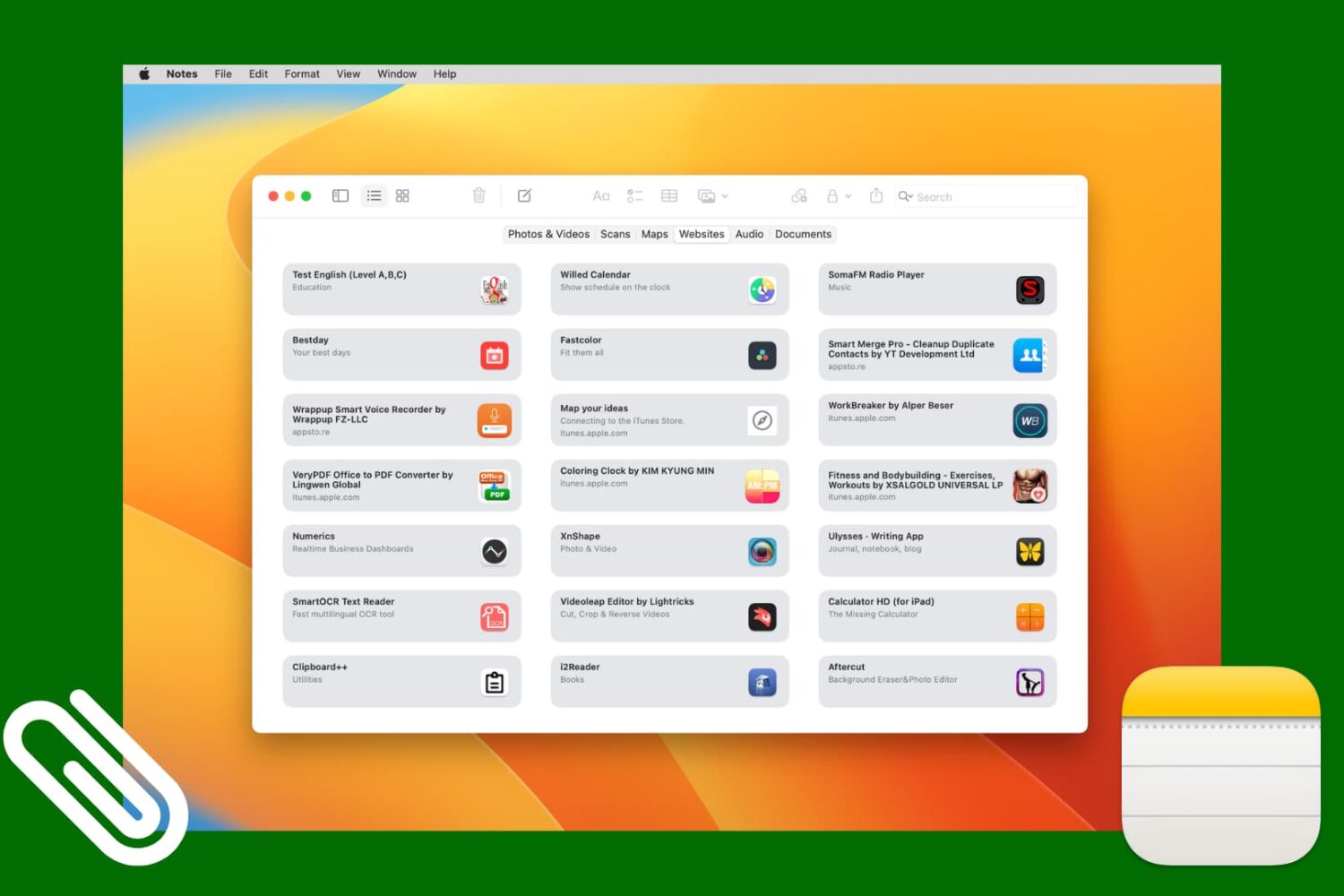
Check out this simple method to access all images, scans, website links, map addresses, audio, or documents attached to various notes in the Apple Notes app on your iPhone, iPad, and Mac.
Much of the jailbreak community’s attention has shifted toward the new checkra1n jailbreak in recent months given just how powerful of an exploit it takes advantage of. The jailbreak is still in its public beta stages today, and its software loader only installs the Cydia package manager out of the box. But could that soon change?
An announcement shared by the official GetSileo Twitter page Monday afternoon reveals that Sileo for iOS 13 will officially ship two more days from now. What’s more is the release will commemorate the one-year anniversary of the day the first beta of the Sileo package manager project became available for testing:
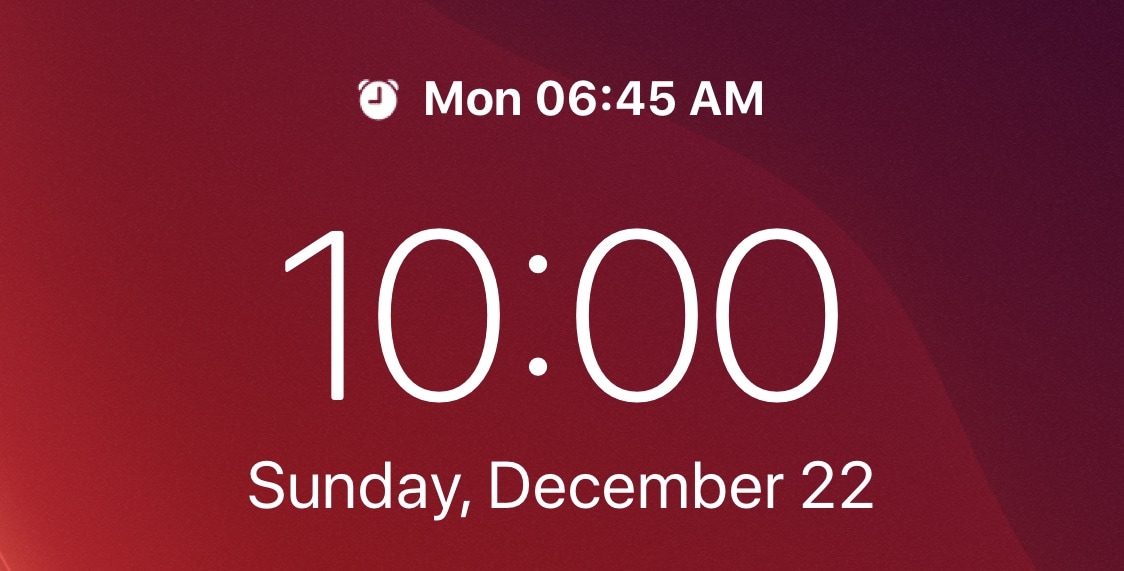
If you’re anything like me, then you probably set a morning alarm each day of the week to ensure you wake up at the proper time to prepare for work in the morning. But wouldn’t it be nice if iOS gave you somewhat of a heads-up when an alarm was set to go off the following day?
A newly released and free jailbreak tweak called Sakal by iOS developer P2KDev does exactly that, and it does this in a very aesthetically pleasing manner.