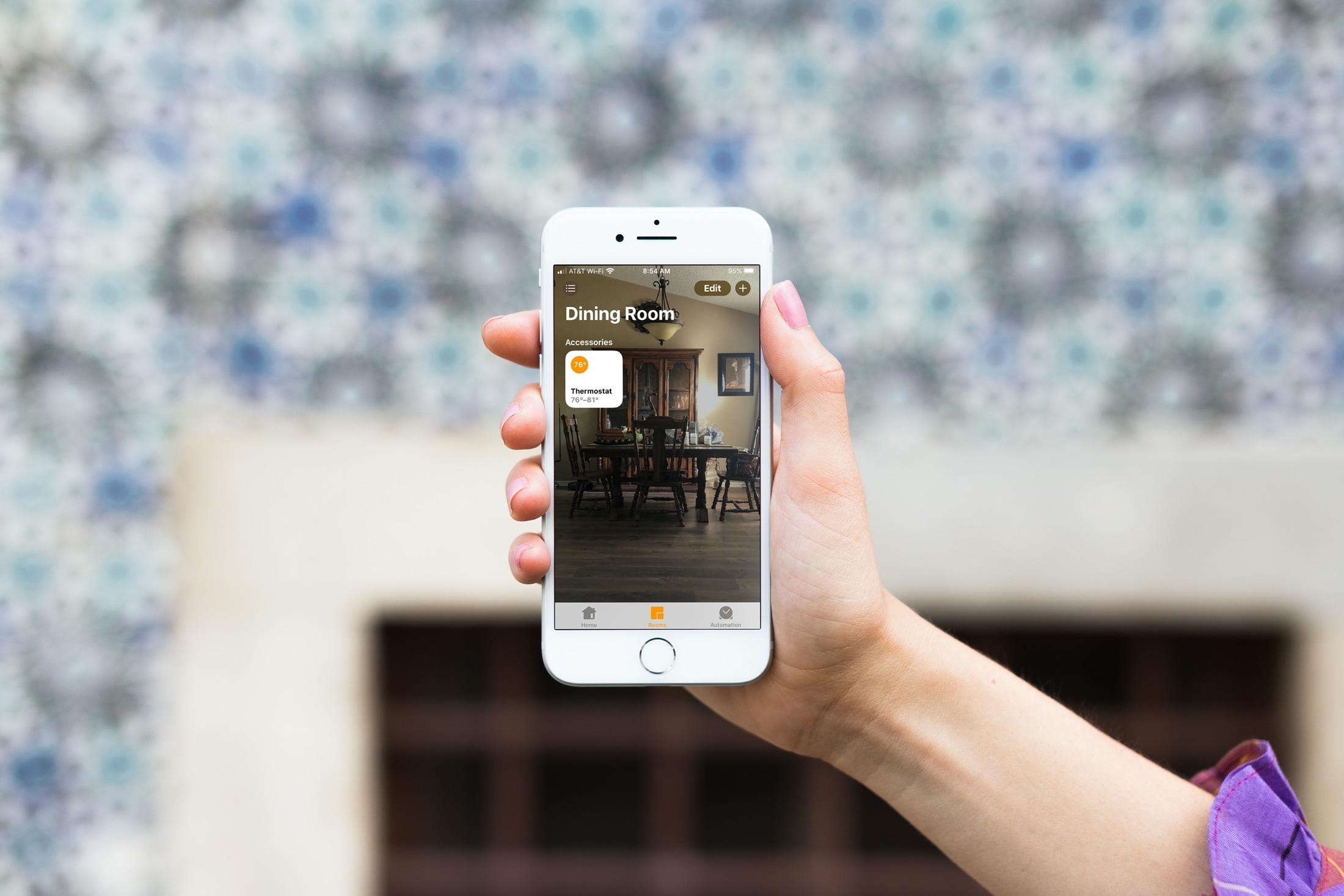
Learn how to change the wallpaper for your home and the rooms in the Home app on your iPhone, iPad, or Mac to give each of them a more personalized appearance.
How to change the wallpapers in the Apple Home app
From the latest news to the most comprehensive tutorials, learn how to get the most out of your iPad with our step-by-step guides and expert tips.
Learn how to change the wallpaper for your home and the rooms in the Home app on your iPhone, iPad, or Mac to give each of them a more personalized appearance.
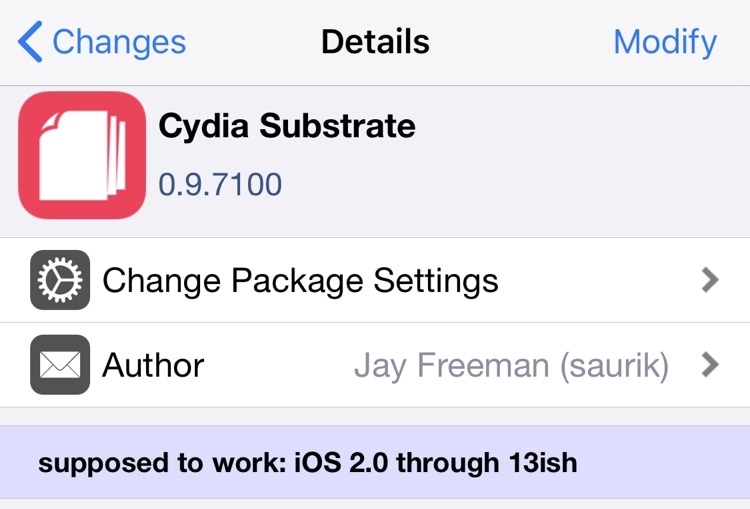
Saurik issued a rare official update for Cydia Substrate on Sunday, officially bringing the native tweak injection method for the checkra1n and unc0ver jailbreaks up to version 0.9.7100.
Although Saurik hasn’t made any official announcements on Twitter about the update, checkra1n and unc0ver co-developer Sam Bingner made a post on /r/jailbreak describing this new Cydia Substrate update.
Apple pushed the iPhone, the iPad and even the iPod touch in new directions in 2019. After almost 10 years, the iPad's finally worth its own operating system. Last year Apple pushed iOS in new directions, so what's in store for this year?
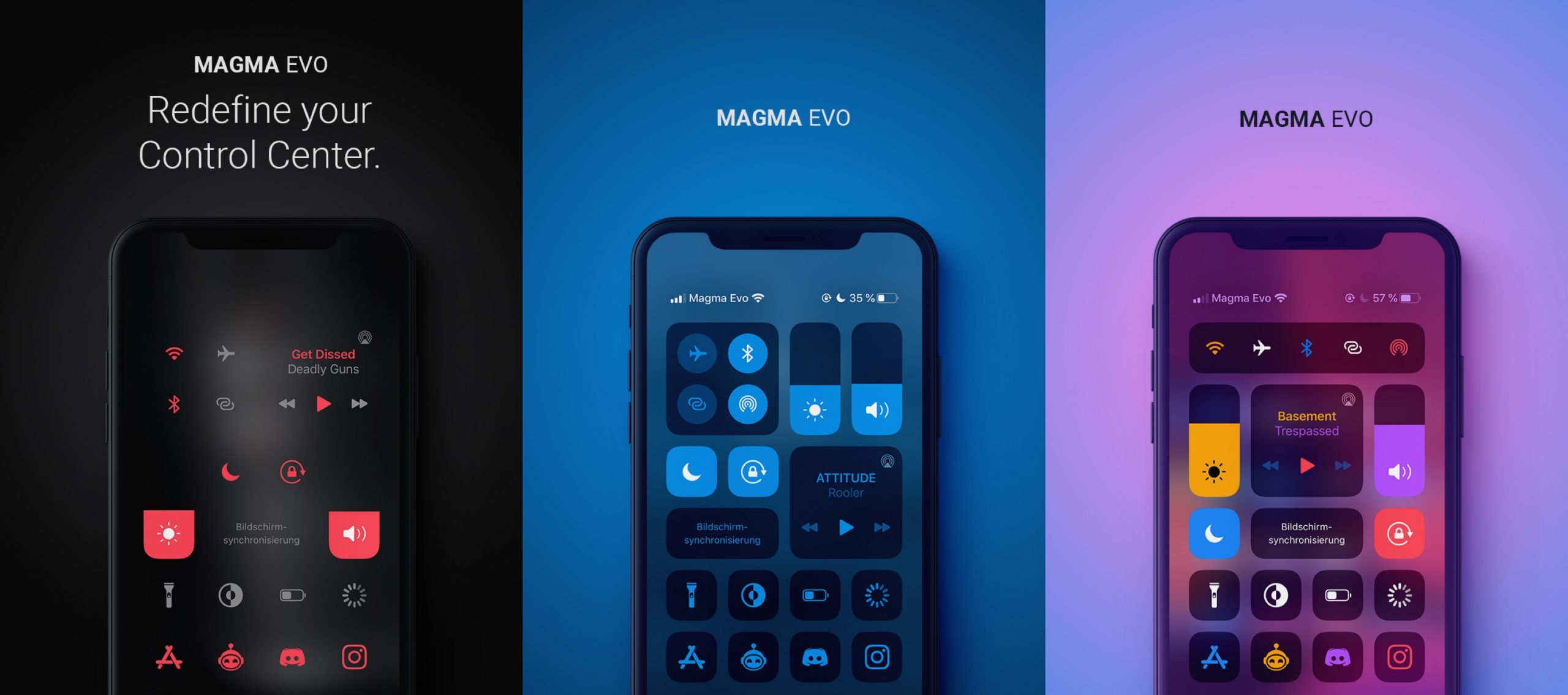
If you’re in the market to customize the way your jailbroken iPhone’s Control Center interface looks, then you probably won’t want to miss out a newly released jailbreak tweak called Magma Evo by iOS developer NoisyFlake.
As shown in the screenshot examples above, Magma Evo can be used to colorize and personalize your Control Center interface in more ways than one, and it integrates a plethora of options for doing so.
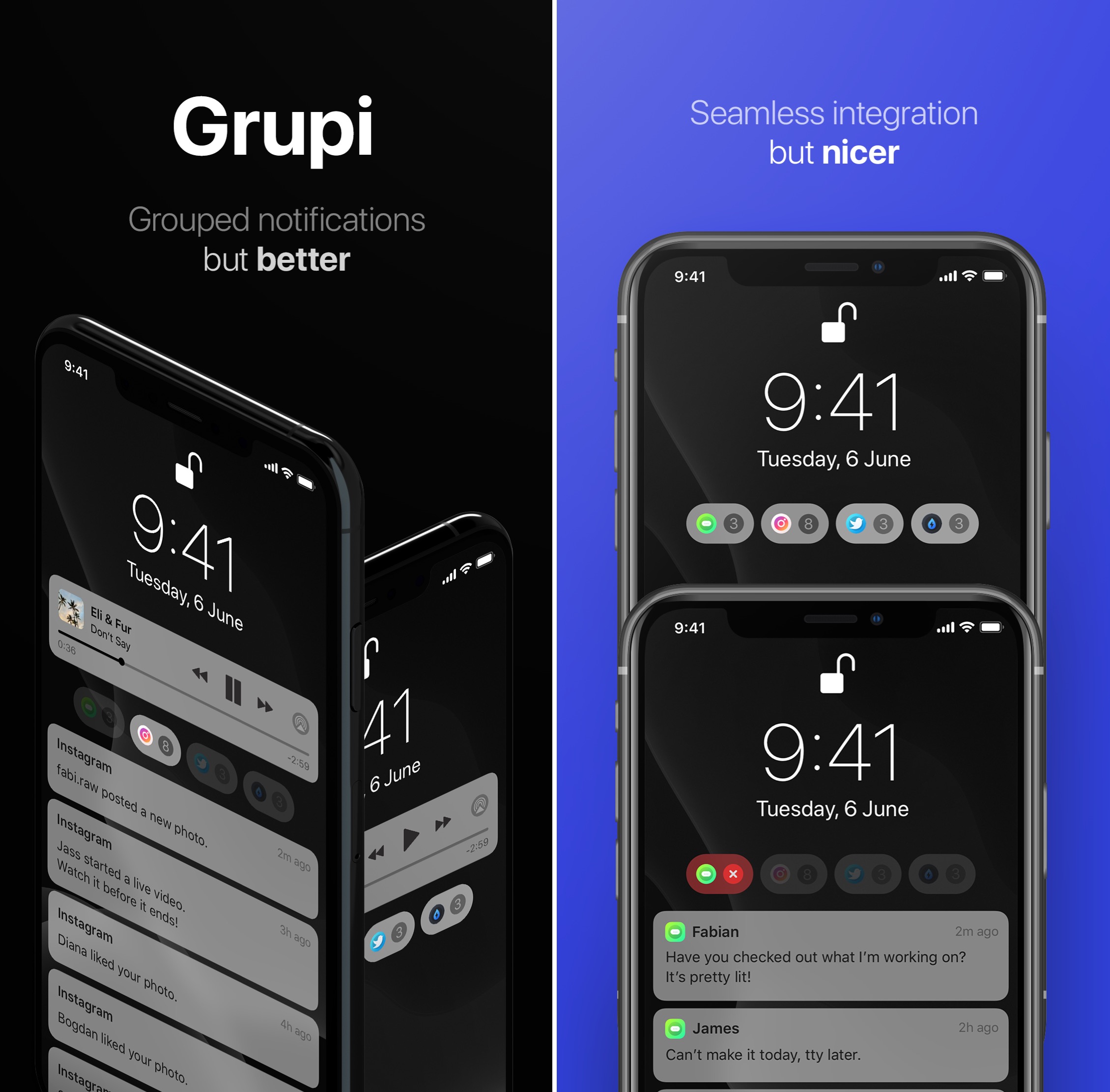
iOS’ notification system is long overdue for a visual overhaul, and it remains to be seen if Apple is working on any sort of first-party solution to this popular grievance among iOS device users.
Fortunately for jailbreakers, a newly released jailbreak tweak called Grupi by iOS developers Soongyu Kwon and Timeloop spearheads an effort to make iOS’ notification experience a whole lot better without needing to wait for an official solution from Apple.

There are now a plethora of different ways that you can enjoy a jailbroken iOS experience, but whether you’re using checkra1n, Chimera, or unc0ver to achieve that state, the exciting ways of personalizing your handset are one and the same.
If you’re in the market for some new jailbreak tweaks to give your handset more purpose in your everyday life, then you’ve come to the right place. This roundup will encompass all the jailbreak tweaks released from Monday, January 5th to Sunday, January 12th.
In the absence of any updates to Saurik’s jailbreak-centric Cydia Impactor tool since it stopped working several months ago, Chimera, Electra, and unc0ver jailbreak users have faced frustrating times. Luckily, a working alternative called AltDeploy made its first public debut a few days ago.
Just this weekend, AltDeploy received its second official update since being released. The latest update brings the young side-loading utility up to version 1.1 and incorporates both bug fixes and improvements that help make the app better for end users.

The Zebra package manager for jailbroken iOS devices received a fresh update Friday evening, officially bringing the software up to version 1.0.5.
Just like previous updates issued before today, Zebra 1.0.5 incorporates beaucoup bug fixes and improvements that are expected to improve the package manager’s user experience in day-to-day usage.
Both Doom and Doom II for iPhone and iPad today received an update that brought visual improvements like a frame rate increase, a new aspect ratio and support for free add-ons.

Depending on how you use your iPhone, you might prefer to crank up the volume in certain apps and leave others at a lower volume level. Apple doesn’t provide volume-tuning of this magnitude in iOS out of the box, but with a jailbreak tweak called Volumizer by iOS developer SynnyG, you can have your cake and eat it too.
Volumizer brings beaucoup improvements to the iOS volume level experience, including per-app volume settings, improvements for landscape orientation, and more.
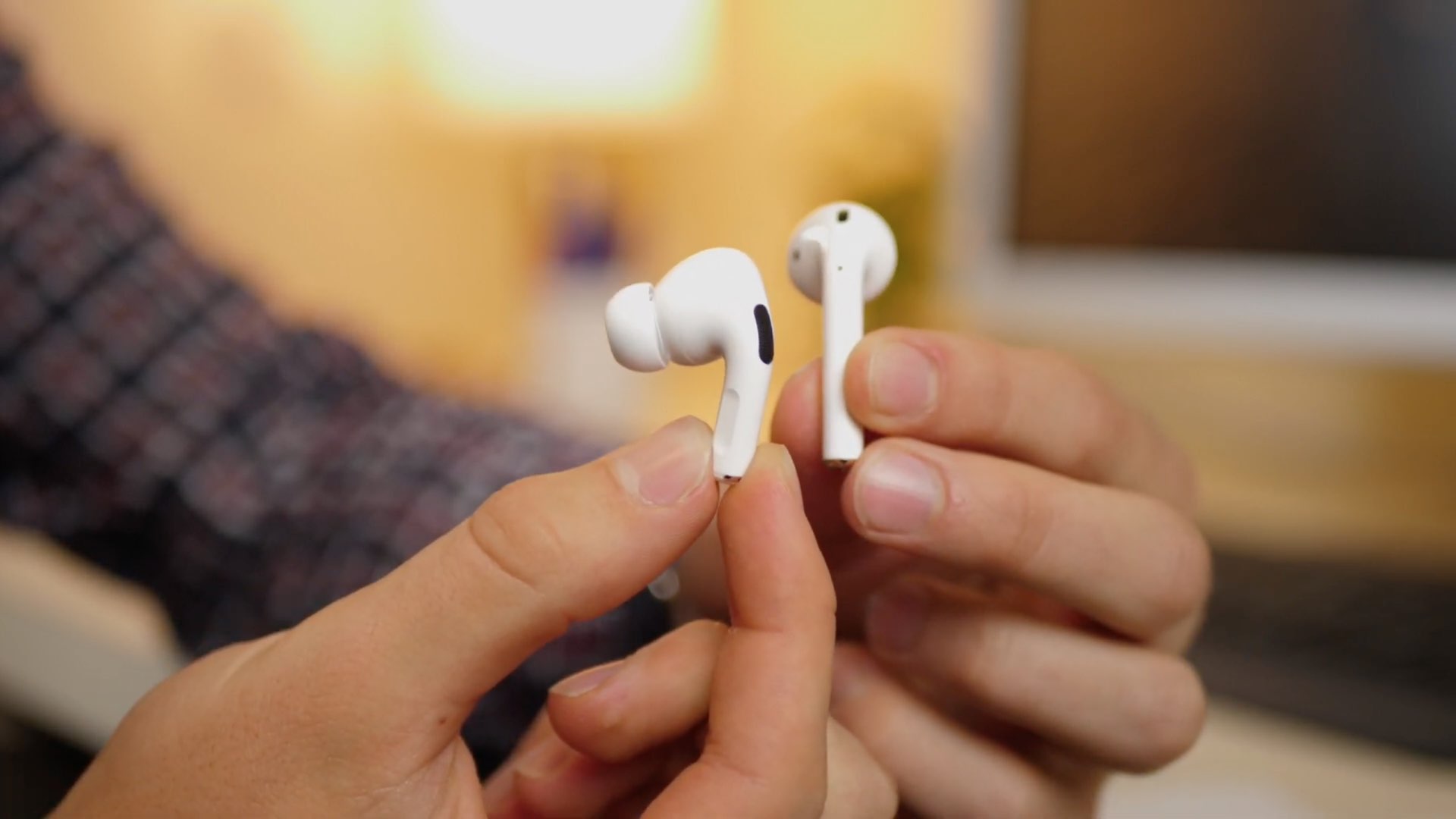
If you’re lucky enough to own a pair of Apple’s new AirPods Pro, then you already know just how great their active noise cancellation is in terms of augmenting your audio’s sound quality. On the other hand, we can think of a few different ways that the implementation in iOS could be improved in daily usage.
Enter Banana, a new and free jailbreak tweak by iOS developer LaughingQuoll that makes the AirPods Pro’s transition from active noise cancellation mode to transparency mode an automatic process, depending on what the user is doing.
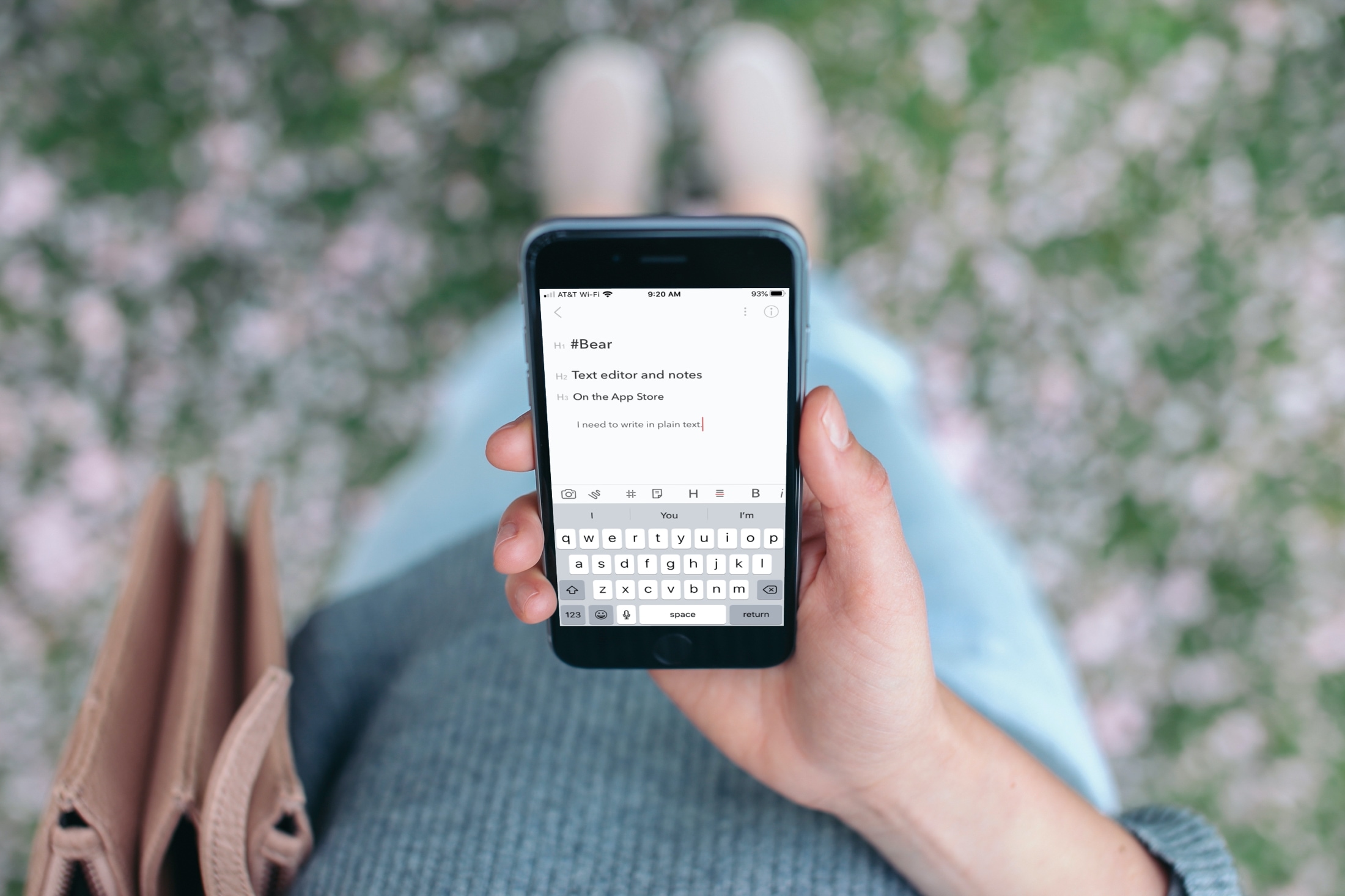
Check out these best free iOS text editor apps that allow you to use markdown and work in plain text on your iPhone or iPad for a cleaner document experience.