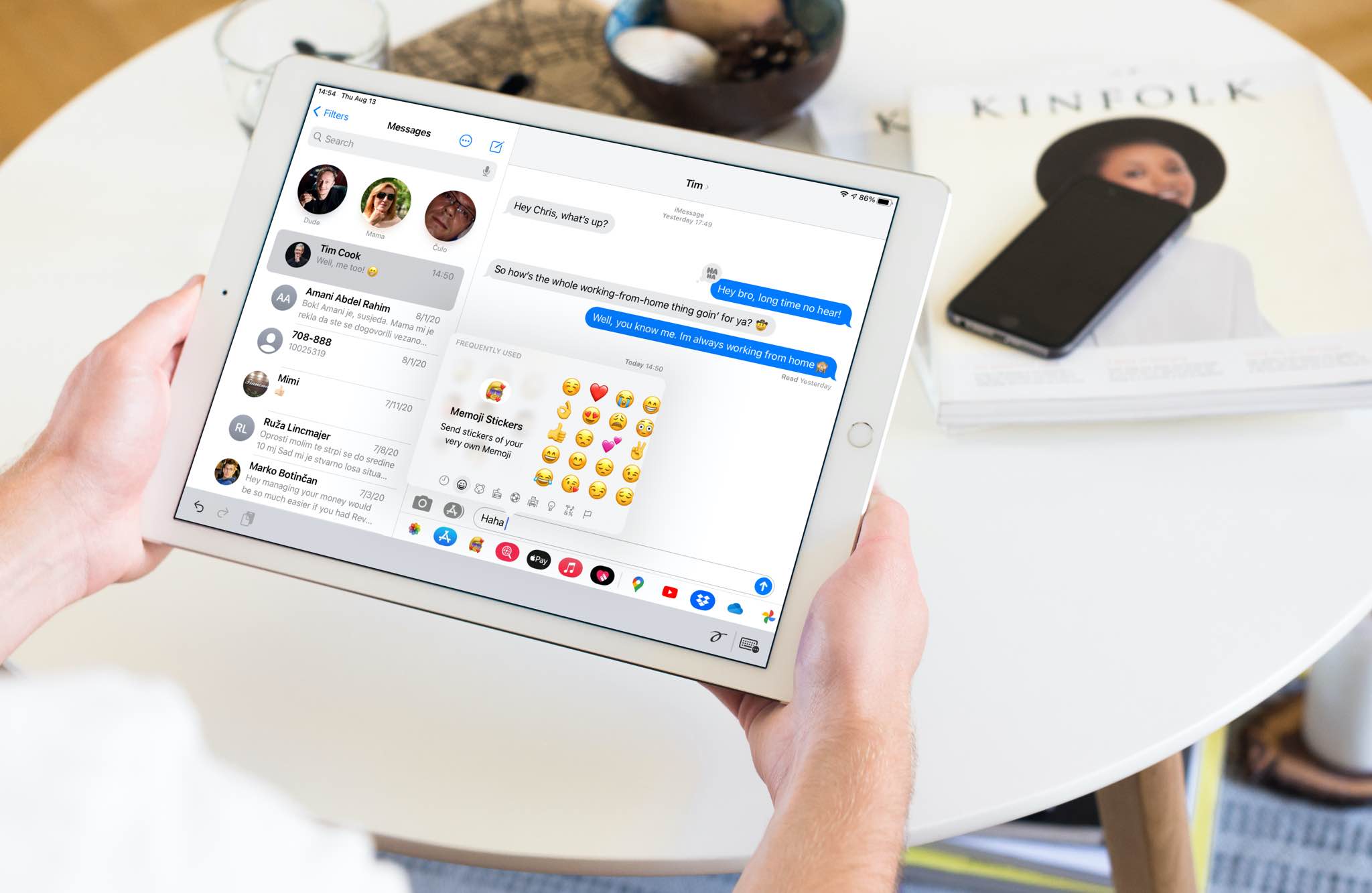
Amazon has overhauled its mobile Alexa app for iPhone and iPad around first-party features.
Amazon overhauls Alexa app around core functionality rather than third-party apps
From the latest news to the most comprehensive tutorials, learn how to get the most out of your iPad with our step-by-step guides and expert tips.
Amazon has overhauled its mobile Alexa app for iPhone and iPad around first-party features.
Tired of endlessly scrolling through your library in search of that one photo? In this guide, we will show you how to use search filters in the Photos app on your iPhone and iPad, and start effortlessly locating the photos you are looking for.
The United States Patent and Trademark Office on Tuesday published a bunch of newly granted patents for Apple, and among them is one that describes an apparent next-generation Apple Pencil stylus that includes haptic feedback and supports both the iPhone and iPad.
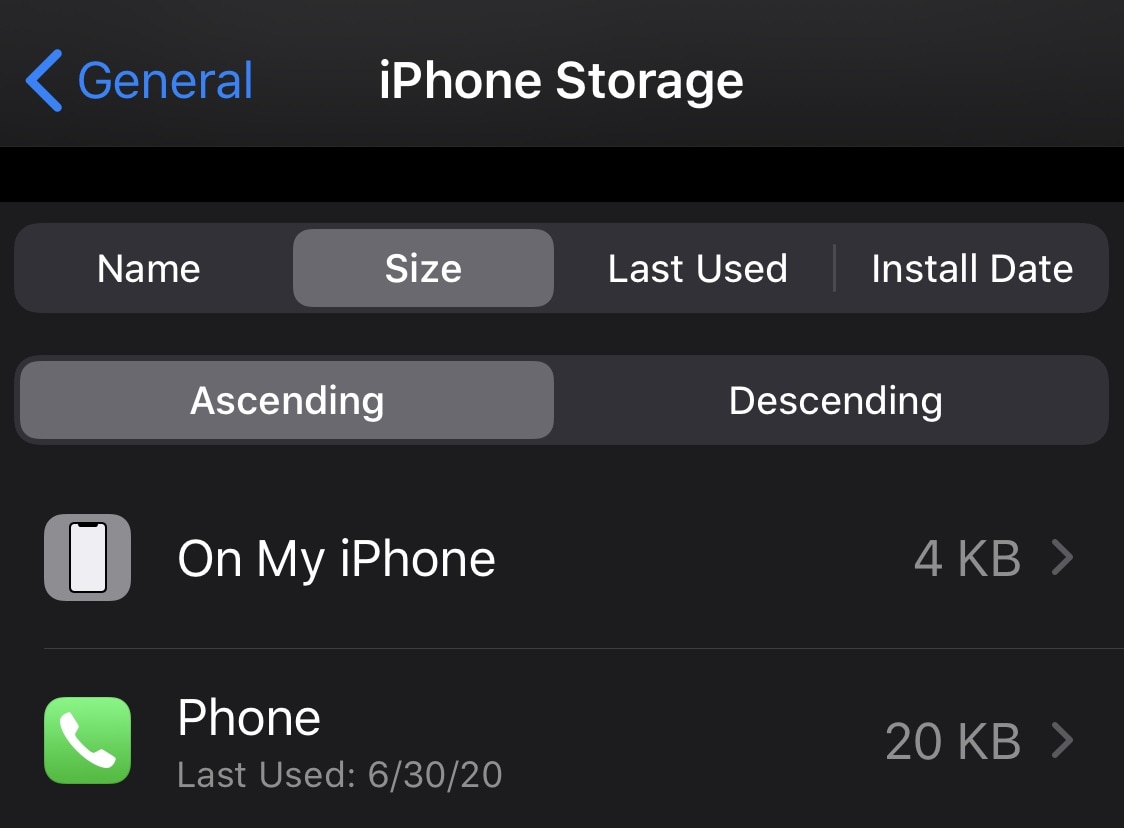
If your handset is jailbroken with unc0ver and you’ve either decided that you revert to a vanilla version of iOS or that you want to start over with a different jailbreak tool, it’s important to know that the unc0ver jailbreak incorporates a mechanism for rolling your handset back to a pre-jailbroken state.
In this step-by-step tutorial, we’ll walk you through the steps necessary to remove the unc0ver jailbreak and all of its components from your iPhone or iPad. This process is recommended over totally restoring your handset because it will preserve your valuable personal data and ensure that your device can still be jailbroken in the future if you happen to change your mind.
Learn how to manually add titles and captions to images and videos in the Apple Photos app on your iPhone, iPad, and Mac to make it easy to search for them later.
Struggling to view the words to sing along? Learn how to see the song lyrics on the full screen inside the Apple Music app on your iPhone, iPad, Mac, and Android phone.
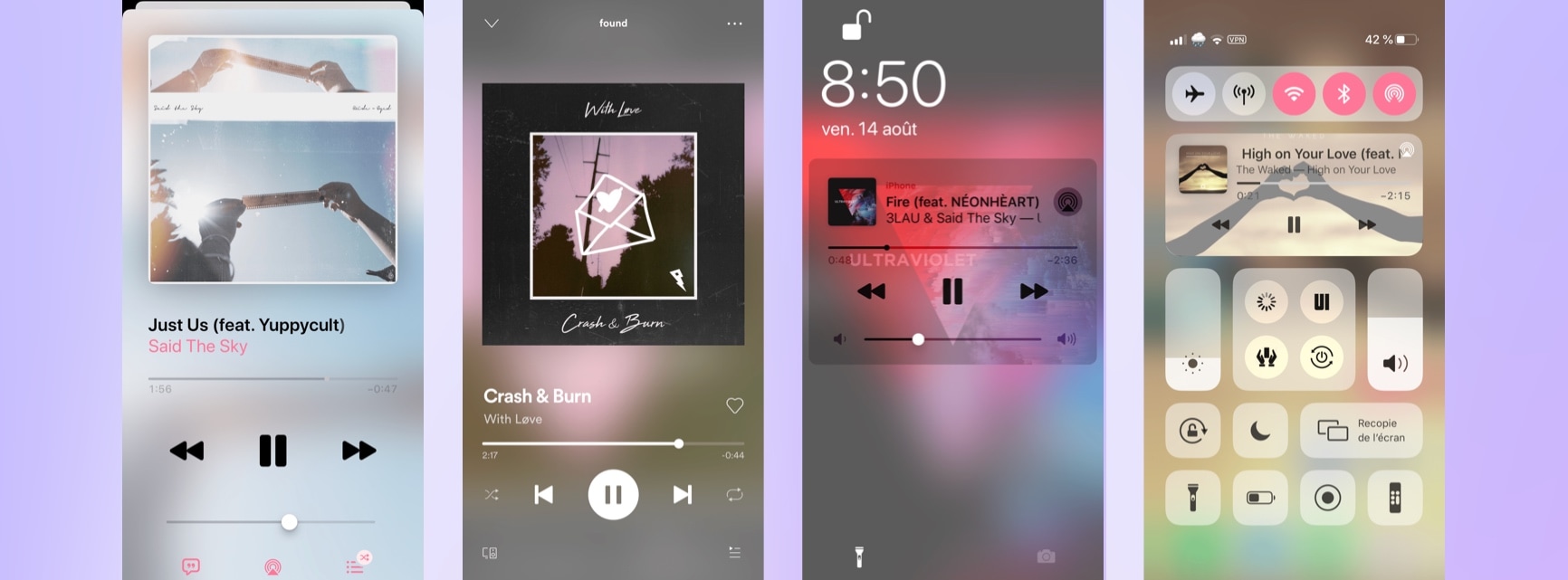
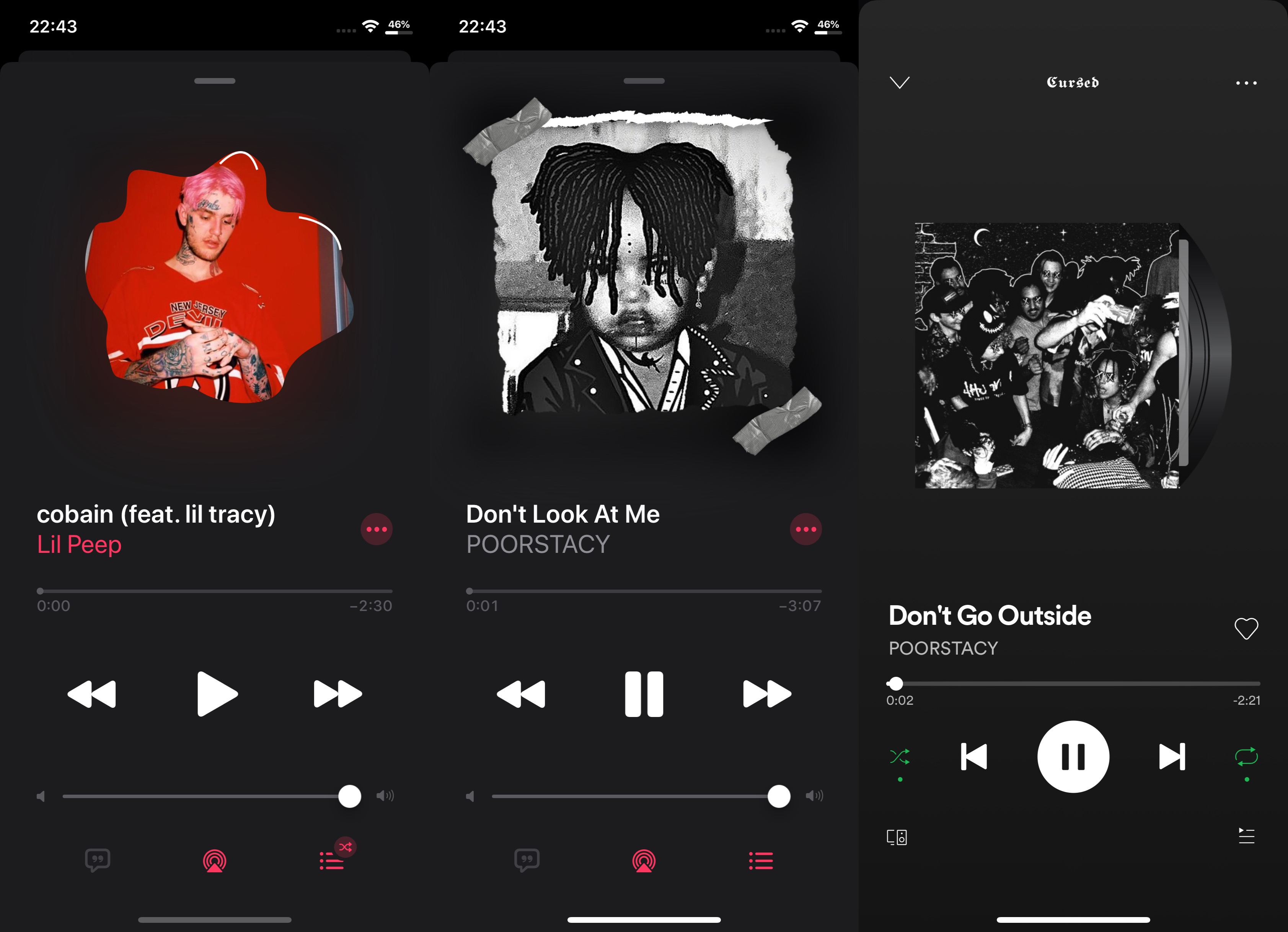
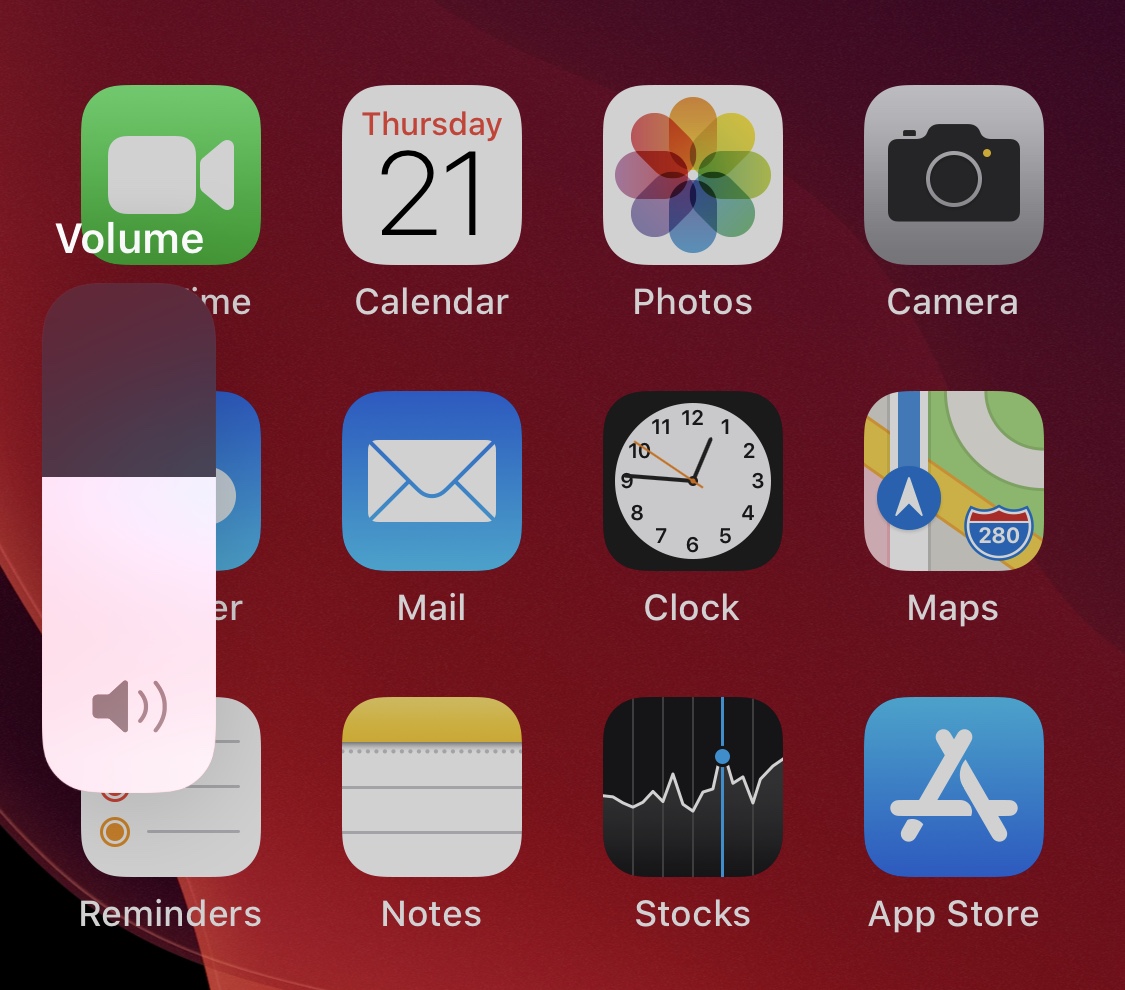
One of the iOS interfaces that the vast majority of iPhone users take advantage of on a daily basis is Control Center. It’s functionally straightforward and convenient to use. Apart from customizing the controls that appear in Control Center, however, Apple doesn’t provide much by way of customization, especially in terms of aesthetics.
Enter CustomizeCC, a newly released and free jailbreak tweak by iOS developer Miguel that lets jailbreakers take unfettered control over the appearance of the Control Center interface. As you might’ve discerned for yourself via the screenshot examples above, CustomizeCC imbues users with a slew of new colorization options for making your Control Center interface unique.
Just as promised, the Electra Team’s new Odyssey jailbreak for iOS 13.0-13.5 lets users install Saurik’s tried and true Cydia package manager (and others) alongside the jailbreak’s default Sileo package manager.
While some people prefer the Sileo experience over Cydia, the fact remains that many remain loyal to the package manager they’re most familiar with. With that in mind, we’ll be showing you how you can install Cydia on your Odyssey or Odysseyra1n device in this step-by-step tutorial.
Odyssey is the Odyssey Team’s latest creation, and it’s specifically intended for jailbreaking iOS & iPadOS versions 13.0-13.7. Much like the competing unc0ver jailbreak, Odyssey is a side-loadable jailbreak app that installs a semi-untethered jailbreak.
The Odyssey jailbreak by default uses the Sileo package manager for installing packages and libhooker for tweak injection. Additionally, it installs the all-new Procursus bootstrap, which powers everything that makes this jailbreak tick. If you’re interested in using this concoction, then you’ve come to the right place because this tutorial will show you how you can jailbreak your iPhone or iPad with Odyssey.
Ever since the unc0ver team issued a DMCA take down request for the Odyssey jailbreak GitHub page, many avid jailbreakers have been waiting for the smoke to clear. At this time, the investigation is still pending, and no official verdict has been declared. Odyssey lead developer CoolStar did, however, respond to the DMCA take down with an appeal. Now we wait to see what happens...
In the meantime, those avidly waiting for the Odyssey jailbreak to launch have been forced to wait longer than expected to download and use the tool. CoolStar’s most recently ETA for release is ‘whenever GitHub restores the repository,’ but things took an interesting turn early Sunday morning when CoolStar Tweeted a link encompassing what appears to be a beta pre-release version of the Odyssey jailbreak tool:
It's been an interesting week for the jailbreak community. Not only did the unc0ver jailbreak receive an important update with support for the latest iOS 12.4.8 on the iPhone 5s, iPhone 6, and iPad Air 1st generation, but two important tidbits of news surfaced involving the Pangu Team, including an iOS 14 jailbreak demo and a successful hacking of the iPhone's SEP; but more on that later. At the start of this piece, we'll talk about all the latest jailbreak tweaks that you may have missed because of life.
As usual, we'll start off by showcasing our favorite releases of the bunch first and then wrap things up with an outline of the rest afterward.
Whether you’ve jailbroken with the checkra1n tool and fancy reverting back to a vanilla version of iOS or you merely want to uninstall checkra1n to try a different jailbreak tool, the checkra1n jailbreak includes a convenient built-in utility for removing the jailbreak with just a few simple taps.
In this tutorial, we’ll show you how to remove the checkra1n jailbreak without completely restoring your iPhone or iPad. This method is traditionally recommended over a full-blown device restore because it doesn’t erase your data and it preserves your version of iOS. The latter is especially useful if you’re removing checkra1n to try another jailbreak since other jailbreaks can be picky about the versions of iOS they support.