iPad

From the latest news to the most comprehensive tutorials, learn how to get the most out of your iPad with our step-by-step guides and expert tips.

Jailbreak tweaks of the week: Escape, Max Photo Zoom, Pocket Protector, & more…

If you're a jailbreaker and you're searching for the latest and greatest ways to customize your iPhone or iPad, then you've come to the right place. This roundup will go over all the latest jailbreak tweaks released between Monday, October 26th and Sunday, November 1st.

As usual, we'll kick things off by talking about our favorite releases first; after that, we'll produce an outline of everything else. So without further ado, let's get started!
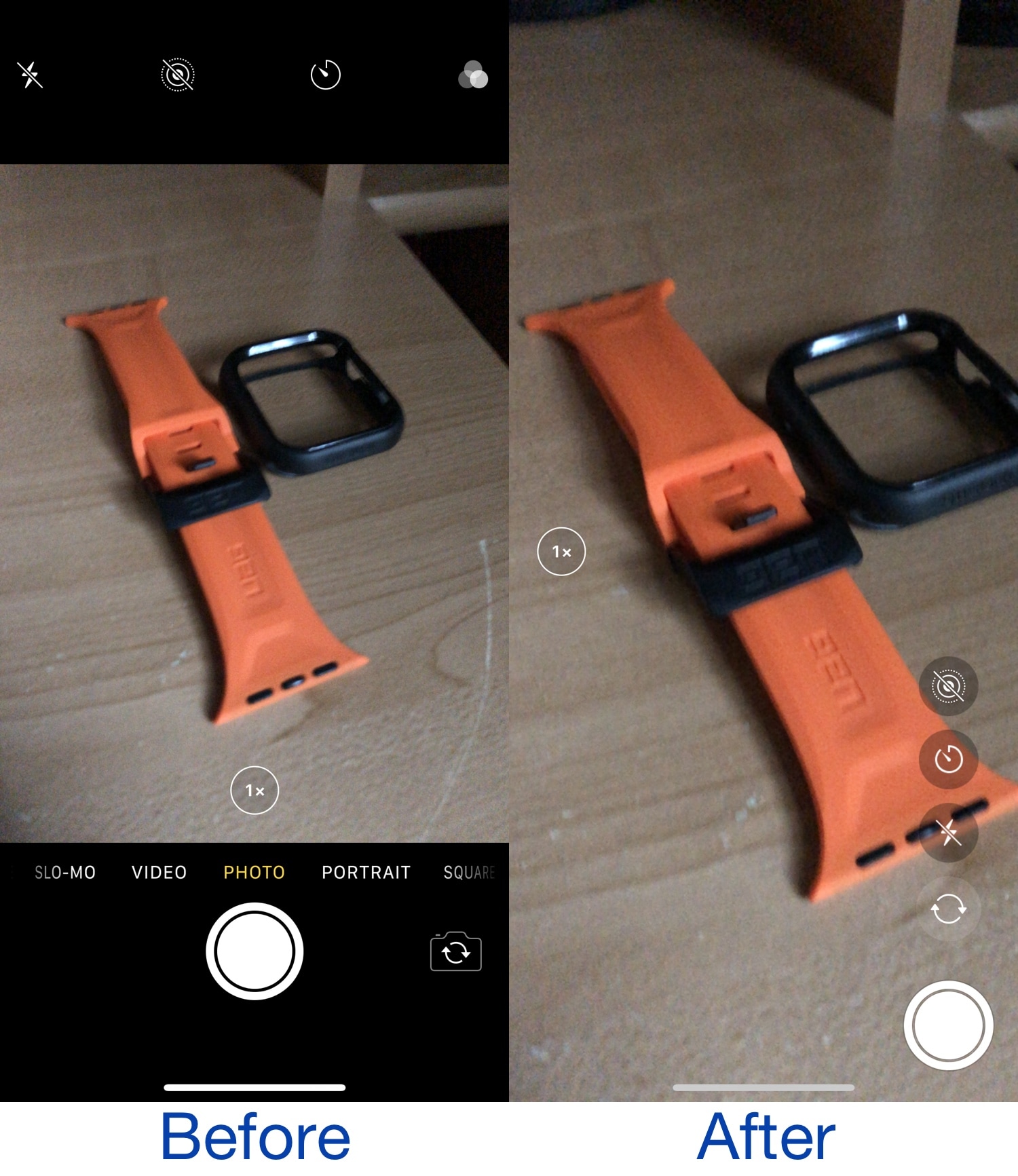
This jailbreak tweak ports the iPad’s Camera app interface to iPhones

As anyone with both an iPhone and iPad can tell you, there’s a distinctive difference between the Camera app interface on each type of device. The iPhone’s Camera app layout takes a horizontal approach to button positioning, while the iPad’s Camera app layout takes a vertical approach to button positioning.

Apple likely has its reasons for designing things how they did, likely to make accessing controls on the iPad easier when your thumbs are on either side of the device as you control it. But wouldn’t it be nice if there was at least some form of synergy between the two platforms? If you answered yes, then you might enjoy a newly released and free jailbreak tweak dubbed iPad Cam by iOS developer pholic.

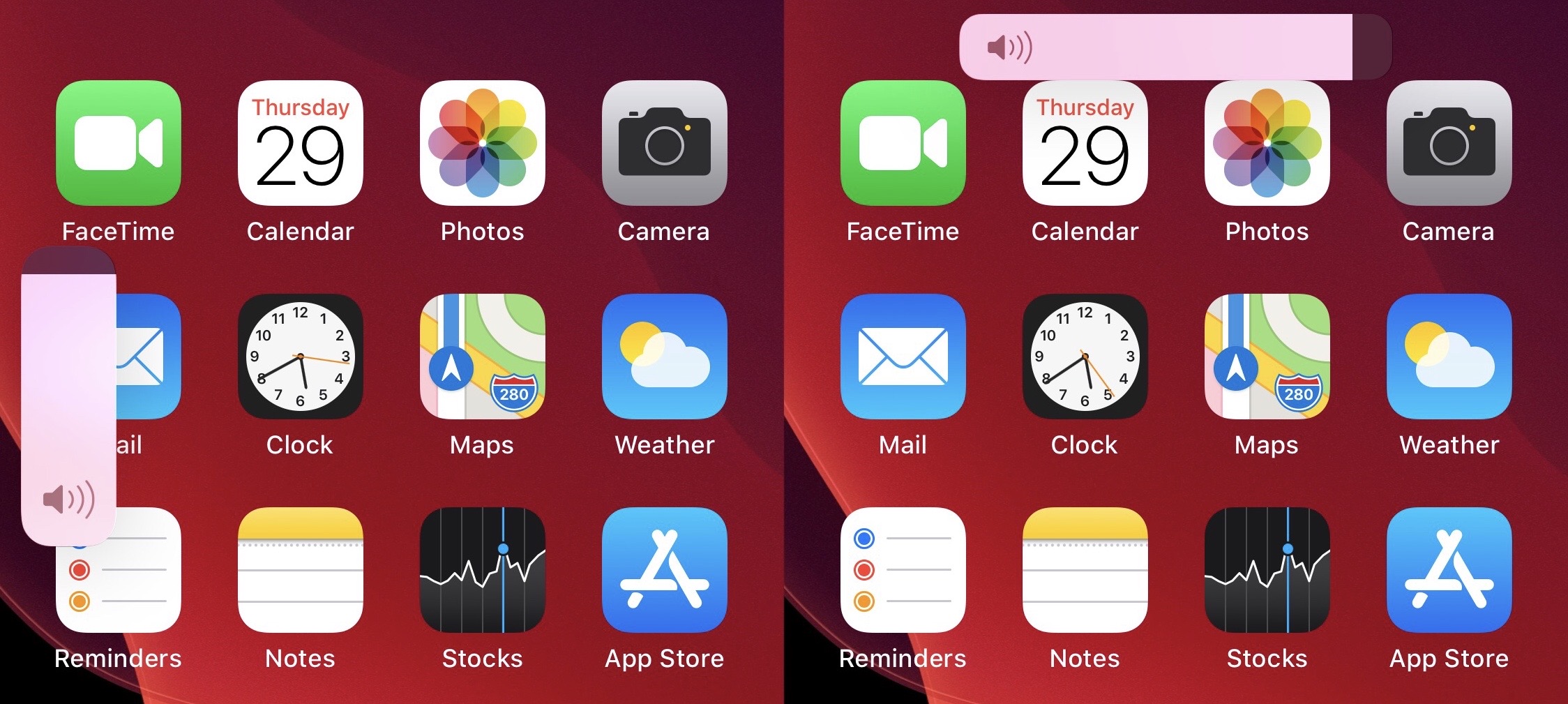
Sana is a new jailbreak tweak for customizing the iOS 13 volume HUD

When Apple released iOS 13 last year, one of the most substantial new features was the redesigned volume HUD interface. It not only moved the volume HUD off to the side and out of the way, but it also made the interface touch-sensitive, enabling finger-based granular volume adjustments when visible.

If, however, you were hoping for some form of customization with regard to the new volume HUD, then you would have been let down. Fortunately, a newly released and free jailbreak tweak called Sana by iOS developer samoht provides some relief.

iPAPatcher comes out of beta as developer re-writes tool for v1.0

Just under two weeks ago, developer Brandon Plank launched a beta macOS app dubbed iPAPatcher that allowed users to merge Dynamic Libraries (dylib) or jailbreak tweaks (.deb files) with iPhone or iPad apps (.ipa files) before installing them on a handset of your choosing. In essence, one might describe it as akin to enabling hacks and perks in your favorite apps without the need for a jailbreak.

As of this week, however, iPAPatcher is officially coming out of beta. The source code of version 1.0 of this handy utility is now published on the developer’s GitHub page, and as you might come to expect, it comes with a plethora of improvements that benefit the end user.

Apple bars downgrades to iOS 14.0.1 following launch of iOS 14.1

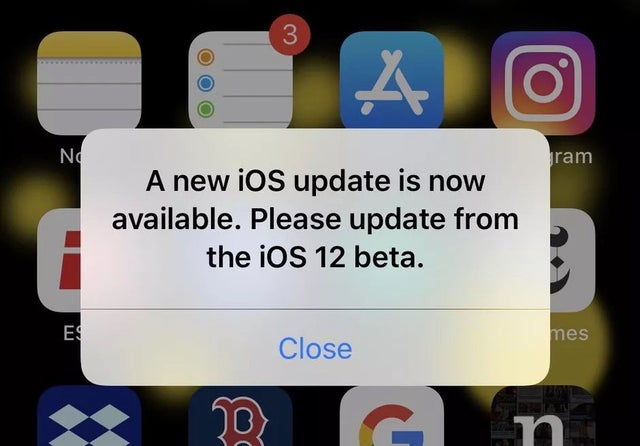
Leave the iOS 14 beta

In a rather unsurprising move, Apple closed the signing window for iOS & iPadOS 14.0.1 Tuesday evening, one full week after unleashing iOS & iPadOS 14.1 to the general public to introduce various bug fixes and improvements for the company’s user base.

By closing the signing window for this particular version of firmware, Apple has effectively built a firewall against those wanting to downgrade their iPhone or iPad’s firmware for one reason or another. But this shouldn’t take anyone by shock; after all, Apple loves being in control of its users and signaling what they can and can’t do with their devices. This is nothing new.

“Warp Drive – Teleport Racing!” is coming soon to Apple Arcade

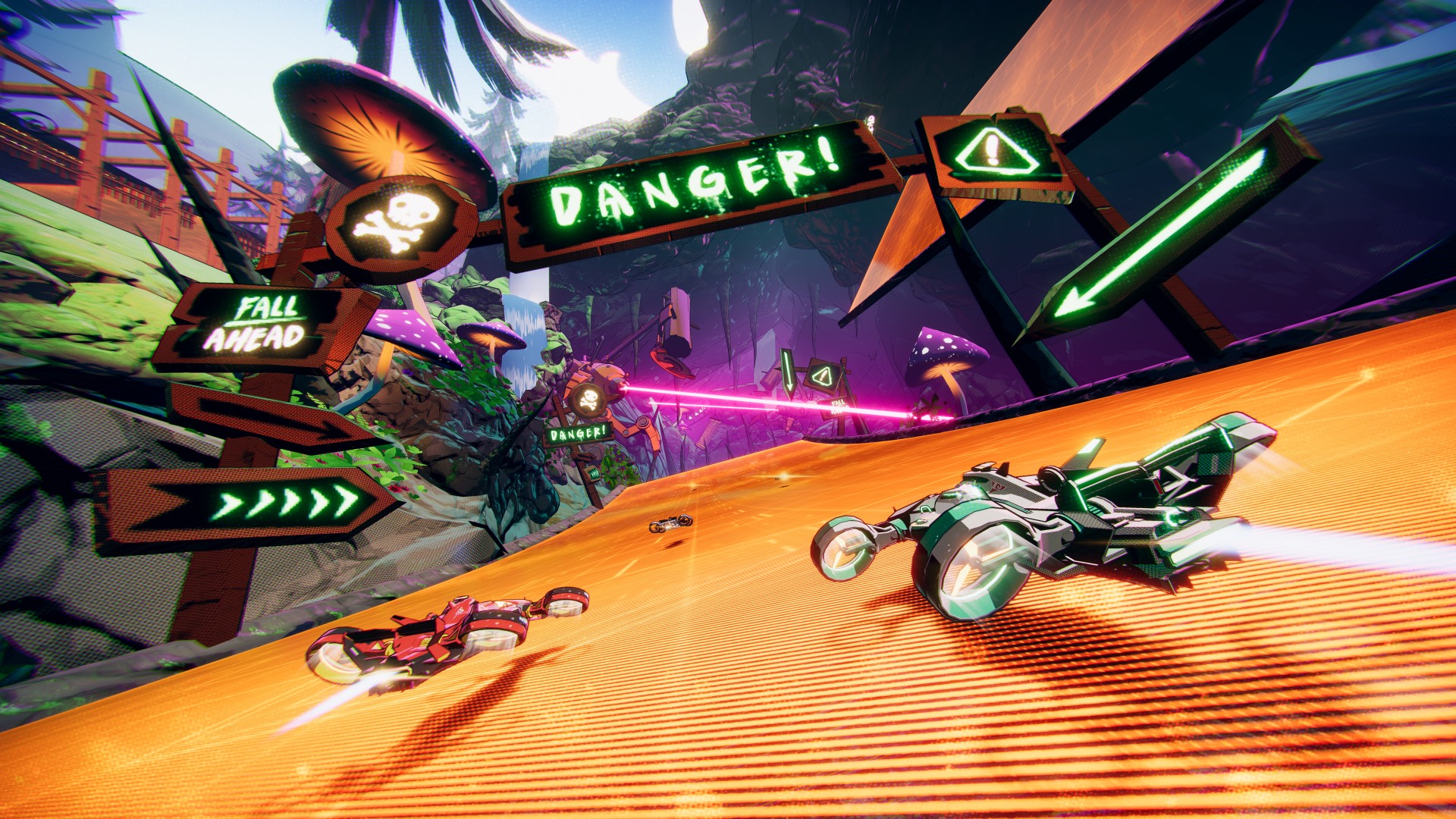
“Warp Drive - Teleport Racing!“ is another coming-soon Apple Arcade title. The game will bring a unique mechanic to the core of the racing experience: teleporting around the track to reach different areas. This will let you do things like jump huge gaps, drive on the ceiling, overtake the opponents in unexpected ways and more (sounds like “Wipeout“ to me).

Change iOS’ native interface accentuation color with Twister

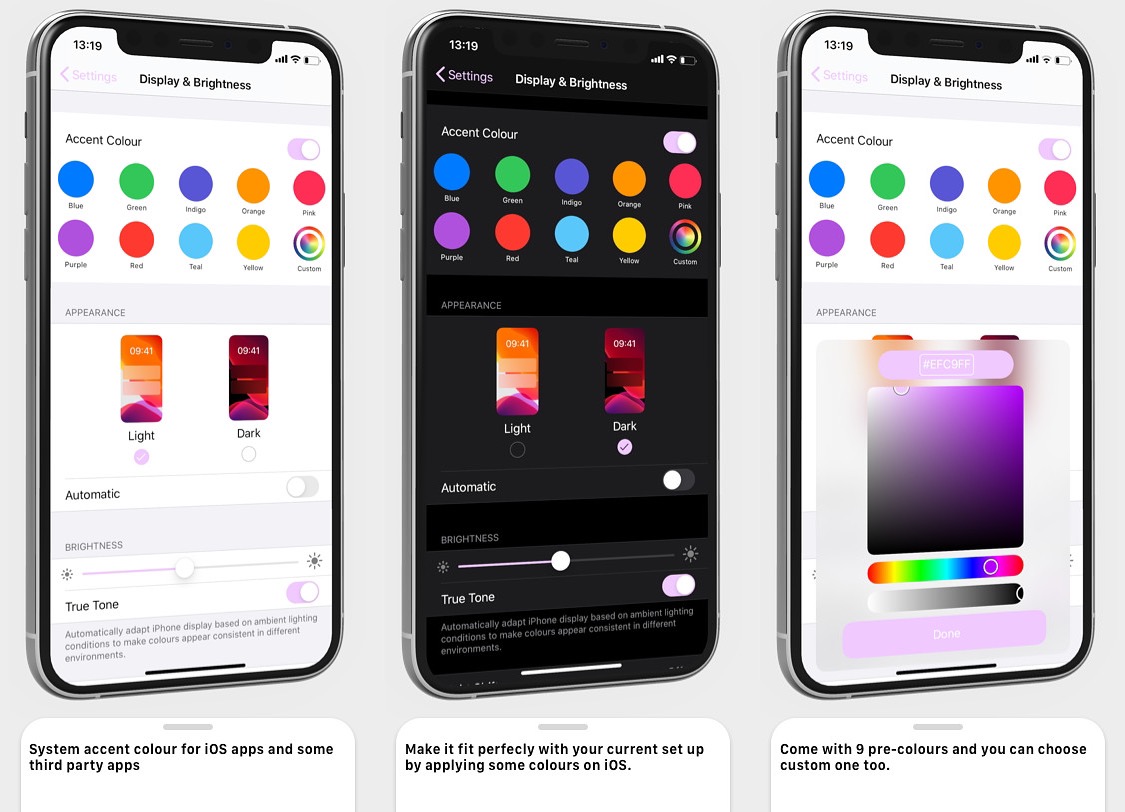
Apple has used the color blue to accentuate buttons, sliders, and more for as long as I can remember. But if you have a favorite color besides blue, then you might find it disappointing that Apple doesn’t offer any way to customize these color accentuations out of the box.

That’s where a newly released jailbreak tweak called Twister by iOS developer SouthernGirlWhoCode can help. This tweak provides users with the option to change iOS’ default accentuation color for the aforementioned interface elements, and it does so in a fashion that looks and feels like it was made Apple themselves.