Apple yesterday opened its first developer accelerator program in Shanghai, China.
Apple opens its first center for app development and design in Shanghai

Apple yesterday opened its first developer accelerator program in Shanghai, China.
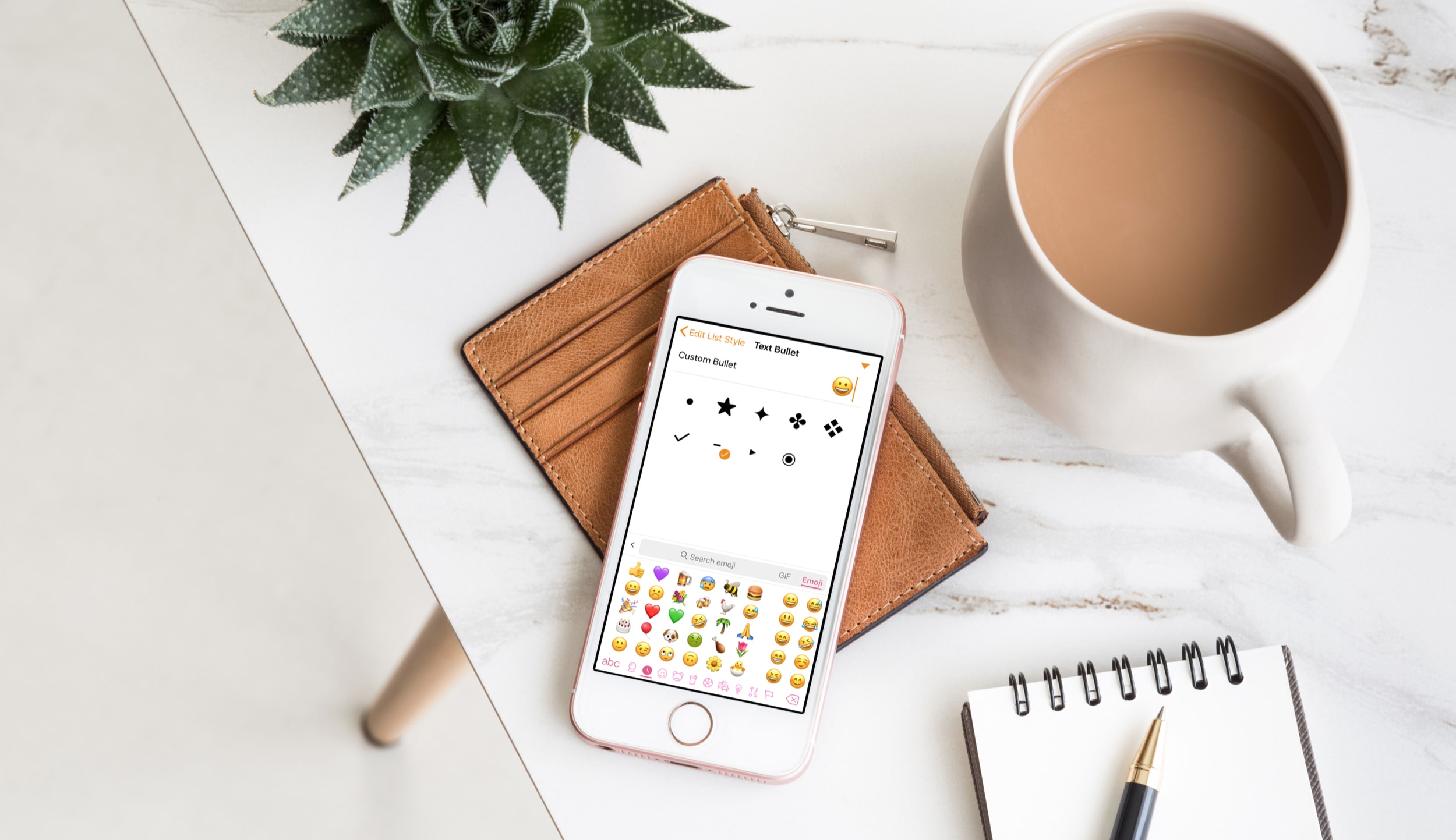
Learn how to customize bullet points in Apple’s Pages app on iPhone and iPad with emoji, images, and different styles for visually appealing lists.
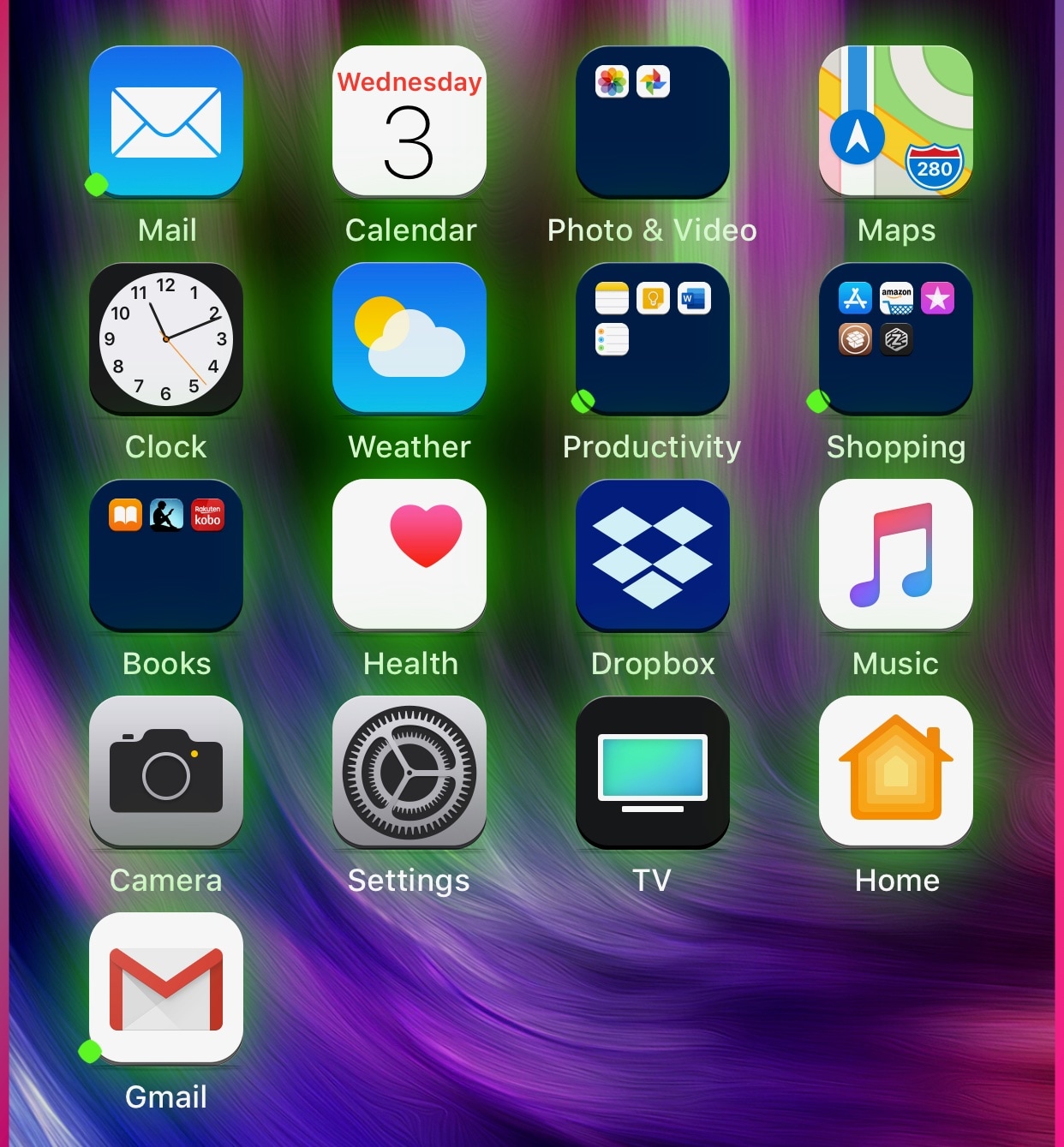
If you’re in the market to add a bit of quirkiness to your iOS device’s Home screen, then you might want to look into a new jailbreak tweak called Luminous by iOS developer Sirius24.
As you’ll notice in the screenshot examples above, Luminous gives every one of your Home screen’s app icons a colored underglow. But perhaps more importantly, the tweak is fully-configurable, allowing just about anyone to achieve the look and feel that they’re aiming for.

Whatever sport you love, baseball, football, soccer, there’s likely an app for that. You can even find some apps specific to your favorite teams, leagues, and tournaments. But if you enjoy all sports and want a quick and easy way to check a game score on your break at work or while waiting for a cab, these are the best iPhone apps for sports scores.

A photo collage can be an excellent way to share your pictures. You can create a collection of photos of your kids, your pets, or your vacation, all in one awesome image. If want a different way to share your favorite photos, then check out these best photo collage apps for iPhone and iPad.
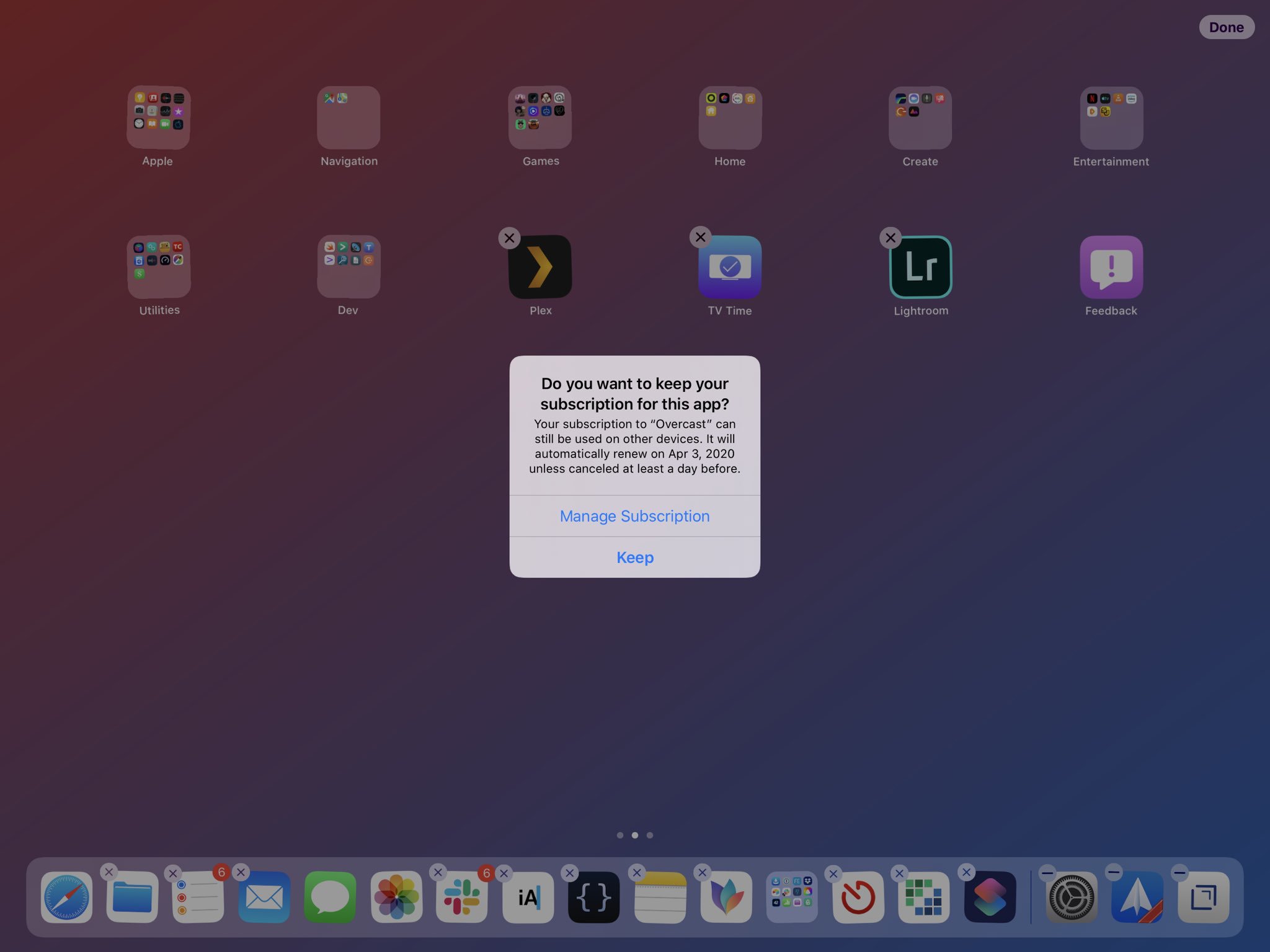
One of the tweaks in the second developer beta of iOS 13 that dropped yesterday is a prompt for when an app you're trying to delete from an iPhone or iPad has an active subscription.
As first noted by MacStories' editor-in-chief Federico Viticci yesterday afternoon, iOS 13 beta 2 now informs you if an app you're deleting has a subscription still active.
"Do you want to keep your subscription for this app?," asks the prompt. "Your subscription to this app can still be used on other devices," reads the alert text. The warning message includes precise information about when said subscription is set to renew automatically.
It also offers a Manage Subscriptions button to jump to the corresponding sub-section within the Settings app, and Keep, which keeps the subscription for the app being deleted.
While this may seem like an unnecessary feature addition in iOS 13, consider for a moment a bunch of cases of unwanted billing that were in the news not that long time ago because people didn't read prompts. On top of that, how many people use a subscription-tracking app like Bobby for iPhone to keep track of all the active subscriptions they have?
I know what I'm subscribed to and when my next billing cycles are due, but not everyone does. Keeping those people (who I suspect are in the majority) informed about the active recurring subscription for the app they're trying to delete could save them from bill shock.
For the rest of us, it's going to be an additional tap before that app gets wiped out.
What do you think of this feature?
Let us know in the comments!
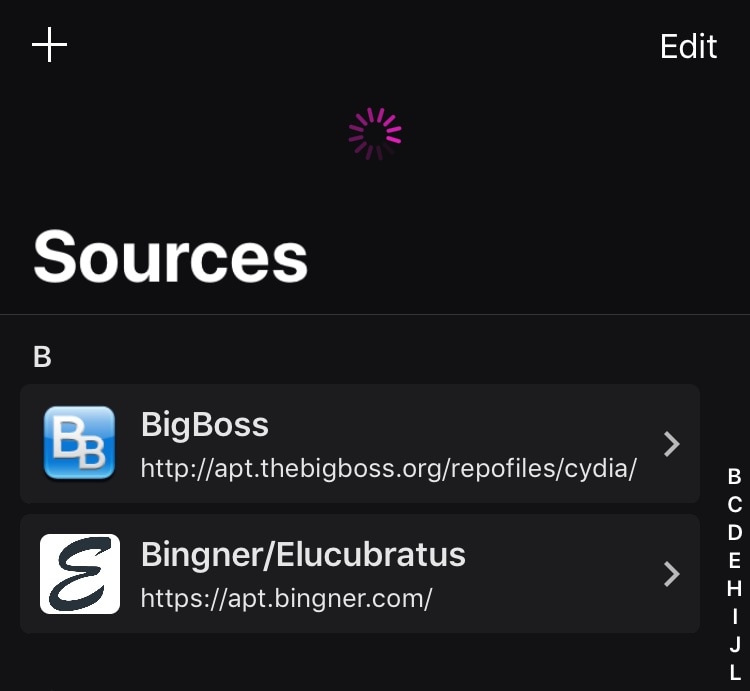
As you use iOS, you’ll become accustomed to seeing activity indicators in many of your apps. The activity indicator is denoted by a spinning wheel, such as what you might see when certain apps load or begin communicating with the internet.
iOS’ activity monitors are typically monotonous, serving no other purpose besides letting you know that an app is doing something; but that doesn’t mean they need to be boring. A newly-released and free jailbreak tweak dubbed Spoke by iOS developer Unicorn808 lets you colorize these activity monitors.
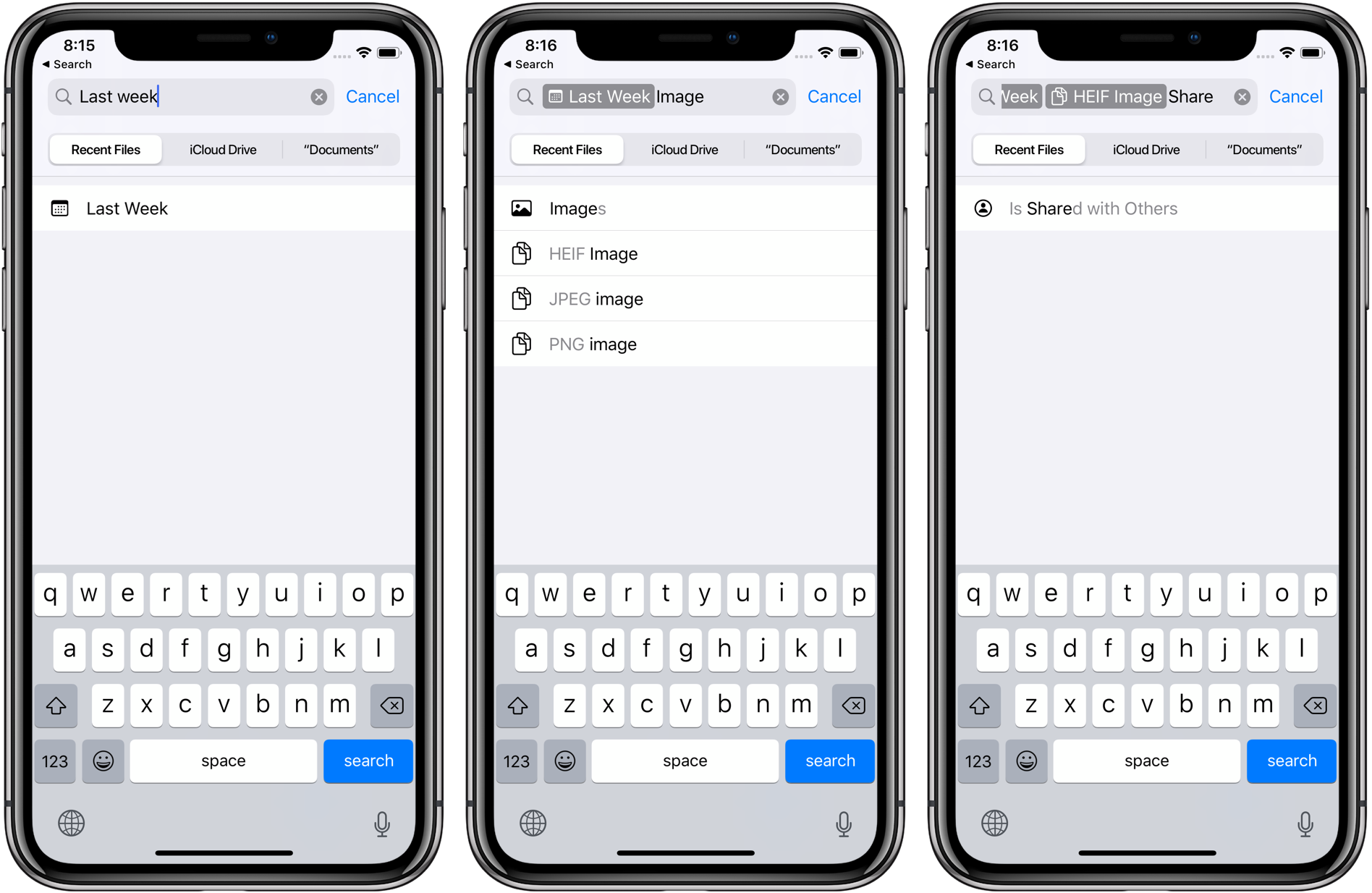
iOS 13 brings a more advanced Files app for iPhone that lets you access external storage devices, including SD cards and USB flash drives, as well as use file servers, archive and unarchive files, share iCloud folders via a link, manage Safari and Mail downloads, and more.

Apple has replaced the itunes.apple.com URLs when accessing listings from App Store and Mac App Store through a web browser with the new apps.apple.com domain in yet another sign that the iPhone maker is unshackling itself from the past and moving forward.
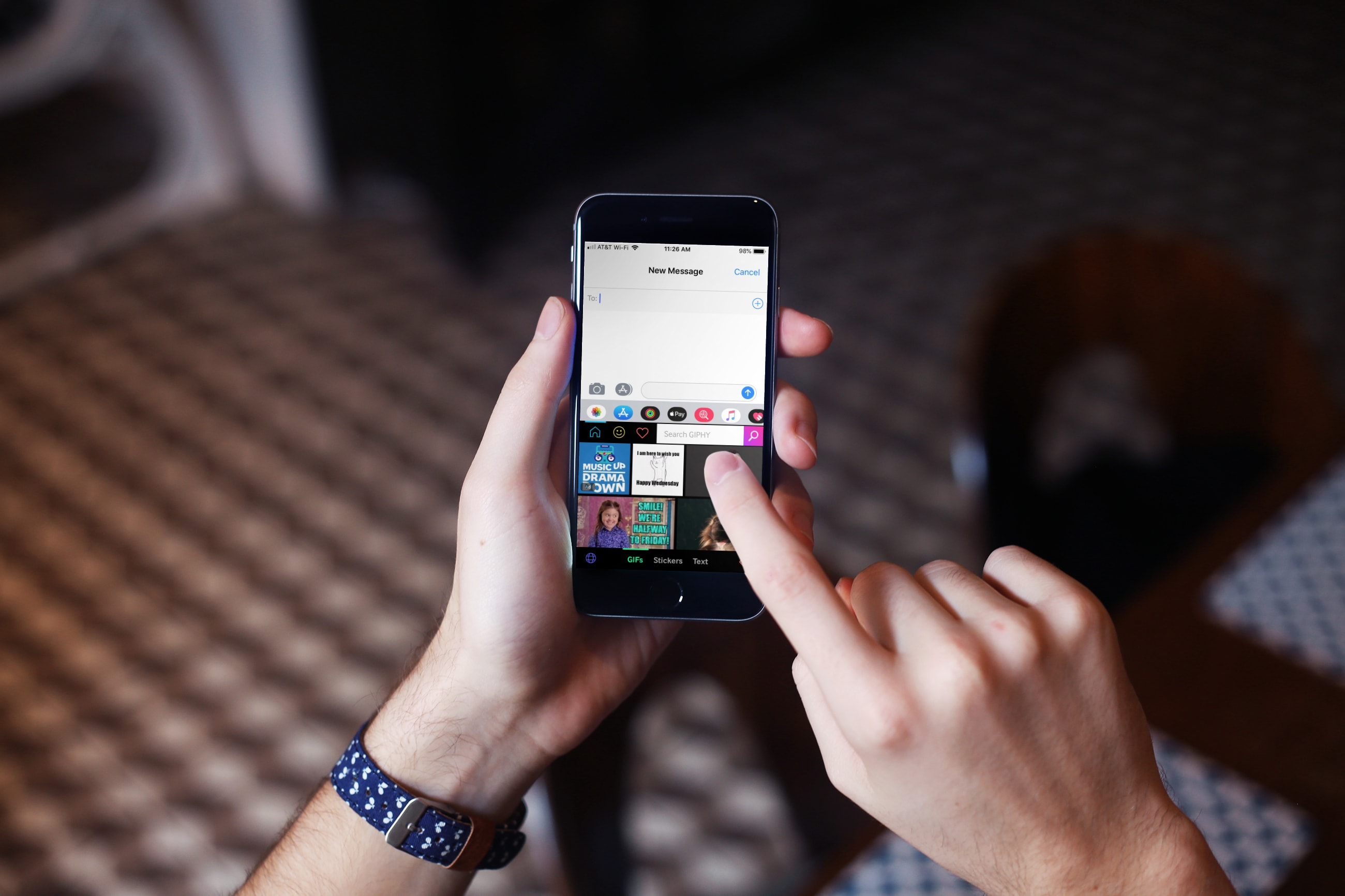
Animated GIFs seem to be one of the most popular things people share these days aside from photos. Whether on social media or in text messages, those short animations are everywhere. You can share something sweet, thoughtful, hilarious, sarcastic, or wacky, and the list goes on.
If you search Google, you’ll find tons of GIFs for the topic you need. But why bother when you can use a keyboard specifically for them? These are the best GIF keyboard apps for iPhone and iPad to bring fun to your messages.
Learn how to turn off your active status on Facebook and Messenger on your iPhone, iPad, Mac, and the web so your friends can't tell you're online.
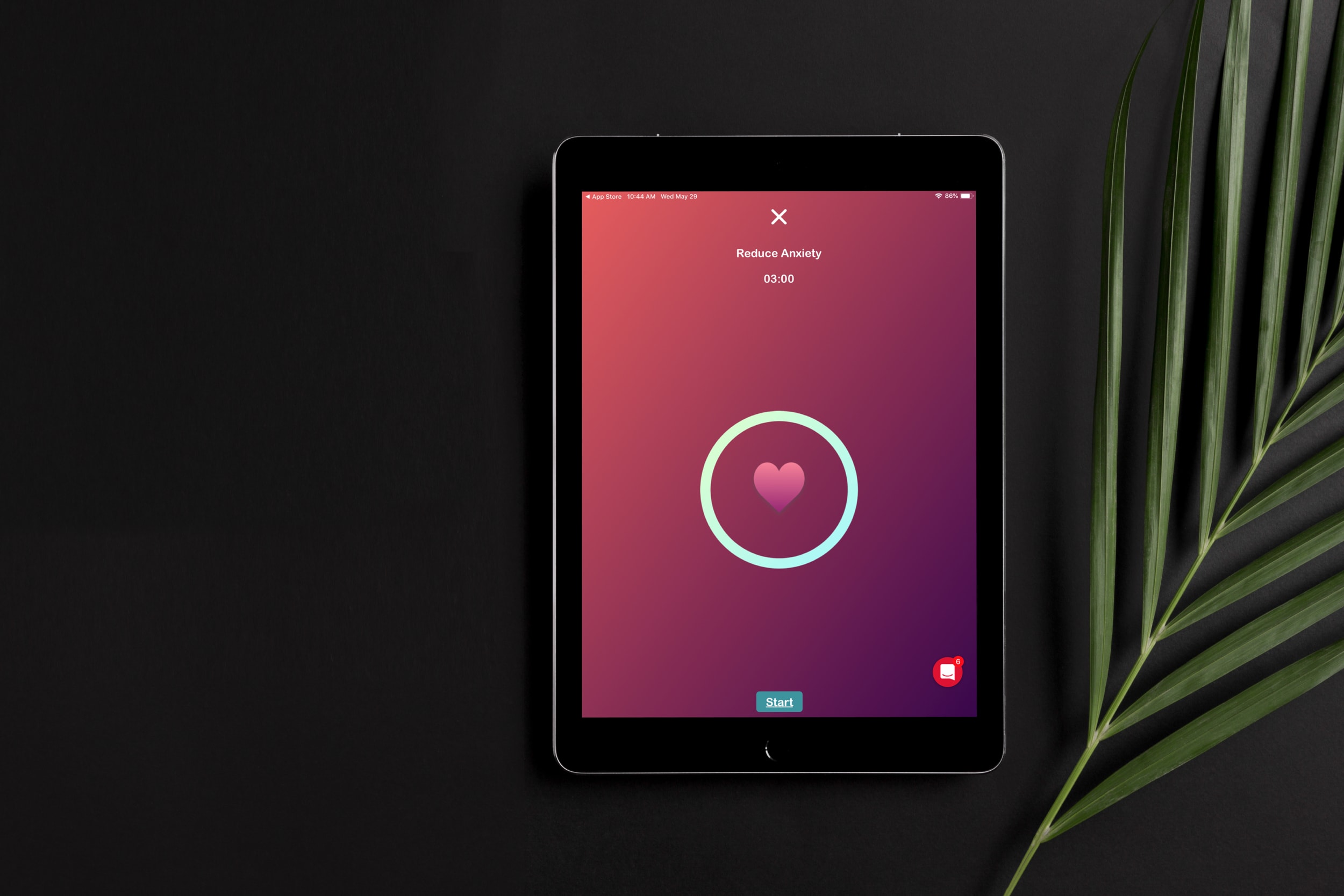
Whether you suffer from an anxiety disorder or just need help reducing stress and anxious feelings, your iOS device can be really helpful. Using apps that can make you feel relaxed and in control of your emotional and mental health is a terrific way to use your device.
Here are some of the best anxiety apps for iPhone and iPad.