iOS

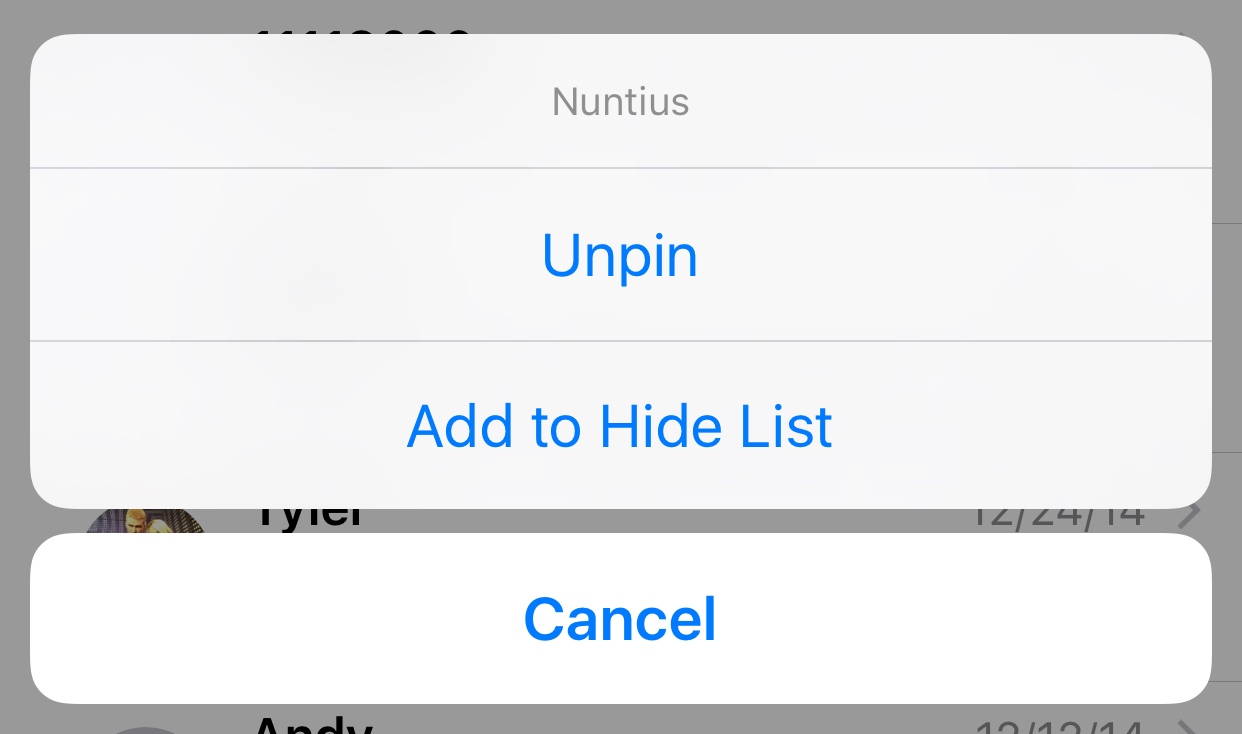
Nuntius gives your Messages app new abilities and customization options

Nuntius is a new jailbreak tweak available in Cydia's BigBoss repository for $1.49 with its sights set on those of you who love the Messages app of your iOS device(s), but wish it could do so much more than it does already.

Although biteSMS might be gone for good, Nuntius is a great messages app-enhancing tweak that will give you many of the features you may be nostalgic for. In this review, we'll take you though some of the features and benefits of using Nuntius on your jailbroken iPhone, iPod touch, or iPad.

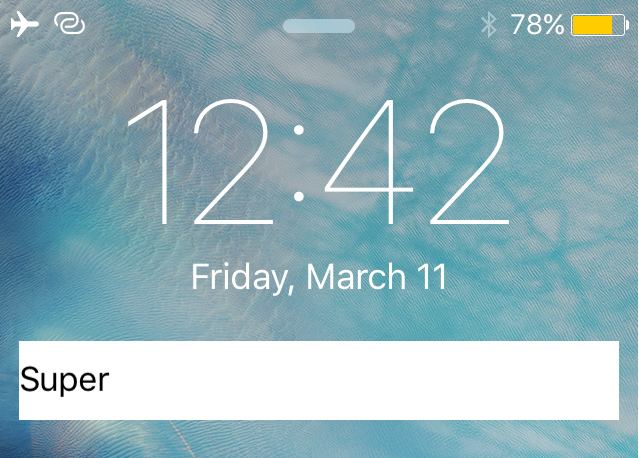
Locktionary: search the iOS dictionary from the Lock screen

Locktionary is a new jailbreak tweak that can be had for free from Cydia's BigBoss repository that will let you search for the definition of any word right from the Lock screen.

The tweak offers a simple way to quickly figure the meaning of a word without having to be vocal with Siri and without even having to unlock your iPhone. In this piece, we'll walk you through how the tweak works and let you know what we think about it.

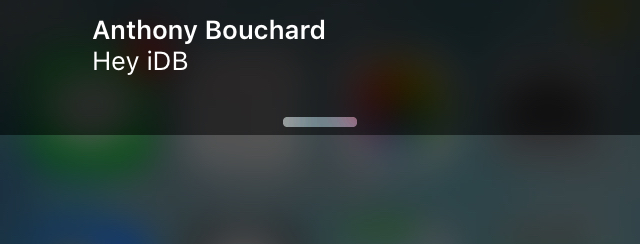
SmartBanners lets you customize your iOS banner notifications

Your notification banners are an intimate part of your iOS experience that you use to interact with apps and people on a daily basis. With that being said, wouldn't it be nice if you could customize some of their features a little bit?

A new free jailbreak tweak called SmartBanners is now available in Cydia's BigBoss repository free of cost, and will give users a myriad of configuration options to customize the look and behavior of their notification banners. In this piece, we'll take you through a bit of how the tweak works.

FastShare: use Activator to quickly share content to Facebook, Twitter, and Messages from anywhere

FastShare is a new jailbreak tweak available in Cydia's BigBoss repository for $1.49 that lets you harness the power of Activator to allow you to more easily share information with your friends, family, and followers.

The tweak comes with a unique interface for sharing information across your favorite social mediums, such as Facebook, Twitter, and Messages, and it includes options that you can configure to your liking so the tweak looks and behaves how you want it to.

Explore the world of Wikipedia in revamped iOS app with 3D Touch, Explore feed and more

Wikipedia, the world's encyclopedia and knowledge base, has never had an attractive mobile app. That changes today with a major refresh to its app in the App Store permitting users to explore Wikipedia content tailored to their interests via an all-new Explore feed.

Navigations has been greatly simplified with new touch-friendly ways to discover content, 3D Touch support, Spotlight Search integration and more.

The app was obviously designed with the theme of exploration in mind.

“We all know Wikipedia as a quick fact-checking resource, but the new app is designed to make exploring knowledge on Wikipedia a journey,” developers told me via email.

‘Ask to Buy’ lets you control what your kids buy in iTunes, iBooks, or App Store

After a period of Apple being under fire because kids were running up their parents' credit card bills with App Store and in-app purchases, Apple decided to do something about it. Apple's answer was to create a parental control system for the App Store so parents could approve or deny purchases that would otherwise have an impact on their credit card.

This parental control system is known as 'Ask to Buy' and it's available on both iOS and OS X in the latest releases of the operating systems, and in this tutorial, we'll tell you a little bit about how to configure and use Ask to Buy.

How to recycle your old tech with Apple’s Recycling Program

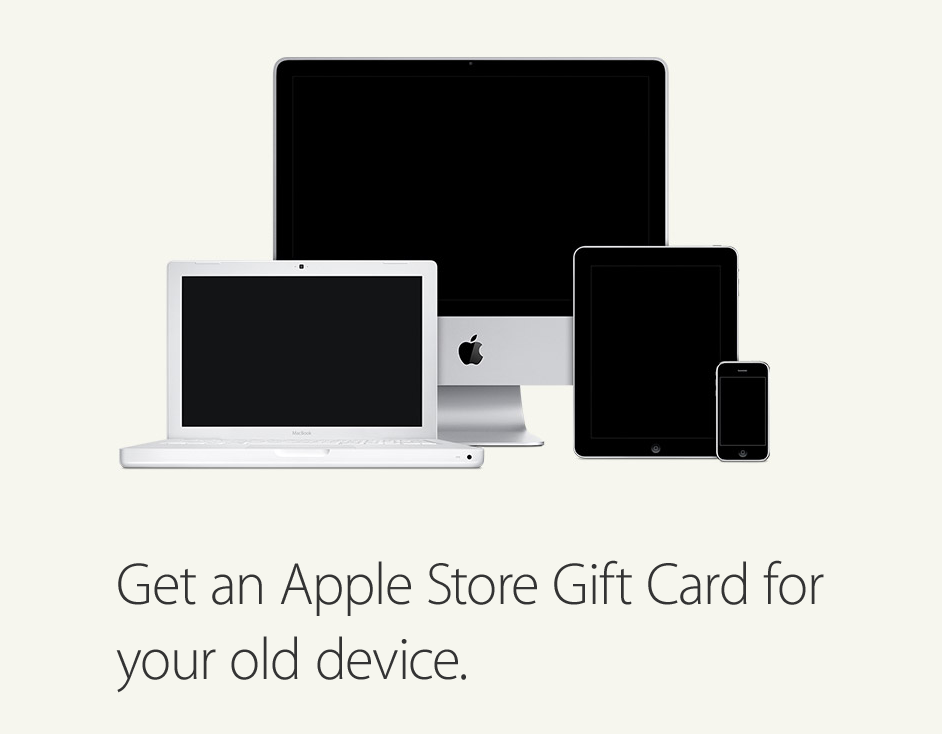
If you have old tech sitting in your closet or attic that you don't use anymore because you've got something better, Apple will gladly make sure that tech is recycled properly free of cost via the Apple Recycling Program. In some instances, the company will even give you an Apple Store gift card as credit towards a new Apple device or accessories.

The Apple Recycling Program has been around for ages, but is often overlooked as an option. Although better deals can often be had elsewhere, the urge to trade in your device can come at inopportune times, and when you want quick money for your old Apple devices, or a quick and easy way to get rid of your junk tech, Apple can come in handy in a pinch.

In this tutorial, we'll show you how you can use the Apple Recycling Program to make better use of your unused tech.