Learn how to share voicemails from your iPhone as audio files with people, apps, nearby devices, or yourself for reference, safekeeping, or other purposes.
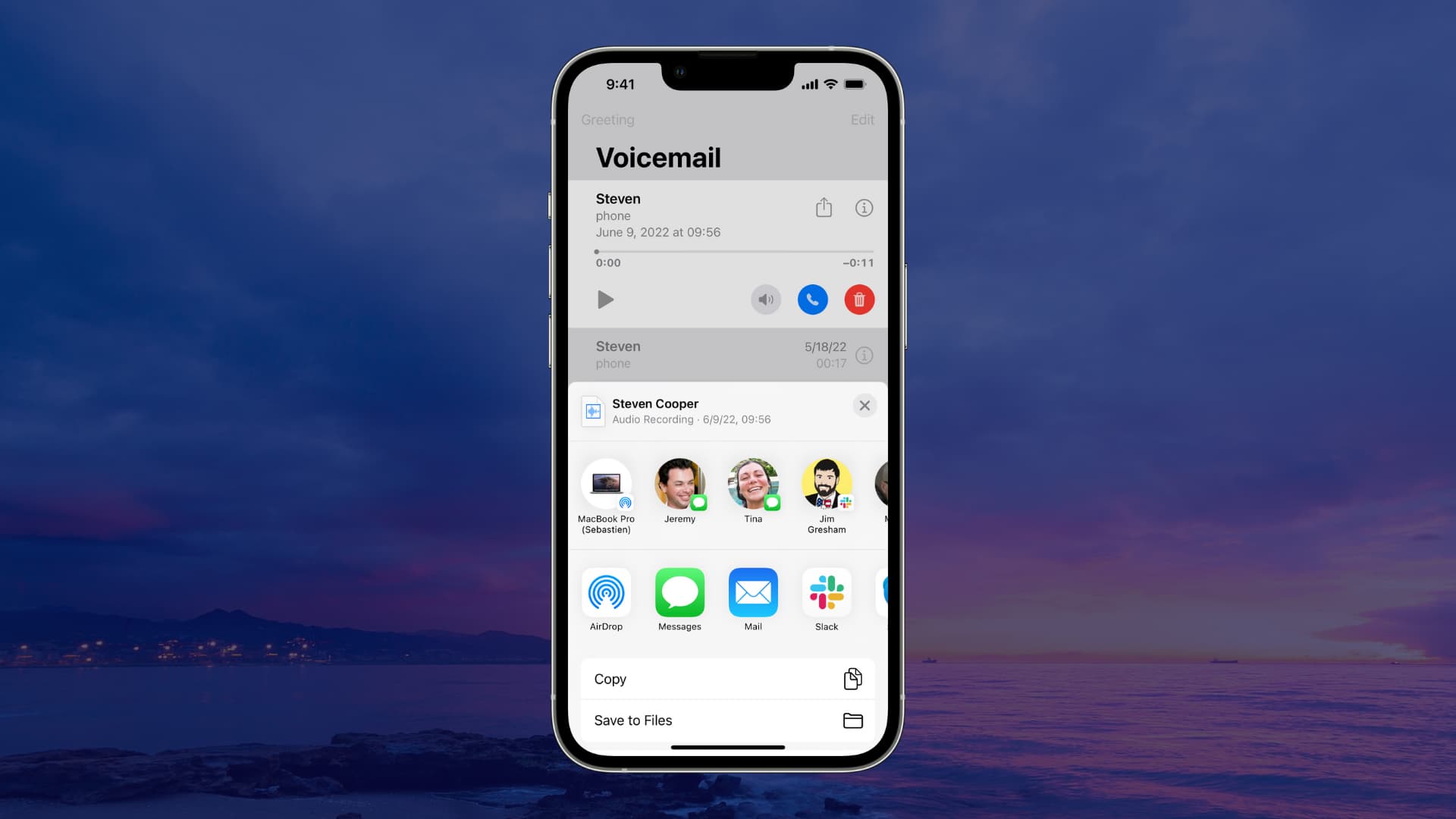
You can easily share a voicemail from your iPhone or send it wirelessly to a nearby iPhone, iPad, or Mac.
Share a voicemail from your iPhone
1) Open the Phone app on your iPhone.
2) Go to the Calls tab, and:
- Tap the three-line menu icon in the top-right corner and choose Voicemail.
- Or choose Classic in the menu to revert to the old look and then go to the Voicemail tab in the bottom-right corner, like on iOS 18 and older.

3) Select a voicemail and tap the share icon.
4) Choose how to send it from standard options such as Messages, Mail, Notes, WhatsApp, and more. Or, tap the AirDrop icon to send the voicemail to a nearby device.

More on voicemails: