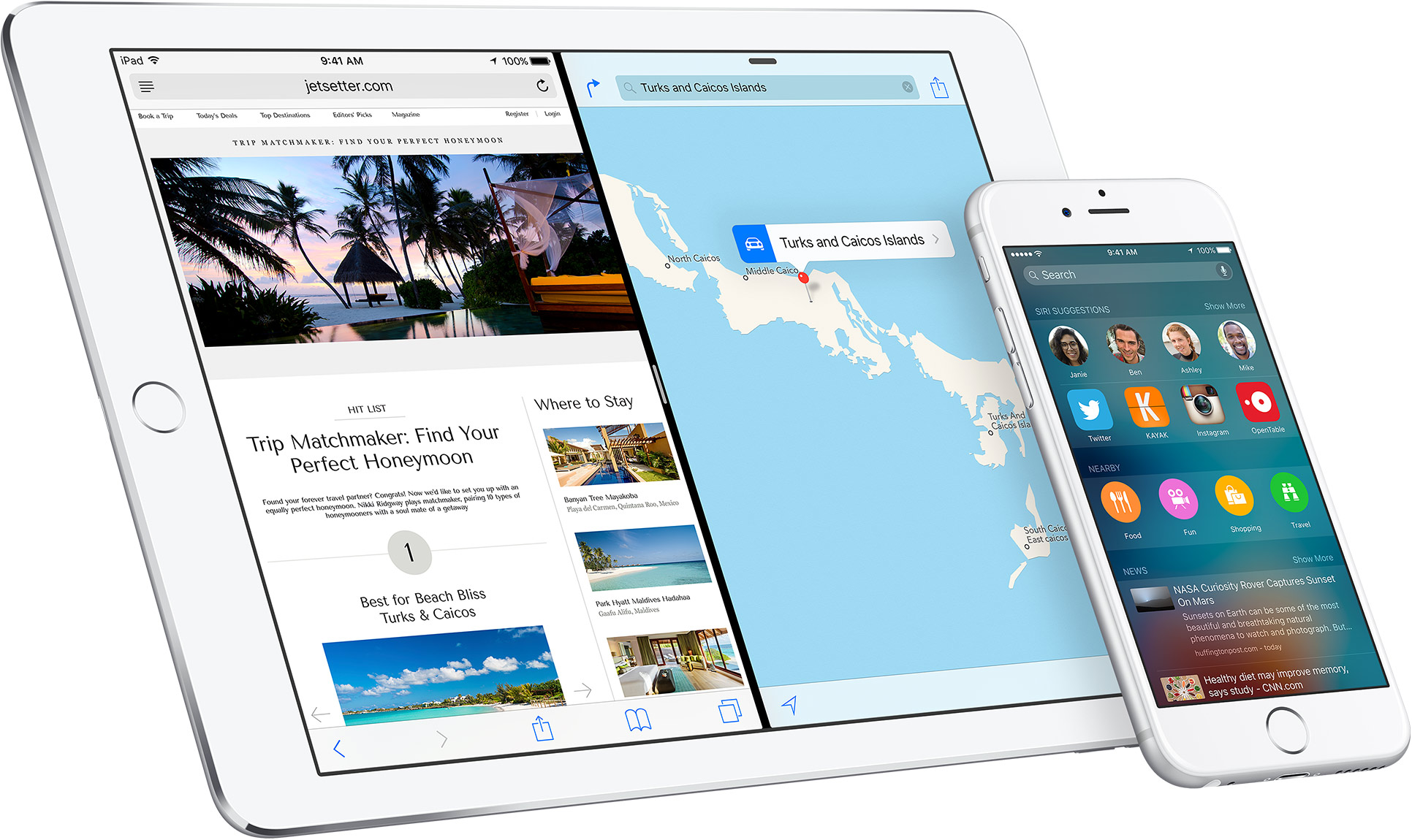
Apple this morning released a third beta of iOS 10 for the iPhone, iPad and iPod touch. The latest build is available right now to developers registered with Apple Developer Program and public beta testers signed on Apple Beta Software Program. Like prior iOS 10 beta releases, beta 3 packs in about a dozen or so tweaks, refinements and some new features. Without further ado, here's our overview of everything new in iOS 10 beta 3.
iOS
iOS 9.3.3 released with bug fixes and performance improvements
Apple is releasing minor OS updates to its install base today, starting with a bug-fix focused watchOS 2.2.2 update for the Apple Watch and continuing with iOS 9.3.3, which appears to include a bunch of bug fixes and unspecified performance improvements. The update can be applied on your device over-the-air in Settings → General → Software Update or downloaded through desktop iTunes.
Facebook SDK for Swift beta now available to iOS, macOS, watchOS and tvOS developers
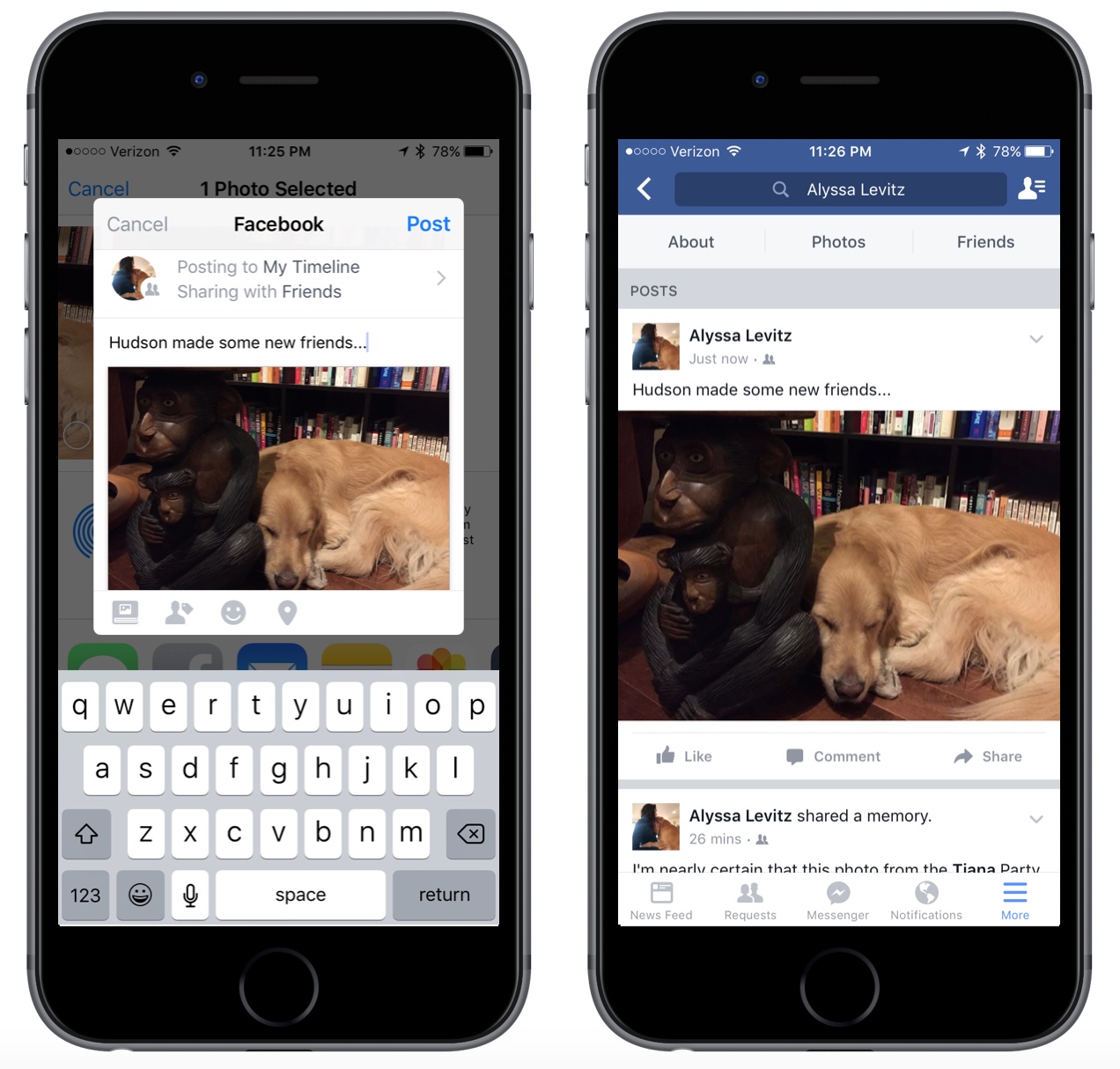
This past weekend, the social networking giant Facebook announced that a beta version of its brand new software development kit (SDK) for Apple's Swift programming language is available for download. The new SDK integrates Facebook buttons into iOS, watchOS, macOS and tvOS apps written in Swift, and integrates such features like Facebook Login, Analytics for Apps, Graph API and Share to Facebook sheets. The Facebook SDK source code is available via GitHub on an open-source basis.
Easily delete photos from your iPhone or iPad with Image Capture on Mac
If you have a Mac, then you also have a really useful image importing app called Image Capture lurking in your Applications folder.
To be completely honest, I still use the Image Capture app despite the fact Apple released their new Photos app for OS X last year, and that's because it's a dead simple utility that isn't bloated with extra features I really don't feel like using.
In this tutorial, we'll show you how to use the Image Capture app on your Mac to remove photos or videos from your iPhone or iPad.
Jailbreak tweaks of the week: Decorus, Nowability, & more…
Jailbreakers have been hard pressed to get some really functional jailbreak tweaks as of late. The lack of a jailbreak on Apple's latest firmware has put Cydia in somewhat of a drought.
Nevertheless, there are still some jailbreak developers who are still developing for the jailbreak community, and although this week has once again been slow, Cydia isn't completely dry just yet. We'll go over this week's releases in this roundup.
ProximityLock lets you lock your iPhone with its proximity sensor
Those of you still rocking a jailbreak despite these dry last few weeks have some new jailbreak tweaks to check out this weekend.
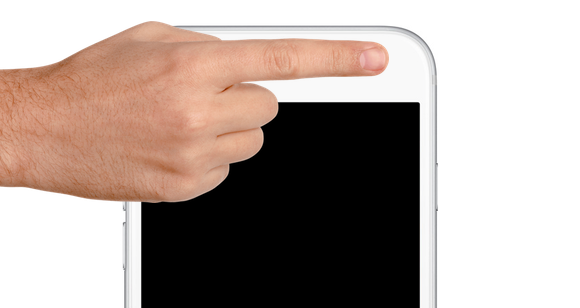
One of those is ProximityLock, which is a new freebie that lets you lock your iPhone with nothing more than the proximity sensor by waving your hand over, or putting your finger over the sensor right by the front-facing camera and ear speaker.
Decorus gives your jailbroken device an iOS 10-inspired Control Center
Control Center gets a makeover in the upcoming iOS 10 update that you can expect to get your hands on this Fall, but in the meantime, those of you with jailbroken iOS 9 devices can get a new look and feel for Control Center right now.
Decorus is a new jailbreak tweak inspired by iOS 10 that gives your iPhone the modular Control Center experience you won't be able to get until this Fall, unless of course you install the iOS 10 betas.
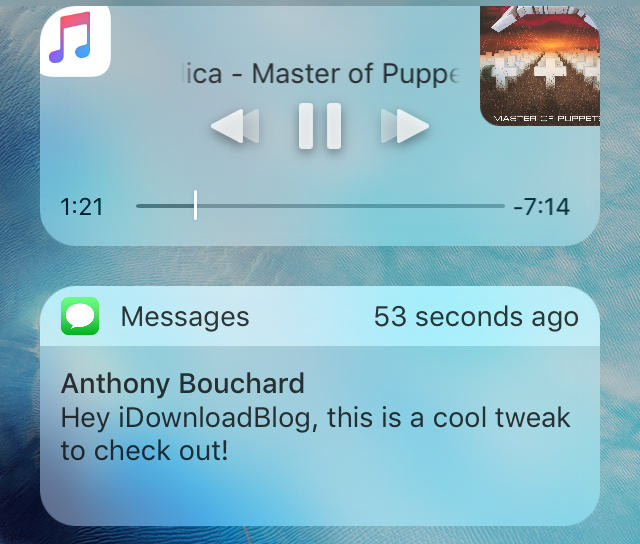
Nowability adds music controls and recent notifications to Reachability
Those of you who use the Reachability interface at all know that it can come in handy during times when you want better one-handed access to the features at the top of your 4.7-inch or 5.5-inch display.
On the other hand, it leaves a big void at the top of the screen that could be utilized to display additional information about your device, and that's just what a new jailbreak tweak called Nowability aims to accomplish.
VIDEO: is Apple adding 3D Touch to iPad with Apple Pencil?
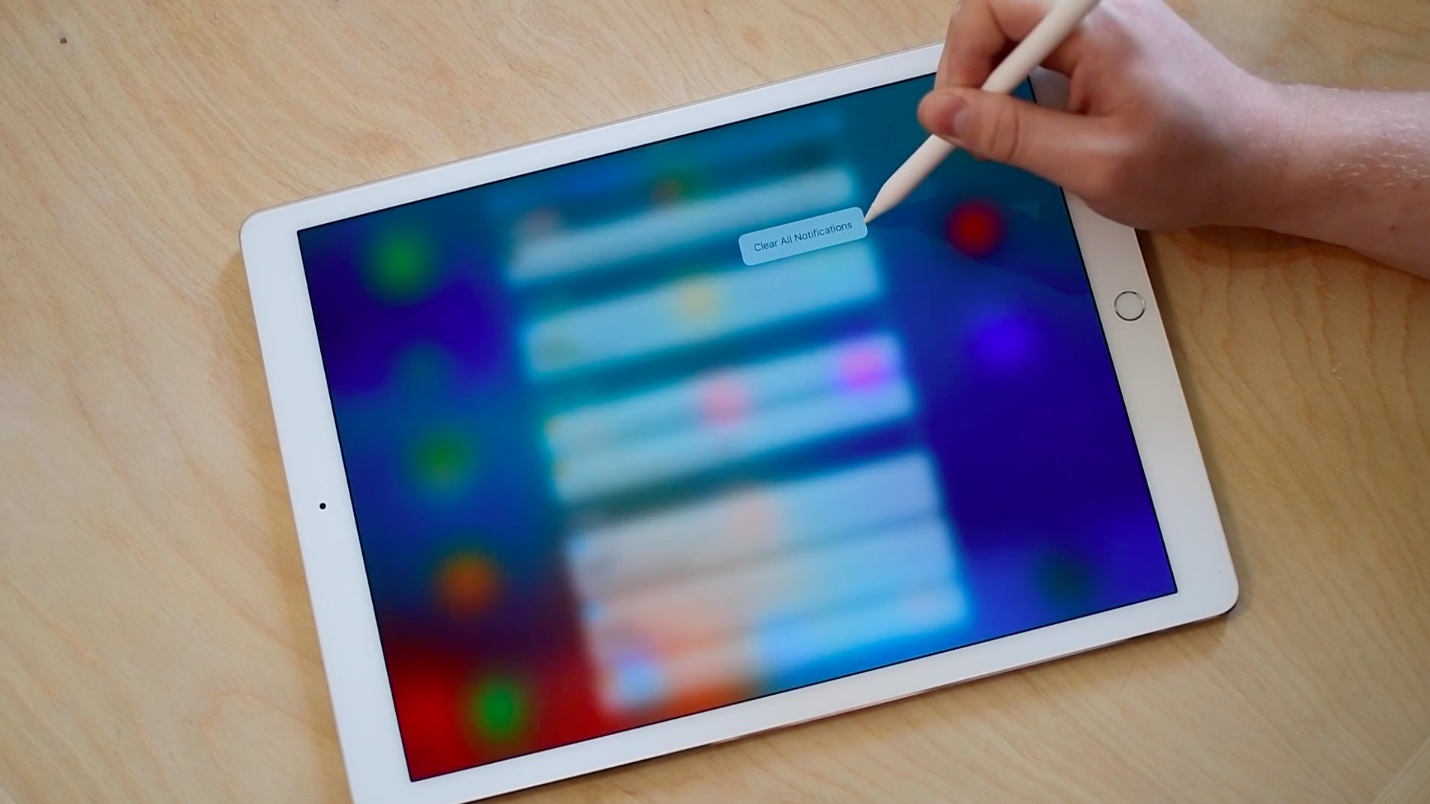
Many people are disappointed that the latest iPads lack 3D Touch-capable screens although it's anyone's guess whether or not 3D Touch would make sense on tablet-sized screens. Well, iOS 10 beta 2 apparently has 3D Touch-like functionality on the iPad thanks to the Apple Pencil, which has been discovered to support deep presses.
Using an Apple Pencil, it's possible to do things like clear all notifications with a deep press on the latest beta of iOS 10. Check out our video showing the feature in action and, as usually, let us know what you guys think of this.
How to use your iPhone as a level
Learn about the built-in level tool on your iPhone that you can use when hanging photo frames perfectly on the wall, or measuring whether an object or surface is level, straight, or flat.
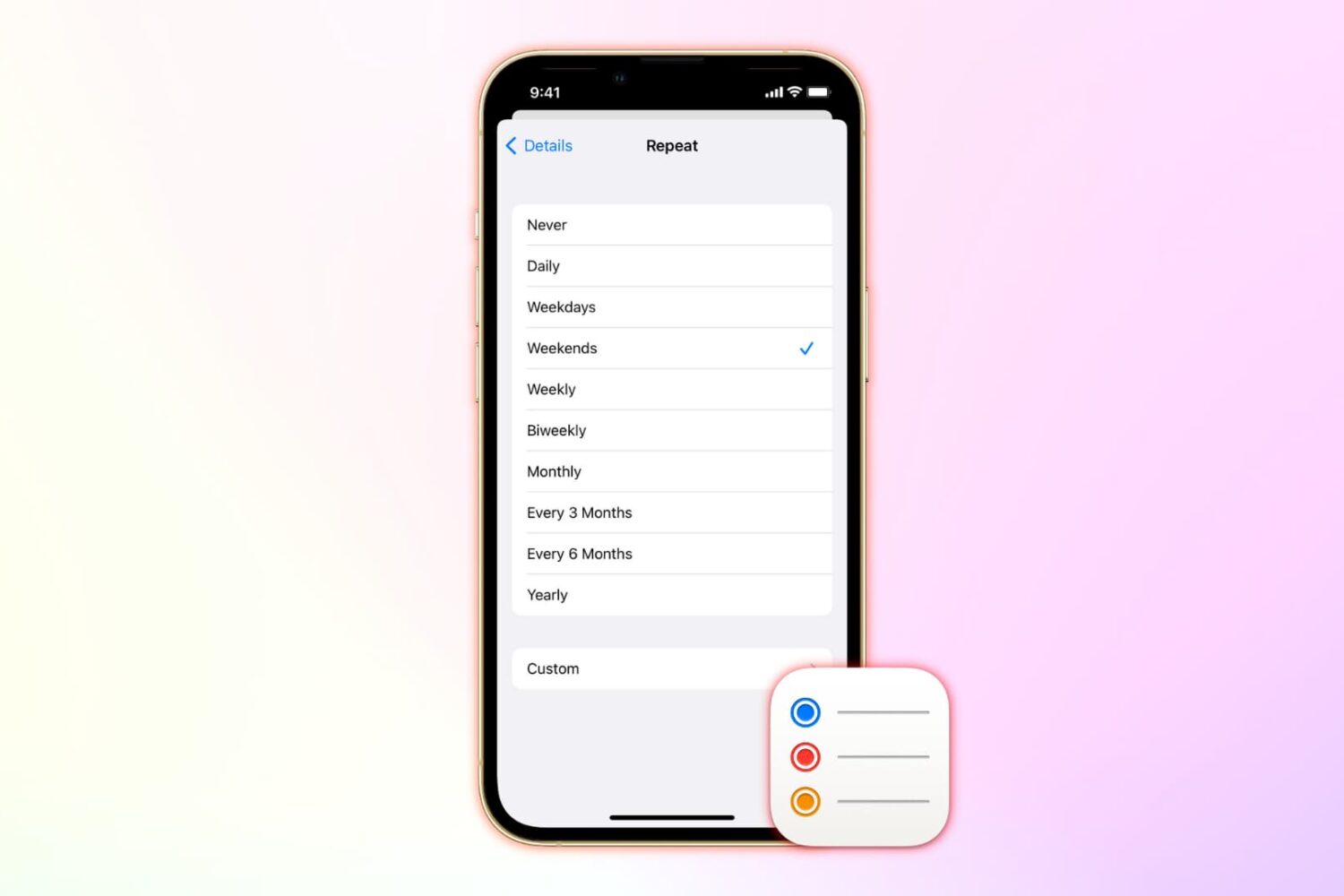
How to set up repeating reminders on iPhone, iPad, Mac
Learn how to add repeating reminders on iOS and macOS to get reminded of tasks you do over and over.