iOS

This tweak lets you use a 3D Touch gesture to clear app icons badges

Anyone looking for a quicker way of dismissing unwanted notification badges from their app icons without having to open the app in question might want to turn their attention to a new free jailbreak tweak release called ClearBadges3DTouch10 by HiDaN.

As the self-explanatory name implies, this tweak is intended to give you a way to remove notification badges from your apps with a 3D Touch gesture.

BlurTouchClean removes the blur from your Home screen’s 3D Touch menu backgrounds

Anyone with a 3D Touch-enabled device is likely familiar with the bevy of menu options that can be revealed by imposing a simple 3D Touch gesture on apps from the Home screen.

Whenever one of these 3D Touch menus is revealed, iOS blurs the background to draw your focus to the menu, but a new free jailbreak tweak called BlurTouchClean by CydiaGeek can remove the blur effect so you can continue to see everything residing behind the menu.

Apple seeds fourth betas of iOS 10.3, macOS Sierra 10.12.4 and watchOS 3.2 to developers

Apple today seeded fourth betas of iOS 10.3, macOS Sierra 10.12.4 and watchOS 3.2 to members of the Apple Developer Program. iOS 10.3 beta 4 (build number 14E5260b), macOS Sierra 10.12.4 beta 4 (build number 16E175b) and watchOS 3.2 are now all available as over-the-air downloads through the Software Update mechanism on devices with an appropriate configuration profile. We'll update the article if we find new features or important under-the-hood changes in the new betas.

SpringChanger lets you customize your respring screen with backgrounds and colors

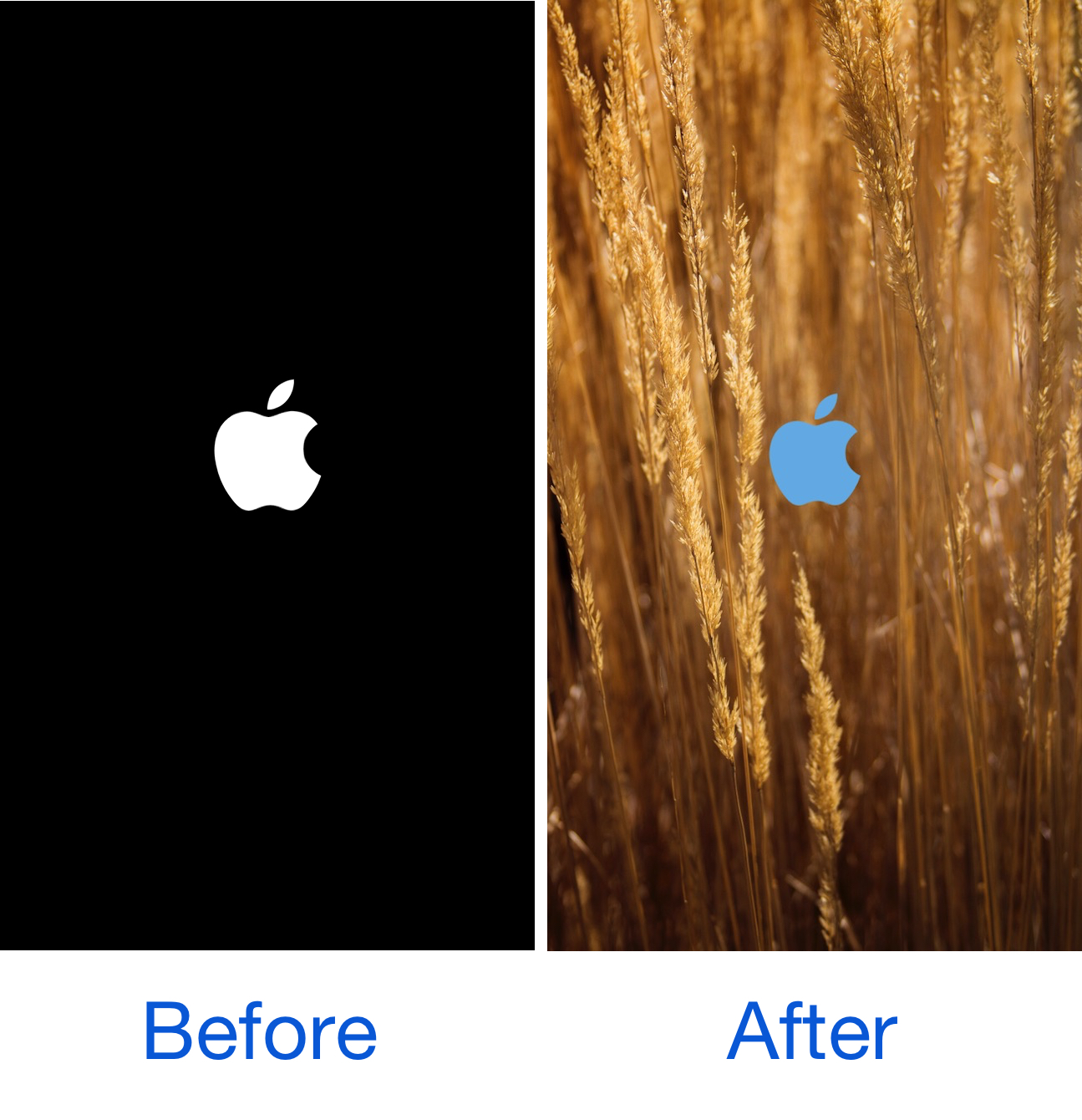
As we showed you last week, MakeRespringsGreatAgain allowed you to resurrect the classic Apple logo-based respring screen, a classic screen that iOS 10 jailbreakers typically don't get to see anymore.

On the other hand, if you wanted to take things a step further, a new free jailbreak tweak called SpringChanger by Wizages is worth trying out because it lets you customize the respring screen beyond recognition.

This tweak shrinks and relocates the Lock screen’s date and time indicator

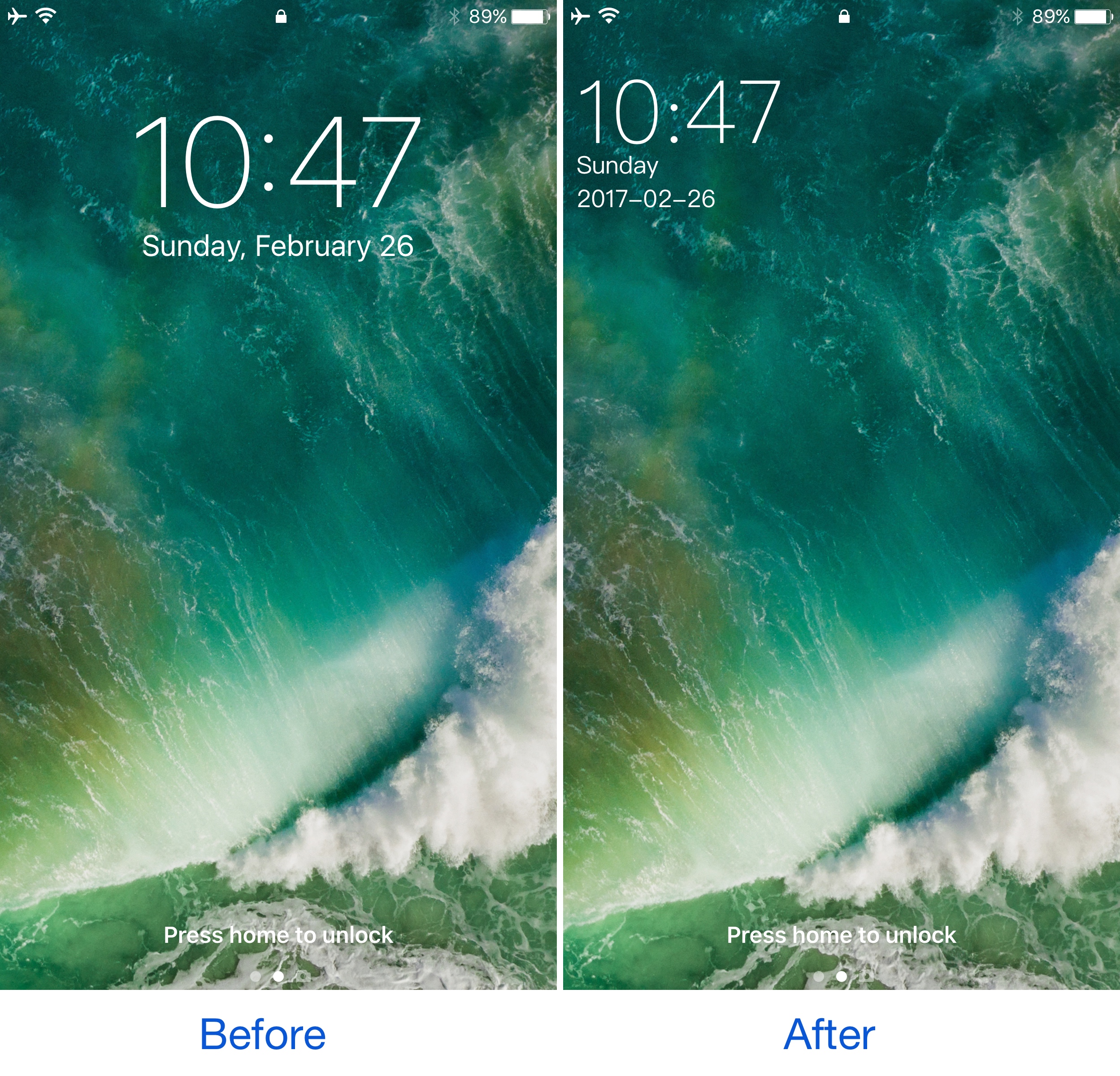
A few years ago, a popular jailbreak tweak called SubtleLock rearranged some of the Lock screen’s information pieces to reduce their visual footprint and put more emphasis on the wallpaper you’ve chosen. Unfortunately, despite its popularity, it hasn’t been updated for iOS 10.

Despite the lacking support for those who have recently jailbroken iOS 10 with Yalu, users can now flock to an alternative: a jailbreak tweak called SimpleLSiOS10 by XCXiao. This tweak carries on the minimalist legacy SubtleLock started and never finished.

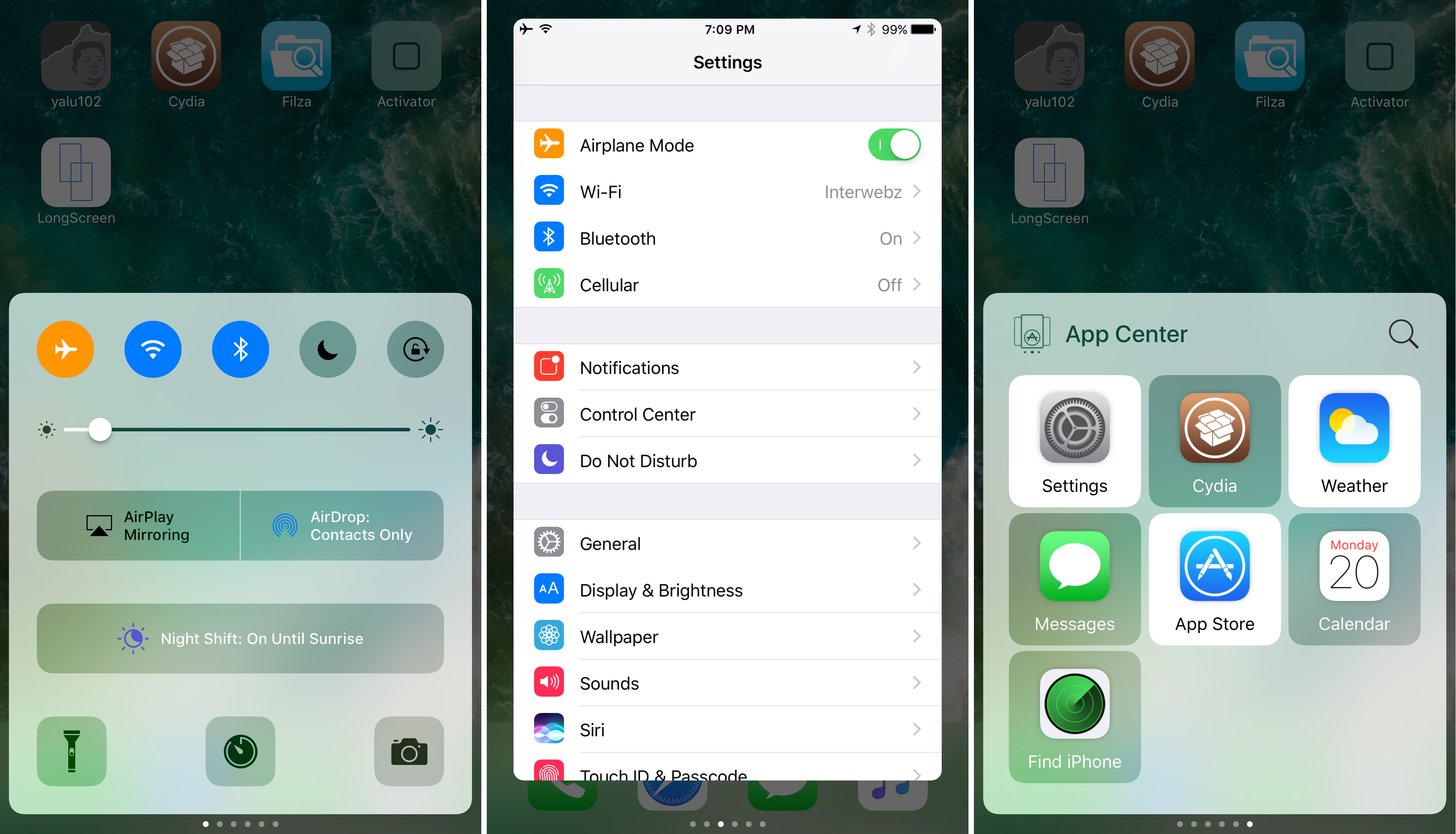
Jailbreak tweaks of the week: App Center, Falcon, ReformX, & more…

It's been pretty busy in the jailbreak community these last couple of weeks, mostly due to the release of the Yalu iOS 10 jailbreak just a few weeks ago, but no one around here is complaining about that!

In this roundup, we'll be summarizing all of the jailbreak tweaks that we showed you this week, just in case you think you might have missed anything important. We'll start with our favorites and then move on to the rest afterwards.

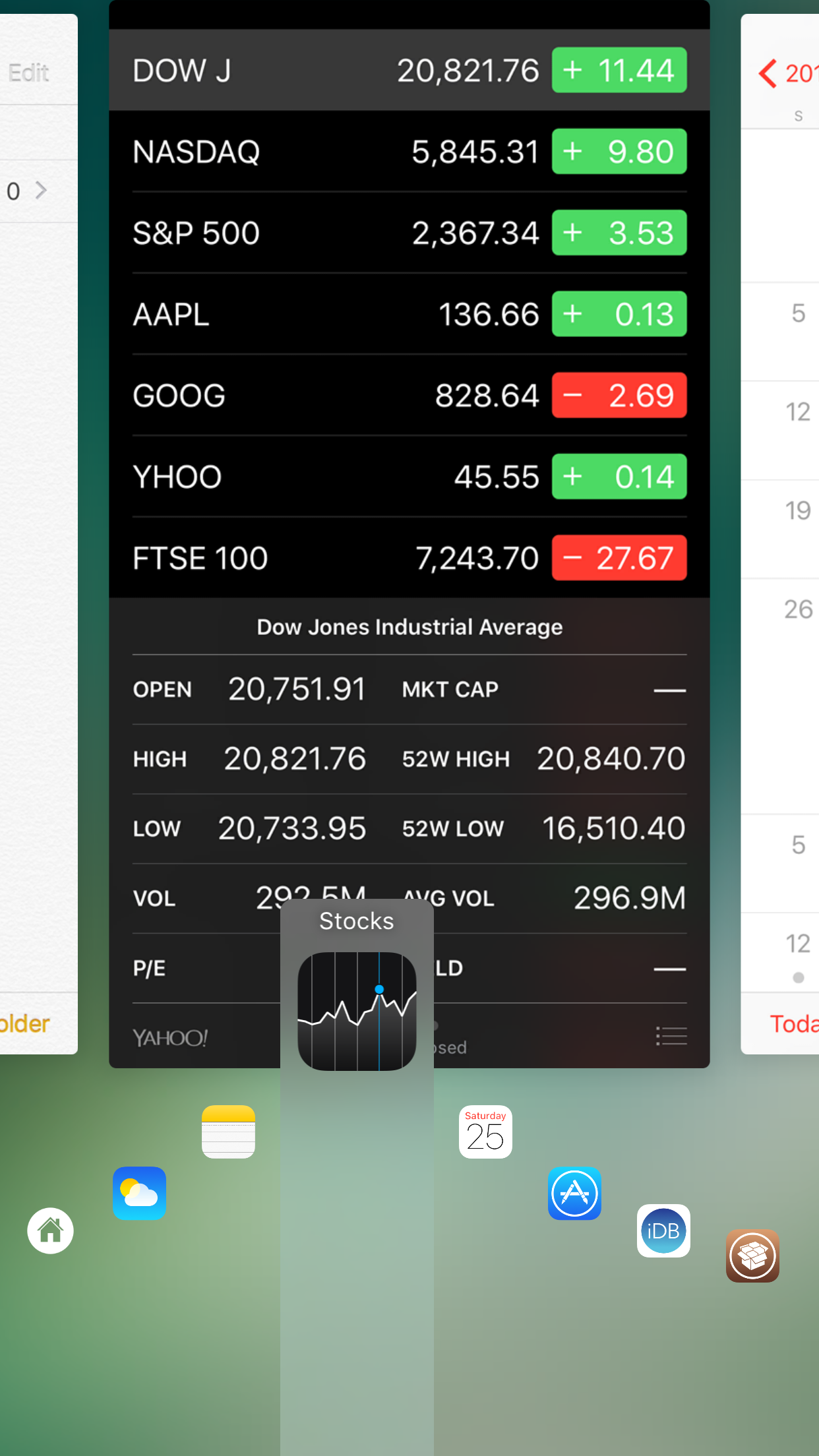
Kaze brings Auxo’s popular alternative app switching mode to a standalone tweak

Anyone who was a fan of Auxo probably remembers one of its biggest individual features, Hot Corners, which supercharged the experience of multitasking on iOS by empowering you with the ability to swipe up from a specific corner of your device to quickly switch between apps.

This feature is now being reborn in a new free jailbreak tweak called Kaze by Qusic and Sentry. This essentially takes that one feature from Auxo and packs it into a standalone tweak.

ReformX: customize your Home screen layout and more

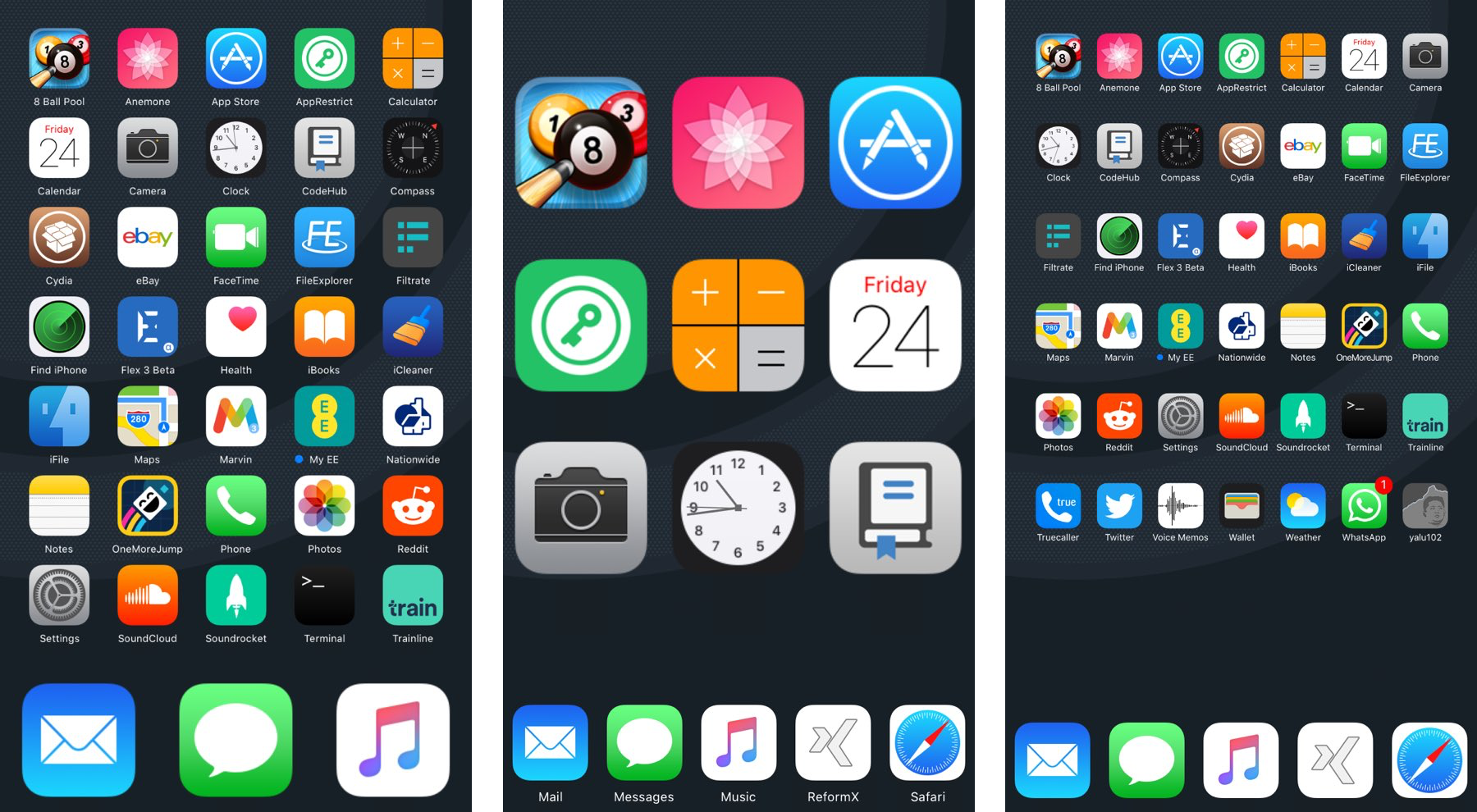
A number of large springboard customization jailbreak tweaks are paid, and expensive at that, but for those who want a budget option, a new free jailbreak tweak called ReformX by zEstLabs could be just the one you’ve been waiting for.

This tweak provides you all kinds of options for tricking out your Home screen, ranging from the layout of your Home screen icons, to the style of your dock, to the appearance of your folders; the list goes on.

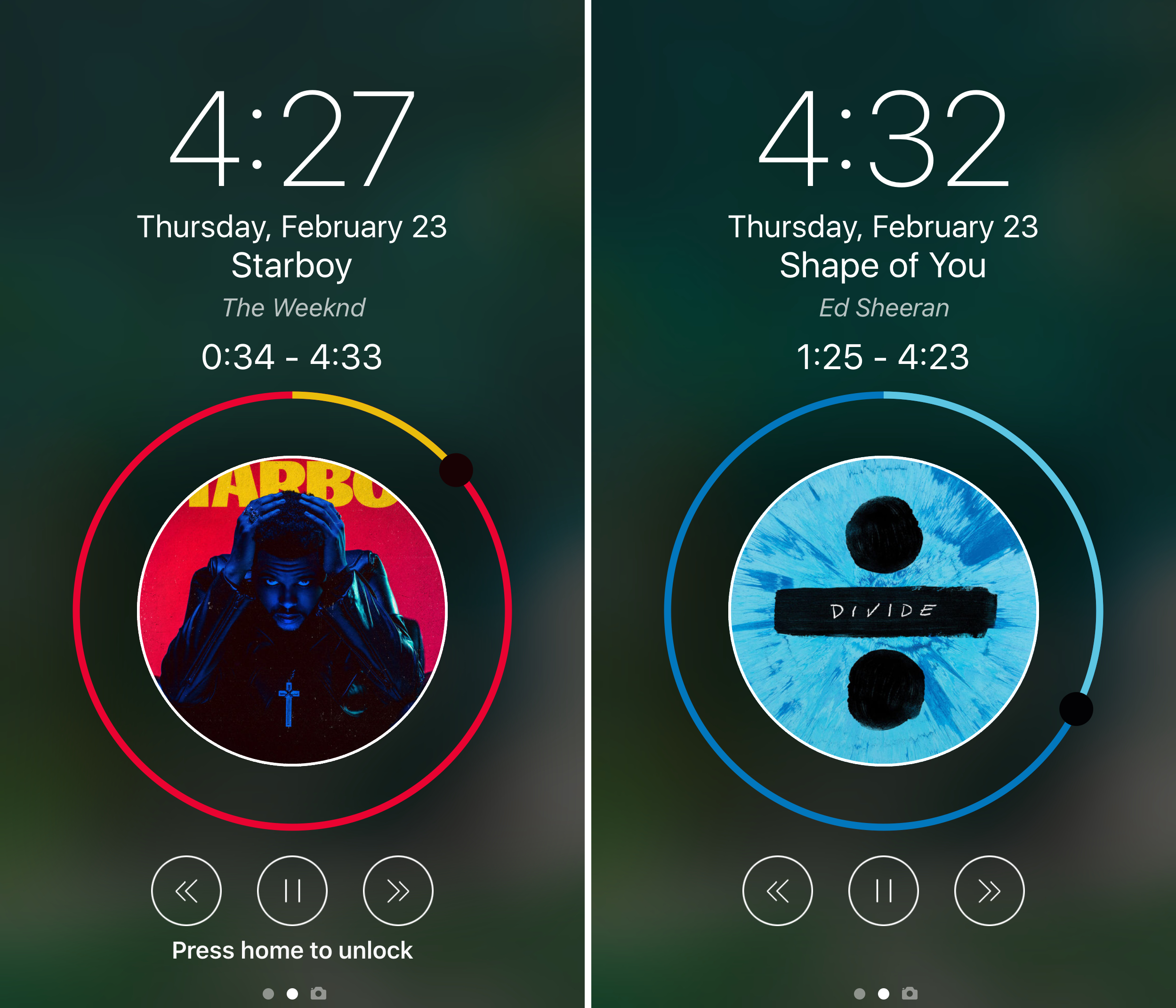
Falcon supercharges your Lock screen and Notification Center

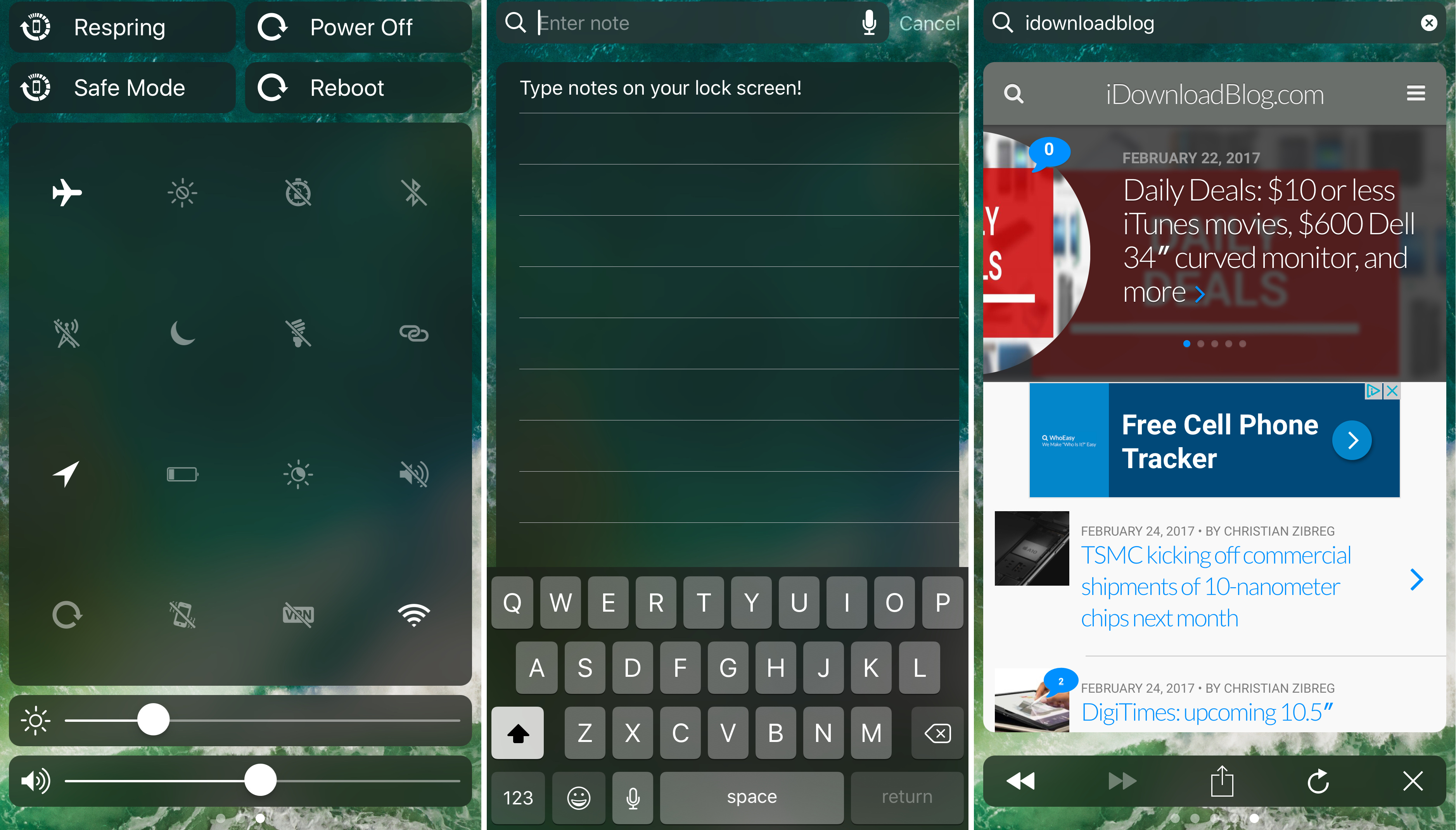
The creativity surrounding a number of the jailbreak tweak releases for iOS 10 so far has been quite impressive, but perhaps one of my favorites yet is one called Falcon by iOS developer Logan O’Connell.

With Falcon, you will be supercharging your Lock screen and Notification Center interfaces with a ton of new features; among those are a web browser, a note taker, and a toggle page.

Get Android Nougat-like folder icons with this tweak

If you’re looking for something you can do to change the appearance of your Home screen on your jailbroken device without going overboard, then you should look into a new free jailbreak tweak called NougatFolder by Elton Goci.

Essentially, this tweak transforms your Home screen’s folder icons to look more like those on an Android Nougat handset.

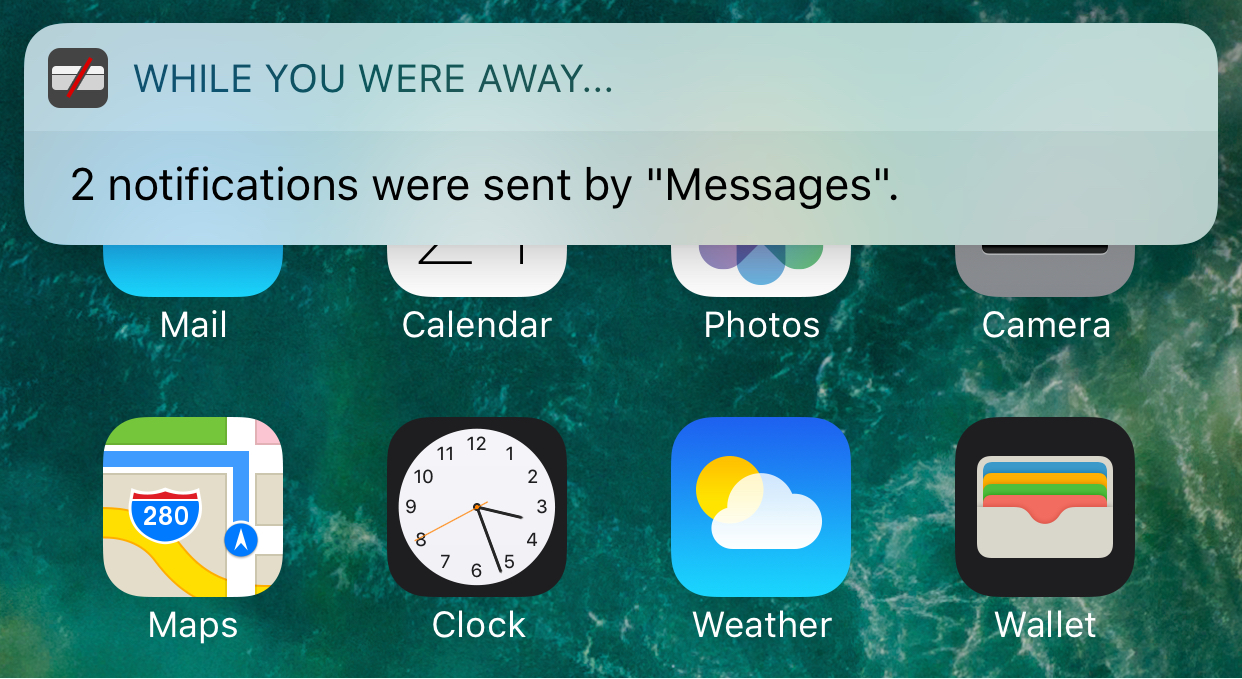
Eyeplugs prevents unwanted notification banners from getting in the way

Apple’s banner notification system leaves a lot to be desired, especially since modern banners are so huge when they appear that they cover all kinds of important parts of your apps, such as navigation bar, which is often an essential part of navigating your apps.

Because banner notifications are excessively large, a new free jailbreak tweak called Eyeplugs by the author The Holy Constituency of the Summer Triangle can help prevent them from appearing whenever you’re inside of designated apps, but once you close the app(s), you’ll get a summary of all your missed notifications.

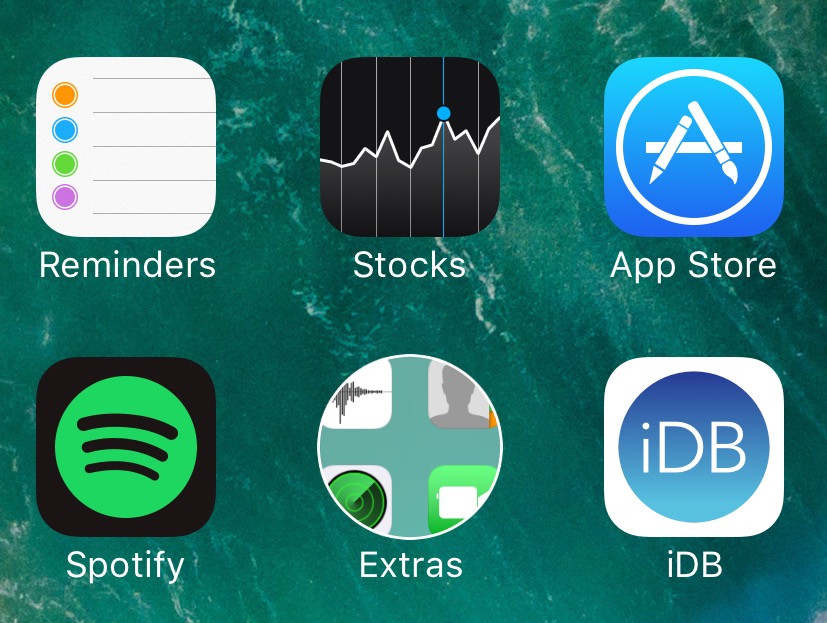
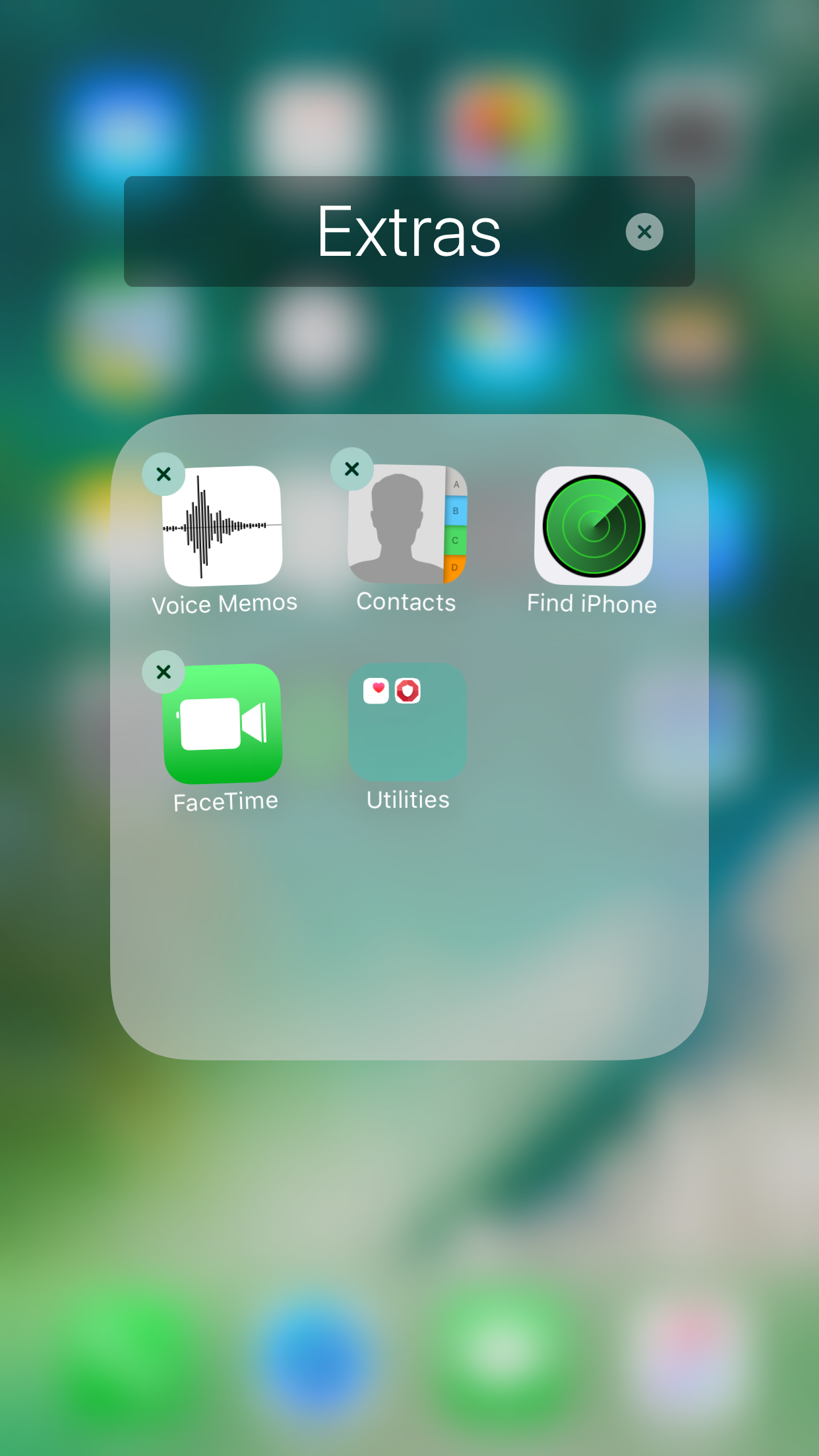
Nest10 lets you have folders within folders in iOS 10

There are those who like to stay organized, and then there are those who take organization to an extreme level that most people would recognize as some kind of OCD.

Anyone who considers themselves as a part of the latter group and goes to extreme lengths to stay organized might be able to benefit from a jailbreak tweak called Nest10 by Tony Kraft, which enables you to have nested folders (folder inside of folders) on your iOS 10 device.