iOS

iOS 10 now powers 79% of active devices, Android Nougat’s adoption barely 1%

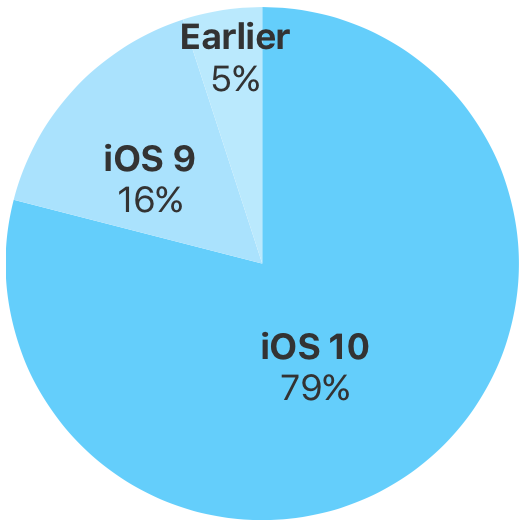
iOS 10 now powers nearly eight out of ten active devices—less than six months since officially releasing to the public in September of last year, as measured by App Store on February 20, 2017.

To be precise—iOS 10 now powers 79 percent of active iPhone, iPad and iPod touch device out there, representing a three-point increase over iOS 10's adoption rate of 76 percent recorded 48 days ago on January 5, 2017.

Contrast the rapid pace of iOS adoption to Google, whose latest and greatest version of Android is currently found on less than one percent of active devices. Over and over again, Google's lack of control over hardware and other factors are hurting its ability to deploy the latest Android features to its customers.
Beta 3 of iOS 10.3 and macOS Sierra 10.12.4 released for public beta testing

iOS 10.3 beta 3 with Find My AirPods and other enhancements and macOS Sierra 10.12.4 beta 3 with Night Shift Mode and other perks are both now available for public beta-testing, assuming you've enrolled in Apple's Beta Software Program. After signing up on the web at beta.apple.com, deploy a special configuration profile on your iPhone, iPad, iPod touch or Mac and you'll be able to install the latest beta over-the-air via Apple's standard Software Update mechanism.

How to use Google SafeSearch to filter out explicit web search results

Google SafeSearch enabled on iPhone

Whether you’re a parent trying to filter explicit content from the limitless Google searches your child could be searching on the web, or you’re simply trying to figure out why it seems like certain images or web results are being filtered from your Google search queries, chances are Google SafeSearch is the answer.

In this tutorial, we’ll show you how you can toggle Google SafeSearch on or off, depending on whether you need to start filtering explicit search results from your queries or stop doing so when the feature is already enabled.

New in iOS 10.3: name and shame list for outdated 32-bit apps

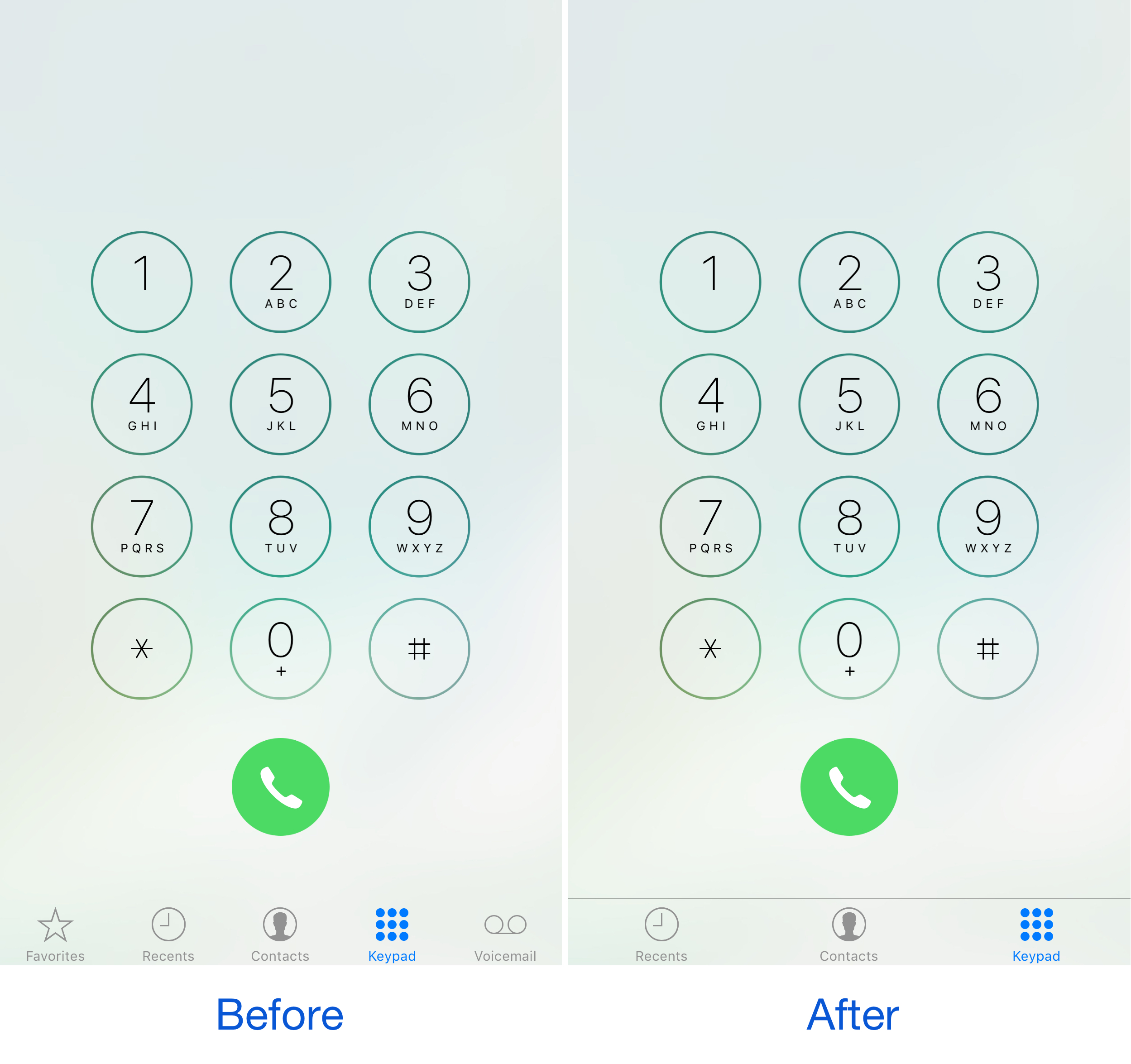
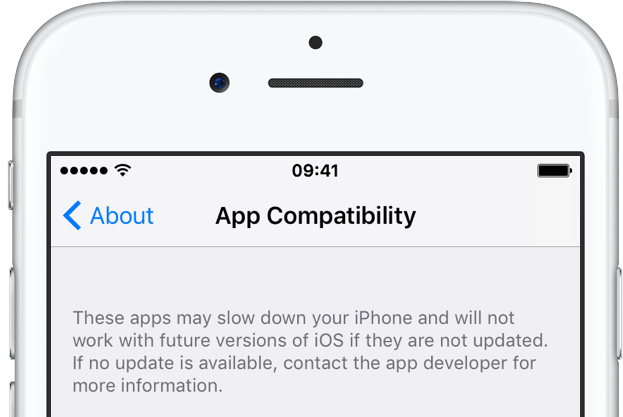
Apple today seeded a third beta of iOS 10.3 to members of the Apple Developer Program. It's nothing to write home about in terms of new stuff, with the notable exception of a curious new section suggesting that iOS 11 is likely going to be 64-bit only. The first beta of iOS 10.3 introduced a reworded prompt when launching 32-bit apps.

In iOS 10.3 beta 3, there's now a dedicated section within the Settings app where any outdated apps installed on the user's device are named and shamed.

iOS 10.3 beta 3 seeded to developers

Apple this morning seeded to members of the Apple Developer Program a third beta of what would become the iOS 10.3 software update with Find My AirPods and a bunch of other new features. iOS 10.3 beta 3 (build 14E5249d) is available over the air via Software Update on devices with an appropriate configuration profile installed. We'll update the article with possible new changes discovered in beta 3 if we encounter them. New betas of macOS Sierra, watchOS 3.2 and tvOS 10.2 are available for developer testing, too.

CCWallCustomizer lets you change your Control Center background

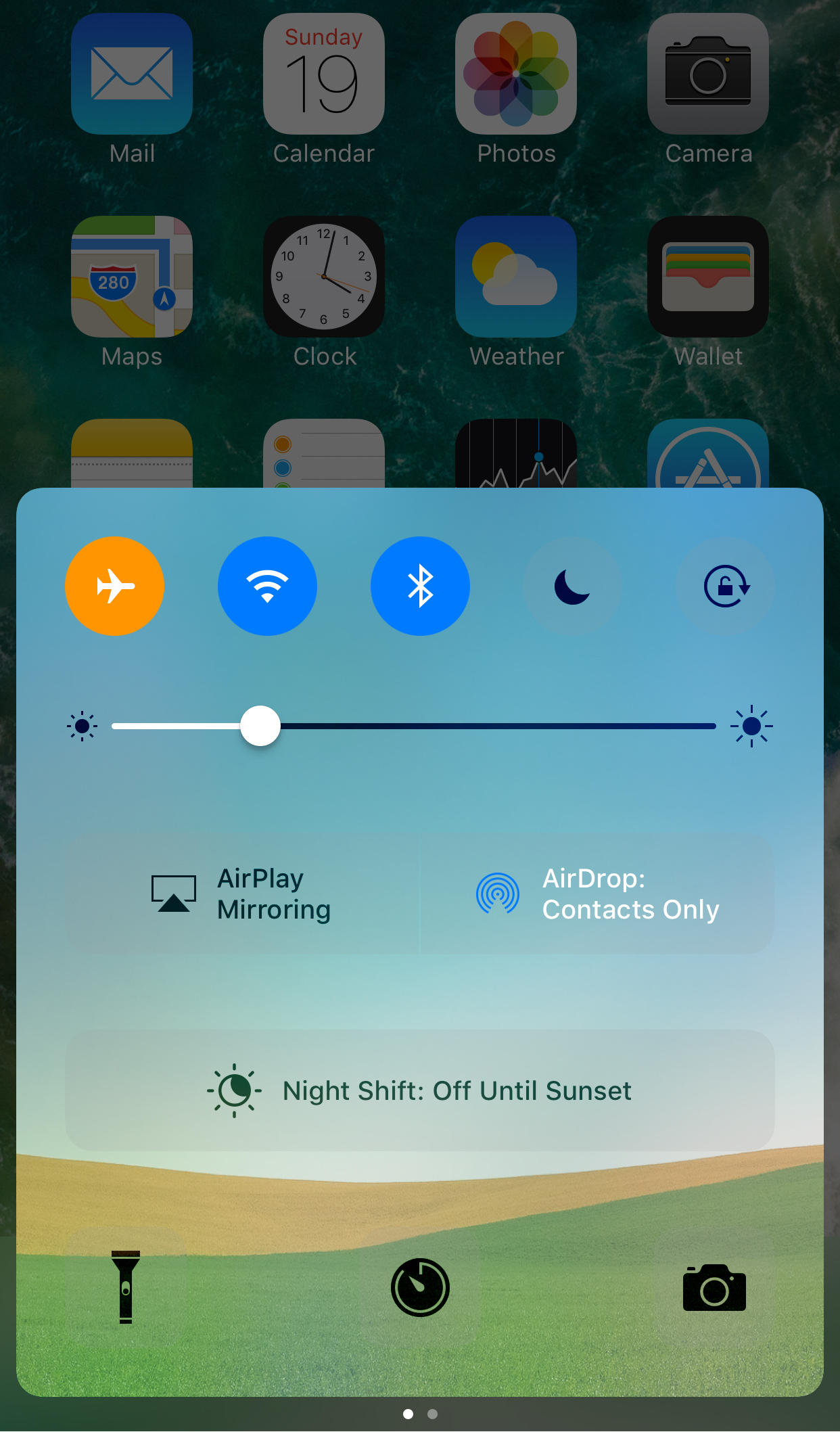
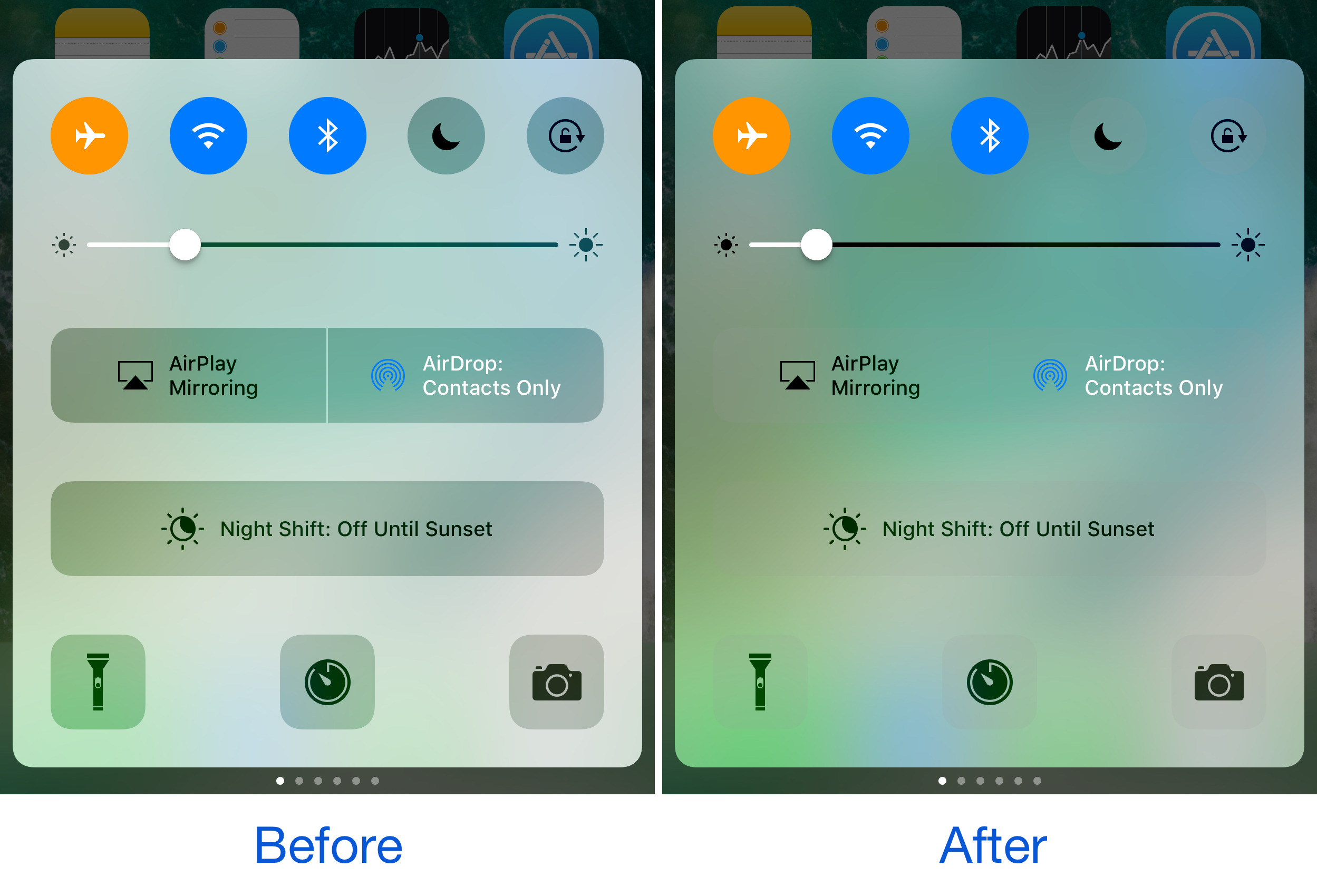
With a new free jailbreak tweak called CCWallCustomizer by iKilledAppl3, you can change the background of your Control Center interface on iOS 10.

The tweak can use any image you choose from your Photo Library as the source for your background. You can easily save any image you want from the web or snap your own pictures with the Camera to be used.

PerfectFit automatically resizes ‘outdated’ apps to support newer iPhone resolutions

Every so often you might come across an app you need from the App Store where the developer hasn’t even bothered to update the interface for the latest iPhone resolutions. In most cases, this means they’re still designed to work on the iPhone 4s resolution or earlier, and this leaves unsightly black bars at the top and bottom of the app.

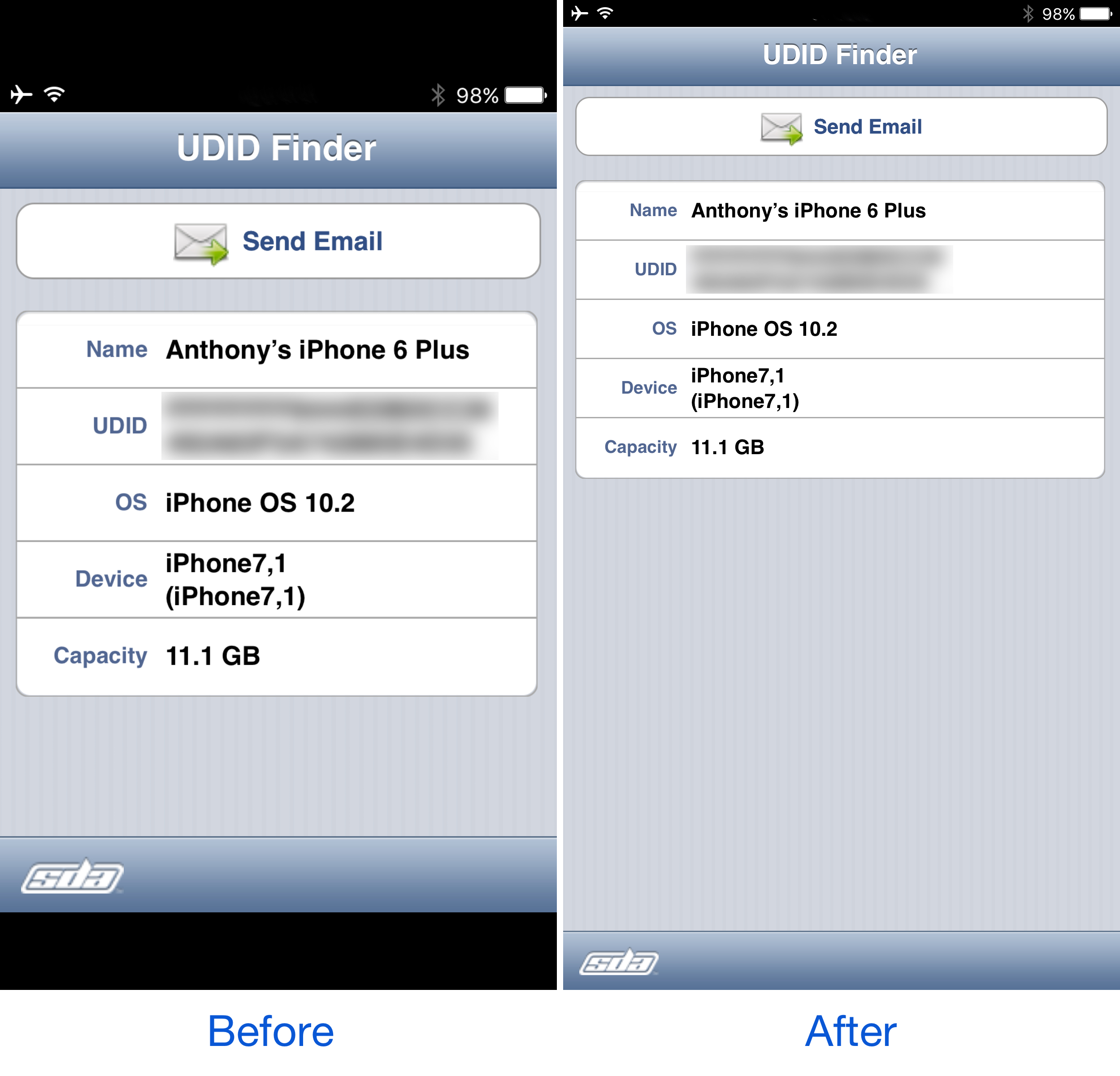
As frustrating as this is, Apple still allows the apps to run (not for much longer), but they just won’t look as nice. A new free jailbreak tweak called PerfectFit by Tony Kraft can force these apps to run at a much more native-feeling resolution so they look better too.

Jailbreak tweaks of the week: AppCon, DoNotAnnoy, Unify, & more…

The iOS 10 jailbreak is nothing short of a hot commodity since it became stable enough to use, and jailbreak developers are taking advantage of it, left and right, to release smashing new jailbreak tweaks that let you change the way your jailbroken iPhone or iPad works.

In this roundup, we'll show you all of the jailbreak tweaks that were released this week, starting with our favorites and then wrapping up with the rest of them afterwards.

TranslucentMessages makes the iOS 10 Messages app translucent with stunning blur effects

Your iPhone is a tool of communication, so you might spend a lot of your time lurking in the Messages app. As you know, it's just as dull as almost every other stock app on your device; plain and white. Since you spend so much time in the app, why not give it a makeover that could make you enjoy using it even more?

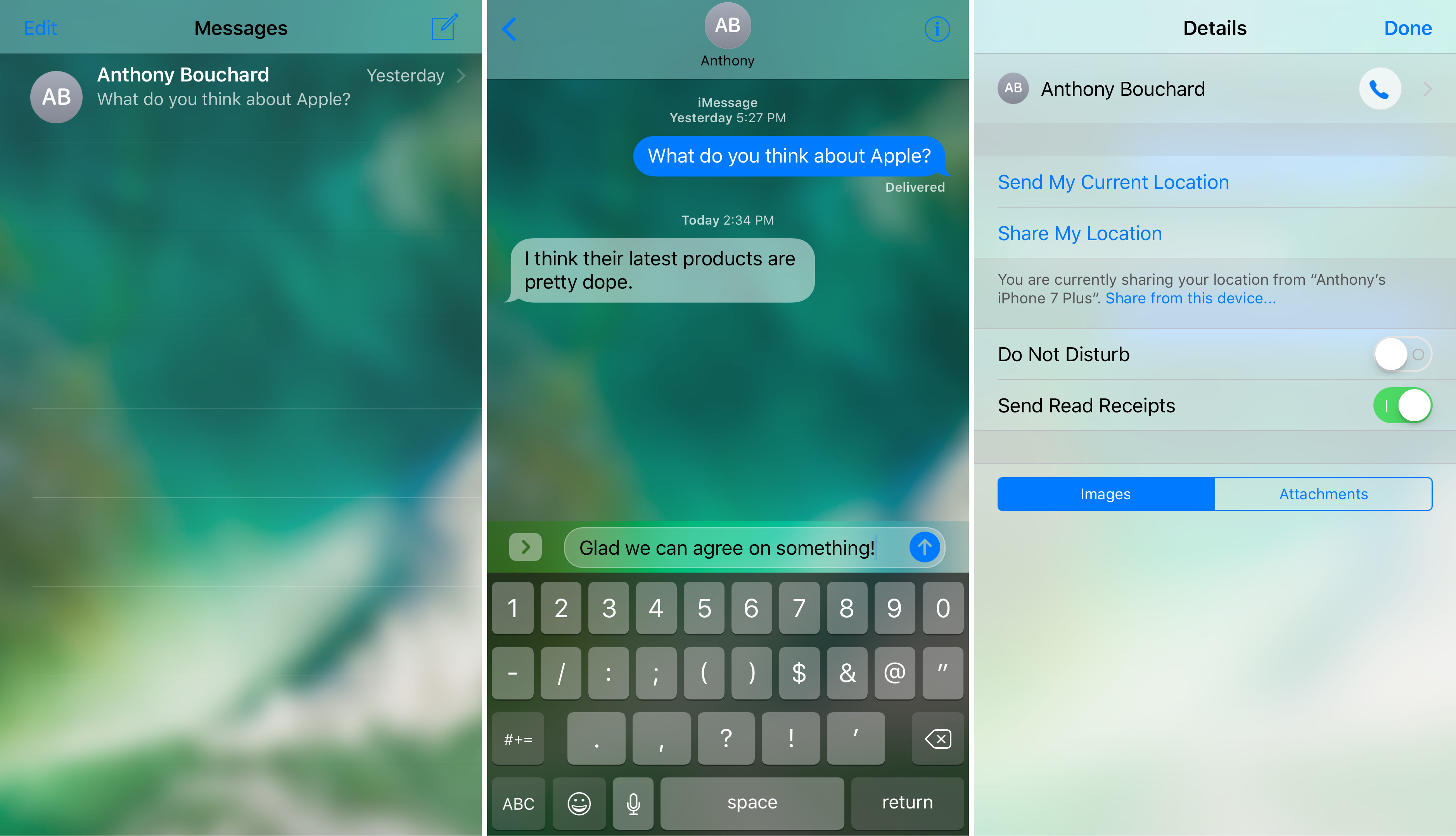
That's where a new free jailbreak tweak called TranslucentMessages by Ayden Panhuyzen comes in handy, as it takes what is otherwise a boring UI and gives it some fancy translucent visuals.

This tweak will let you force cellular network connections when launching certain apps

When you’re constantly around Wi-Fi networks that block access to certain sites and apps, such as those in educational institutions, you might need to use cellular data to bypass these blocks. The only problem is, you typically have to go through the trouble of turning Wi-Fi off manually, which can be a pain.

That’s the idea behind a new free jailbreak tweak called NoWifiWhenRunThisPlz by HiDan, which lets you configure the apps you want to force cellular usage on, rather than Wi-Fi, when launched.