iOS 11.3 will likely release without support for the Messages in Cloud feature and AirPlay 2.
iOS 11.3 may release without support for Messages in iCloud and AirPlay 2
iOS 11.3 will likely release without support for the Messages in Cloud feature and AirPlay 2.
First shipments of the refreshed $329 9.7-inch iPad model which went on sale following yesterday's education event won't arrive until later this week, but that didn't stop Apple from releasing the iOS 11.3 software update solely for the new device.
The QR code scanning feature in the stock Camera app suffers from an odd parser bug.
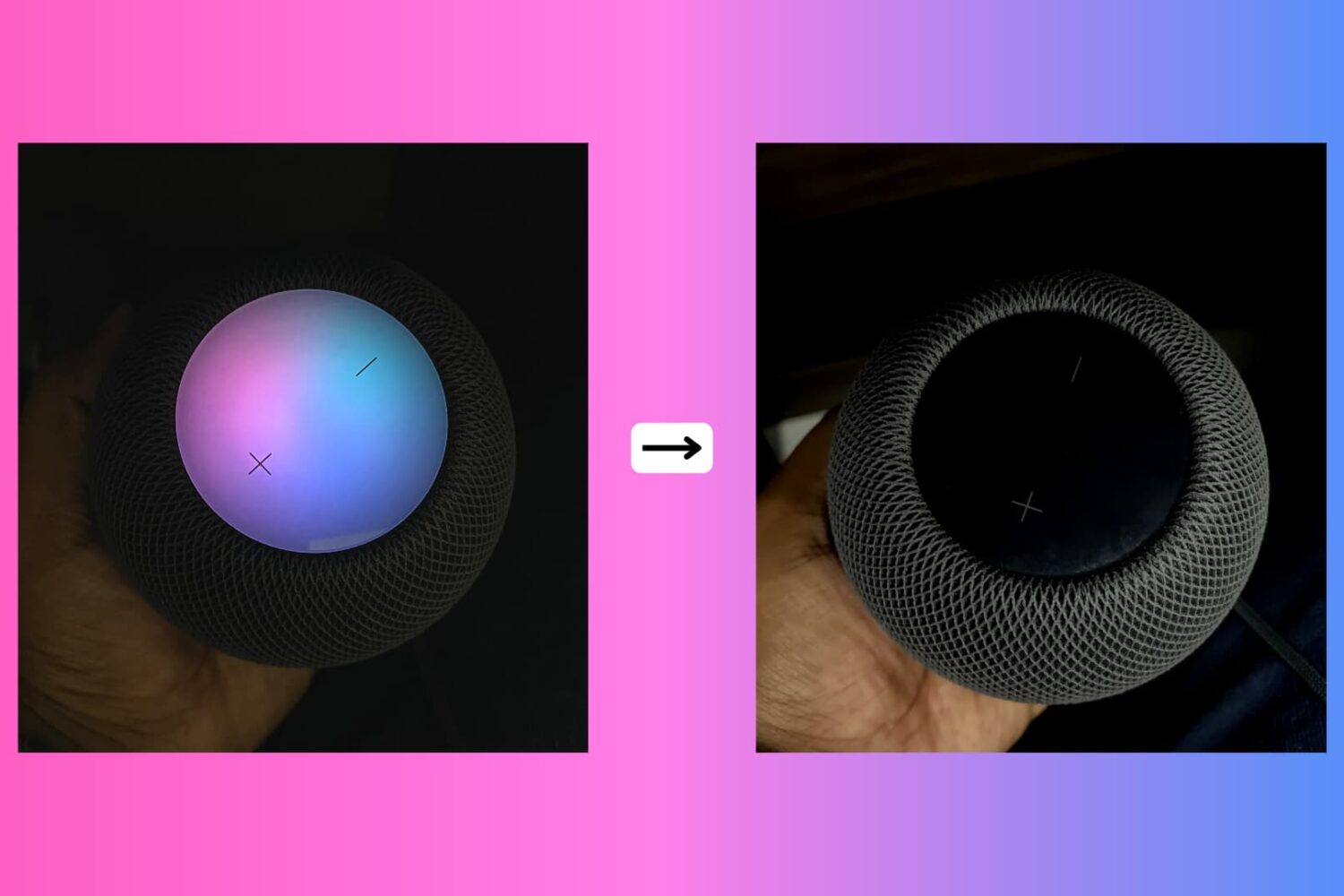
Due to its lack of a screen, HomePod's means of expressing itself are limited to the pulsating, colorful dot on its slick top surface. The design and implementation of the expressive light undoubtedly make for a masterclass in giving an inanimate speaker an air of personality.
While we do have a detailed breakdown of which of HomePod's lights exactly mean what, what we have not done yet is call attention to the fact that the lights can also be shut down - and no, I'm not talking about pulling the plug from the power outlet.
Why would you want your HomePod to become a stale, expressionless object? Well, perhaps you don't want your HomePod to emit as much light in the dark or prefer the look of a sleek black or white speaker sans the play of colors on top! Whatever floats your boat, each to their own, you get the gist. Maybe you just appreciate knowing that there is the option without ever seriously contemplating depriving HomePod of its quirky LED.
Whatever the reason you might decide to neuter your HomePod, there is a simple switch to do (and undo) just that.
Now that Electra has been publicly available for a few weeks, we’re beginning to see more iOS 11-oriented jailbreak tweaks in the Cydia Store. That aside, there’ve been plenty of jailbreak tweaks for iOS 10 and earlier added to the mix.
In this roundup, we’ll talk about all the jailbreak tweaks released throughout the past week. As always, we’ll start things off by talking about our favorites in detail and then we’ll outline the rest afterward.
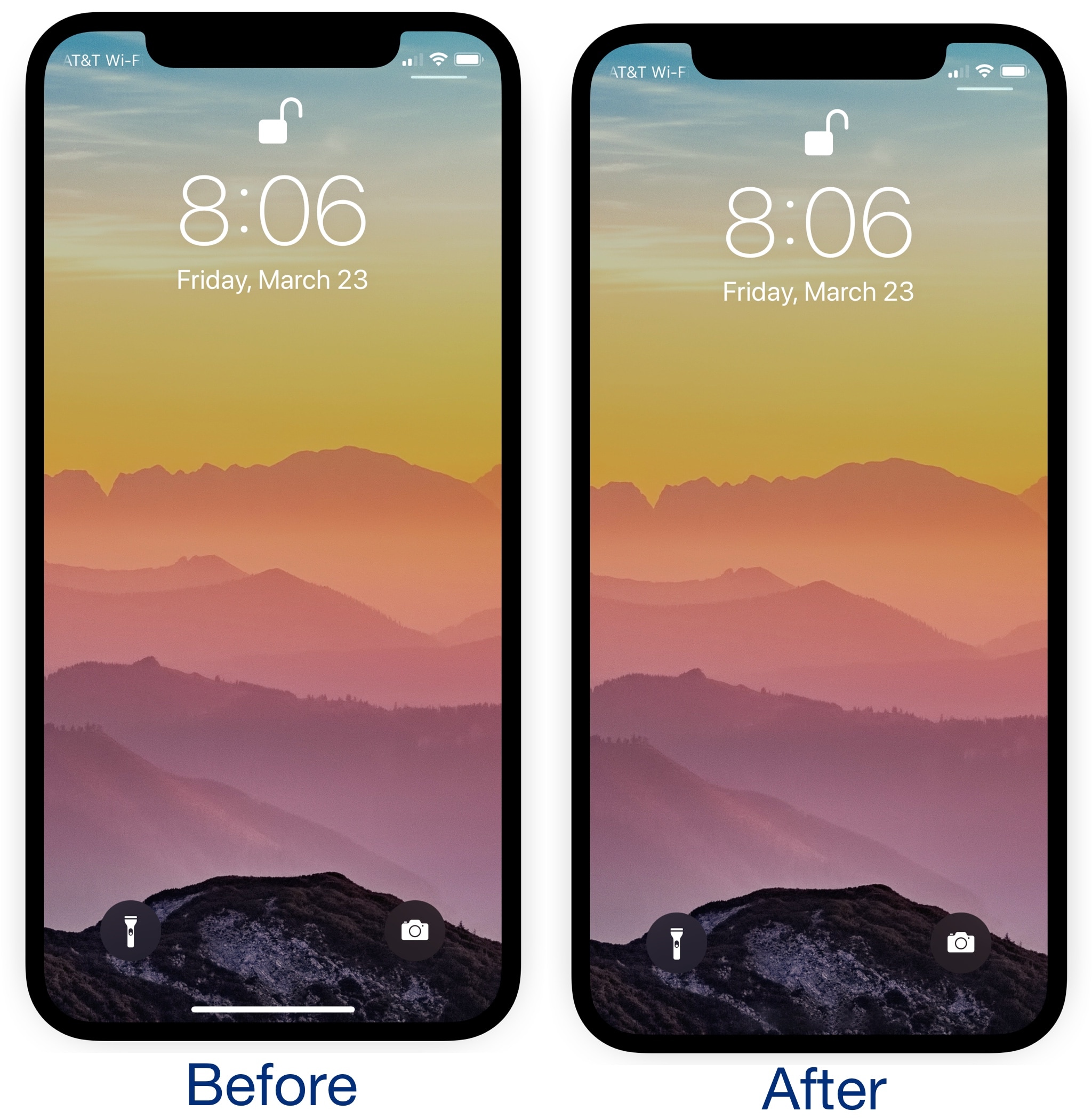
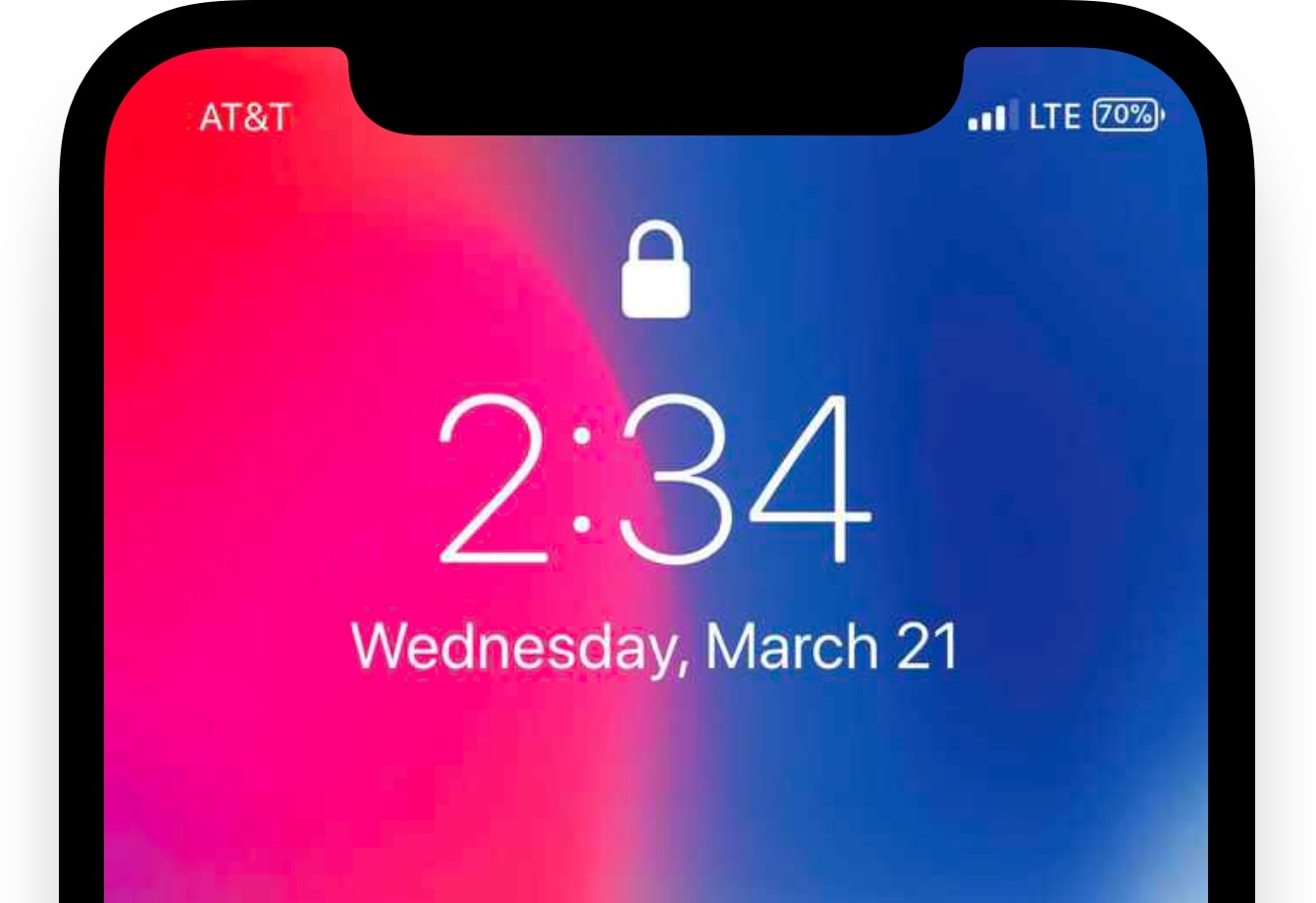
The iPhone X lacks a Home Button, so Apple created the Home Bar to take its place. Swiping up on the Home Bar lets users unlock their device, return home from apps, and access the App Switcher, but the Home Bar itself isn’t very aesthetically-pleasing in the long run.
Given the circumstances, a new free jailbreak tweak called ByeHomeBottomBarX by iOS developer CydiaGeek has been released in Cydia this week. As the name suggests, this tweak efficiently hides the Home Bar from view.
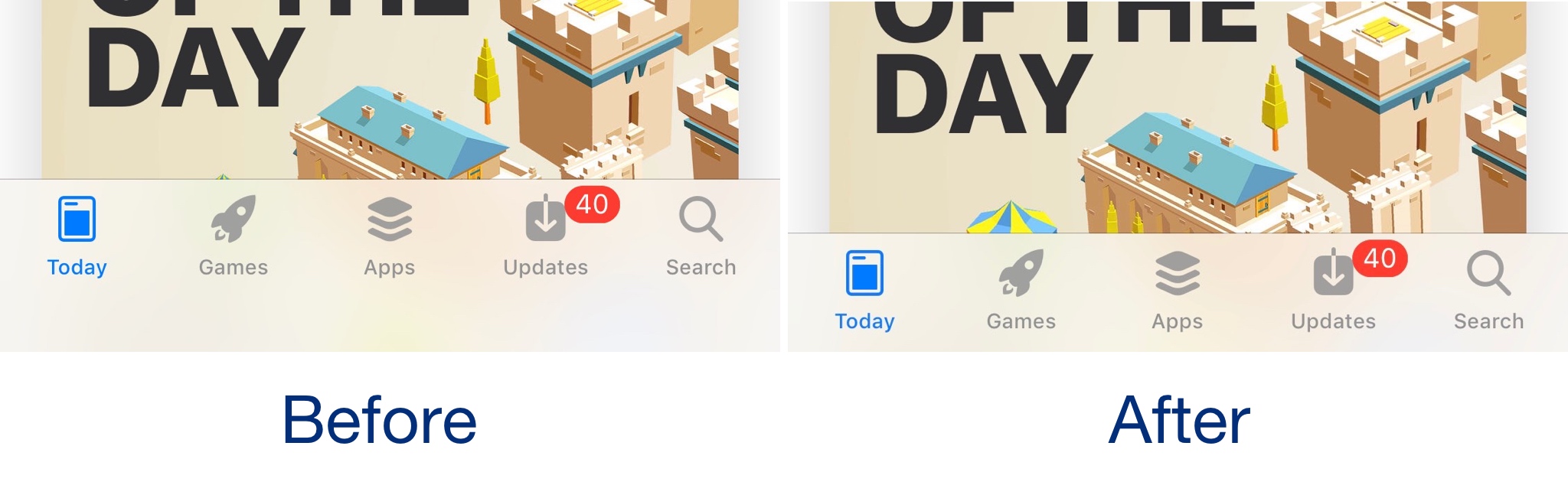
The iPhone X is Apple’s latest and greatest flagship smartphone, and while I appreciate the gorgeous edge-to-edge 5.8-inch OLED display Apple put into it, iOS could unquestionably take better advantage of what the display has to offer.
As it would seem, iOS developer Frozen Penguin shared this opinion. Hence a new free jailbreak tweak dubbed Saw was born.
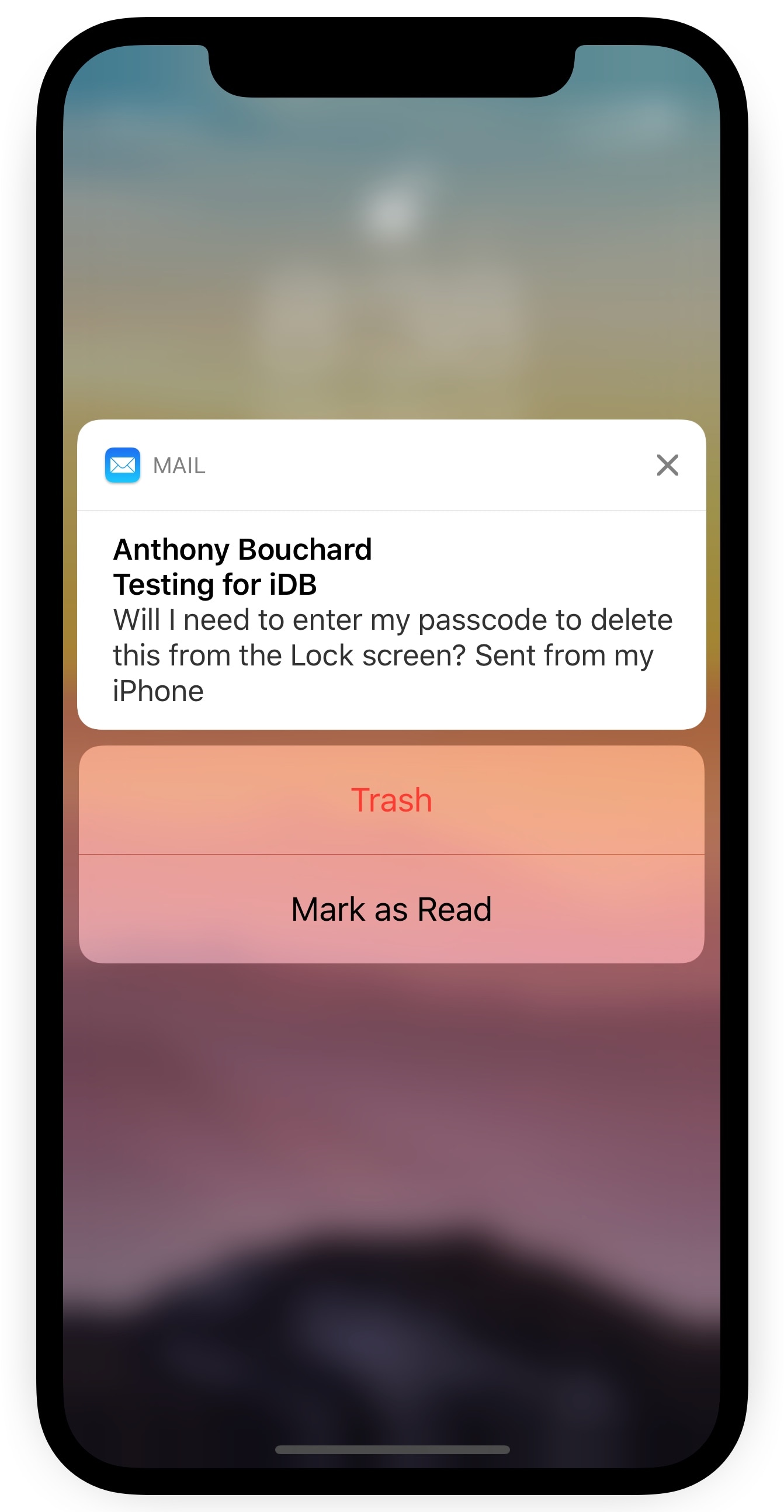
Depending on your iPhone’s notification settings, you might receive email notifications on the Lock screen as the flow of messages come in. While it can be convenient to see these email previews, it’s somewhat annoying that you can’t delete incoming emails from the Lock screen without authenticating yourself first.
A new free jailbreak tweak called TrashFromLS by iOS developer Kiran Patil was just released in Cydia this week and tackles this problem head-on. After installing it, you can move incoming emails to the trash without authenticating yourself.
The battery indicator is perhaps one of the most mattering icons in the Status Bar, so why not give it a fun and quirky splash of color? A new free jailbreak tweak called ColorMyBattery by iOS developer Kiran Patil lets you do just that.
The screenshot examples above depict how the battery icon looks after being dyed blue with the ColorMyBattery tweak; but don’t let looks deceive you, as you can pick virtually any color you want.
Learn how to quickly connect to a Wi-Fi network by scanning a QR code with an iPhone's camera without having to type long, complicated passwords.
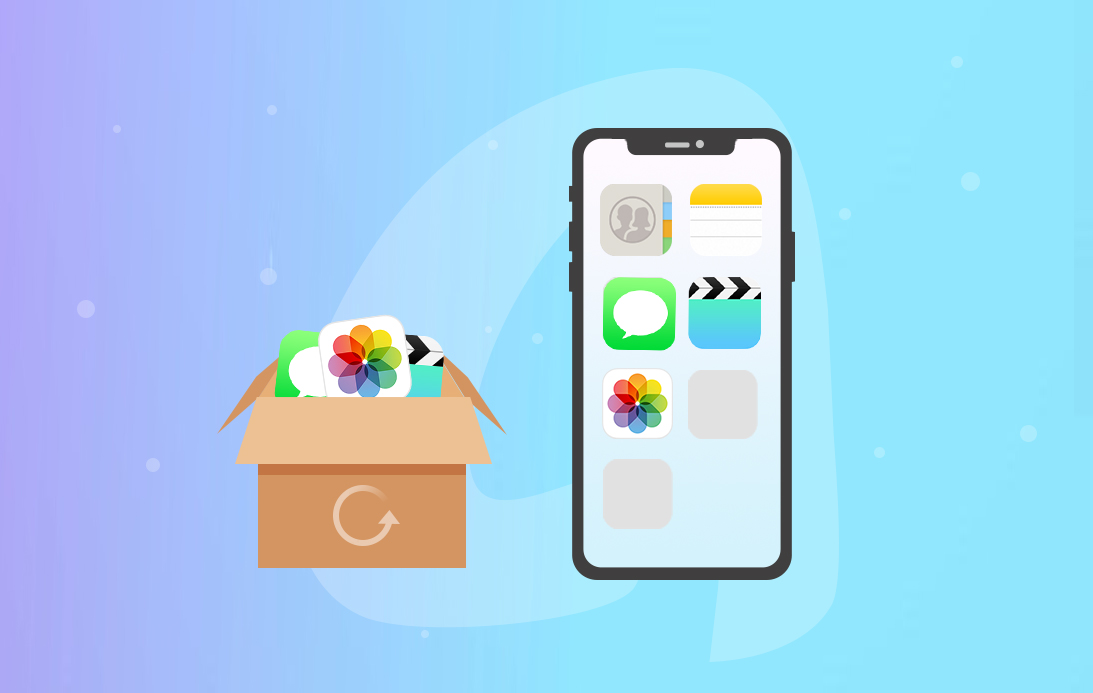
Making backups for your iOS devices regularly prevents unbearable data loss, but that’s not always an easy job to do. Wouldn’t it be great if you can back up your iOS devices wirelessly and automatically? How about being able to move around your music, photos, contacts, messages or any other data you want?
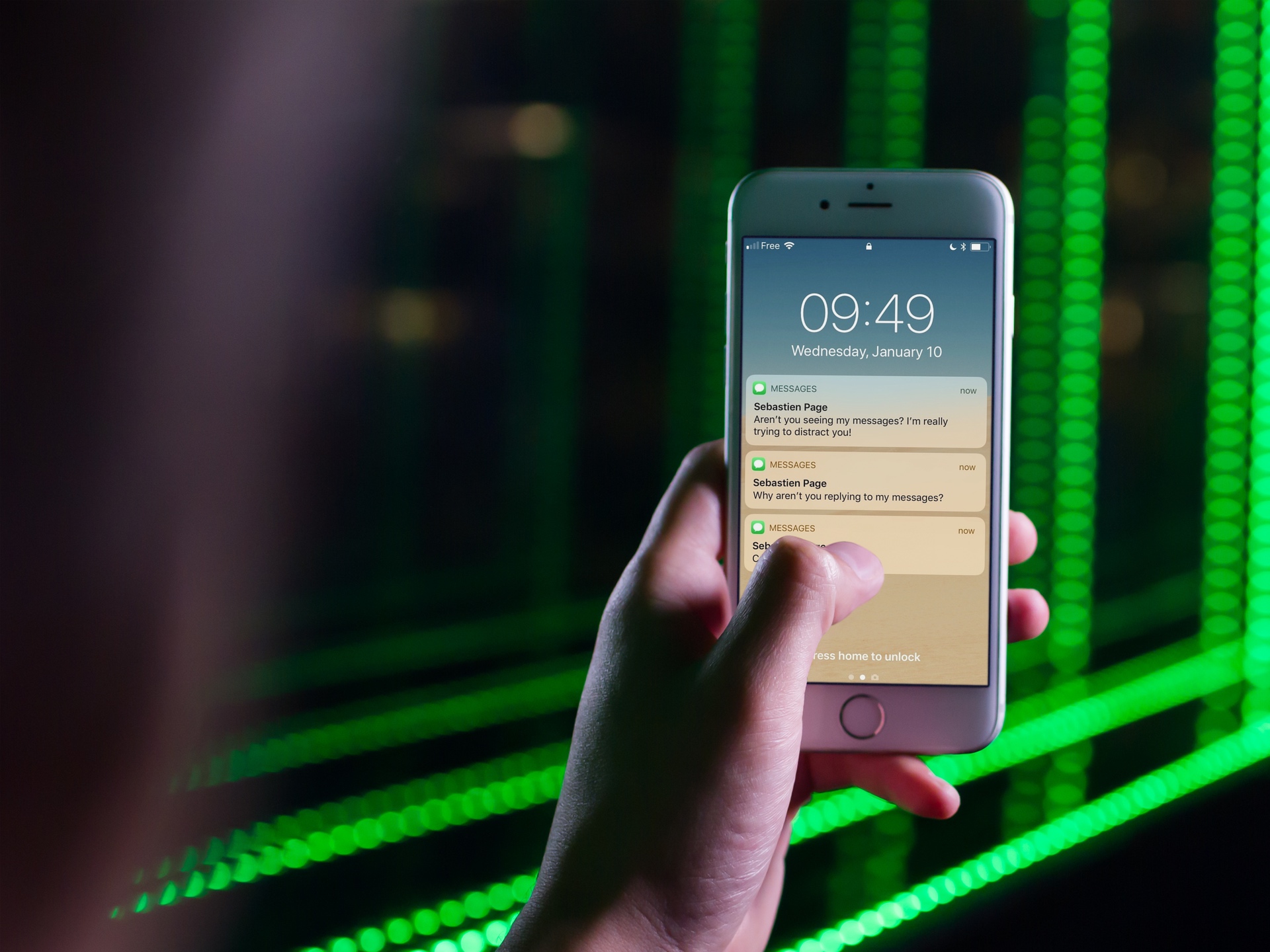
A bug in iOS 11 that lets Siri read out hidden notifications will be fixed.