iOS

This tweak lets you colorize iOS 11’s Control Center modules

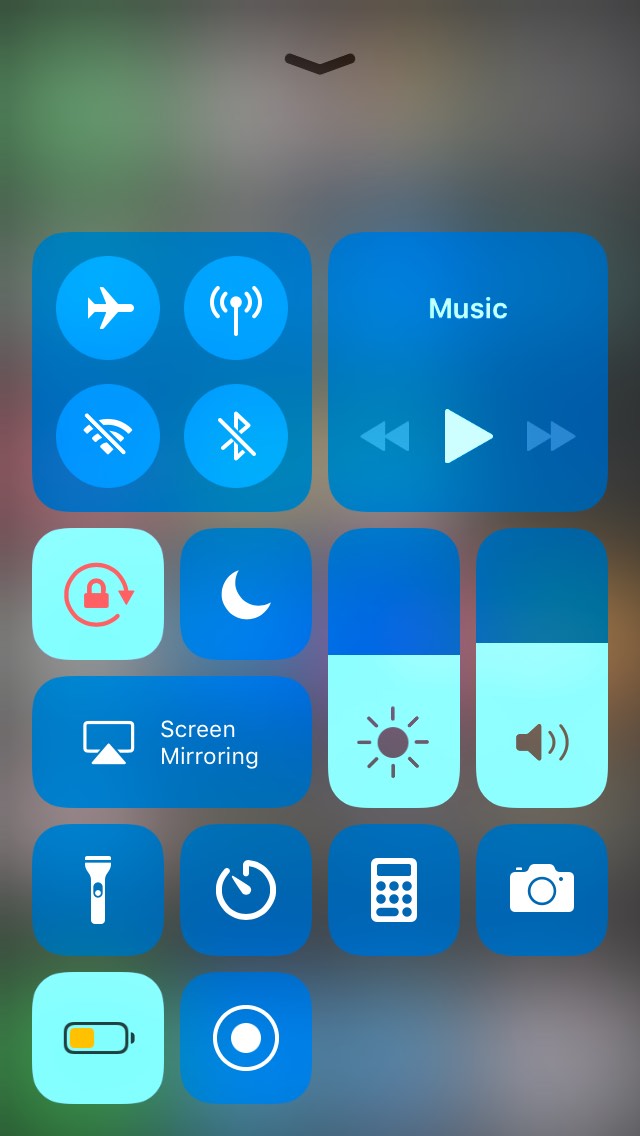
One of the most significant changes to ship with iOS 11 was the redesigned modular Control Center interface. But despite everything Apple did to make Control Center more customizable, it still lacks color-based personalization.

A new free jailbreak tweak dubbed ColorMyCCModules by iOS developer iKilledAppl3 fills this void by providing users with a way to colorize Control Center’s various modules.

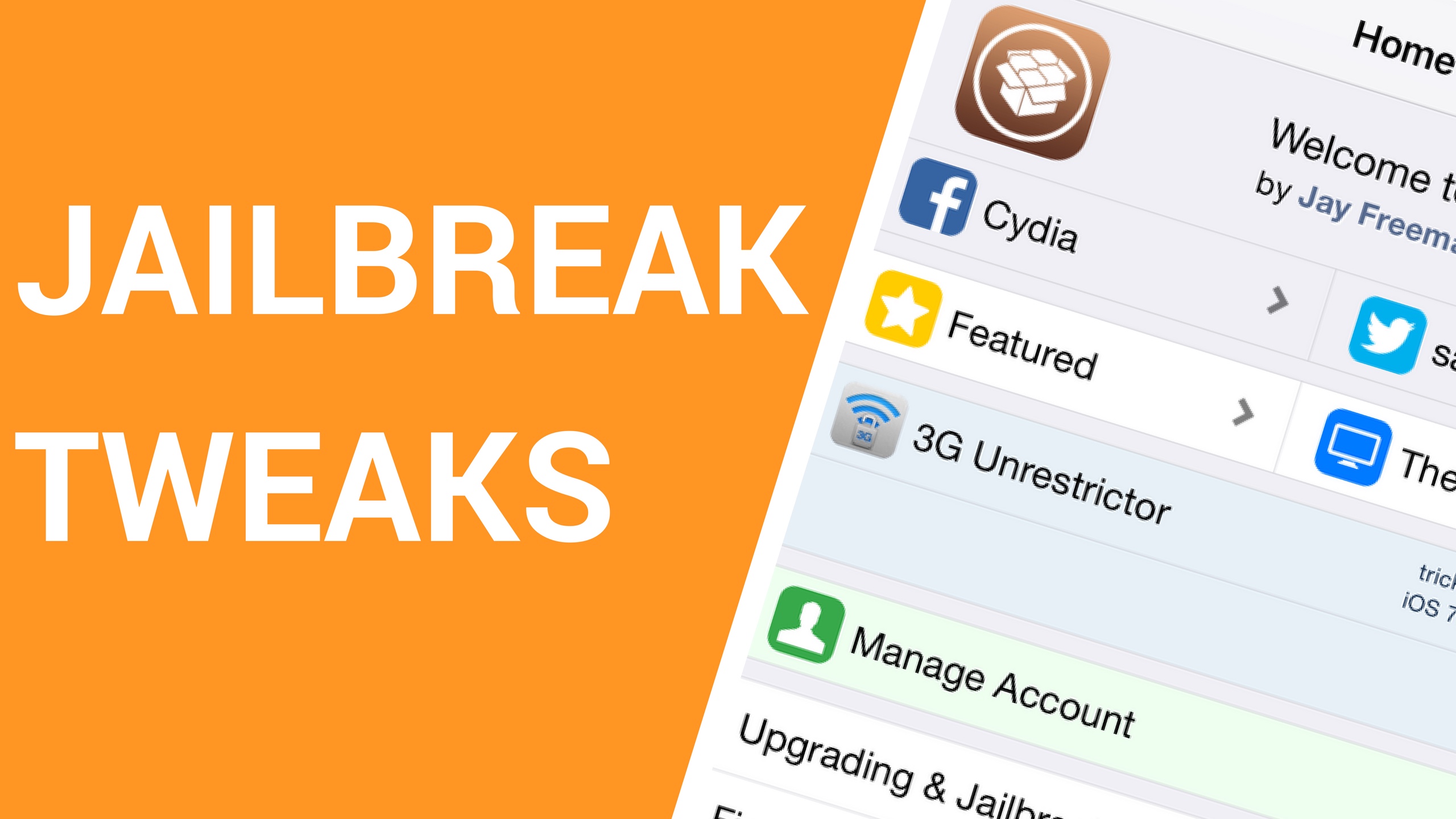
8 jailbreak tweaks to check out this weekend

Jailbreak Tweaks to check out

The Cydia store wasn’t bustling with new jailbreak tweaks this week like it was the last, but there were still a handful of noteworthy releases that earned a place in the spotlight at iDB.

In this roundup, we’ll talk about all the new jailbreak tweaks released in Cydia from March 26th to April 1st. As always, we’ll kick things off by talking about our favorites first and then outline the rest afterward for your convenience.

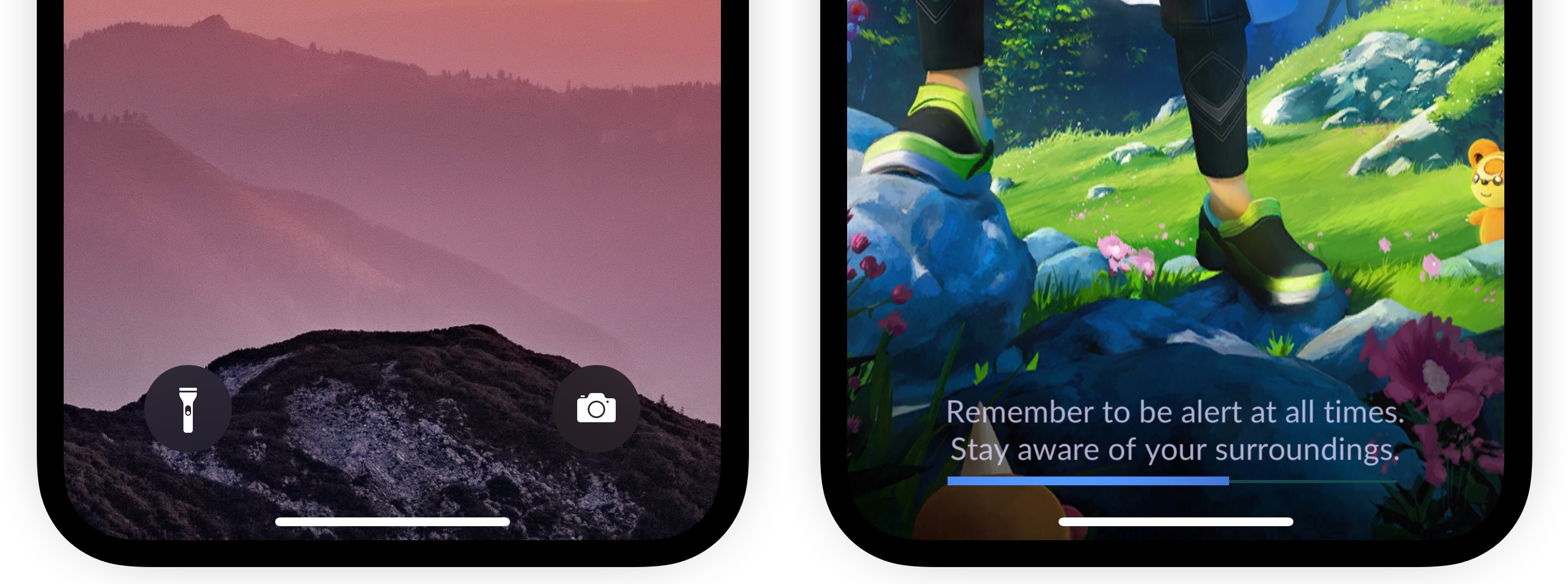
HomeBarSizer lets you resize the iPhone X’s Home Bar

Since the public release of the Electra jailbreak for iOS 11, we’ve seen a bevy of jailbreak tweaks explicitly designed for the iPhone X. Some of the most recent ones focus on the handset’s Home Bar – the bar at the bottom of the screen that you use to close apps, multitask, etc.

A new free release dubbed HomeBarSizer by iOS developer Kiran Patil is no different. As the name suggests, it will let you customize both the size and appearance of your iPhone X’s Home Bar so you can achieve the look and feel you desire.

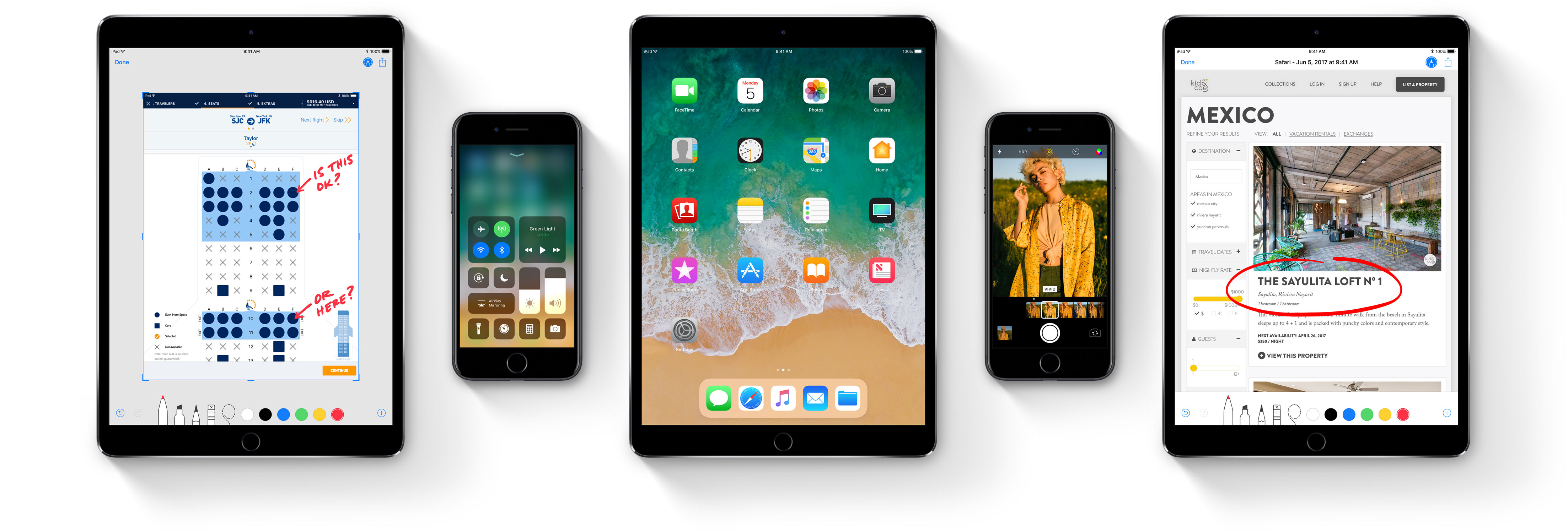
iOS 11.3 release notes

On Thursday, March 29, 2018, Apple released the iOS 11.3 software update for iPhone, iPad and iPod touch with battery health assessment in Settings, the ability to disable Apple's controversial CPU throttling at will and other new features.

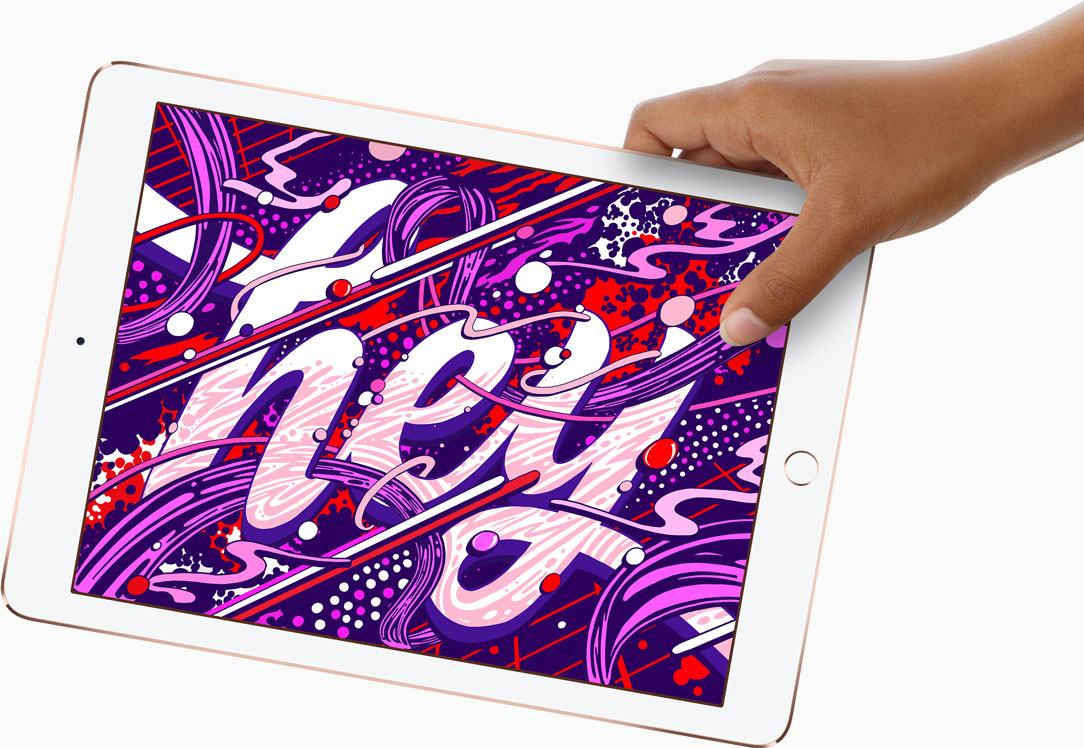
Apple releases iOS 11.3 for new iPad

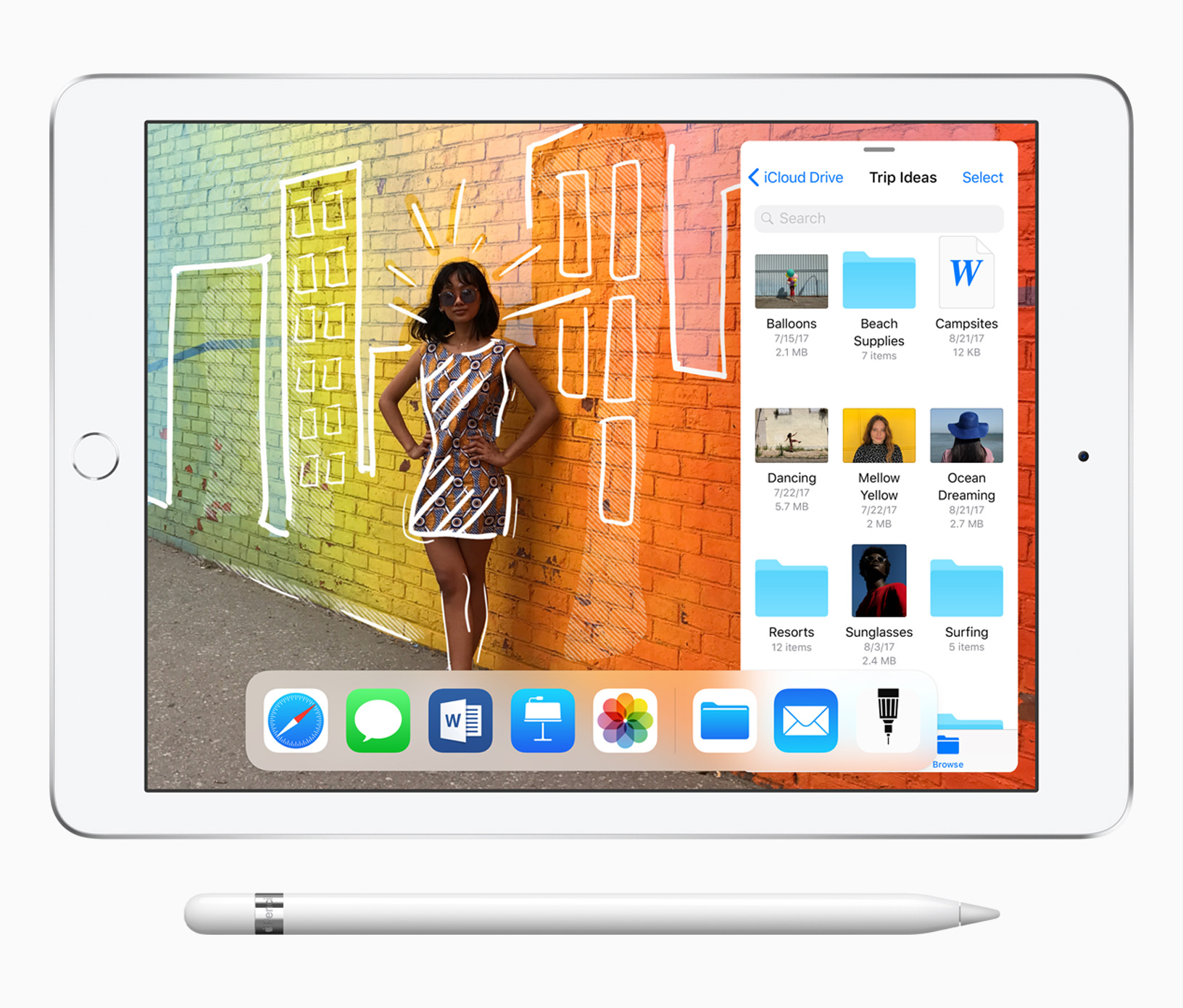
First shipments of the refreshed $329 9.7-inch iPad model which went on sale following yesterday's education event won't arrive until later this week, but that didn't stop Apple from releasing the iOS 11.3 software update solely for the new device.

How to turn off glowing Siri lights on HomePod

Two HomePod images placed side by side, with one photo showing the glowing Siri lights on top and the other photo showing the black top with no lights

Due to its lack of a screen, HomePod's means of expressing itself are limited to the pulsating, colorful dot on its slick top surface. The design and implementation of the expressive light undoubtedly make for a masterclass in giving an inanimate speaker an air of personality.

While we do have a detailed breakdown of which of HomePod's lights exactly mean what, what we have not done yet is call attention to the fact that the lights can also be shut down - and no, I'm not talking about pulling the plug from the power outlet.

Why would you want your HomePod to become a stale, expressionless object? Well, perhaps you don't want your HomePod to emit as much light in the dark or prefer the look of a sleek black or white speaker sans the play of colors on top! Whatever floats your boat, each to their own, you get the gist. Maybe you just appreciate knowing that there is the option without ever seriously contemplating depriving HomePod of its quirky LED.

Whatever the reason you might decide to neuter your HomePod, there is a simple switch to do (and undo) just that.