iOS

TVLock13 gives jailbroken iPhones an old TV-inspired locking animation

Sometimes it’s the simpler things in life that give us the greatest satisfaction, and a newly released and free jailbreak tweak dubbed TVLock13 by iOS developer Wes serves as a wonderful example of something so simple that can make your iPhone’s user experience better.

Just as the tweak’s name implies, TVLock13 introduces a classic television-inspired ‘off’ animation to your handset when you lock it, A.K.A put it to sleep. Unless you’ve been living under a rock, you’ve probably witnessed this animation previously since it has been particularly popular for jailbreakers over the years. The biggest change here is that this tweak brings the experience to pwned iOS 13 handsets, and at no cost.

Quorra brings iOS 14’s privacy indicator dots to jailbroken iOS 13 devices

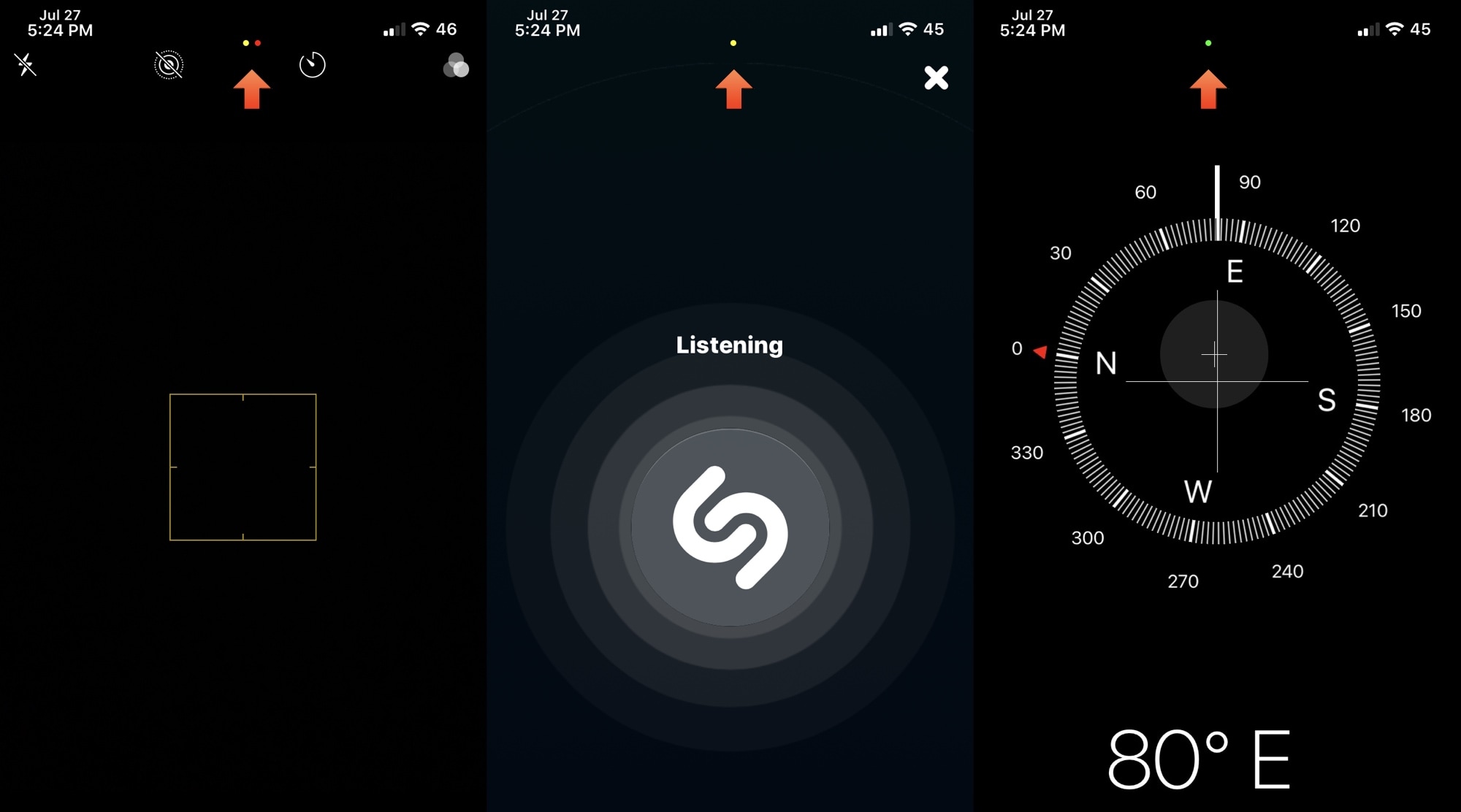
When iOS & iPadOS 14 are released this Fall, the software updates will introduce a bevy of useful new features to the iPhone and iPad platforms. Perhaps one of the most intriguing features that seemed to slip under the radar are the new privacy-centric indicator dots that appear the top of the display when an app or service begins accessing your handset’s camera, location, or microphone.

This particular feature was so highly sought after that even the Android community quickly developed a way to port this feature to their handsets. Unfortunately for those running iOS & iPadOS 13 or earlier, a similar solution wasn’t available – at least not until now, thanks to a new and free jailbreak tweak release dubbed Quorra by iOS developer Lightmann.
Dock Controller lets jailbreakers supercharge their iPhone’s Dock

The Dock is an integral part of the Home Screen on any iPhone or iPad, and if you’re familiar with both platforms, then you’ll already know that Dock behavior varies from one device to the next. iPads, for example, have a much more robust Dock experience with a separated section for recently-used apps, whereas the iPhone’s Dock is much more simplistic.

If you wish you had more control over your handset’s Dock experience, then we think you’re going to love a newly released and free jailbreak tweak dubbed Dock Controller by iOS developer Tomasz Poliszuk. Just as the tweaks’ name implies, Dock Controller gives users quite a bit more control over their handset’s Dock aesthetics and behavior.

How to remove the unc0ver jailbreak without restoring your iPhone or iPad

If your handset is jailbroken with unc0ver and you’ve either decided that you revert to a vanilla version of iOS or that you want to start over with a different jailbreak tool, it’s important to know that the unc0ver jailbreak incorporates a mechanism for rolling your handset back to a pre-jailbroken state.

In this step-by-step tutorial, we’ll walk you through the steps necessary to remove the unc0ver jailbreak and all of its components from your iPhone or iPad. This process is recommended over totally restoring your handset because it will preserve your valuable personal data and ensure that your device can still be jailbroken in the future if you happen to change your mind.

Give your Control Center interface a fresh coat of paint with CustomizeCC

One of the iOS interfaces that the vast majority of iPhone users take advantage of on a daily basis is Control Center. It’s functionally straightforward and convenient to use. Apart from customizing the controls that appear in Control Center, however, Apple doesn’t provide much by way of customization, especially in terms of aesthetics.

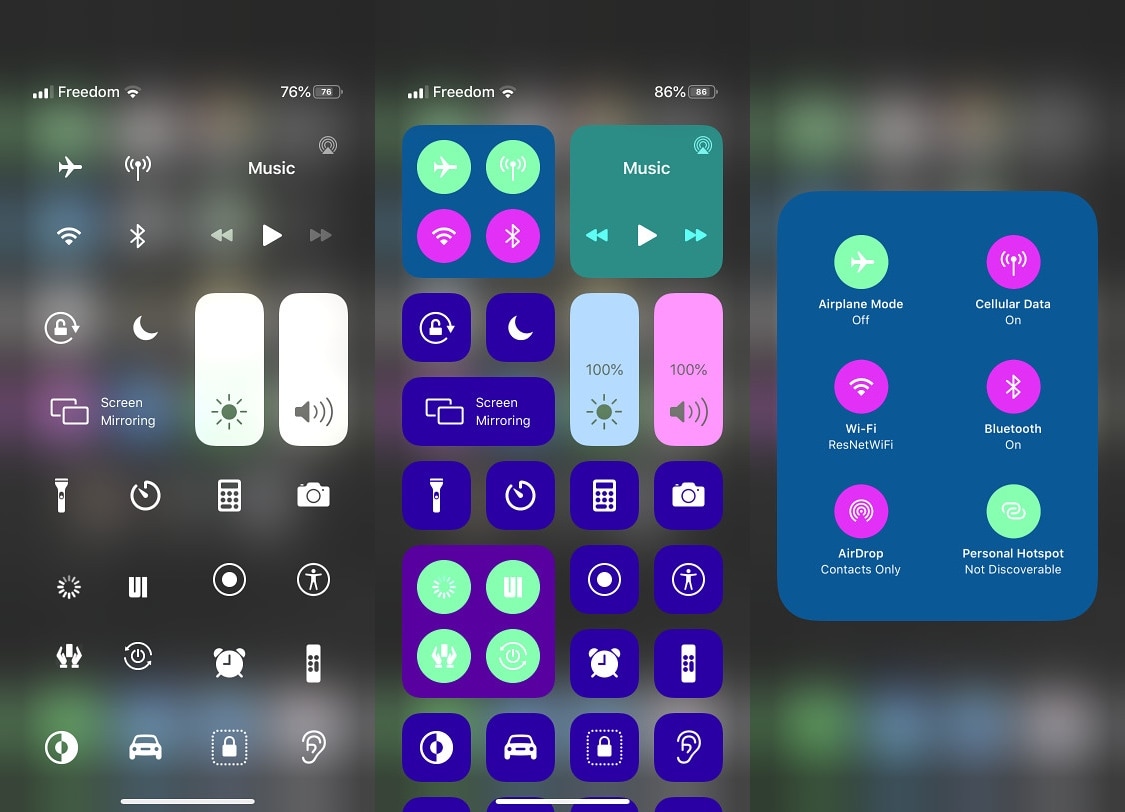
Enter CustomizeCC, a newly released and free jailbreak tweak by iOS developer Miguel that lets jailbreakers take unfettered control over the appearance of the Control Center interface. As you might’ve discerned for yourself via the screenshot examples above, CustomizeCC imbues users with a slew of new colorization options for making your Control Center interface unique.

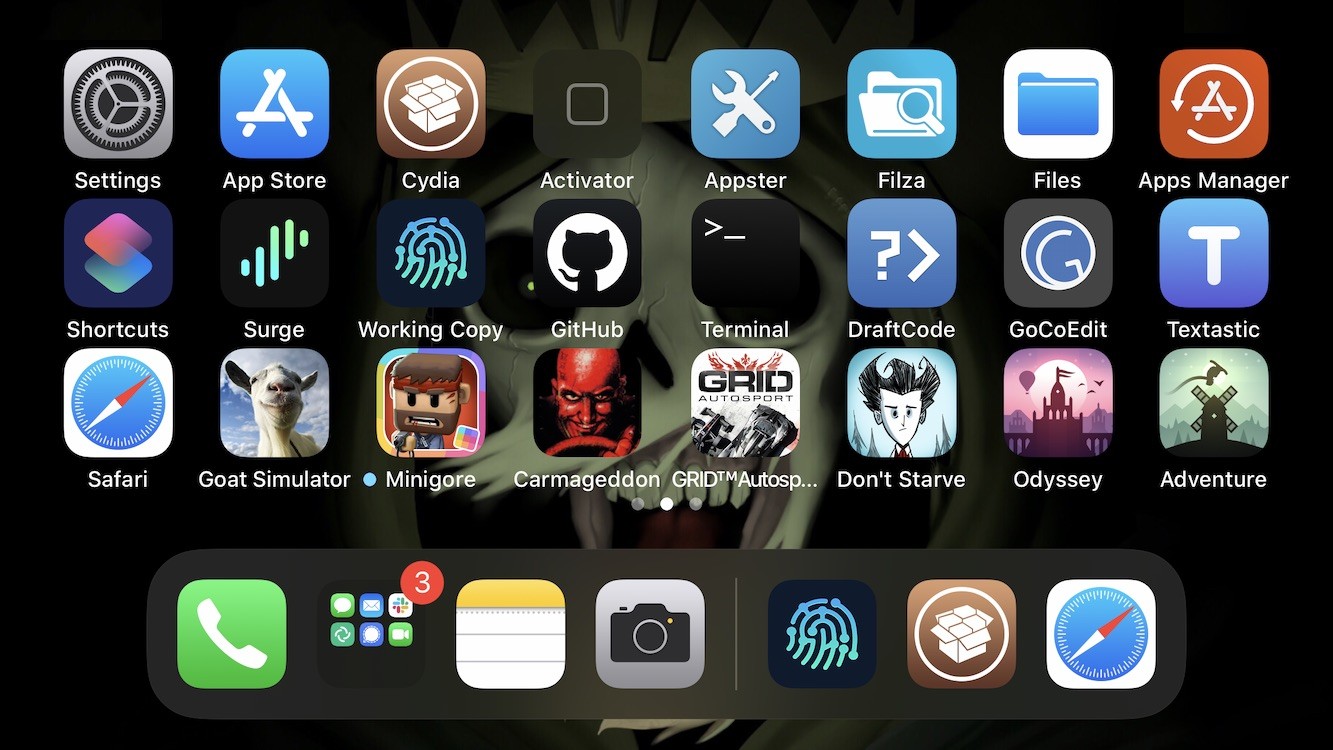
How to get Cydia on the Odyssey jailbreak

Just as promised, the Electra Team’s new Odyssey jailbreak for iOS 13.0-13.5 lets users install Saurik’s tried and true Cydia package manager (and others) alongside the jailbreak’s default Sileo package manager.

While some people prefer the Sileo experience over Cydia, the fact remains that many remain loyal to the package manager they’re most familiar with. With that in mind, we’ll be showing you how you can install Cydia on your Odyssey or Odysseyra1n device in this step-by-step tutorial.

How to install the Odyssey jailbreak with AltStore

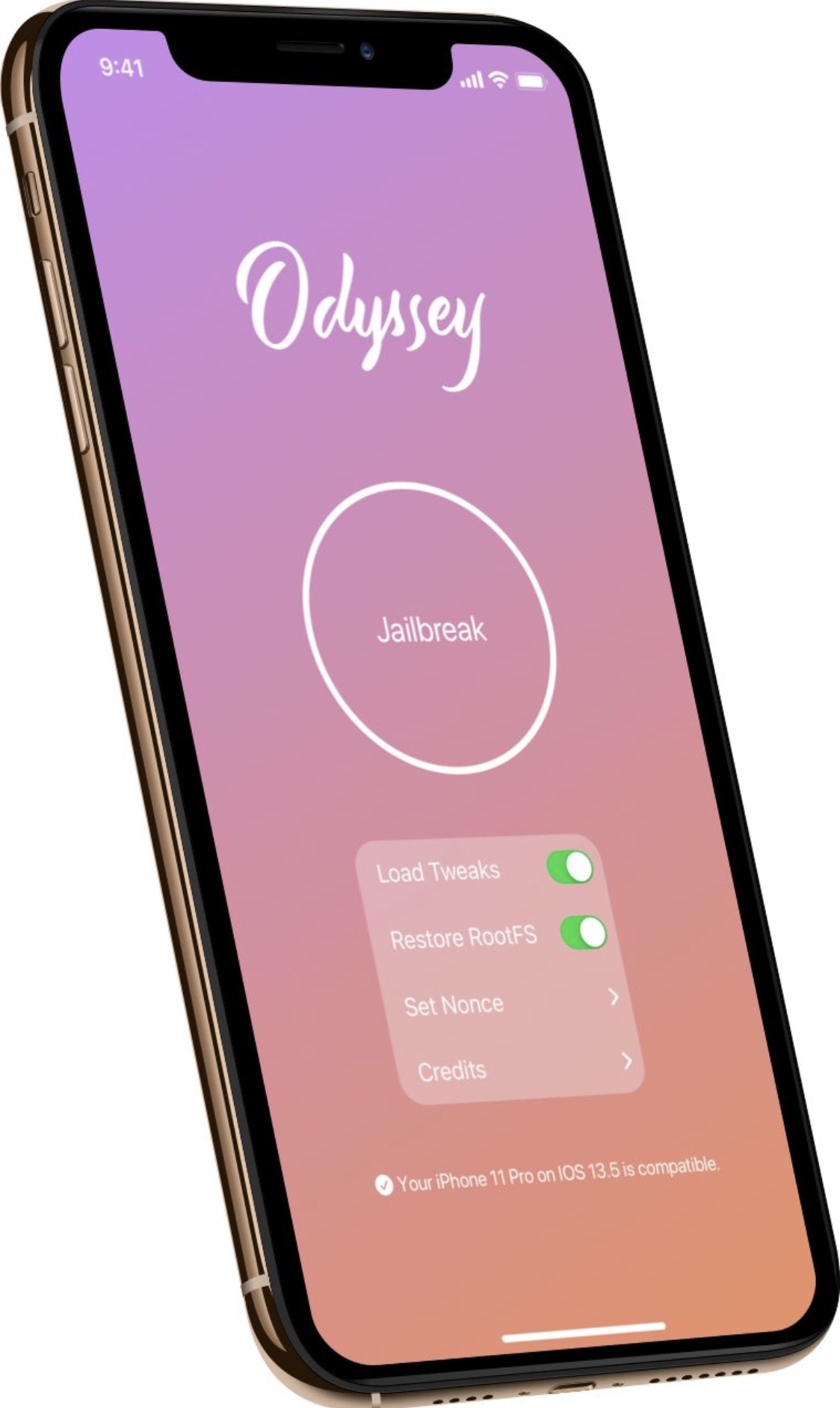
Odyssey is the Odyssey Team’s latest creation, and it’s specifically intended for jailbreaking iOS & iPadOS versions 13.0-13.7. Much like the competing unc0ver jailbreak, Odyssey is a side-loadable jailbreak app that installs a semi-untethered jailbreak.

The Odyssey jailbreak by default uses the Sileo package manager for installing packages and libhooker for tweak injection. Additionally, it installs the all-new Procursus bootstrap, which powers everything that makes this jailbreak tick. If you’re interested in using this concoction, then you’ve come to the right place because this tutorial will show you how you can jailbreak your iPhone or iPad with Odyssey.

CoolStar Tweets download link for Odyssey jailbreak public beta

Odyssey jailbreak for iOS 13.

Ever since the unc0ver team issued a DMCA take down request for the Odyssey jailbreak GitHub page, many avid jailbreakers have been waiting for the smoke to clear. At this time, the investigation is still pending, and no official verdict has been declared. Odyssey lead developer CoolStar did, however, respond to the DMCA take down with an appeal. Now we wait to see what happens...

In the meantime, those avidly waiting for the Odyssey jailbreak to launch have been forced to wait longer than expected to download and use the tool. CoolStar’s most recently ETA for release is ‘whenever GitHub restores the repository,’ but things took an interesting turn early Sunday morning when CoolStar Tweeted a link encompassing what appears to be a beta pre-release version of the Odyssey jailbreak tool: