Whenever you set up a brand new device or begin to set one up following a factory restore, you’re greeted with a beautiful ‘hello’ screen that walks you through the setup process.
The iPhone’s App Switcher has always been somewhat blasé, lacking features and UI capabilities that we didn’t even know we wanted or needed until the jailbreak community started making us keenly aware of them.
There’s no shortage of people who like to stay on top of the weather, especially during stormy seasons. You can have all the weather apps you want, but you won’t be able to see what’s happening outside unless you actually open those apps.
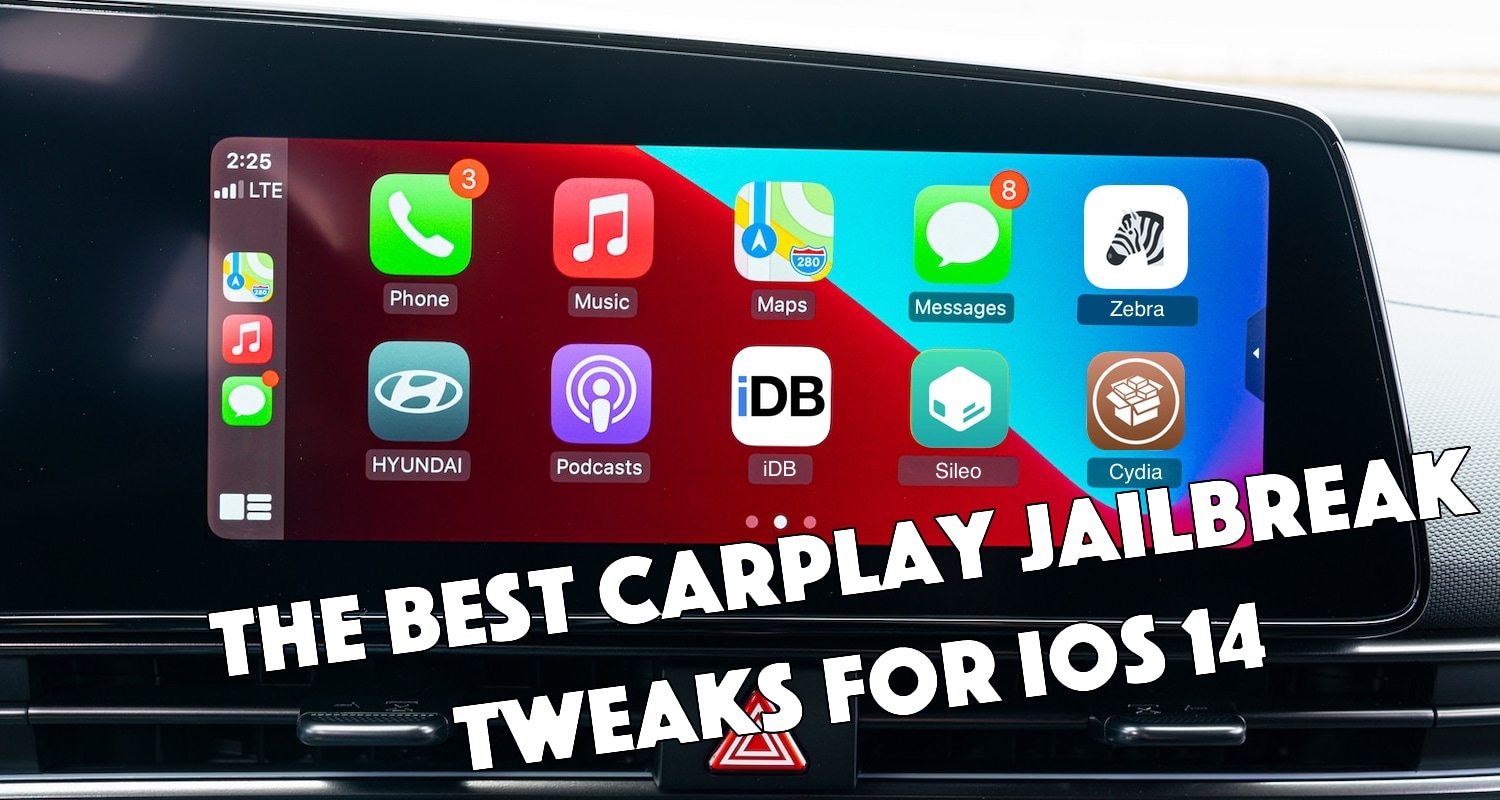
With an increasing number of modern automobiles rolling off the factory line with support for CarPlay, it should come as no surprise to anyone that even jailbreakers on iOS 14 take full advantage of this handy driver-friendly feature.
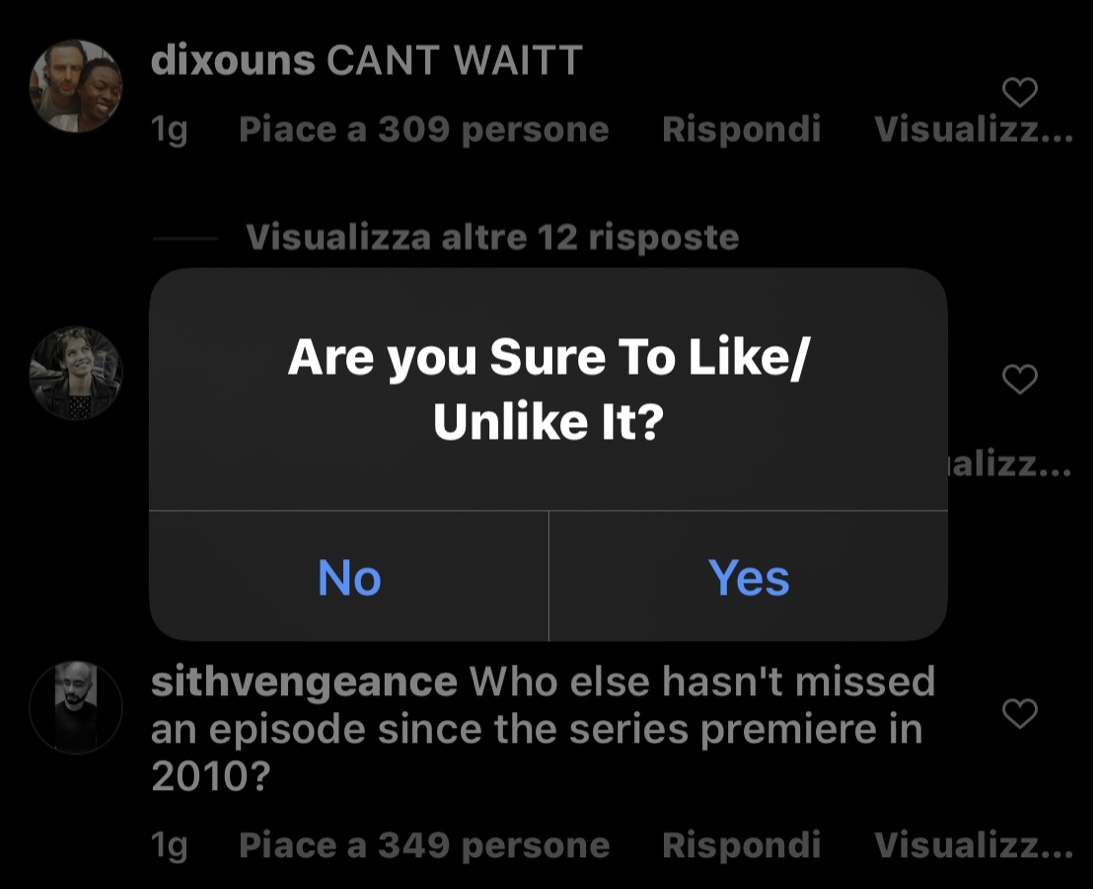
It’s very easy to accidentally like it unlike a post in your Instagram feed, and depending on the circumstances, the experience can be unnerving, or sometimes even esteem-shattering because the person on the other end of the like or unlike is likely to figure out it was you.
Along with seeding the fifth developer beta of iOS 16, Apple also welcomed back the battery percentage indicator in the status bar. That's pretty big news all on its own! But, of course, the "reveal" also brought with it some feedback from folks who, well, might not like how Apple reinstated the feature.
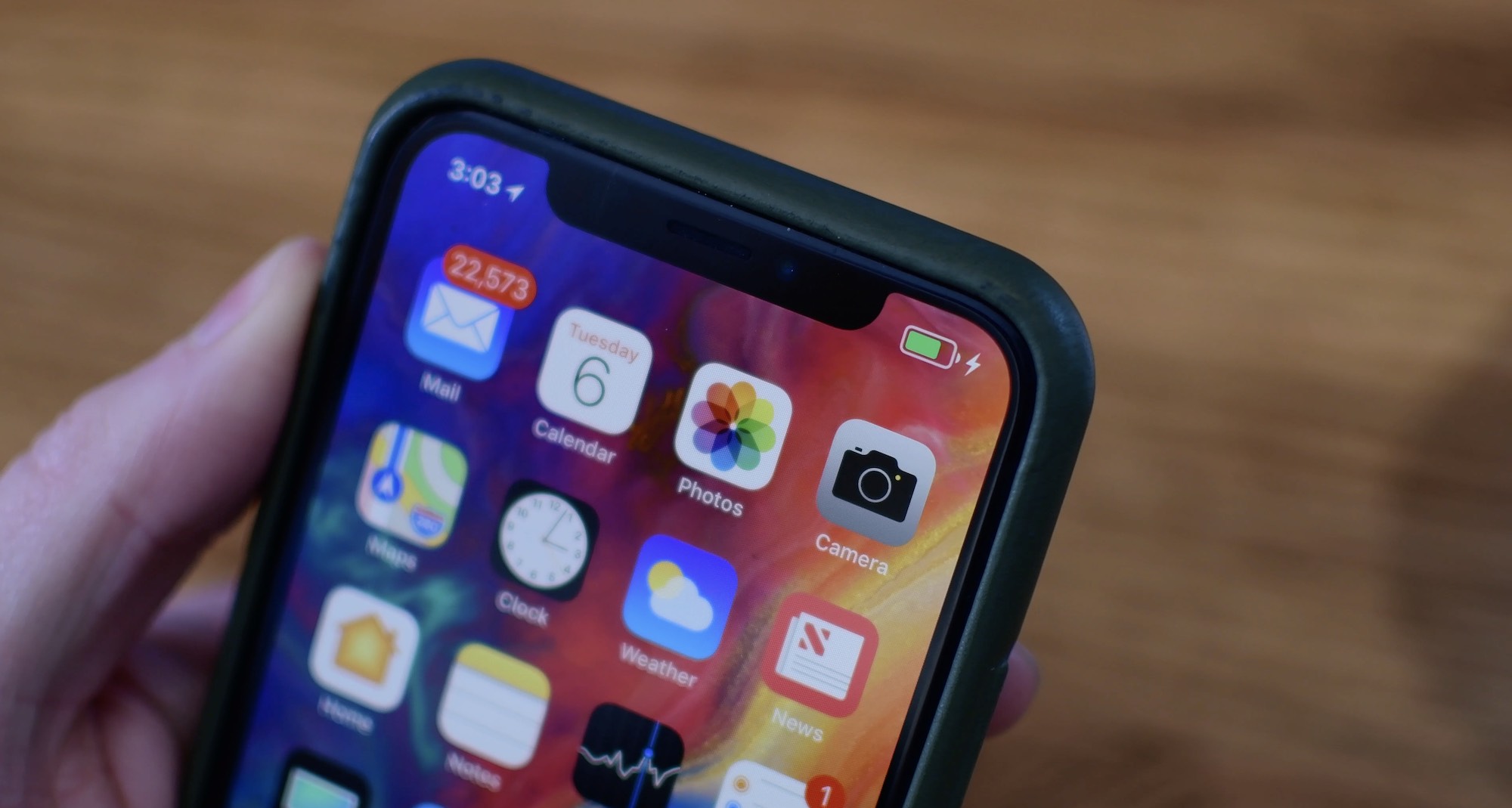
Anyone that has paid attention to the iOS 16 betas would know that the most recent added a much-anticipated battery percentage to the Status Bar’s battery level indicator on notched devices. The battery percentage remains available on non-notched devices as it always has been.
iOS 16 brings back the ability to display battery percentage in the status bar so it's visible at all times. But does your iPhone support it?
If you’re in the market for a jailbreak tweak that makes quick work of personalizing your pwned handset, then we think there’s a pretty good chance that you’ll take an interest in a new and free release called UISwitch Changer by iOS developer ElioFegh.
Earlier today, Apple seeded the fifth beta of iOS 16 to developers. And, as is par for the course, the new seed also includes a few new tweaks to the formula. Nothing is quite set in stone, and some of these new elements may not make it to the final cut when the software launches to the public later this year.
When Apple introduced the iPhone X, it also took something away: the battery percentage present in the status bar. This used to be a handy feature, making it easy to see just how much battery life remained in your iPhone at a glance. Especially if you prefer percentages. But, Apple removed it, and, up until today, it didn't appear that the company was too ken on bringing it back.
You can enter special symbols like copyright (©), trademark (™), and registered (®) effortlessly on your Mac and iPhone using keyboard shortcuts or the built-in Text Replacement feature. You don’t need to copy & paste or install a third-party app.