iOS 9

Forcy adds 3D Touch-inspired gestures to all iOS 9 devices

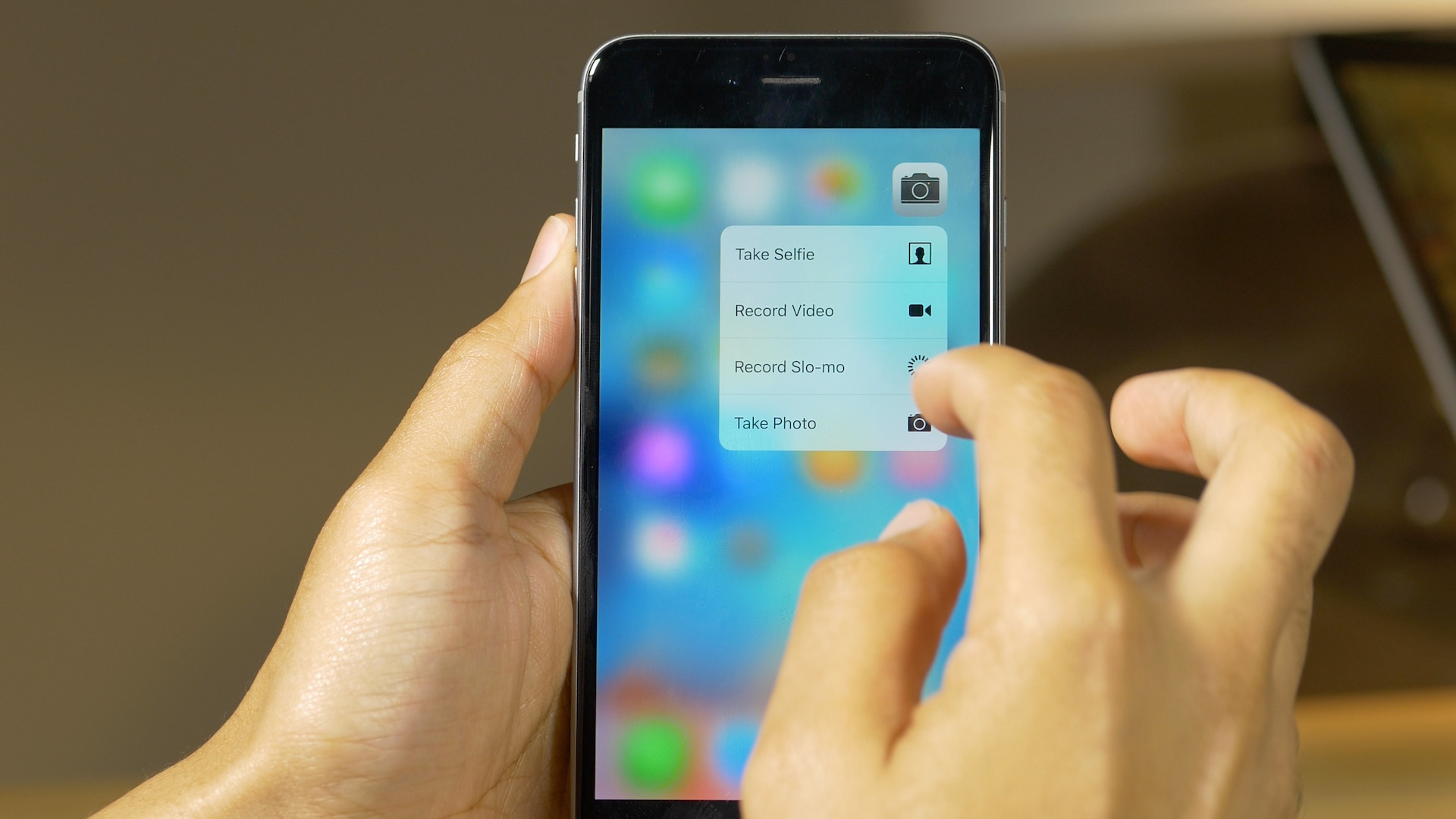
Forcy is a brand new jailbreak tweak, one of the first newly created tweaks for the iOS 9 jailbreak, that allows you to enable 3D Touch-inspired gestures on any iOS 9 device. The gestures, which are impressively similar to what you'd find on 3D Touch-enabled devices like the iPhone 6s, allow you to take advantage of the Home screen app icon shortcuts made popular on Apple's most recently released iPhone hardware.

Forcy is available right now for free on Cydia's BigBoss repo. Have a look at our video walkthrough to see how it works.

How to jailbreak iOS 9 with Pangu on Mac using a virtual machine

If you're running a Mac, you'll need a virtual machine running Windows in order to jailbreak using OS X. In this tutorial, I'll show you how to create a Windows virtual machine and how to jailbreak iOS 9 on your Mac. It's super easy, and takes less than 20 minutes to complete. Instead of waiting for a Mac tool, why not use a virtual machine and enjoy an iOS 9 jailbreak today?

Google Translate gains Split View multitasking

Google's native translator app in the App Store has received a productivity-focused update earlier this morning. The free of charge software was bumped to version 4.2 and the big news in this edition is support for iOS 9's side-by-side Split View multitasking mode on supported devices like the iPad Air 2, iPad mini 4 and the upcoming iPad Pro.

In addition to Split View multitasking, Google Translate 4.2 for iOS has picked up camera translation from German and English to Arabic, joining other language packs.

Cydia Substrate has been updated for iOS 9, but many jailbreak tweaks still won’t work yet

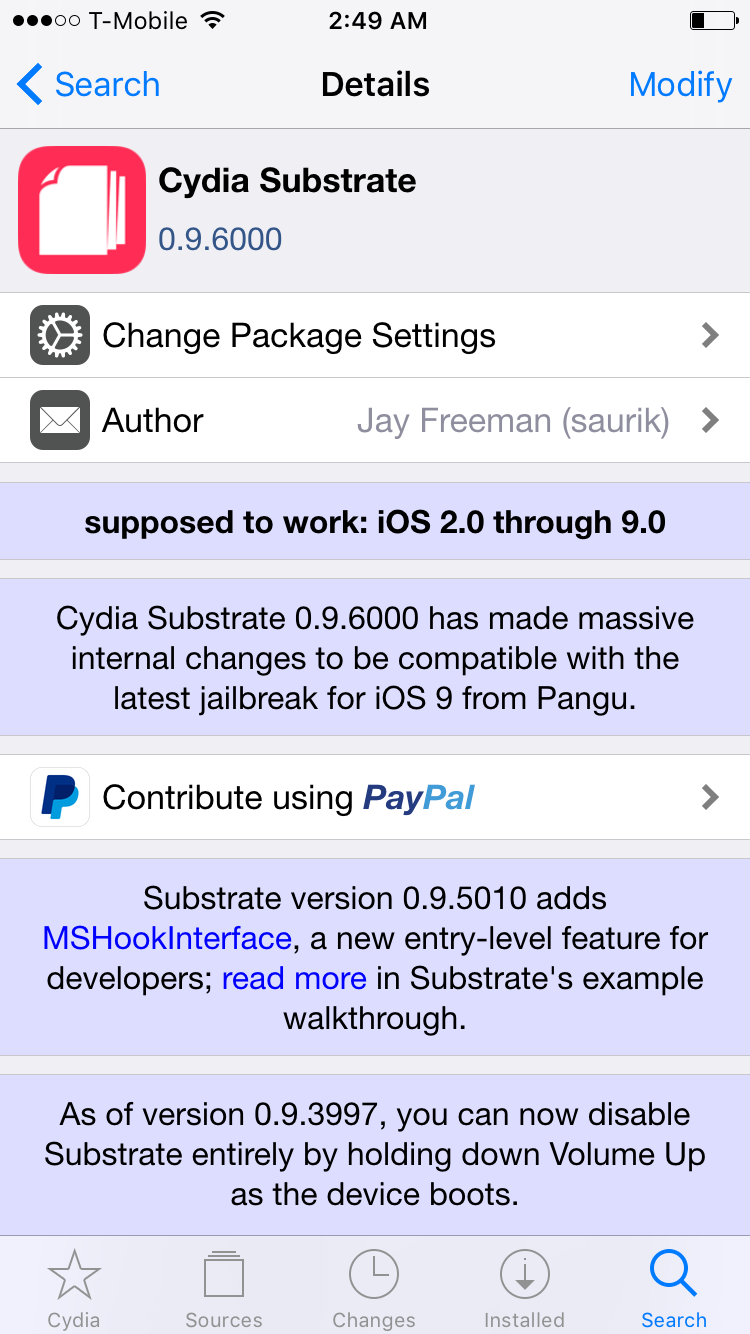
It looks like saurik must have been in the know about the iOS 9 jailbreak, because it comes updated to work with iOS 9 post-jailbreak. As saurik states in the Cydia Substrate change log, version 0.9.6000 brings about significant changes to the package to make it play nice with iOS 9.

The fact that Cydia has been updated immediately is great news for jailbreakers. It means that you don't have to jump through any hoops in order to get Cydia working on your device right after the jailbreak.

With that established, some of you may still deem it best to hold off for a while. That's because there simply aren't many tweaks available that work with iOS 9 yet...

How to jailbreak iOS 9 with Pangu

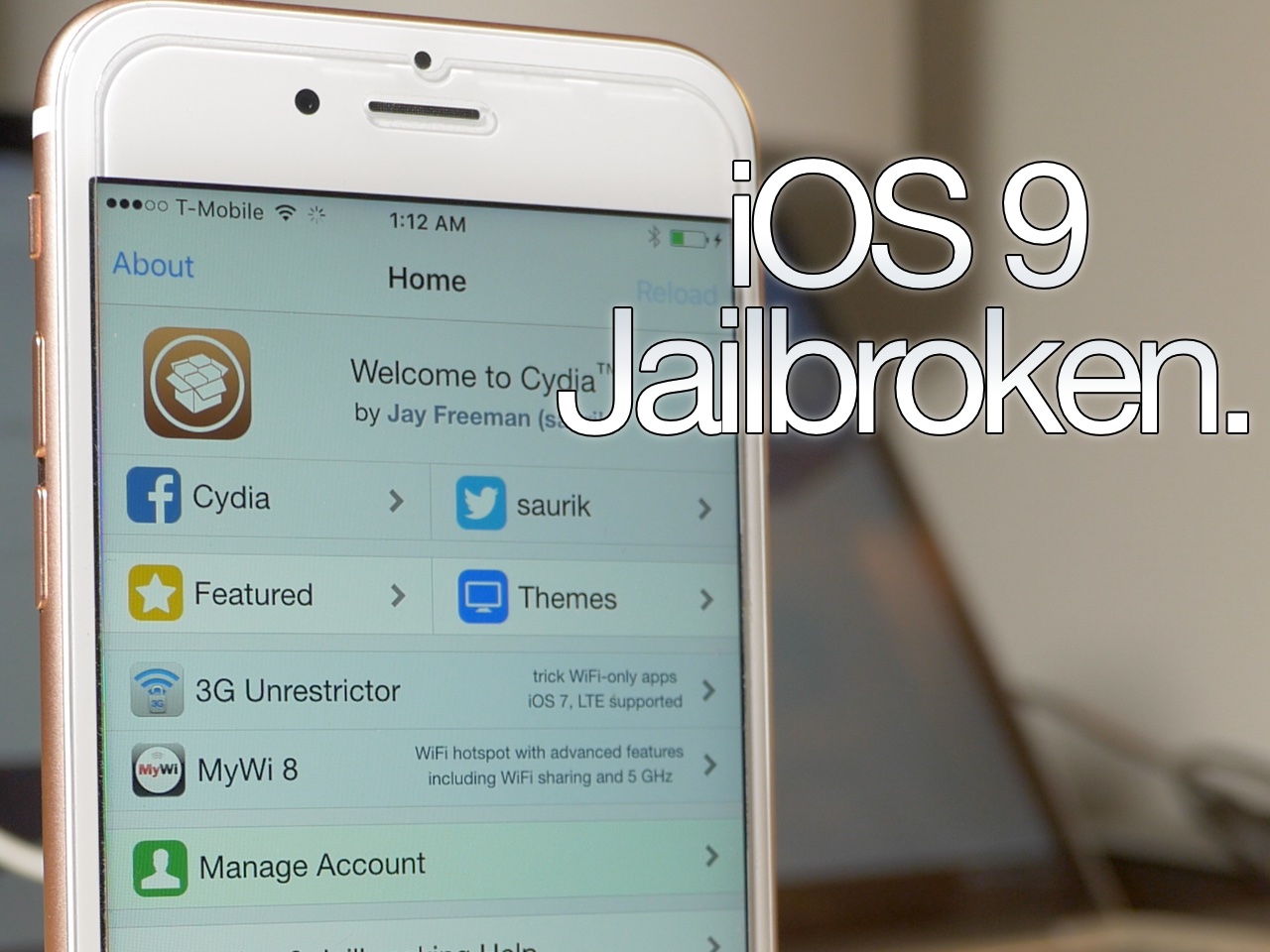
As we told you, the Pangu Jailbreak tool for iOS 9 was just released a few minutes ago. We've taken the liberty to test it out, and can vouch for its legitimacy as far as jailbreaking the iPhone goes. We tested it out with our iPhone 6s and were able to jailbreak and load Cydia successfully. In this post, we'll show you how to do the same.

iOS 9 jailbreak released by Pangu

Surprise! The iOS 9 jailbreak that we just talked about appears to be legit, and there is now a download link available. The tool is only available for Windows users at this time. The Pangu tool for iOS 9 works with iOS 9.0, iOS 9.0.1, and iOS 9.0.2. There's no word on whether it works with the beta releases at this time.

Pangu teases iOS 9 jailbreak

Update: Pangu jailbreak for iOS 9 released!

Surprise. The iOS 9 jailbreak that we just talked about appears to be legit, and there is now a download link available. The tool is only available for Windows users at this time. The Pangu tool for iOS 9 works with iOS 9, iOS 9.0.1, and iOS 9.0.2. There's no word on whether it works with the beta releases at this time.

New in iOS 9: scrub through your photos quickly

On the surface, the refined Photos app in iOS 9 hasn't changed much from the previous release. But scratch a little deeper and you'll discover a few gems that might not be readily apparent but will leave you wondering how you lived without them.

For example, images taken with your iPhone's front-facing camera automatically go into a new 'Selfies' album.

Similarly, screenshots taken by simultaneously pressing the power and Home buttons get saved into a new 'Screenshots' album. Today, I want to talk about another new feature in iOS 9's Photos app: quick photo-scrubbing.

How to put folders inside folders on iOS 9

Since folders first appeared on iOS, there have always been glitches that make it possible to place a folder within a folder. iOS 9 is no different, it too allows you to nest folders on your iPhone. To do so is extremely easy, and requires no quick movements, or ridiculous over the top finger cramping combinations methods.

The only downside about using this method to nest folders is that you'll have to do it all over again when you restart your iPhone. In this post and video, I'll show you how simple it is to nest folders on iOS 9 in just a few seconds.

How to add f.lux-like screen gamma settings to a non-jailbroken iPhone

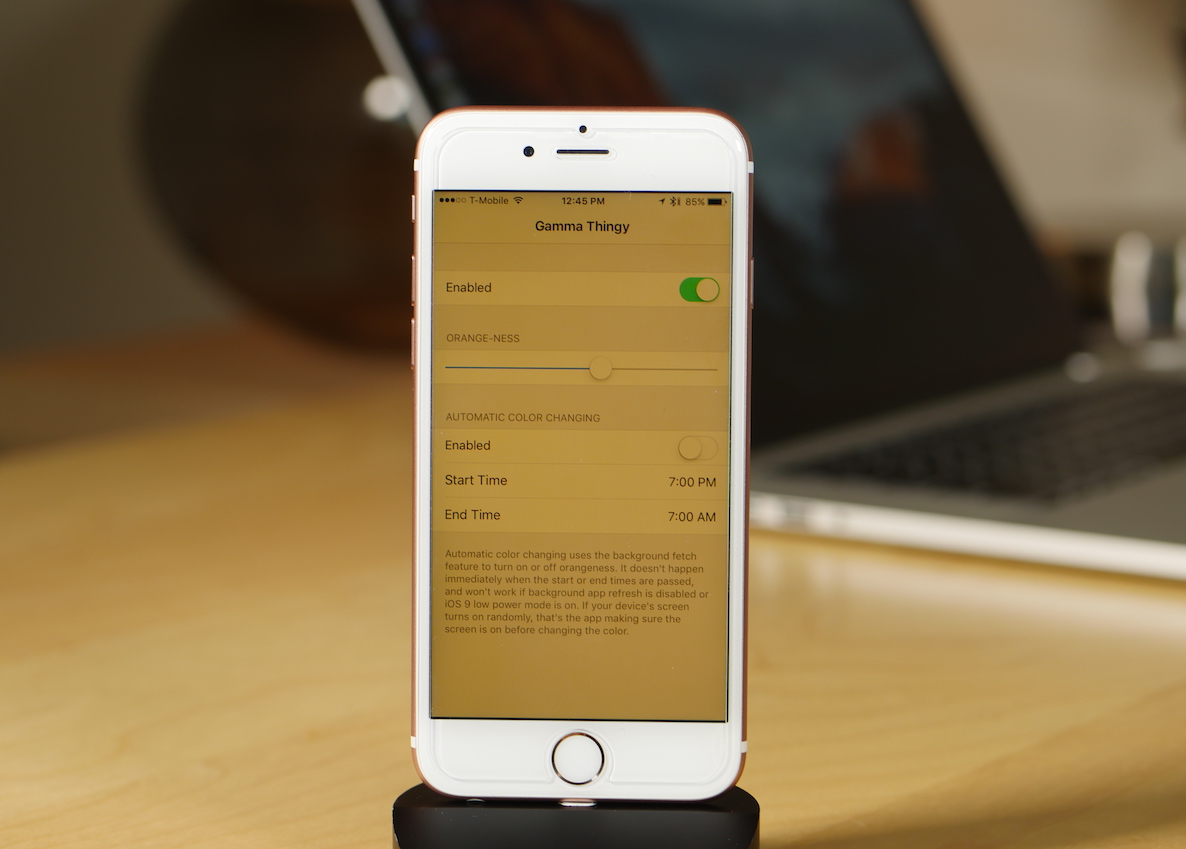
Gamma Thingy is a new app available on GitHub from developer Thomas Finch. It allows non-jailbroken iPhone owners running iOS 9 to change their screen gamma values for f.lux-like functionality. What's remarkable about this little app is that you don't need to be jailbroken to run it, and it works system wide.

Lots of users like f.lux, because it makes viewing a backlit screen in less than ideal lighting conditions easier on the eyes. I use f.lux on my Mac, and it makes working at night more tolerable. I also use f.lux on my jailbroken devices from time to time.

Gamma Thingy can be installed on your iPhone running iOS 9 today via a simple sideloading process. Check out this post to learn what's required.

Apple seeds iOS 9.1 beta 5 to developers

Less than a week following iOS 9.1 beta 4, Apple on Monday issued a brand new, fifth beta of what would become iOS 9's first major software update.

iOS 9.1 beta 5 (build 13B137) for the iPhone, iPod touch and iPad is available to both members of the Apple Developer Program and public beta testers.

In addition, the software is available as a standalone download through Apple's portal for developers.

iOS 9’s Wi-Fi Assist, fully explained and demystified

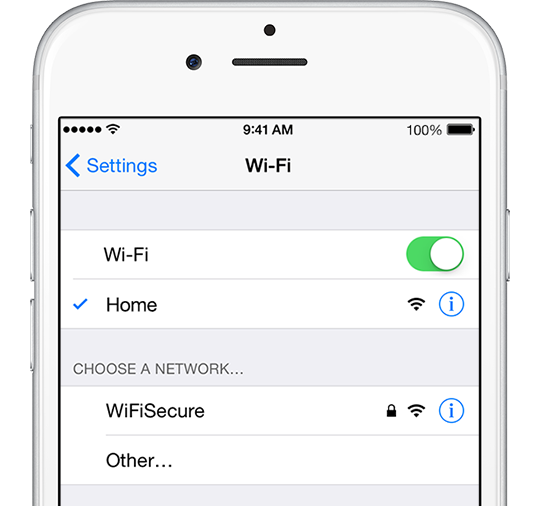
Wi-Fi Assist, a new feature in iOS 9, was initially met with some skepticism as Apple did a lousy job detailing how it works beyond stating that Wi-Fi Assist automatically uses cellular data when Wi-Fi connectivity is poor.

“With Wi-Fi Assist, you can stay connected to the Internet even if you have a poor Wi-Fi connection,” the iPhone maker said somewhat critically.

However, inexperienced users might encounter some unwanted effects when using their devices in areas with low Wi-Fi signal because Wi-Fi Assist will activate their carrier's mobile data network and therefore possibly lead to increased data consumption and unwanted overage fees on the wireless bill.

Here's what Apple is saying how Wi-Fi exactly works.