iOS 9

You can now purchase iOS 9-ready tweaks in Cydia

Saurik has "flipped the switch" in Cydia to allow purchases for device and OS-compatible jailbreak apps and tweaks for iOS 9. That means that any tweak that has been properly updated for iOS 9 can now be enabled for sale by Cydia developers.

While this is a definite first step to being able to have a normal Cydia experience with the iOS 9 jailbreak, developers will still have to update packages and enable their tweaks and apps for sale. In other words, you may find a handful of tweaks out there that can be properly purchased and downloaded, but it's still going to take a while for developers to properly catch up.
How to toggle Low Power mode via Control Center with a jailbreak tweak

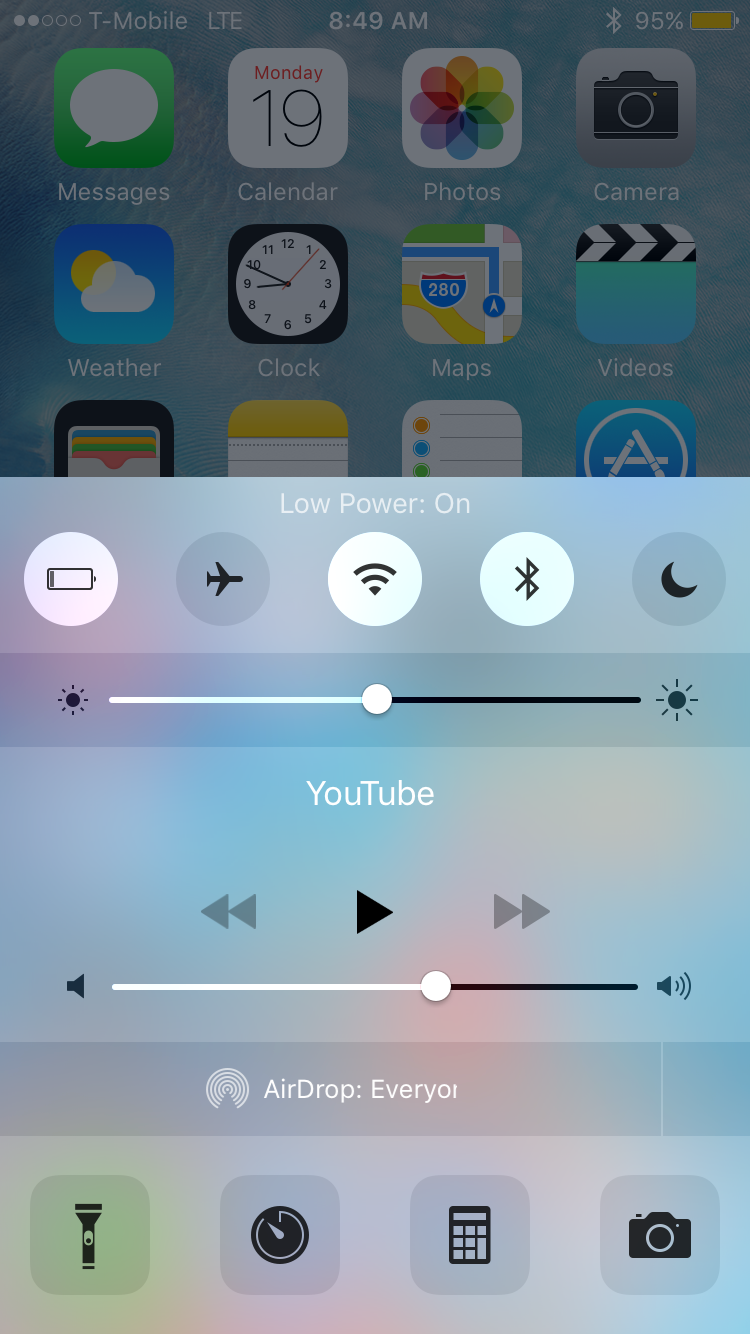
Low Power Flipswitch is a new Flipswitch toggle that allows you to quickly enable or disable Low Power Mode on iOS 9 devices. Flipswitch is the long-running framework that lets developers access standard toggles, and create new toggles.

With a tweak like Ryan Petrich's FlipControlCenter, which was recently updated to support iOS 9, users can easily enable a Low Power Mode toggle that's directly accessible via Control Center. Check out the rest of this post for more details.

SwitcherTweak: invert the App Switcher direction, enable vertical App Switcher scrolling, and more

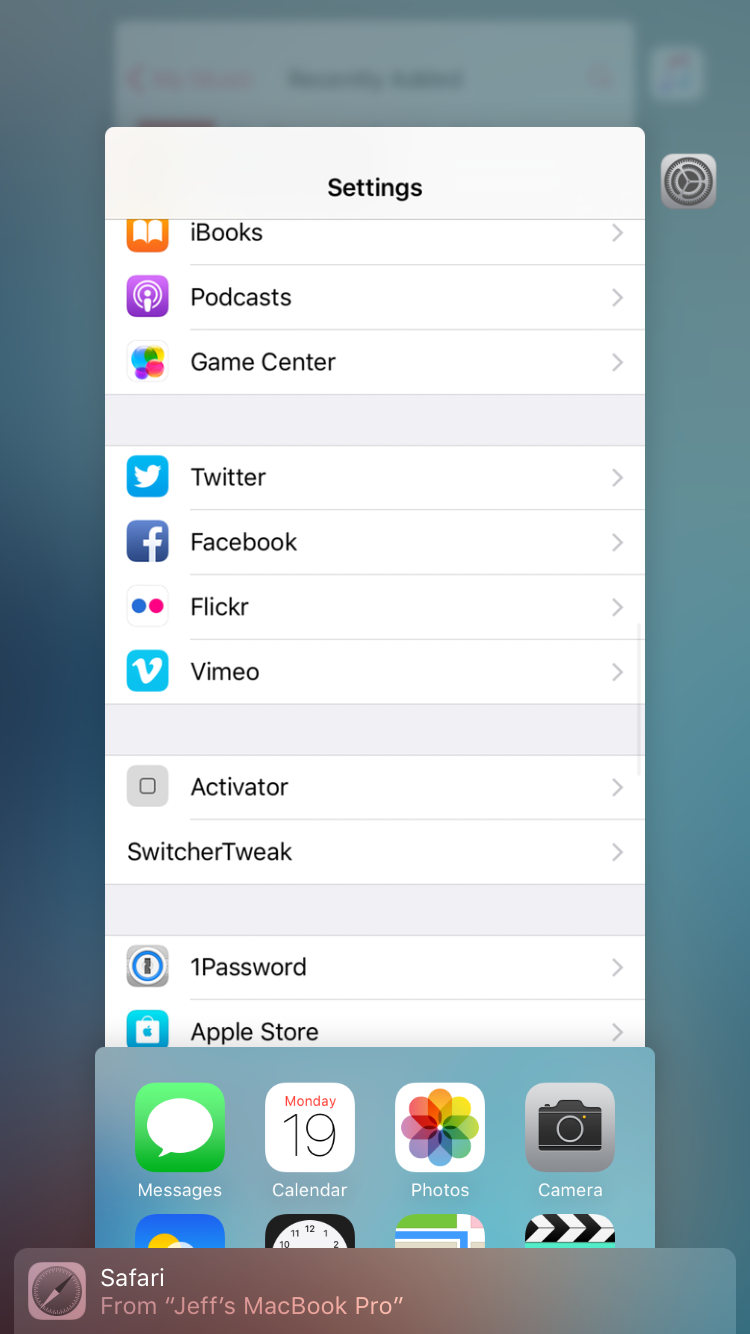
If you're looking to customize the newly redesigned App Switcher in iOS 9, then look no further than the just-released SwitcherTweak. This is a jailbreak tweak that adds lots of new options to the App Switcher, including scrolling direction, respring options, padding, blur, and more.

SwitcherTweak is available for free right now via a third-party repo, and I recommend that you check it out. Watch our video walkthrough for a more in-depth look at what this tweak can do.

Activator for iOS 9 gets a big update with 3D Touch support

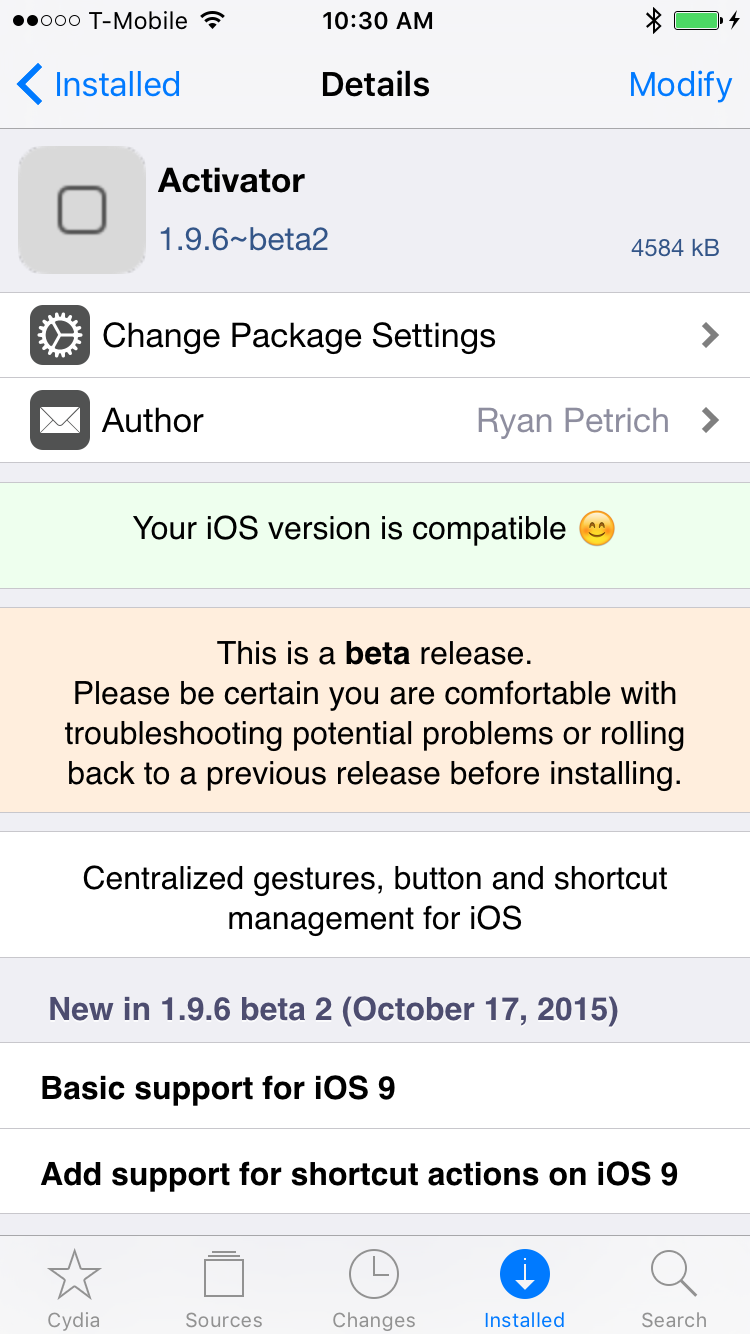
Hot on the heels of the earlier initial beta release of Activator for iOS 9, Ryan Petrich has just dropped the public release of Activator 1.9.6. As you might expect, this release adds several new options and iPhone 6s-centric features to the popular tweak. Activator for iOS 9 is now available for download via the BigBoss repo. Check out the rest of this post for the full change log.

A closer look at Activator’s new Application Shortcuts feature

Earlier today, we reported that Ryan Petrich had updated his beta repo, and with it, the Activator beta for iOS 9. The update brought overall compatibility to iOS 9, but more interestingly, it brought about a new feature called Application Shortcuts.

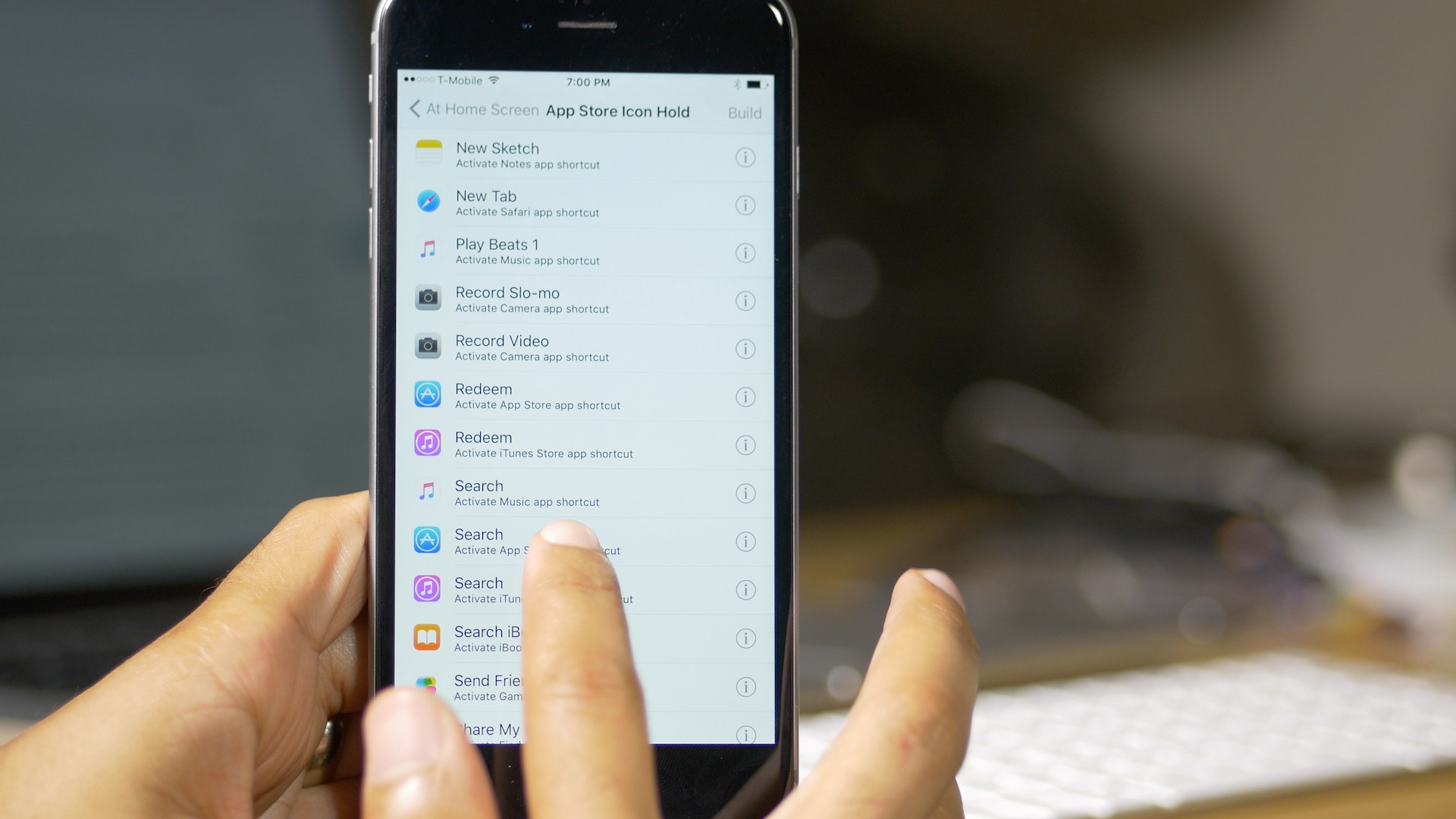
In our previous post about the iOS 9 compatible Activator beta, we briefly touched on the new Application Shortcuts, but in this post, I'd like to dive in a little deeper to show you exactly what these puppies can do, and why they're so cool—even for older pre-iPhone 6s devices.

In a nutshell, Application Shortcuts let you access the shortcuts that are normally only available to 3D Touch capable iPhones on the Home screen, merging them with Activator gestures. The result is a super-cool feature that will undoubtedly be one of the highlights of the iOS 9-enabled Activator.

Ryan Petrich releases Activator beta for iOS 9 that includes new shortcut actions

If you've been waiting for Ryan Petrich to release an update to Activator, you've not been alone. The good news is that Ryan has just updated his beta repo with an iOS 9 compatible version of Activator and RocketBootstrap.

Many of the tweaks available on Cydia require Activator as a prerequisite, so not having it meant a lot of tweaks were simply unusable. Now that Ryan has updated Activator with iOS 9 compatibility, many of those tweaks will function like they should.

EnableLivePhotos enables Live Photos on older iOS 9 devices

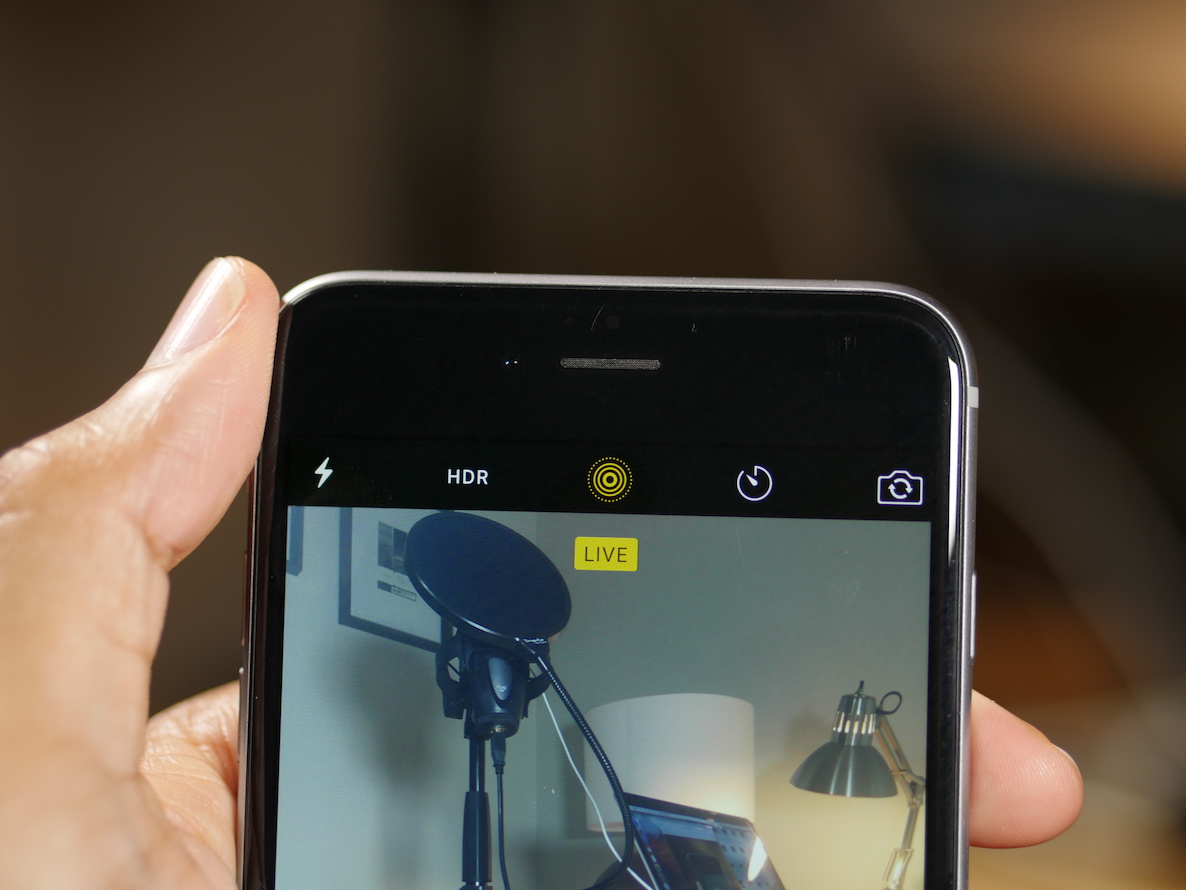
If you have an older device running iOS 9, it's possible to create Live Photos if you're willing to jailbreak your device. EnableLivePhotos is a recently released jailbreak tweak that not only lets you take Live Photos, but lets you display Live Photos on the Lock screen as well.

EnableLivePhotos is the best implementation of Live Photos that I've seen for non-iPhone 6s devices. Watch our video and see how it works.

Dismiss breadcrumb links in iOS 9 with a new jailbreak tweak

One of the new features in iOS 9 is a new app linking structure. This allows you to navigate back to the originating app that linked you via a handy breadcrumb link in the upper left-hand corner of the status bar. Some people hate it, most love it, but I think all can agree that it's a little awkward at times.

Wouldn't it be better if you could dismiss the breadcrumb link once you've arrived at a destination, and had no intentions of going back? BreadcrumbsAway is a new jailbreak tweak that lets you do just that. It allows users to dismiss breadcrumb links and regain the full status bar view in iOS 9.

NewsOfTheWorld: a new jailbreak tweak for enabling Apple News in all regions

If you live in a region outside of the United States and wish to access Apple News, there's now a jailbreak tweak method for doing so. There is a way to access Apple News in restricted regions on non-jailbroken devices, but that involves changing region settings on your iPhone, which can be annoying, and it can act finicky as well.

NewsOfTheWorld is a brand new jailbreak tweak, from well-known developer Hamza Sood, that makes it easy to get Apple News in all regions. All it takes is a jailbroken iOS 9 device, and a couple of reboots.

Apple updates iWork for iOS with support for 3D Touch, multitasking and more

Apple on Thursday pushed out updates for its iWork for iOS apps, bringing Pages, Numbers and Keynote to version 2.6. The updates are nearly identical for each app, bringing about support for many new iOS 9 and iPhone 6s features including multitasking and 3D Touch.

According to the change logs, users can now edit their various iWork documents in-app while using new iOS 9 features like Slide Over and Picture in Picture on iPad (depending on model). The apps also support Bluetooth keyboard shortcuts, text selection and much more.

SpotlightBeGone lets you disable both Spotlight views in iOS 9

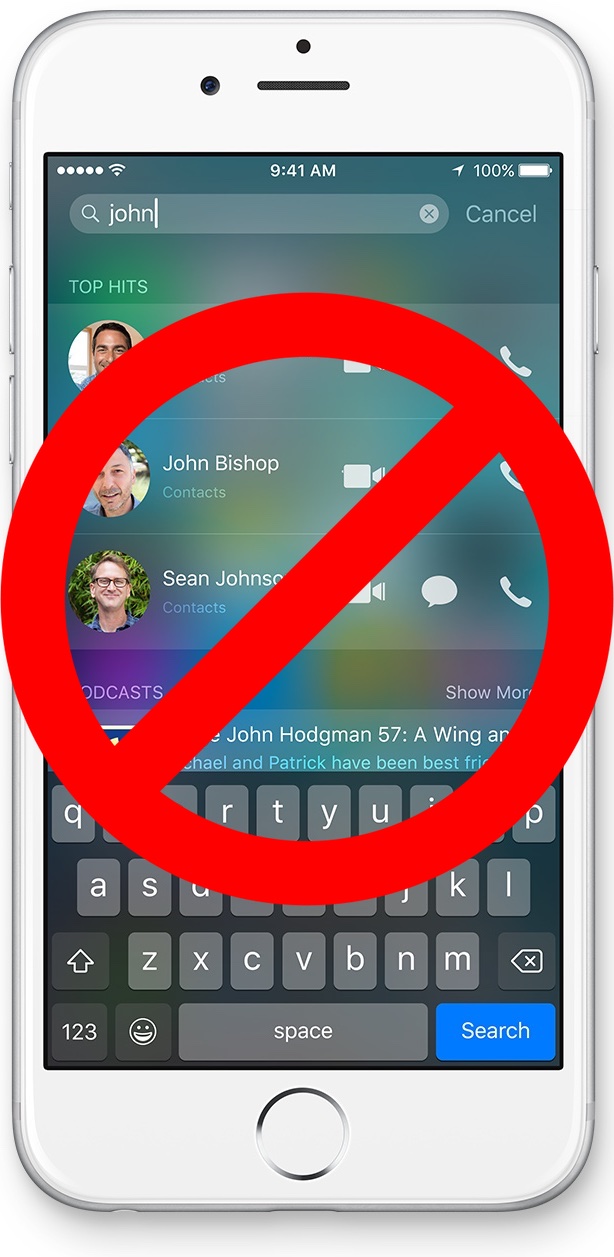
In iOS 9, Apple decided to allow users to be able to invoke Spotlight via two methods. The first method, the swipe down gesture on the Home screen, is the same invocation method employed in iOS 8. The second method, the swipe right on the first Home screen page, is a throwback gesture from older versions of iOS.

SpotlightBeGone is a new jailbreak tweak that allows you to disable one, or both of the Spotlight gestures. If you're simply not a fan of Spotlight, or if you don't like a particular method for accessing it, then SpotlightBeGone is the tweak for you.

Pangu 1.0.1 released to fix issues with the iOS 9 jailbreak

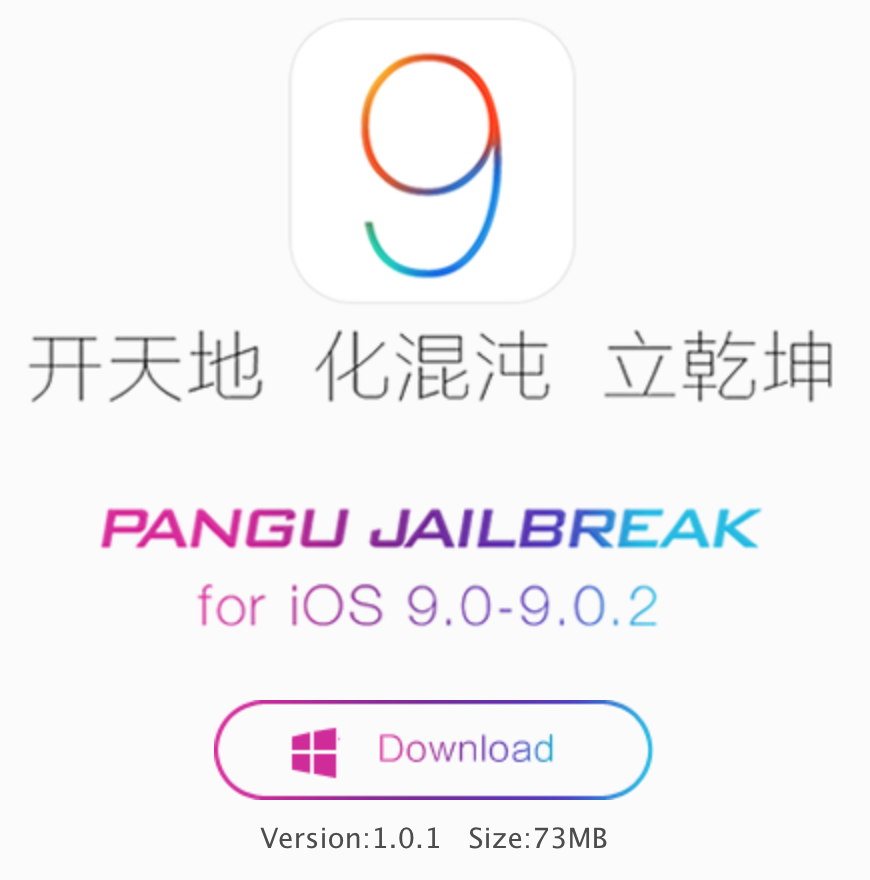
Pangu has released the first update for its iOS 9 jailbreak tool for Windows. Pangu 1.0.1 is now available to all users, and fixes several issues with the tool. If you've been having issues getting the Pangu 1.0.0 to properly launch, or have experienced failed jailbreak attempts, then you should definitely give it another shot with this latest version of Pangu.