iOS 5

iOS 5 Beta 4 Adds Cellular and GPS Toggles to iPod Touch

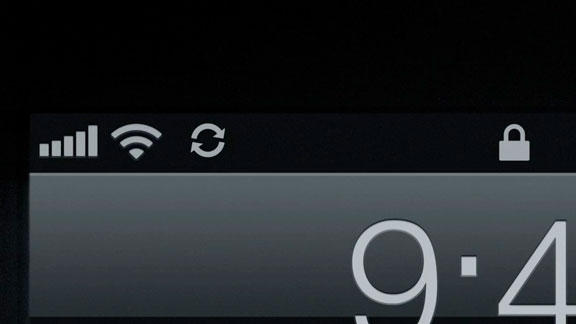
Remember the rumor that Apple would introduce a 3G-equipped iPod touch at its music event this September? A recent finding in the newly-released iOS 5 Beta 4 uncovers something that all but confirms that possibility.

There's always the chance that Apple got lazy and just forgot to remove the cellular and GPS toggles in the Settings app for the iPod touch, but it's more exciting to speculate that this is a sign of things to come...
iOS 5 Beta 4 Brings Wi-Fi Sync to Windows

Apple has brought Wi-Fi Sync functionality in iOS 5 Beta 4 to Windows users. iOS 5 Beta 2 turned Wi-Fi sync on for Mac users, and we posted a video walkthrough of how it worked.

In the newly-released Beta 4 version of iOS 5, Windows users can enjoy the same Wi-Fi Sync feature on their iDevices.

New Voice Command Assistant Feature Uncovered in iOS 5 Beta 4

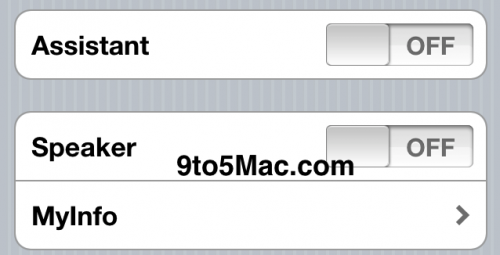
In what is probably the biggest find since Apple unveiled iOS 5 to the world last month, 9to5Mac unveiled a major hidden feature in the new firmware last night. Remember when Apple purchased that little voice recognition app named "Siri" last year?

Well, it looks like their work is finally going to start showing up in iOS, as an OS-level feature called Assistant now exists in Beta 4. If you've been wondering what happened to all of that talk about Apple implementing a native voice-command system in iOS 5, you're going to love this...

iOS 5 Beta 4 Brings Documents to the iCloud

Apple has released iOS 5 Beta 4, and people are starting to find interesting additions and changes made in Apple's latest beta build.

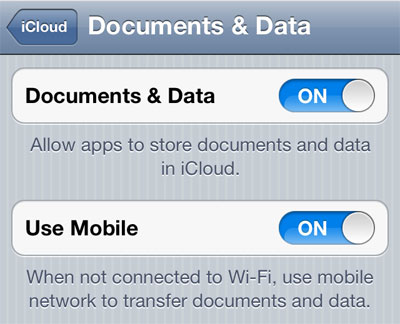
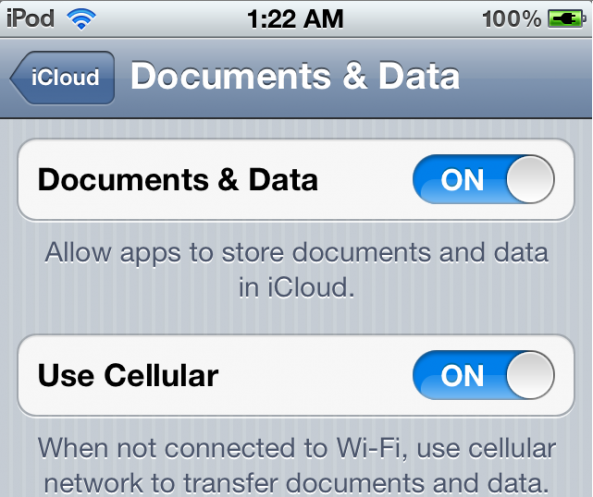
Apparently, Apple has finally turned on document syncing with iCloud, so apps can now start syncing iWork documents between all of your iDevices. This is great news for developers to start field testing document syncing in their own apps, and a nice preview of what's to come for us all this Fall...

Jailbreak iOS 5 Beta 4 With RedSn0w

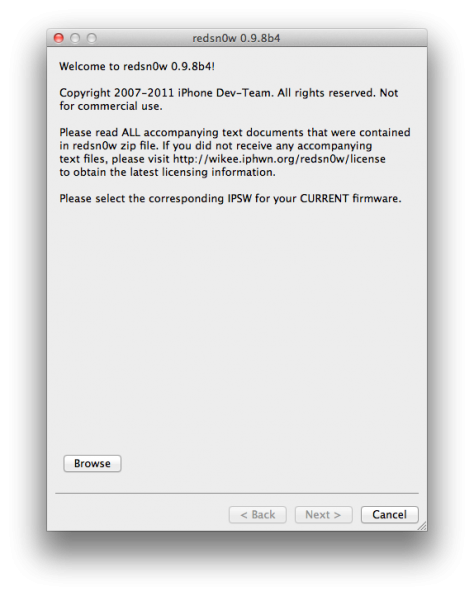
Apple released iOS 5 Beta 4 yesterday to developers, and the Dev-Team has already released an update to the jailbreak tool RedSn0w for a tethered jailbreak on iOS 5 Beta 4.

This jailbreak is not recommended for non-developers, and RedSn0w will need to be used each time you reboot to re-jailbreak your iDevice.

iOS 5 Beta 4 Blocks Jailbreakers From OTA Updates

In case you missed the news, Apple seeded iOS 5 beta 4 to developers yesterday. The new software brings loads of bug fixes and minor updates, and it also introduced a major new feature. Today's beta was the first firmware update that Apple's pushed to devs over-the-air.

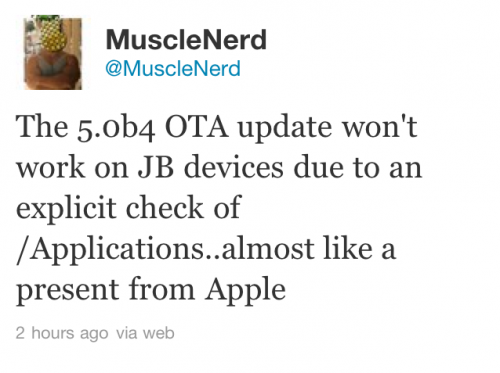
Although things got off to a rocky start, a majority of the folks guinea-pigging the OTA updates seemed to be happy with the end result. However, if you have a jailbroken iDevice and tried updating to the new iOS 5 software, it was probably a different story...

iTunes 10.5 Beta 4 Now Available for Download [Updated]

Along with the release of iOS 5 beta 4, Apple has also released iTunes 10.5 Beta 4. For some reason, everytime I connect my iPad 2 running iOS 5 Beta 3, I get an error message telling me that my iPad couldn't be synced with this version of iTunes because its software is too old.

What do you mean by "too old," iTunes? This iOS version is not even 2 weeks old. Maybe it just wants me to do an OTA update, but this is also a problem as it appears my iOS Beta 4 OTA download got stuck (and I'm not the only one having this issue)...

Apple Seeds iOS 5 Beta 4 to Developers, Brings Over-the-Air Updates

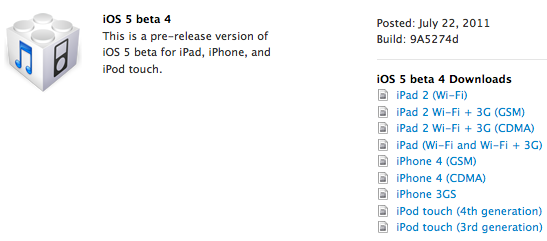
Apple just pushed out the latest beta of their upcoming iOS 5 software to developers ahead of schedule. Apple released the first beta on June 6th, the second on Jun 24, and the third on July 11th.

This new smaller timeframe suggests that this is more of an incremental upgrade, but we've already noticed a major difference from previous beta versions. Beta 4 is available over-the-air...

If You Haven’t Already Updated to iOS 4.3.3, You Can’t Anymore

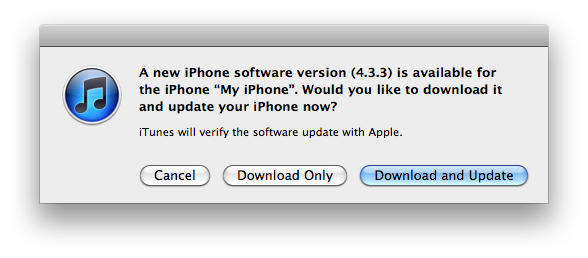
Apple will no longer allow users to update or restore an iOS device to iOS 4.3.3. The signing window for 4.3.3 has been closed, meaning that you can no longer restore a device to 4.3.3 in iTunes without previously saved SHSH blobs from that firmware.

This news is important for jailbreakers that are either considering using JailbreakMe on iOS 4.3.3, or those that may have possibly upgraded to an iOS 5 beta without saving their blobs. The recently released iOS 4.3.4 kills the untethered jailbreak that was previously offered in iOS 4.3.x, so 4.3.3 is the most up to date firmware that offers an untethered jailbreak.

TwitkaFly Jailbreak Tweak Brings System-Wide Tweeting to iOS

With Twitter becoming the world's water cooler, everyone is scrambling to integrate the social network into their software and hardware, with Apple being no exception.

When iOS 5 ships to eager users later this year, it will have Twitter baked right into its core, with contact syncing as the only real feature to be yet demonstrated by Apple.

What we really want from iOS 5 Twitter integration is system-wide tweeting. Being able to send new tweets without having to stop what you are doing would be really cool, though we're not holding out much hope that Apple will give it to us.

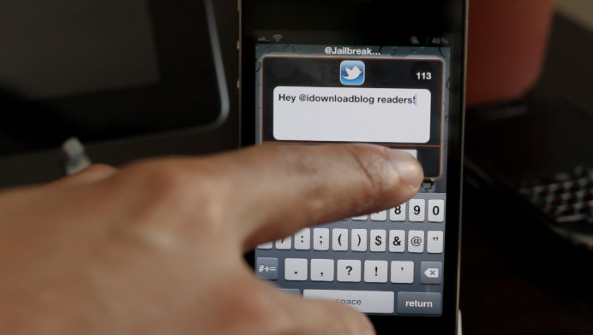
Once again though, the jailbreak scene has us covered, with TwitkaFly doing the business this time around...

New in iOS 5: AirPlay Mirroring for FaceTime

Apple has come up with some remarkable technology over the last few years, AirPlay and FaceTime to name a few. AirPlay allows users to sling media from their iDevices to the big screen via an Apple TV, and FaceTime enables one-tap video calling.

What would happen if you combined the two technologies? According to TiPb, you would get a unique video chatting experience that can be shared by everyone in the room. Meet the latest iOS 5 feature to surface, FaceTime via AirPlay mirroring...

iOS 5 Beta 3 Set to Expire on August 18

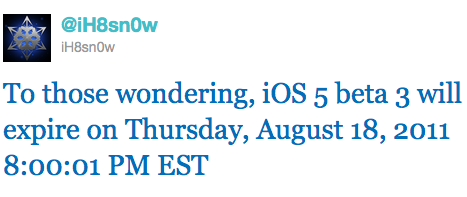
If you updated your iPhone, iPad, iPod or Apple TV to the latest iOS 5 Beta 3 release, you need to know that, according to iH8Sn0w, it will expire on August 18, 2011 at 8pm EST.

So what will happen at that time? Well, your iPhone might explode, your iPad will implode, and your Apple TV will fly back to its original factory in China. More seriously, I'd assume that it wouldn't let you use your device until it's updated to a newer beta or maybe even the official firmware...