There is still a lot to learn about iOS 14, but we're starting to get a clearer picture of what the company will officially announce later this year.
iOS 14 will reportedly feature a new list view for the Home screen with Siri suggestions
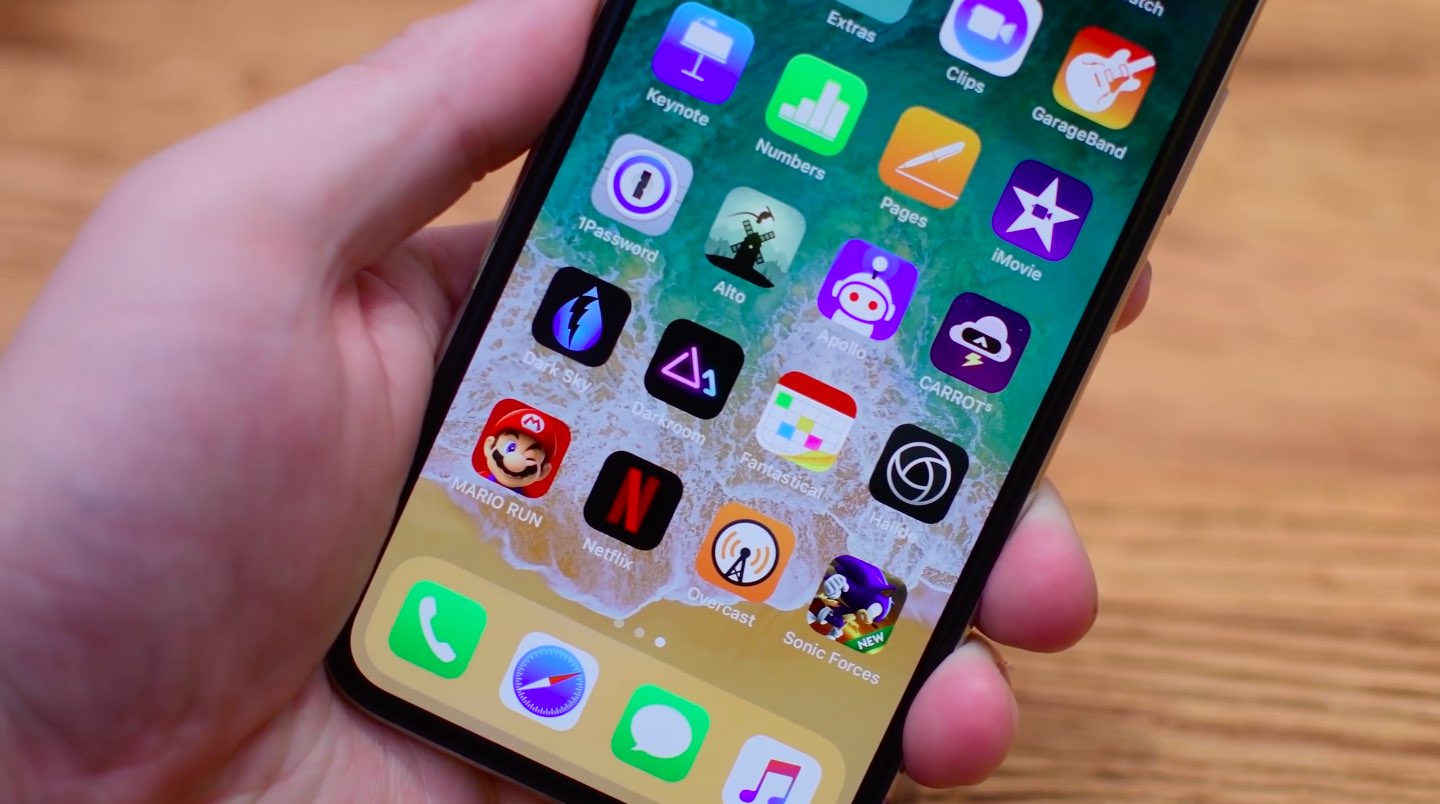
There is still a lot to learn about iOS 14, but we're starting to get a clearer picture of what the company will officially announce later this year.

Apple is a fan of augmented reality. Tim Cook thinks the technology is a big deal, and ARKit has become a popular element of iOS. So it's not surprising to hear the company is developing its own AR app.

Apple is said to be working on a new framework in iOS 14 that would permit developers to provide custom text-to-speech synthesizers to replace iOS's default speech voice.
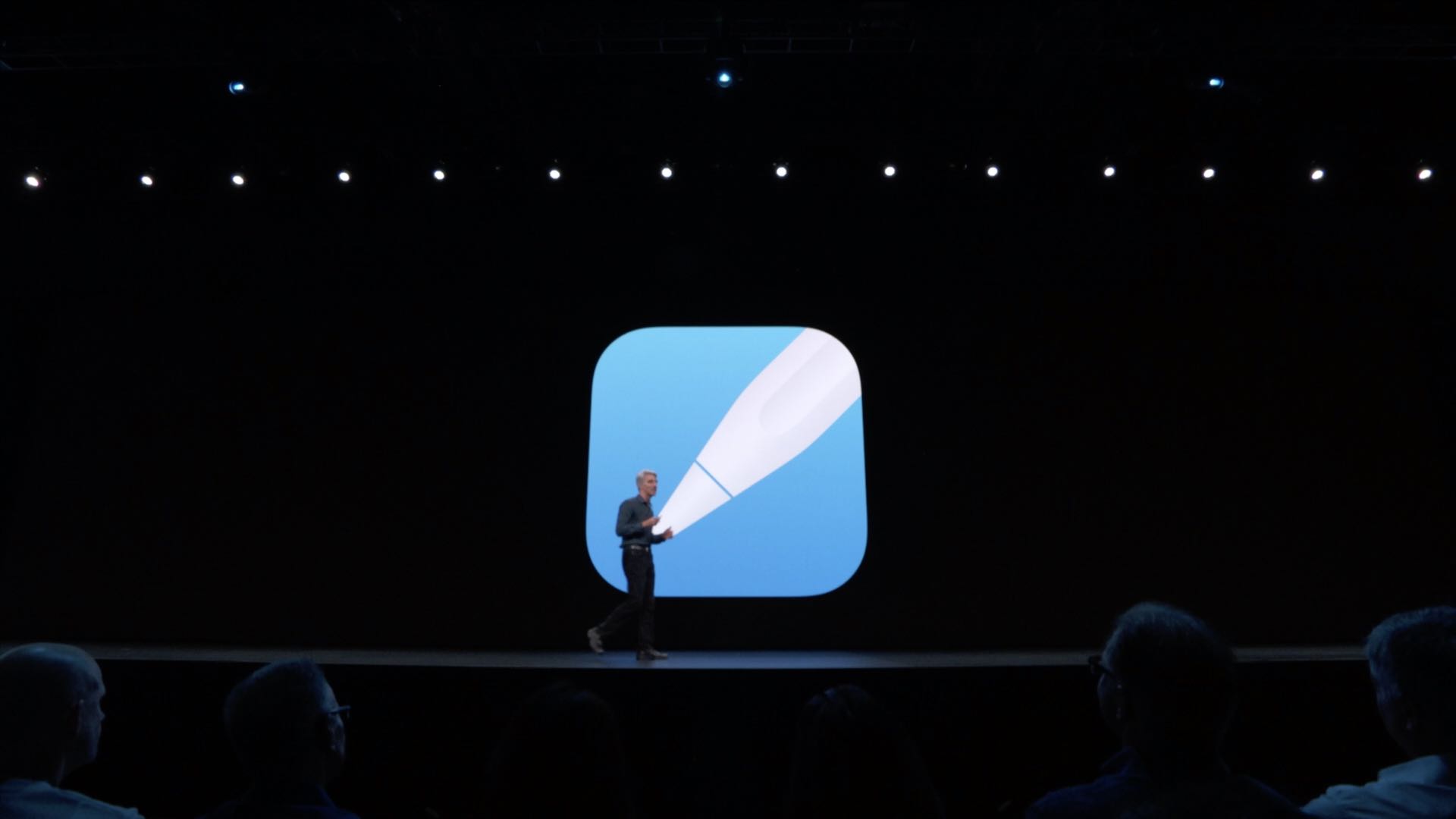
Apple is rumored to be extending iOS's optical character recognition (OCR) features to bring new PencilKit capabilities to apps that would permit customers to easily convert any piece of handwritten content into standard typed text before it's sent.
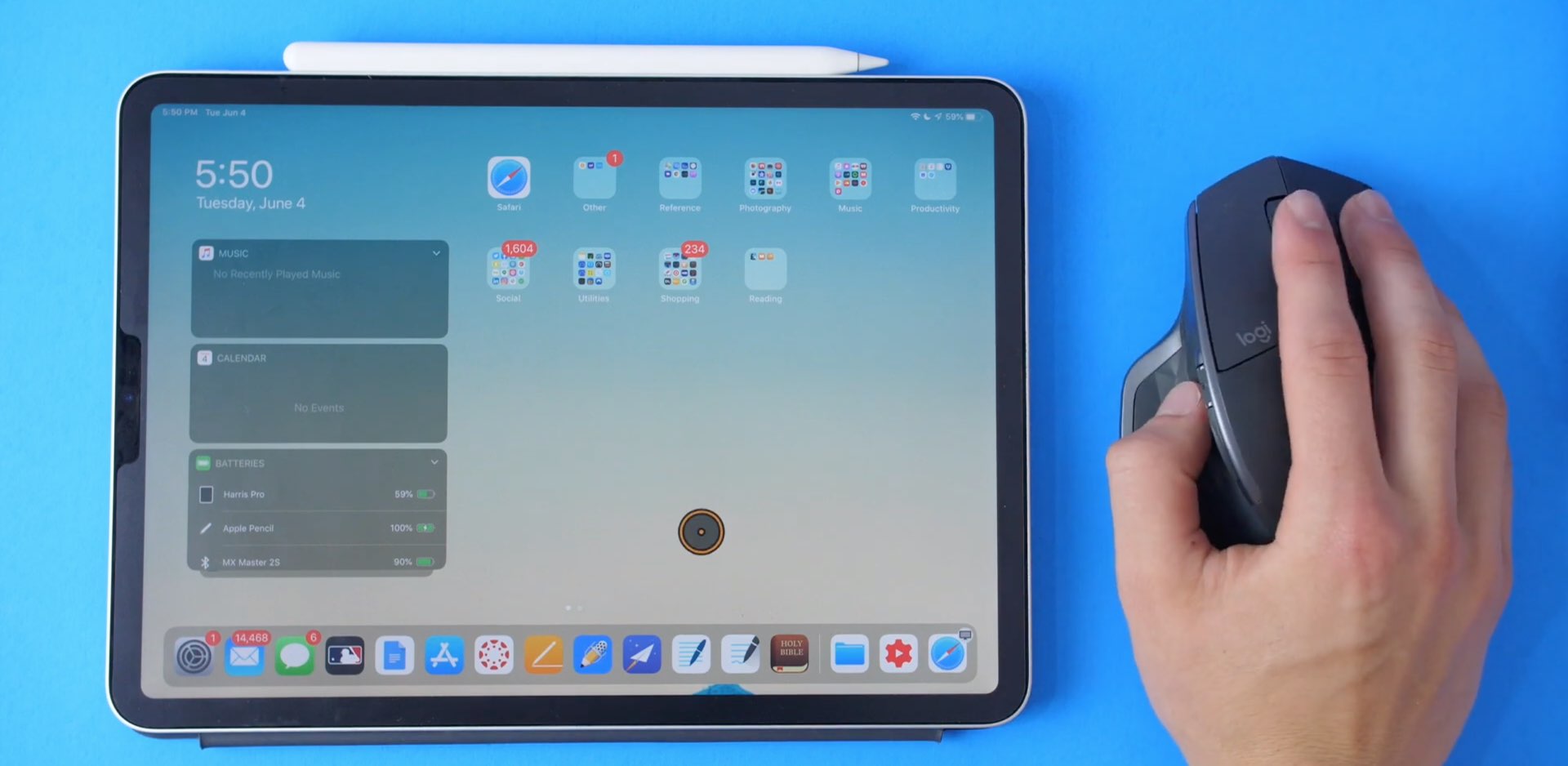
Today is a busy day for iOS 14 leaks. And now we have yet another detail, this time regarding mouse cursor support.

There have been grumblings for quite some time that Apple is planning to launch a pair of over-ear, high-end headphones soon. And a newly leaked image helps reinforce that idea.
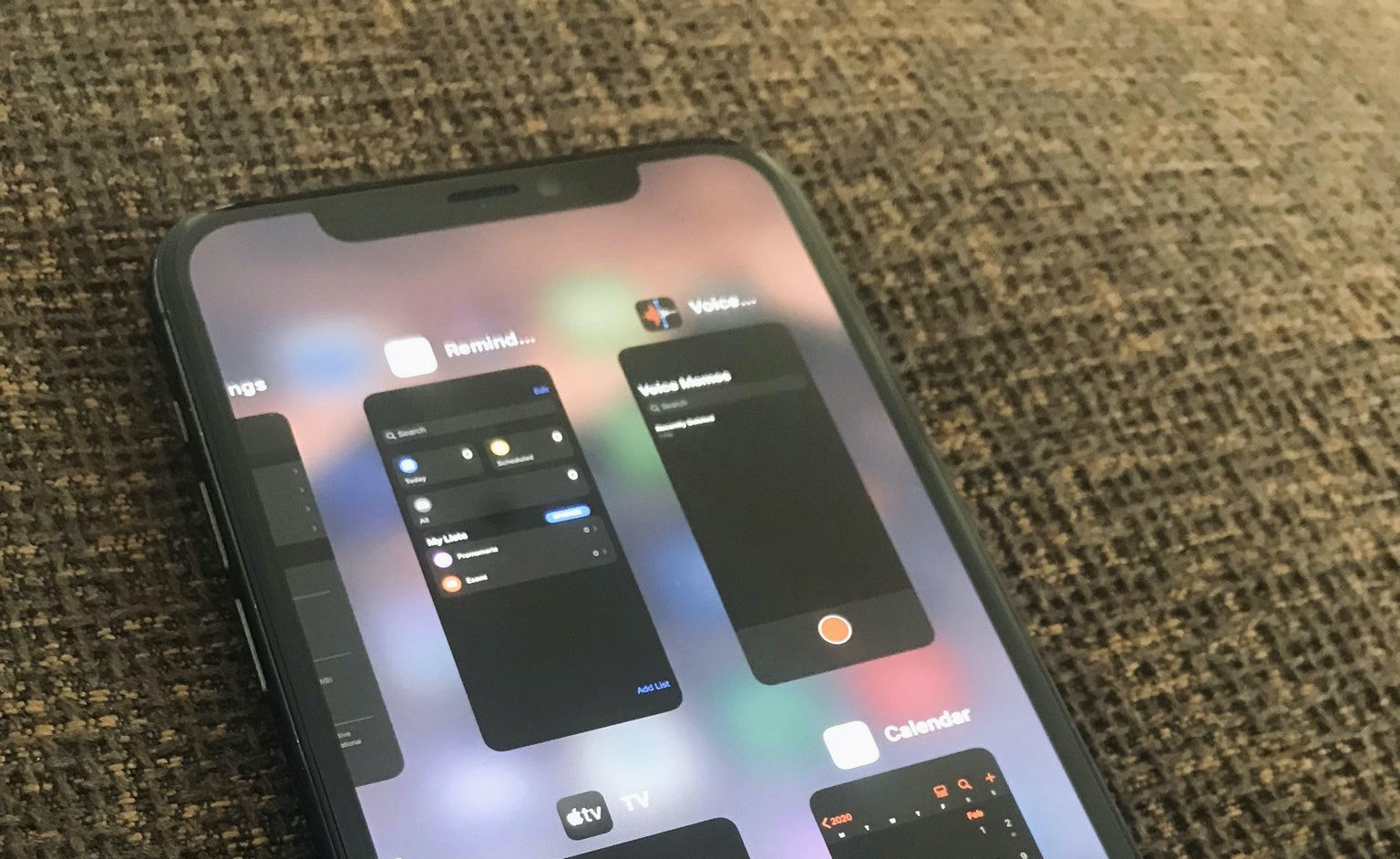
A somewhat reliable leakier last evening shared alleged videos on social media of iOS 14's purported new iPad-style multitasking switcher on iPhone with recent apps displayed on a grid.
Following criticism that Apple's in-house software products get an unfair advantage over rival choices, the company is reportedly considering giving HomePod owners the ability to run third-party music software like Spotify or Pandora directly on their Siri-powered speaker.
According to a new report Thursday from Bloomberg's Mark Gurman, Apple could soon remove another annoying limitation from iOS that for years has prevented people from using third-party apps as their default email clients and web browsers on the iPhone, iPad and iPod touch.

Those who’ve been with the jailbreak community for as long as I have should be vividly familiar with the name Springtomize. It’s perhaps one of the most notorious all-in-one jailbreak tweaks ever released, and it’s always receiving updates year after year with support for Apple’s latest and greatest operating system as new jailbreaks find their way into existence. This time around is no different.

The unc0ver jailbreak supports a semi-untethered jailbreak on iOS & iPadOS 14.0-14.3 and a fully unethered jailbreak on arm64e devices (iPhone XS and later) running iOS 14.4-14.5.1, which means that the tool is now compatible with all versions of iOS & iPadOS ranging from 11.0-14.3 (and 14.4-14.5.1 with a big asterisk). To date, AltStore is the best and most reliable way to install the unc0ver jailbreak app on your iPhone or iPad.
As long as your iPhone or iPad is running running iOS or iPadOS 12.2 or later, then you can use AltStore to install the unc0ver jailbreak, and in this tutorial, we walk you through the steps necessary to make it happen so you can reap all the benefits.