iOS 13

iOS 13 doubles down on location privacy; ‘Sign In with Apple’ secures logging into sites and apps

iOS 13 brings plenty of new features to the mobile operating system, which Apple officially announced at this year's WWDC keynote. The software will launch later this year, and Apple is bringing with it even more privacy and security aspects to the mobile OS. That includes doubling down on privacy security and a new way to log into apps and websites.

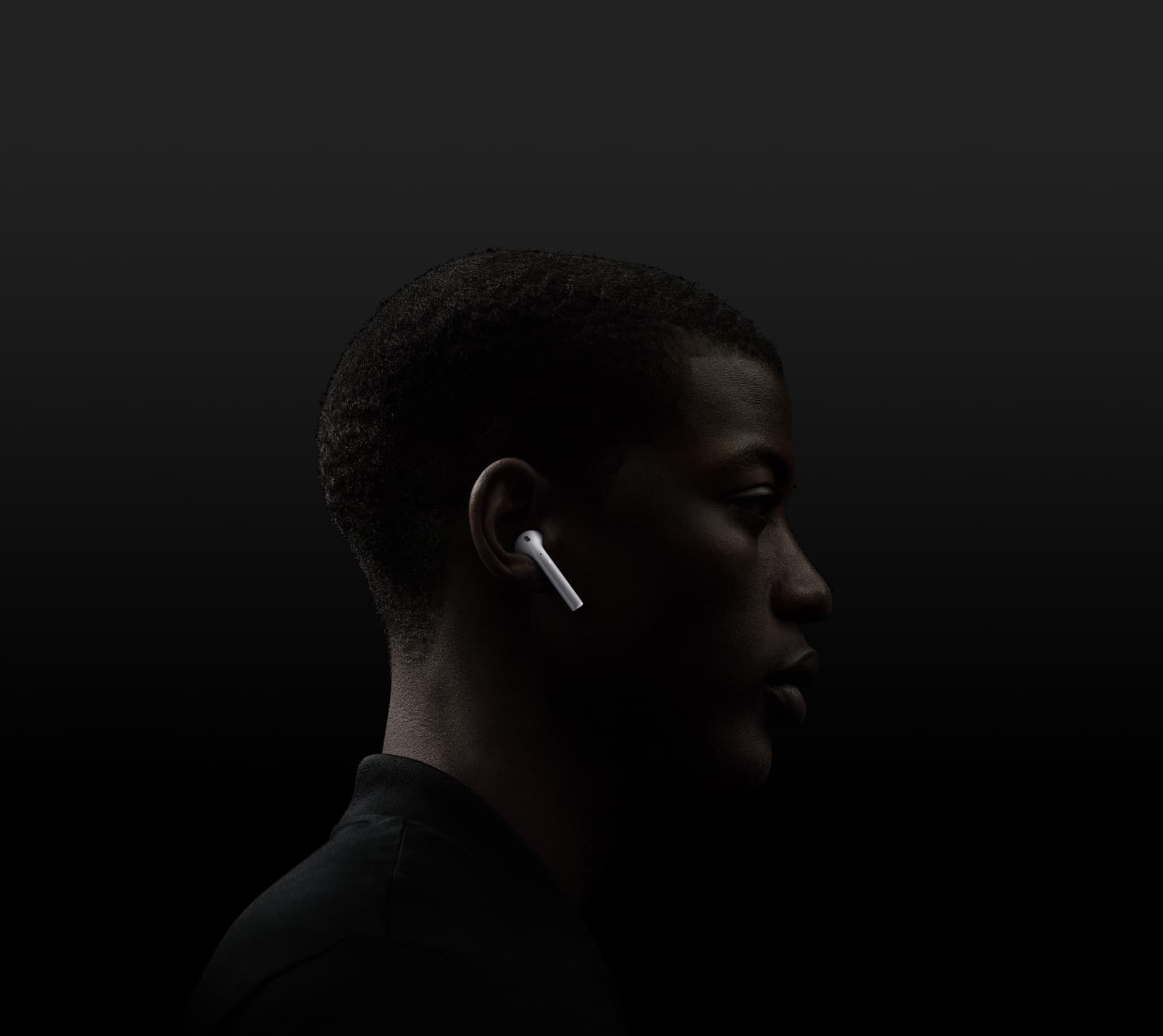
AirPods learn new tricks in iOS 13

A new AirPods banner in honor of iOS 13

While Apple launched a second-generation truly wireless AirPods model earlier this year, the company didn't completely forget about the earphones at this year's Worldwide Developers Conference. Quite the opposite, actually, as Apple announced a pair of new features for AirPods coming along with iOS 13.

Apple details how ‘Find My’ in iOS 13 and macOS Catalina works

As is par for the course, Apple announced a ton of new features that will be coming along with brand new versions of its various operating systems. And while the company takes time on stage during the WWDC keynote to go over many details, not everything can be covered with the time allowed. But that's why Apple executives are more than willing to shed some details after the keynote.

How to install the iOS or iPadOS 13 beta

iOS 13 get ready

Apple on June 3, 2019 released developer betas of the new iOS 13 and iPadOS software. You're advised to avoid deploying the betas onto your daily drivers, but if you do happen to have a spare iOS device laying around somewhere - or you're the type who prefers to live on the bleeding edge of technology - follow the instructions in our step-by-step guide to learn how to download and install the iOS 13 beta on your iPhone and the beta of iPadOS 13 on your iPad.

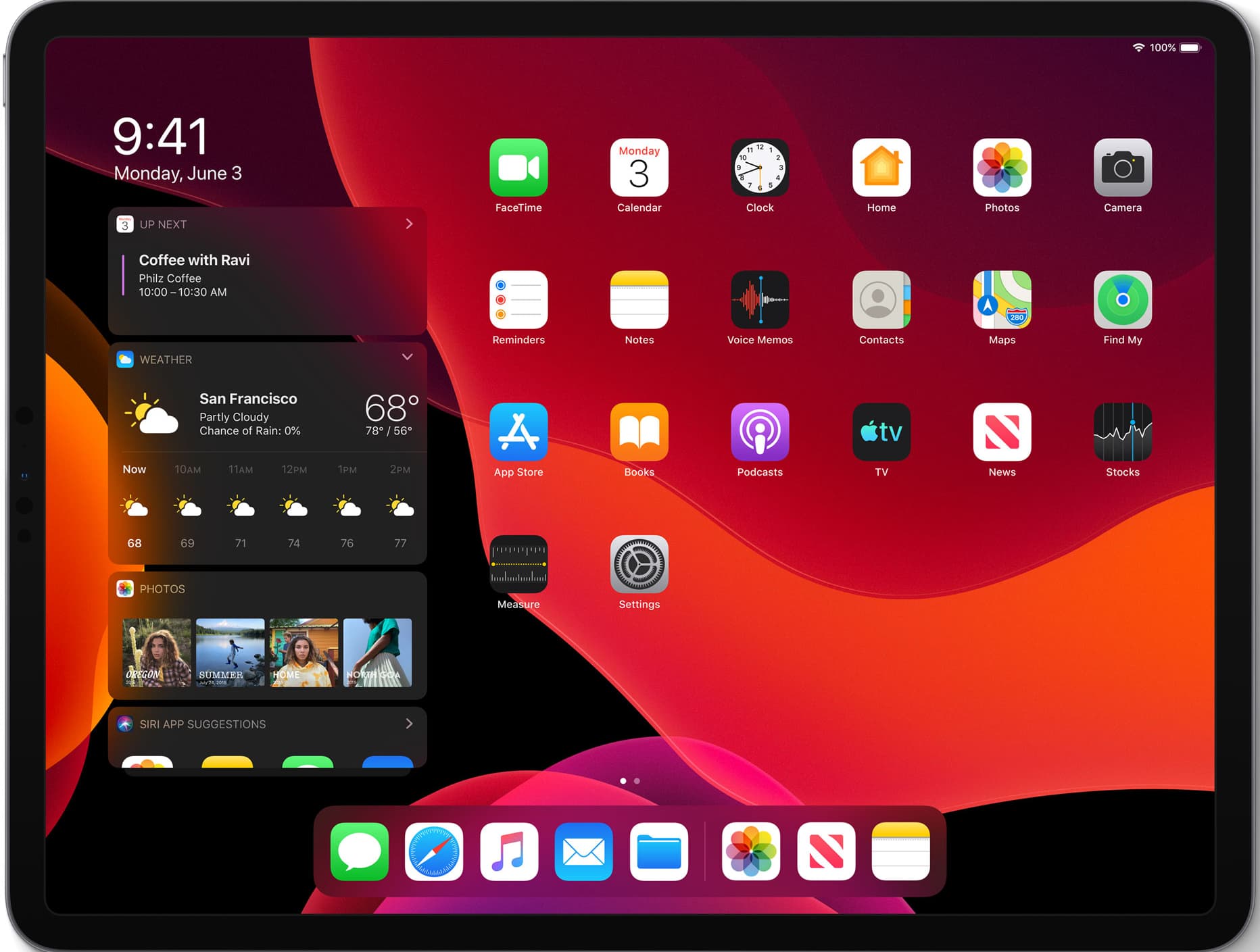
iPadOS introduces a new Home screen

Dark mode showcased with iPadOS and the new home screen

One of the major new announcements at this year's Worldwide Developers Conference was the unveiling of a brand new operating system: iPadOS. This is built upon the bedrock of iOS, but Apple sees plenty of room for the iPad to really differentiate itself in the years to come. To help with that, a new OS was launched.

iOS 13 lets you adjust Portrait Lighting intensity and shoot classic monochromatic images

The Camera app in iOS 13 has received some love, too, although not as much as we've been hoping for. There are two main new user-facing enhancements. First, a new monochromatic image effect is available in-camera during capture, creating a classic look by setting a monochromatic subject agains an all-white background. The other new feature allows you to adjust the intensity of any Portrait Lighting shooting mode, while taking an image.